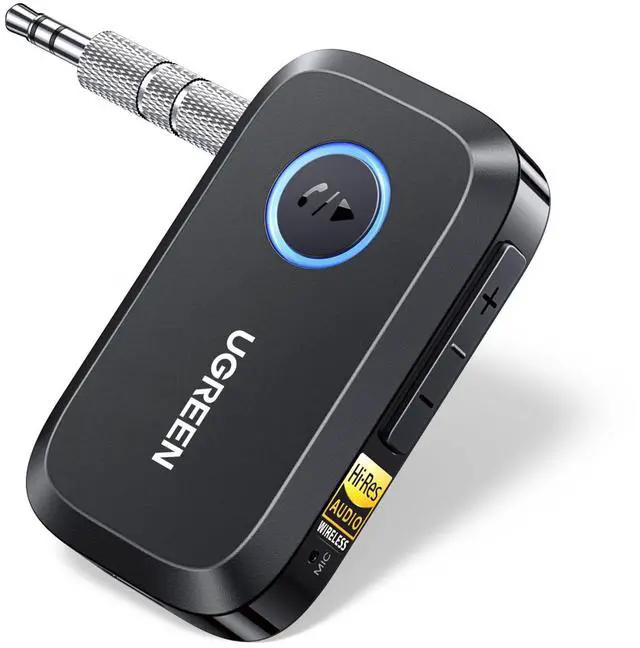
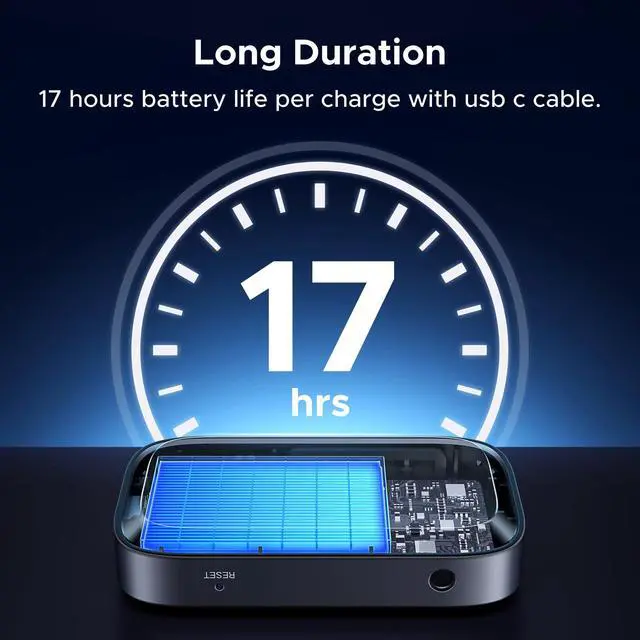
Bluetooth 6.0 Receiver for Car with LDAC, AI Noise Cancelling 3.5mm AUX Bluetooth Car Adapter, Hi-Res Wireless Audio Receiver for Home Stereo/Wired Speaker with Hands-Free Call,15H Battery Life
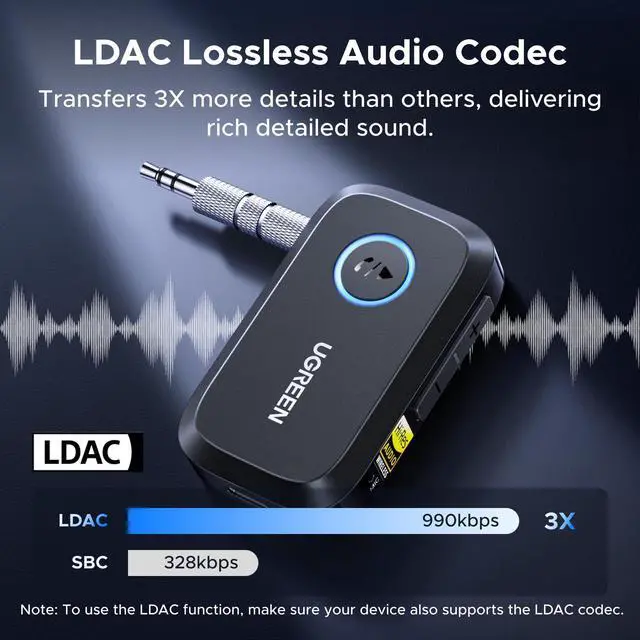
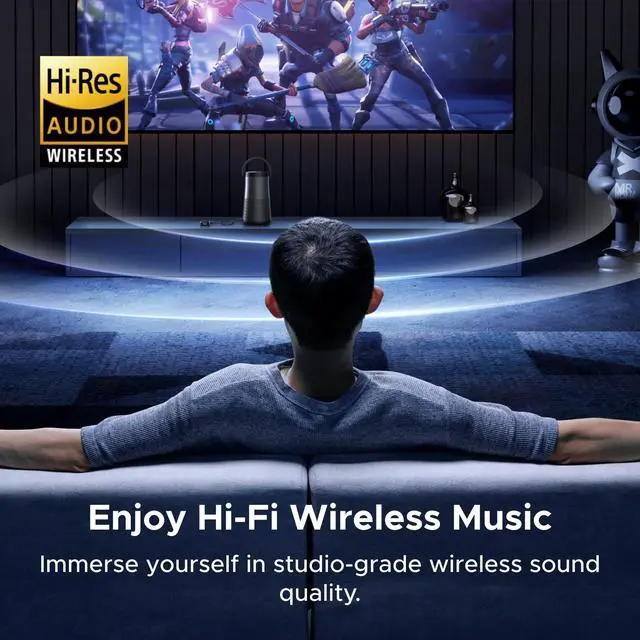
Hi-Res Sound with LDAC codec: This Bluetooth audio receiver is Hi-Res Audio certified to deliver high-fidelity, detailed audio, perfect for music lovers. You can enjoy stunning sound quality with LDAC codec support (24bit/96kHz sampling rate).Convert your old car stereo, wired headphones, or home speakers into Bluetooth-enabled devices via 3.5mm AUX outputs. Enjoy wireless music anytime without replacing your audio system. (To use the LDAC function, make sure your device also supports the LDAC codec.)
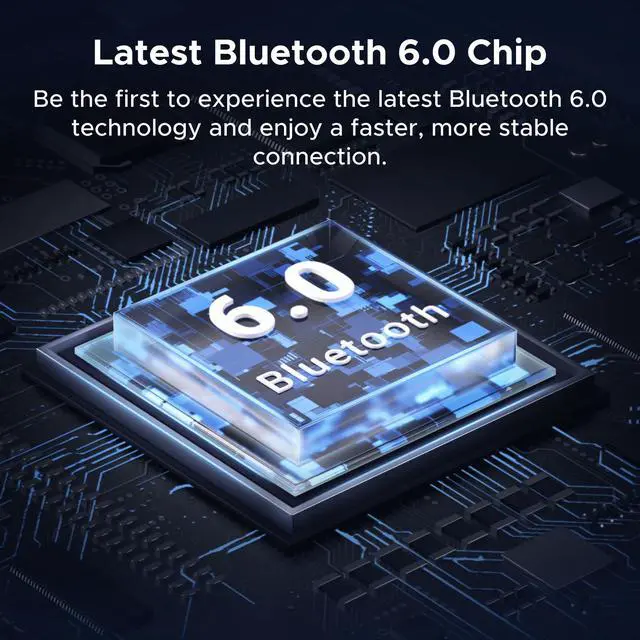
Upgraded Bluetooth 6.0 Technology: Equipped with the latest Bluetooth 6.0 chip, the receiver ensures faster pairing, stronger connections, and lower latencyno more easily dropouts during music, calls, or GPS voice navigation.
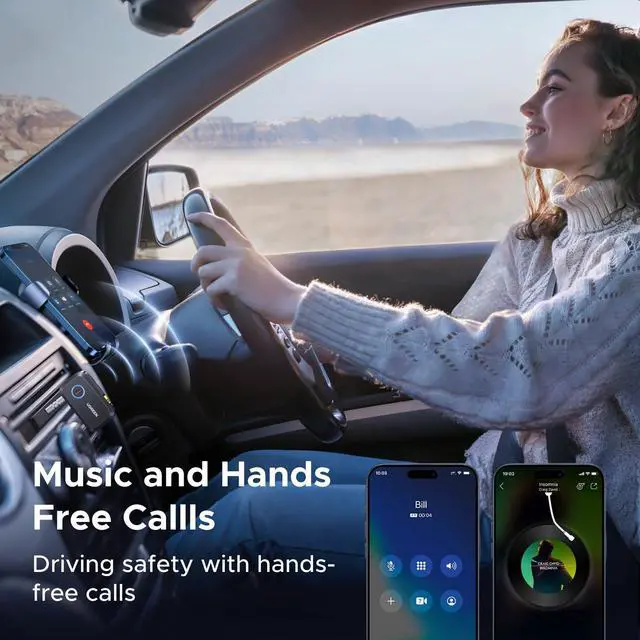
Hands-Free Calls, Safer Driving: Answer calls with a tapthis Bluetooth receiver features a built-in mic and one-button control for hands-free calling or navigation; no need to look at your phone while driving, making your journey safer. AI noise cancellation blocks background noise so you can hear and be heard clearly, even on the highway.
Support Dual Pairing for Share: This Bluetooth adapter supports connecting two phones at once and switching seamlessly. You can take turns playing music with friends on a road trip or at a party without constantly reconnectingjust pause one device and play from the other. (Note: Only one device can output audio at a time.)
+
+
Overview
Specs
Reviews
Any questions? Our AI beta will help you find out quickly.
For Android: Phones running Android 8.0 or above typically support LDAC codec.
For iPhone: Only SBC/AAC is supported. LDAC is not available on iOS devices.
Q2:
How to check if LDAC is enabled on the product?
If your phone supports LDAC, the device will prioritize it by default. When LDAC is active, the LED turns green.
Some Android phones may require manual activation: Settings > Developer Options > Bluetooth Audio Codec > LDAC {Note: LDAC is not supported on iPhones.}
Q3:
Why can’t my phone find or pair with the device?
Check the pairing status: Flashing red & blue = pairing mode. If not, double-click the multi-function button to force the device into pairing mode.
Q4:
Why does the device power on or off automatically?
When powered, the device auto-powers on. To keep it off during charging, press and hold the multi-function button for 3 seconds.
The device will auto power-off when: a. No connection for 5 minutes; b. Temperature is below -20°C (-4°F) or above 60°C (140°F) when not charging
Q5:
Volume is low even when the phone is at maximum. What should I do?
Android: Go to Settings > Bluetooth > Connected Device (UGREEN-BT509) > Enable “Volume Sync”, then adjust the volume again.
iPhone: Go to Settings > Sounds & Haptics > Headphone Safety > Turn OFF “Reduce Loud Sounds”.
Other Notes:
In dual-connection mode, only one phone can play audio. If both try to play at once, the second phone will be silent, and the first may stutter.
The device includes a power isolation module. Do not use it near strong magnets or magnetic accessories, as this may cause malfunction.
For Android: Phones running Android 8.0 or above typically support LDAC codec.
For iPhone: Only SBC/AAC is supported. LDAC is not available on iOS devices.
Q2:
How to check if LDAC is enabled on the product?
If your phone supports LDAC, the device will prioritize it by default. When LDAC is active, the LED turns green.
Some Android phones may require manual activation: Settings > Developer Options > Bluetooth Audio Codec > LDAC {Note: LDAC is not supported on iPhones.}
Q3:
Why can’t my phone find or pair with the device?
Check the pairing status: Flashing red & blue = pairing mode. If not, double-click the multi-function button to force the device into pairing mode.
Q4:
Why does the device power on or off automatically?
When powered, the device auto-powers on. To keep it off during charging, press and hold the multi-function button for 3 seconds.
The device will auto power-off when: a. No connection for 5 minutes; b. Temperature is below -20°C (-4°F) or above 60°C (140°F) when not charging
Q5:
Volume is low even when the phone is at maximum. What should I do?
Android: Go to Settings > Bluetooth > Connected Device (UGREEN-BT509) > Enable “Volume Sync”, then adjust the volume again.
iPhone: Go to Settings > Sounds & Haptics > Headphone Safety > Turn OFF “Reduce Loud Sounds”.
Other Notes:
In dual-connection mode, only one phone can play audio. If both try to play at once, the second phone will be silent, and the first may stutter.
The device includes a power isolation module. Do not use it near strong magnets or magnetic accessories, as this may cause malfunction.
Bluetooth Car & TV Adapter
Bluetooth Airplane Adapter
Bluetooth Tracker(IOS&Samsung)
Bluetooth 6.0 Receiver for Car with LDAC, AI Noise Cancelling 3.5 mm AUX Bluetooth Car Adapter, Hi-Res Wireless Audio Receiver for Home Stereo/Wired Speaker with Hands-Free Call, 15H Battery Life
Learn more about the Generic Brand BT509
Model
Brand
UGREEN
Model
BT509
Part Number
BT509
Details
Channels
2
Connectors
Stereo Audio
Sound
Remote Control
false
Features
Features
Bluetooth 6.0
Dimensions & Weight
Dimensions & Weight
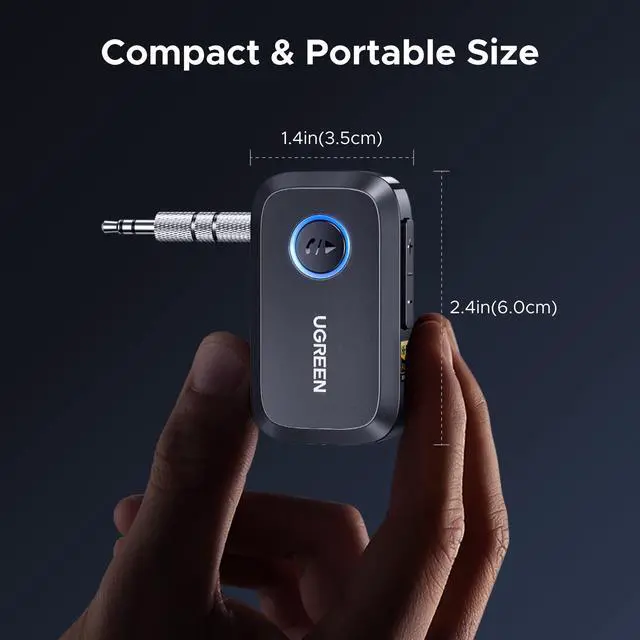
6 in x 3.5 in x 1.1 in
Additional Information
First Listed on Newegg
March 08, 2026
Customer Reviews of the Generic Brand BT509
There are no reviews yet.
Do you own this product?
Warranty & Returns
Warranty, Returns, And Additional Information
Warranty
Please contact the Seller directly for warranty information. Warranty information may also be found on the Manufacturer's website.