





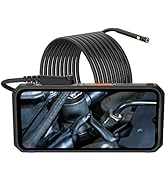
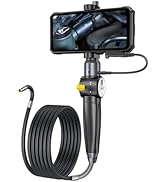
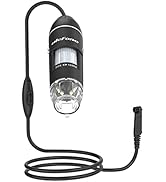
Accessories Ecosystem



Ulefone is a trusted global brand dedicated to the innovation and supply of smart devices, integrating design, R&D and production into a coherent whole, with branch offices and cooperative research institutes all over the world. On the superior product quality and R&D capacity, Ulefone has been reported by well-known media several times, and has won high praise from the users worldwide.
How did we get our start?
As early as 2010, with the idea of helping people stay in close contact with others, we started designing and manufacturing feature phones, and then expanded differentiated smartphones.
Why do we love what we do?
Technology makes life easier and more fun. It’s the millions of Ulefone users around the globe who like our products and inspire us every day.
What makes our products unique?
Every Ulefone product is made with care, and every detail counts to impress our customers. We value innovation, listen to the needs of users, focus on the latest technology.

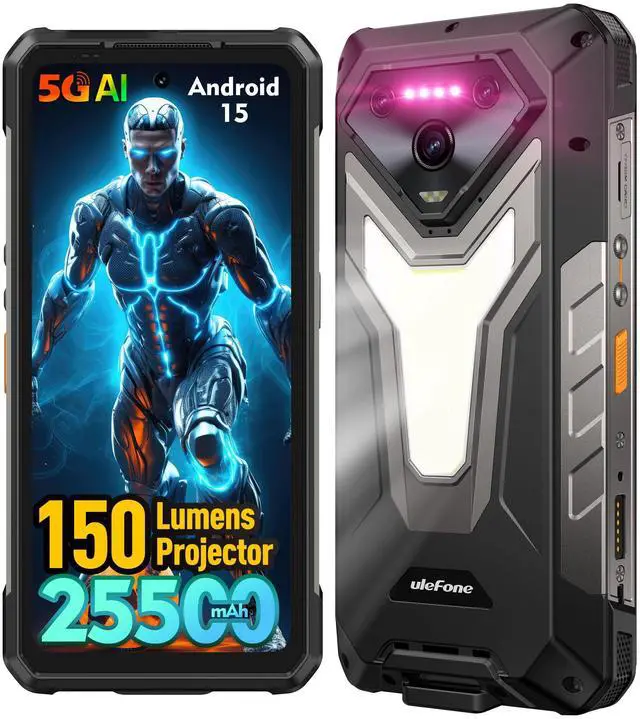
ulefon armor 34 pro
Merchant Video


What is the frequency bands of the Ulefone Armor 34 Pro?
5G: NR Sub6: N1/2/3/5/7/8/20/25/28/38/40/41/66/71/77/78/79
4G: LTE-FDD: B1/2/3/4/5/7/8/12/13/17/18/19/20/25/26/28A/28B/66/71
LTE-TDD: B34/38/39/40/41
3G: WCDMA: B1/2/4/5/6/8/19
2G: GSM: B2/3/5/8 CDMA: BC0/BC1/BC10
Which carriers is it compatible with?
Compatible with most carriers such as T-Mobile, Metro PCS, Mint Mobile and others.
Check compatibility with your local bands before purchase! (Not compatible with AT&T or Cricket)
What to do if your Armor 34 Pro can't work with your carrier?
You need to activate the SIM card on a existing phone which supports your carrier. After you receive the initial activation texts or get 4G/5G signal, put the SIM card back into your Armor 34 Pro.
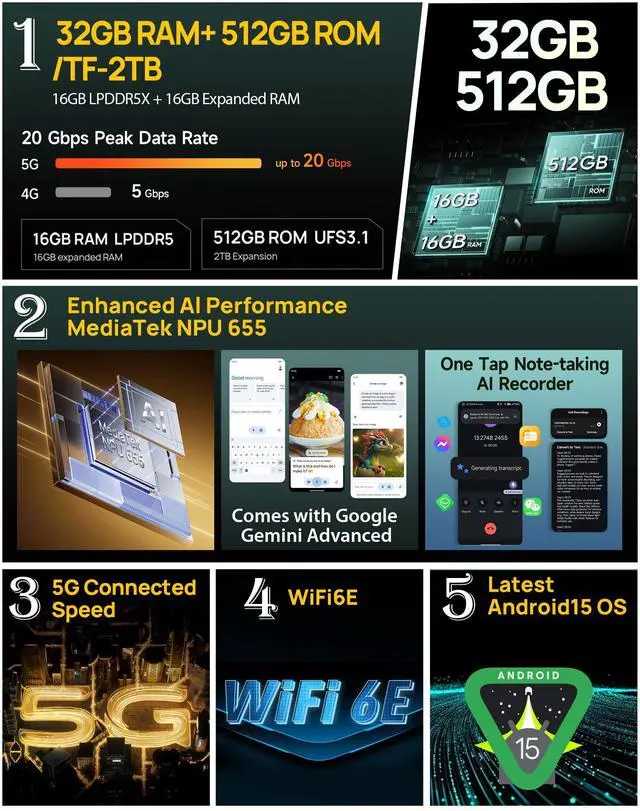
How to activate the virtual 16GB memory expansion?
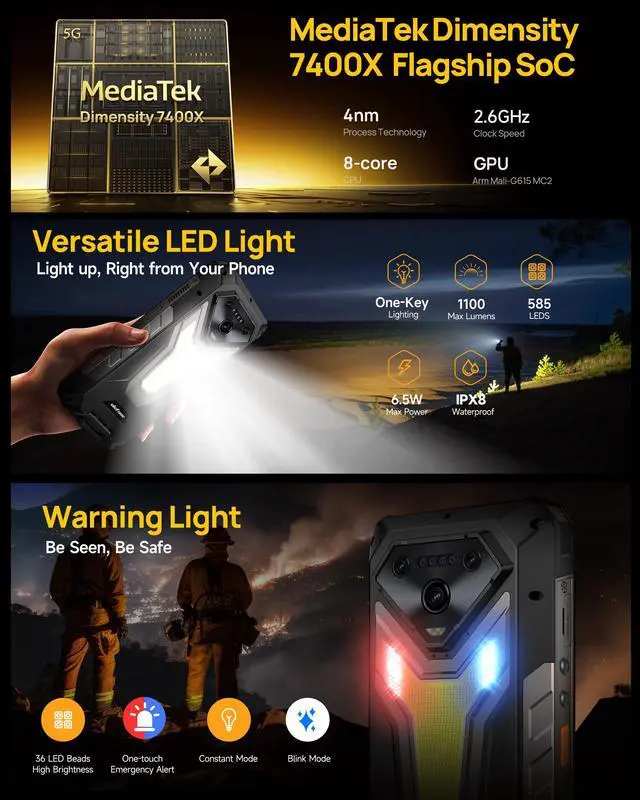
The Virtual Memory Expansion can be activated in Settings and adds up to 16GB of RAM. Some software may not be compatible with this feature.
ulefon armor 34 pro
Merchant Video


What is the frequency bands of the Ulefone Armor 34 Pro?
5G: NR Sub6: N1/2/3/5/7/8/20/25/28/38/40/41/66/71/77/78/79
4G: LTE-FDD: B1/2/3/4/5/7/8/12/13/17/18/19/20/25/26/28A/28B/66/71
LTE-TDD: B34/38/39/40/41
3G: WCDMA: B1/2/4/5/6/8/19
2G: GSM: B2/3/5/8 CDMA: BC0/BC1/BC10
Which carriers is it compatible with?
Compatible with most carriers such as T-Mobile, Metro PCS, Mint Mobile and others.
Check compatibility with your local bands before purchase! (Not compatible with AT&T or Cricket)
What to do if your Armor 34 Pro can't work with your carrier?
You need to activate the SIM card on a existing phone which supports your carrier. After you receive the initial activation texts or get 4G/5G signal, put the SIM card back into your Armor 34 Pro.
How to activate the virtual 16GB memory expansion?
The Virtual Memory Expansion can be activated in Settings and adds up to 16GB of RAM. Some software may not be compatible with this feature.
Accessories Ecosystem
Ulefone is a trusted global brand dedicated to the innovation and supply of smart devices, integrating design, R&D and production into a coherent whole, with branch offices and cooperative research institutes all over the world. On the superior product quality and R&D capacity, Ulefone has been reported by well-known media several times, and has won high praise from the users worldwide.
How did we get our start?
As early as 2010, with the idea of helping people stay in close contact with others, we started designing and manufacturing feature phones, and then expanded differentiated smartphones.
Why do we love what we do?
Technology makes life easier and more fun. It’s the millions of Ulefone users around the globe who like our products and inspire us every day.
What makes our products unique?
Every Ulefone product is made with care, and every detail counts to impress our customers. We value innovation, listen to the needs of users, focus on the latest technology.