
 Holiday Shipping Details & Extended Holiday Returns



UtechSmart was established in 2013. Our founders have been thinking about how to integrate technology into the details of work and life to achieve efficient work and a better life. This is the definition of work-life balance.
Our goal is to listen to you, to design and develop cutting-edge products, provide professional services, and bring convenience to your life with leading technology.
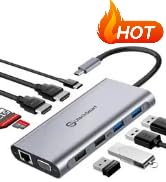

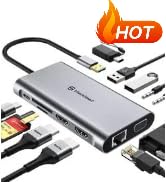
UtechSmart Hottest Products
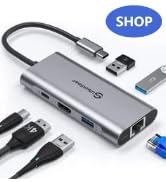
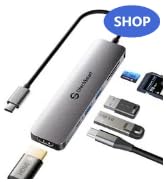
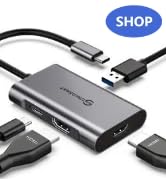
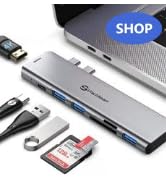
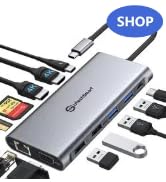
Series1: Multiport USB C Hub
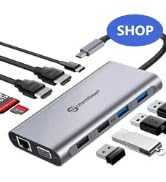
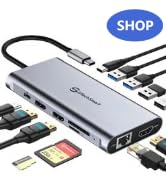
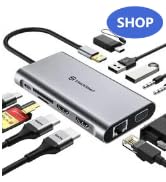
Series2: Protable USB C Dock
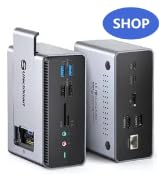
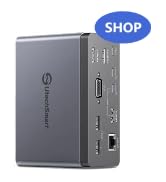
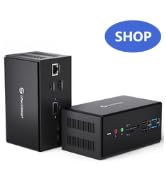
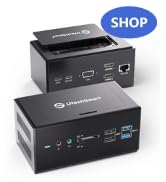
Series3: Docking Station
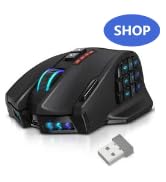
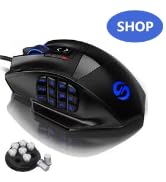
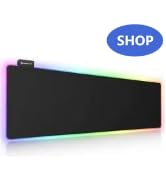
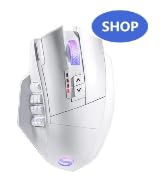
Series3: Essential for Gamer



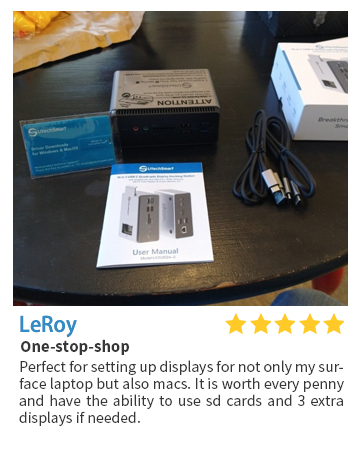
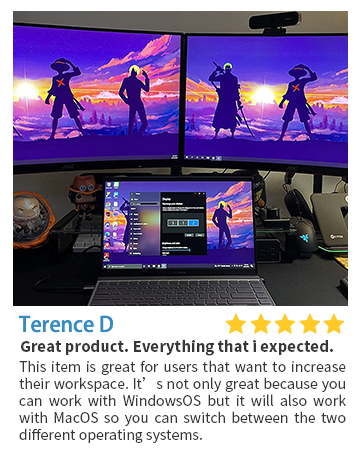


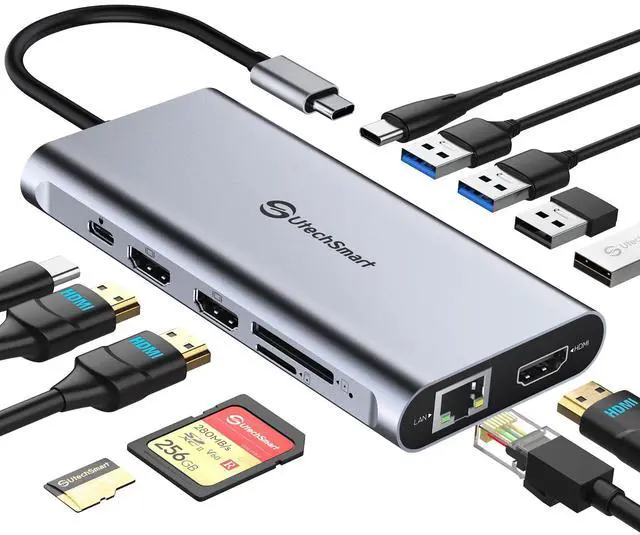
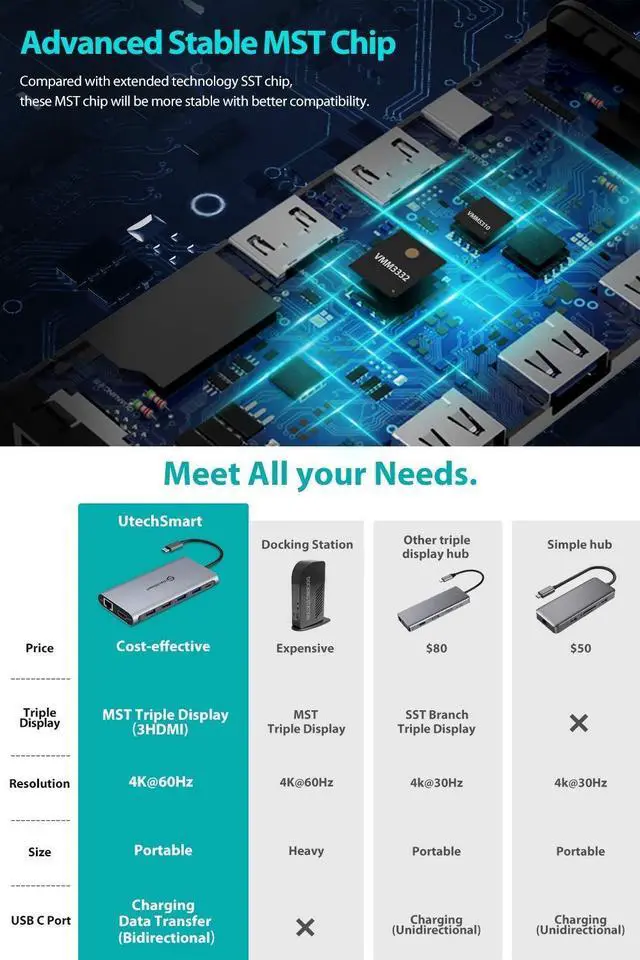
Plug & Play, Achieve Triple Monitors Easily!
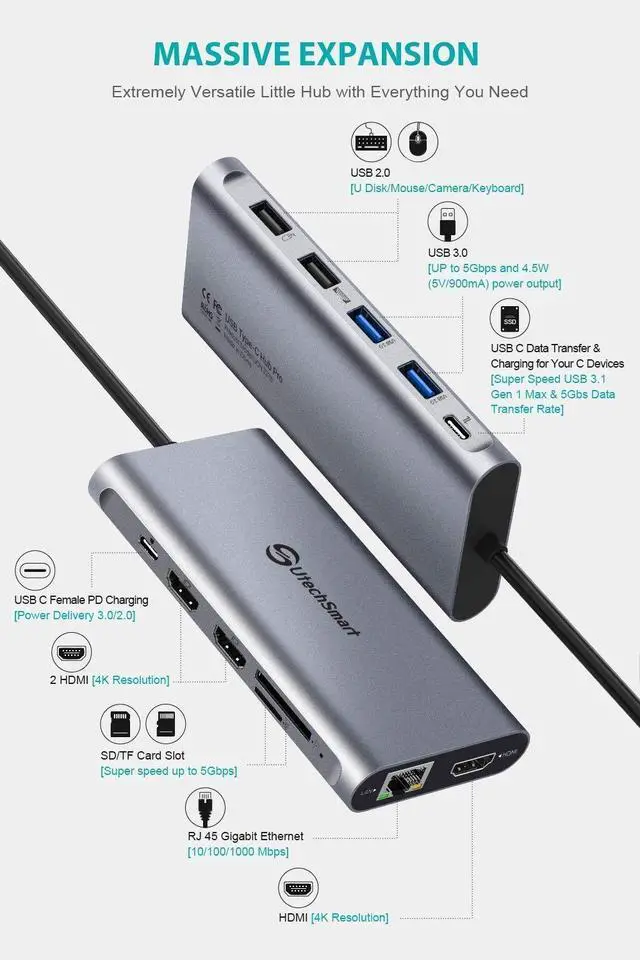
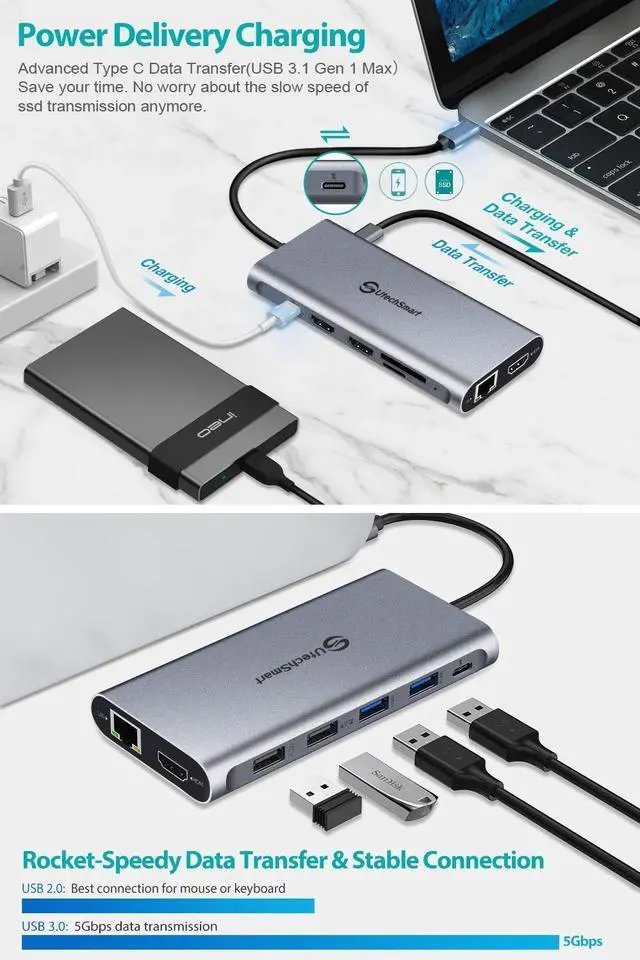
UtechSmart docking station is compatible for USB 3.1/3.2 (Gen 2)/Thunderbolt 3/4 ports, which support DP Alt Mode.
Thunderbolt 3/4: Support at max 40Gb/s bandwidth
USB-C 3.1 Gen 2: Support at max 10Gb/s bandwidth
USB-C 3.1 Gen 1: Support at max 5Gb/s bandwidth, UtechSmart docking station is not compatible for it.
1. Compatibility & Incompatibility Problem:
*System: Windows 11&10, macOS X, Android, Chrome OS Google, Linux with the latest updates.
*Model: Laptop with USB Type-c(Gen 2)/Thunderbolt 3/4 port and support Alternate Display Mode.
2.Resolution Problem:
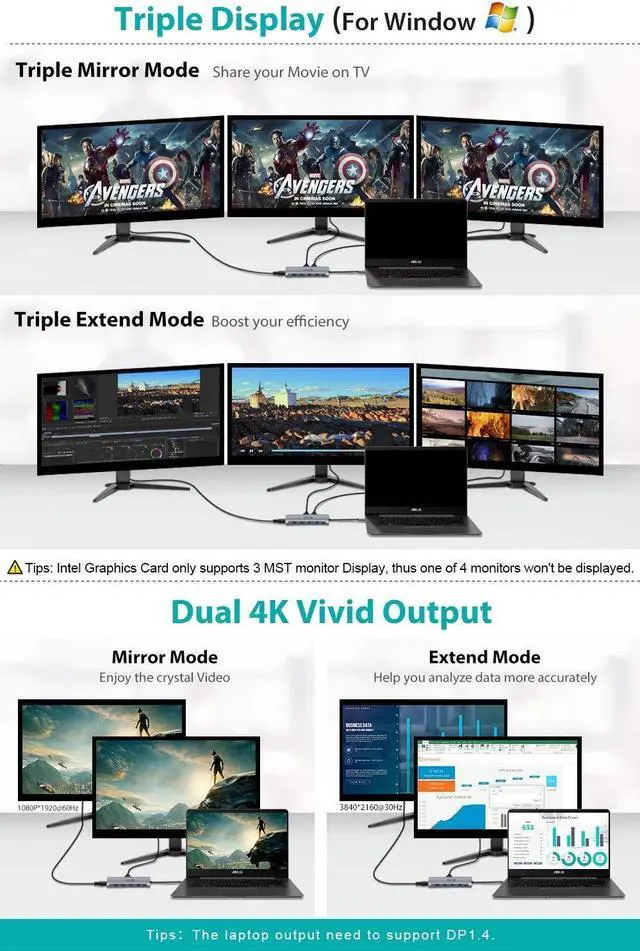
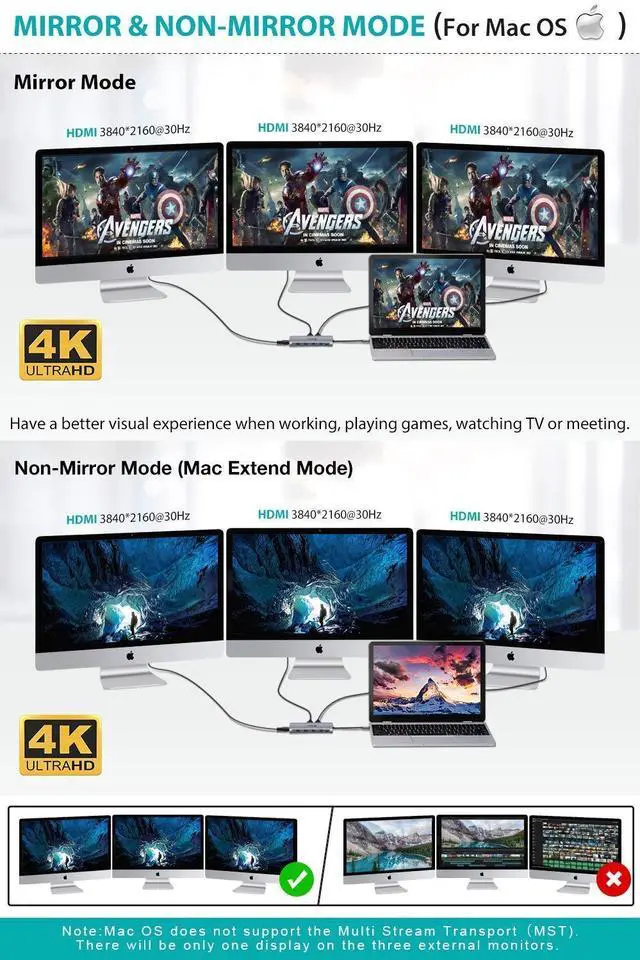
*For Windows(DP1.4):Dual 4K@30hz or Triple 1080P *For MacOs: Triple 4K@30HZ or Dual 4K@30HZ
3.Display Problem:
*Mac OS system only extend one monitor.
Some Macbooks running Mojave will support only a single external monitor via USB-C. The non-mirror mode can only supports 3 duplicate (mirror) external monitors.
*Windows laptop could make one monitor go black.
Intel Graphics Card only supports 3 monitors MST triple display, thus one of 4 monitors will not be displayed.
4. Black Screen Problem:
If the HDMI monitors go black for 2–4 seconds and then recover, it is normal. It is a process of EDID (Extended Display Identification Data) communication, which may blackout screen for a few seconds. The recovery time depends on laptop and monitor (1 minute at max).
5. Other Problem:
*SD and TF cards can not be used on the hub simultaneously.
*The product doesn't included the battery, please connnect the original charger to your laptop to provide power supply for all the devices.


Plug & Play, Achieve Triple Monitors Easily!
UtechSmart docking station is compatible for USB 3.1/3.2 (Gen 2)/Thunderbolt 3/4 ports, which support DP Alt Mode.
Thunderbolt 3/4: Support at max 40Gb/s bandwidth
USB-C 3.1 Gen 2: Support at max 10Gb/s bandwidth
USB-C 3.1 Gen 1: Support at max 5Gb/s bandwidth, UtechSmart docking station is not compatible for it.
1. Compatibility & Incompatibility Problem:
*System: Windows 11&10, macOS X, Android, Chrome OS Google, Linux with the latest updates.
*Model: Laptop with USB Type-c(Gen 2)/Thunderbolt 3/4 port and support Alternate Display Mode.
2.Resolution Problem:
*For Windows(DP1.4):Dual 4K@30hz or Triple 1080P *For MacOs: Triple 4K@30HZ or Dual 4K@30HZ
3.Display Problem:
*Mac OS system only extend one monitor.
Some Macbooks running Mojave will support only a single external monitor via USB-C. The non-mirror mode can only supports 3 duplicate (mirror) external monitors.
*Windows laptop could make one monitor go black.
Intel Graphics Card only supports 3 monitors MST triple display, thus one of 4 monitors will not be displayed.
4. Black Screen Problem:
If the HDMI monitors go black for 2–4 seconds and then recover, it is normal. It is a process of EDID (Extended Display Identification Data) communication, which may blackout screen for a few seconds. The recovery time depends on laptop and monitor (1 minute at max).
5. Other Problem:
*SD and TF cards can not be used on the hub simultaneously.
*The product doesn't included the battery, please connnect the original charger to your laptop to provide power supply for all the devices.


UtechSmart was established in 2013. Our founders have been thinking about how to integrate technology into the details of work and life to achieve efficient work and a better life. This is the definition of work-life balance.
Our goal is to listen to you, to design and develop cutting-edge products, provide professional services, and bring convenience to your life with leading technology.
UtechSmart Hottest Products
Series1: Multiport USB C Hub
Series2: Protable USB C Dock
Series3: Docking Station
Series3: Essential for Gamer