







How to Start and Stop Recording
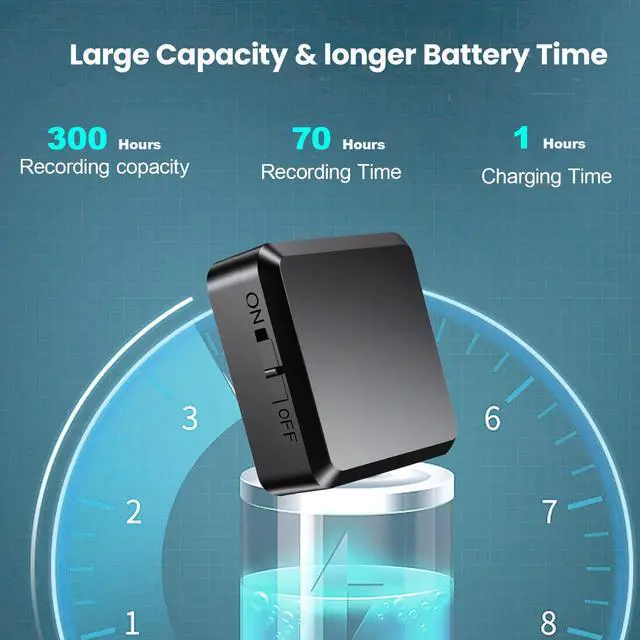
- Charge Before Use: Please fully charge the device before recording.
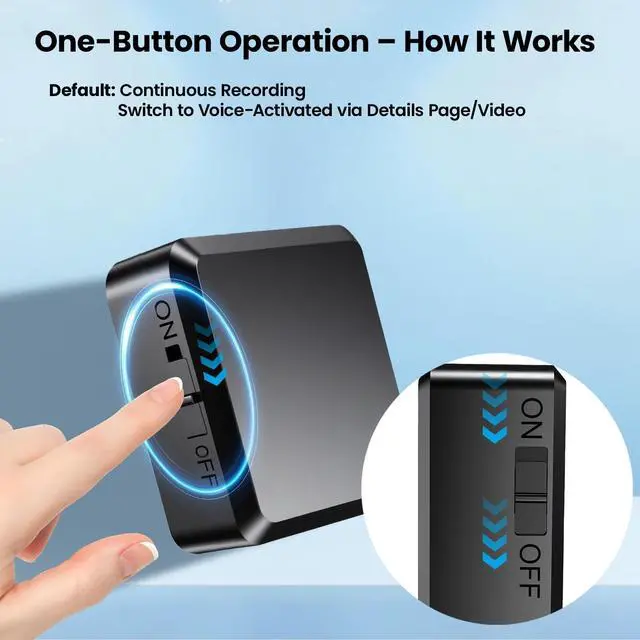
- One-Touch Operation: Flip the switch to ON ? Recording starts automatically. Flip the switch to OFF ? Recording stops and is saved.

How to Use Voice-Controlled Recording Mode
- Connect the device to your computer with the included USB data cable.
- Open the removable hard drive on your computer.
- Locate the "recset" folder.
- Change "VOR:0" ? "VOR:1", then save the file.
Remember to save after editing, otherwise changes won’t apply.

How to Delete Recordings
- Connect the device to your computer with the included USB data cable.
- Open the removable hard drive.
- Find the "RECORD" folder.
- Select the file you want to delete ? Right click ? Delete.

How to Play Back Recordings
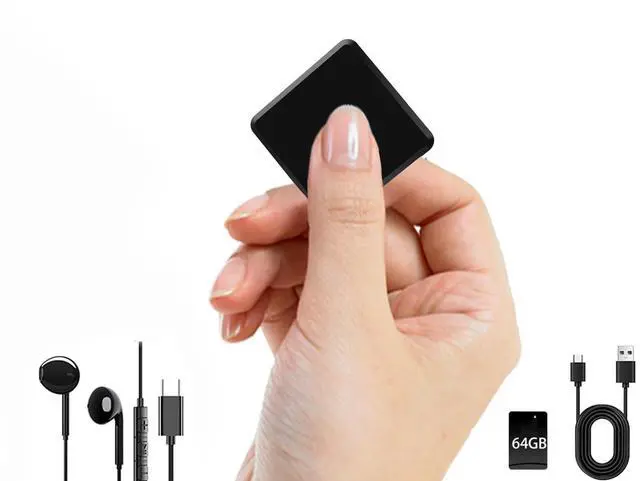
- Option 1: Using Headphones Plug in headphones and listen directly.
- Option 2: Using a Computer Connect the device to your computer. Open the removable hard drive. Go to the "RECORD" folder. Select the recording file ? Click to play.


How to Start and Stop Recording
- Charge Before Use: Please fully charge the device before recording.
- One-Touch Operation: Flip the switch to ON ? Recording starts automatically. Flip the switch to OFF ? Recording stops and is saved.
How to Use Voice-Controlled Recording Mode
- Connect the device to your computer with the included USB data cable.
- Open the removable hard drive on your computer.
- Locate the "recset" folder.
- Change "VOR:0" ? "VOR:1", then save the file.
Remember to save after editing, otherwise changes won’t apply.
How to Delete Recordings
- Connect the device to your computer with the included USB data cable.
- Open the removable hard drive.
- Find the "RECORD" folder.
- Select the file you want to delete ? Right click ? Delete.
How to Play Back Recordings
- Option 1: Using Headphones Plug in headphones and listen directly.
- Option 2: Using a Computer Connect the device to your computer. Open the removable hard drive. Go to the "RECORD" folder. Select the recording file ? Click to play.