

• $59.99
  • Price alert
    Shop it at NeweggBusiness.

    64GB 300-Hour Voice Recorder | Mini Audio Recorder with Voice Activation Portable Recording Device for Meetings, Lectures, Interviews, and Car Use

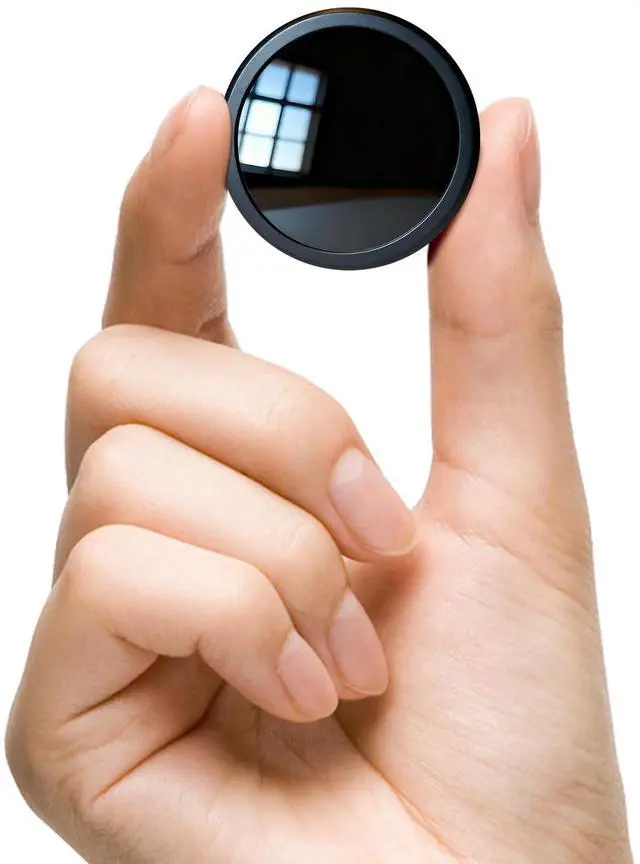
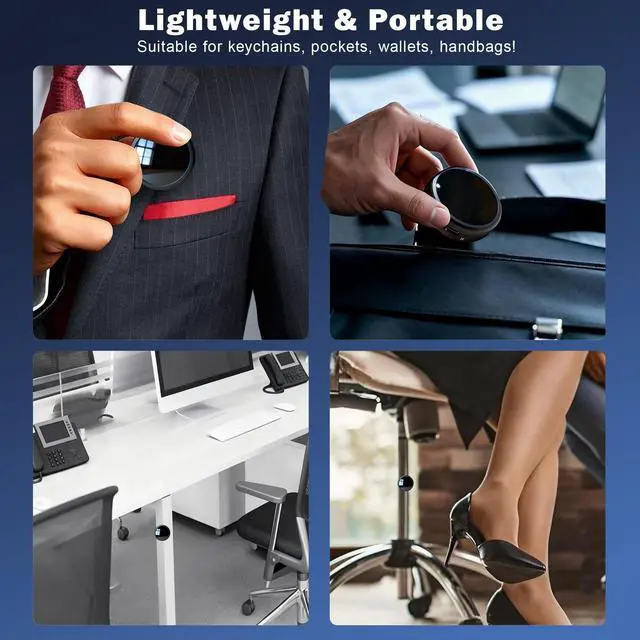
    • Compact & PortableDesigned for convenience, this mini voice recorder fits easily in your pocket or bagperfect for use anytime, anywhere. Whether youre in a meeting, classroom, interview, or traveling, record important moments without attracting attention.
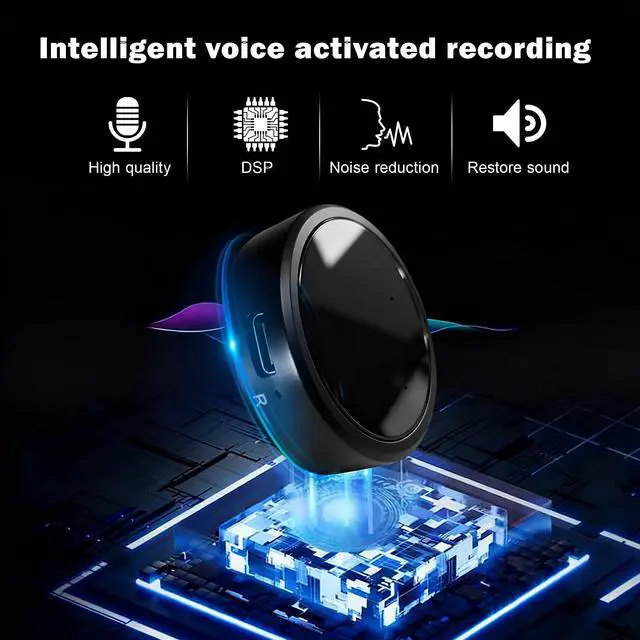
    • Crystal-Clear Sound with Noise ReductionEnjoy sharp, clear audio every time. The built-in smart noise reduction chip filters out background sounds, ensuring that voices are captured naturally and distinctlyeven in busy environments.
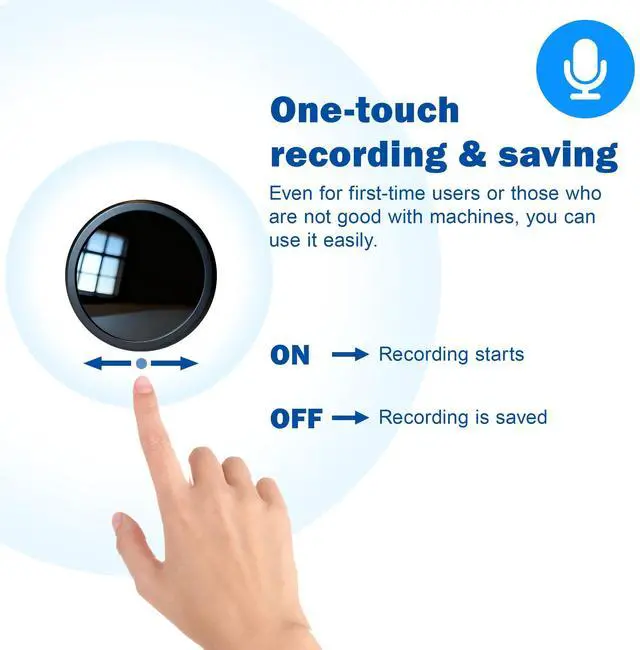
    • Simple One-Switch ControlNo complicated setup or confusing buttons. Just slide the switch to R to start recording, and switch to OFF to save your file automatically. One-touch operation means youll never miss a moment.
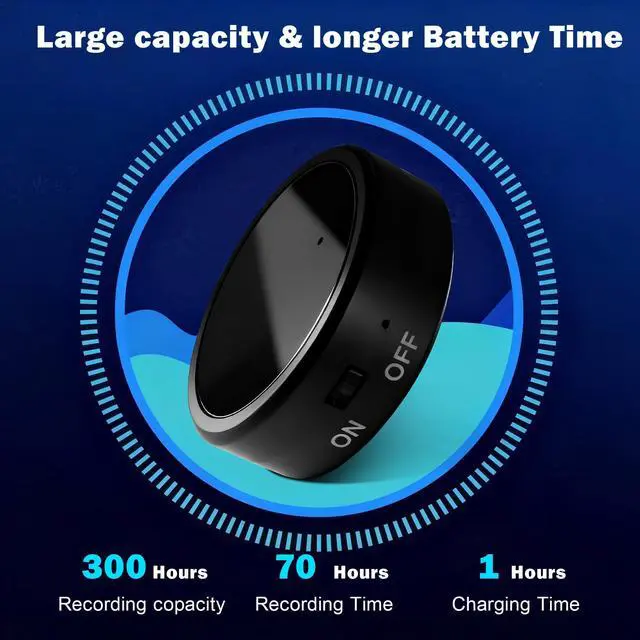
    • Large Memory & Long Battery LifeEquipped with 64GB of storage and a long-lasting rechargeable battery, this device can record up to 300 hours of audio continuously. Perfect for all-day meetings, long lectures, or travel recording without interruptions.
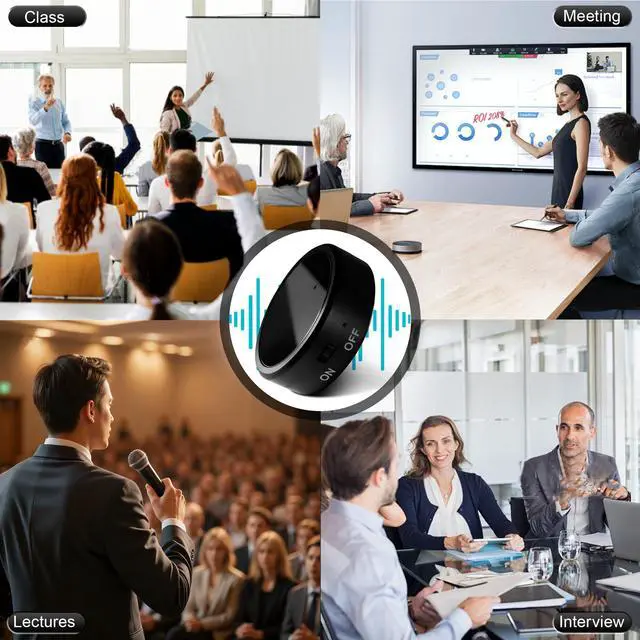
    • Perfect for Work, Study, and LifeIdeal for students, journalists, professionals, and travelerscapture ideas, lectures, interviews, or personal notes easily. A compact solution for anyone who values organization, accuracy, and convenience.
    • Dedicated Customer SupportWe stand behind our products. If you have any questions, our U.S.-based support team is ready to help with fast, friendly assistancebecause your satisfaction matters.
    +
    +
    Overview
    Specs
    Reviews
    avatar

    Any questions? Our AI beta will help you find out quickly.

    recoding device

    recoding device

    How to Start and Stop Recording

    • Charge Before Use: Please fully charge the device before recording.
    • One-Touch Operation: Flip the switch to ON ? Recording starts automatically. Flip the switch to OFF ? Recording stops and is saved.

    RECORDING DEVICE

    How to Use Voice-Controlled Recording Mode

    • Connect the device to your computer with the included USB data cable.
    • Open the removable hard drive on your computer.
    • Locate the "recset" folder.
    • Change "VOR:0" ? "VOR:1", then save the file.

    Remember to save after editing, otherwise changes won’t apply.

    RECORDING DEVICE

    How to Delete Recordings

    • Connect the device to your computer with the included USB data cable.
    • Open the removable hard drive.
    • Find the "RECORD" folder.
    • Select the file you want to delete ? Right click ? Delete.

    recoding device

    How to Play Back Recordings

    • Option 1: Using Headphones Plug in headphones and listen directly.
    • Option 2: Using a Computer Connect the device to your computer. Open the removable hard drive. Go to the "RECORD" folder. Select the recording file ? Click to play.

    recoding device
    recording device
    recoding device
    recoding device

    How to Start and Stop Recording

    • Charge Before Use: Please fully charge the device before recording.
    • One-Touch Operation: Flip the switch to ON ? Recording starts automatically. Flip the switch to OFF ? Recording stops and is saved.

    RECORDING DEVICE

    How to Use Voice-Controlled Recording Mode

    • Connect the device to your computer with the included USB data cable.
    • Open the removable hard drive on your computer.
    • Locate the "recset" folder.
    • Change "VOR:0" ? "VOR:1", then save the file.

    Remember to save after editing, otherwise changes won’t apply.

    RECORDING DEVICE

    How to Delete Recordings

    • Connect the device to your computer with the included USB data cable.
    • Open the removable hard drive.
    • Find the "RECORD" folder.
    • Select the file you want to delete ? Right click ? Delete.

    recoding device

    How to Play Back Recordings

    • Option 1: Using Headphones Plug in headphones and listen directly.
    • Option 2: Using a Computer Connect the device to your computer. Open the removable hard drive. Go to the "RECORD" folder. Select the recording file ? Click to play.

    recoding device
    recording device
    64GB 300-Hour Voice Recorder | Mini Audio Recorder with Voice Activation Portable Recording Device for Meetings, Lectures, Interviews, and Car Use

    Warranty & Returns

    Warranty, Returns, And Additional Information

    Warranty

    • Please contact the Seller directly for warranty information. Warranty information may also be found on the Manufacturer's website.
    • CONTACT

    Return Policies

    Manufacturer Contact Info

    LOADING...