here!
here!
I’m your shopping assistant for PC builds, upgrades, and everything tech.
Got questions? Ask away!
Start a conversation
here!
I’m your shopping assistant for PC builds, upgrades, and everything tech.
Got questions? Ask away!
Start a conversation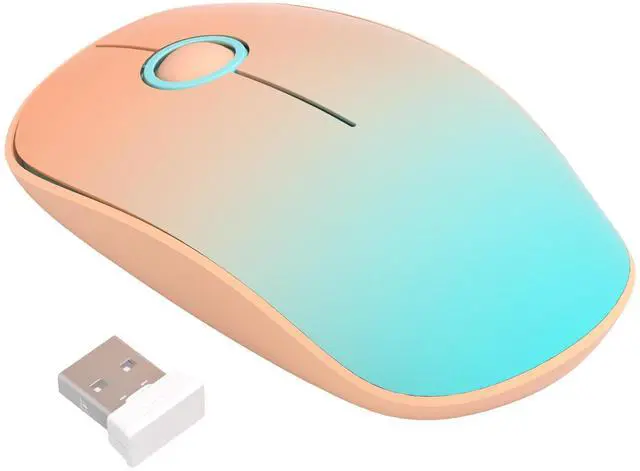









Any questions? Ask CelesteSM will help you find out quickly.



I can't find a power switch anywhere. How do I turn this mouse off so it doesn't drain the battery?
It features an intelligent auto-sleep mode that activates after inactivity, so no power switch is needed. If your PC is off, accidental clicks consume negligible power.
Can I adjust the DPI or cursor speed on this mouse? It moves a little too slow for my liking.
The resolution on this model is fixed at 1500 DPI. We pre-configured this specific tracking speed to provide the most comfortable and optimal experience for everyday office work and general browsing.
I just put a new battery in and plugged in the USB, but the mouse isn't turning on. Is it broken?
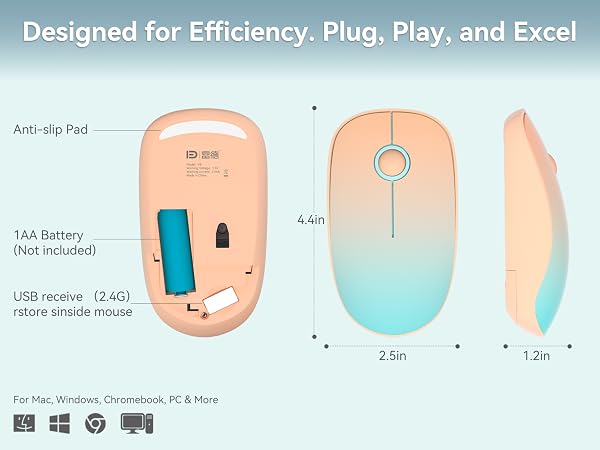
Ensure the USB receiver is fully inserted and the battery is installed correctly (+/-). Most importantly, please make sure to peel off the insulating protection film from the battery before your first use!
My mouse started lagging after a few weeks and the cursor is moving randomly. How can I fix this?
Try replacing the battery first. Gently clean the bottom optical sensor lens with a microfiber cloth. Also, ensure you use an opaque mousepad; highly reflective or transparent surfaces like glass can interfere with tracking.
Would you recommend this mouse for gaming, or is it strictly for everyday computer use?
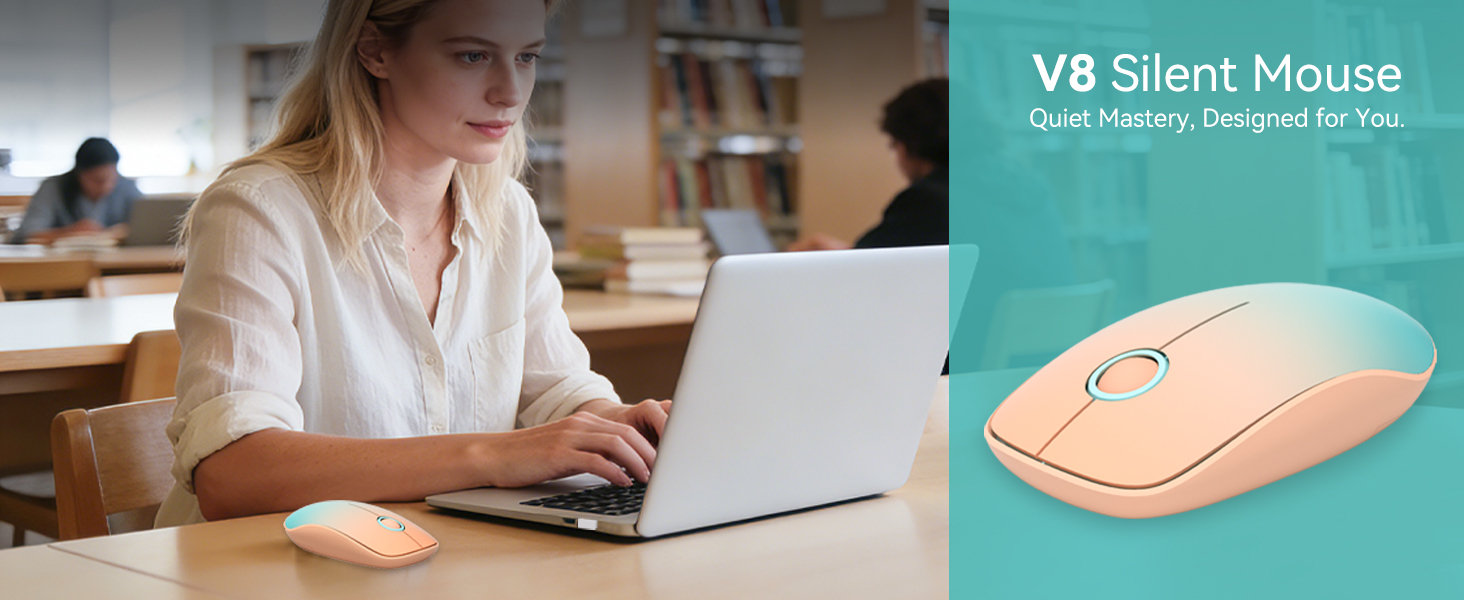
This portable, silent mouse is optimized for daily office tasks and casual computer use. Due to its focus on quiet and comfortable daily operation, we do not recommend it for competitive gaming.




I can't find a power switch anywhere. How do I turn this mouse off so it doesn't drain the battery?
It features an intelligent auto-sleep mode that activates after inactivity, so no power switch is needed. If your PC is off, accidental clicks consume negligible power.
Can I adjust the DPI or cursor speed on this mouse? It moves a little too slow for my liking.
The resolution on this model is fixed at 1500 DPI. We pre-configured this specific tracking speed to provide the most comfortable and optimal experience for everyday office work and general browsing.
I just put a new battery in and plugged in the USB, but the mouse isn't turning on. Is it broken?
Ensure the USB receiver is fully inserted and the battery is installed correctly (+/-). Most importantly, please make sure to peel off the insulating protection film from the battery before your first use!
My mouse started lagging after a few weeks and the cursor is moving randomly. How can I fix this?
Try replacing the battery first. Gently clean the bottom optical sensor lens with a microfiber cloth. Also, ensure you use an opaque mousepad; highly reflective or transparent surfaces like glass can interfere with tracking.
Would you recommend this mouse for gaming, or is it strictly for everyday computer use?
This portable, silent mouse is optimized for daily office tasks and casual computer use. Due to its focus on quiet and comfortable daily operation, we do not recommend it for competitive gaming.




We're here for you 365 days a year! If you need anything at all, just let us know. We’re dedicated to making sure you love your product