





Which devices are compatible?
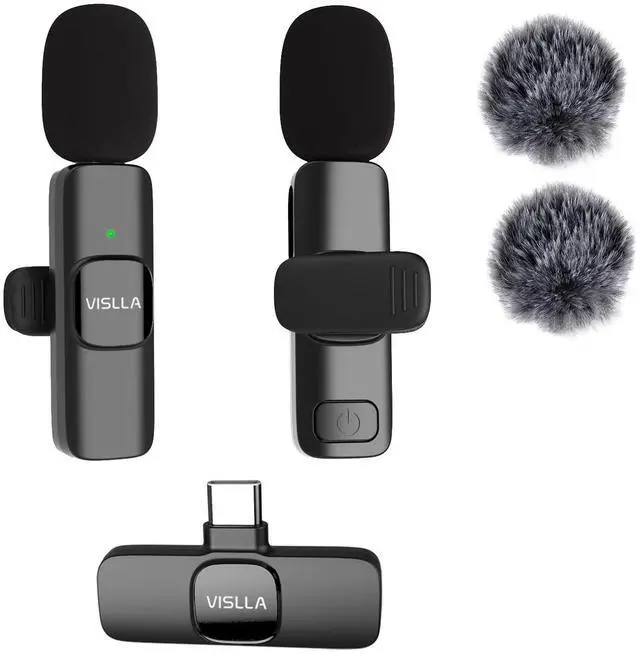
This product supports most modern mobile devices:
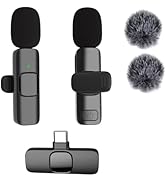
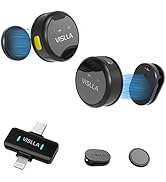
iOS:USB-C iPhones and iPads with a USB-C port.
Android/Others: Most devices with a USB-C port, including Samsung, Motorola, and Google Pixel phones.
My Android device doesn't recognize the microphone?
Some Android phones require you to manually enable the OTG connection feature. Please go to your phone's [Settings] > [Connections] or [System] menu to find and turn on "OTG" or "USB debugging".
Where can the microphone be used?
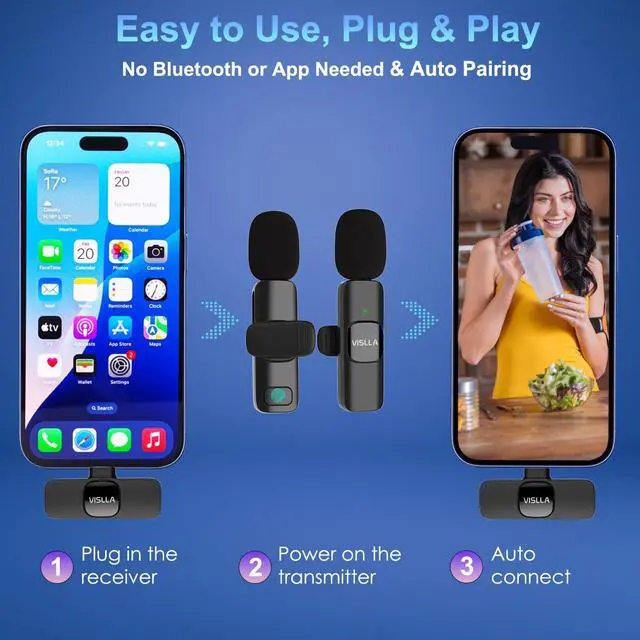
Compatible with both USB-C iPhone (15/16/17 series) and Android phones, plug and play, no need for Bluetooth or adapters.
There's a lot of background noise. How effective is the noise reduction?
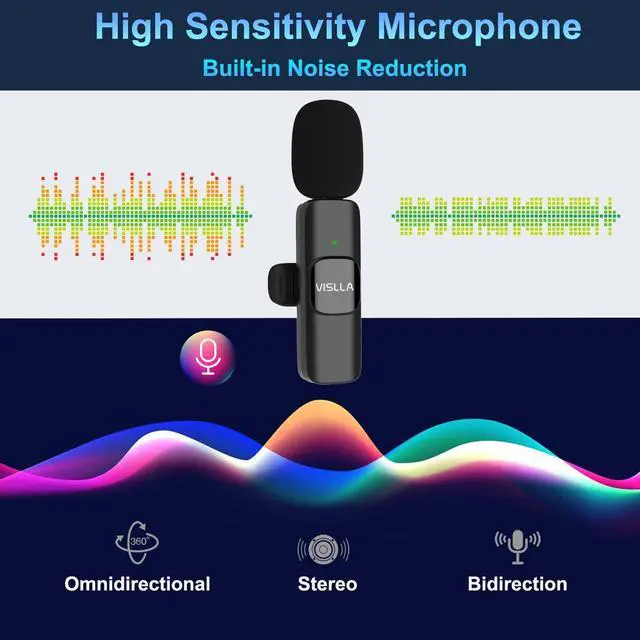
The built-in smart noise reduction effectively suppresses continuous low-frequency ambient noise (A/C, fans, traffic).
Note: It is optimized for voice clarity and cannot fully eliminate close, sharp transient noises (keyboard clicks, door slams).
The recorded audio is very faint or sounds distant?
This usually means your device is using its internal microphone. Ensure the receiver is securely plugged in and that our microphone is selected as the audio input source in your device/recording app settings.


Vislla is committed to providing users with high-quality audio products. We continuously pursue innovation, introducing advanced technology to bring users more convenient and intelligent audio solutions. User experience is always our focus; we listen to user feedback, continuously optimizing product design and features to meet evolving user needs.
VISLLA STORE


Which devices are compatible?
This product supports most modern mobile devices:
iOS:USB-C iPhones and iPads with a USB-C port.
Android/Others: Most devices with a USB-C port, including Samsung, Motorola, and Google Pixel phones.
My Android device doesn't recognize the microphone?
Some Android phones require you to manually enable the OTG connection feature. Please go to your phone's [Settings] > [Connections] or [System] menu to find and turn on "OTG" or "USB debugging".
Where can the microphone be used?
Compatible with both USB-C iPhone (15/16/17 series) and Android phones, plug and play, no need for Bluetooth or adapters.
There's a lot of background noise. How effective is the noise reduction?
The built-in smart noise reduction effectively suppresses continuous low-frequency ambient noise (A/C, fans, traffic).
Note: It is optimized for voice clarity and cannot fully eliminate close, sharp transient noises (keyboard clicks, door slams).
The recorded audio is very faint or sounds distant?
This usually means your device is using its internal microphone. Ensure the receiver is securely plugged in and that our microphone is selected as the audio input source in your device/recording app settings.
Vislla is committed to providing users with high-quality audio products. We continuously pursue innovation, introducing advanced technology to bring users more convenient and intelligent audio solutions. User experience is always our focus; we listen to user feedback, continuously optimizing product design and features to meet evolving user needs.
VISLLA STORE