


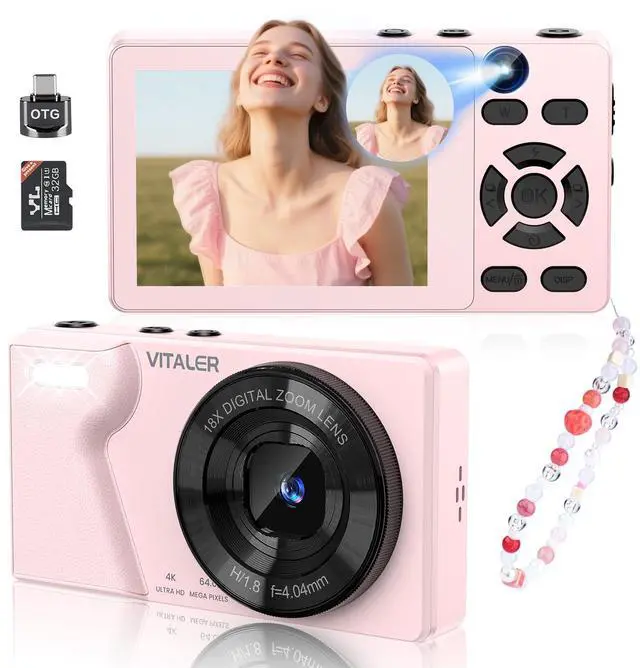
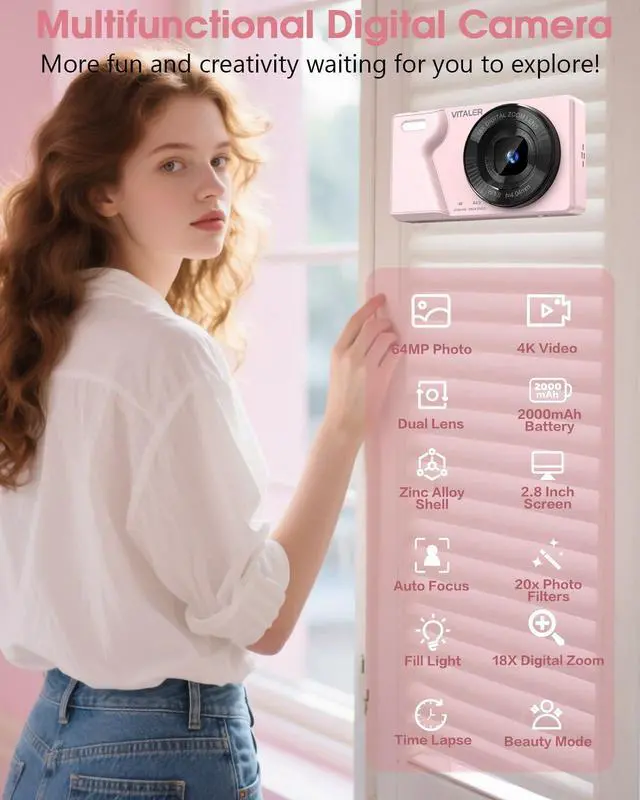
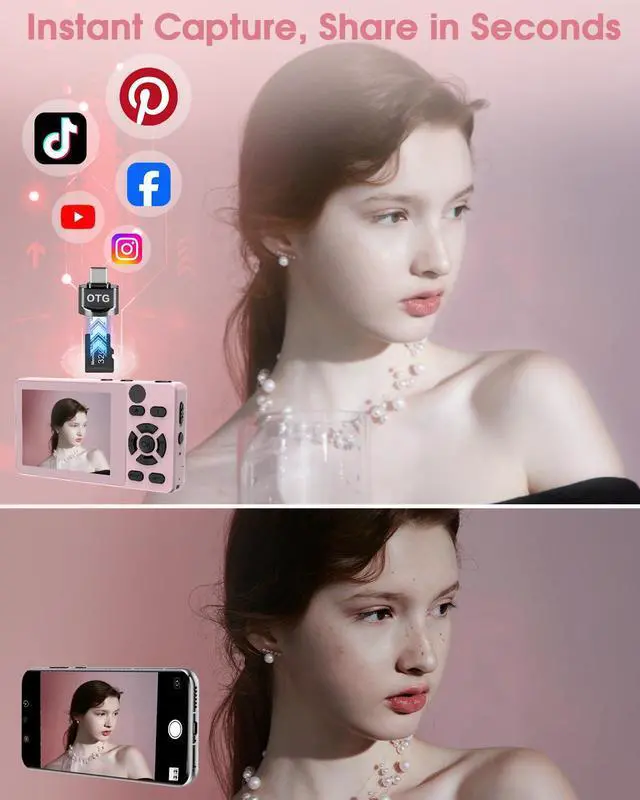
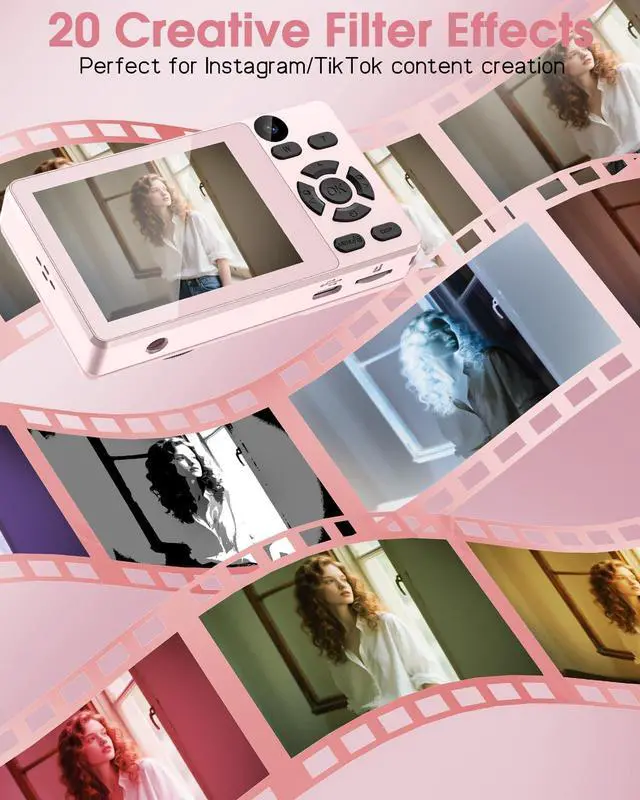



Vitaler was founded with a simple yet powerful vision: to empower everyone to capture life’s most precious moments through the lens of high-quality, accessible digital cameras. Born from a passion for photography and a commitment to innovation, we set out to create a brand that offers exceptional performance, ease of use, and sleek designs for all levels of photography enthusiasts.
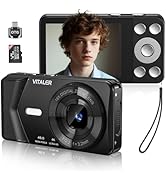
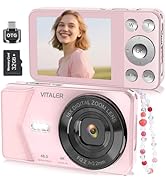
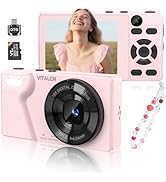
Vitaler Digital Camera
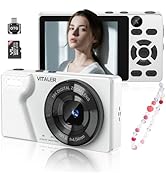
Vitaler items
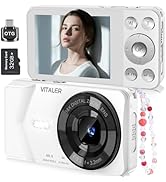
Vitaler items


Vitaler Digital Camera with Dual-Lens for Teens
Merchant Video


How do turn off the sound during photo/video recording by autofocus?
Long press MENU button?System Settings?Focused audio?Off (Turned on by default)
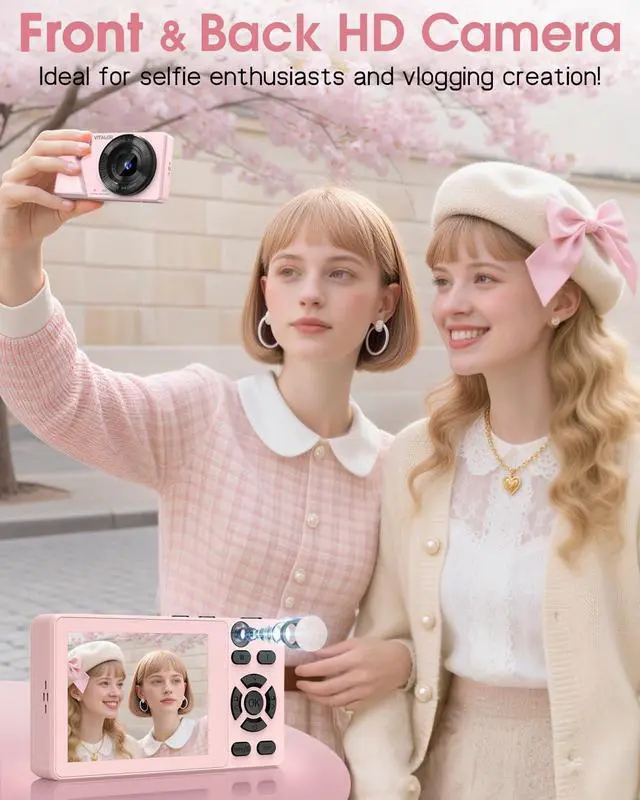
How to quickly turn on/off the fill light or set timer delay in taking photos?
Fill Light: Short press "UP" button, there are 2 modes: auto follow and always on; Set timer Delay: Short press "DOWN" button, supports 3s/5s/10s/20s timed shooting, making it easy to take selfies
How to properly understand long or short presses on MENU button?
A short press cycles through user interfaces(photo or video mode);a long press enters system settings, at this moment, if you want to return to the user interface, you should short press MENU button
How to transfer photos and videos to PC or phone?
Connect the USB-C cable to the PC, the camera selects “Mass Storage Mode”, find the folder “No Name” on the PC desktop;
Or take out the SD card and insert it into the OTG, connect to the PC and find the folder “No Name” on the desktop of your PC.
How to use the webcam function?
Connect the USB C cable to the computer, select “PC Camera” for the camera, open the computer settings-Bluetooth and other devices-Camera-(GENERAL-A-VIDEO), and then connect it.
Vitaler Digital Camera with Dual-Lens for Teens
Merchant Video


How do turn off the sound during photo/video recording by autofocus?
Long press MENU button?System Settings?Focused audio?Off (Turned on by default)
How to quickly turn on/off the fill light or set timer delay in taking photos?
Fill Light: Short press "UP" button, there are 2 modes: auto follow and always on; Set timer Delay: Short press "DOWN" button, supports 3s/5s/10s/20s timed shooting, making it easy to take selfies
How to properly understand long or short presses on MENU button?
A short press cycles through user interfaces(photo or video mode);a long press enters system settings, at this moment, if you want to return to the user interface, you should short press MENU button
How to transfer photos and videos to PC or phone?
Connect the USB-C cable to the PC, the camera selects “Mass Storage Mode”, find the folder “No Name” on the PC desktop;
Or take out the SD card and insert it into the OTG, connect to the PC and find the folder “No Name” on the desktop of your PC.
How to use the webcam function?
Connect the USB C cable to the computer, select “PC Camera” for the camera, open the computer settings-Bluetooth and other devices-Camera-(GENERAL-A-VIDEO), and then connect it.
Vitaler was founded with a simple yet powerful vision: to empower everyone to capture life’s most precious moments through the lens of high-quality, accessible digital cameras. Born from a passion for photography and a commitment to innovation, we set out to create a brand that offers exceptional performance, ease of use, and sleek designs for all levels of photography enthusiasts.
Vitaler Digital Camera
Vitaler items
Vitaler items