here!
here!
I’m your shopping assistant for PC builds, upgrades, and everything tech.
Got questions? Ask away!
Start a conversation
here!
I’m your shopping assistant for PC builds, upgrades, and everything tech.
Got questions? Ask away!
Start a conversation
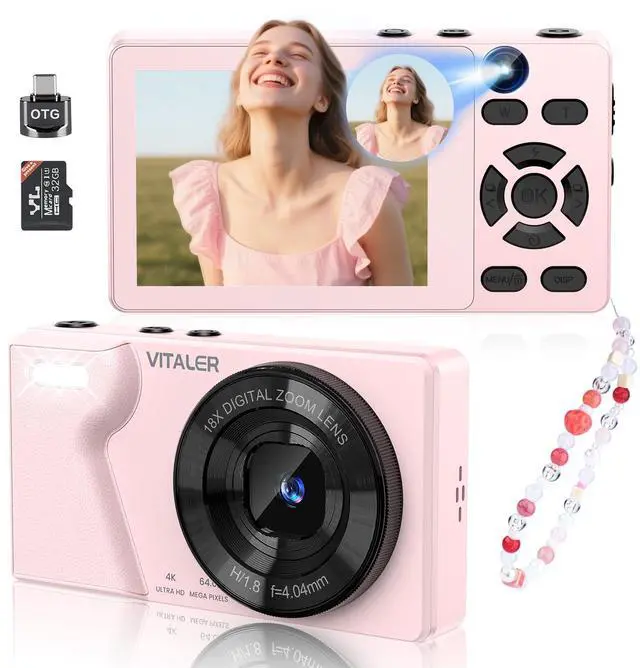

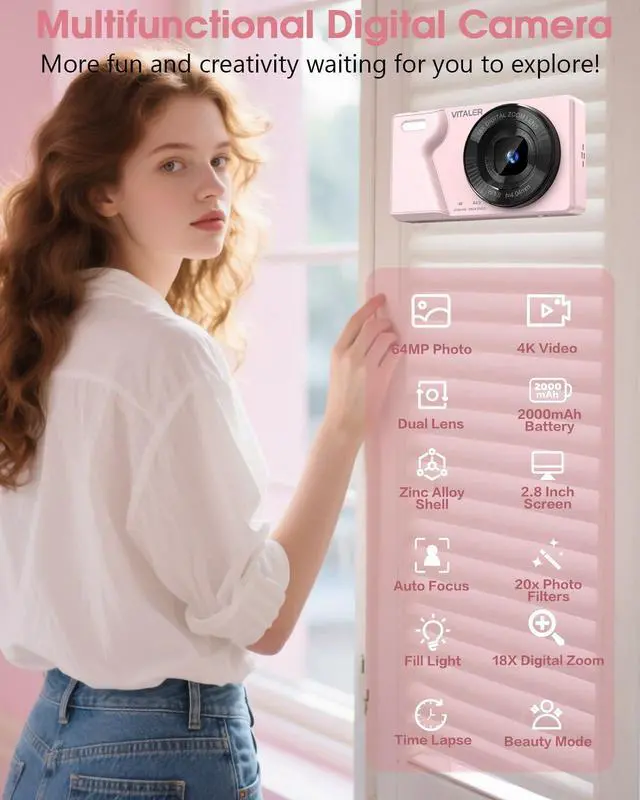



Any questions? Ask CelesteSM will help you find out quickly.

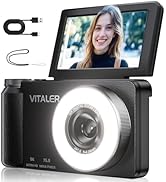
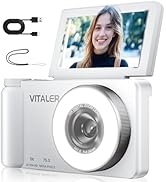
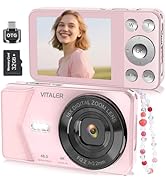
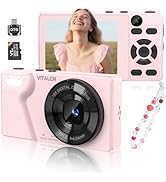

Vitaler was founded with a simple yet powerful vision: to empower everyone to capture life’s most precious moments through the lens of high-quality, accessible digital cameras. Born from a passion for photography and a commitment to innovation, we set out to create a brand that offers exceptional performance, ease of use, and sleek designs for all levels of photography enthusiasts.


How do turn off the sound during photo/video recording by autofocus?
Long press MENU button?System Settings?Focused audio?Off (Turned on by default)
How to quickly turn on/off the fill light or set timer delay in taking photos?
Fill Light: Short press "UP" button, there are 2 modes: auto follow and always on; Set timer Delay: Short press "DOWN" button, supports 3s/5s/10s/20s timed shooting, making it easy to take selfies
How to properly understand long or short presses on MENU button?
A short press cycles through user interfaces(photo or video mode);a long press enters system settings, at this moment, if you want to return to the user interface, you should short press MENU button
How to transfer photos and videos to PC or phone?
Connect the USB-C cable to the PC, the camera selects “Mass Storage Mode”, find the folder “No Name” on the PC desktop;
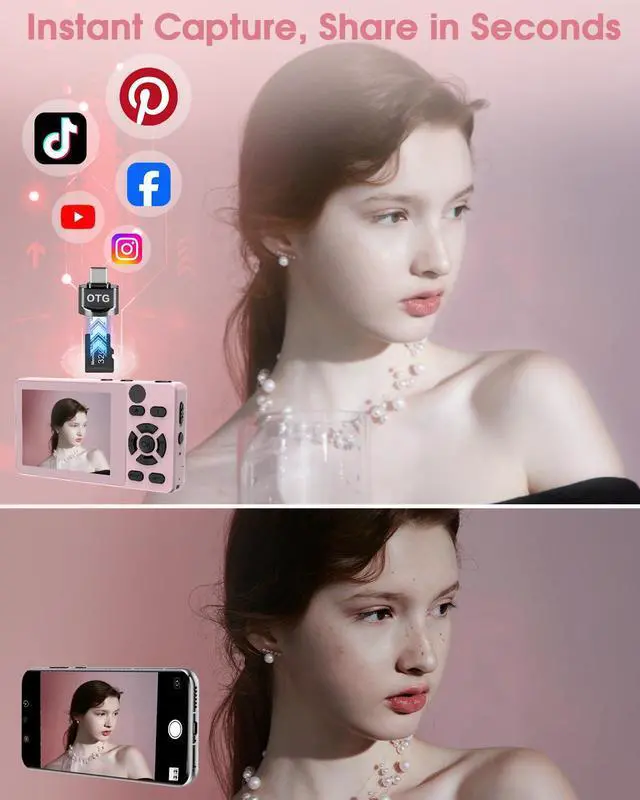
Or take out the SD card and insert it into the OTG, connect to the PC and find the folder “No Name” on the desktop of your PC.
How to use the webcam function?
Connect the USB C cable to the computer, select “PC Camera” for the camera, open the computer settings-Bluetooth and other devices-Camera-(GENERAL-A-VIDEO), and then connect it.
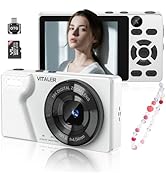
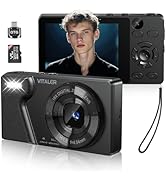
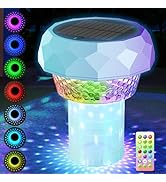
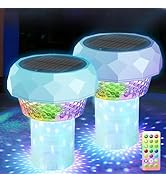
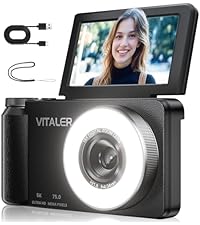 5K 75MP with Fill Light | 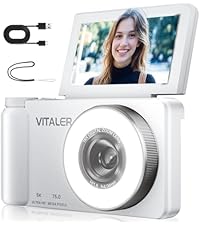 5K 75MP with Fill Light | 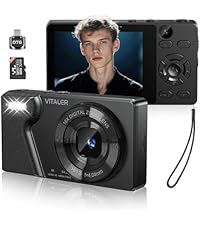 64MP 4K With Dual Lens | 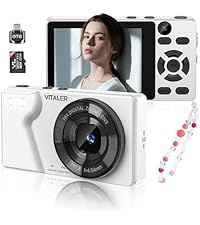 64MP 4K With Dual Lens | 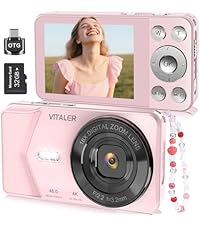 48MP 4K With Single Lens | 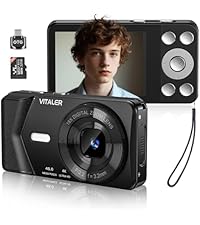 48MP 4K With Single Lens | 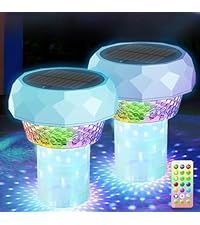 Solar Pool Floater | |
|---|---|---|---|---|---|---|---|
Customer Reviews | — | — | — | — | — | — | — |
Price | — | — | — | — | — | — | — |
Inluded SD Card | NO | NO | 32GB SD Card | 32GB SD Card | 32GB SD Card | 32GB SD Card | / |
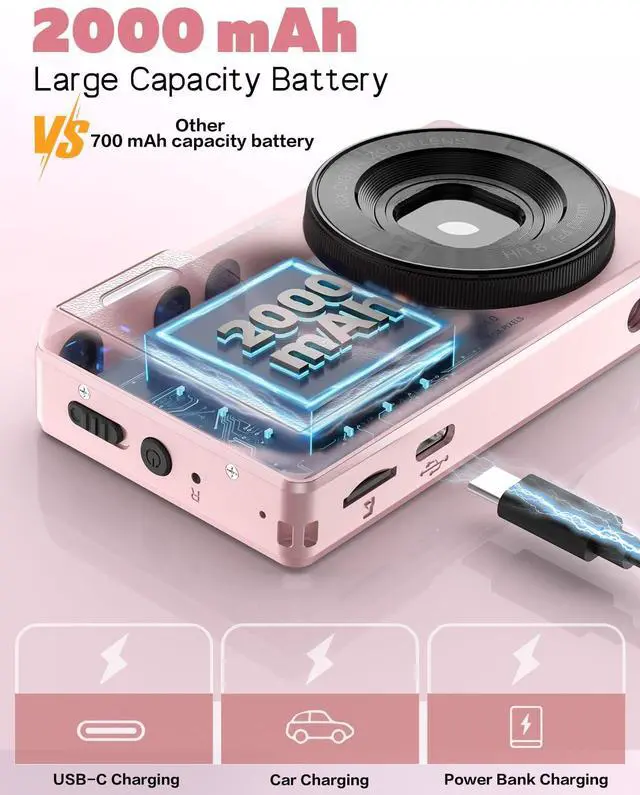
Inluded Battery | 2000mAh Large Battery | 2000mAh Large Battery | 2000mAh Large Battery | 2000mAh Large Battery | 2000mAh Large Battery | 2000mAh Large Battery | / |
Product Dimensions | 4.5in * 2.4in * 0.8in | 4.5in * 2.4in * 0.8in | 3.7in * 2.3in * 0.8in | 3.7in * 2.3in * 0.8in | 3.7in * 2.3in * 0.8in | 3.7in * 2.3in * 0.8in | / |
Data Transmission | Only USB Cable | Only USB Cable | Equipped OTG and USB Cable | Equipped OTG and USB Cable | Equipped OTG and USB Cable | Equipped OTG and USB Cable | / |
Target Audience | Beginner Teens Adult Kids | Beginner Teens Adult Kids | Beginner Teens Adult Kids | Beginner Teens Adult Kids | Beginner Teens Adult Kids | Beginner Teens Adult Kids | / |
Applicable Scenarios | Daily Use,Travel,OutdoorIndoor | Daily Use,Travel,OutdoorIndoor | Daily Use,Travel,OutdoorIndoor | Daily Use,Travel,OutdoorIndoor | Daily Use,Travel,OutdoorIndoor | Daily Use,Travel,OutdoorIndoor | / |




How do turn off the sound during photo/video recording by autofocus?
Long press MENU button?System Settings?Focused audio?Off (Turned on by default)
How to quickly turn on/off the fill light or set timer delay in taking photos?
Fill Light: Short press "UP" button, there are 2 modes: auto follow and always on; Set timer Delay: Short press "DOWN" button, supports 3s/5s/10s/20s timed shooting, making it easy to take selfies
How to properly understand long or short presses on MENU button?
A short press cycles through user interfaces(photo or video mode);a long press enters system settings, at this moment, if you want to return to the user interface, you should short press MENU button
How to transfer photos and videos to PC or phone?
Connect the USB-C cable to the PC, the camera selects “Mass Storage Mode”, find the folder “No Name” on the PC desktop;
Or take out the SD card and insert it into the OTG, connect to the PC and find the folder “No Name” on the desktop of your PC.
How to use the webcam function?
Connect the USB C cable to the computer, select “PC Camera” for the camera, open the computer settings-Bluetooth and other devices-Camera-(GENERAL-A-VIDEO), and then connect it.
5K 75MP with Fill Light | 5K 75MP with Fill Light | 64MP 4K With Dual Lens | 64MP 4K With Dual Lens | 48MP 4K With Single Lens | 48MP 4K With Single Lens | Solar Pool Floater |
|---|---|---|---|---|---|---|
| Customer Reviews | ||||||
| — | — | — | — | — | — | — |
| Price | ||||||
| — | — | — | — | — | — | — |
| Inluded SD Card | ||||||
| NO | NO | 32GB SD Card | 32GB SD Card | 32GB SD Card | 32GB SD Card | / |
| Inluded Battery | ||||||
| 2000mAh Large Battery | 2000mAh Large Battery | 2000mAh Large Battery | 2000mAh Large Battery | 2000mAh Large Battery | 2000mAh Large Battery | / |
| Product Dimensions | ||||||
| 4.5in * 2.4in * 0.8in | 4.5in * 2.4in * 0.8in | 3.7in * 2.3in * 0.8in | 3.7in * 2.3in * 0.8in | 3.7in * 2.3in * 0.8in | 3.7in * 2.3in * 0.8in | / |
| Data Transmission | ||||||
| Only USB Cable | Only USB Cable | Equipped OTG and USB Cable | Equipped OTG and USB Cable | Equipped OTG and USB Cable | Equipped OTG and USB Cable | / |
| Target Audience | ||||||
| Beginner Teens Adult Kids | Beginner Teens Adult Kids | Beginner Teens Adult Kids | Beginner Teens Adult Kids | Beginner Teens Adult Kids | Beginner Teens Adult Kids | / |
| Applicable Scenarios | ||||||
| Daily Use,Travel,OutdoorIndoor | Daily Use,Travel,OutdoorIndoor | Daily Use,Travel,OutdoorIndoor | Daily Use,Travel,OutdoorIndoor | Daily Use,Travel,OutdoorIndoor | Daily Use,Travel,OutdoorIndoor | / |
Vitaler was founded with a simple yet powerful vision: to empower everyone to capture life’s most precious moments through the lens of high-quality, accessible digital cameras. Born from a passion for photography and a commitment to innovation, we set out to create a brand that offers exceptional performance, ease of use, and sleek designs for all levels of photography enthusiasts.