here!
here!
I’m your shopping assistant for PC builds, upgrades, and everything tech.
Got questions? Ask away!
Start a conversation
here!
I’m your shopping assistant for PC builds, upgrades, and everything tech.
Got questions? Ask away!
Start a conversation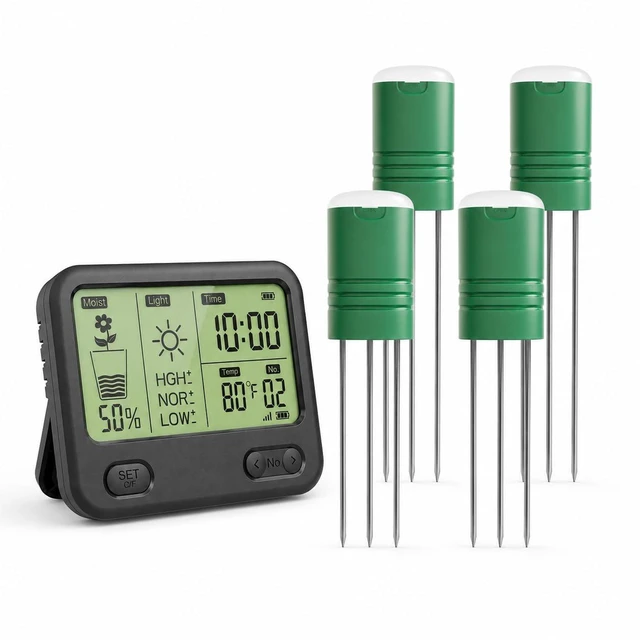
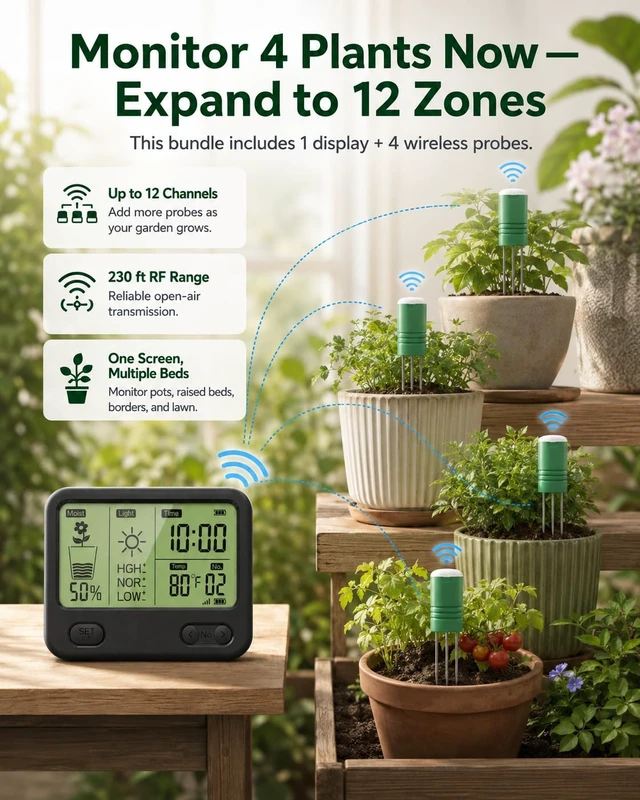
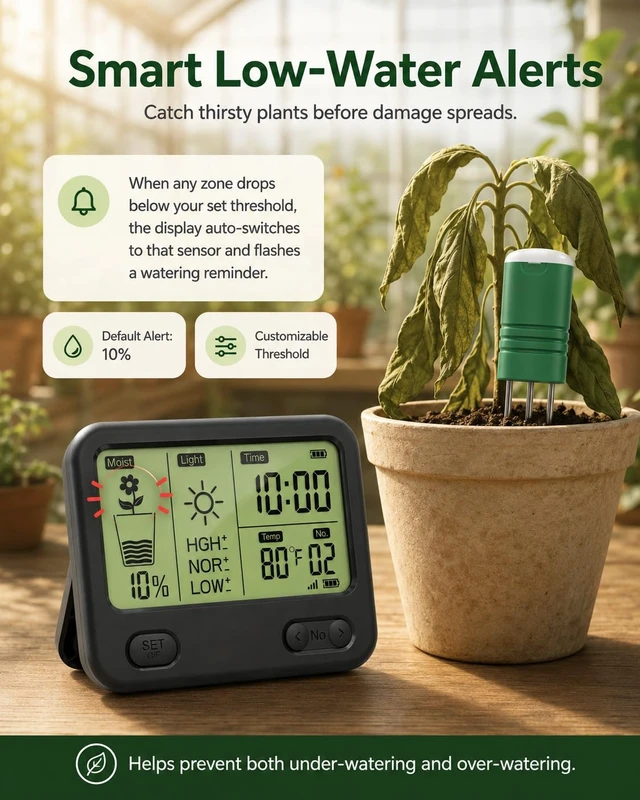
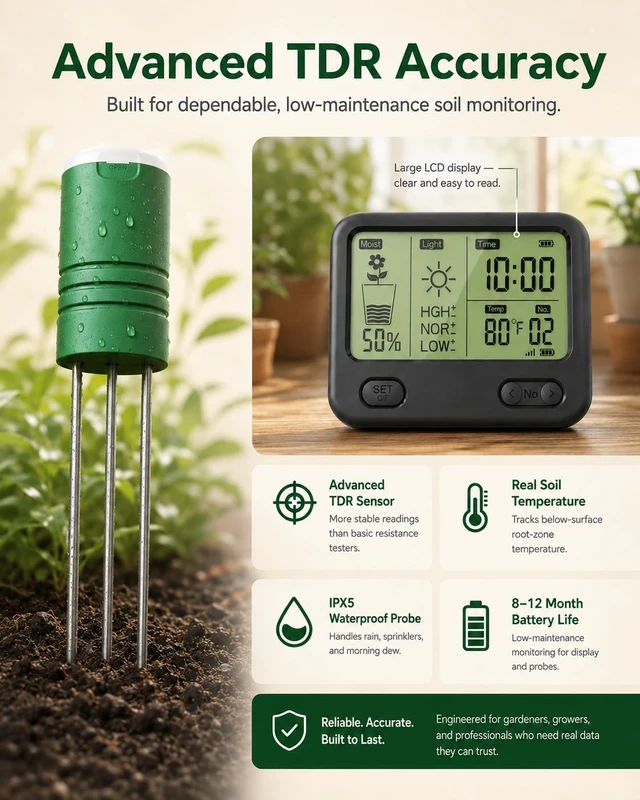
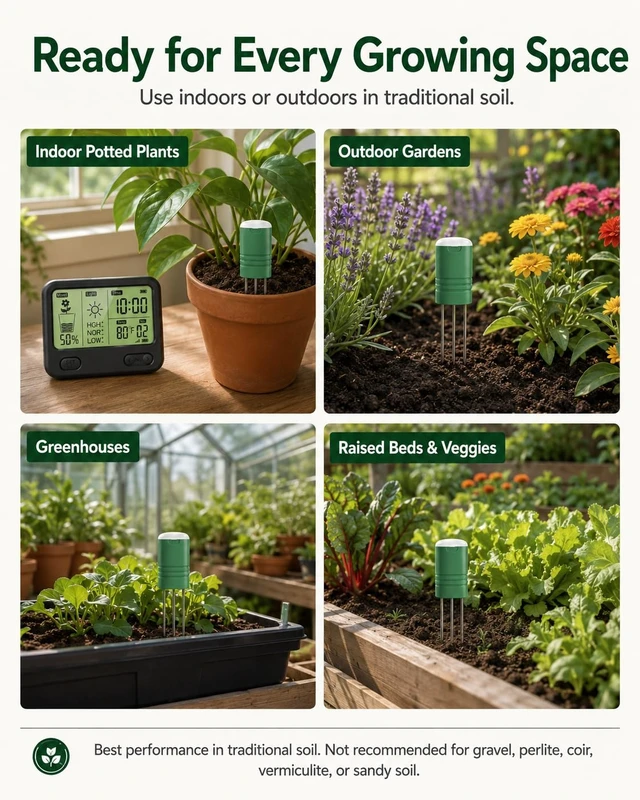



Any questions? Ask CelesteSM will help you find out quickly.
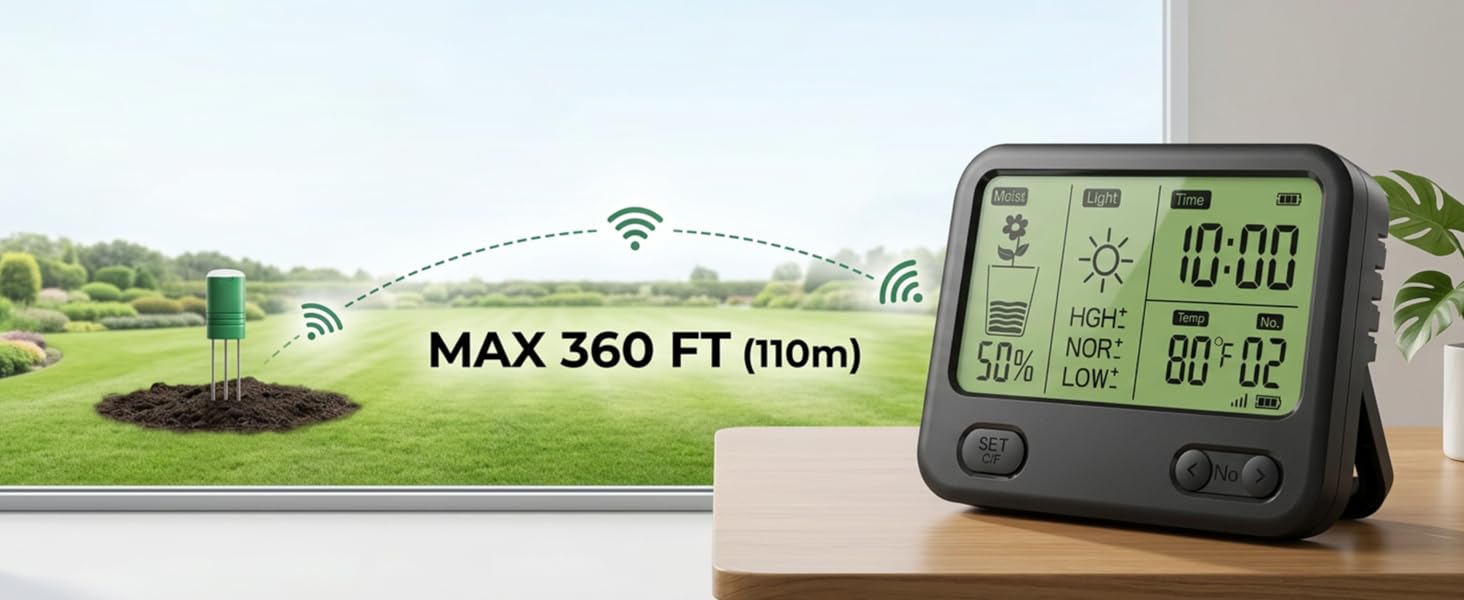
What does this soil moisture meter show, and where can it be used?
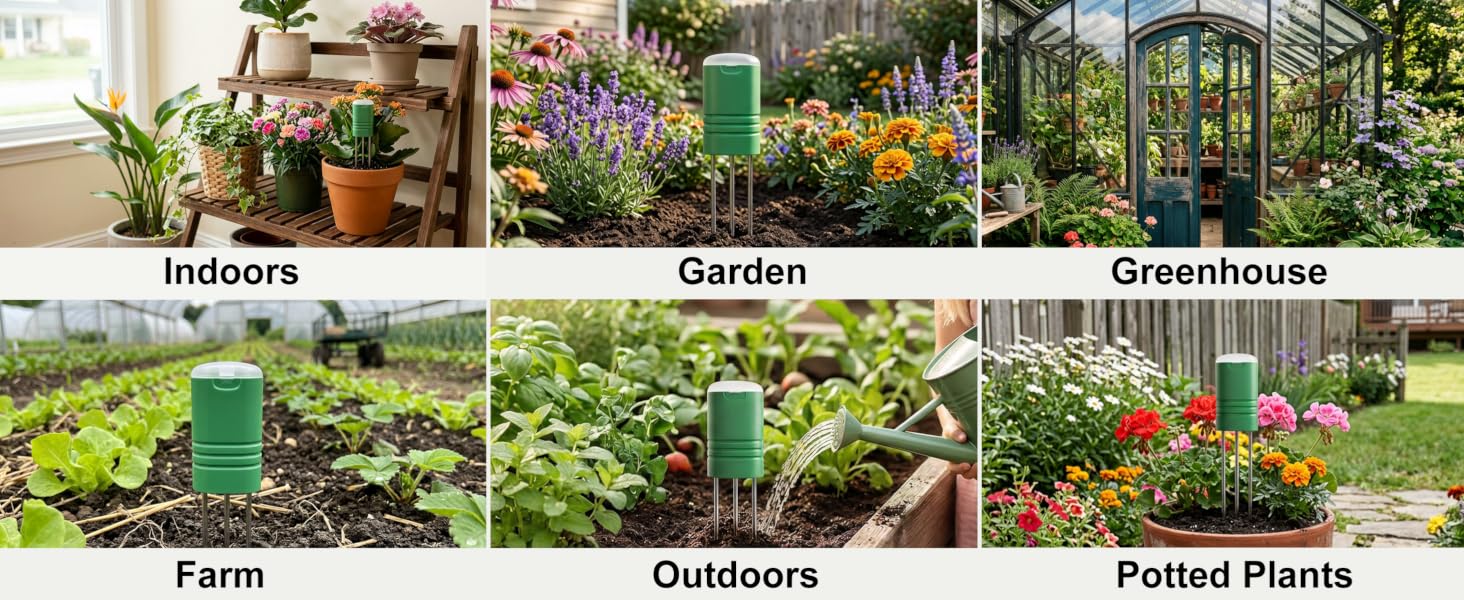
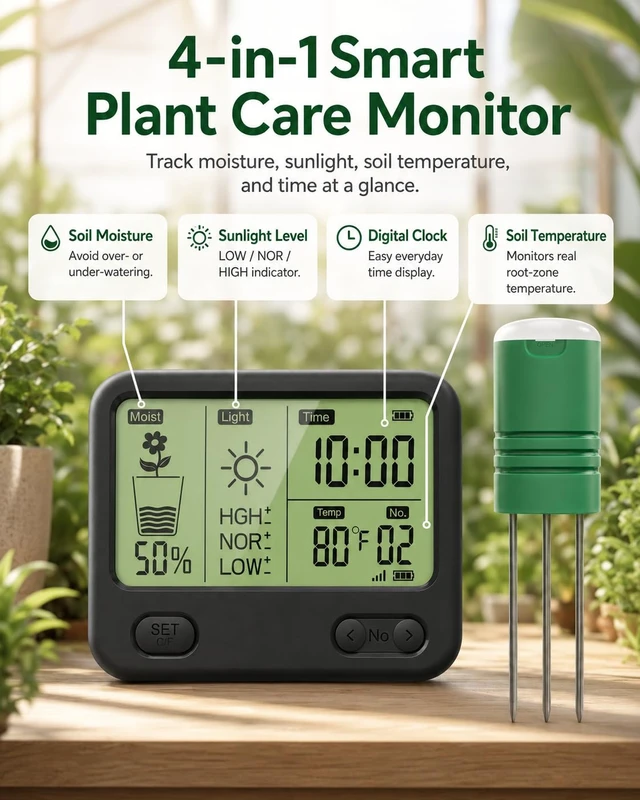
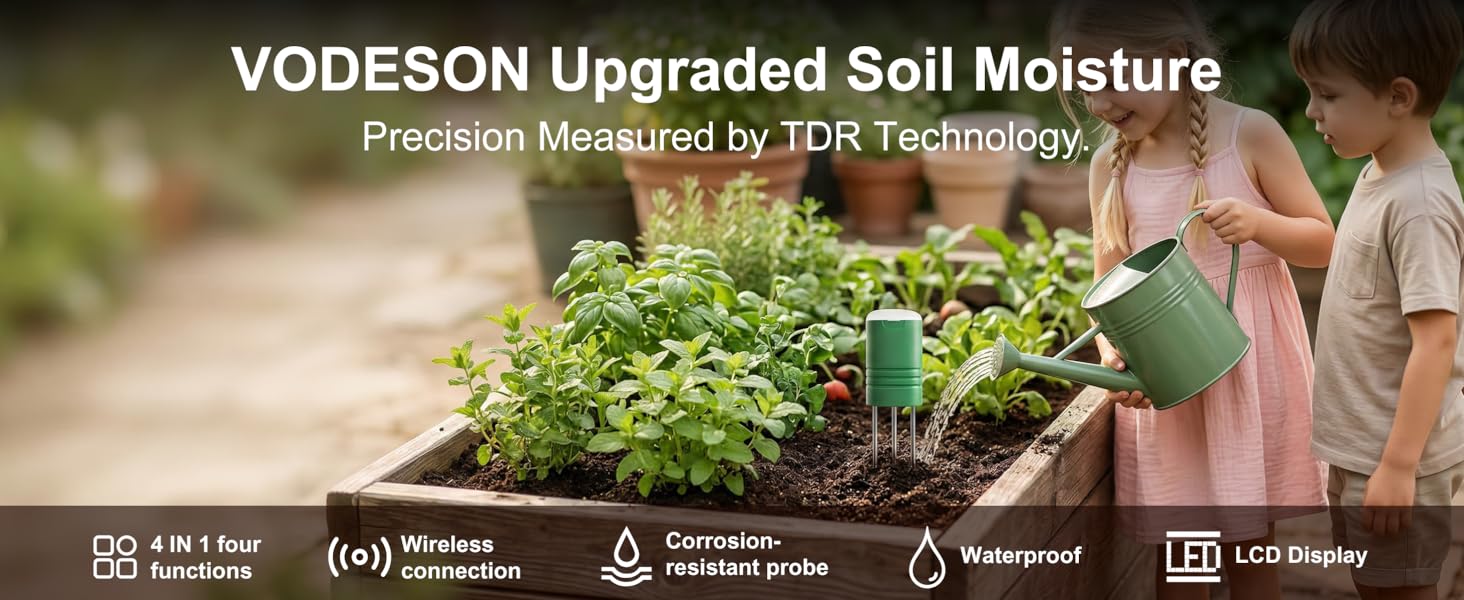
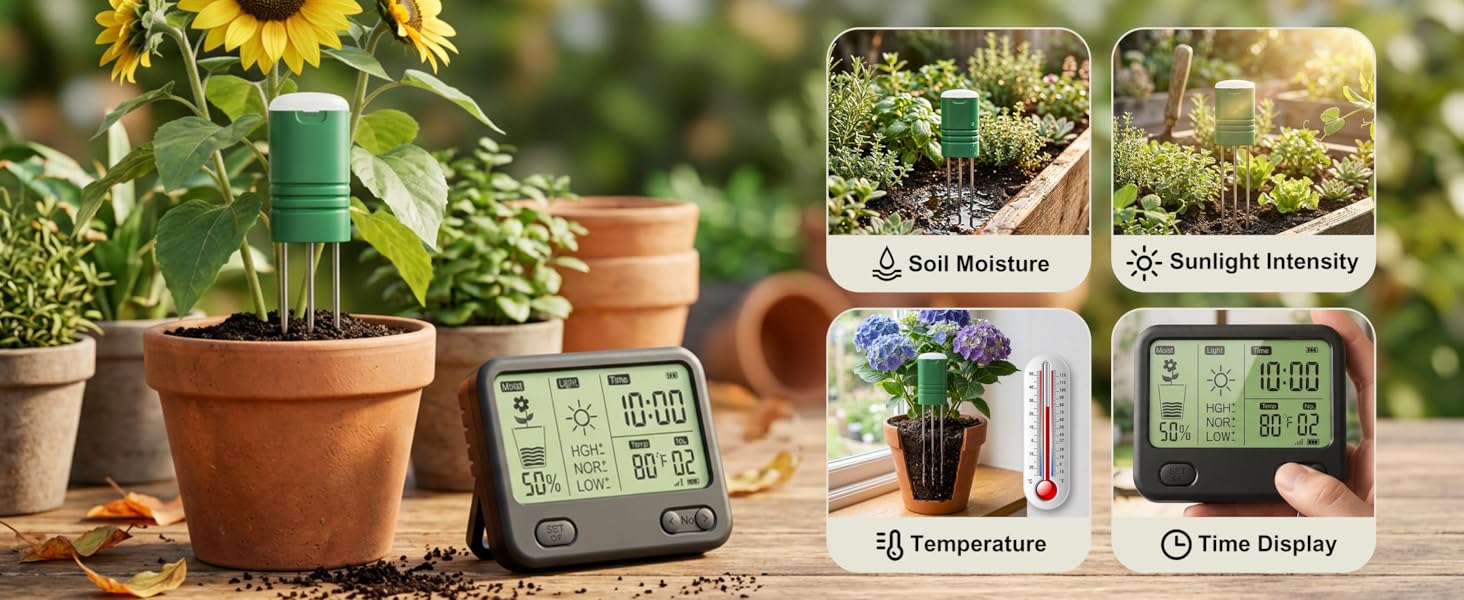
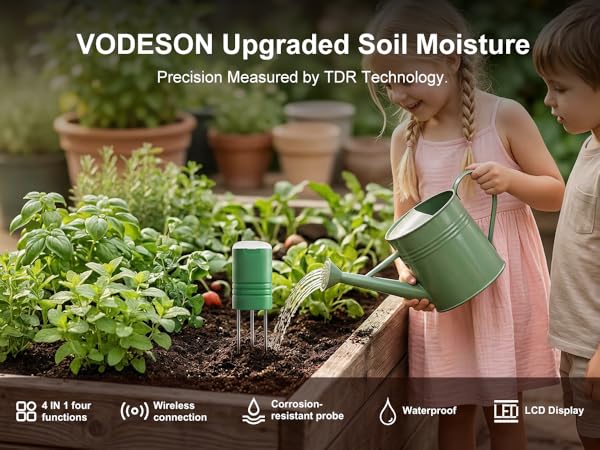
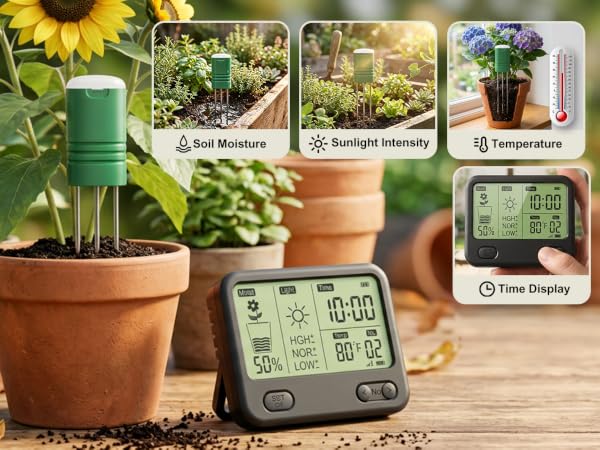
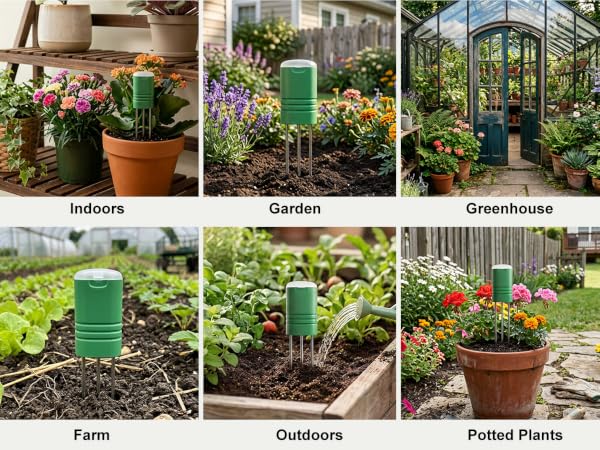
Unlike dry/moist/wet meters, this system shows soil moisture as a percentage on the display, plus soil temperature near the probe and a relative light level. Suitable for pots, beds, gardens, greenhouses, lawns, and orchards.
Why might the soil moisture reading differ from what I expect?
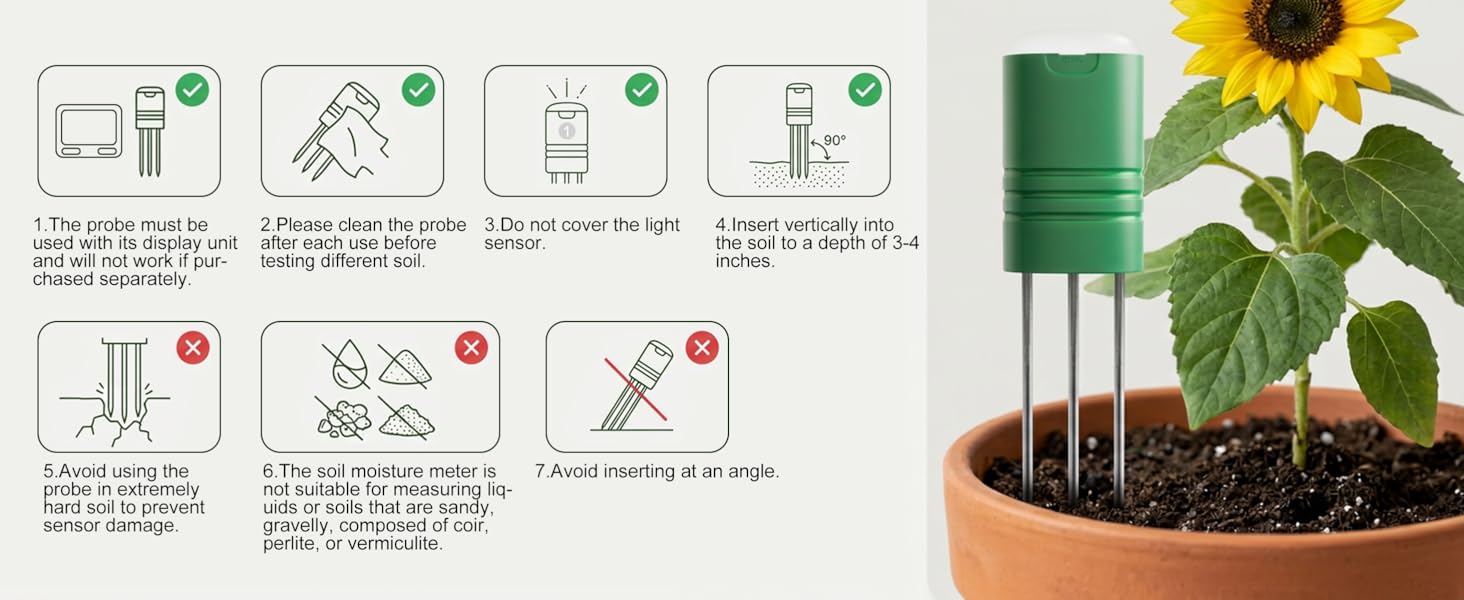
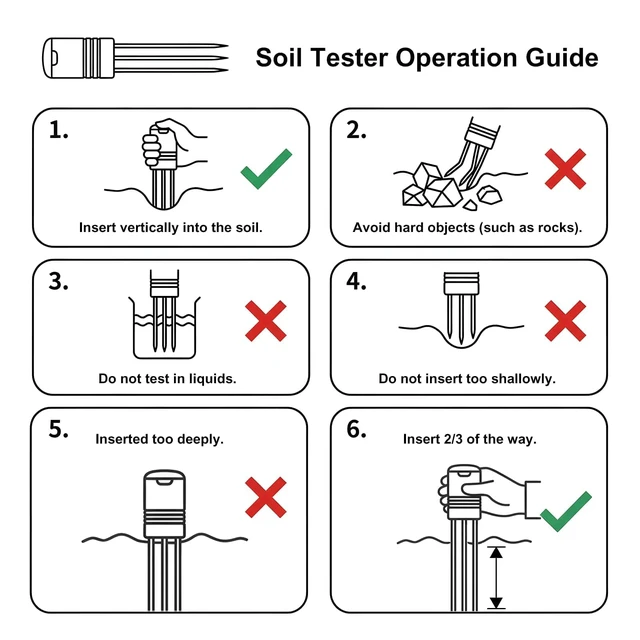
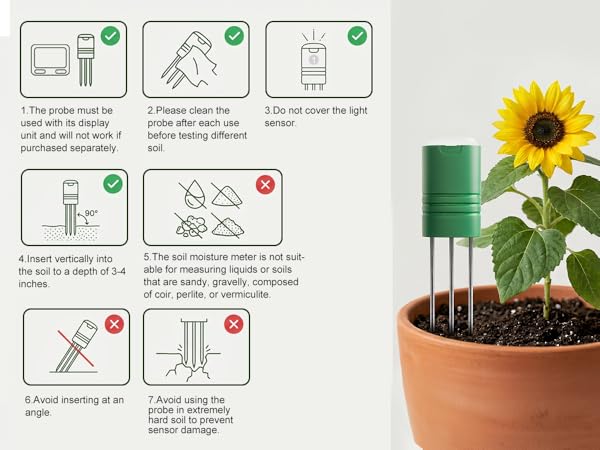
The sensor reads local moisture, so soil mix, air gaps, density, and depth affect results. Insert the probe about 7 cm deep and gently firm soil around it.
Why can sensors show different readings in the same pot?
Nearby sensors may sit in areas with different moisture levels. Watering, roots, drainage, air gaps, soil mix, and probe depth affect readings. Place them at the same depth, gently firm soil around each probe, and compare trends.
Can I add more sensors to the same display?
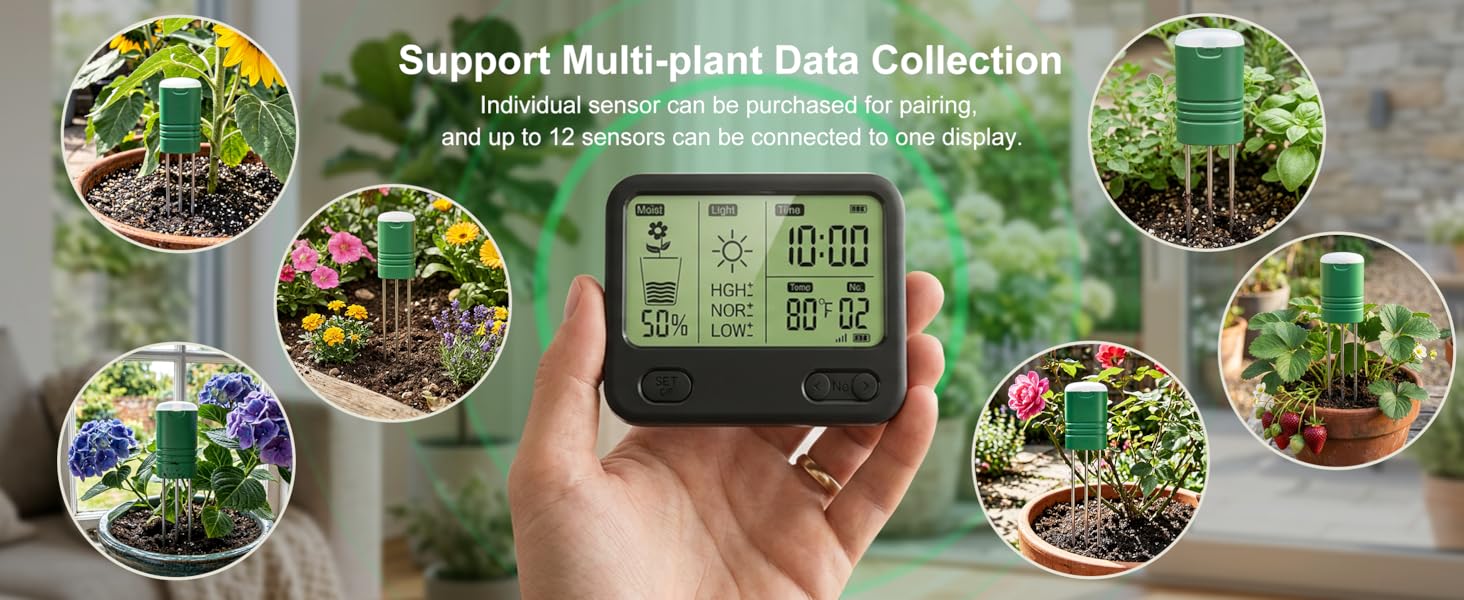
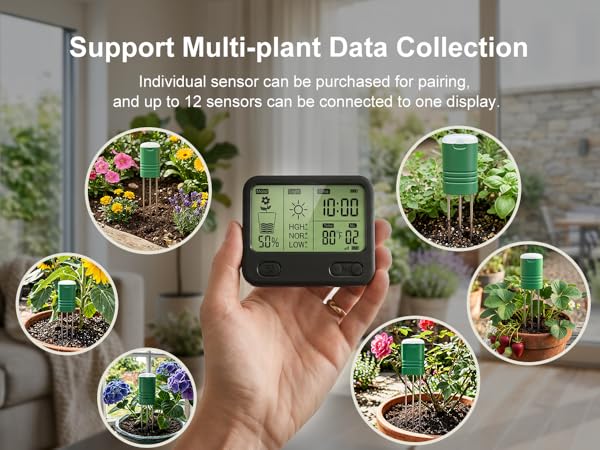
Yes. One display supports up to 12 sensors. Four are included, and compatible add-on sensors are sold separately in 1- and 2-packs. Pair them with the same display to monitor more pots, beds, or growing zones.
How do I pair the sensors with the display?
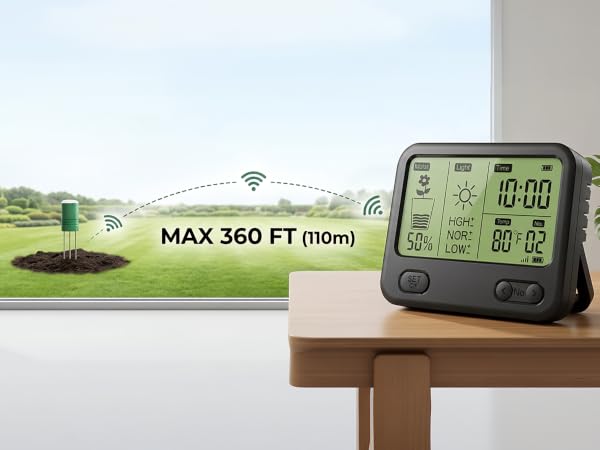
Pair within 16 ft. Insert the display batteries; “01” flashes. Pull one sensor’s battery tab and wait for “02,” then repeat for each sensor. Press SET to finish. After pairing, place sensors up to 230 ft away in an open, unobstructed area.
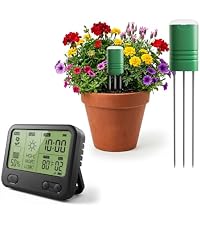 Moisture Meter 2 Sensors | 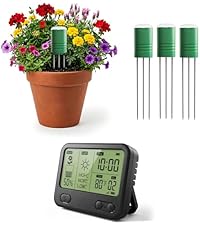 Moisture Meter 4 Sensors | 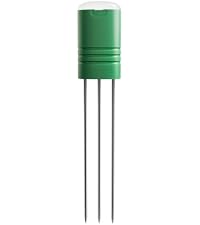 1 Sensor | 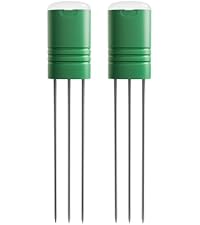 2 Sensors | 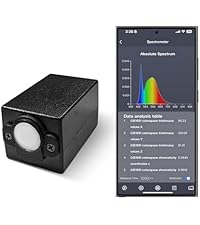 Handheld Spectrometer | 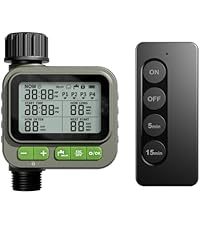 Remote Sprinkler Timer | 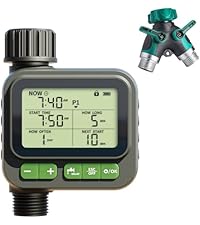 Sprinkler Time | |
|---|---|---|---|---|---|---|---|
Customer Reviews | — | — | — | — | — | — | — |
Price | — | — | — | — | — | — | — |
Product Use | Monitor two potted plants | Monitor four potted plants | Add a sensor | Two sensors for a better deal | Measure a wide range of light. | Remote smart water timer. | Auto Water Timer |
Recommendation Rating | 4.5 | 5 | 4.5 | 5 | 5 | 5 | 5 |
Battery Type | AA/AAA | AA/AAA | AAA | AAA | Rechargeable battery | AA/CR2032 | AA |
Included in the box: | 1 display + 2 sensors | 1 display + 4 sensors | only 1 sensor | only 2 sensors | 1 main unit + 1 sensor | 1 water timer + 1 remote | 1 water timer + 1 splitter |
App Required? | NO | NO | NO | NO | YES | NO | NO |
What does this soil moisture meter show, and where can it be used?
Unlike dry/moist/wet meters, this system shows soil moisture as a percentage on the display, plus soil temperature near the probe and a relative light level. Suitable for pots, beds, gardens, greenhouses, lawns, and orchards.
Why might the soil moisture reading differ from what I expect?
The sensor reads local moisture, so soil mix, air gaps, density, and depth affect results. Insert the probe about 7 cm deep and gently firm soil around it.
Why can sensors show different readings in the same pot?
Nearby sensors may sit in areas with different moisture levels. Watering, roots, drainage, air gaps, soil mix, and probe depth affect readings. Place them at the same depth, gently firm soil around each probe, and compare trends.
Can I add more sensors to the same display?
Yes. One display supports up to 12 sensors. Four are included, and compatible add-on sensors are sold separately in 1- and 2-packs. Pair them with the same display to monitor more pots, beds, or growing zones.
How do I pair the sensors with the display?
Pair within 16 ft. Insert the display batteries; “01” flashes. Pull one sensor’s battery tab and wait for “02,” then repeat for each sensor. Press SET to finish. After pairing, place sensors up to 230 ft away in an open, unobstructed area.
Moisture Meter 2 Sensors | Moisture Meter 4 Sensors | 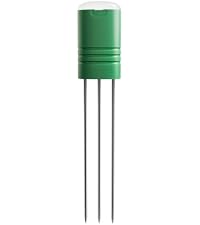 1 Sensor | 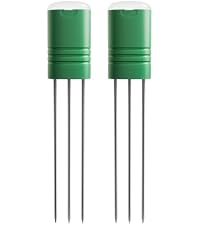 2 Sensors | Handheld Spectrometer | 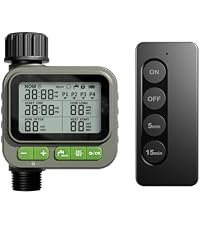 Remote Sprinkler Timer | Sprinkler Time |
|---|---|---|---|---|---|---|
| Customer Reviews | ||||||
| — | — | — | — | — | — | — |
| Price | ||||||
| — | — | — | — | — | — | — |
| Product Use | ||||||
| Monitor two potted plants | Monitor four potted plants | Add a sensor | Two sensors for a better deal | Measure a wide range of light. | Remote smart water timer. | Auto Water Timer |
| Recommendation Rating | ||||||
| 4.5 | 5 | 4.5 | 5 | 5 | 5 | 5 |
| Battery Type | ||||||
| AA/AAA | AA/AAA | AAA | AAA | Rechargeable battery | AA/CR2032 | AA |
| Included in the box: | ||||||
| 1 display + 2 sensors | 1 display + 4 sensors | only 1 sensor | only 2 sensors | 1 main unit + 1 sensor | 1 water timer + 1 remote | 1 water timer + 1 splitter |
| App Required? | ||||||
| NO | NO | NO | NO | YES | NO | NO |