


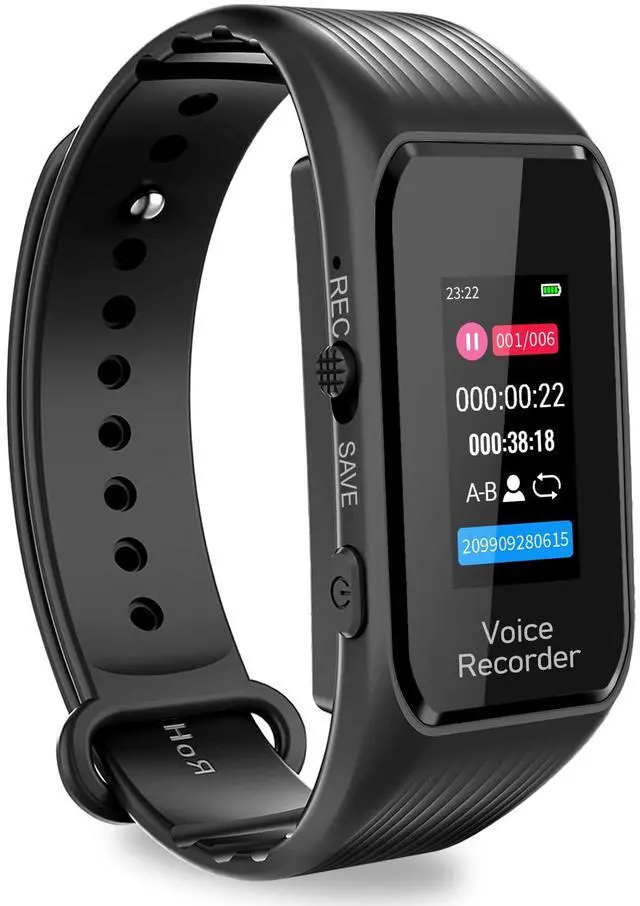
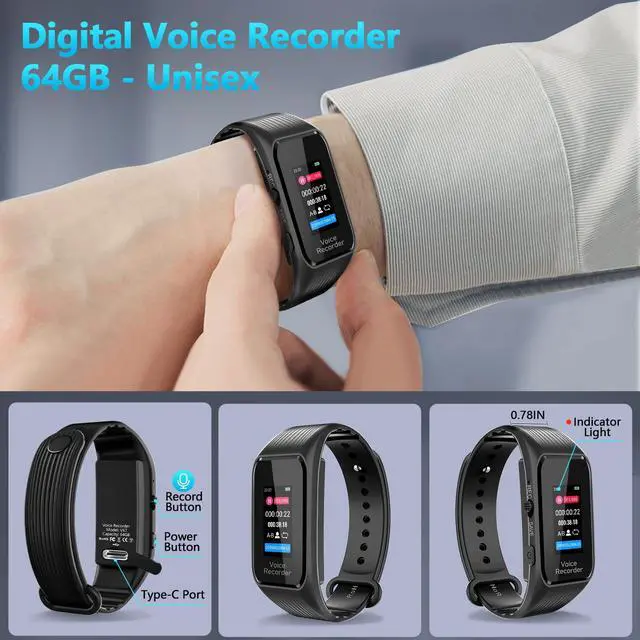
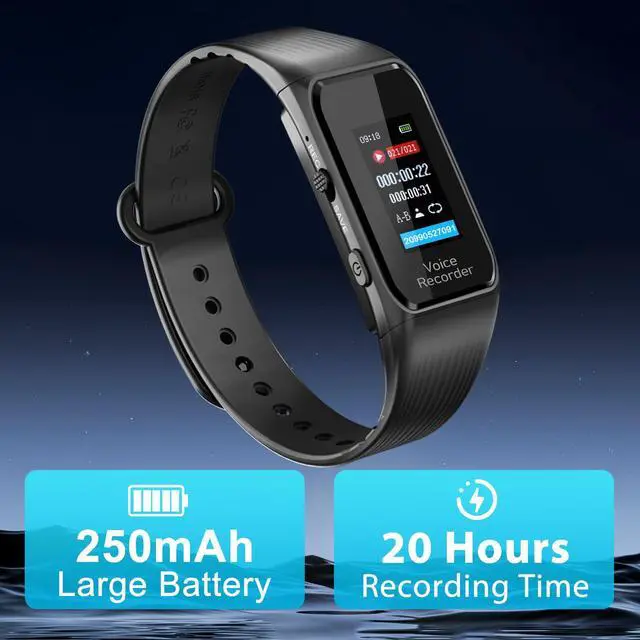
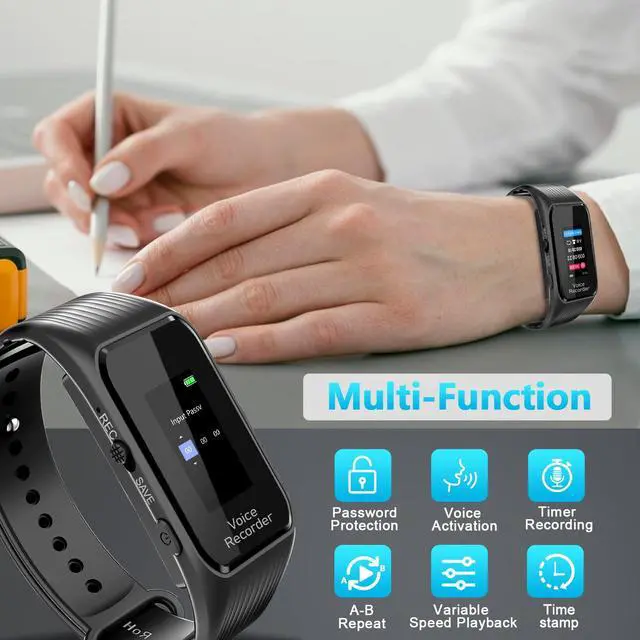
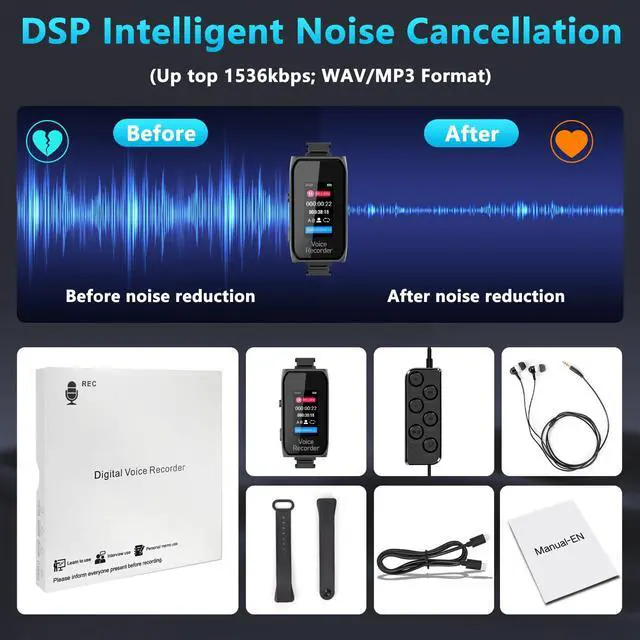
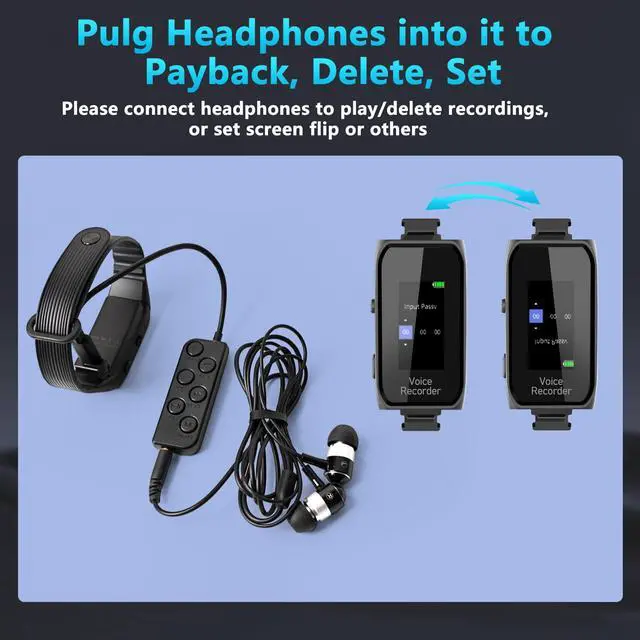
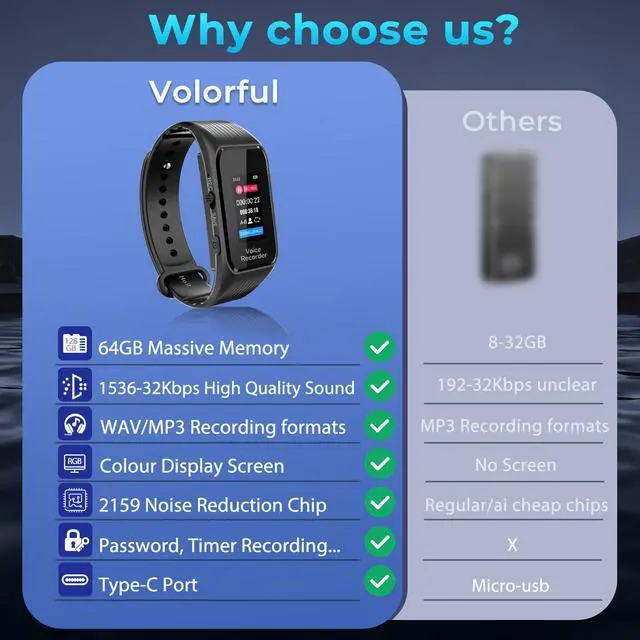



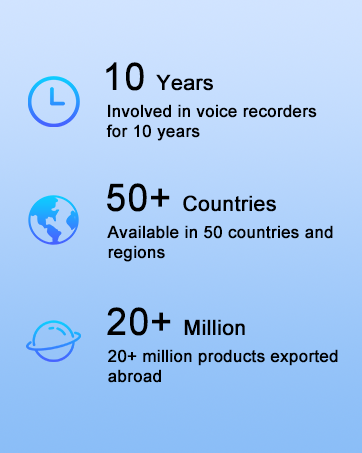
Volorful as a professional brand and manufacturer of recording pens, has been dedicated to the research and innovation of voice recorders for over 10 years. Our team consists of top industry experts, aiming to provide users with recording devices that offer clear audio quality and a user-friendly experience.
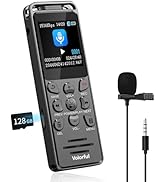
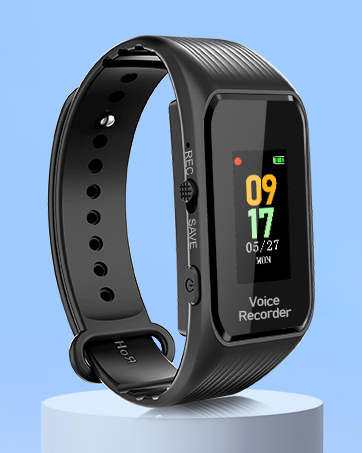
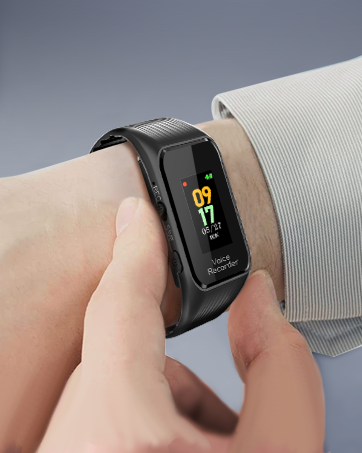
Voice Recorder with Playback



Why is there a 4-5s delay when I first start recording?
Every time the digital voice recorder is turned on, the whole system needs to be preloaded for the first recording, and the delay will not occur when recording again.
How do i transfer files to computer?
You can connect the voice recorder to a computer/Android phone using the supplied C-cable to play and process the recording files.
What should I do if I can't find a disk on my computer when I connect the voice recorder to it?
You can restart the voice activated recorder and the computer, or you can try connecting the computer with another USB cable!
How to set voice recorder to stay on (standby mode)?
The voice recorder will be switched off after 5 minutes by default, if you need the recorder to be on all the time, please set the auto shut off time to 0. Enter to menu, select [Shutdown settings] - [Auto Shut Off].


Why is there a 4-5s delay when I first start recording?
Every time the digital voice recorder is turned on, the whole system needs to be preloaded for the first recording, and the delay will not occur when recording again.
How do i transfer files to computer?
You can connect the voice recorder to a computer/Android phone using the supplied C-cable to play and process the recording files.
What should I do if I can't find a disk on my computer when I connect the voice recorder to it?
You can restart the voice activated recorder and the computer, or you can try connecting the computer with another USB cable!
How to set voice recorder to stay on (standby mode)?
The voice recorder will be switched off after 5 minutes by default, if you need the recorder to be on all the time, please set the auto shut off time to 0. Enter to menu, select [Shutdown settings] - [Auto Shut Off].
Volorful as a professional brand and manufacturer of recording pens, has been dedicated to the research and innovation of voice recorders for over 10 years. Our team consists of top industry experts, aiming to provide users with recording devices that offer clear audio quality and a user-friendly experience.
Voice Recorder with Playback