here!
here!
I’m your shopping assistant for PC builds, upgrades, and everything tech.
Got questions? Ask away!
Start a conversation
here!
I’m your shopping assistant for PC builds, upgrades, and everything tech.
Got questions? Ask away!
Start a conversation





Any questions? Ask CelesteSM will help you find out quickly.
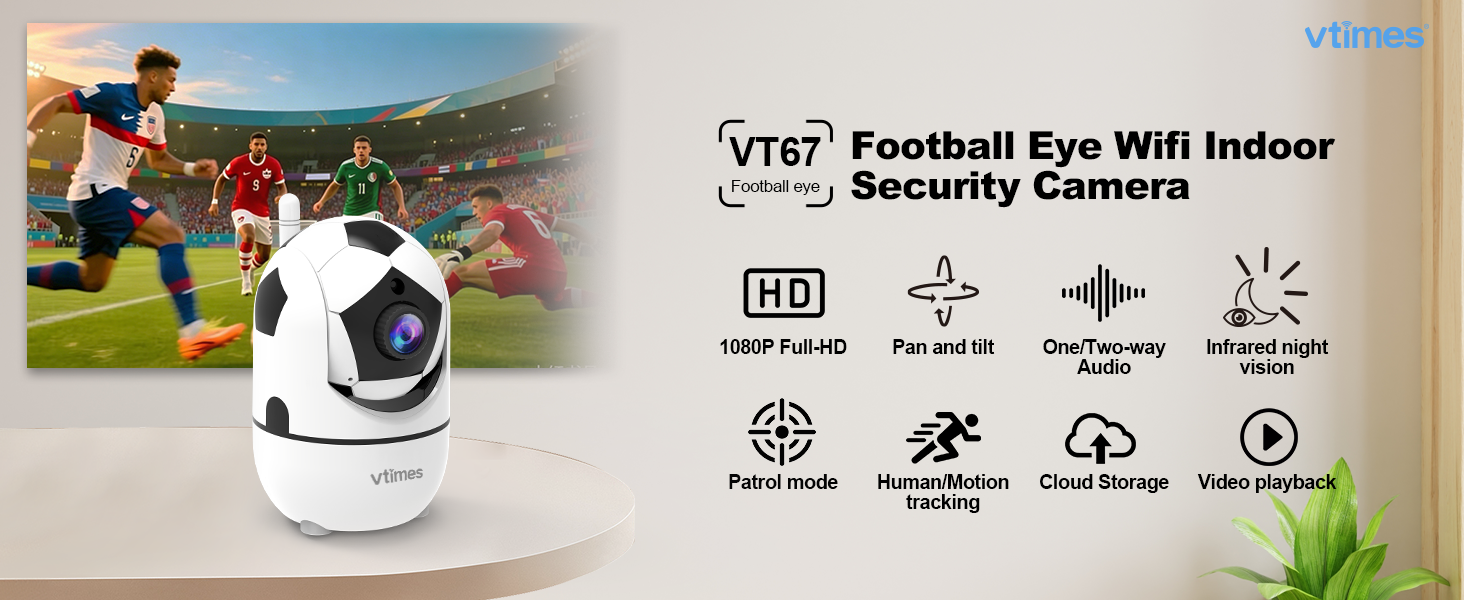
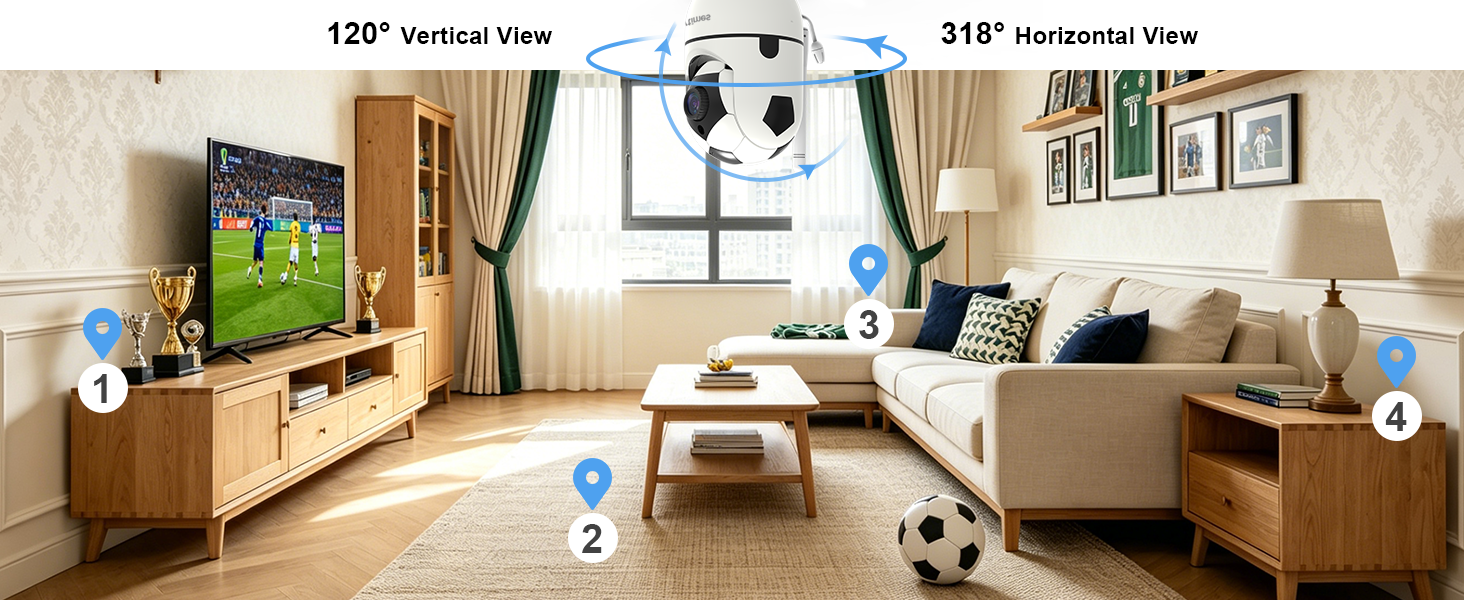
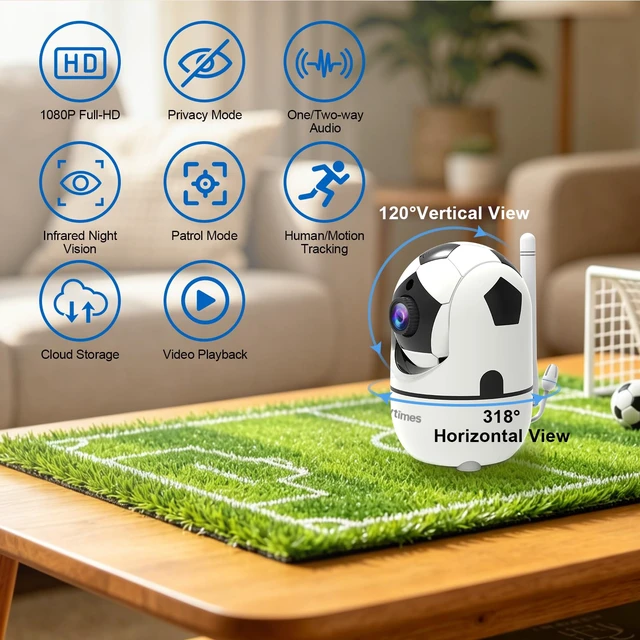
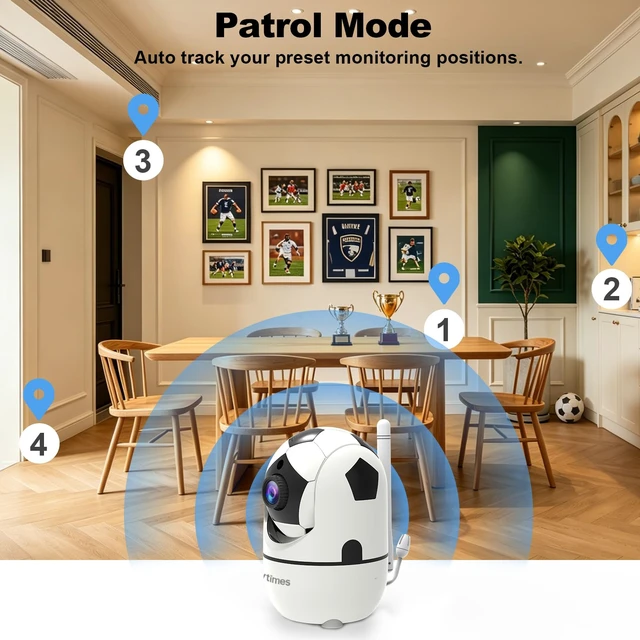
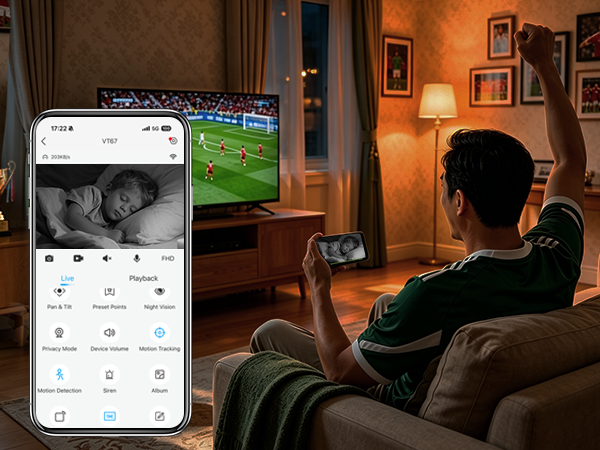
318° horizontal & 120° vertical rotation — full coverage, zero blind spots for your home
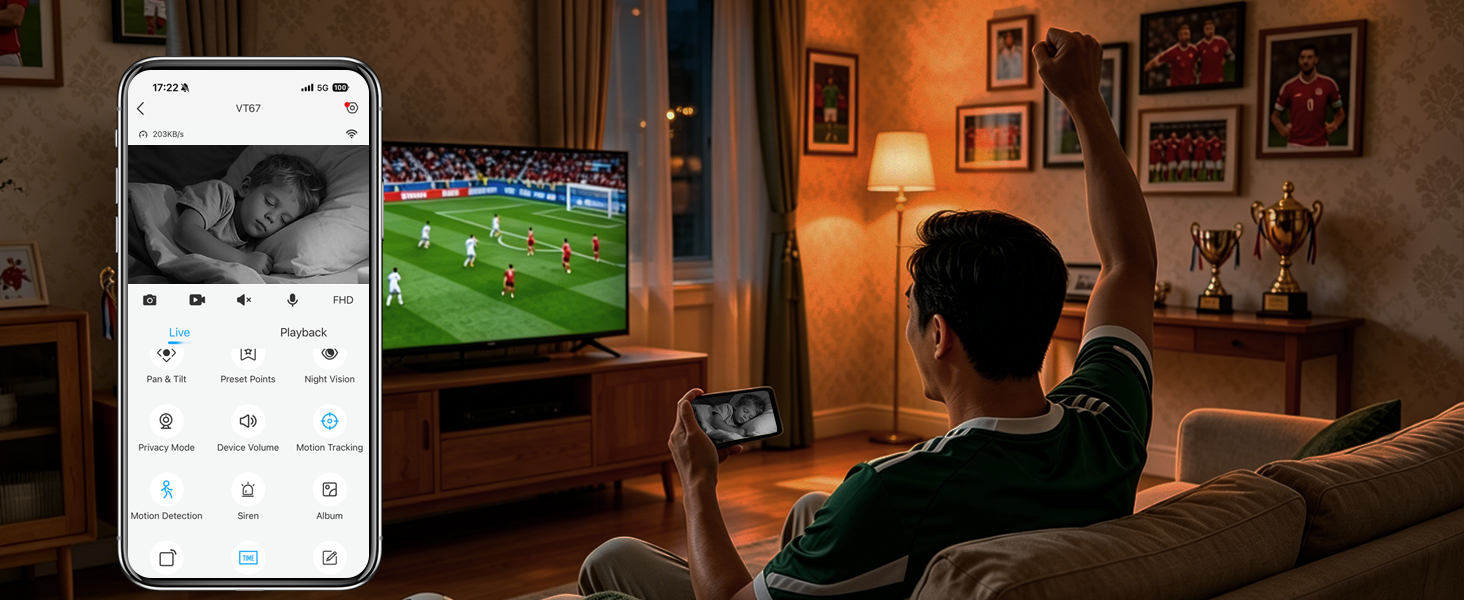
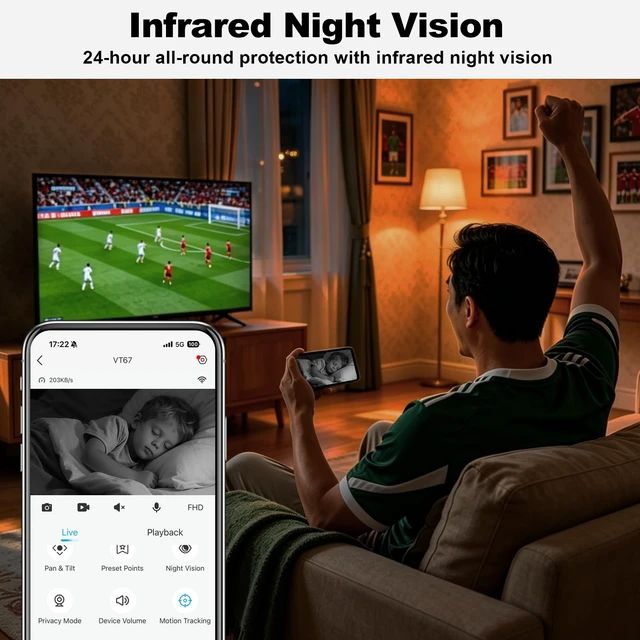
Built-in infrared night vision delivers clear footage even in darkness, providing 24/7 protection

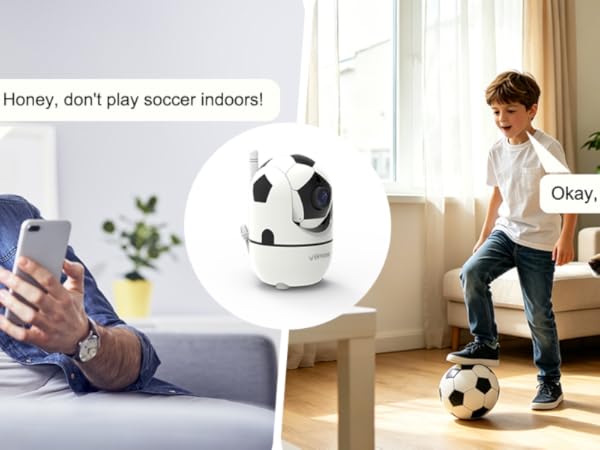
Built-in speaker and microphone let you talk remotely with your family and pets — anytime, anywhere
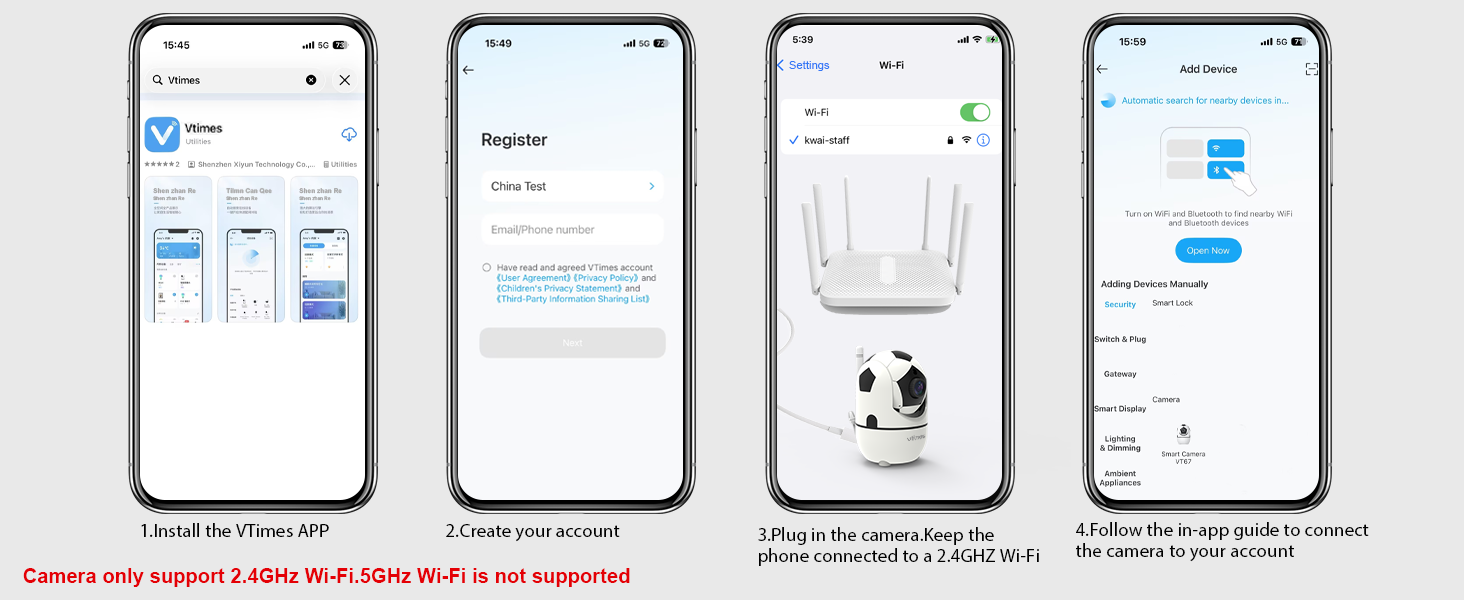
How do I connect the indoor camera to the APP?
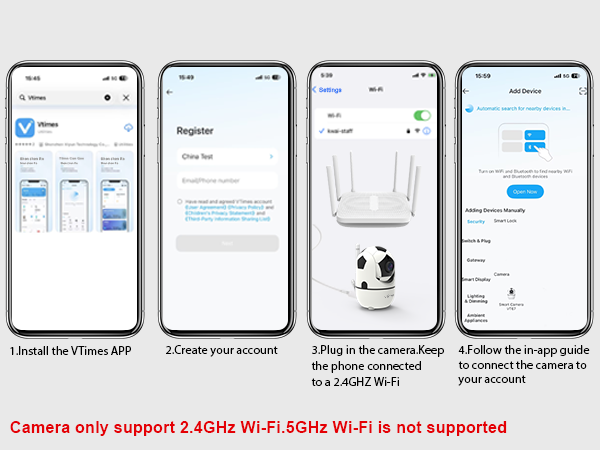
1.Power on the indoor camera.
2.Connect both the security camera and your phone to 2.4GHz Wi-Fi, within 3 feet of each other.
3.Install the VTimes app and follow the in-app instructions to complete setup.
What Wi-Fi bands does this camera support?
This wifi camera supports only the 2.4GHz band. It offers a stable connection, works well through walls, and is compatible with most home networks. Make sure both your phone and camera connect to 2.4GHz Wi-Fi during setup.
How do I store my videos?
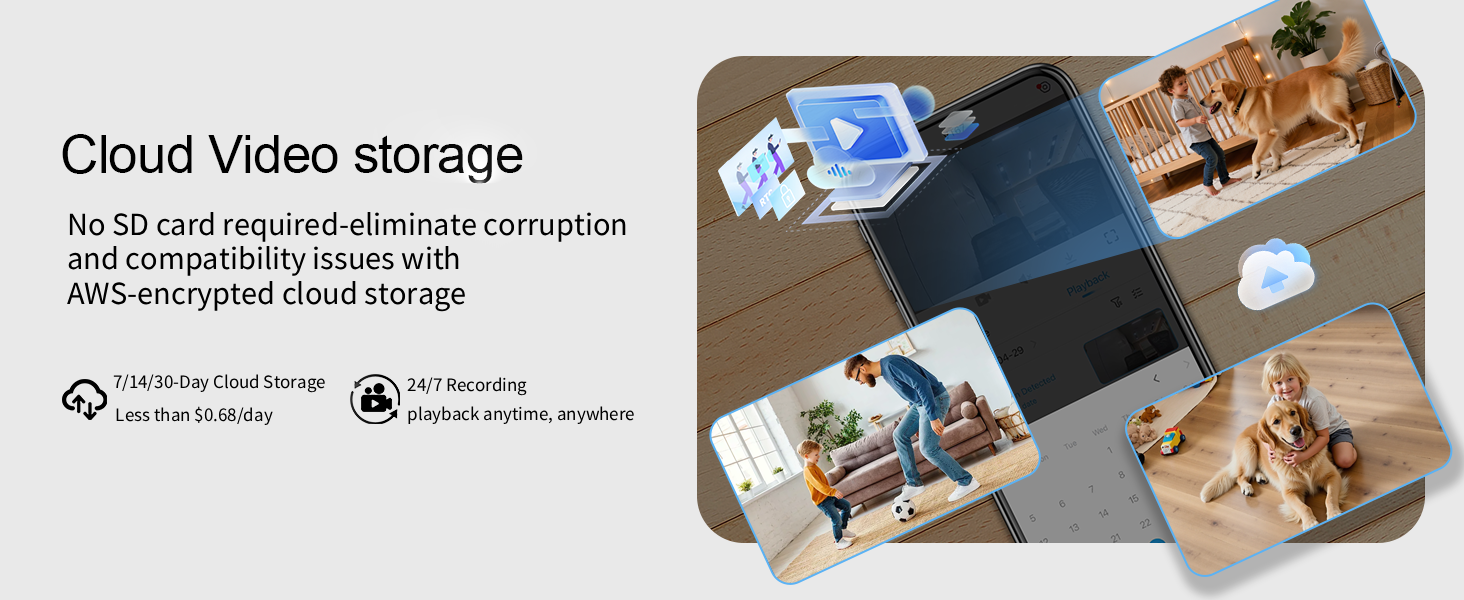
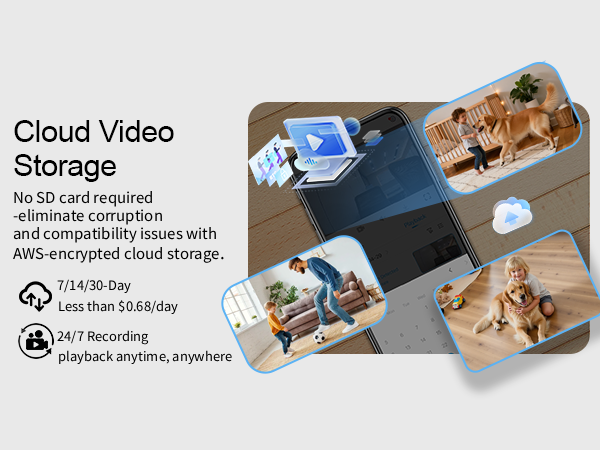
This camera supports cloud storage. Your videos are encrypted and securely uploaded using AWS technology. You can replay historical events via the mobile app, and also record precious photos or videos to save directly on your phone.
What should I do if the camera fails to connect?
Check that both phone and camera are on the same 2.4GHz Wi-Fi, away from metal or microwave. Move them closer, press the reset button, and reconnect.
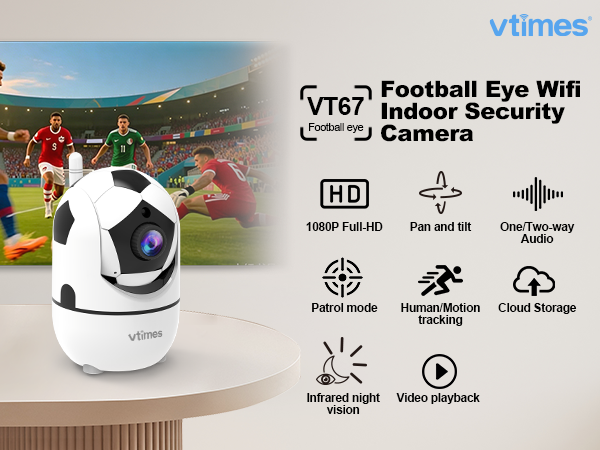
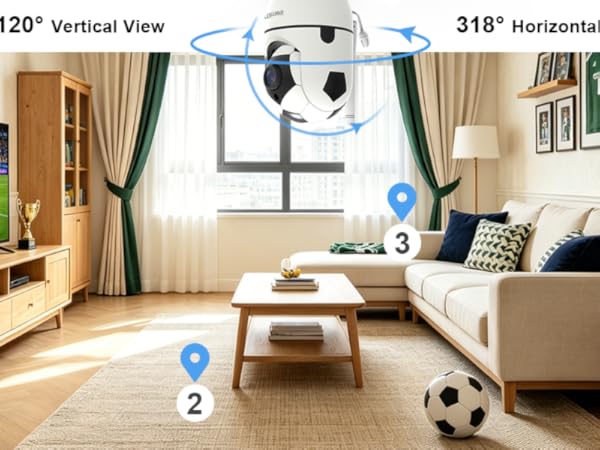
318° horizontal & 120° vertical rotation — full coverage, zero blind spots for your home
Built-in infrared night vision delivers clear footage even in darkness, providing 24/7 protection
Built-in speaker and microphone let you talk remotely with your family and pets — anytime, anywhere
How do I connect the indoor camera to the APP?
1.Power on the indoor camera.
2.Connect both the security camera and your phone to 2.4GHz Wi-Fi, within 3 feet of each other.
3.Install the VTimes app and follow the in-app instructions to complete setup.
What Wi-Fi bands does this camera support?
This wifi camera supports only the 2.4GHz band. It offers a stable connection, works well through walls, and is compatible with most home networks. Make sure both your phone and camera connect to 2.4GHz Wi-Fi during setup.
How do I store my videos?
This camera supports cloud storage. Your videos are encrypted and securely uploaded using AWS technology. You can replay historical events via the mobile app, and also record precious photos or videos to save directly on your phone.
What should I do if the camera fails to connect?
Check that both phone and camera are on the same 2.4GHz Wi-Fi, away from metal or microwave. Move them closer, press the reset button, and reconnect.
Home that adapts to your rhythm, syncs lighting, and security seamlessly. Save time, reduce stress—effortless living at your command.