



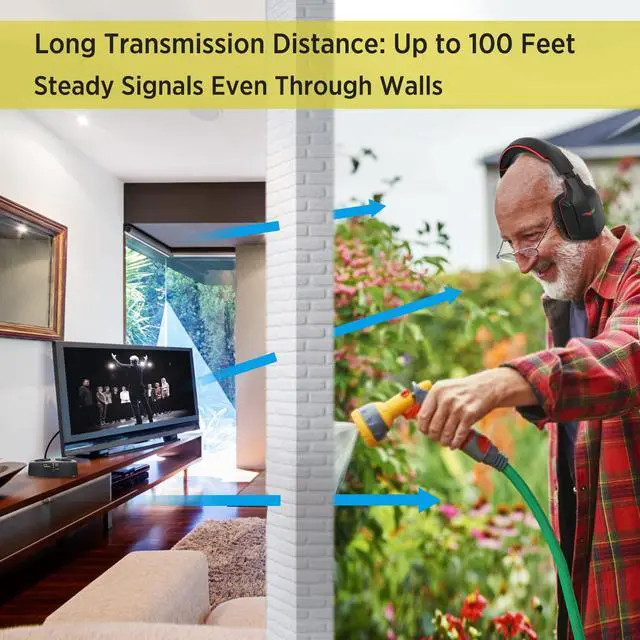



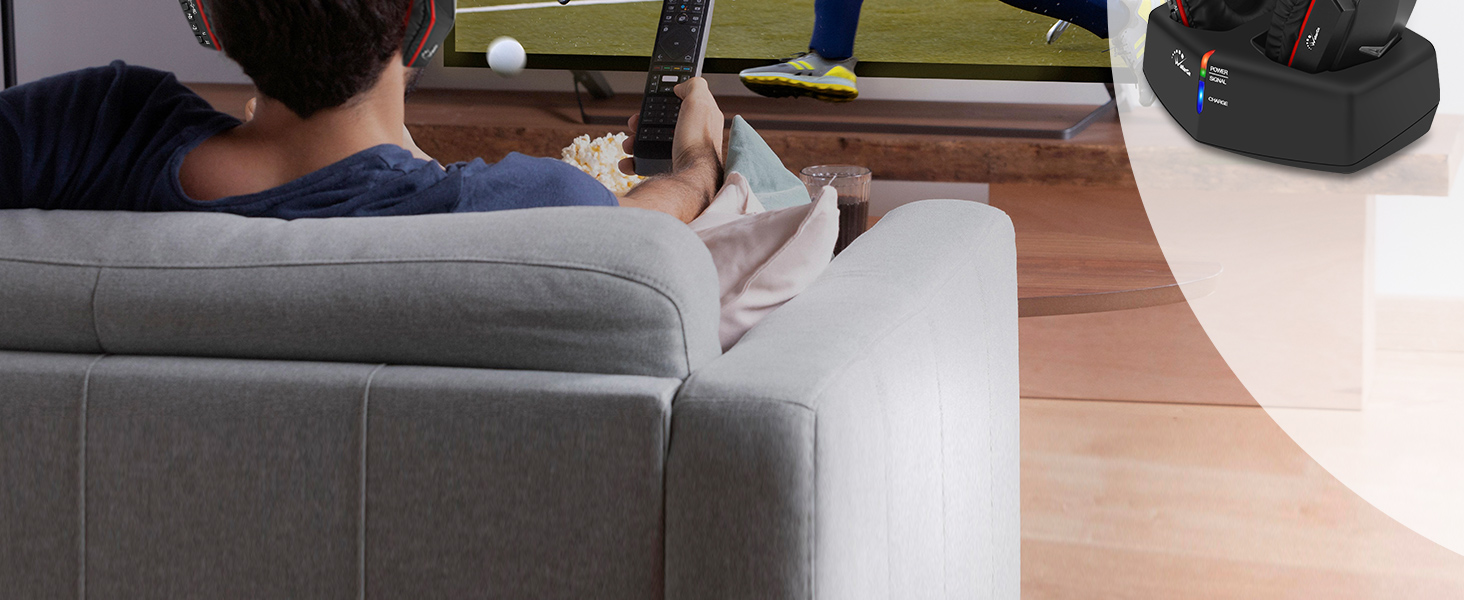
Advanced 5.8GHz technology offer an incredibly generous range up to 100ft, allowing you to experience true freedom of movement while watching TV, you could explore every corner of your home while enjoying your favorite programs with WallarGe long-range headphones.
Plug and Play
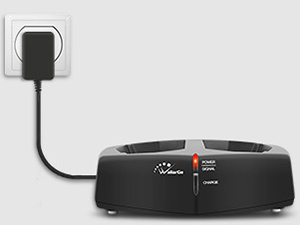
Connect the power
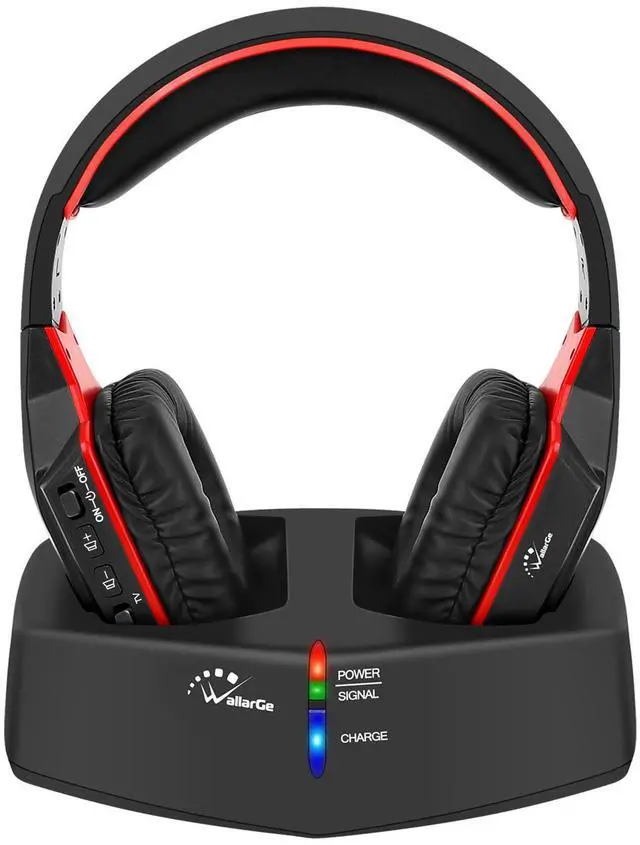
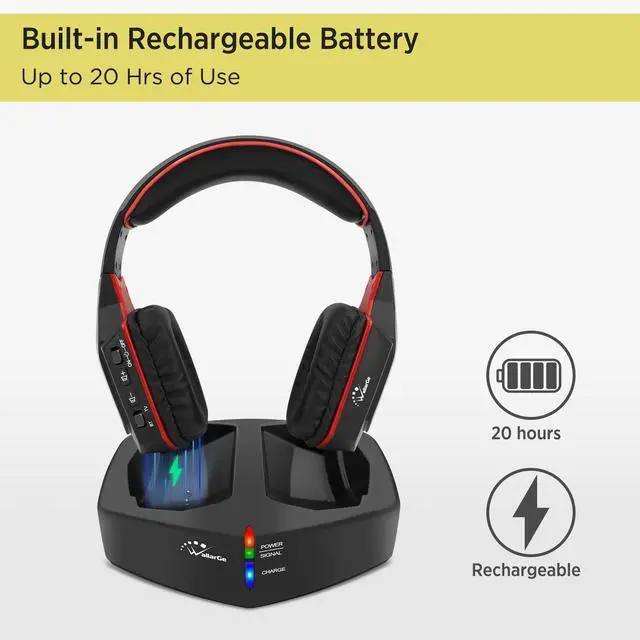
Connect the charging dock to the power supply, power indicator light on. (RED)
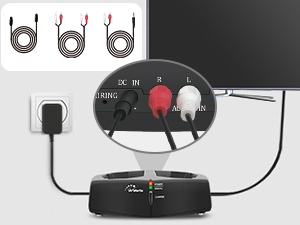
Hook up with TV
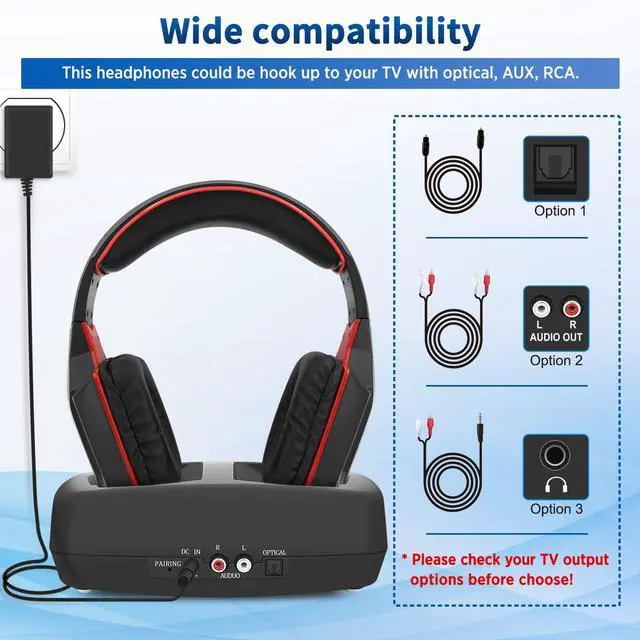
Hook up the headphones to the TV with one of the three included cables, signal indicator light on. (GREEN)only one connection at a time.
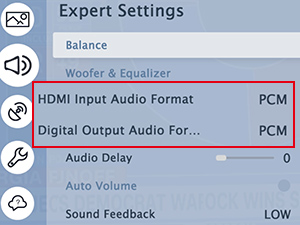
*Setting
You should be able to hear the sound once the previous step is complete, if not, ensure your TV audio format is set to "PCM".
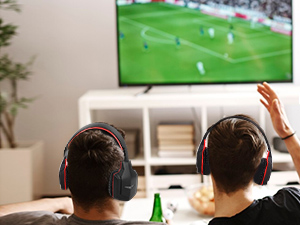
Enjoy
Soak yourself in the plot with WallarGe wireless headphones.
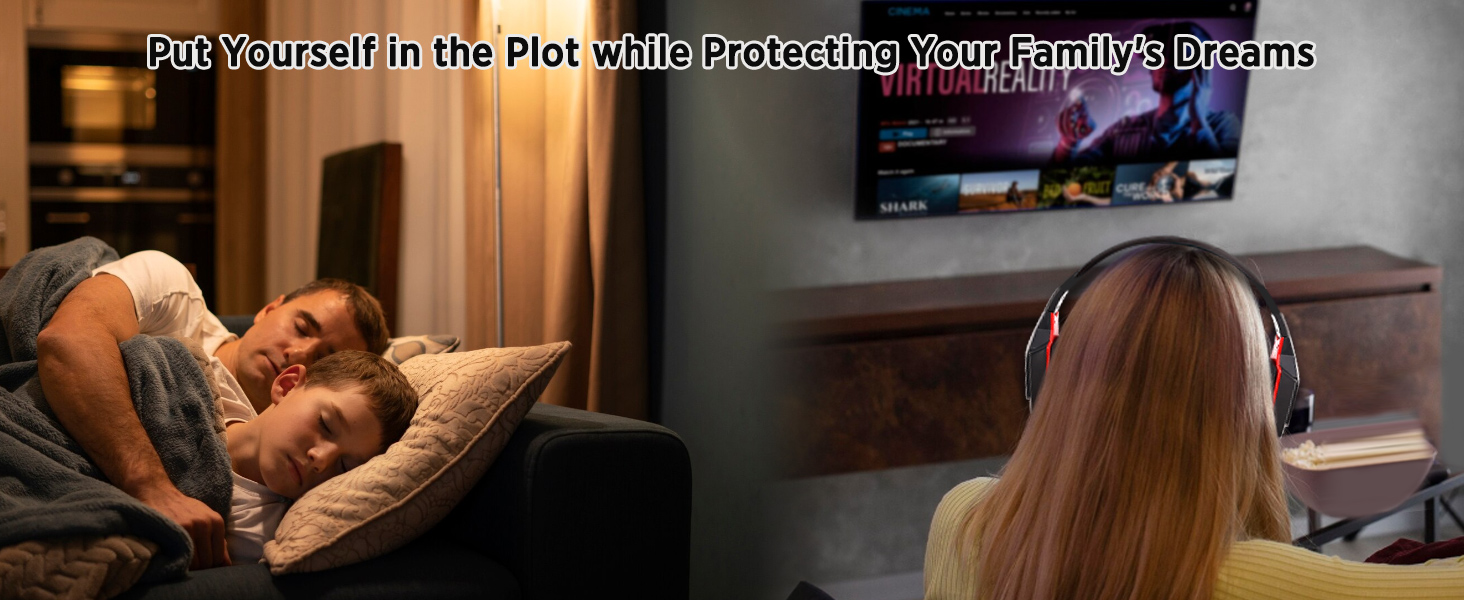
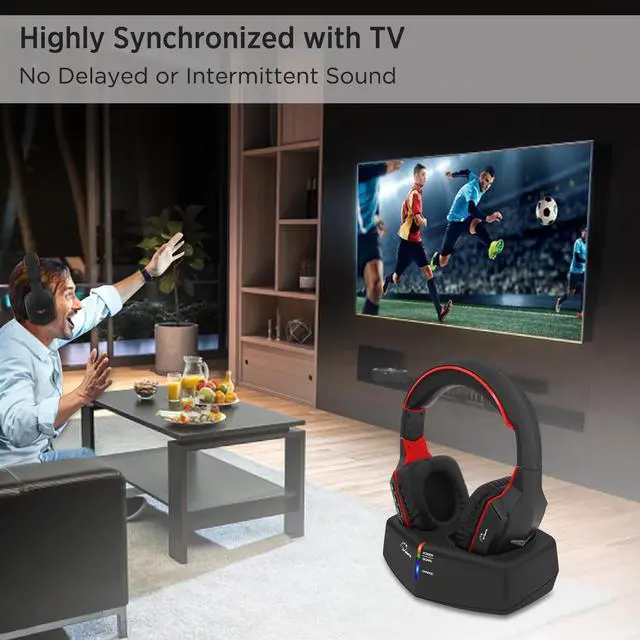
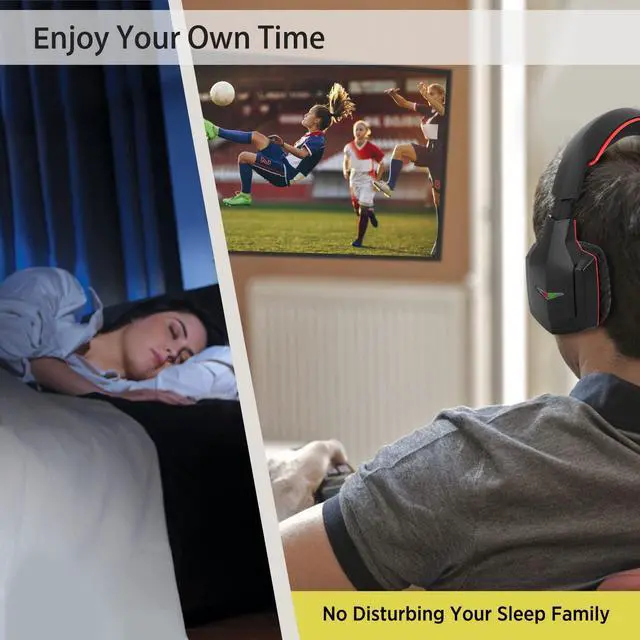
Enjoy the freedom to watch TV whenever you want! Watch your favorite shows, movies and tournament with superior sound not only to engage yourself in the content without any external distractions but also without disturbing others.
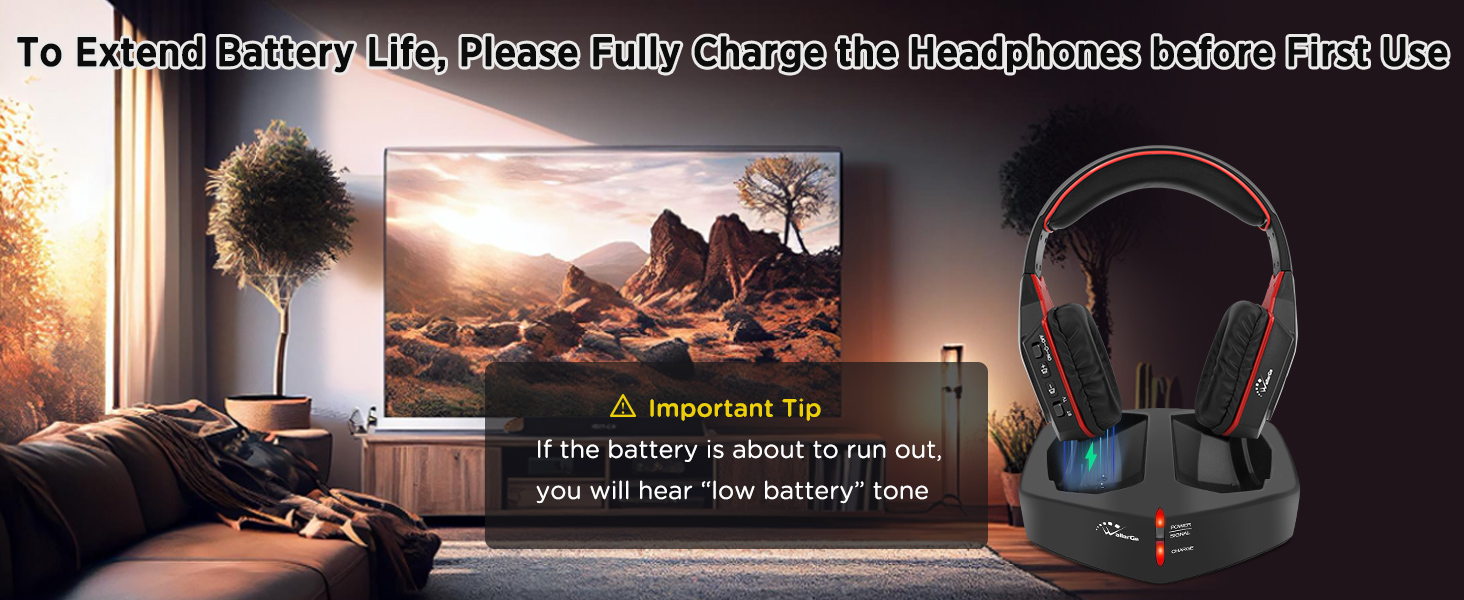
Please Fully Charge the Headphones before First Use! In order to ensure safety during transportation and to avoid any potential safety hazards, the product is shipped with less than 30% of its capacity.
Hook up the headset with TV but no Sound?
Merchant VideoOnce the headphones hook up with the TV correctly, you should be able to hear the sound from headphones. If not, please:
Ensure the TV audio format is set to "PCM".
Ensure the "DOLBY/DTS" is set to "OFF". (If the TV has "DOLBY/DTS")
Worked well but stopped working several days later?
Place the headphones on the charging dock to charge for a while and try again when the charging indicator turns blue. (Pay attention to check the charging indicator to avoid "fake charging" due to poor contact caused by not putting it in place.
How do I know if my headphones are charging? And is it fully charged?
When the headphones is charging, the charging indicator on the charging dock will light up red; after it is fully charged, the indicator will change to blue.
Do I need to remove the headset from the base or unplug the adapter if it is fully charged?
No, the headphones contains an internal protection device that automatically stops charging when fully charged, so you don't need to remove it from the charging dock.
Can I connect the two or three included cables at the same time for better audio signal reception?
No, this affects the audio reception instead, if you want to use RCA cables then connect only RCA cables (make sure there is only one connection at a time)

































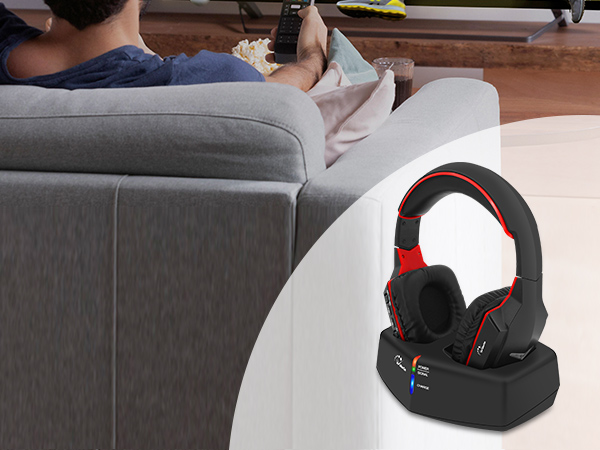
Advanced 5.8GHz technology offer an incredibly generous range up to 100ft, allowing you to experience true freedom of movement while watching TV, you could explore every corner of your home while enjoying your favorite programs with WallarGe long-range headphones.
Plug and Play
Connect the power
Connect the charging dock to the power supply, power indicator light on. (RED)
Hook up with TV
Hook up the headphones to the TV with one of the three included cables, signal indicator light on. (GREEN)only one connection at a time.
*Setting
You should be able to hear the sound once the previous step is complete, if not, ensure your TV audio format is set to "PCM".
Enjoy
Soak yourself in the plot with WallarGe wireless headphones.
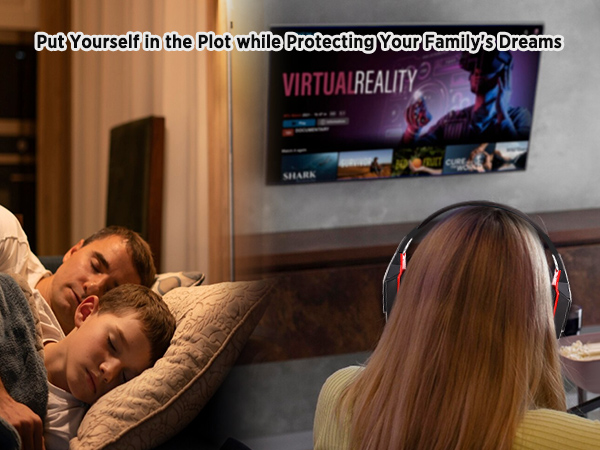
Enjoy the freedom to watch TV whenever you want! Watch your favorite shows, movies and tournament with superior sound not only to engage yourself in the content without any external distractions but also without disturbing others.
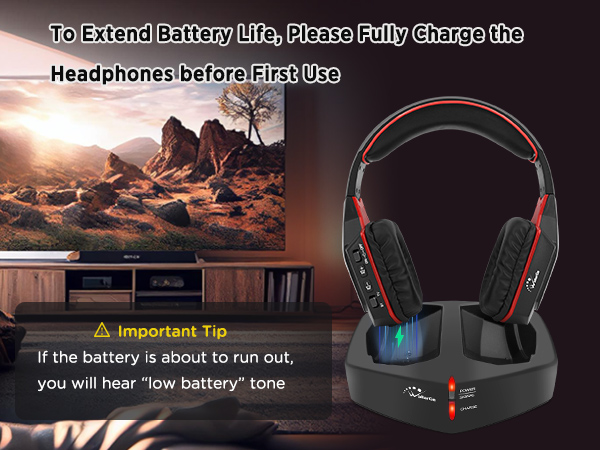
Please Fully Charge the Headphones before First Use! In order to ensure safety during transportation and to avoid any potential safety hazards, the product is shipped with less than 30% of its capacity.
Hook up the headset with TV but no Sound?
Merchant VideoOnce the headphones hook up with the TV correctly, you should be able to hear the sound from headphones. If not, please:
Ensure the TV audio format is set to "PCM".
Ensure the "DOLBY/DTS" is set to "OFF". (If the TV has "DOLBY/DTS")
Worked well but stopped working several days later?
Place the headphones on the charging dock to charge for a while and try again when the charging indicator turns blue. (Pay attention to check the charging indicator to avoid "fake charging" due to poor contact caused by not putting it in place.
How do I know if my headphones are charging? And is it fully charged?
When the headphones is charging, the charging indicator on the charging dock will light up red; after it is fully charged, the indicator will change to blue.
Do I need to remove the headset from the base or unplug the adapter if it is fully charged?
No, the headphones contains an internal protection device that automatically stops charging when fully charged, so you don't need to remove it from the charging dock.
Can I connect the two or three included cables at the same time for better audio signal reception?
No, this affects the audio reception instead, if you want to use RCA cables then connect only RCA cables (make sure there is only one connection at a time)
DIGITAL CLOCK
ATOMIC CLOCK
HEADPHONES
PLUG IN CLOCK
AUTO SET CLOCK
ANALOG CLOCK
ATOMIC CLOCK
HEADPHONES