




What charger adapter is needed?
No adapter included; use a 5V/1A standard USB adapter (recommended for longer device life) with the original charging cable.
How to use & switch DIY/PULSE modes?
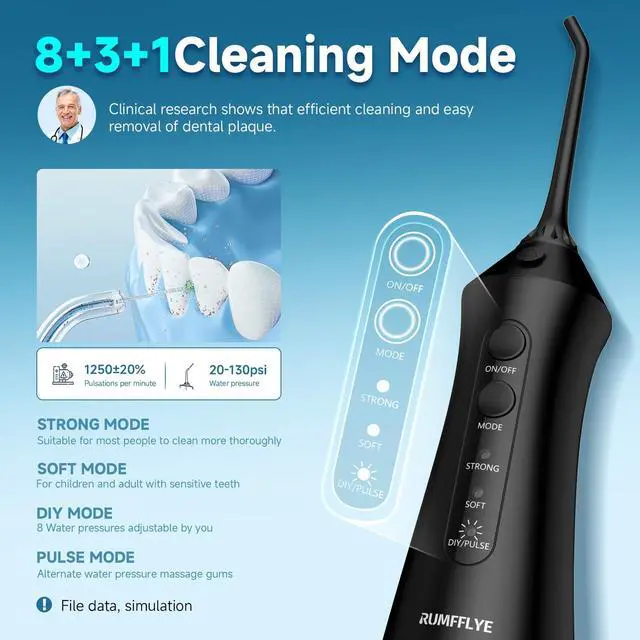
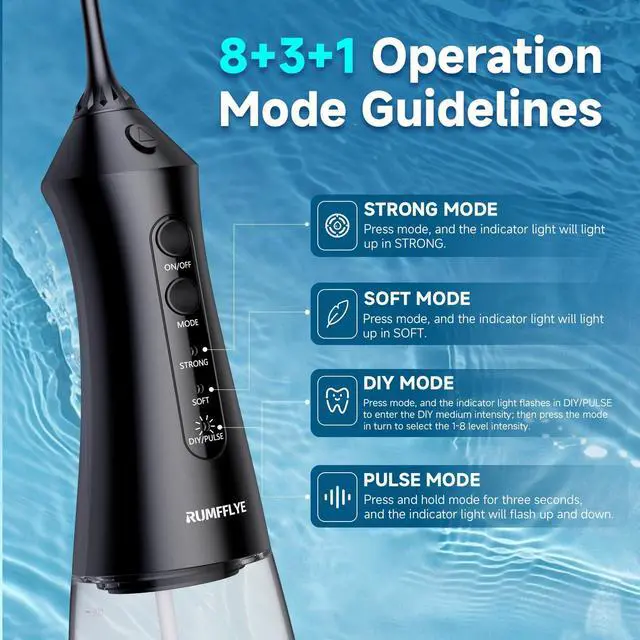
Power on, short-press the mode button to DIY/PULSE mode; short-press mode button on DIY mode to adjust 12 pressure levels (30-120 PSI), to raise/lower.Long-press mode button on DIY/PULSE mode to adjust to PULSE mode.
How to switch between all modes?
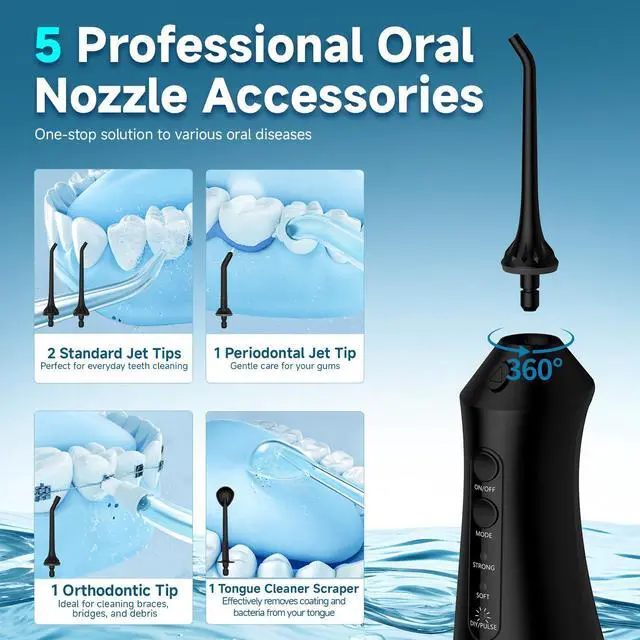
Power on the water flosser, short-press the mode button to cycle through STRONG/SOFT/DIY mode; long-press mode button on DIY mode to adjust to PULSE mode.the indicator light shows the selected mode.
What to do if the dental flosser malfunctions?
Refill tank & reinsert nozzle tightly; rinse clogged nozzles with warm water. Ensure full charge if it won’t start. Contact after-sales if issues persist—do not disassemble.
Where is the charging port and how to charge the flosser?
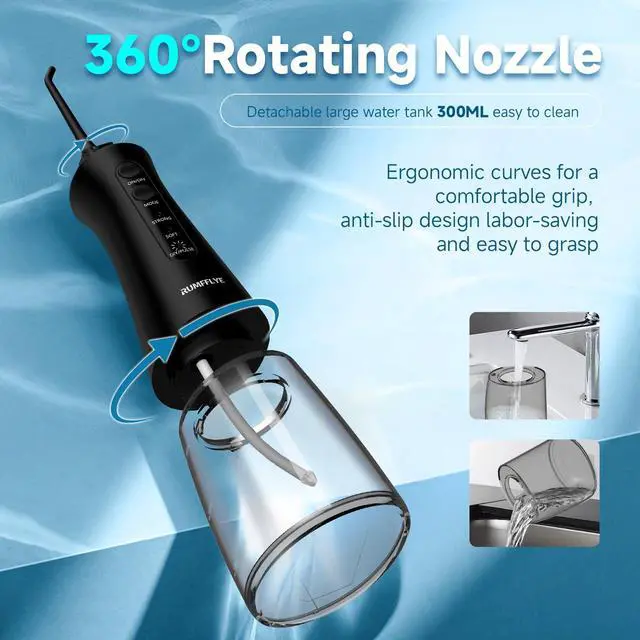
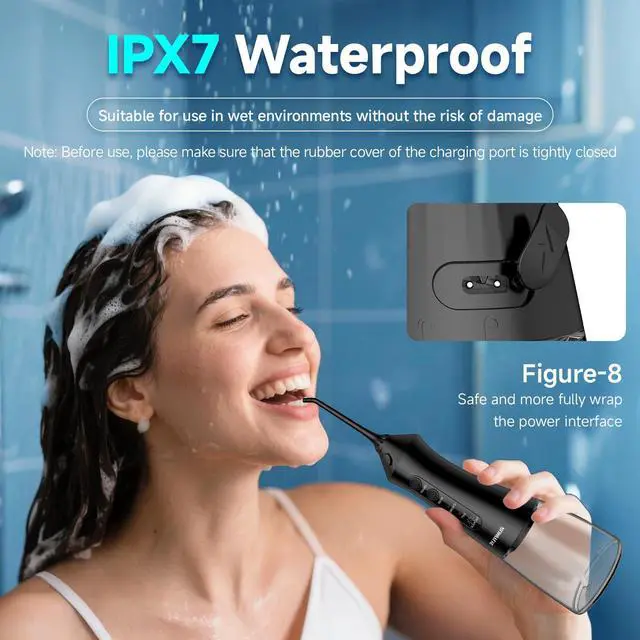
The charging port is at the lower 1/3 of the device’s back,marked with a lightning symbol. Uncover its rubber seal, connect the original USB cable to a 5V/1A USB adapter and power source. Seal the rubber cover tightly after charging for waterproofing


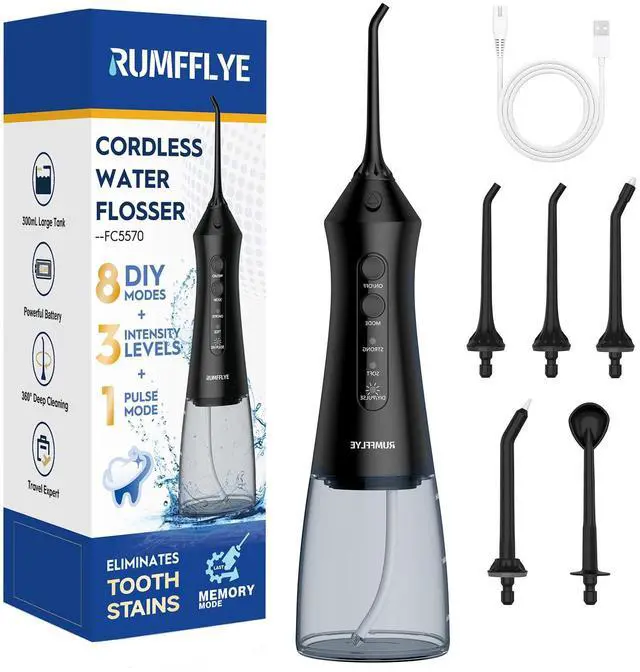
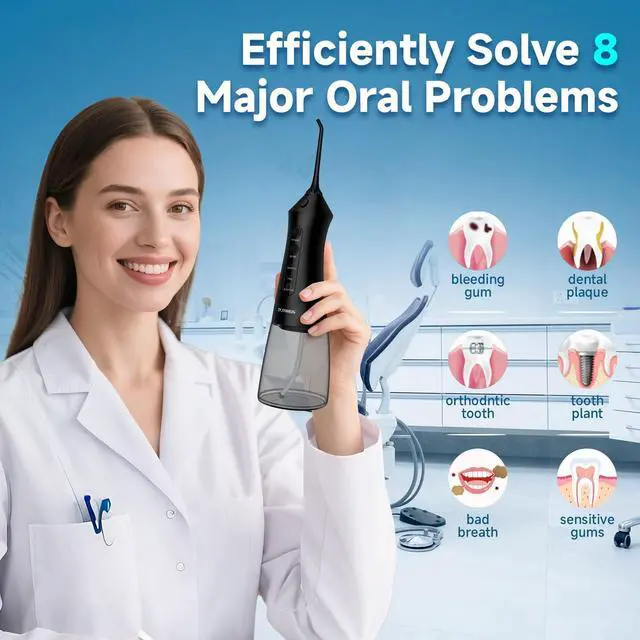
- Welcome to RUMFFLYE Water Flosser, where a brighter smile begins.Tired of bleeding gums and incomplete cleaning? Our Water Flosser is your solution. It delivers a targeted, gentle stream that removes hidden plaque and revitalizes gums—effortlessly.
- Perfect for anyone with braces, implants, or simply a desire for a truly clean feeling. Whether you're a busy parent, a health-conscious pro, or on an oral care journey, we're here for you.
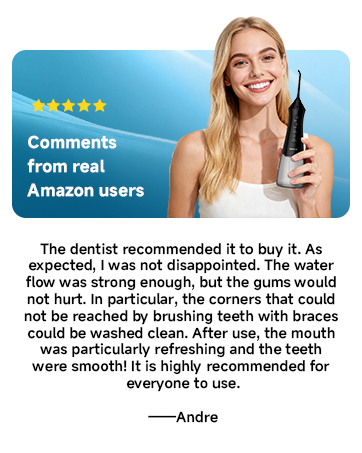
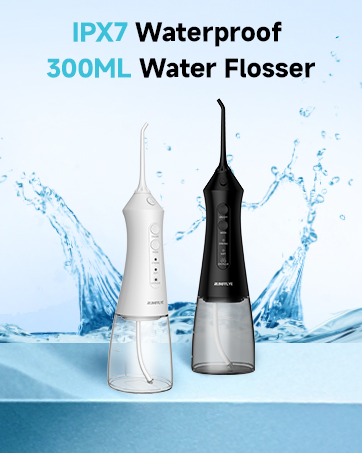

- Welcome to RUMFFLYE Water Flosser, where a brighter smile begins.Tired of bleeding gums and incomplete cleaning? Our Water Flosser is your solution. It delivers a targeted, gentle stream that removes hidden plaque and revitalizes gums—effortlessly.
- Perfect for anyone with braces, implants, or simply a desire for a truly clean feeling. Whether you're a busy parent, a health-conscious pro, or on an oral care journey, we're here for you.


What charger adapter is needed?
No adapter included; use a 5V/1A standard USB adapter (recommended for longer device life) with the original charging cable.
How to use & switch DIY/PULSE modes?
Power on, short-press the mode button to DIY/PULSE mode; short-press mode button on DIY mode to adjust 12 pressure levels (30-120 PSI), to raise/lower.Long-press mode button on DIY/PULSE mode to adjust to PULSE mode.
How to switch between all modes?
Power on the water flosser, short-press the mode button to cycle through STRONG/SOFT/DIY mode; long-press mode button on DIY mode to adjust to PULSE mode.the indicator light shows the selected mode.
What to do if the dental flosser malfunctions?
Refill tank & reinsert nozzle tightly; rinse clogged nozzles with warm water. Ensure full charge if it won’t start. Contact after-sales if issues persist—do not disassemble.
Where is the charging port and how to charge the flosser?
The charging port is at the lower 1/3 of the device’s back,marked with a lightning symbol. Uncover its rubber seal, connect the original USB cable to a 5V/1A USB adapter and power source. Seal the rubber cover tightly after charging for waterproofing