



 WavlinkOffical





WAVLINK USB 3.1 Dual 4K Display Adapter-Enjoy Crystal-clear Visual Feast!
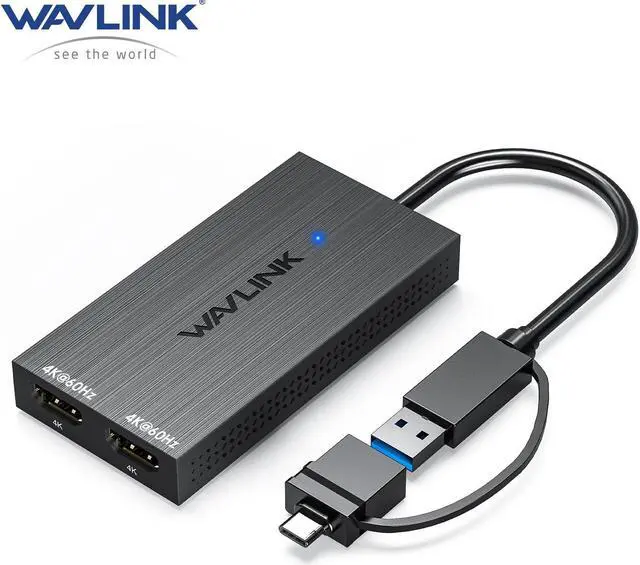
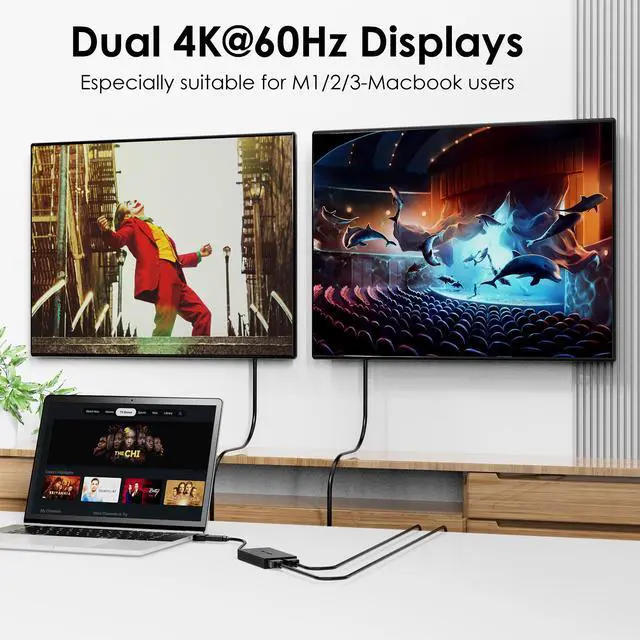
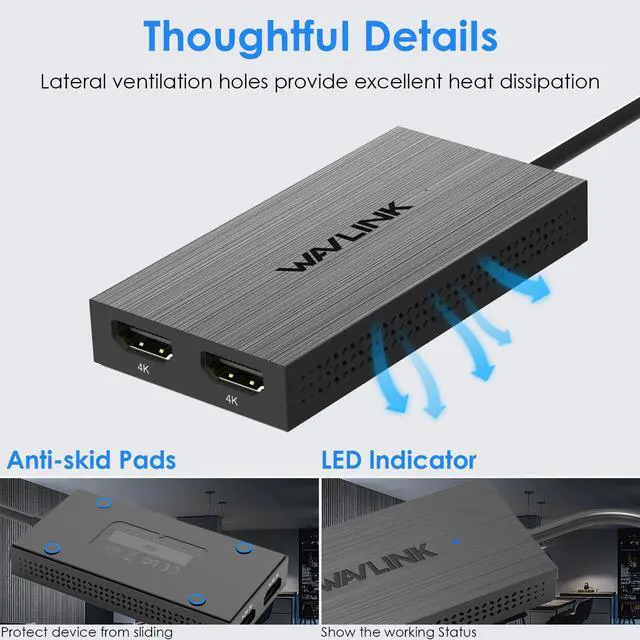
The UG6902H display adapter incorporates the advanced DisplayLink technology, allowing you to output video through dual HDMI ports. This hub features two HDMI ports, enabling dual display functionality with a maximum resolution of 4096x2160@60Hz. With this setup, you can enjoy high-quality visuals and enhanced productivity across multiple monitors.
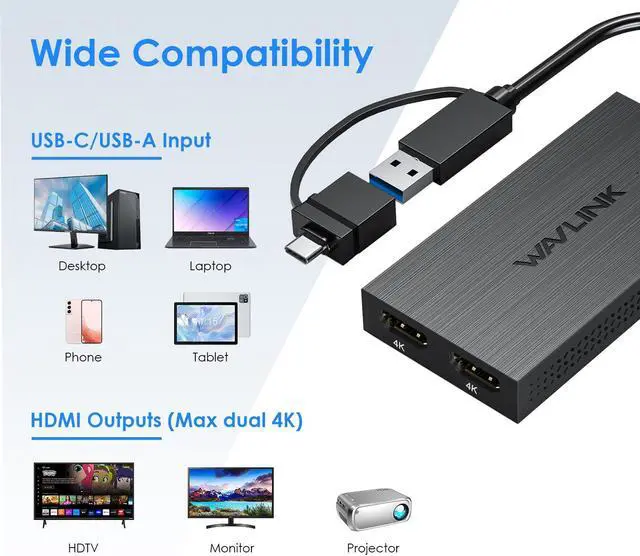
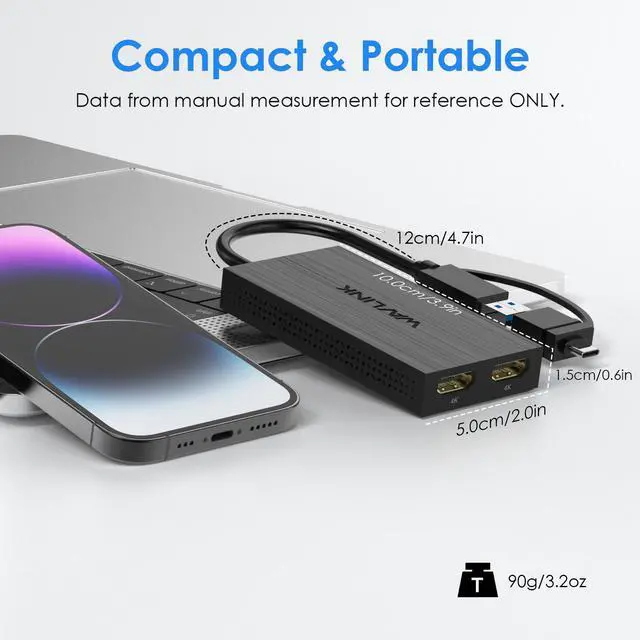
Comes with USB A port and USB A to C convertor, this adapter is compatible with Thunderbolt 4/3 ports, and USB 4 ports found on compatible computers. This broad compatibility ensures that you can utilize the adapter with a wide range of devices, making it versatile and adaptable to different setups.


Expand Your Workspace
Multiple USB adapters can be added to your PC for connecting up to 6 additional displays on Windows and 4 on Mac OS.


Dual Displays
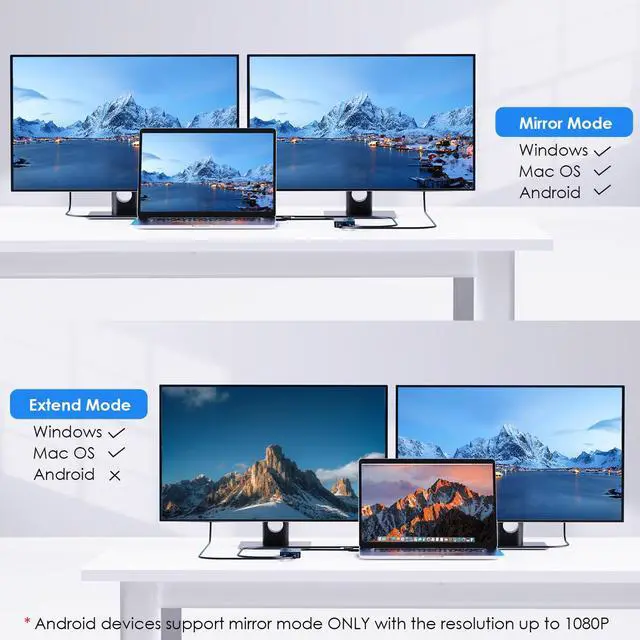
The USB3.1 video adapter adds support for two HDMI monitors, capable of both extending or mirroring display with resolutions up to dual 4096x2160@60Hz.

4K without Limitation
USB 3.1 interface backwards compatible with USB 2.0, 4096x2160@60Hz resolution remain when connecting to USB 2.0 interface.

Inputs for Choose
Comes with a hybrid 2-in-1 cable, it is easy to connect a USB-enabled device such as laptop, desktop, tablet, phone for a multi-monitor solution.

Multiple Display Resolution
(Max. Resolution)
1)Single Display:
HDMI1/HDMI2: 4096x2160@60Hz
2)Dual Display:
HDMI1+HDMI2: 2*4096x2160@60Hz

System Requirement
Windows 7/8/8.1/10/11, MacOS 10.14-13.x or later, Chrome OS, Android, Ubuntu and HarmonyOS.

WARM TIPS
1. Do not support Linux, Unix, iOS and iPad OS.
2. Driver installation is required, do not support plug and play. Please visit the website 'displaylink.com' to download the latest driver.
3. No additional power source is required for this adapter, work clutter free with fewer power cords around the desk.
4. Android devices support mirror mode ONLY with the resolution up to 1080P.
5. Windows/Mac 12.x based devices support rotation and clamshell modes.
6. Does not support playback of HDCP copyright protected content from Blu-ray/Netflix/Prime/iTunes/Hulu, and other platforms.
7. Suitable for office work, handling spreadsheets, documents or browsing the web. Not suitable for gaming or other high-intensity tasks.
8. For Mac users, it is necessary to grant permission to the DisplayLink Manager to record your screen.
Compatible Devices (PARTIAL LIST):
Note: Please check the compatibility list below before purchasing. If your device is not on the list, please let us know and we will be glad to help you check with it.
Apple: MacBook Air, MacBook Pro, iMac, Mac Mini
Dell: XPS series Latitude series, Inspiron series, Vostro serie, Alienware series, G series, Precision series, Latitude Rugged series, Dell chromebook series
ASUS: ProArt Studiobook series, Zenbook series, Vivobook series, Chromebook series, ExpertBook series, ROG Zephyrus series, ASUS Laptop series, BR Series, TUF Gaming series, ROG Flow Gaming series, ROG Strix Gaming series
Msi: Titan GT Series, Stealth Series, Raider GE Series, Vector GP Series, Crosshair / Pulse Series, Sword / Katana Series, Cyborg / Thin GF Series, Delta Series, Alpha Series, Bravo Series
Acer: Swift series, Aspire series, Spin series, Nitro series, Enduro Urban series, TravelMate series
HP: HP Chromebook series, HP Laptops series, HP Pavilion series, HP Envy series, HP Dragonfly Pro series, HP Spectre series, OMEN series, Victus series
Lenovo: ThinkPad series, ThinkBook series, Yoga series, Legion series, Loq series, Ideapad series, Slim series, Chromebook series
HUAWEI: MateBook x, MateBook, MateBook, MateBook D
SAMSUNG: Galaxy Book series, Galaxy Chromebook series
RAZER: Razer blade series
Microsoft: surface book series, surface laptop serie, surface pro series, Surface Studio 2+ series, Surface Go series