



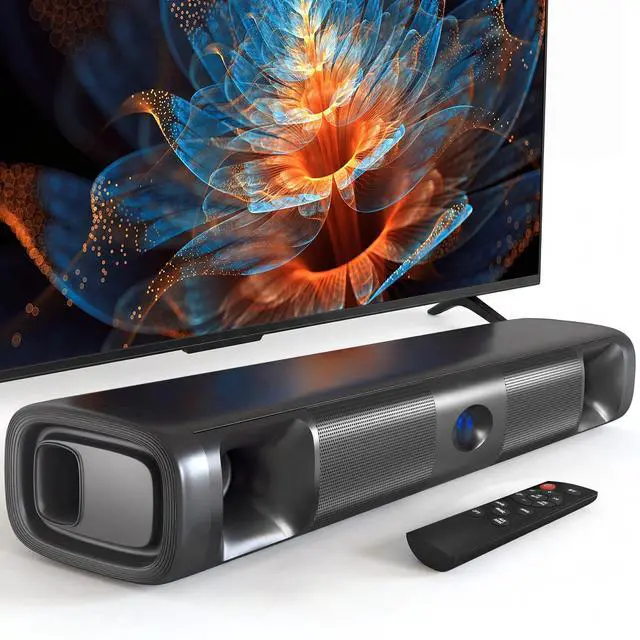
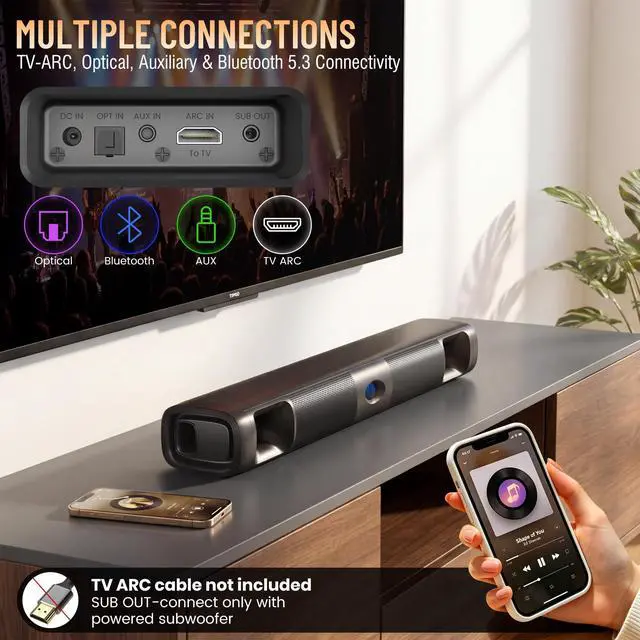


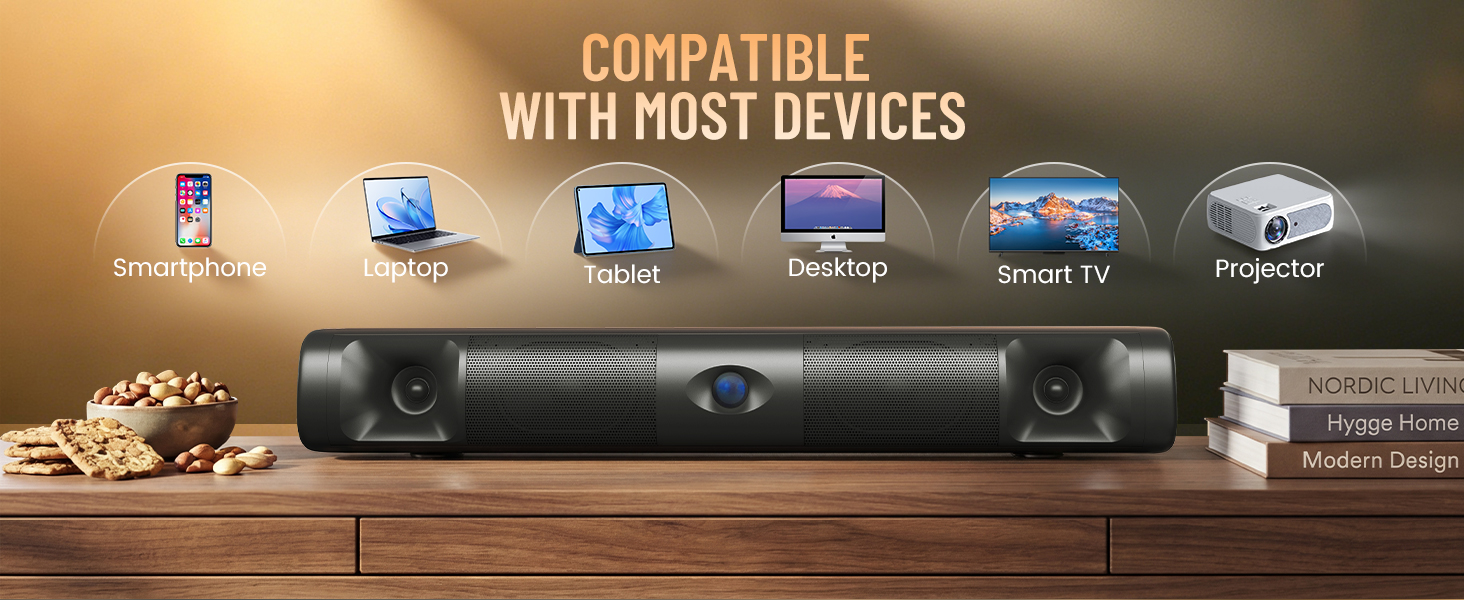
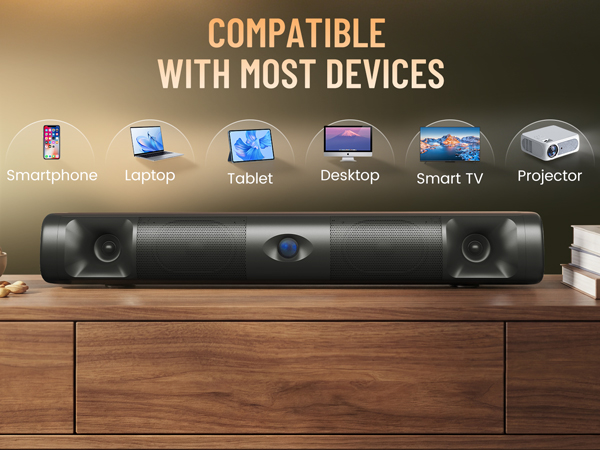
Easily connect with smartphones, laptops, TVs, and more for universal entertainment.
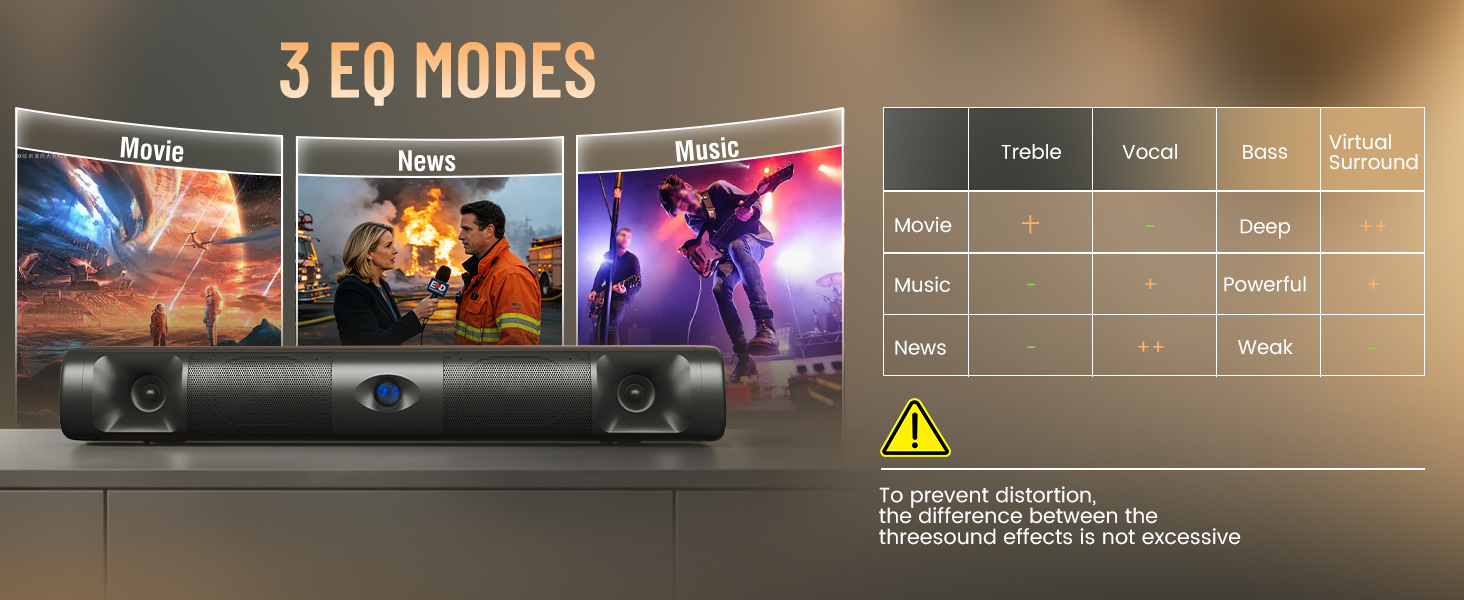
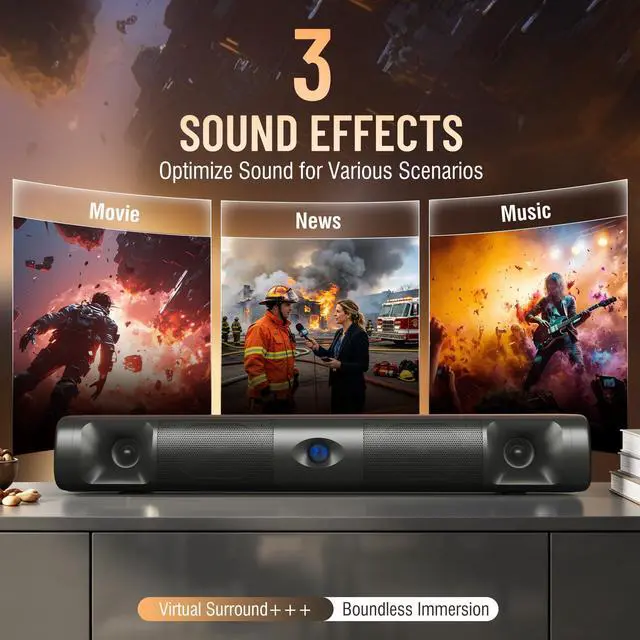
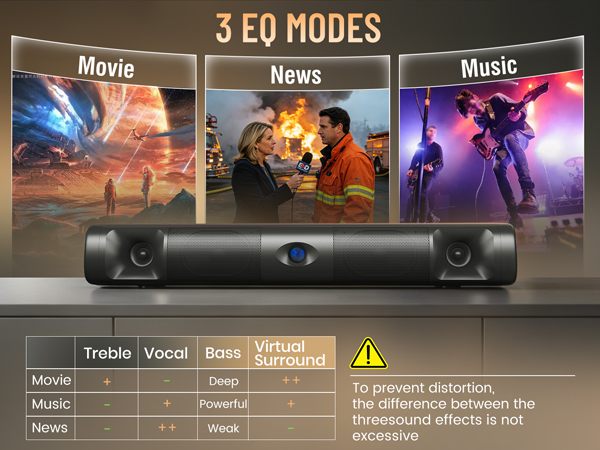
Three tailored sound modes deliver the perfect audio for any content.
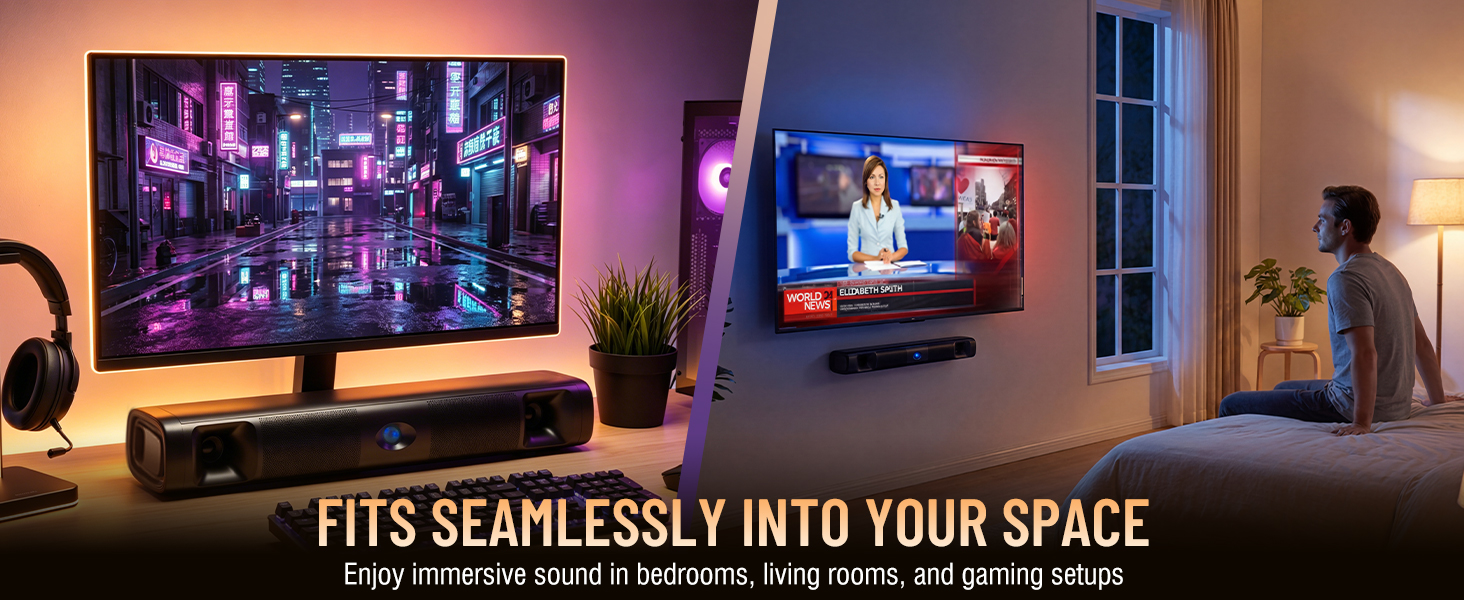
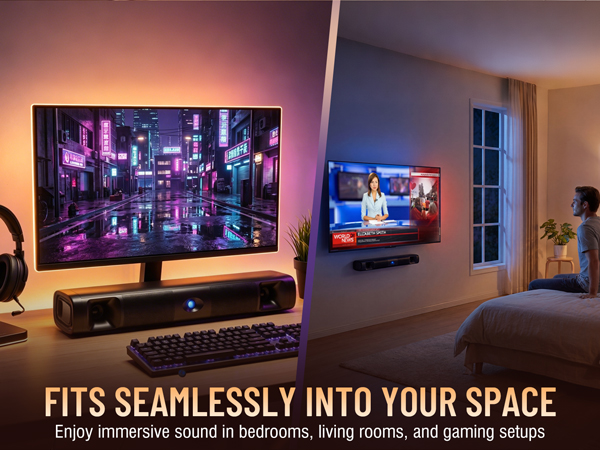
Fits seamlessly into your gaming setup, bedroom, or living room with ease.
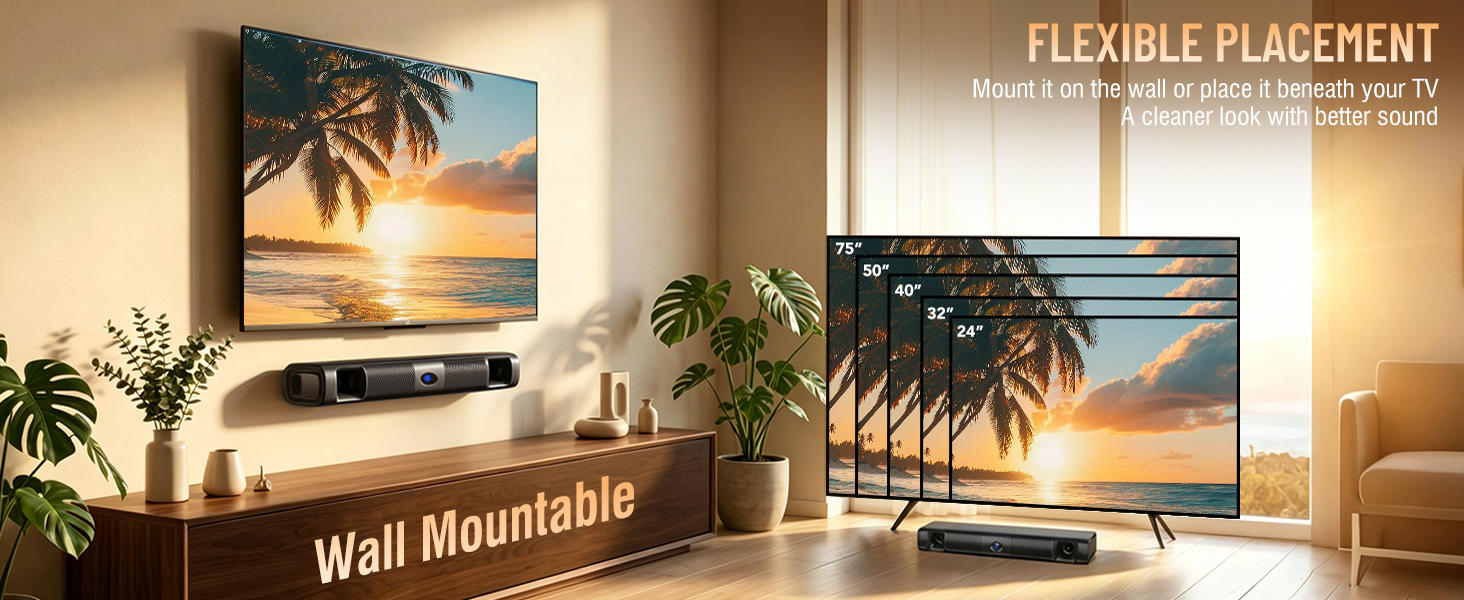
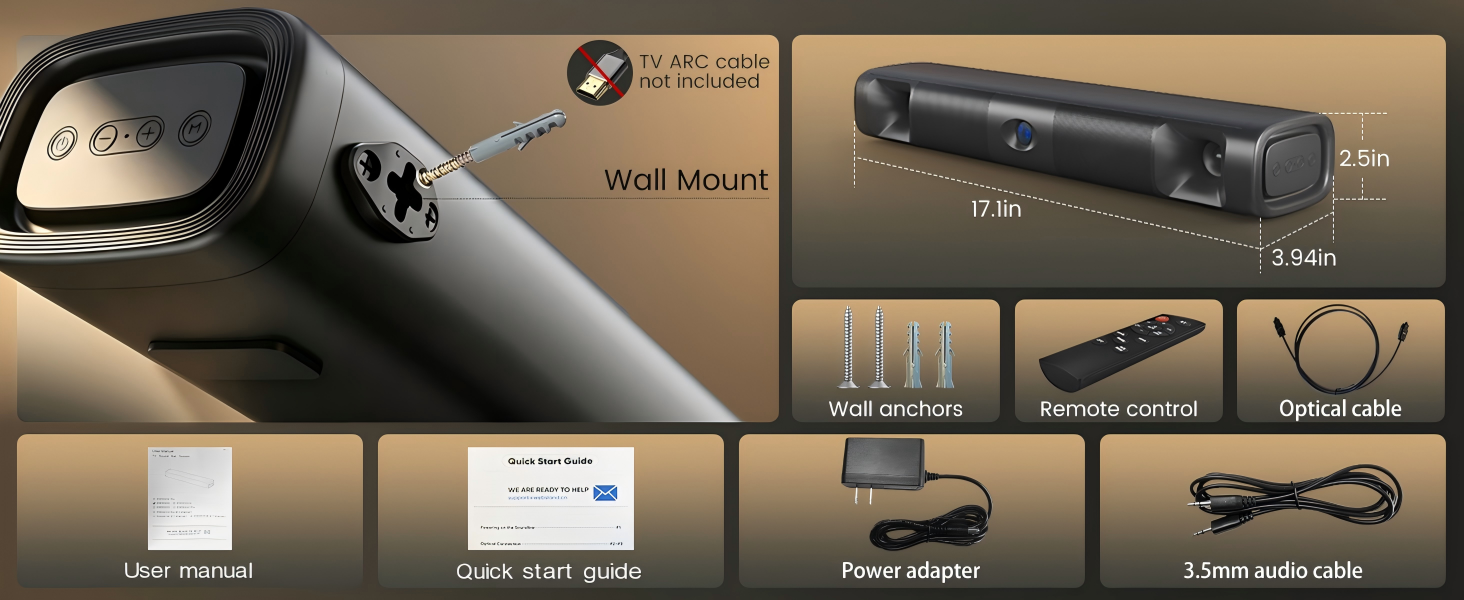
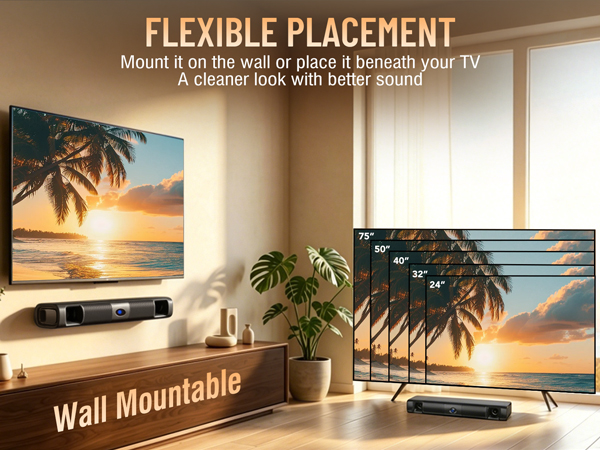
Mount it on the wall or place it on your media console to perfectly fit any space.
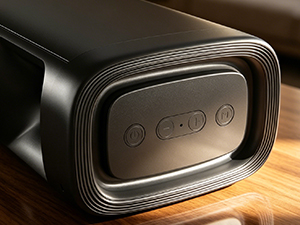
Sleek Side Controls
The streamlined side buttons blend perfectly into your desktop setup.
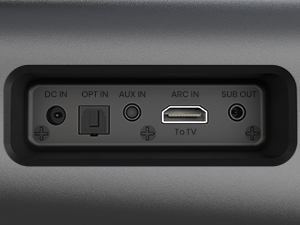
Seamless Rear Ports
Keep your entertainment area clean and organized. Smart rear port placement ensures a clutter-free, zero-cable look.
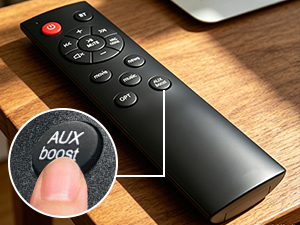
One-Click AUX Boost
For 3.5mm audio cable connection, you can boost/restore the volume by double clicking the AUX boost button.
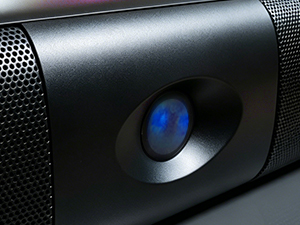
Vibrant LED Indicator
Optical--Purple color
Bluetooth--Blue color
AUX--Green color
TV ARC--White color
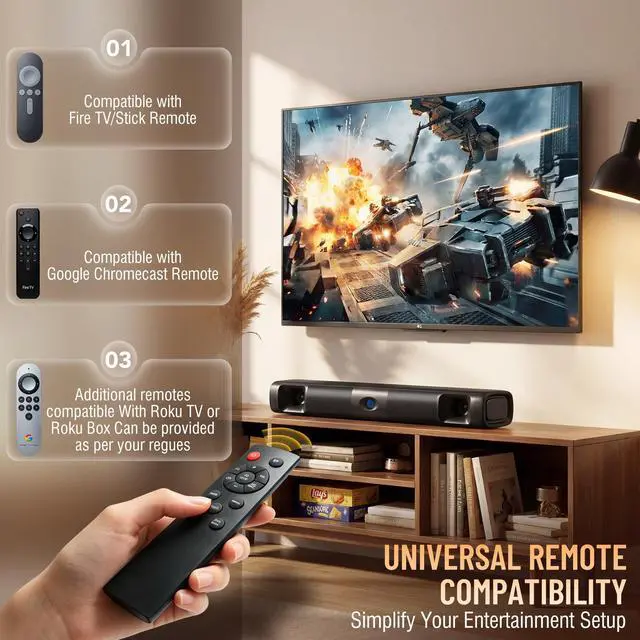
I have a Roku TV. Can I use the TV remote to control my soundbar so I don’t have to juggle two remotes?
Yes. Please reach out to us and you can get an additional remote which is compatible with Roku TV or Roku BOX Also,our soundbaris compatible with FireTV/Stick remote. TV sound bar is compatible with Google Chromcast remote.
When I’m streaming anything on my TV. my soundbar either cuts out or just gives me static and crackling.
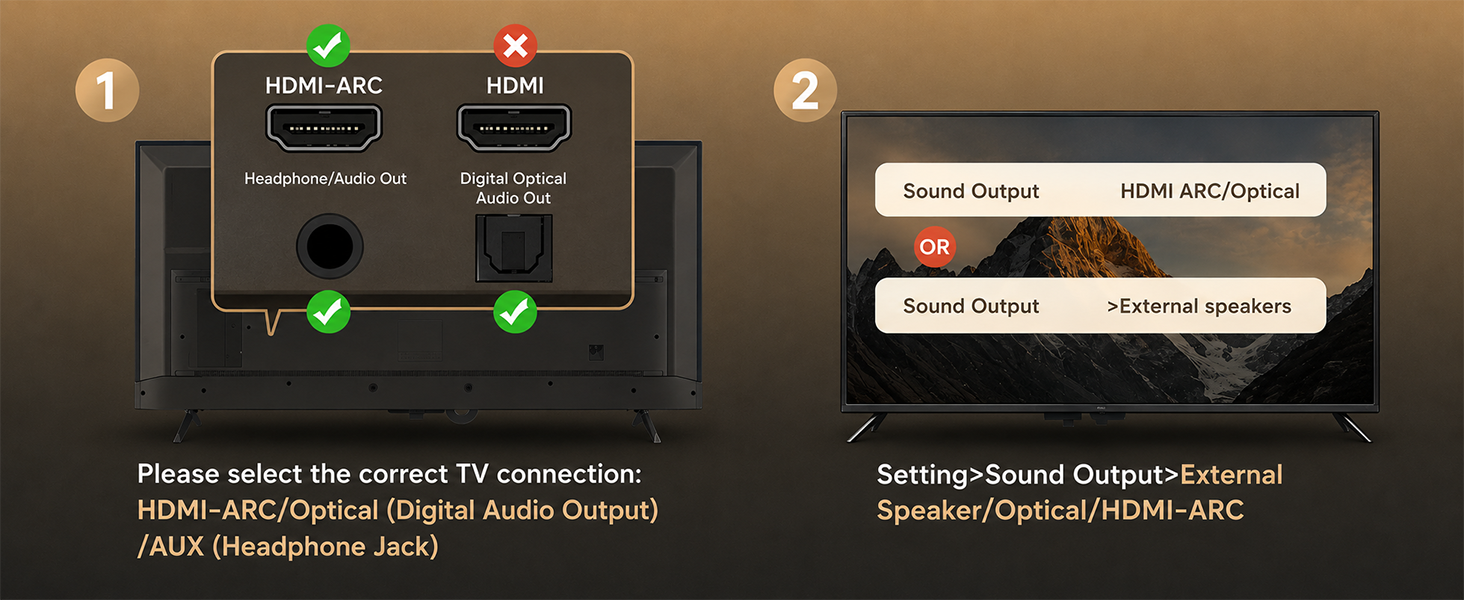
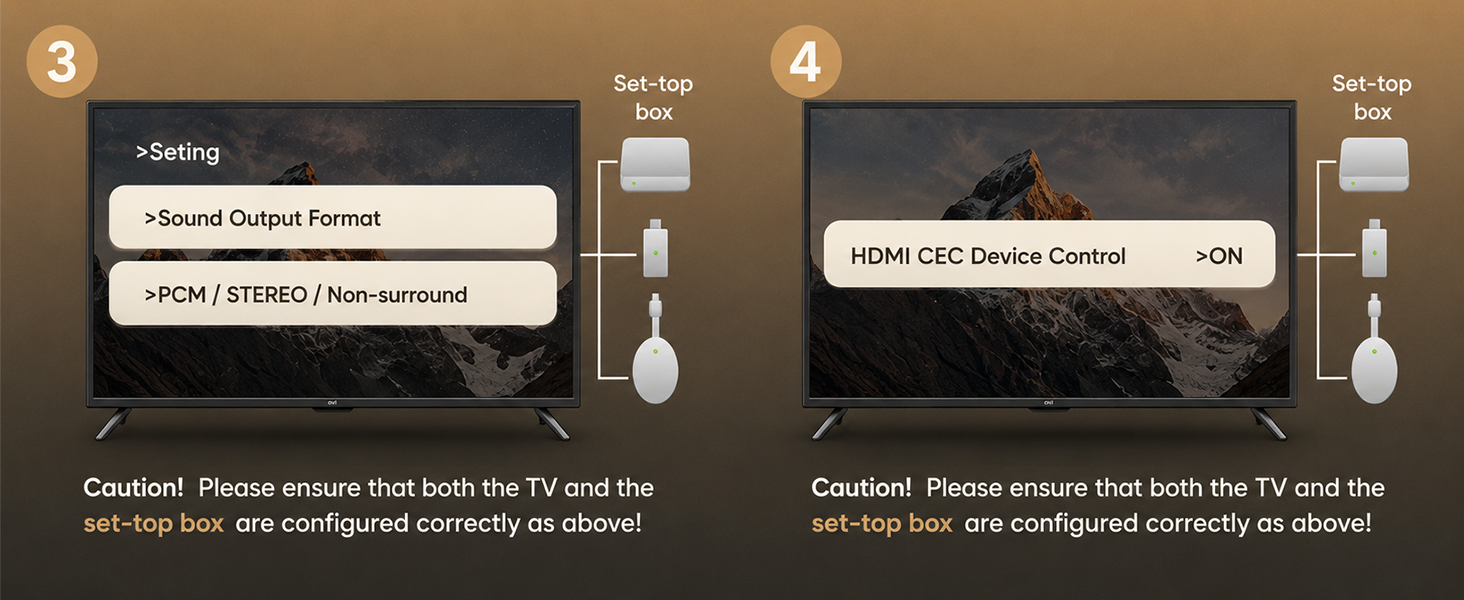
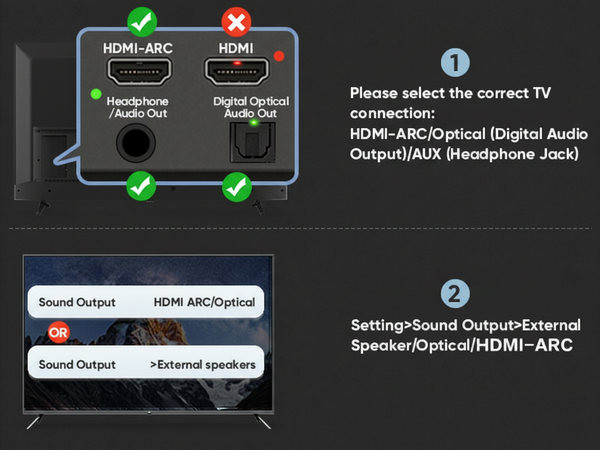
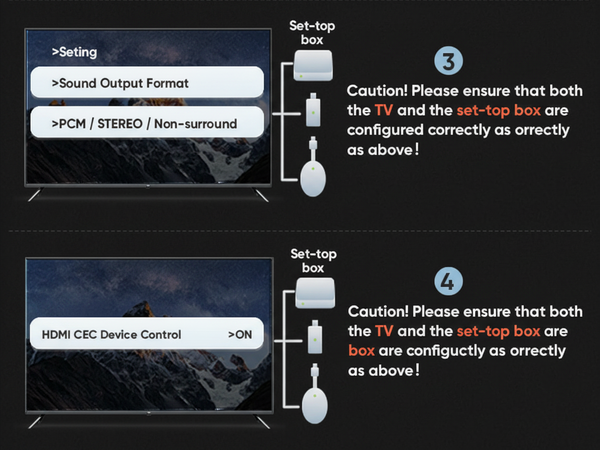
Compatible Devices: Works only with standard audio outputs To avoid cracking noilse or no sound. please ensure your audo source is set to output PCM/Stereo/Non-surround signal.
Can you adjust the bass on this speaker? And what’s the sound like—more bass-heavy or balanced?
No bass control, but it has three sound modes-Music, Movie, News-so you can pick the one that fits.
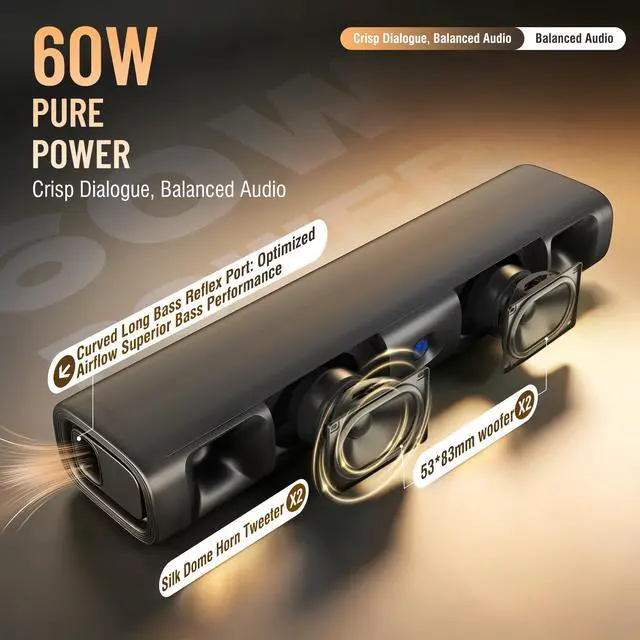
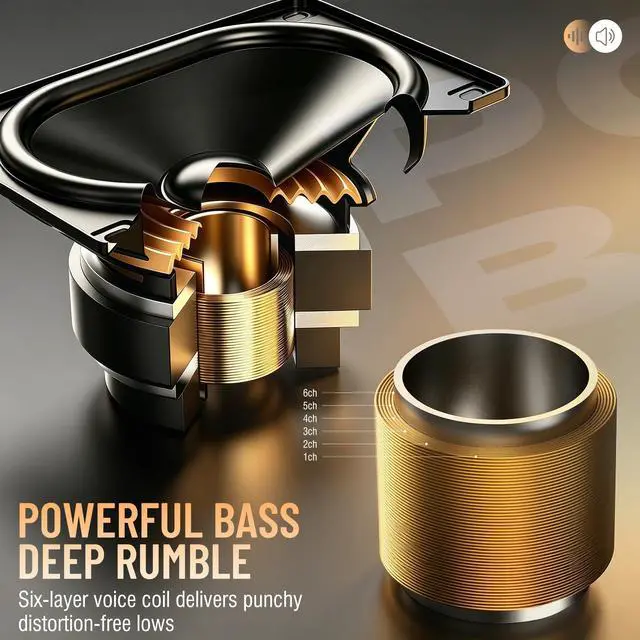
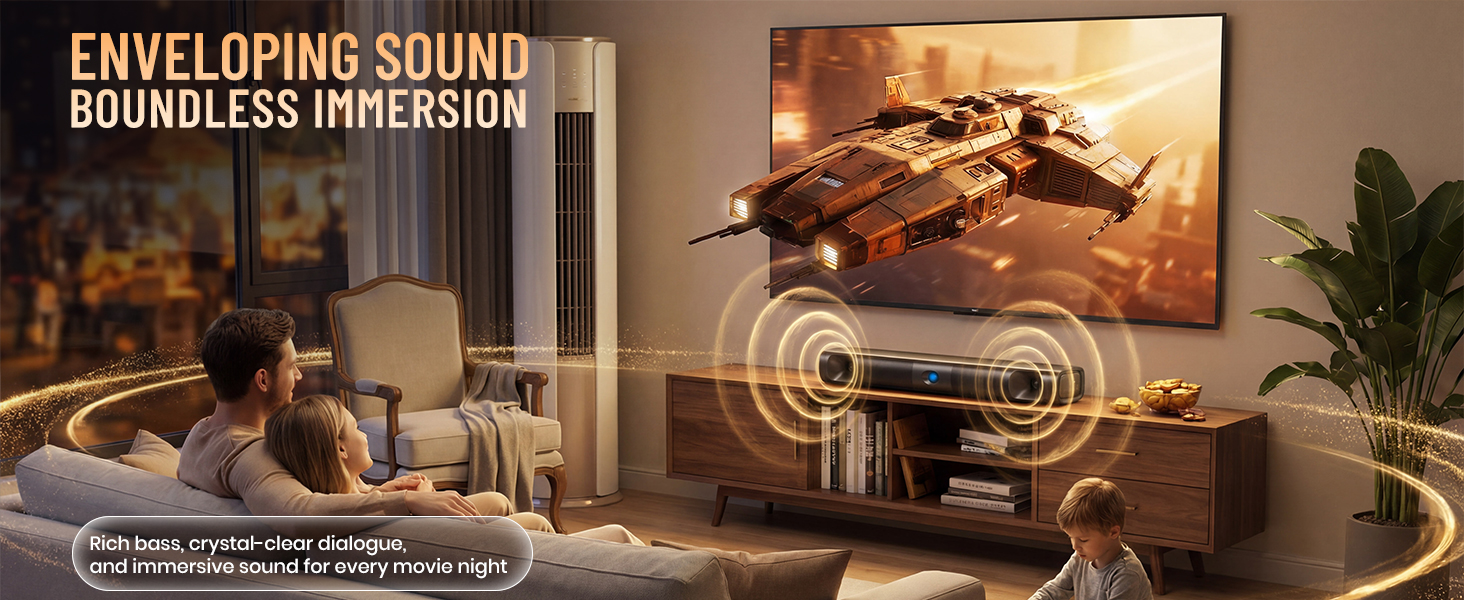
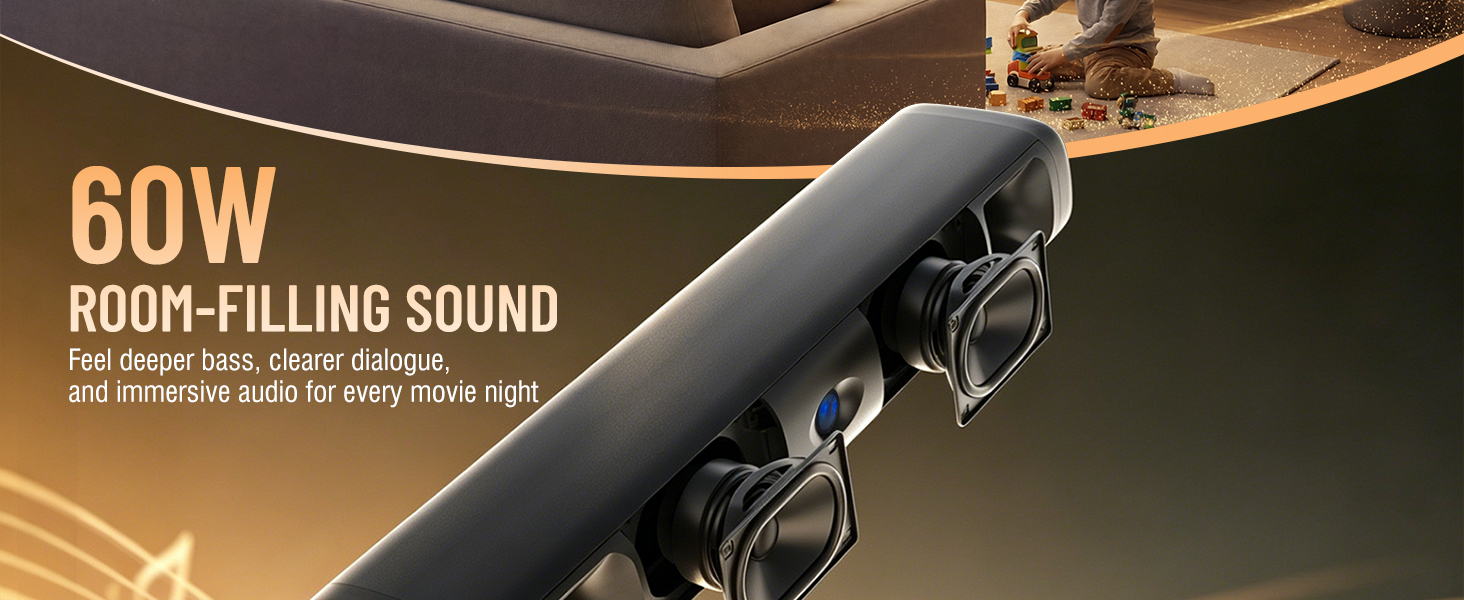
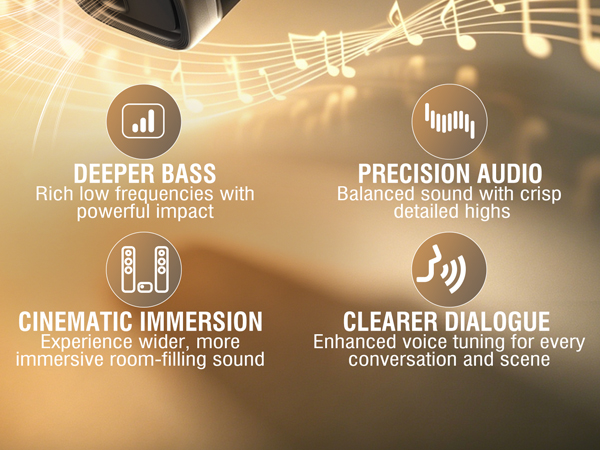
Sound leans toward bass with clear vocals. Adds depth and feels immersive.
What are the lengths of the optical cable and the power supply cable?
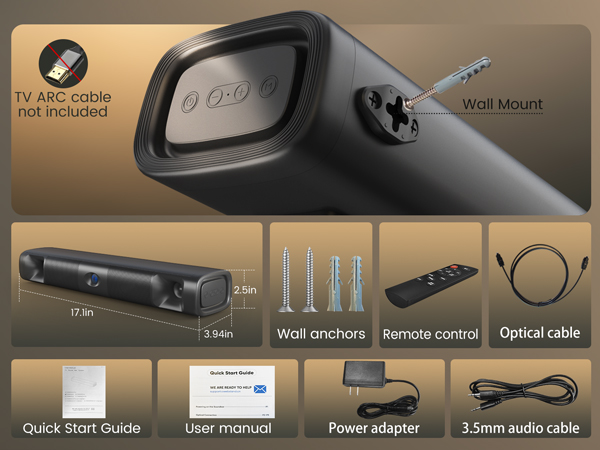
The lengths are 1.2m and 1.5m respectively.
I have connected the soundbar with my TV via bluetooth, and how can I connect it with my smartphone?
You will need to disconnect the bluetooth connection by press and hold BT on remote for 2S before connecting it with another device via bluetooth.
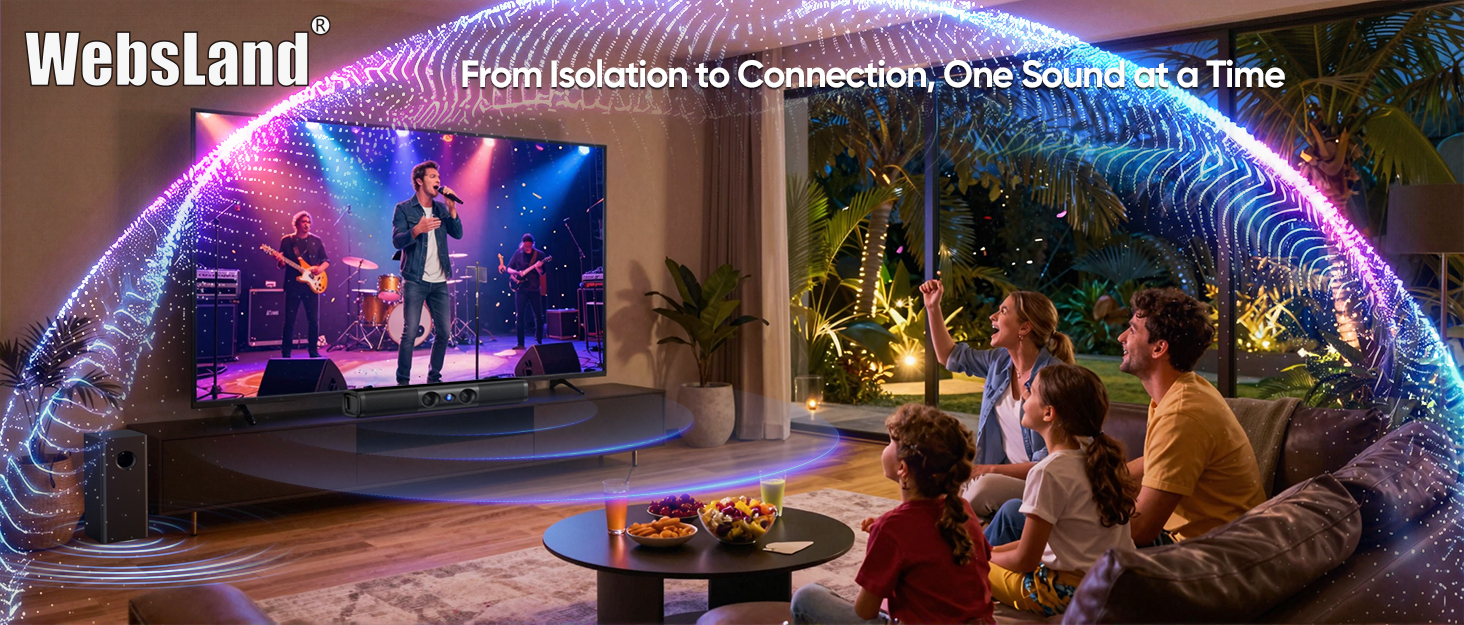
WebsLand Sound Bar for TV
Craft your sound, find your connection.

Why We Founded
A few years back, I hit a rough spot and felt lost.
Only music reached me. An old speaker from Dad got me through and made me stronger.
When I started WebsLand, I wanted to help others the same way—to fill silence and keep you connected.
I know disconnection well, so I built this.
WebsLand creates great-value home theater soundbars.
Say goodbye to your TV’s hollow, muffled sound.

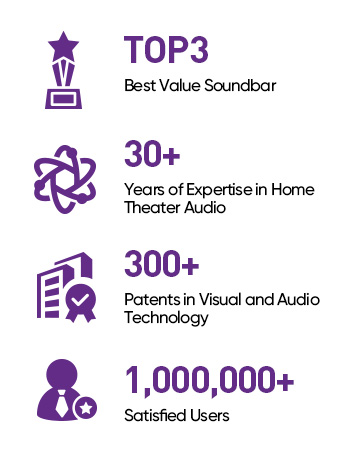
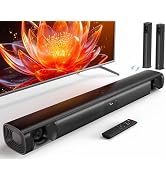
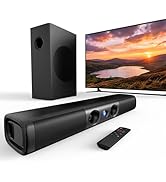
Soundbar for Smart TV
When I set up the soundbar with TV, the soundbar has no sound or only static.
Please set TV audio output format to PCM or Stereo depending on different TVs. The soundbar does not support Dolby and DTS.
How to quickly disconnect the current Bluetooth device connected with Soundbar?
Press and hold the BT button on remote or M button on soundbar for about 2 seconds to disconnect the current Bluetooth device.
My remote control is broken., how do l get a replacement?
We provide free replacement soundbar accessories, including remotes.
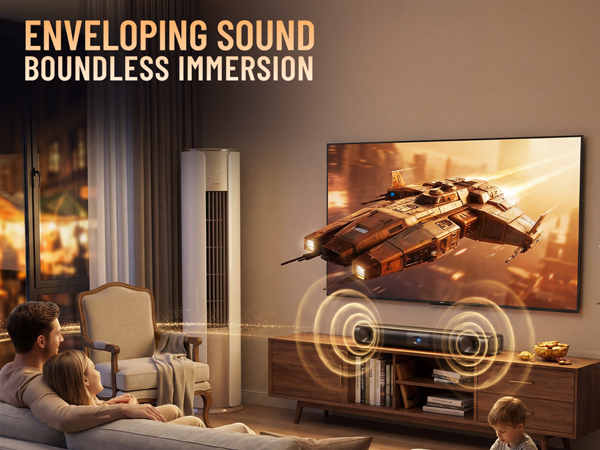
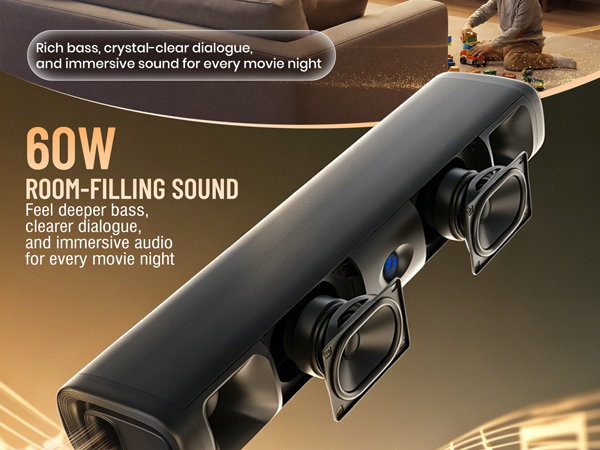
Easily connect with smartphones, laptops, TVs, and more for universal entertainment.
Three tailored sound modes deliver the perfect audio for any content.
Fits seamlessly into your gaming setup, bedroom, or living room with ease.
Mount it on the wall or place it on your media console to perfectly fit any space.
Sleek Side Controls
The streamlined side buttons blend perfectly into your desktop setup.
Seamless Rear Ports
Keep your entertainment area clean and organized. Smart rear port placement ensures a clutter-free, zero-cable look.
One-Click AUX Boost
For 3.5mm audio cable connection, you can boost/restore the volume by double clicking the AUX boost button.
Vibrant LED Indicator
Optical--Purple color
Bluetooth--Blue color
AUX--Green color
TV ARC--White color
I have a Roku TV. Can I use the TV remote to control my soundbar so I don’t have to juggle two remotes?
Yes. Please reach out to us and you can get an additional remote which is compatible with Roku TV or Roku BOX Also,our soundbaris compatible with FireTV/Stick remote. TV sound bar is compatible with Google Chromcast remote.
When I’m streaming anything on my TV. my soundbar either cuts out or just gives me static and crackling.
Compatible Devices: Works only with standard audio outputs To avoid cracking noilse or no sound. please ensure your audo source is set to output PCM/Stereo/Non-surround signal.
Can you adjust the bass on this speaker? And what’s the sound like—more bass-heavy or balanced?
No bass control, but it has three sound modes-Music, Movie, News-so you can pick the one that fits.
Sound leans toward bass with clear vocals. Adds depth and feels immersive.
What are the lengths of the optical cable and the power supply cable?
The lengths are 1.2m and 1.5m respectively.
I have connected the soundbar with my TV via bluetooth, and how can I connect it with my smartphone?
You will need to disconnect the bluetooth connection by press and hold BT on remote for 2S before connecting it with another device via bluetooth.
WebsLand Sound Bar for TV
Craft your sound, find your connection.
Why We Founded
A few years back, I hit a rough spot and felt lost.
Only music reached me. An old speaker from Dad got me through and made me stronger.
When I started WebsLand, I wanted to help others the same way—to fill silence and keep you connected.
I know disconnection well, so I built this.
WebsLand creates great-value home theater soundbars.
Say goodbye to your TV’s hollow, muffled sound.
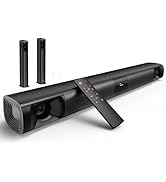
Soundbar for Smart TV
When I set up the soundbar with TV, the soundbar has no sound or only static.
Please set TV audio output format to PCM or Stereo depending on different TVs. The soundbar does not support Dolby and DTS.
How to quickly disconnect the current Bluetooth device connected with Soundbar?
Press and hold the BT button on remote or M button on soundbar for about 2 seconds to disconnect the current Bluetooth device.
My remote control is broken., how do l get a replacement?
We provide free replacement soundbar accessories, including remotes.
