




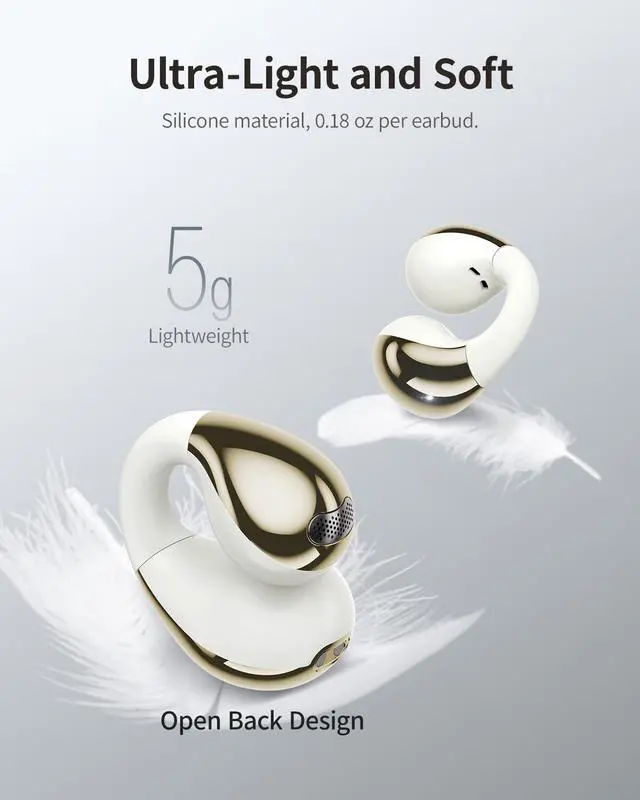


wegear OW3 Earbuds: Seamless Pairing, Smart Touch Controls & Easy Reset
HOW TO WEAR
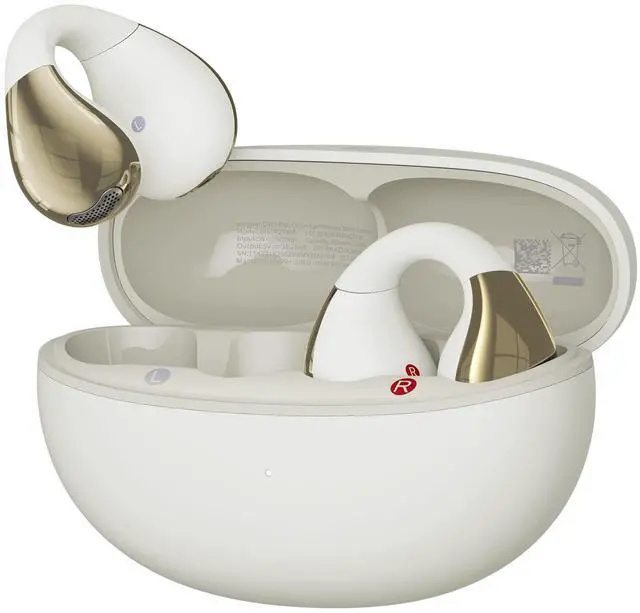
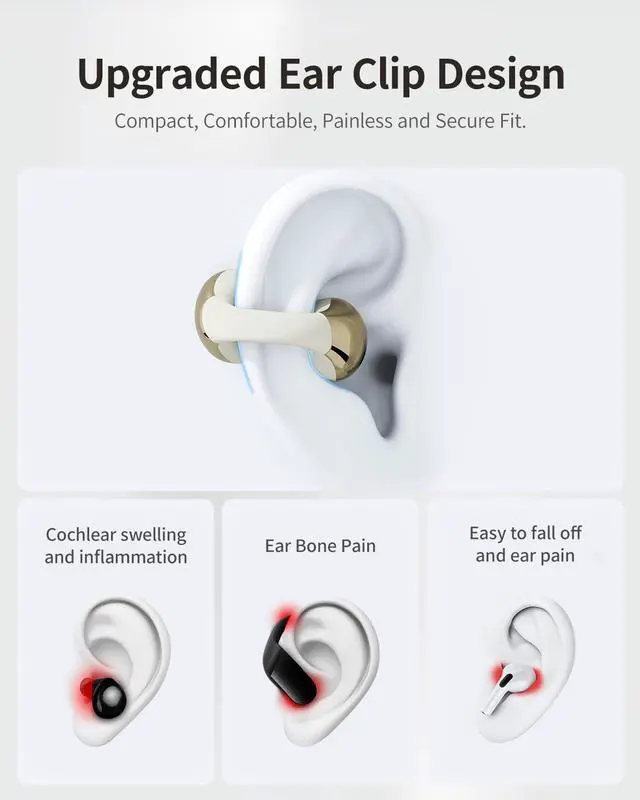
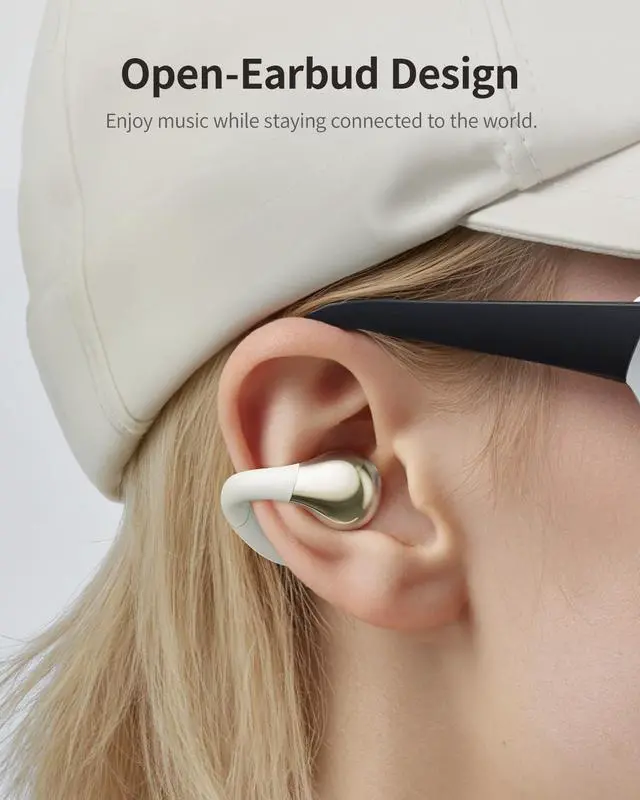
? Identify left/right earbuds (check "L"/"R" markings on stems) ? Align the sound outlet toward your ear canal and ensure the charging contacts face outward ? Gently insert the earbuds and rotate downward until they fit snugly in your ear ? Touch controls are located on the outer curved surface.
PAIRING IN 3 STEPS
? Remove both earbuds from the case ? White lights will blink (pairing mode activated) ? Enable Bluetooth on your device ? Select "wegear OW3" from your device's Bluetooth list to complete pairing. (When you need to connect two devices, first turn off the Bluetooth of device A, then search and click "wegear OW3" on device B to connect, and then reconnect device A.)
TOUCH CONTROLS
? Music Playback?? Double-tap either earbud: Play/Pause ? Triple-tap RIGHT earbud: Next track ? LEFT earbud 1.5s hold : Game Mode/Exit Game Mode ? RIGHT earbud 1.5s hold : Spatial Sound ON/OFF
? Calls?? Double-tap: Answer/End call ? 1.5s hold during call: Reject call
? Voice Assistant?? Triple-tap LEFT earbud: Activate voice Assistant
RESET
? Remove earbuds from the case (within 30 seconds). Ensure no device is connected. ? Rapidly tap both earbuds 5 times ? 5 white flashes will confirm reset success.


wegear OW3 Earbuds: Seamless Pairing, Smart Touch Controls & Easy Reset
HOW TO WEAR
? Identify left/right earbuds (check "L"/"R" markings on stems) ? Align the sound outlet toward your ear canal and ensure the charging contacts face outward ? Gently insert the earbuds and rotate downward until they fit snugly in your ear ? Touch controls are located on the outer curved surface.
PAIRING IN 3 STEPS
? Remove both earbuds from the case ? White lights will blink (pairing mode activated) ? Enable Bluetooth on your device ? Select "wegear OW3" from your device's Bluetooth list to complete pairing. (When you need to connect two devices, first turn off the Bluetooth of device A, then search and click "wegear OW3" on device B to connect, and then reconnect device A.)
TOUCH CONTROLS
? Music Playback?? Double-tap either earbud: Play/Pause ? Triple-tap RIGHT earbud: Next track ? LEFT earbud 1.5s hold : Game Mode/Exit Game Mode ? RIGHT earbud 1.5s hold : Spatial Sound ON/OFF
? Calls?? Double-tap: Answer/End call ? 1.5s hold during call: Reject call
? Voice Assistant?? Triple-tap LEFT earbud: Activate voice Assistant
RESET
? Remove earbuds from the case (within 30 seconds). Ensure no device is connected. ? Rapidly tap both earbuds 5 times ? 5 white flashes will confirm reset success.