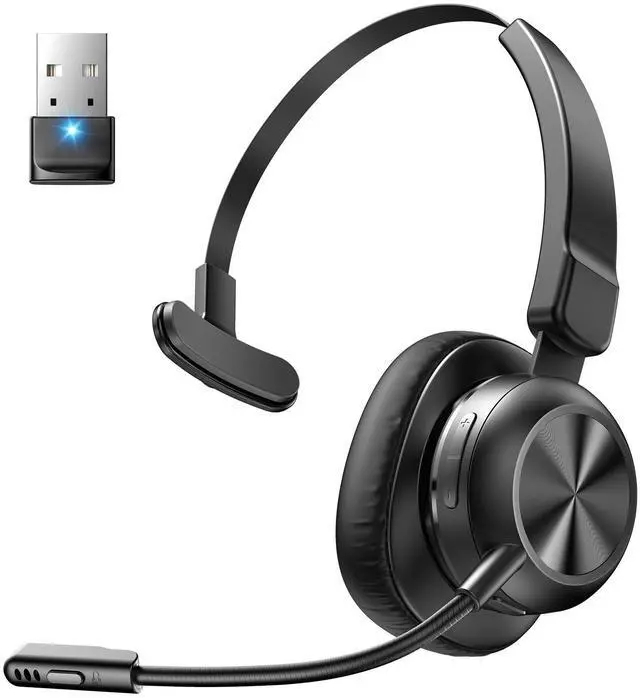
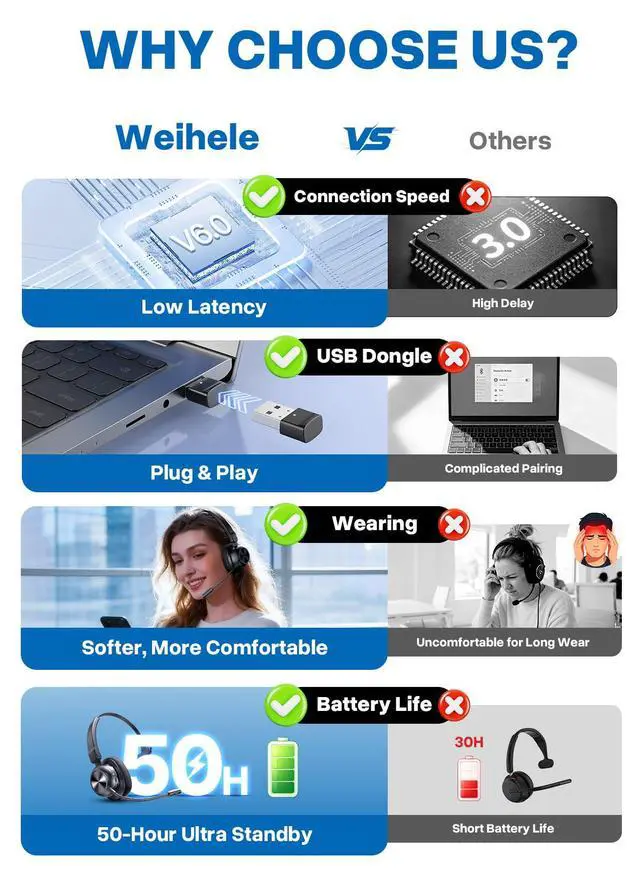
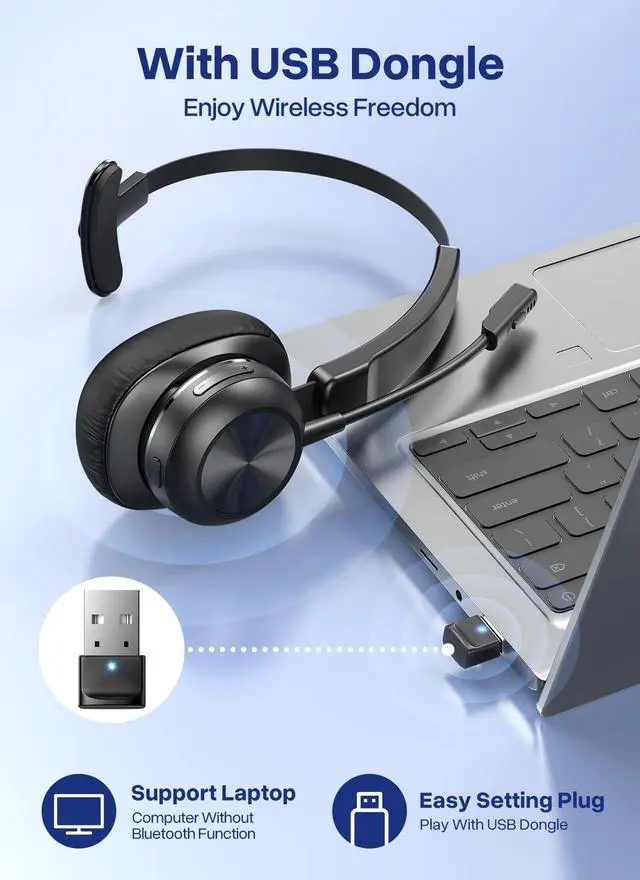
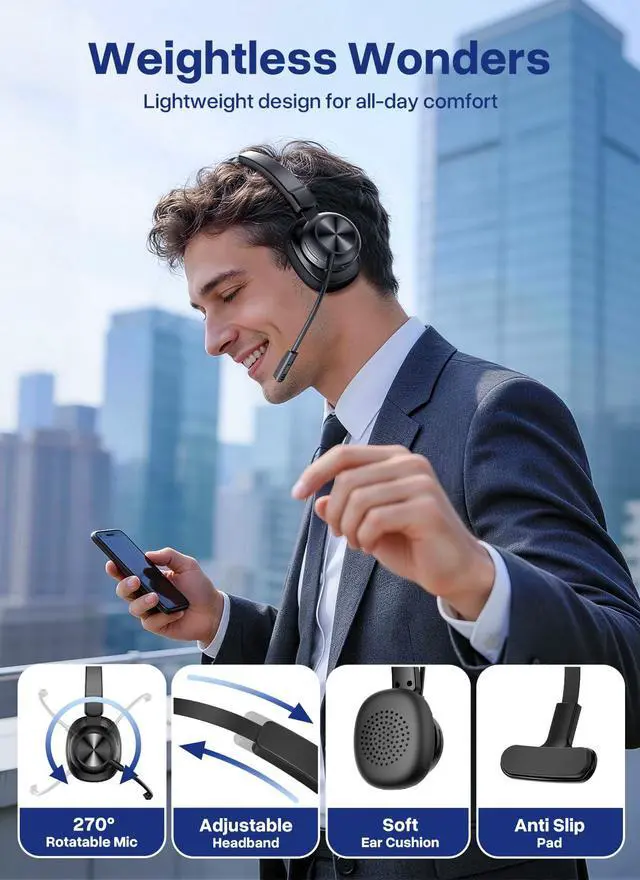
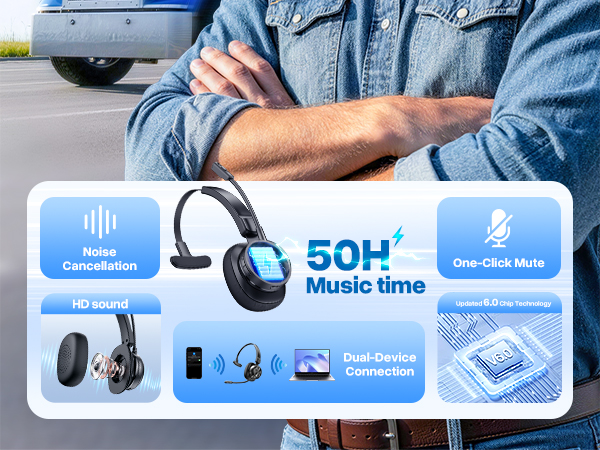
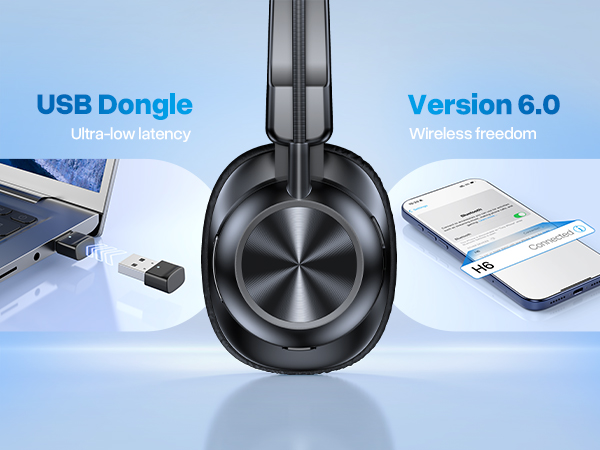
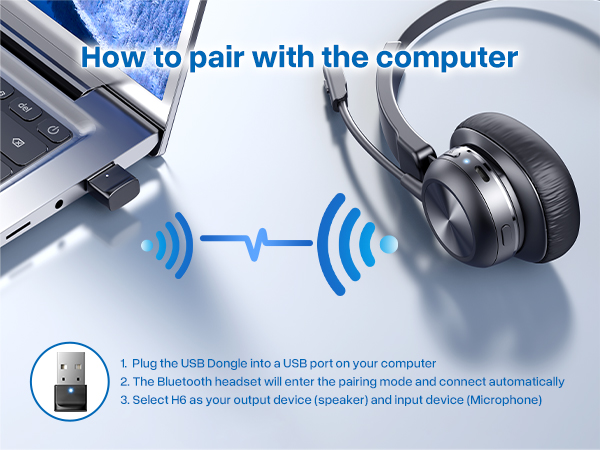
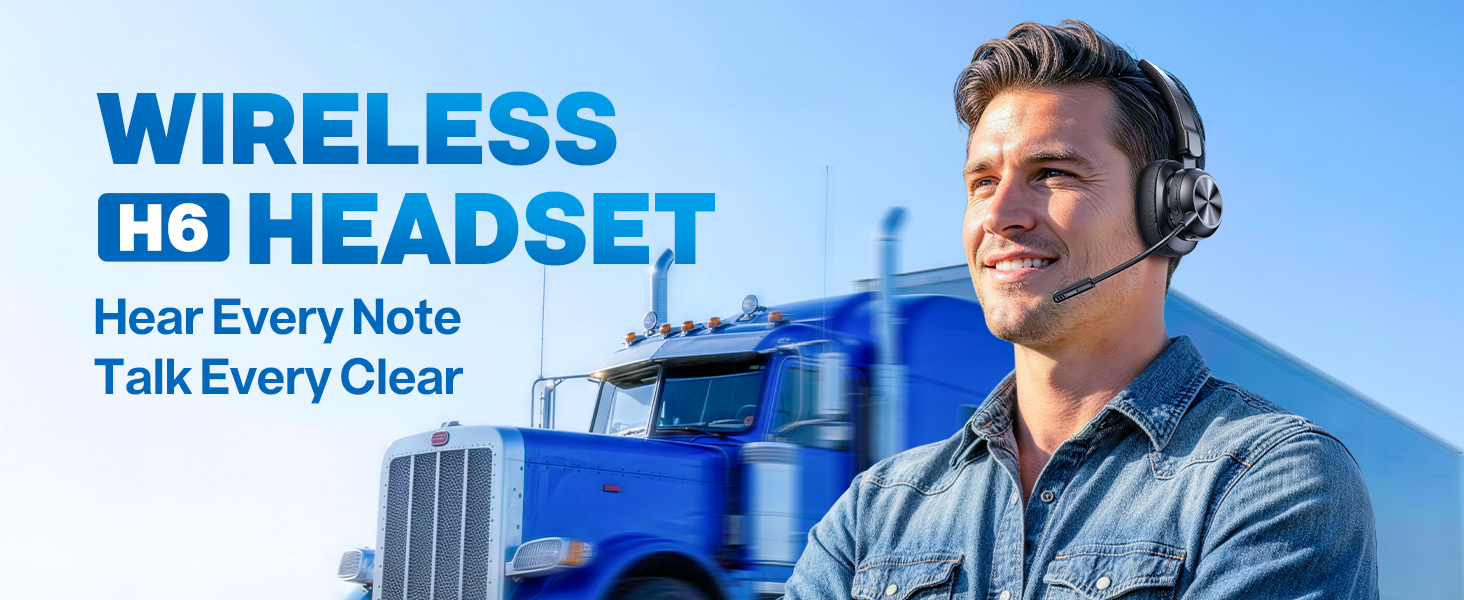
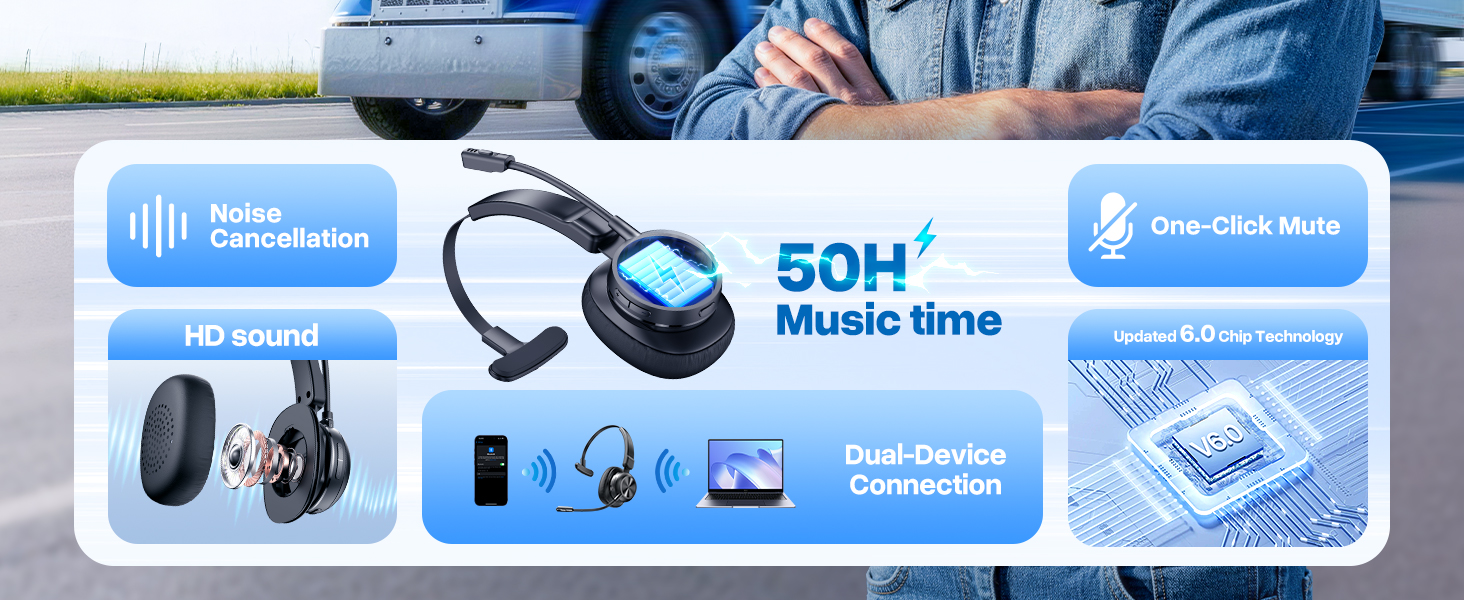
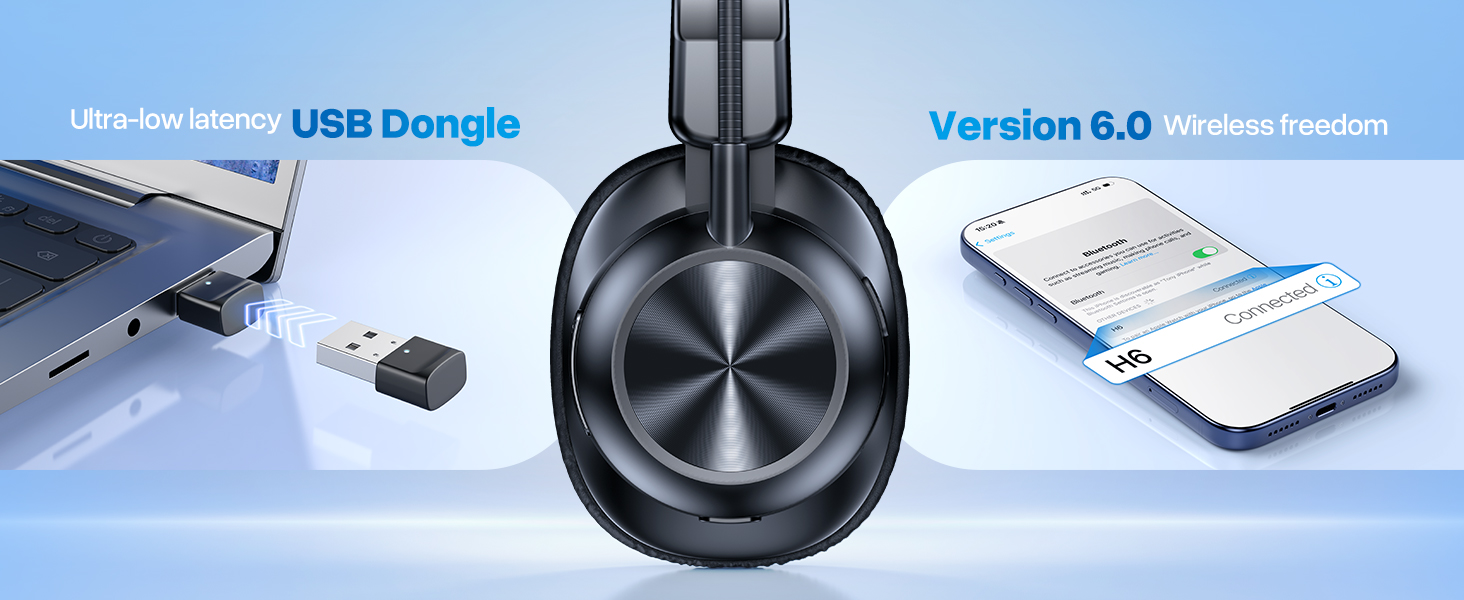
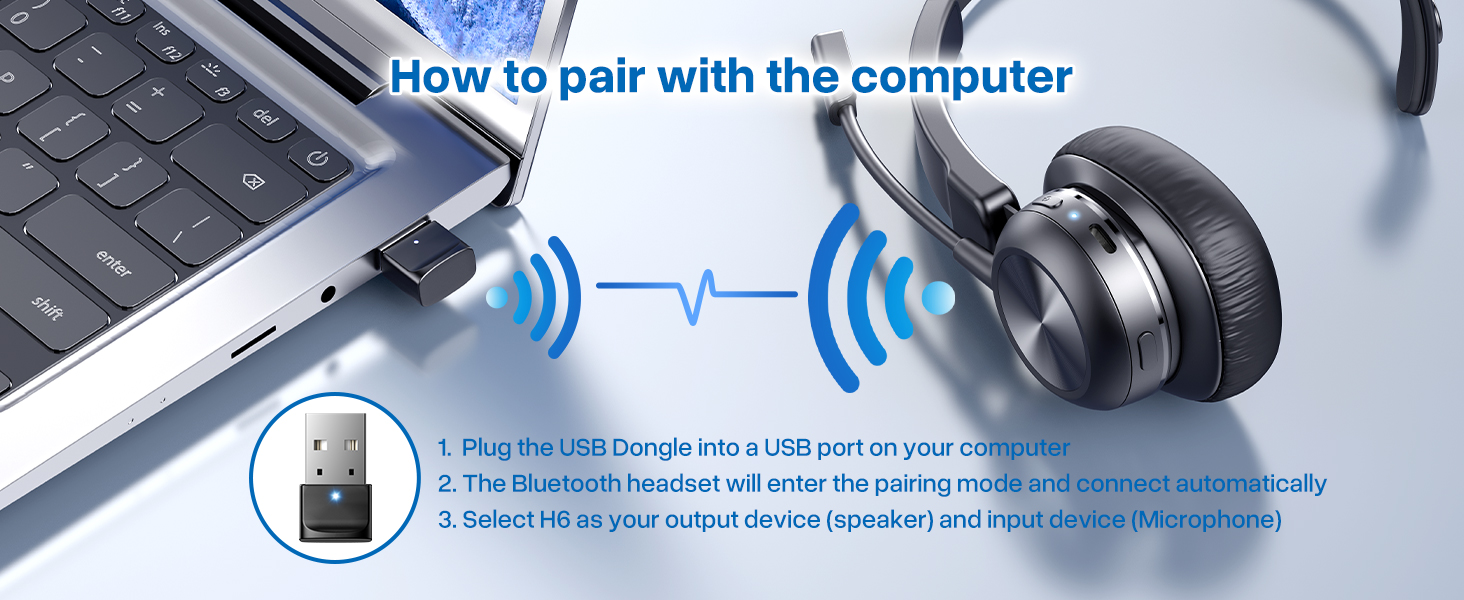
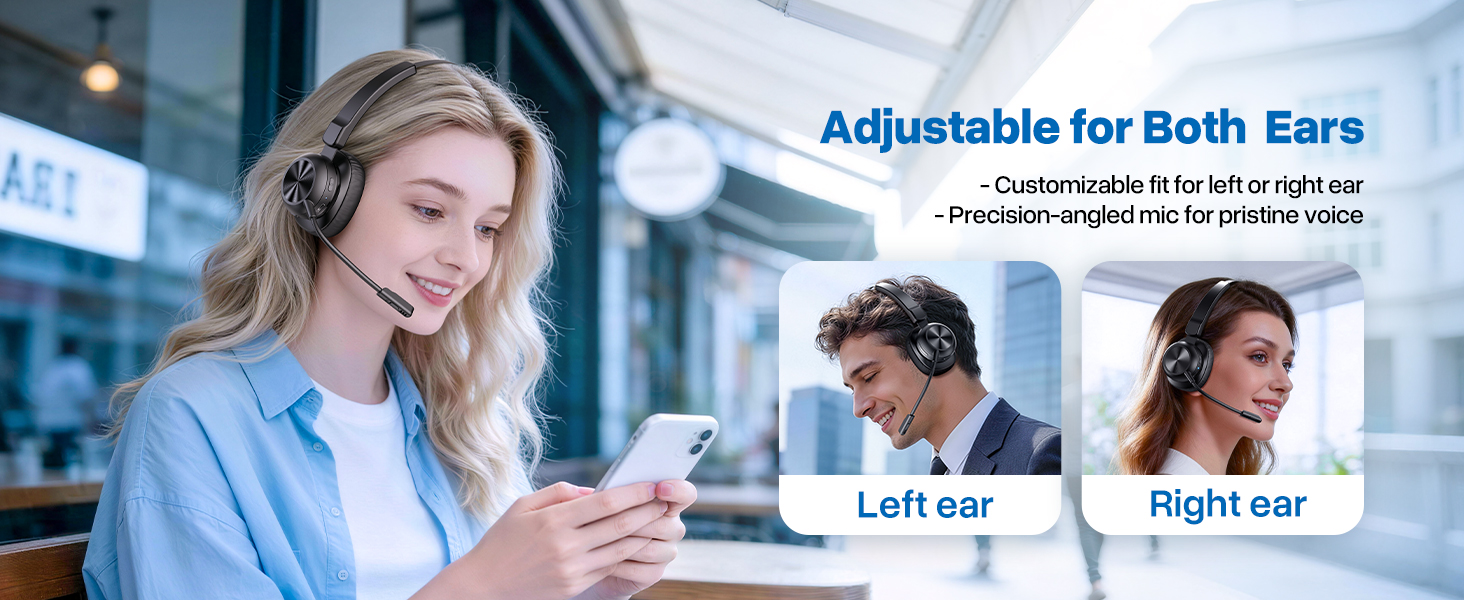
Bluetooth 6.0 Headsets with USB Dongle: Get a fast, stable connection with any device. Effortlessly pair with phones/tablets via Bluetooth 6.0. For desktops or older PCs, the included USB dongle provides instant plug-and-play setupno native Bluetooth required.
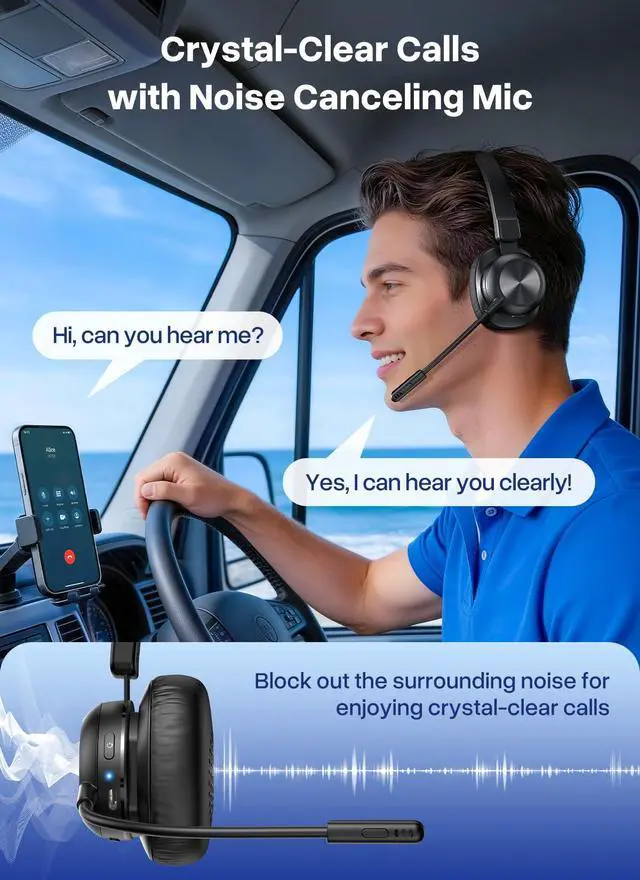
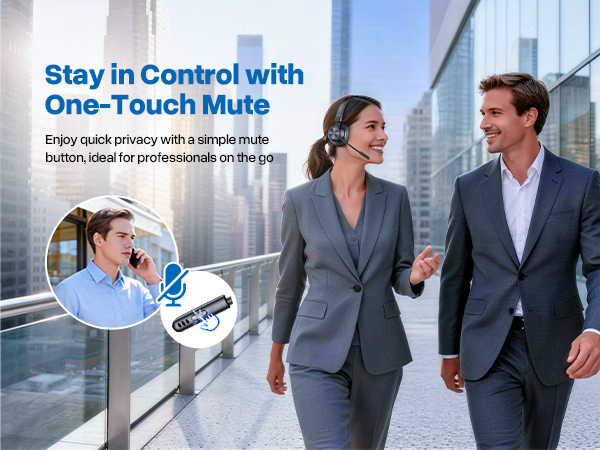
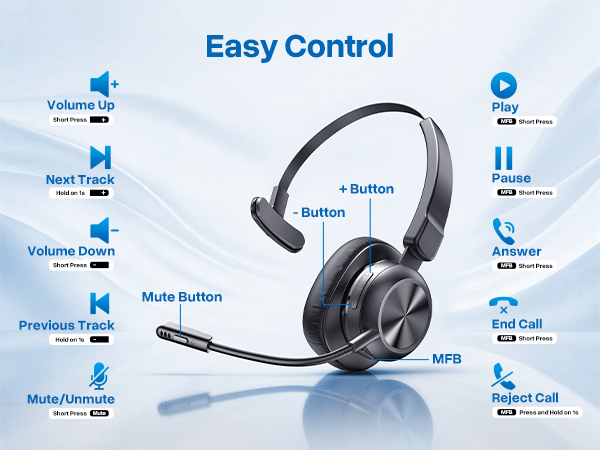
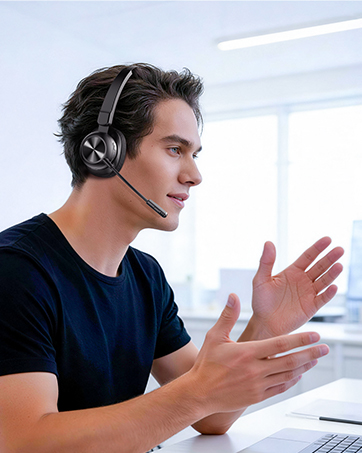
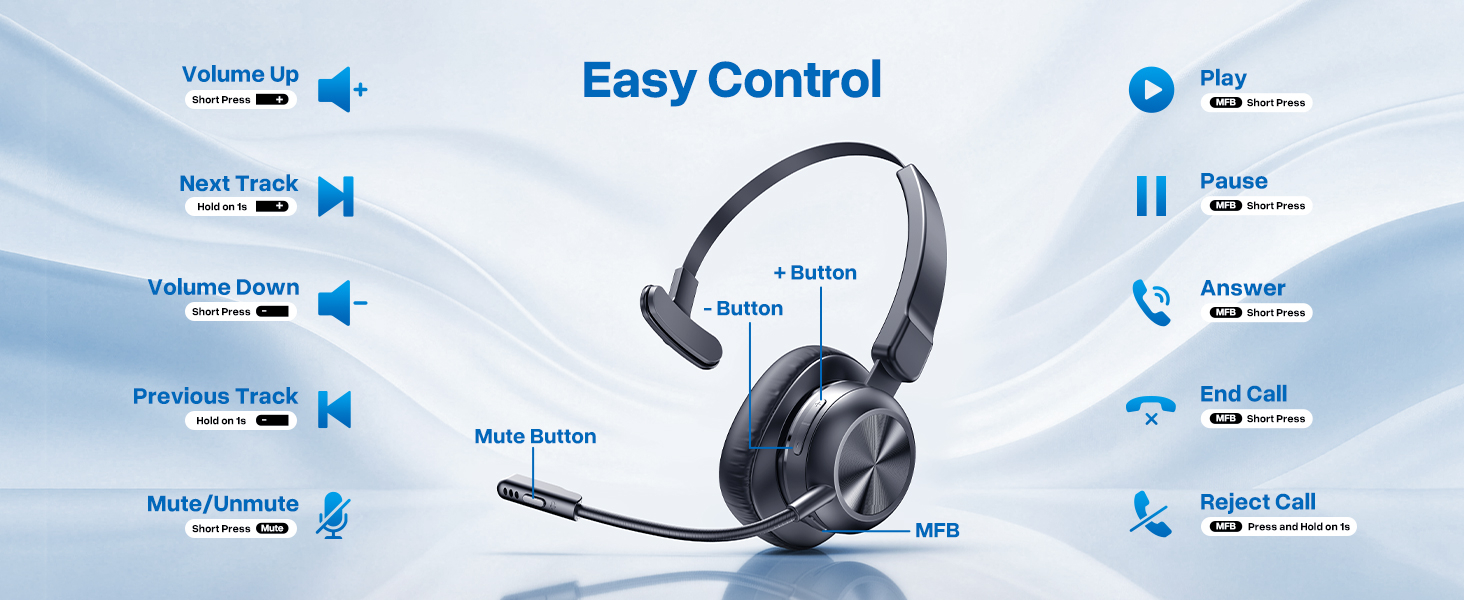
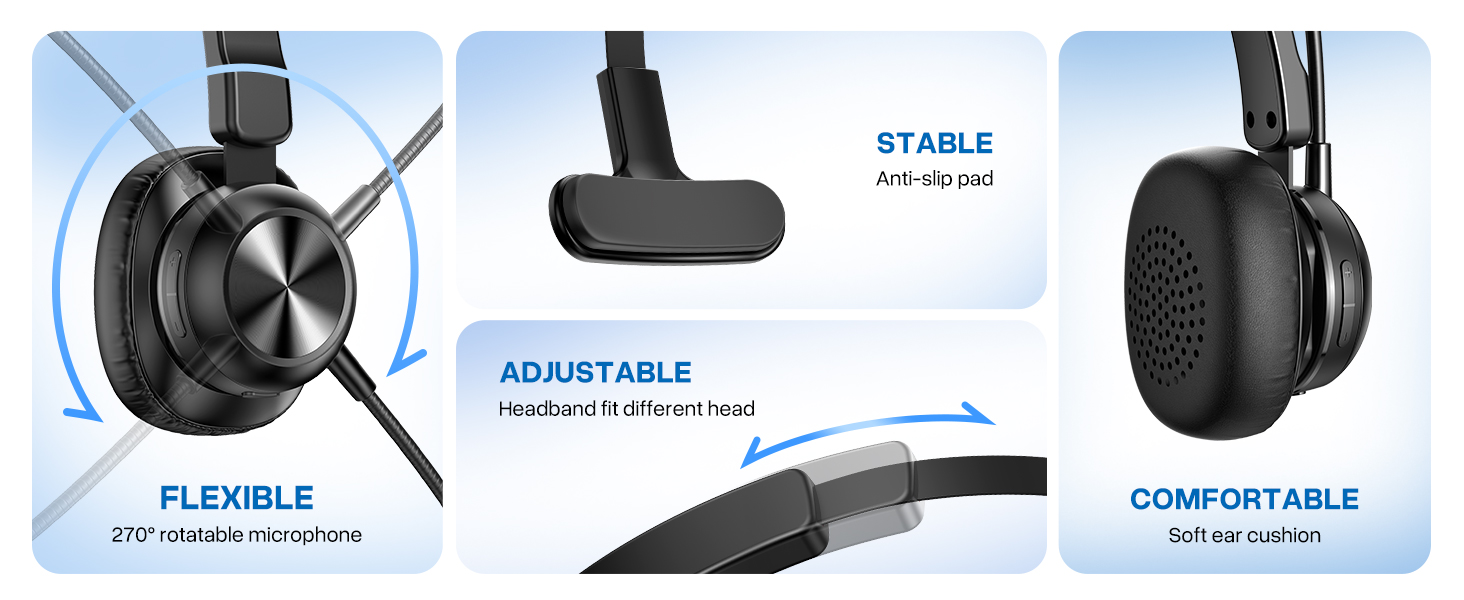
Crystal Clear Calls Headphones with Advanced Noise Cancelling Microphone: Stop battling background noise. Our trucker headset features an advanced noise-cancelling microphone that isolates your voice, delivering professional clarity from hectic offices or noisy cabs. The one-touch mute button ensures private, interruption-free conversations.
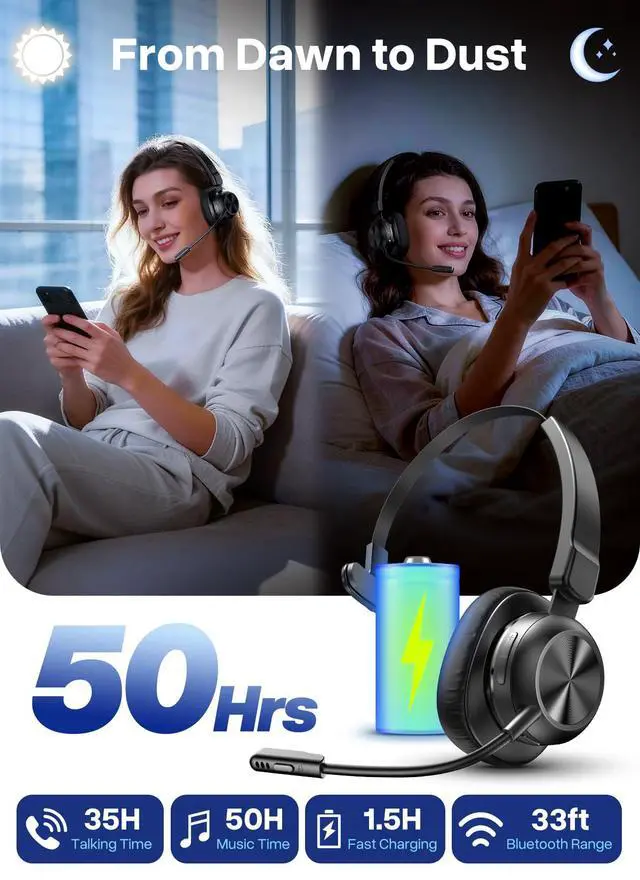
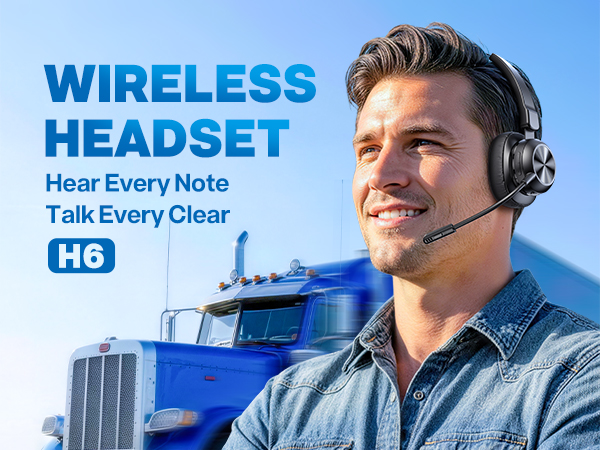
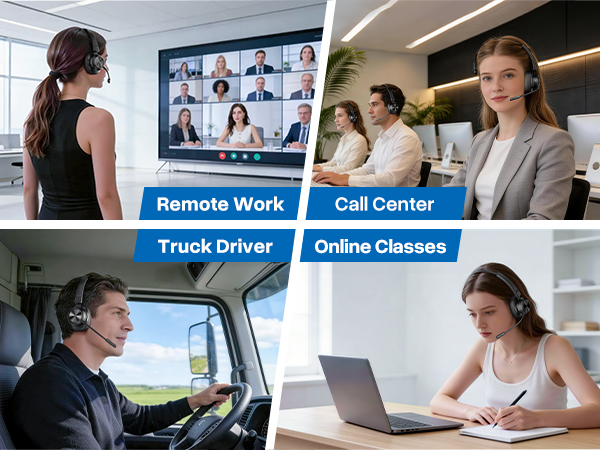
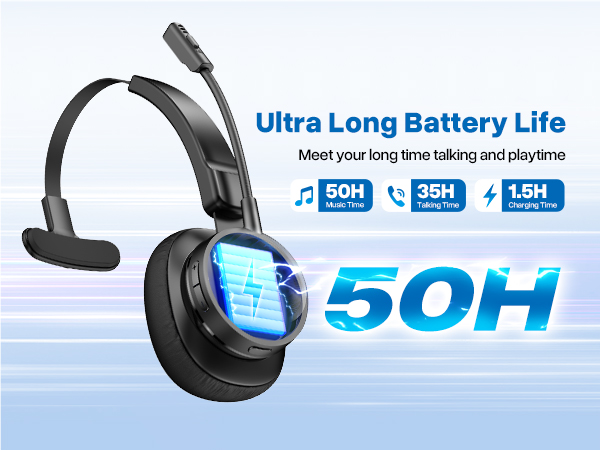
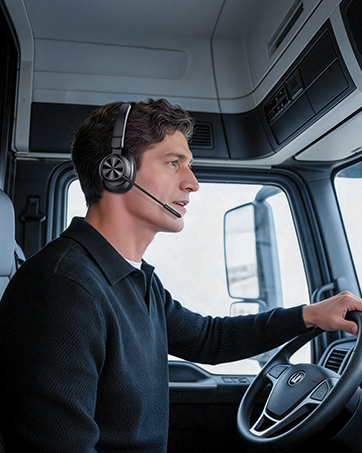
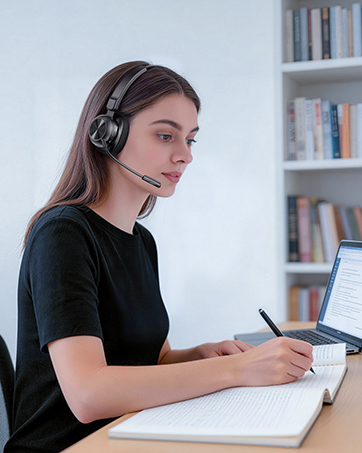
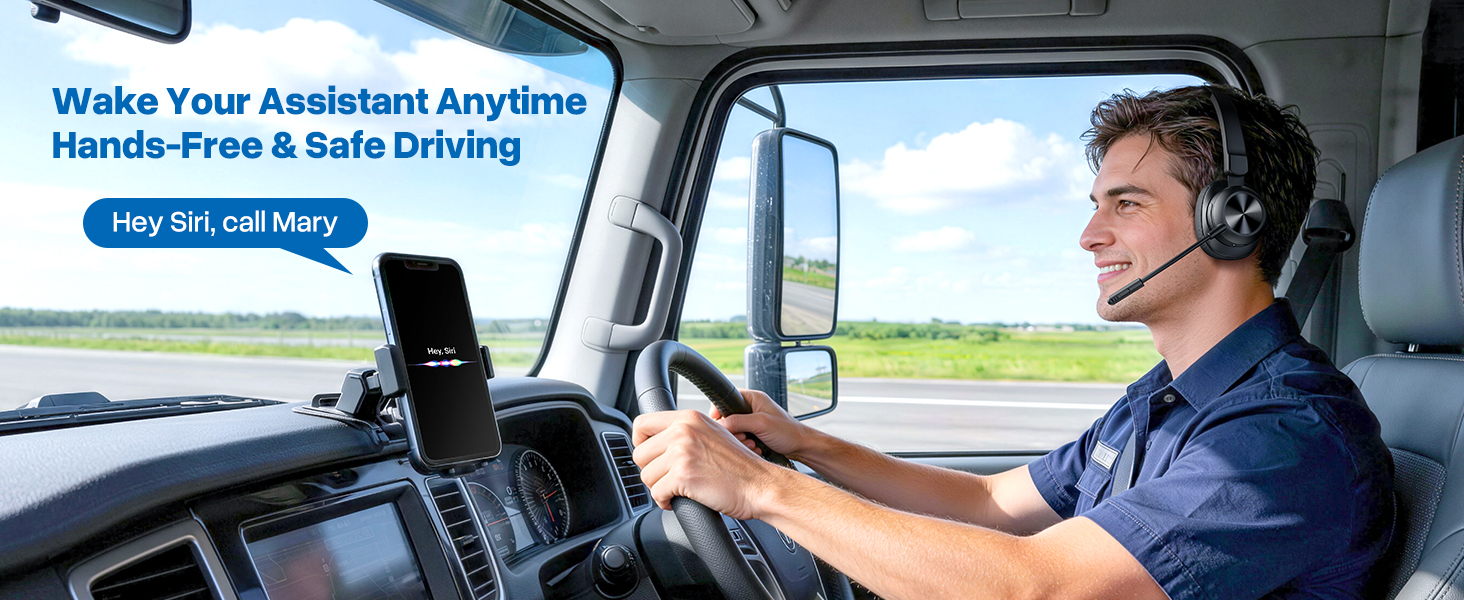
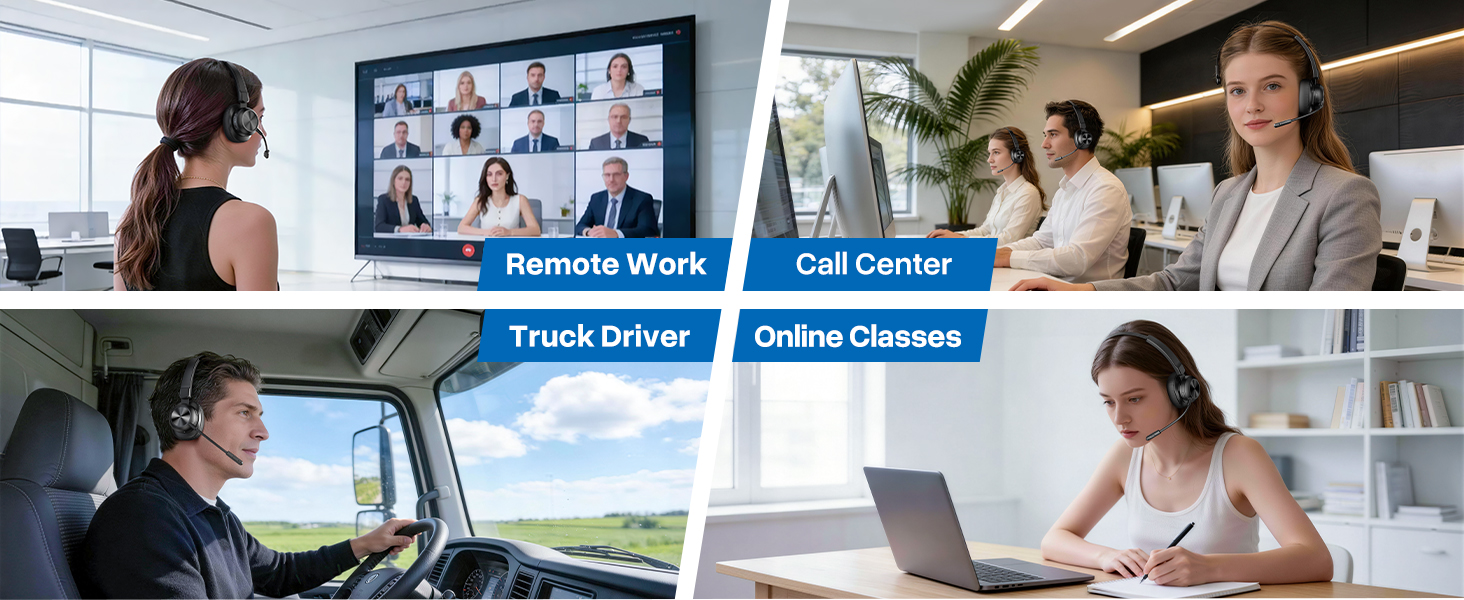
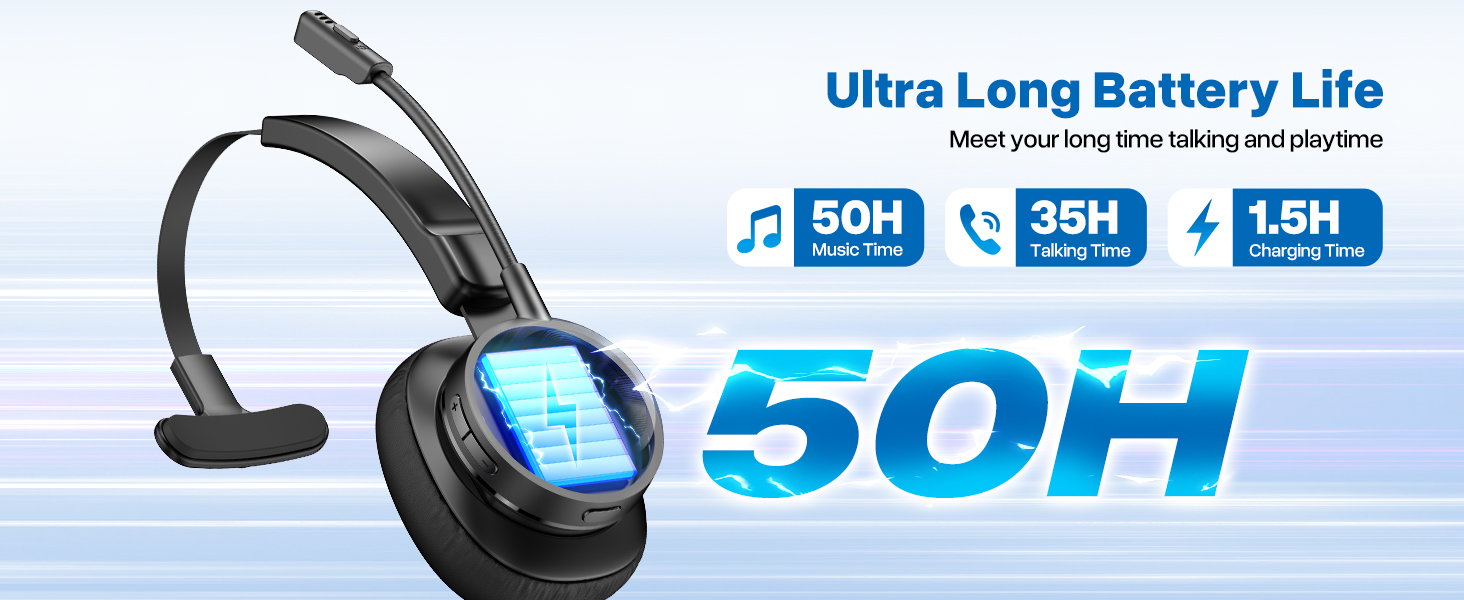
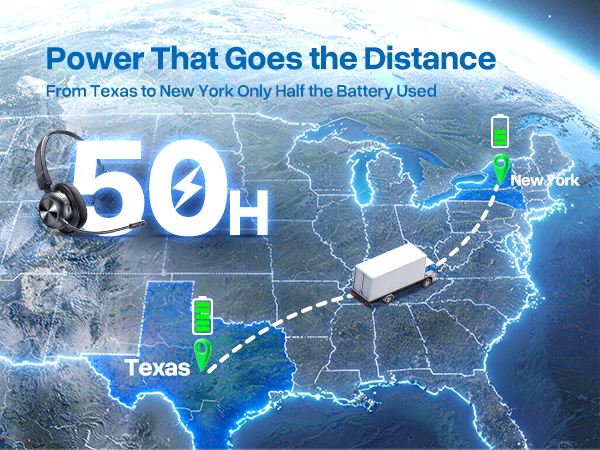
50-Hour Long Battery Life for All-Day Work: Built for the longest shifts. H6 wireless headset charges fully in 1.5 hours, delivering up to 50 hours of worktime for music and 35 hours of worktime for calls. Perfect for call center, remote work, or long-haul driving, it eliminates battery anxiety so you can focus.
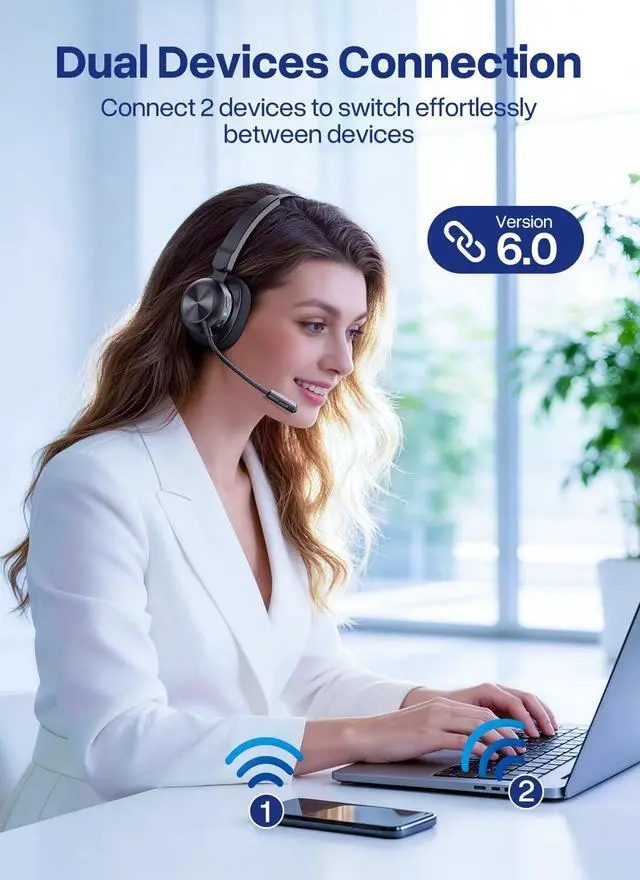
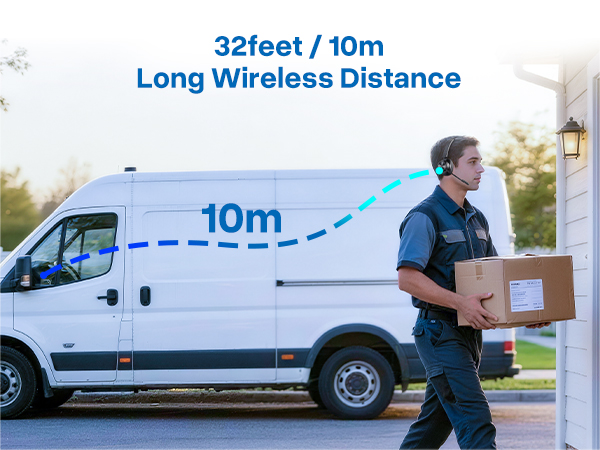
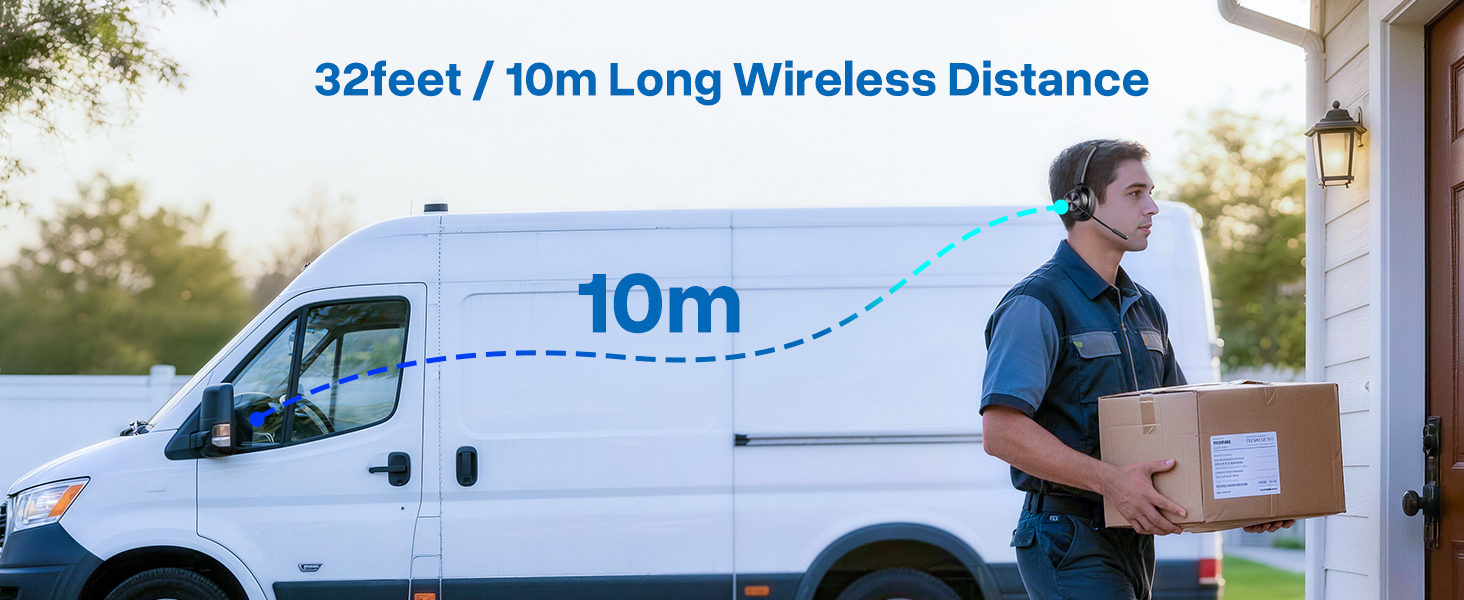
Double Your Efficiency with Dual Connection: This Bluetooth headset with multipoint connects to two devices (like your cell phone and PC). Effortlessly switch between calls and meetings while streaming audio in the background. Never miss an important alert again. Combined with a 10m/33ft stable wireless range, its ultimate productivity freedom.
+
+
Overview
Specs
Reviews
Any questions? Our AI mode will help you find out quickly.
1* Bluetooth Headset, 1*USB Dongle, 1*Type-C Charging Cable, 1* User Manual
QA 1
Q: How to connect with the headset H6 & Bluetooth device? A: 1) Press and hold the Power Button for 2s to power on the headset. 2) Activate Bluetooth on your device & search for nearby Bluetooth connections. 3) Find "H6" in the search results. Tap on the name to connect.
QA 2
Q: I can't pick up calls through the headset when it's connecting with computer. A: The headset MFB only work on mobile phone calls, not compatible with computer on voice calls or social Apps. You need pick up the calls on your computer then talk though the headset.
QA 3
Q: What should I do if there is no sound when the headset is connected to the computer? A: 1) Make sure that your headset is connected with computer through Dongle or Bluetooth. 2) Please check the sound settings of both the computer and the software to make sure [H6] is selected as the default output and input device.
QA 4
Q: How do l use the headset's mute function during a call or online meeting? A: The mute function only works during calls. During a call or online meeting. Press the mute button to mute the headset microphone. Press again to unmute. Note: The mute function may not be available for phone calls on the computer or certain apps.
QA 5
Q: Can the headset connect multiple devices at the same time? A: The headset can connect to two devices at the same time. But only one device can play music at a time. To play music from one device, you need to pause or turn off the music from another device.
QA 6
Q: Why can't I hear the caller's voice when I make a call with the headset connected, and it's hard for them to hear me? A: Because the audio of some mobile phones is selected by default during a call, please confirm the Audio selection [H6] on the call interface after answering the call.
QA 7
Q: How to reconnect and what to do if reconnection fails? A: When H6 is successfully connected to your phone for the first time, it will automatically search and reconnect the paired device after power on. If it fails, please re-pair and connect. H6 can reconnect within 10 minutes, if more than 10 minutes will be turned off.
QA 8
Q: If there is a connection problem or other problems, what should I do? A: Please try to press and hold the "MFB" button for about 10 seconds, and the headset will reset and restart.
QA 9
Q: How can I seek help with product after-sales issues? A: Weihele supports 12 months replacement. Please tell us your problem directly on the platform through the order number.
Model Number
H6
Package Included
1* Bluetooth Headset, 1*USB Dongle, 1*Type-C Charging Cable, 1* User Manual
QA 1
Q: How to connect with the headset H6 & Bluetooth device? A: 1) Press and hold the Power Button for 2s to power on the headset. 2) Activate Bluetooth on your device & search for nearby Bluetooth connections. 3) Find "H6" in the search results. Tap on the name to connect.
QA 2
Q: I can't pick up calls through the headset when it's connecting with computer. A: The headset MFB only work on mobile phone calls, not compatible with computer on voice calls or social Apps. You need pick up the calls on your computer then talk though the headset.
QA 3
Q: What should I do if there is no sound when the headset is connected to the computer? A: 1) Make sure that your headset is connected with computer through Dongle or Bluetooth. 2) Please check the sound settings of both the computer and the software to make sure [H6] is selected as the default output and input device.
QA 4
Q: How do l use the headset's mute function during a call or online meeting? A: The mute function only works during calls. During a call or online meeting. Press the mute button to mute the headset microphone. Press again to unmute. Note: The mute function may not be available for phone calls on the computer or certain apps.
QA 5
Q: Can the headset connect multiple devices at the same time? A: The headset can connect to two devices at the same time. But only one device can play music at a time. To play music from one device, you need to pause or turn off the music from another device.
QA 6
Q: Why can't I hear the caller's voice when I make a call with the headset connected, and it's hard for them to hear me? A: Because the audio of some mobile phones is selected by default during a call, please confirm the Audio selection [H6] on the call interface after answering the call.
QA 7
Q: How to reconnect and what to do if reconnection fails? A: When H6 is successfully connected to your phone for the first time, it will automatically search and reconnect the paired device after power on. If it fails, please re-pair and connect. H6 can reconnect within 10 minutes, if more than 10 minutes will be turned off.
QA 8
Q: If there is a connection problem or other problems, what should I do? A: Please try to press and hold the "MFB" button for about 10 seconds, and the headset will reset and restart.
QA 9
Q: How can I seek help with product after-sales issues? A: Weihele supports 12 months replacement. Please tell us your problem directly on the platform through the order number.
Trucker Bluetooth Headset, Wireless Headset with Microphone
Learn more about the Generic Brand H6
Model
Brand
Weihele
Model
H6
Details
Type
On-Ear
Color
Black
THD
On Ear
Power Supply
battery, true
Connector
No Jack
Ear Coupling
over_ear
Wireless Type
Bluetooth
Battery
50 hours
Operating Time
50 hours
Charge Time
1.5 hours
Distance
10 meters
Features
Features
6, 50 hours, push_button, Wireless, On Ear, dynamic_driver, 10 meters
Details
Contains Embedded Battery
battery
Additional Information
First Listed on Newegg
August 03, 2026
Customer Reviews of the Generic Brand H6
There are no reviews yet.
Do you own this product?
Warranty & Returns
Warranty, Returns, And Additional Information
Warranty
Please contact the Seller directly for warranty information. Warranty information may also be found on the Manufacturer's website.