here!
I’m your shopping assistant for PC builds, upgrades, and everything tech.
Got questions? Ask away!
Start a conversation
here!
I’m your shopping assistant for PC builds, upgrades, and everything tech.
Got questions? Ask away!
Start a conversation Top Rated



Make informed decisions with expert advice. Learn More






Any questions? Ask CelesteSM will help you find out quickly.
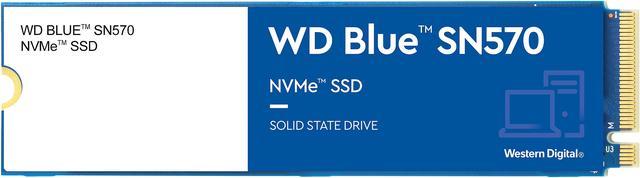
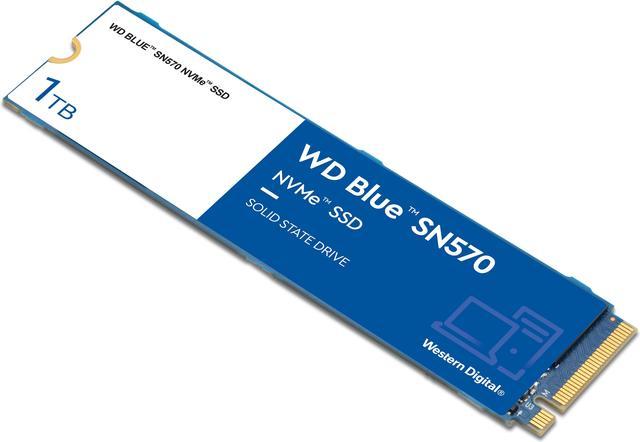
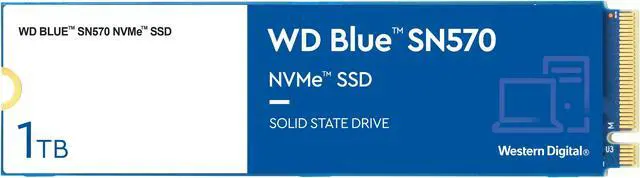
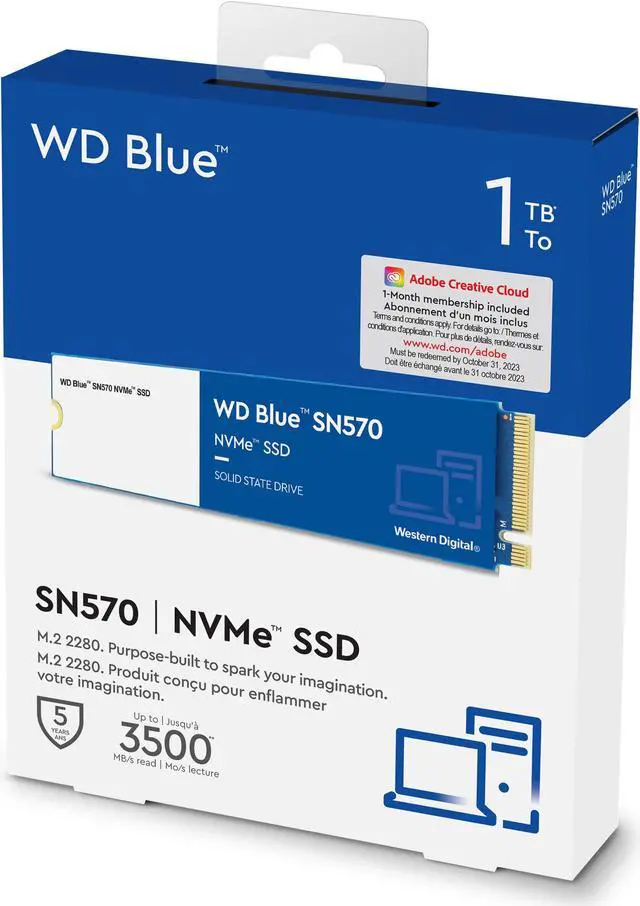
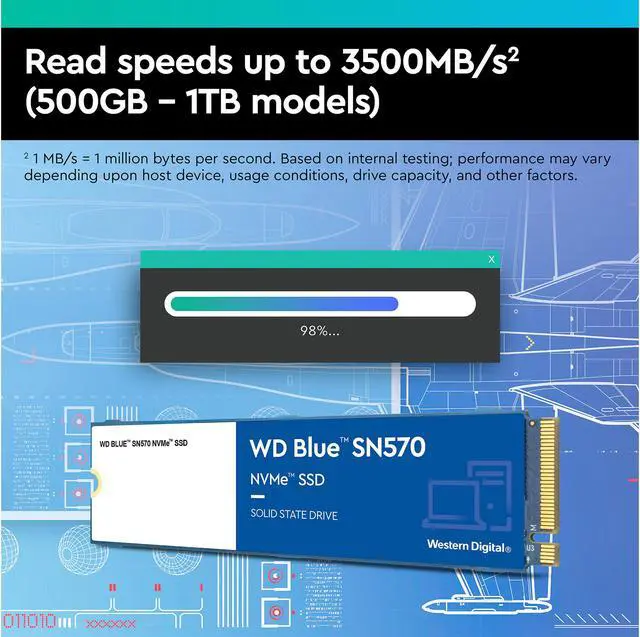
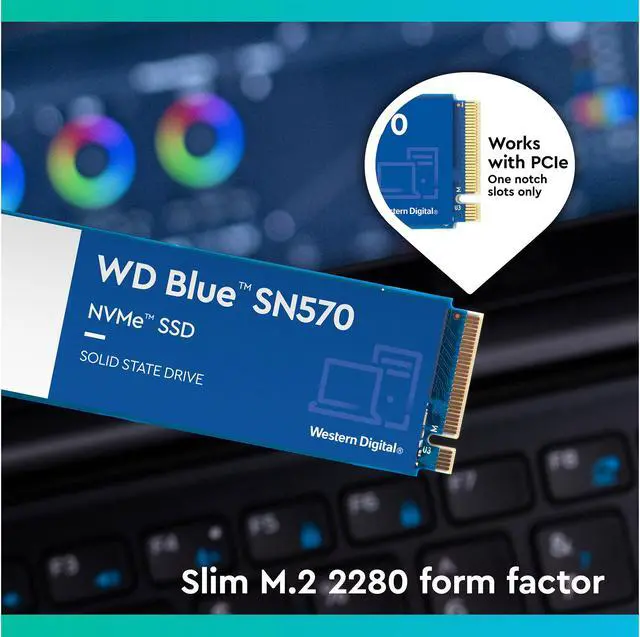
The Western Digital WD Blue SN570 is a 1TB M.2 2280 NVMe SSD for compatible PCs, offering PCIe 3.0 x4 speeds up to 3,500 MB/s read and 3,000 MB/s write for everyday computing, game storage, and content work.
| Attribute | Value |
|---|---|
| Best For | Consumer PC upgrades for personal or business storage in a system with an M.2 SSD slot |
| Capacity | 1TB |
| Interface, Form Factor And Flash | Internal M.2 2280 SSD with PCIe 3.0 x4, NVMe 1.4 interface and TLC flash |
| Read, Write And Random Performance | Up to 3,500 MB/s sequential read and 3,000 MB/s sequential write; up to 460,000 IOPS 4KB random read and 450,000 IOPS 4KB random write |
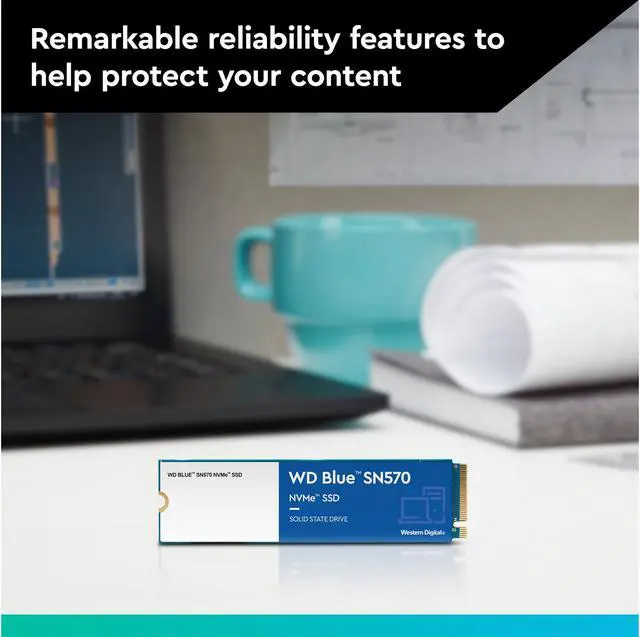
| Endurance And Reliability | 600TBW endurance, 1.5 million-hour MTTF, and 1,500G shock resistance at 0.5 ms; operating vibration rated at 5 gRMS and non-operating vibration at 4.9 gRMS |
| Power And Operating Conditions | 4.5W active power; 90mW average active power, 30mW PS3 low-power and 5mW PS4 sleep; operates from 0°C to 70°C and stores from -40°C to 85°C |
| Dimensions And Weight | 80 × 22 × 2.38 mm; 6.5 g |
| Model Identifiers | Western Digital Blue SN570 NVMe, model WDS100T3B0C |
Q: WD Blue SN570 vs SN580: should I pay more for the SN580?
A: Choose the SN580 if the price difference is small and you want PCIe 4.0 support, higher rated sequential speeds, and a newer cache design. At 1TB, WD rates the SN580 for up to 4,150 MB/s read and write, versus 3,500 MB/s read and 3,000 MB/s write for the SN570. For everyday use on a PCIe 3.0 system, or when the SN570 costs less, the SN570 remains a practical choice; the upgrade may matter more for file transfers than routine tasks.
Q: Is the WD Blue SN570 or WD_BLACK SN770 a better gaming SSD?
A: Choose the SN770 if you want a PCIe 4.0 drive with higher rated peak throughput: its 1TB model is rated up to 5,150 MB/s read and 4,900 MB/s write, compared with the SN570's 3,500 MB/s read and 3,000 MB/s write. The SN570 is a sensible lower-cost option for everyday gaming and general PC use; the SN770’s higher sequential speeds are more relevant when your system supports PCIe 4.0 and you regularly move large files. Game-loading gains depend on the game and system, so peak specifications alone do not guarantee noticeably shorter load times.
Q: Should I get the WD Blue SN570 or Samsung 980 1TB?
A: Both are PCIe 3.0 NVMe options with similar rated sequential speeds. Choose the SN570 when it is meaningfully less expensive or you want a straightforward drive for everyday use. Choose the Samsung 980 if prices are close and you prioritize mixed-workload benchmark performance: reviews found the 980 had an edge in some tests, while the SN570 also performed strongly. Neither drive’s peak sequential rating alone tells you how it will perform in every workload.
Q: Is the WD Blue SN570 worth choosing over the older SN550?
A: Choose the SN570 if prices are close and you want the higher rated sequential read speed: the 1TB SN570 is rated up to 3,500 MB/s, compared with up to 2,400 MB/s for the 1TB SN550. Both are PCIe 3.0 x4 M.2 2280 drives, and their 1TB endurance rating is 600 TBW. If you already own an SN550 and it meets your needs, the SN570’s higher peak rating alone may not justify replacing it.
Q: Will this SSD fit and work in my laptop or desktop?
A: It is an M.2 2280 NVMe SSD using PCIe 3.0 x4. Check that your computer has an M.2 slot that supports NVMe drives in the 2280 size; a slot that supports only M.2 SATA may not work with it.
Q: Is this a good SSD for a boot drive, everyday work, and gaming?
A: It is suitable for everyday computing, a system drive, and game storage in a compatible computer. Its PCIe 3.0 x4 interface supports sequential read speeds up to 3,500 MB/s and write speeds up to 3,000 MB/s; actual performance depends on the system and workload.
Q: Can I use this as extra storage, or do I have to replace my current drive?
A: Either use is possible if your computer has a compatible, available M.2 2280 NVMe slot. If replacing your current system drive, you may need to clone it or reinstall the operating system; the SSD itself does not make that setup step automatic.
Q: What should I check before installing this SSD?
A: Confirm that the device supports an M.2 2280 NVMe PCIe drive and has an available slot. Also check whether you need a mounting screw or a heatsink for your system; those accessories are not specified in the provided product details.
Q: Is the WD Blue SN570 1TB a good choice for large, sustained file writes?
A: It may not be the best fit for frequent large writes. Reddit discussions and a YouTube review flag reduced write speeds after the drive’s fast-write cache fills. For everyday use or shorter transfers, this limitation is less likely to matter. The listed maximum sequential write speed is 3,000 MB/s; that is not a guarantee of sustained speed.
Q: Is the SN570 suitable as a boot drive for gaming and everyday PC use?
A: It can suit a general-purpose or gaming PC, provided the motherboard supports an M.2 2280 NVMe drive. A Reddit discussion specifically considers the 1TB SN570 for gaming and lighter everyday use; the main trade-off raised is slower performance during very large sustained writes, rather than ordinary use.
Q: Is the WD Blue SN570 1TB worth buying?
A: It may be worth considering for a consumer PC if its price is competitive and your workload is mostly everyday computing or gaming. Its listed specifications include TLC memory, PCIe 3.0 x4, and up to 3,500 MB/s sequential reads. It is a less suitable choice if you often write large amounts of data continuously. The supplied information does not include a price, so value cannot be determined without comparing current alternatives.