




 here!
here!
I’m your shopping assistant for PC builds, upgrades, and everything tech.
Got questions? Ask away!
Start a conversation
here!
I’m your shopping assistant for PC builds, upgrades, and everything tech.
Got questions? Ask away!
Start a conversationShipped by Newegg


Make informed decisions with expert advice. Learn More

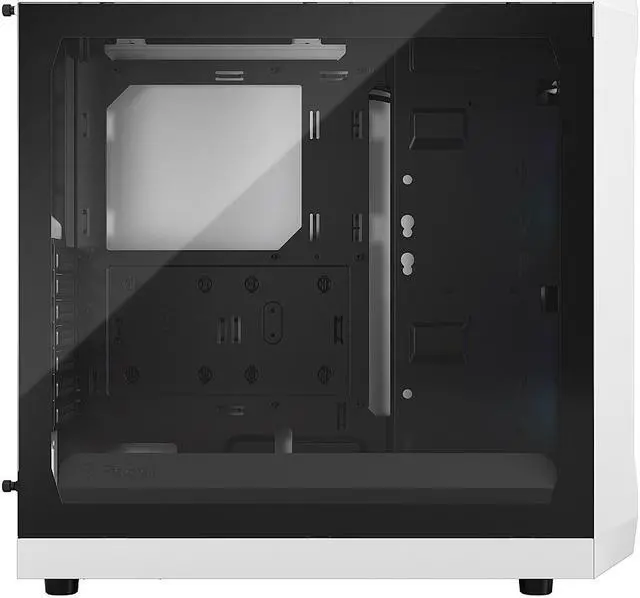
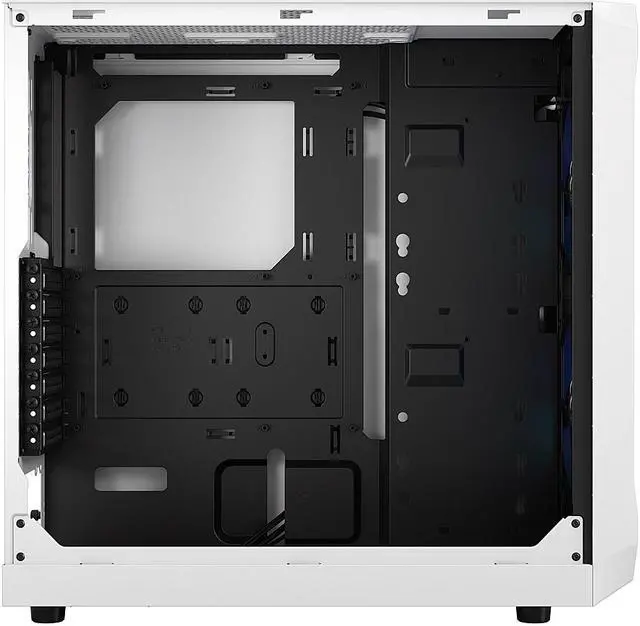
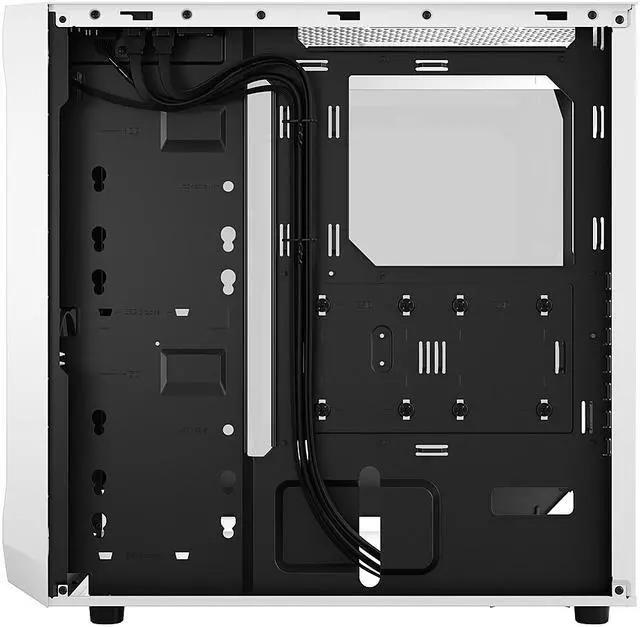
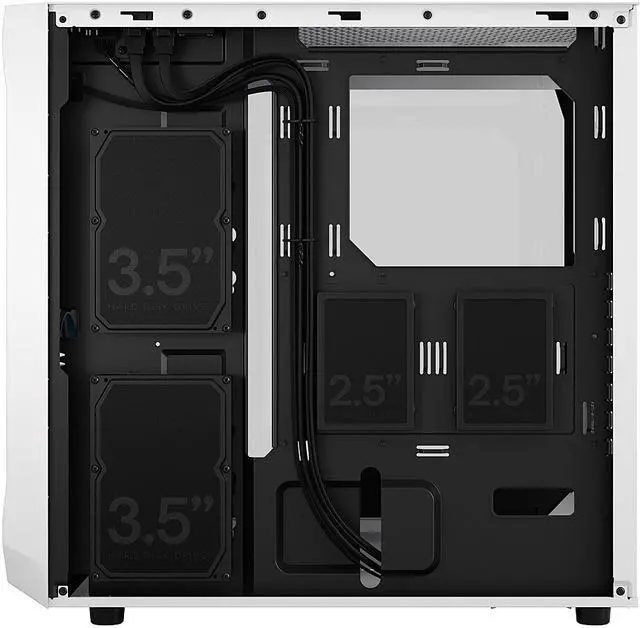



Any questions? Ask CelesteSM will help you find out quickly.
/11-352-194/1-logo.jpg)
/11-352-194/1-main.jpg)
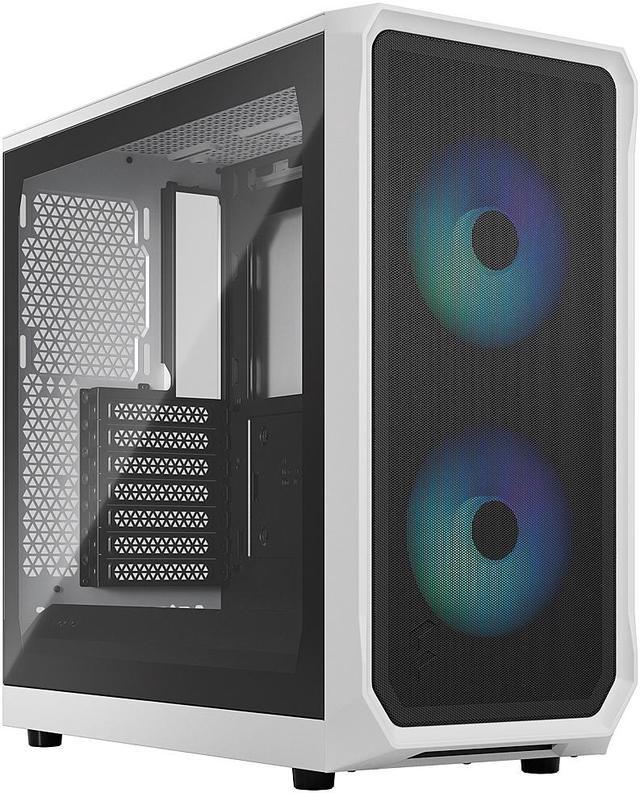
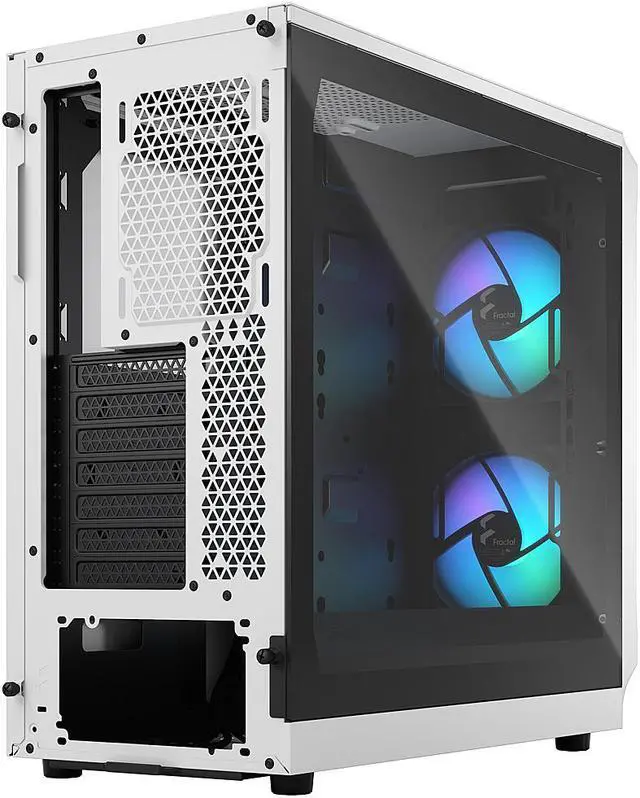
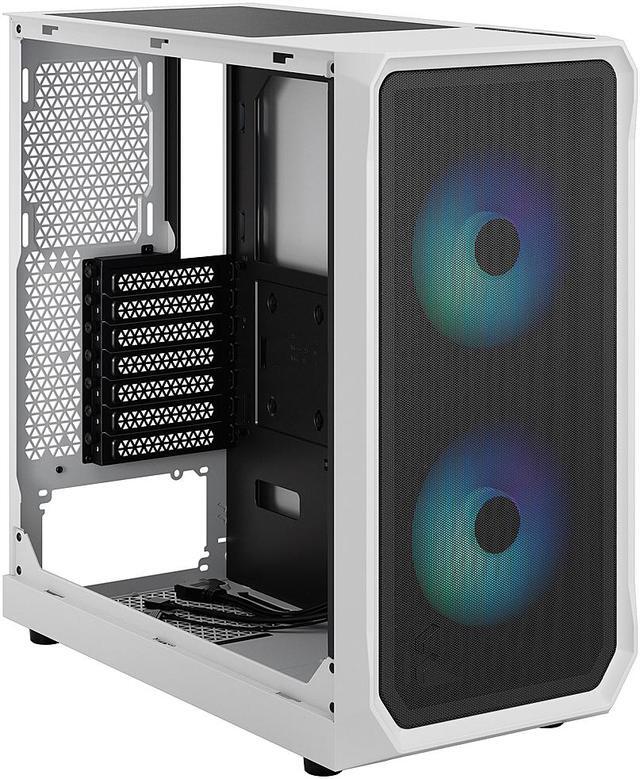
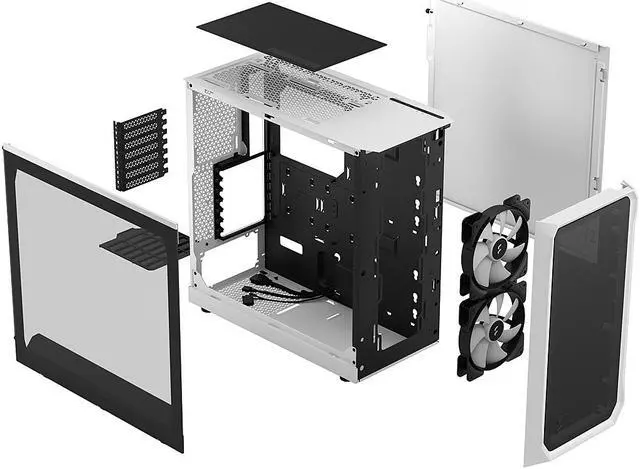
Focus 2 offers a precise straight-forward design which has been carefully engineered to leverage its airflow potential. Its innovative approach to the internal layout creates flow throughout the case, making it enjoyable to build and upgrade in, while optimizing direct cooling to components.
The Focus 2 is also adaptable and upgradeable, with available accessories including storage expansions and a USB-C upgrade kit.
/11-352-194/split-line.jpg)
/11-352-194/2-feature-a.jpg)
/11-352-194/2-airflow.jpg)
Meticulously designed to keep your hardware naturally cool
/11-352-194/3-ASPECTS.jpg)
The Focus 2 comes with two of our Aspect 140 mm fans
/11-352-194/4-OPEN.jpg)
An innovative approach to the interior layout for enjoyable building and direct cooling
/11-352-194/5-show.jpg)
Easily mounted tempered glass side panel that lets you showcase your components
/11-352-194/6-SMART.jpg)
SSD quick clips behind and HDD mounting directly on the Motherboard panel
/11-352-194/7-USB-C.jpg)
The I/O welcomes the optional, easily installed USB-C module available separately
/11-352-194/8-Extra-feature.jpg)
/11-352-194/9-what's-included.jpg)
/11-352-194/9-front-a.jpg)
/11-352-194/9-components-and-fans.jpg)
/11-352-194/10-accessory-box.jpg)
/11-352-194/11-compatible.jpg)
We want to ensure your holiday shopping this year is hassle-free. That’s why we’re automatically extending our return policies on almost every product! For purchases placed between November 1st, 2025 and December 31, 2025 you will have until January 31, 2026 to return your product.
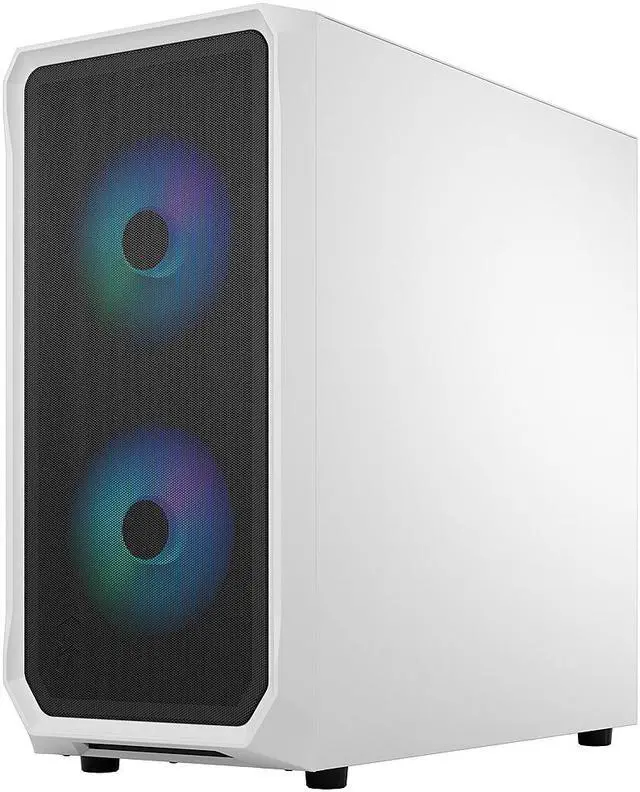
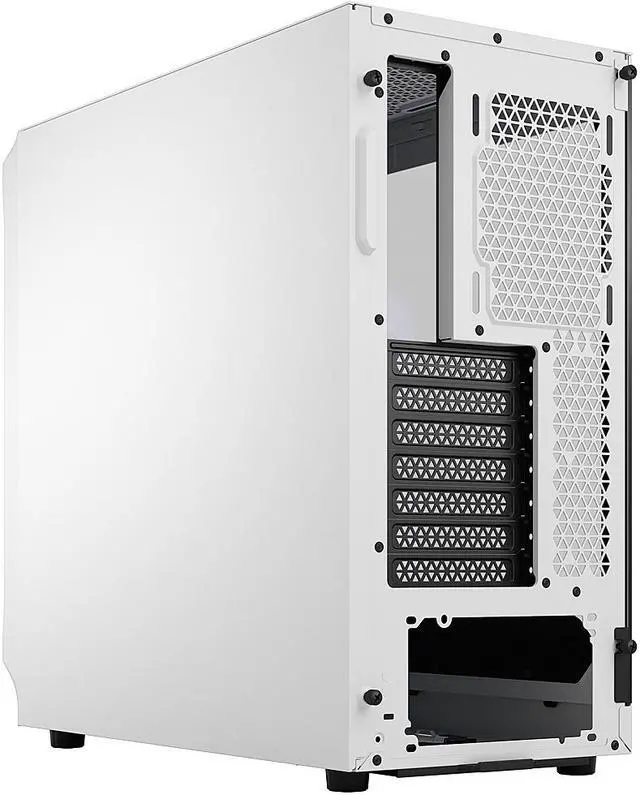
The Fractal Design Focus 2 RGB White is a mid-tower PC case for ATX, microATX, and Mini-ITX builds, best for gamers and first-time builders who want strong airflow, tempered-glass visibility, and included RGB cooling in a clean white chassis.
| Attribute | Value |
|---|---|
| Best For | Mid-tower ATX/micro‑ATX/mini‑ITX builds that showcase components behind a clear tinted tempered glass panel with addressable RGB, prioritize strong front airflow and support front radiators up to 360 mm |
| Compatibility | Supports Micro ATX, ATX, Mini‑ITX and Mini‑DTX motherboards; 7 expansion slots; fits GPUs up to 405 mm with the front fan installed; CPU coolers up to 170 mm; bottom-mounted PSU up to 250 mm (175 mm recommended) |
| Materials And Panels | Steel chassis with a clear‑tinted tempered glass side panel, white exterior color |
| Cooling And Fans | Includes two pre‑installed 140 mm Aspect RGB fans and ARGB controller; supports front: 3×120 mm or 2×140 mm, top: 2×120 mm or 2×140 mm, rear: 1×120 mm; air cooling with front/top/PSU dust filters |
| Radiator Support | Front radiators up to 360/280/240/140/120 mm (145 mm max width), top up to 240/120 mm (46 mm max motherboard component height), rear 120 mm |
| Drive Bays And Expansion | Two internal 3.5" HDD bays included and two 2.5" SSD bays included (supports additional 2.5" positions for a total of up to six); optional SSD bracket and multibracket mounting options available |
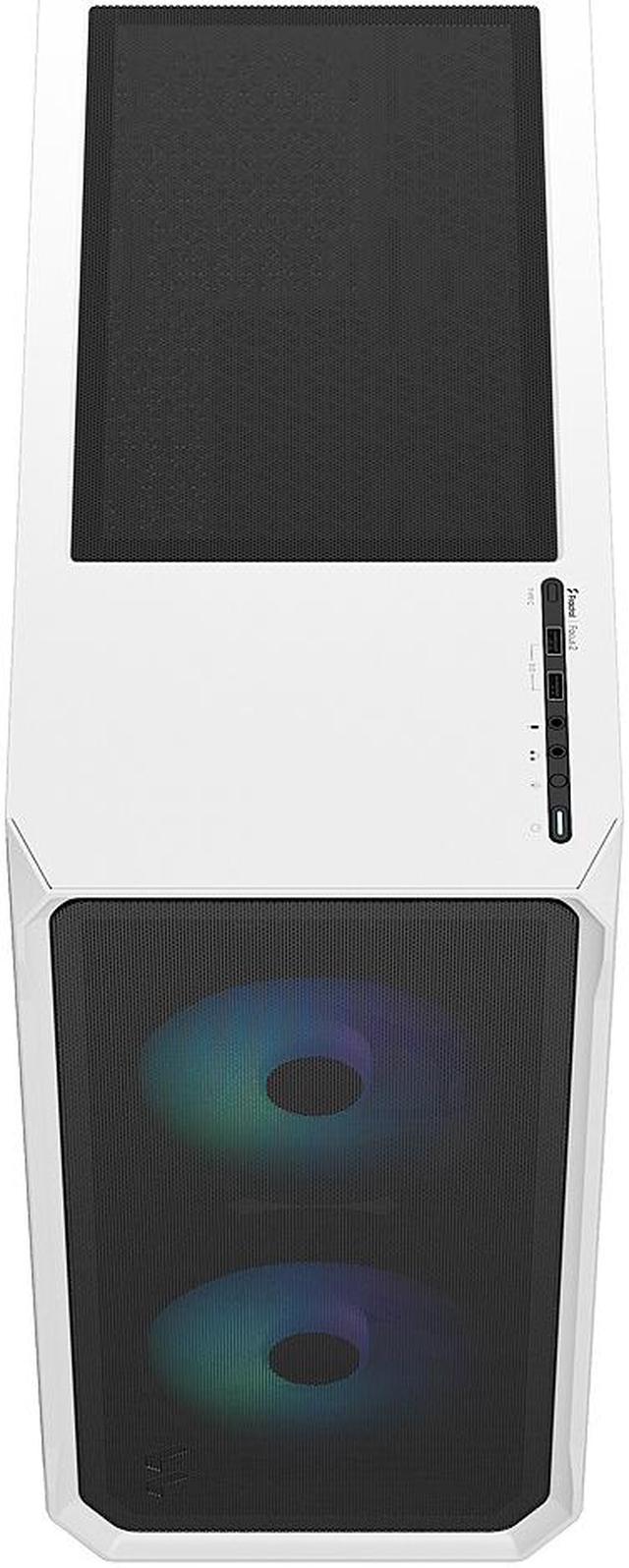
| Front I/O And Internal Headers | Front I/O includes 2×USB 3.0 (5 Gb/s) and separate mic and headphone jacks; optional USB 3.2 Gen 2x2 Type‑C front port available via upgrade kit (sold separately) |
| Dimensions And Weight | 18.56 x 8.46 x 17.74 inches; 14.11 lbs |
| Case Features And Extras | Easily mounted tempered glass side panel, innovative shroud system for improved GPU airflow, SSD quick clips behind motherboard tray, HDD mounts on the motherboard panel, accessory bag and user manual included; RGB controller included in package |
| Model Identifiers | Fractal Design — Focus 2 series, model FD-C-FOC2A-04 (Focus 2 RGB White TG Clear Tint) |
Q: Should I buy the Fractal Design Focus 2 RGB or Corsair 4000D Airflow for a mid-range gaming PC?
A: Choose the Fractal Design Focus 2 RGB if you want a simpler airflow-focused case with two included 140 mm RGB fans, a built-in ARGB controller, and strong GPU clearance out of the box. Choose the Corsair 4000D Airflow if front USB-C and a more premium cable-management layout matter more to you. In most budget-to-midrange builds, the Focus 2 RGB makes more sense when value and included RGB airflow are the priority, while the 4000D Airflow is the better fit for builders who plan to add fans and want a more feature-rich chassis.
Q: Is the Fractal Design Focus 2 RGB worth it over the Fractal Pop Air?
A: Buy the Focus 2 RGB if you want the lower-complexity Fractal airflow case with modern internal clearance, two 140 mm RGB fans, and a straightforward interior for a standard gaming build. Buy the Pop Air if you want more front-panel flexibility and a case line that is commonly seen as a step up in features. The Focus 2 RGB is the better choice when you want Fractal's airflow-first layout at a lower entry point, while the Pop Air is the better choice if you value extra convenience features more than keeping cost down.
Q: Should I upgrade from an older compact airflow case to the Fractal Design Focus 2 RGB?
A: The Focus 2 RGB is a worthwhile upgrade if your current case has tighter GPU clearance, fewer radiator options, or weaker stock airflow. Its layout supports up to a 405 mm GPU, front 360 mm radiators, and two included 140 mm front fans, which makes it more suitable for newer high-power GPUs than many older budget cases. If your current case already has strong airflow and good cable management, the upgrade is more about easier building and newer hardware support than a dramatic change in function.
Q: Is the Fractal Design Focus 2 RGB enough for high-airflow performance builds, or should I move up to a higher-tier Fractal case?
A: The Focus 2 RGB is enough for most gaming builds, including large air coolers and long GPUs, as long as you want a straightforward airflow case and are comfortable with its simpler feature set. Move up to a higher-tier Fractal case such as Meshify 2 Compact or Torrent Compact if you want stronger stock I/O, more refined cable management, and a chassis that reviewers more often position for premium thermals or enthusiast builds. The Focus 2 RGB is the practical value option; the higher-tier Fractal models are the better fit when build refinement matters as much as airflow.
Q: Is the Fractal Design Focus 2 RGB a good case for a first-time ATX gaming build?
A: Yes. It is a practical choice for a first-time ATX or mATX gaming build because it has broad motherboard support, two included 140 mm front fans, a ventilated front mesh panel, tempered glass side panel, and straightforward internal layout. The main trade-off is that it is more feature-basic than premium cases: there is no front USB-C port unless you buy the optional upgrade kit, and expansion for storage and top radiator clearance is more limited than on higher-end models.
Q: Will this case fit large modern GPUs and tall air coolers?
A: Yes for most builds. The Focus 2 supports GPUs up to 405 mm with the front fan mounted and CPU coolers up to 170 mm tall, which is enough for many current triple-fan graphics cards and mainstream tower air coolers. It is a safer fit for standard ATX gaming parts than for unusually oversized custom loops or extra-thick front-mounted cooling setups.
Q: Is the Focus 2 RGB better for airflow than a closed-front case?
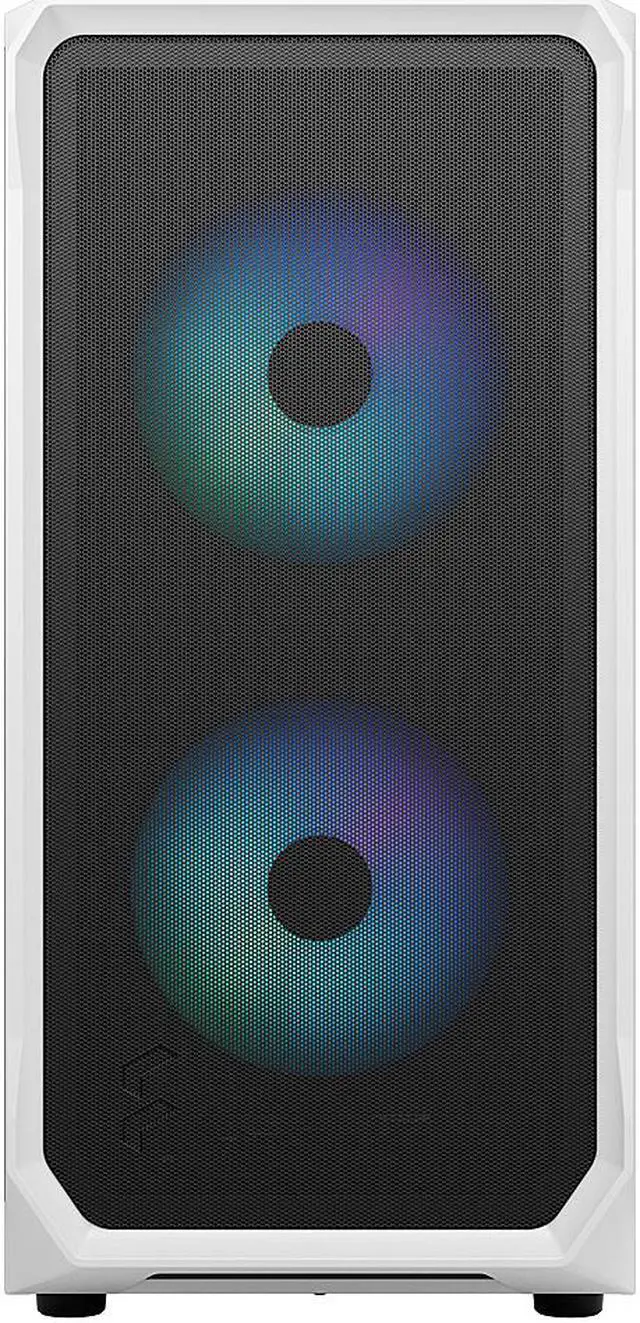
A: Usually yes. The Focus 2 RGB is designed around airflow, with a steel mesh front panel that also acts as a dust filter and two preinstalled 140 mm intake fans. That makes it a better fit than a closed-front case for air-cooled gaming systems or lower-noise operation at similar temperatures. The trade-off is that highly airflow-focused cases can let in more visible dust than more sealed designs, so periodic cleaning still matters.
Q: Can I install a 240 mm or 360 mm liquid cooler in this case?
A: Yes, but placement matters. The Focus 2 supports up to a 360 mm or 280 mm radiator in the front, up to 240 mm in the top, and 120 mm in the rear. The buying caution is the top mount: top radiator support depends on motherboard component clearance, with roughly a 46 mm height limit around the motherboard area, so tall RAM or bulky heatsinks can affect fit.
Q: What are the main trade-offs versus a more premium airflow case like the Fractal Pop Air or Meshify series?
A: The Focus 2 RGB is the simpler, value-oriented option. It gives you strong baseline airflow, included RGB front fans, and broad hardware compatibility, but it cuts back on extras that buyers often ask about on competing cases: front USB-C is optional rather than included, internal expansion is more modest, and top cooling clearance is less forgiving than on more expensive chassis. It is best for buyers who want a clean airflow case and do not need premium front I/O or more flexible water-cooling layouts.
Q: Is the Fractal Design Focus 2 RGB a good buy for an airflow-focused midrange gaming build?
A: Yes, if you want a straightforward airflow case with two included 140 mm front RGB fans, support for large GPUs, and room for front 360 mm radiators. It is a better fit for value-oriented gaming builds than for premium showcase builds, because its main trade-offs are simpler interior finishing and weaker cable-hiding than many newer competitors.
Q: Who is the Focus 2 RGB best suited for?
A: It is best suited for builders who want an ATX-compatible case with strong basic airflow, RGB included out of the box, and support for long graphics cards and common cooling layouts. It is especially suitable for first or second builds where ease of assembly matters more than premium extras like built-in USB-C or a fully covered PSU chamber.
Q: What are the main trade-offs of buying the Focus 2 RGB instead of a slightly pricier case?
A: The main trade-offs are cable management and convenience features. The case has good component clearance and airflow, but it does not include a full PSU shroud, rear fan, or front USB-C port as standard. Buyers who care more about a cleaner hidden-cable look or more complete front I/O may prefer moving up to a higher-tier case.
Q: Is the Focus 2 RGB a good choice if I care a lot about cable management and a clean interior look?
A: Only partly. It can produce a clean finished build, but it is not one of the easiest cases for hiding excess cables because the PSU area is less enclosed than on many rivals and rear cable space can feel tight. It is a reasonable choice if airflow and value matter more than cable concealment, but not the best choice if neat cable routing is your top priority.
Q: Should I buy the Focus 2 RGB if I need front USB-C and flexible RGB control?
A: Buy it only if you are comfortable with one compromise: front USB-C requires a separate upgrade kit and a compatible motherboard header. RGB control is more flexible, because the included ARGB setup can be controlled either through the case controller/button or through a compatible motherboard connection. If built-in USB-C is a must-have on day one, this case is less convenient than alternatives that include it by default.


