

Your Browsing History
- Free 30-day Returns
$26.49
Best Sellers
 Hot Seller
- $35.84
- + $9.99 Shipping

Meet Your Seller

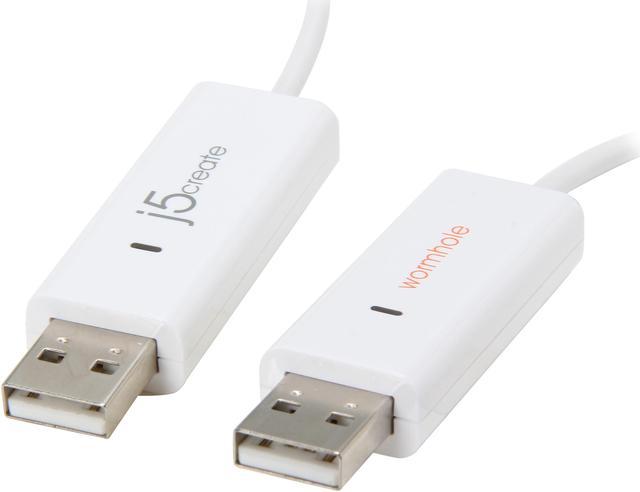
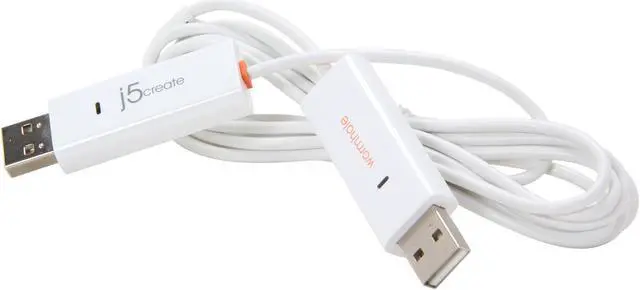
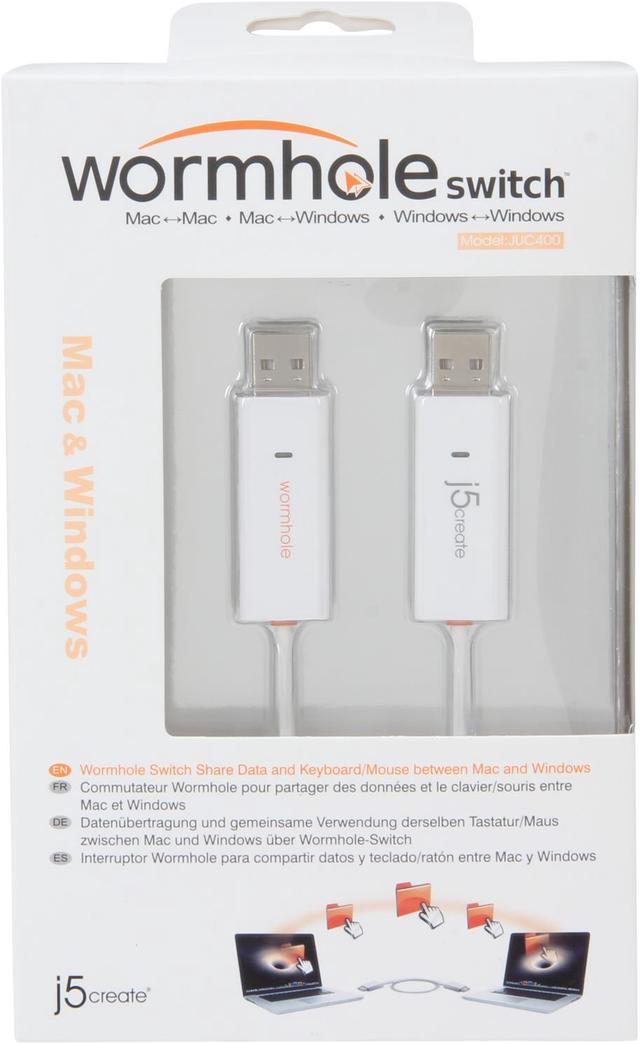
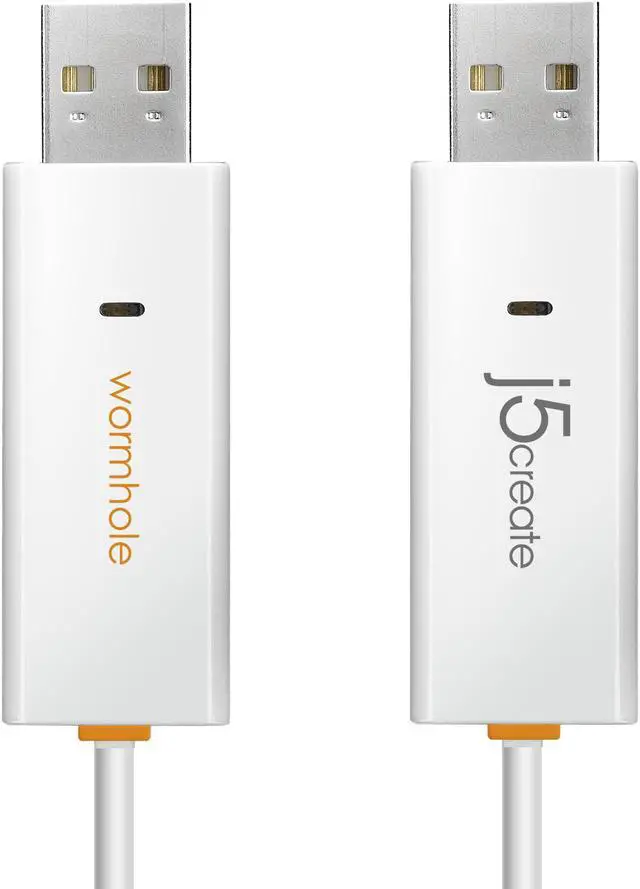
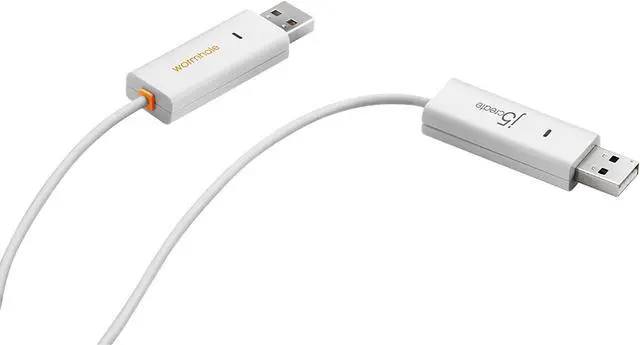
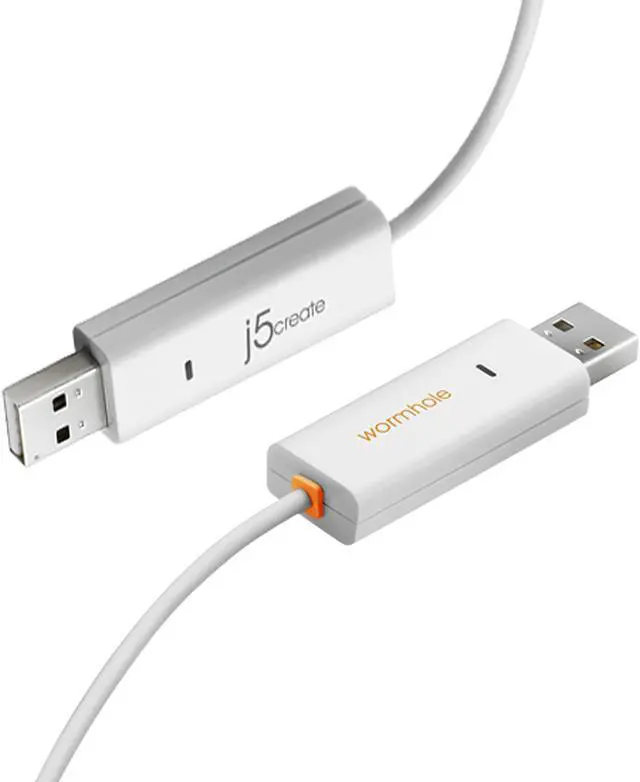
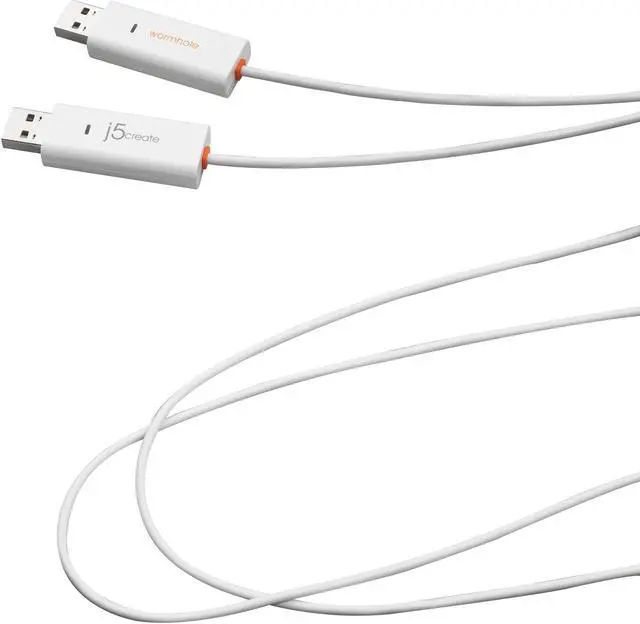


j5create Wormhole Switch Compatible with Windows & Mac
- Easily share clipboard content across multiple devices including Windows® or Mac®
- KM Functionality - Keyboard and mouse sharing between two devices
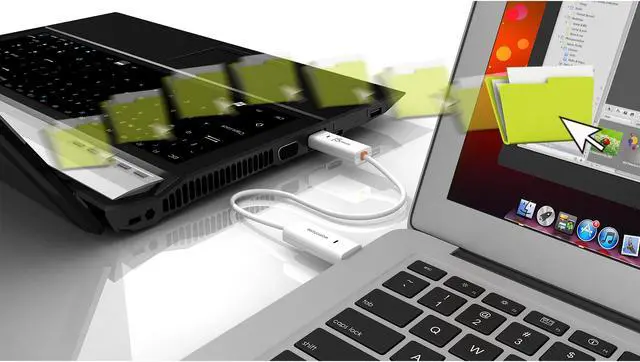
- Simple plug-and-play file sharing, no software to install or settings to adjust
- Drag files from one device to another or simply copy/paste files/content
- Compatible with Mac® to Mac®/Windows® to Windows®/Mac® to Windows®
+
+
Overview
Specs
Reviews (31)
See all Q & A 
Any questions? Our AI mode will help you find out quickly.
Try me now
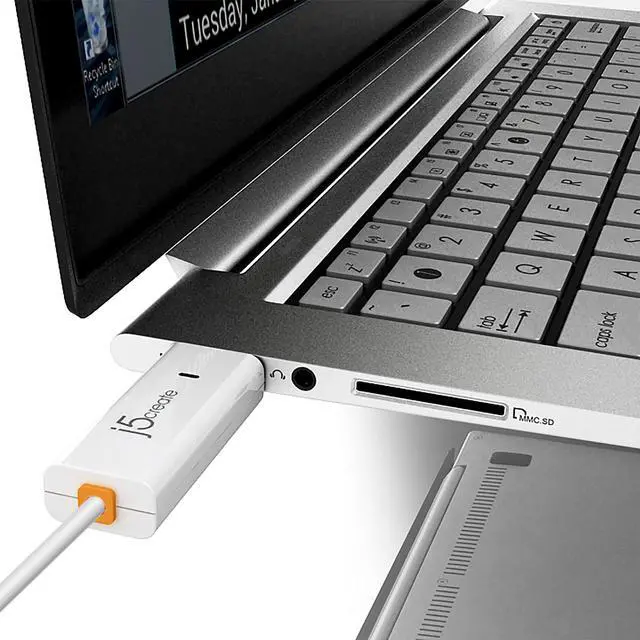
The Wormhole Switch USB transfer cable JUC400 increases productivity by allowing the use of two devices as one. Quickly share files between Windows® and Mac® devices without the need for complex software installations. Keyboard and mouse connections improve ease of use.
Quickly Transfer Files
Use this USB cable for the quick transfer of images and documents as well as audio or video files. This device can transfer data at speeds of up to 480MBs when using USB 2.0 connections. Plug-and-play software means you can start transferring files immediately.
Connects Both Windows and Mac Devices
The JUC400 USB 2.0 Wormhole Switch allows you to transfer files between both Windows and Mac devices. Use this USB cable to quickly connect two devices and start moving files between them. This cable is capable of supporting the copying and transferring of all file types.
Improve Productivity With the j5create JUC400 Wormhole Switch
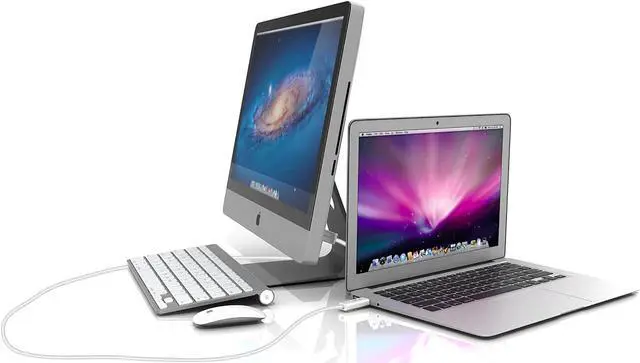
Improve productivity by quickly moving, creating backups of and sharing files. Use a keyboard and mouse with the Wormhole transfer cable to quickly move files from one device to the next. Connecting two devices enables you to use them as one larger, easy-to-navigate workspace.
JUC400 Wormhole Switch
- USB Transfer Cable
- USB Transfer Cable
- Easily share clipboard content across multiple devices including Windows, Macs or iPads
- KM Functionality - Keyboard and mouse sharing between two devices
- Simple plug and play file sharing, no software to install or settings to adjust
- Drag files from one device to another or simply copy/paste files & content!
- Compatible with Mac to Mac / Windows to Windows / Mac to Windows / Mac to iPad (keyboard only for iPad)
Share, Backup and Transfer ALL of Your Files!
The JUC400 Wormhole Switch is a revolutionary product that takes away the barrier between multiple devices working seamlessly together. At j5create we believe that all of your devices should function together regardless of platform or OS. The JUC400 Wormhole switch provides simple plug & play file swapping and content sharing across multiple platforms, including Windows to Windows, Mac to Mac, Mac to Windows, and Mac to iPad.
The JUC400 includes KM functionality built in - use either keyboard or mouse to control the other device. Increase your productivity and efficiency with the JUC400. When you are using multiple devices it can be a real pain to quickly edit and transfer documents. With the JUC400 you can copy and paste text, pictures, or any other kind of data from one device to the next just as easily as copying and pasting on one computer.
File sharing can be difficult as well, especially across multiple platforms. With the JUC400 there is no software to install or lengthy settings adjustments. Simply connect the wormhole cable from Device A to Device B and you're ready to go! Drag and drop or copy and paste files easily and quickly, Windows to Windows or Mac to Mac - even direct transfers between Macs and Windows.
| General | |
| Host Interface | USB 2.0 - A-type Connector |
| Operating System Support | Windows© 2000 / XP / Vista© / 7 (32 or 64 bit) Mac OSX v10.6 / 10.7 iPad: USB connection kit is required |
| Max Line Rate | Up to 480MBs |
| Physical Specifications | |
| Housing Material | ABS (Plastic) |
| Dimensions | Main body: 10mm H x 18mm W x 57.5mm L |
| Cable Length | Approximately 1.8m |
| Weight | Approximately 34.8g (including 1.8m cable) |
| Power | |
| Power Mode | USB Bus-powered |
| Power Consumption | 150mA |
| LED Link Indicator | Active Flash on Both Sides (Blue) |
| Environmental Specifications | |
| Operating Temperature | -50°F to 131°F (-10°C to 55°C) |
| Storage Temperature | -77°F to 167°F (-25°C to 75°C) |
| Relative Humidity | < 95% Non-condensing |
| Regulator Compliance | Safety, EMI FCC, CE RoHS RoHS compliant |
- Microsoft Windows© 8, 7, Vista, XP, 2000 SP3 (all 32 or 64 bit) compatible
- Mac OS X v10.6 / 10.7
- iPad: USB connection kit is required
- CPU: Intel Pentium II Processor or later
- RAM: 512MB RAM or higher
- Hard Disk: Requires approximately 100MB of space
- Available USB Port (USB 2.0 is recommended)
Share, backup and transfer all of your files!
The JUC400 Wormhole Switch is a revolutionary product that takes away the barrier between multiple devices allowing them to work seamlessly together. At j5create we believe that all of your devices should function together regardless of platform or operating system. The JUC400 Wormhole Switch provides simple plug-and-play file swapping and content sharing across multiple platforms, including Windows® to Windows®, Mac® to Mac® and Mac® to Windows®.
The JUC400 includes built-in KM functionality, just use either the keyboard or mouse to control both devices. Increase your productivity and efficiency with the Wormhole. When you are using multiple devices, it can be a real pain to quickly edit and transfer documents. With the JUC400 you can copy and paste text, pictures or any other kind of data from one device to the next just as easy as copying and pasting on one device.
With the JUC400 there is no software to install or lengthy settings to adjust. Simply plug the wormhole cable into device A and device B and you're ready to go! Drag and drop or copy/paste files easily and quickly across Windows® to Windows® or Mac® to Mac® and even direct transfers between Mac® and Windows®.
The JUC400 Wormhole Switch is a revolutionary product that takes away the barrier between multiple devices allowing them to work seamlessly together. At j5create we believe that all of your devices should function together regardless of platform or operating system. The JUC400 Wormhole Switch provides simple plug-and-play file swapping and content sharing across multiple platforms, including Windows® to Windows®, Mac® to Mac® and Mac® to Windows®.
The JUC400 includes built-in KM functionality, just use either the keyboard or mouse to control both devices. Increase your productivity and efficiency with the Wormhole. When you are using multiple devices, it can be a real pain to quickly edit and transfer documents. With the JUC400 you can copy and paste text, pictures or any other kind of data from one device to the next just as easy as copying and pasting on one device.
With the JUC400 there is no software to install or lengthy settings to adjust. Simply plug the wormhole cable into device A and device B and you're ready to go! Drag and drop or copy/paste files easily and quickly across Windows® to Windows® or Mac® to Mac® and even direct transfers between Mac® and Windows®.
Warranty & Returns
Warranty, Returns, And Additional Information
Warranty
- Please contact the Seller directly for warranty information. Warranty information may also be found on the Manufacturer's website.
- Read full details
- CONTACT
Return Policies
- Return for refund within: 30 days
- Return for replacement within: 30 days
- This item is covered by TheKeyKey. Return Policy
Manufacturer Contact Info
- For a directory of all our manufacturers, please click below.
- Manufacturers Directory
LOADING...
LOADING...