
Your Browsing History



Any questions? Our AI beta will help you find out quickly.
| Brand | LAVA Computer |
|---|---|
| Model | NSTS-PE |
| Color | White |
|---|---|
| Changer Type | USB Ethernet Adapter with PoE (Data and Power) |
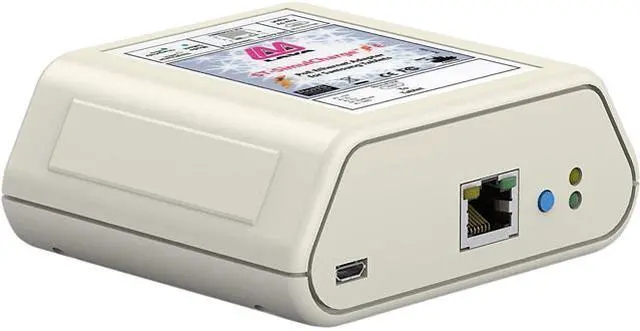
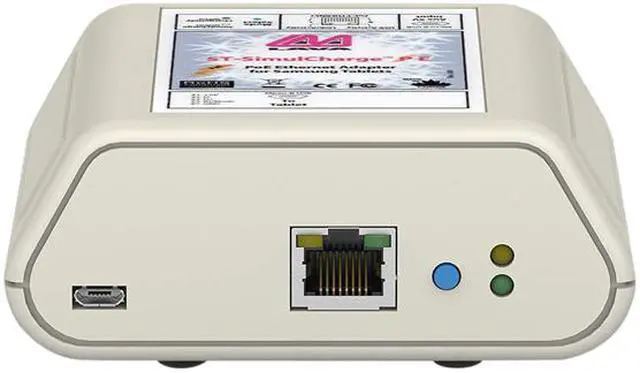
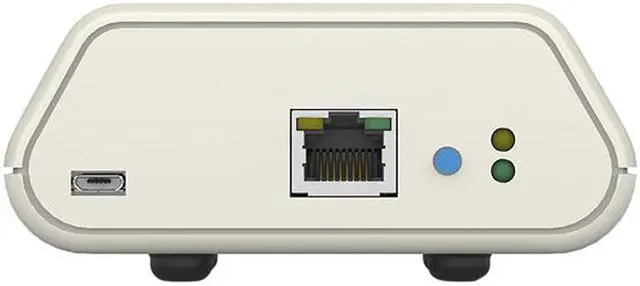
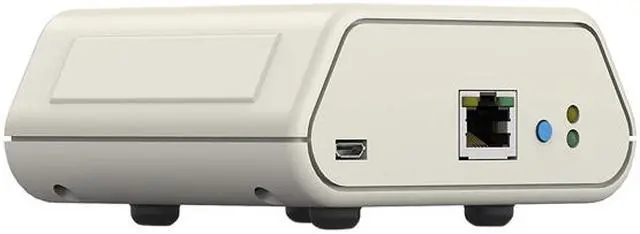
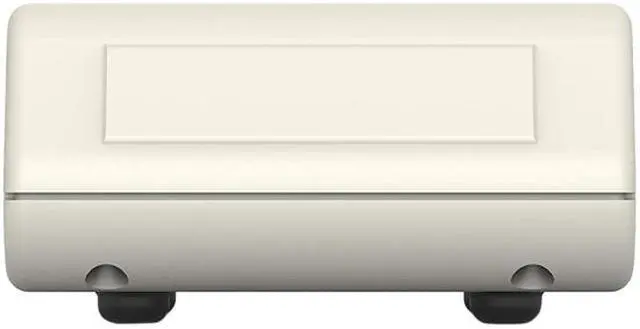
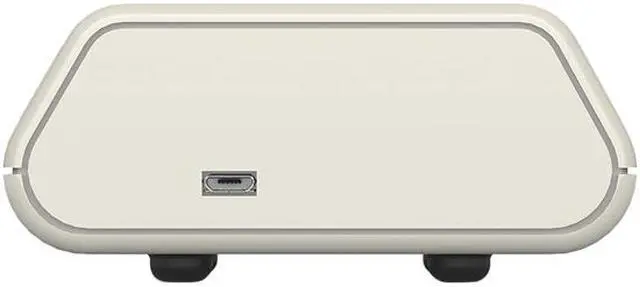
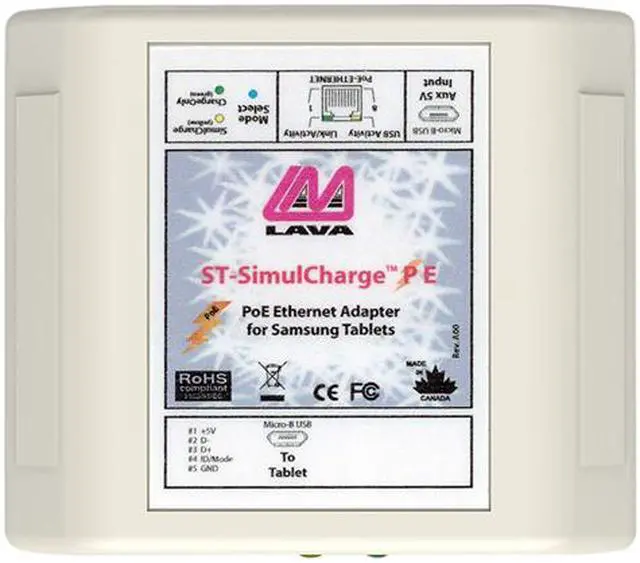
| Specifications | Power + Data for Samsung Galaxy devices The Lava nSTS-PE: USB Ethernet Adapter connects Samsung Android tablets to both Ethernet and 10.4 Watts of charging power at the same time (data + power), via a single CAT5/5e/6 Ethernet cable connected to a PoE-enabled switch. Secured Samsung Compatibility The Lava nSTS-PE ethernet adapter & cable combo was developed with Samsung Knox in coordination with the Samsung Enterprise Alliance Program (SEAP). This adapter uses the Samsung SDK to provide government grade security for your Samsung Galaxy device. Cable Included The adapter connects to the Samsung Galaxy Tablet using an included, 40" long [1000mm] Male 90°- to - Male Micro B USB Charging cable (required and included). It supports 10/100 Ethernet networking and provides bandwidth up to 100 Mbps. Fast Ethernet - Up to 100Mbps This wired Ethernet connection is compatible with 10/100 PoE switches, and provides reliable LAN connectivity at up to 100Mbps! Step by Step Locate the nearest wall outlet (120-240V A/C) to your tablet mounting location. Plug in our VidaPower PoE Switch to the outlet, and connect a standard CAT/Ethernet cable from your router to the switch's uplink port. Next, run the powered CAT5 cable to your tablet location (up to 600') and connect it to the CAT5 port on the Lava Power Adapter. Finally, connect your Micro USB charging cable to the Micro USB port of the Adapter, run your charging cable to your device and voila - we've connected your device to an A/C outlet up to 600' away! You're good! What's in the box VidaPower CAT5 to USB Power Adapter Operation Instructions Requirements POE switch or VidaPower CAT5 Power Injector CAT5 Ethernet Cable |
| First Listed on Newegg | October 12, 2018 |
|---|