here!
here!
I’m your shopping assistant for PC builds, upgrades, and everything tech.
Got questions? Ask away!
Start a conversation
here!
I’m your shopping assistant for PC builds, upgrades, and everything tech.
Got questions? Ask away!
Start a conversation
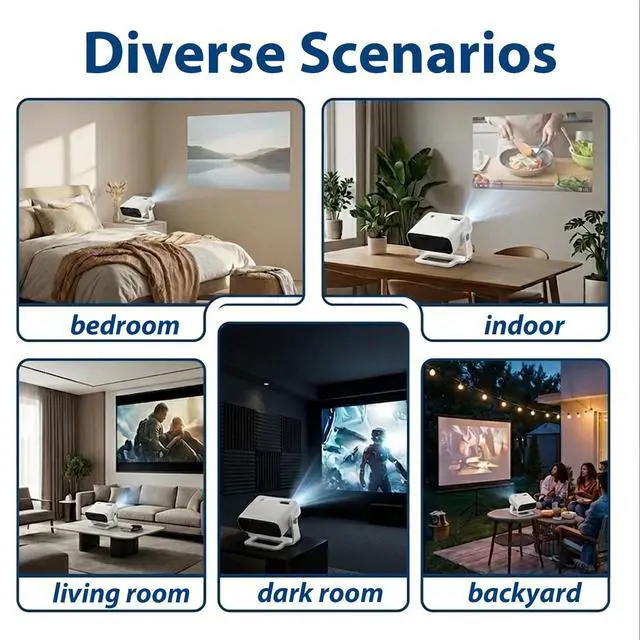
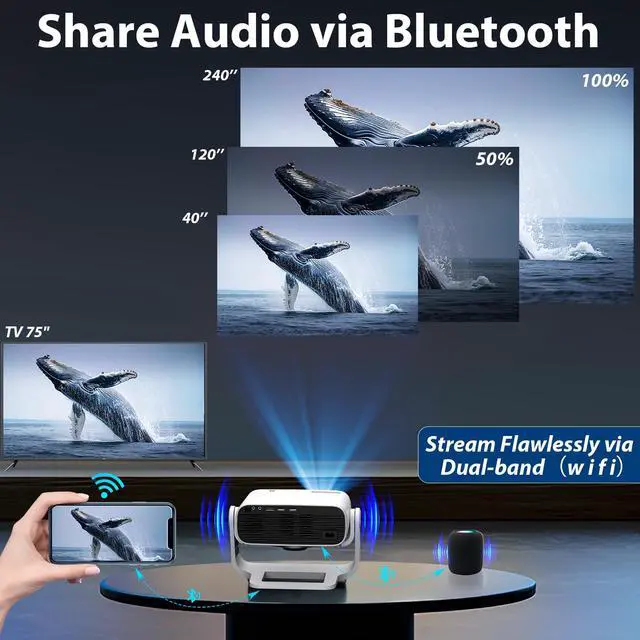
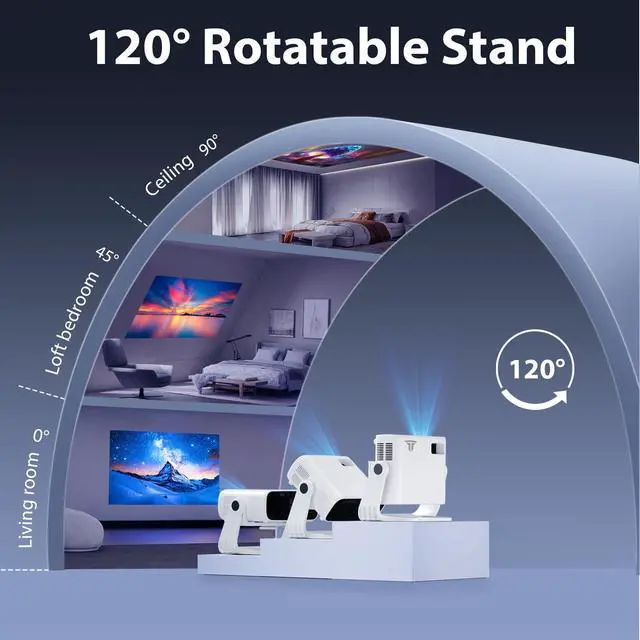
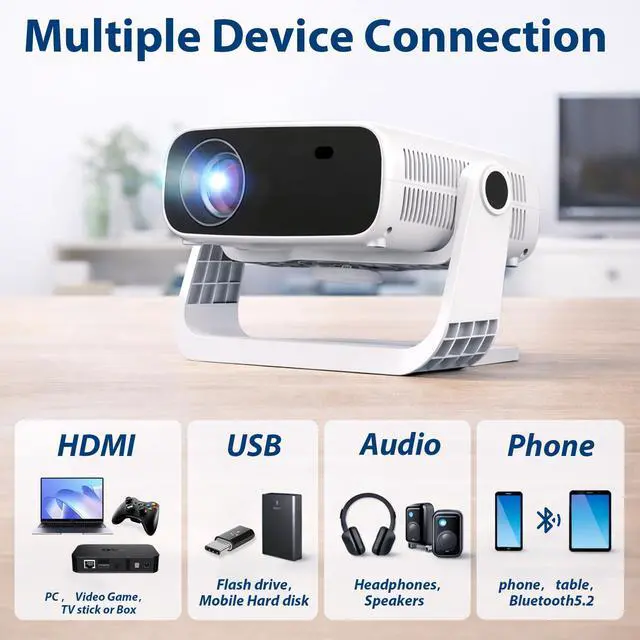



Any questions? Ask CelesteSM will help you find out quickly.

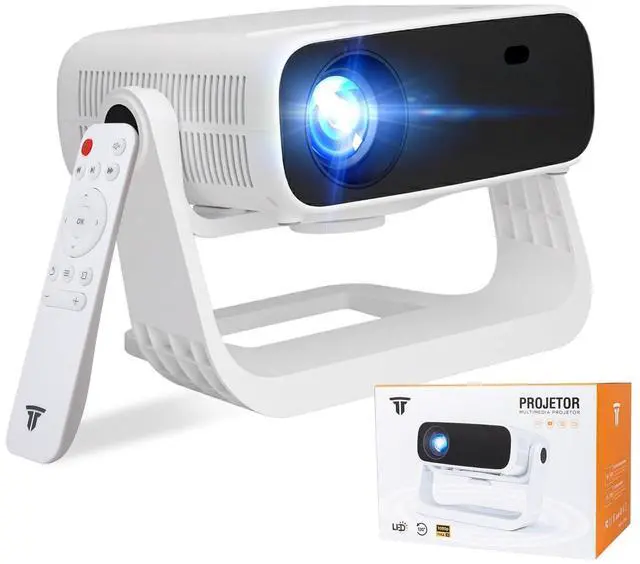
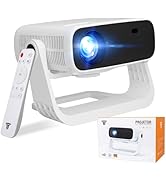
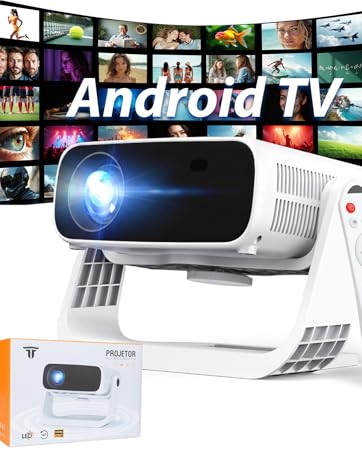
Wielio Projector with Wifi and Bluetooth

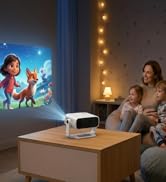
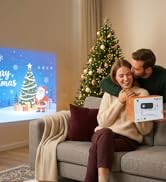
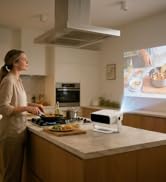
Wielio set out to create a range of projectors that embody cutting-edge technology, superior quality, and sleek design. Every product we craft is a masterpiece, meticulously engineered to deliver exceptional performance and stunning visuals. From vibrant colors to crisp details, our projectors redefine the boundaries of visual excellence.
Let Wielio projectors be your gateway to breathtaking experiences, where imagination meets reality.
1) Verify if the video format is supported.
2) Check if the video file is corrupted.
3) Check if the storage device containing the video is damaged.
Does the projector apps show errors or the device restarts frequently?
1) Too many apps may have been downloaded, exceeding the device's storage capacity. 2) Delete unused apps or restore the projector to factory settings.
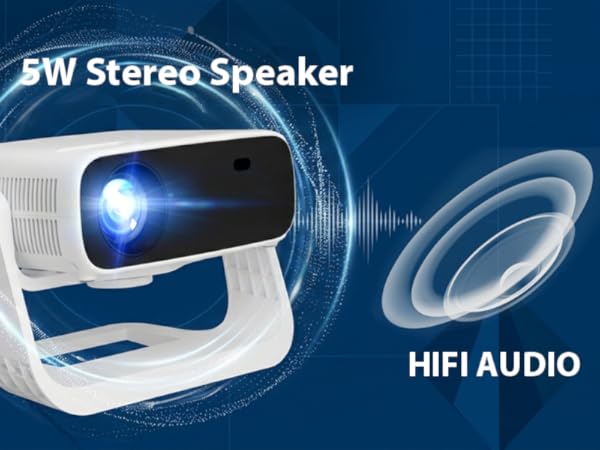
For the best gaming and casting experience, please use the built-in speaker.
You can switch back to Bluetooth when you are only playing music.
Using Bluetooth speakers at the same time may cause bandwidth limits? and lag.
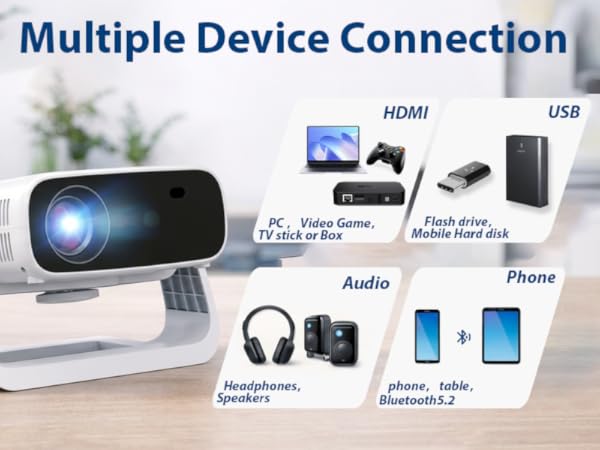
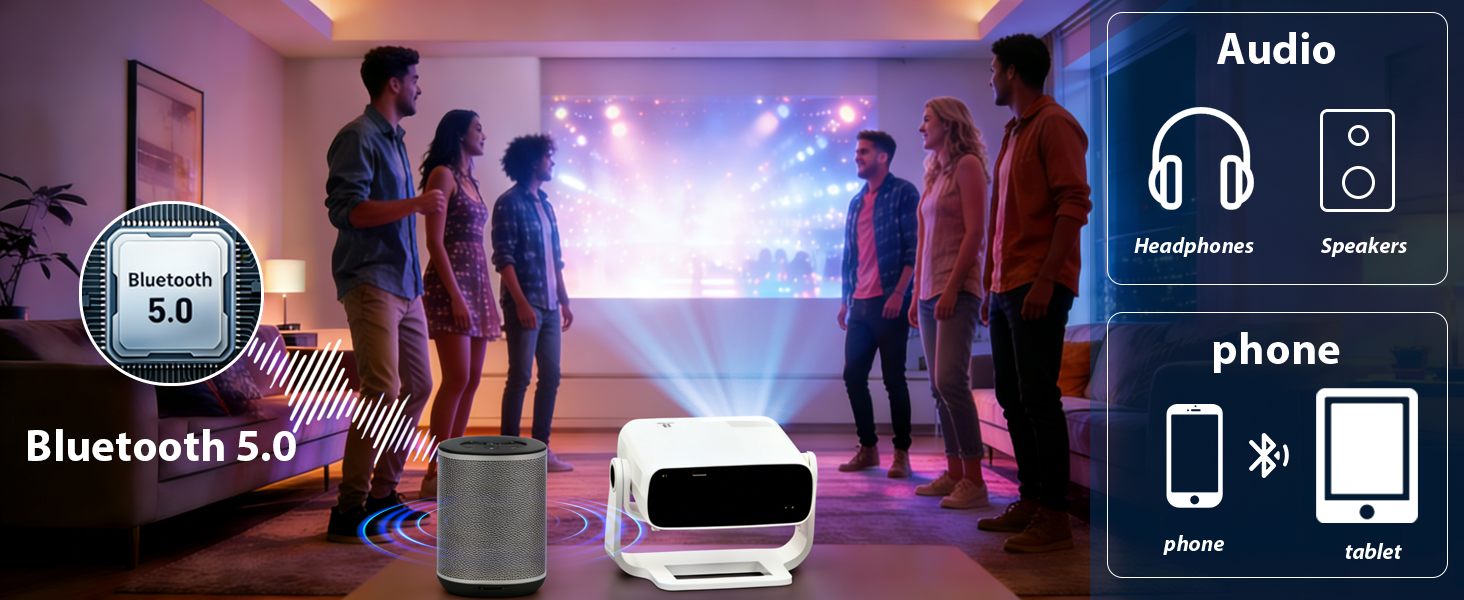
Q:Can smartphone be connected to this projector via Bluetooth connection?
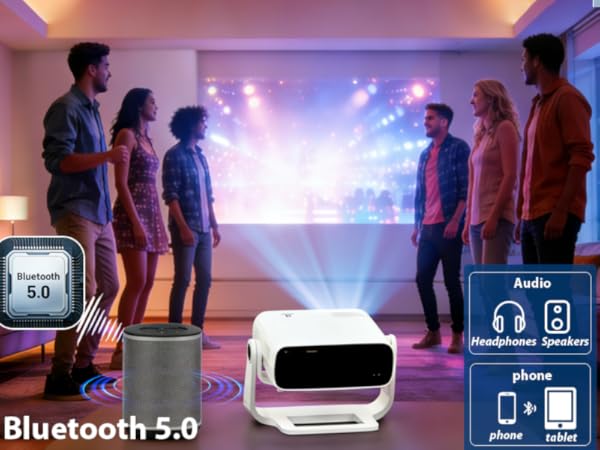
A;Bluetooth connection is ONLY for audio transmission with audio devices (Bluetooth speakers or Bluetooth headphones), which cannot be used on smartphone screen mirroring.Because Using both Mirror & Bluetooth speaker can cause congestion, leading to lag or audio delay.
To get the smoothest picture while screen mirroring? or gaming, we recommend using the built-in speaker.
Why? Because Wi-Fi and Bluetooth share the same wireless channel.Using both at once can cause congestion, leading to lag or audio delay.
Feel free to connect your Bluetooth speaker when you are just listening to music for the best sound quality!
To improve this for gaming, please try these quick steps:(Hope this helps you enjoy your game! )
Pro-Tip for the Best Experience:Using both Mirror & Bluetooth speaker can cause congestion, leading to lag or audio delay.
1) Verify if the video format is supported.
2) Check if the video file is corrupted.
3) Check if the storage device containing the video is damaged.
Does the projector apps show errors or the device restarts frequently?
1) Too many apps may have been downloaded, exceeding the device's storage capacity. 2) Delete unused apps or restore the projector to factory settings.
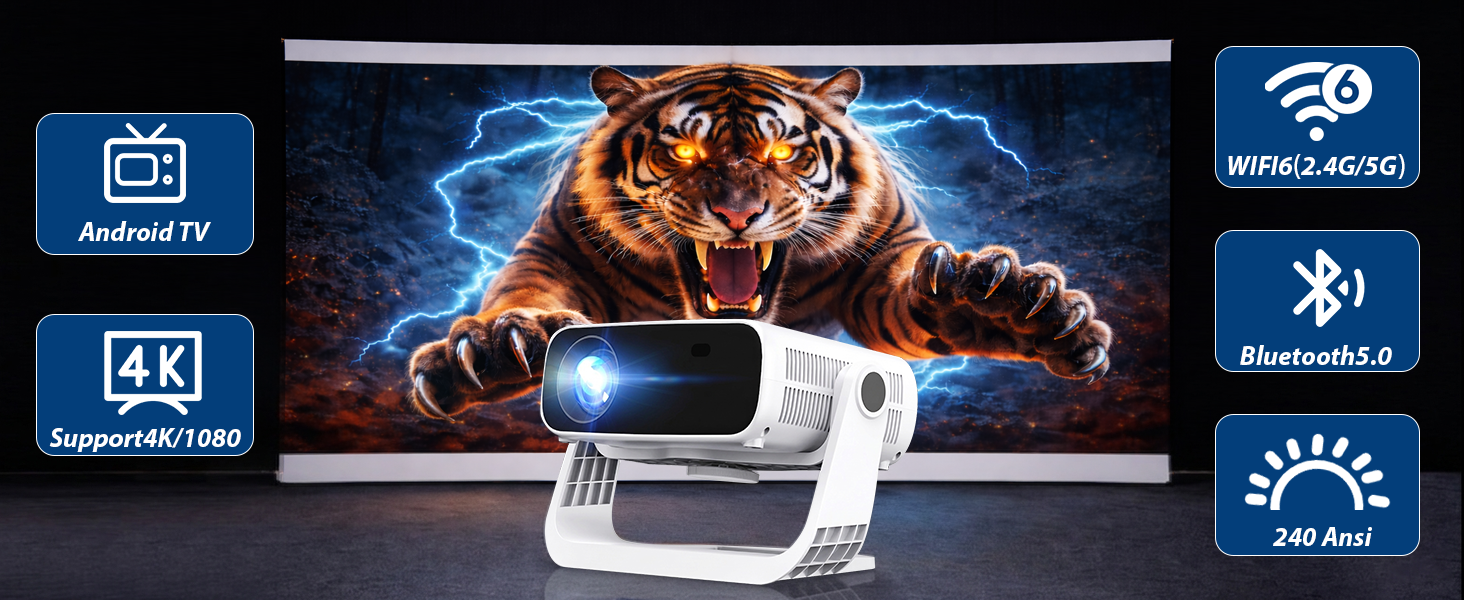
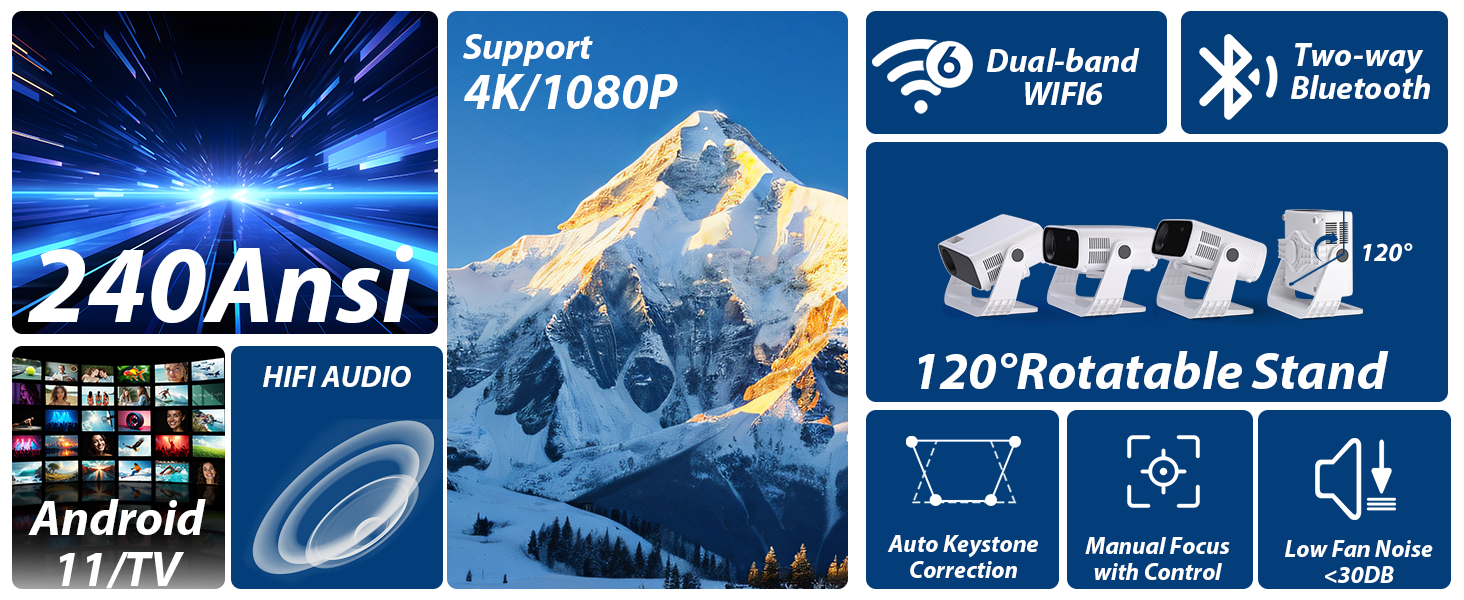
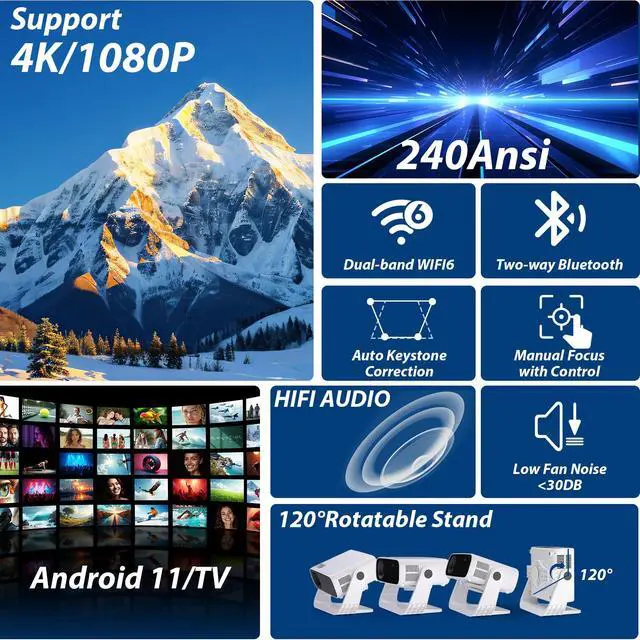
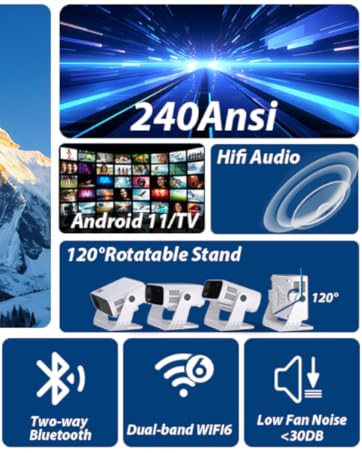
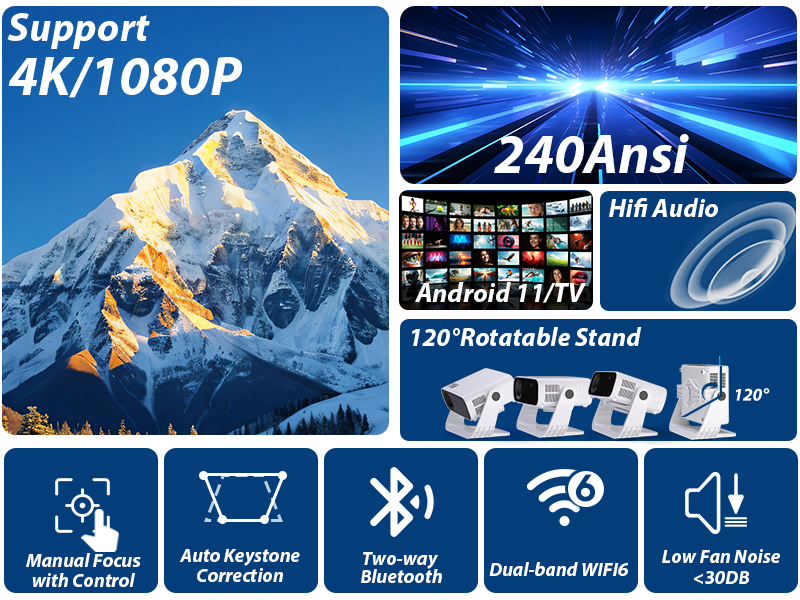
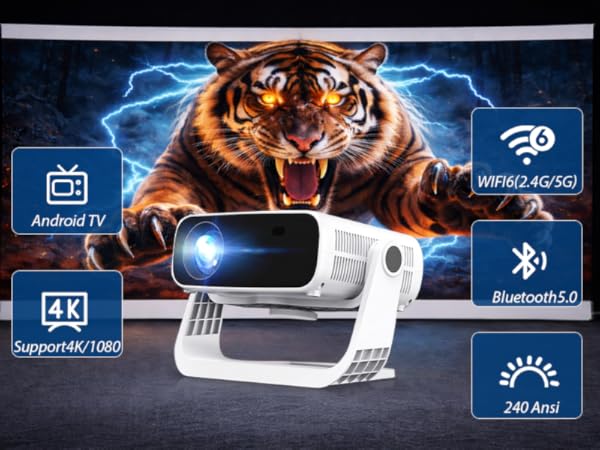
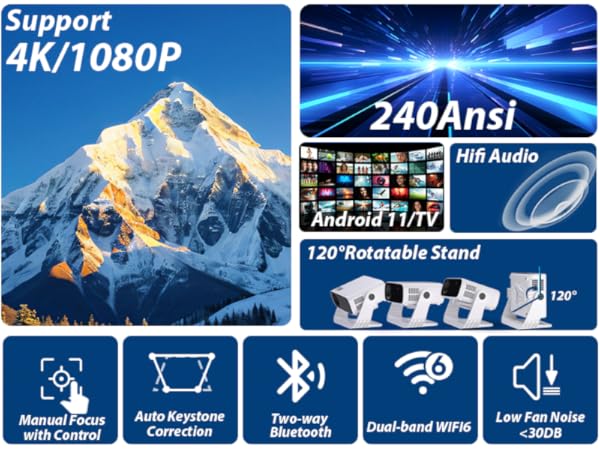
| Physical Resolution | Native 1920*1080P/support 4K |
|---|---|
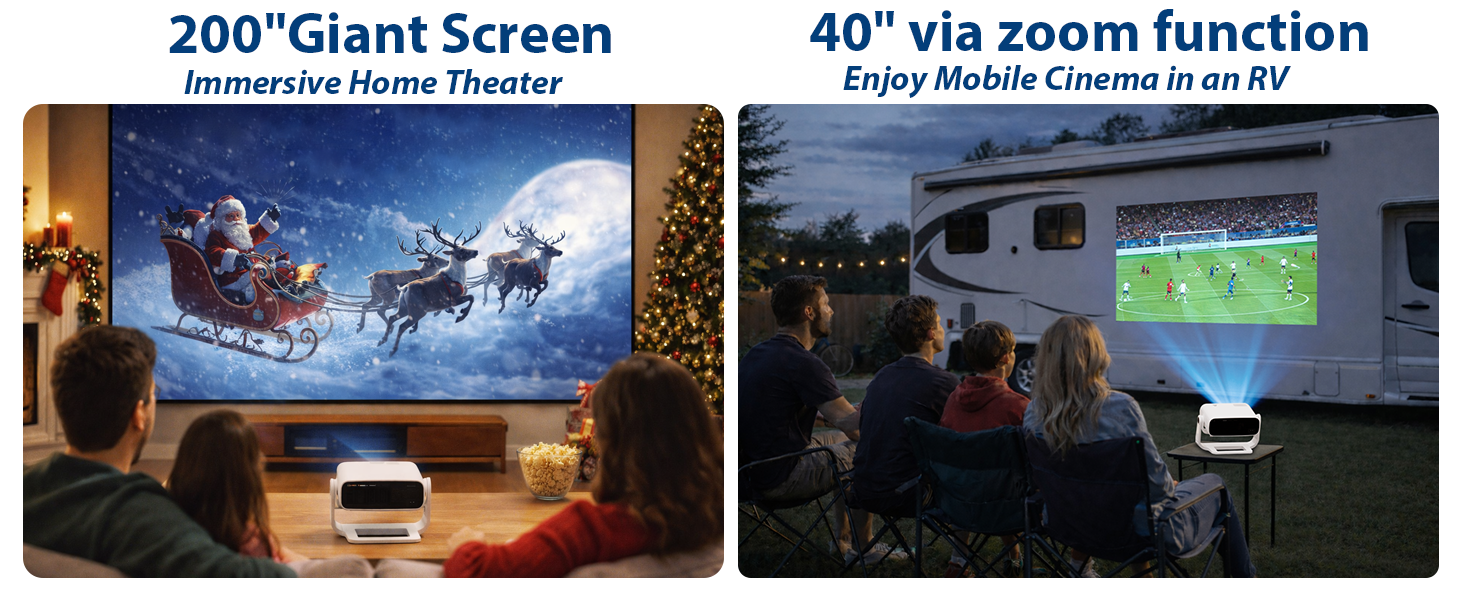
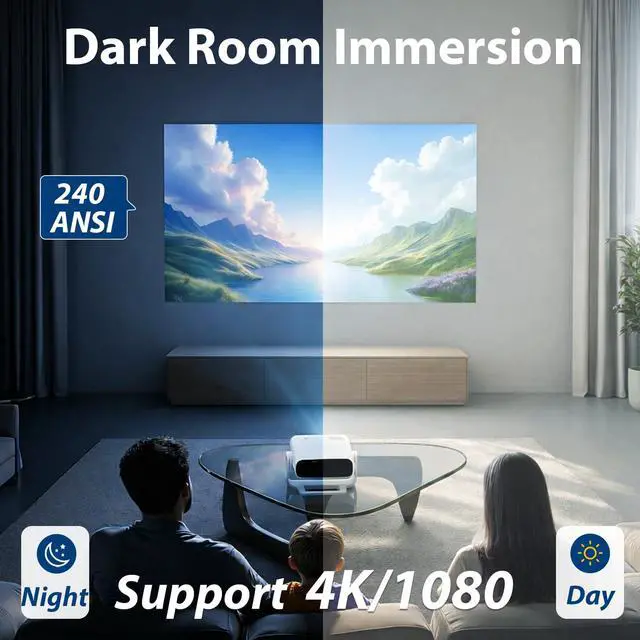
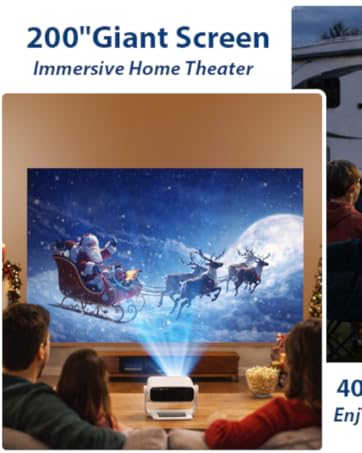
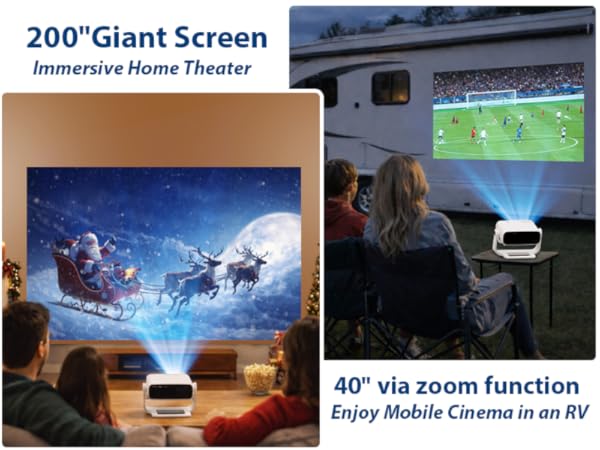
| Optimal Projection Size | 40-240 inches |
| Throw Ratio | 1.27 |
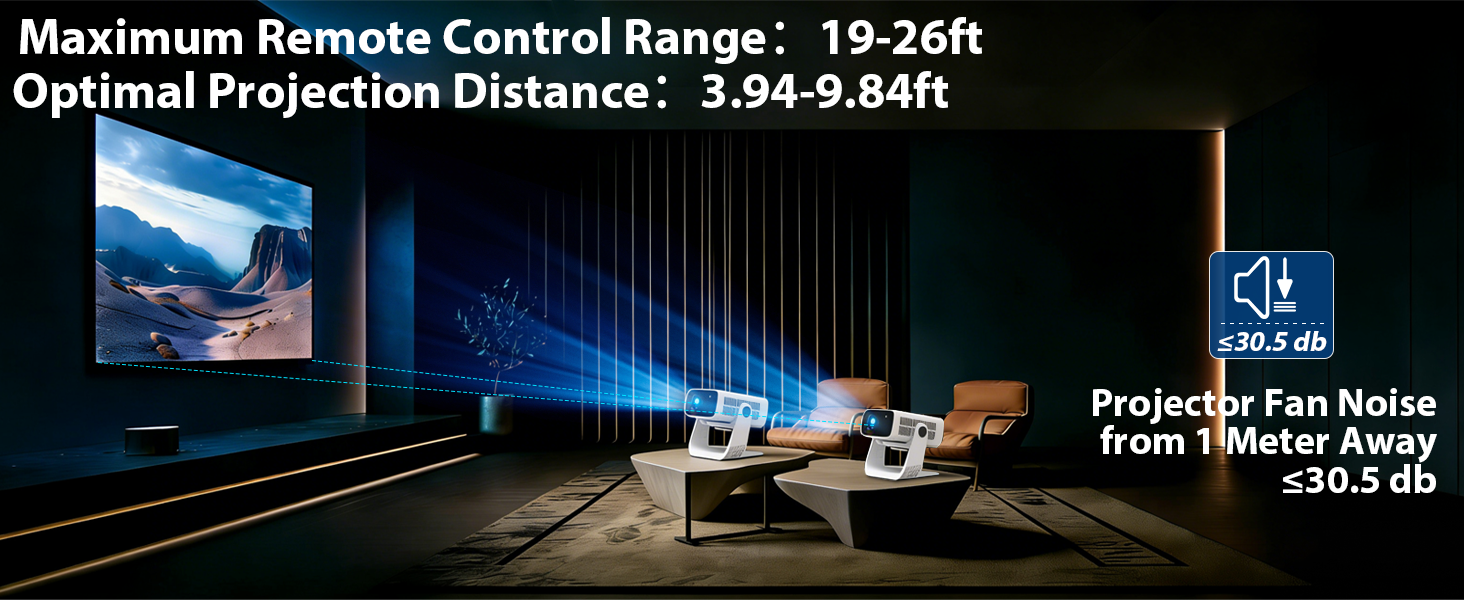
| Projection Distance | 0.83-1.5meters |
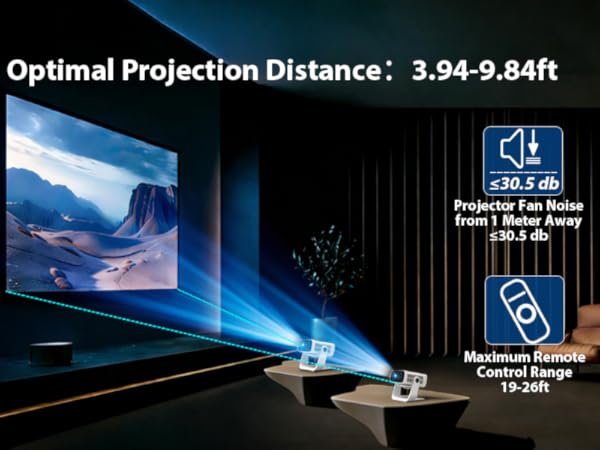
| Optimal Projection Distance | (1-1.5)meters/(3.3-4.9)ft |
| Power Consumption | 48W |
| LED Chip Lifespan | 10000 hours |
| ANSI lumens | 240 |
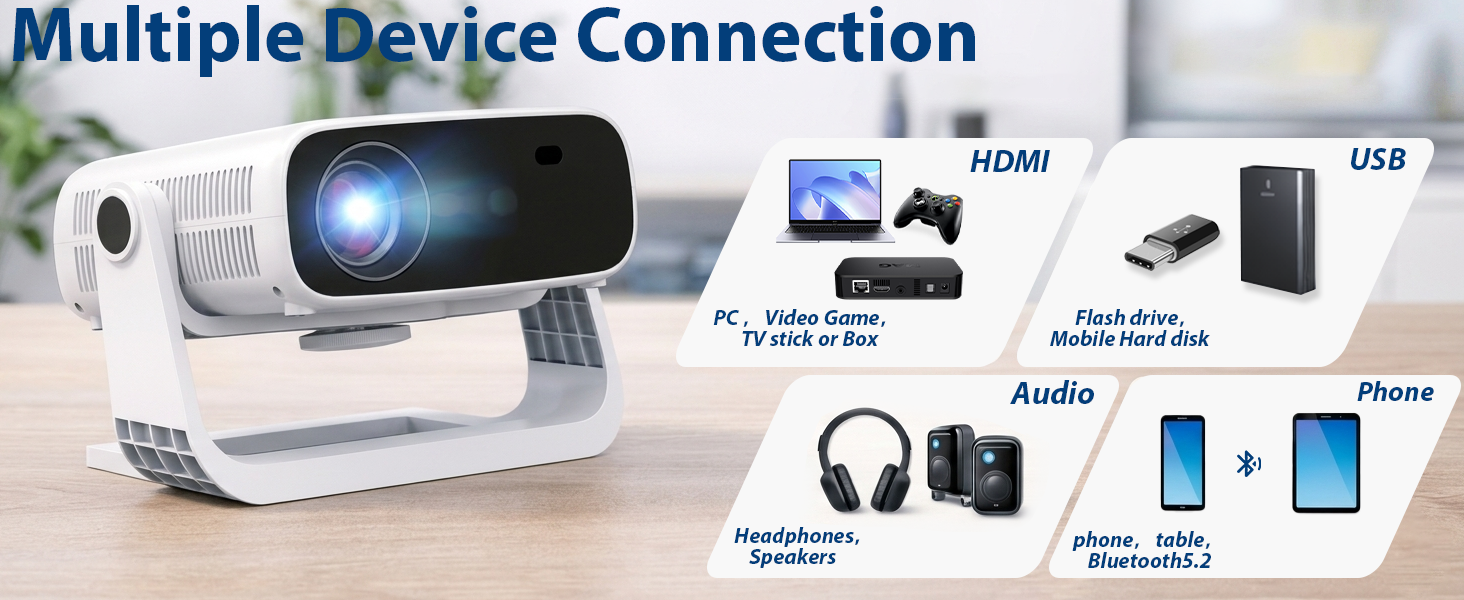
| Input Interfaces | USB, HDMI |
| Output Interfaces | 3.5mm Audio Jack,Audio,Phone |
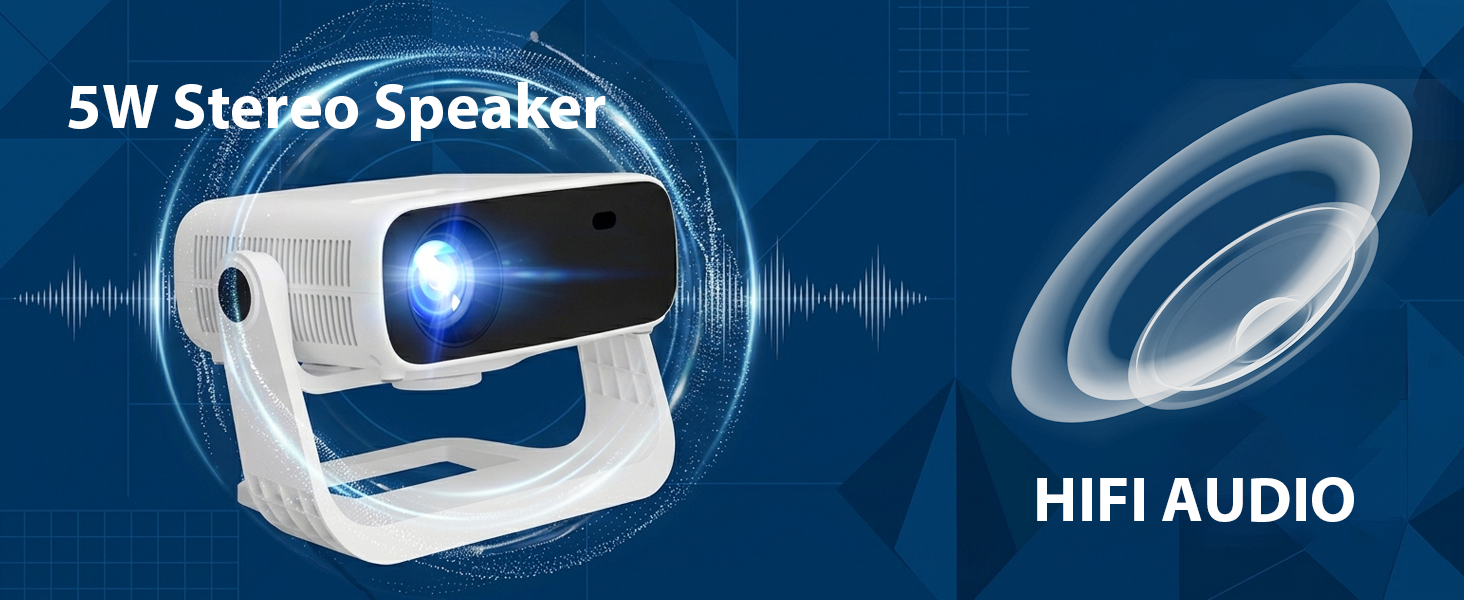
| Audio Support | MP3, AAC, WMA, RM, FLAC, Ogg, Dolby Audiooptional and programmable with 7.1/5.1down-mIxnd |
| Video Support | Maximum 4K@30fps HEVC decoding capabilityMaximum 4K@30fps VP9 decoding capabilityMaximum 4K@30fps AVS2 decoding capability.Maximum 4K@30fps AVC decoding capabilityMaximum 1080p@60fps decoding capability.Maximum 1080p@60fpS MPEG1/MPEG2/MPEG4 decoding capability .Maximum 1080p@60fps AvC encoding capability |
| Image Support | Supports variety of image formats browsing (jpg, png, bmp ) |
| Dimensions | 237*155*162 mm/9.33*6.10*6.38 inch |
Wielio Projector with Wifi and Bluetooth
Wielio set out to create a range of projectors that embody cutting-edge technology, superior quality, and sleek design. Every product we craft is a masterpiece, meticulously engineered to deliver exceptional performance and stunning visuals. From vibrant colors to crisp details, our projectors redefine the boundaries of visual excellence.
Let Wielio projectors be your gateway to breathtaking experiences, where imagination meets reality.