here!
here!
I’m your shopping assistant for PC builds, upgrades, and everything tech.
Got questions? Ask away!
Start a conversation
here!
I’m your shopping assistant for PC builds, upgrades, and everything tech.
Got questions? Ask away!
Start a conversation
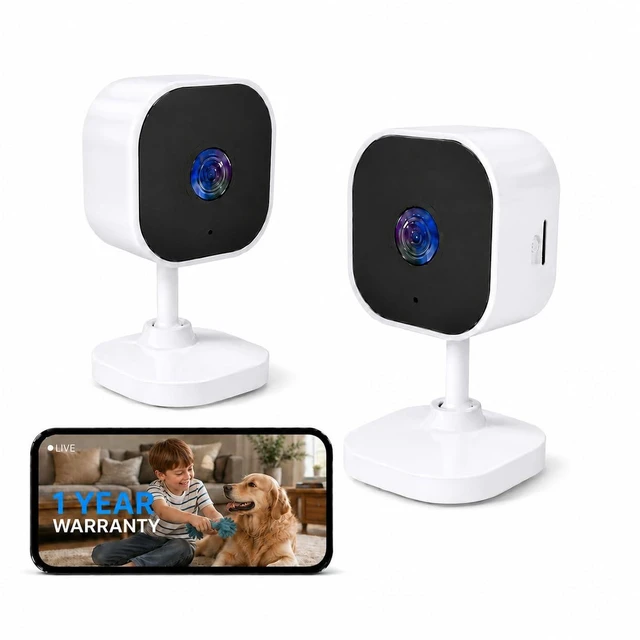
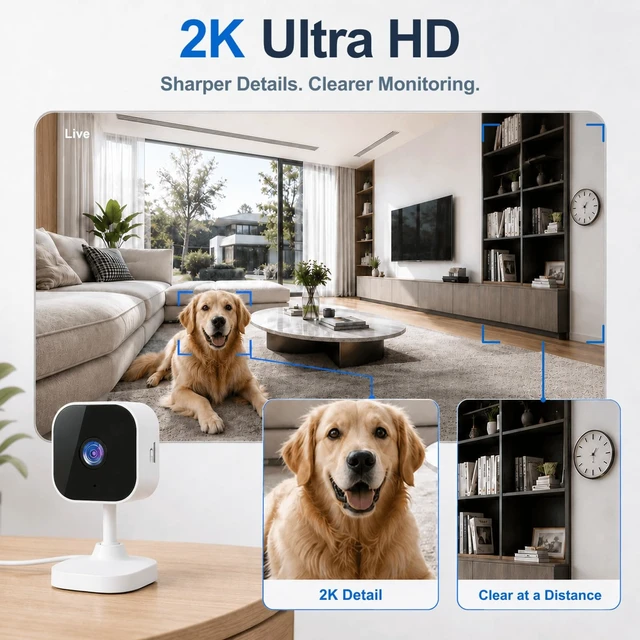
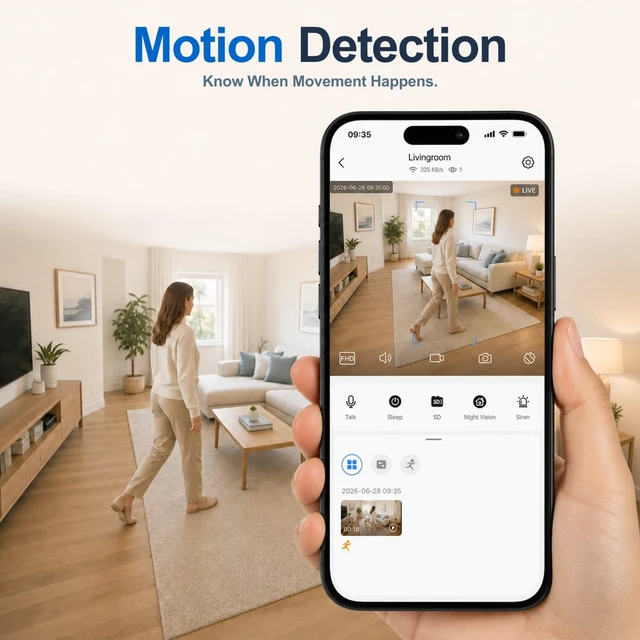





Any questions? Ask CelesteSM will help you find out quickly.

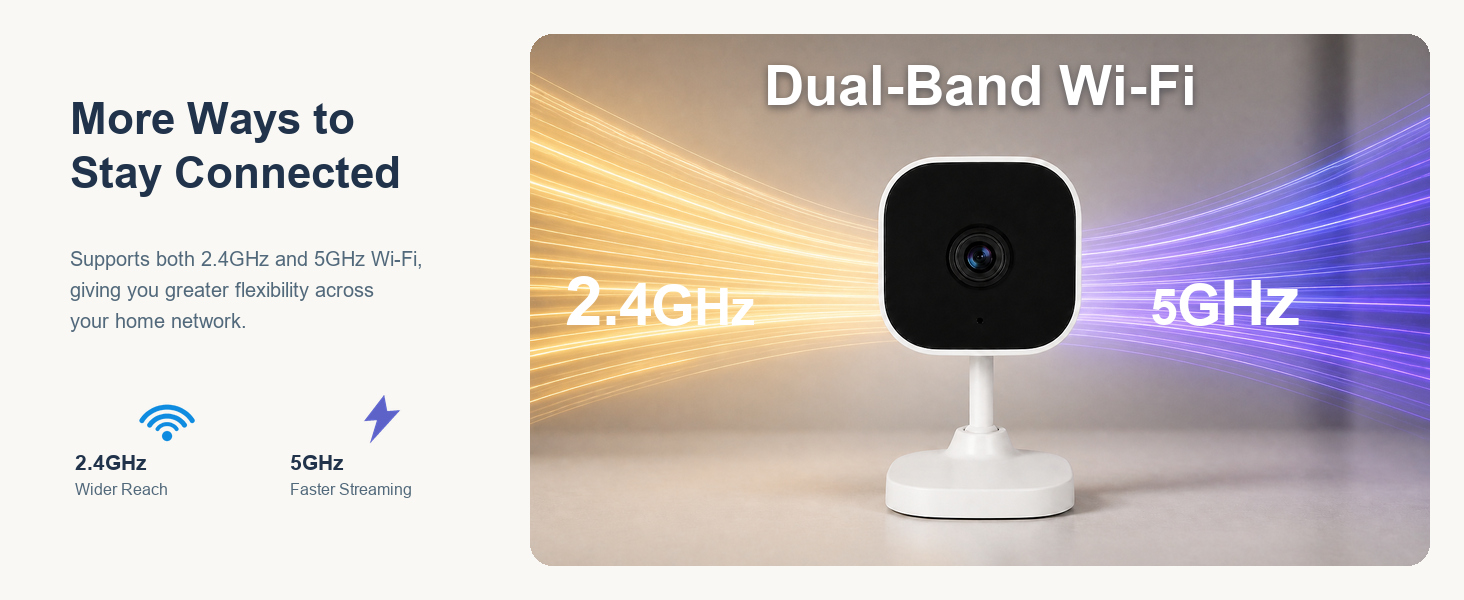
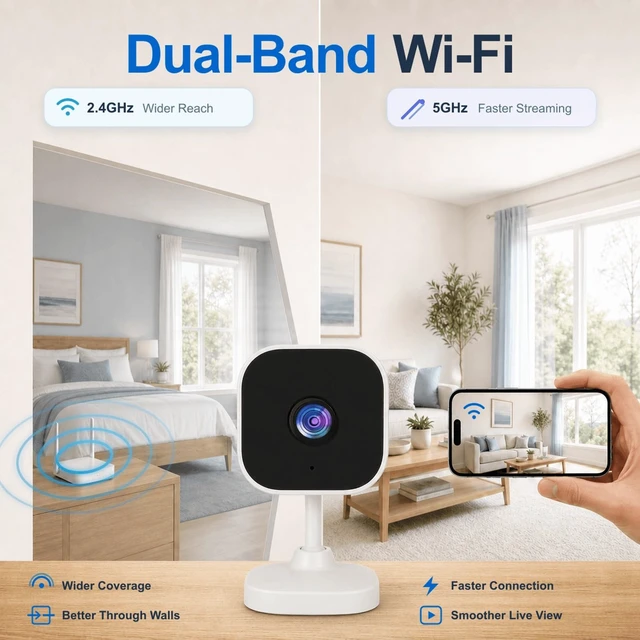
How Do I Choose Between 2.4GHz and 5GHz WiFi for My Indoor Camera?
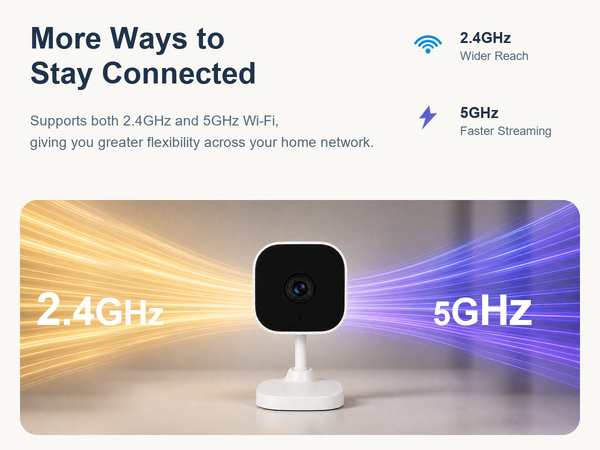
Use 2.4GHz when you need stable coverage in distant rooms.
Use 5GHz when you want faster speeds for smooth HD video.
How Is This Home Security Camera Powered?
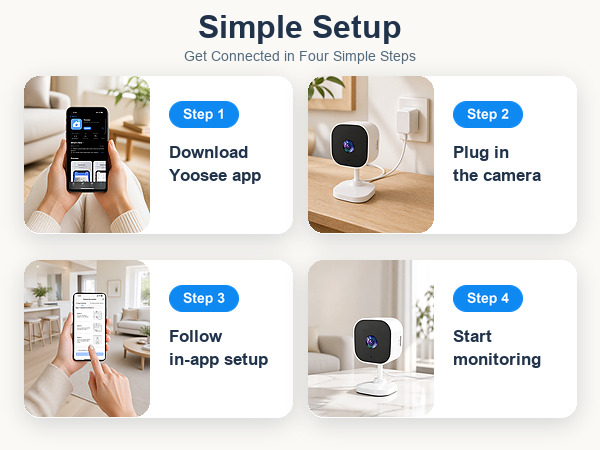
The package includes a power adapter and a 6.6 ft charging cable for convenient use.
Is This Security Camera Wireless or Plug-In?
This security camera supports wireless WiFi connection, but it needs to be plugged in for continuous power.
Does Cloud Storage for This Home Camera Require a Monthly Subscription?
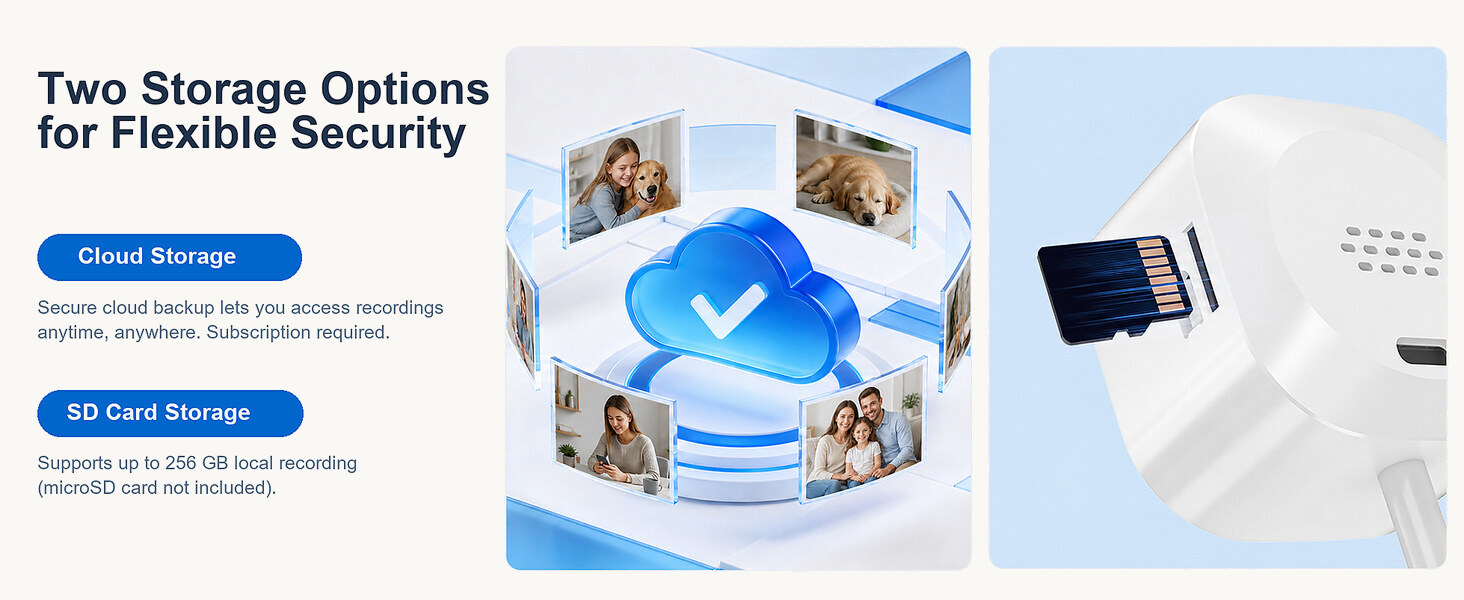
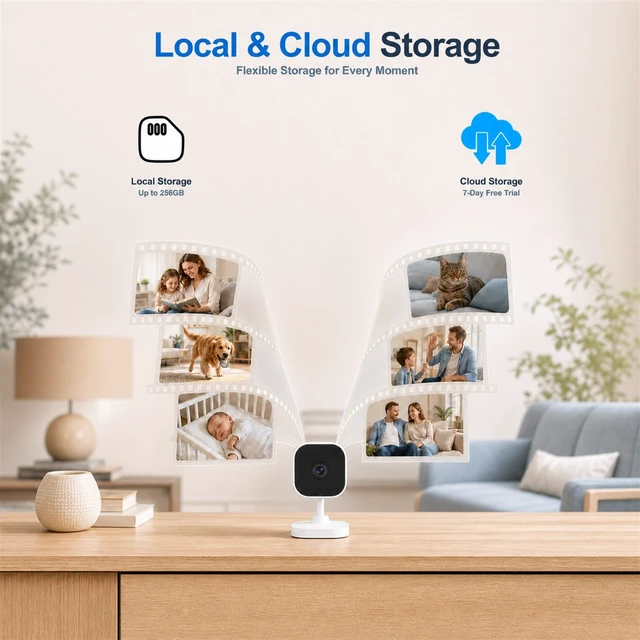
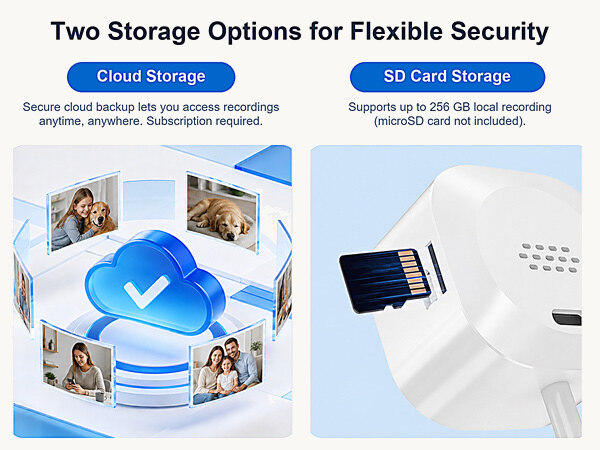
If you choose cloud storage, a monthly fee applies. You can also use a microSD card of up to 256GB for local storage and continuous 24/7 recording (not included).
What should I do if the home cameras indoor is offline?
Check the camera’s network connection.
Remove the SD card and restart the camera and router.
If the problem persists, hold RESET until the camera beeps, then re-add it.


How Do I Choose Between 2.4GHz and 5GHz WiFi for My Indoor Camera?
Use 2.4GHz when you need stable coverage in distant rooms.
Use 5GHz when you want faster speeds for smooth HD video.
How Is This Home Security Camera Powered?
The package includes a power adapter and a 6.6 ft charging cable for convenient use.
Is This Security Camera Wireless or Plug-In?
This security camera supports wireless WiFi connection, but it needs to be plugged in for continuous power.
Does Cloud Storage for This Home Camera Require a Monthly Subscription?
If you choose cloud storage, a monthly fee applies. You can also use a microSD card of up to 256GB for local storage and continuous 24/7 recording (not included).
What should I do if the home cameras indoor is offline?
Check the camera’s network connection.
Remove the SD card and restart the camera and router.
If the problem persists, hold RESET until the camera beeps, then re-add it.