here!
here!
I’m your shopping assistant for PC builds, upgrades, and everything tech.
Got questions? Ask away!
Start a conversation
here!
I’m your shopping assistant for PC builds, upgrades, and everything tech.
Got questions? Ask away!
Start a conversation
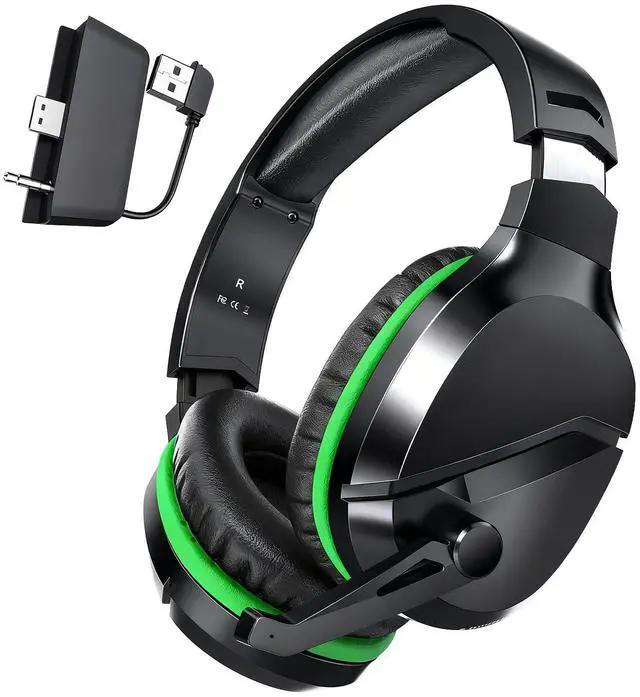
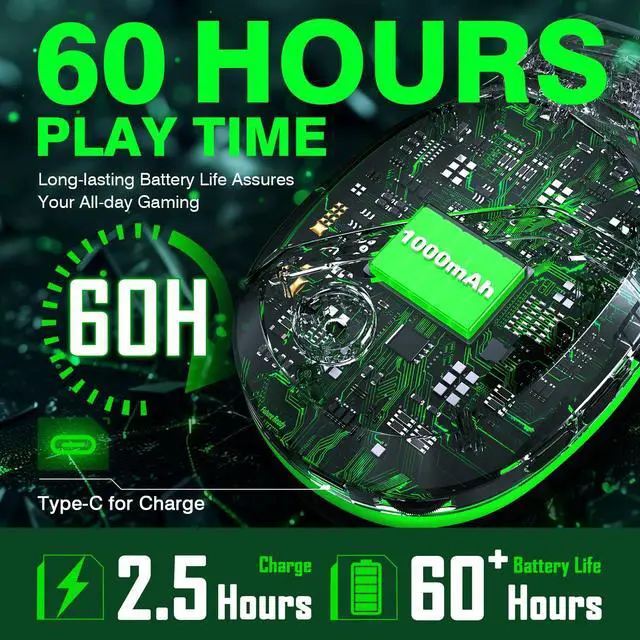



Any questions? Ask CelesteSM will help you find out quickly.
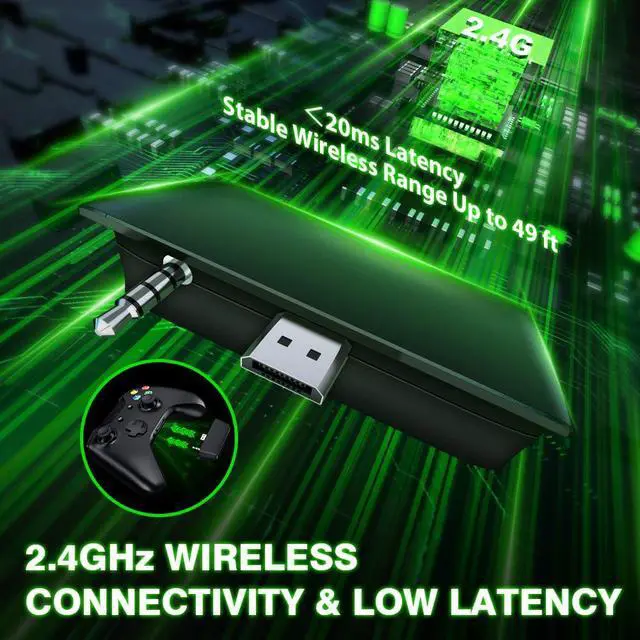
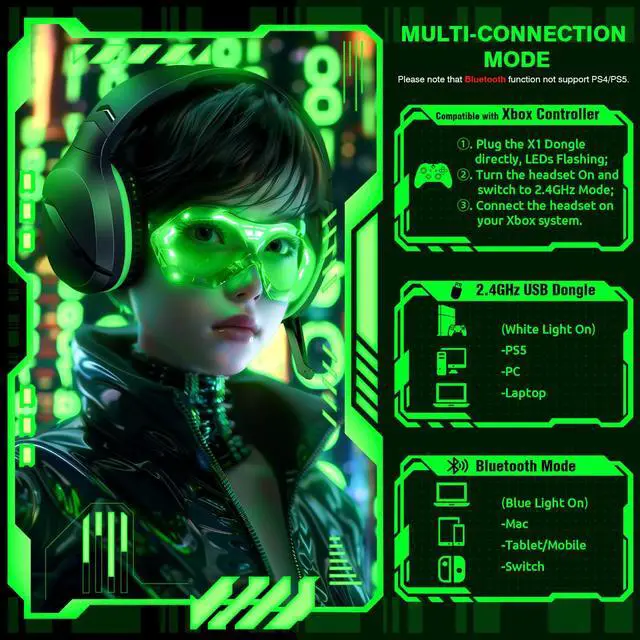
1. Plug the Receiver to Xbox Controller directly. (Extra Microsoft Adapter needed (Not Included) when connect to old version controller)
2. Low battery of the controller can cause insufficient power supply to the receiver, the headset might not work. Please ensure sufficient power of the controller.
Why can't I connect the headset with controller?/Headset doesn’t work?
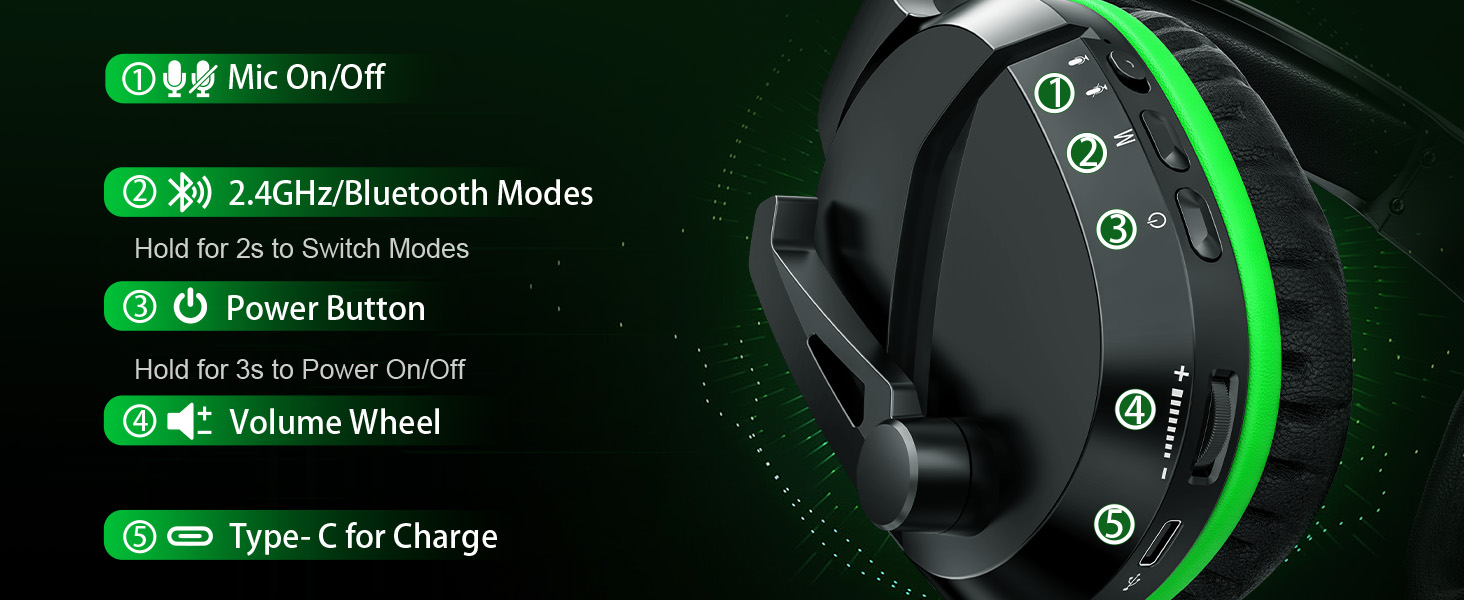
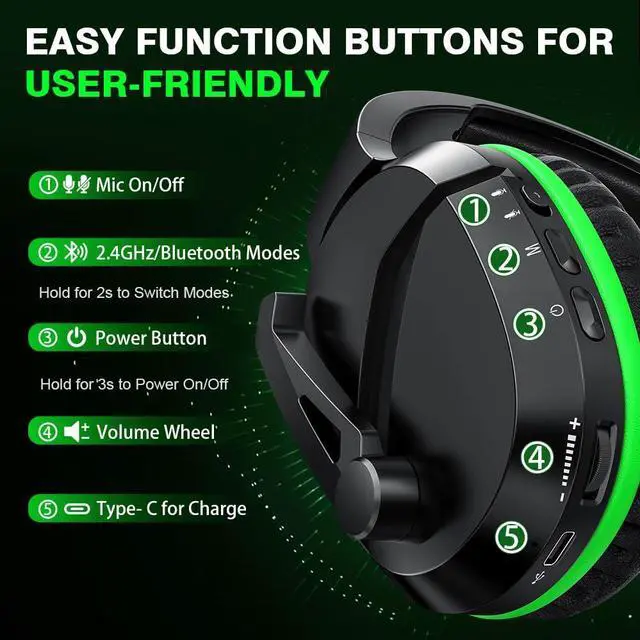
Confirm if you are in Bluetooth Mode or 2.4GHz Mode. The 2.4GHz dongle cannot be connected in Bluetooth mode. You need to switch to 2.4GHz mode.
No sound from the Headset?Headset Volume too low?
Make sure the (Headset Volume) on the Xbox console is set to maximum. When using the headset for the first time, the default volume on the console is 80%. And please insert the dongle tightly and fully.
No sound from the microphone? Microphone sound too low?Mic doesn’t work?
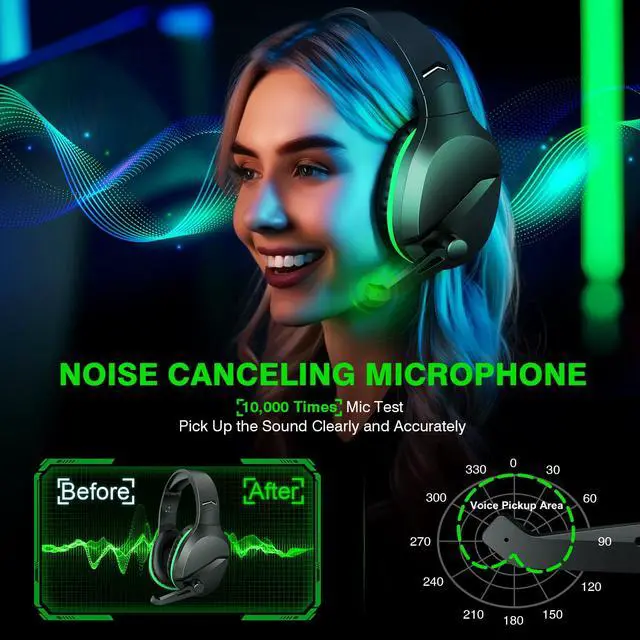
Confirm the settings on the Xbox console, whether the microphone sound is turned up to the maximum at the (Headset chat mixer)? Adjust the game sound and chat sound to the center to make them be balanced. Assure the microphone is properly plugged in
While connecting, headset sound got noise or echoes?
Make sure the transmitter is fully inserted into the controller. If the transmitter is not fully inserted, there will be significant electrical noise in the headset.
1. Plug the Receiver to Xbox Controller directly. (Extra Microsoft Adapter needed (Not Included) when connect to old version controller)
2. Low battery of the controller can cause insufficient power supply to the receiver, the headset might not work. Please ensure sufficient power of the controller.
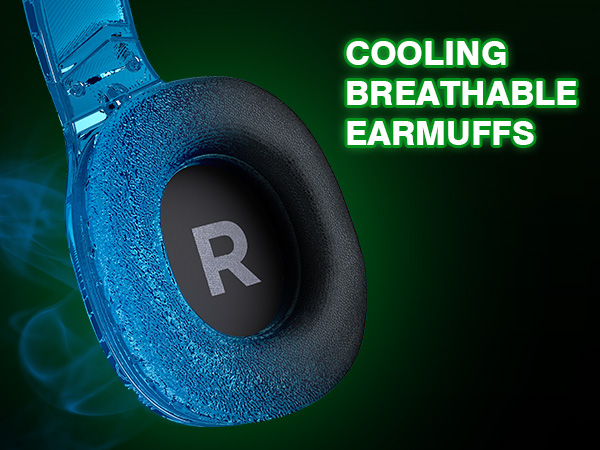
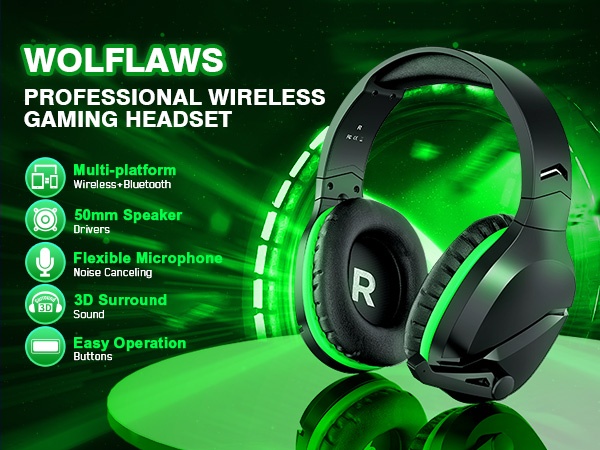
Superior foam ear pads are infused withcooling gel to reduce hearing impairment and heat sweat.
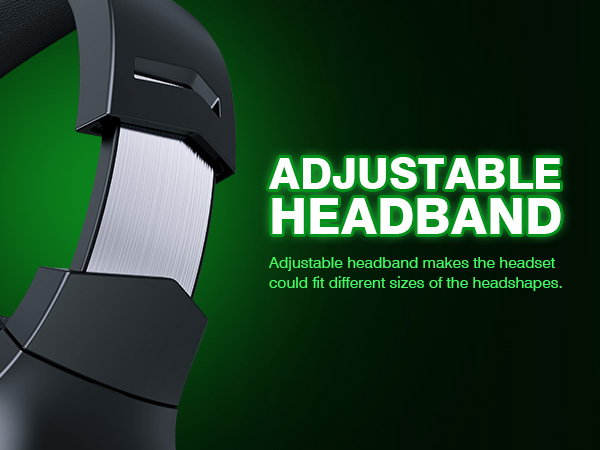
Adjustable headband makes the headset could fit different sizes of the headshapes.
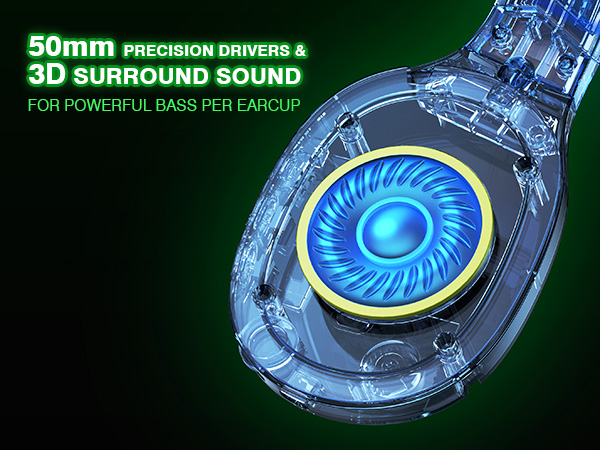
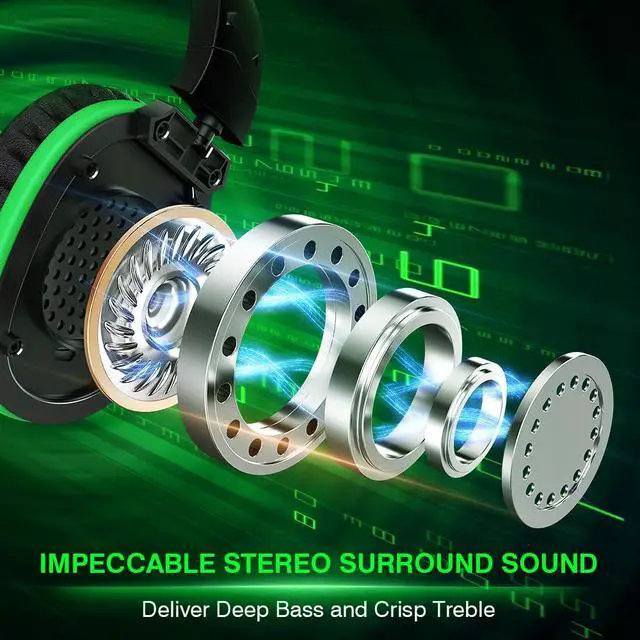
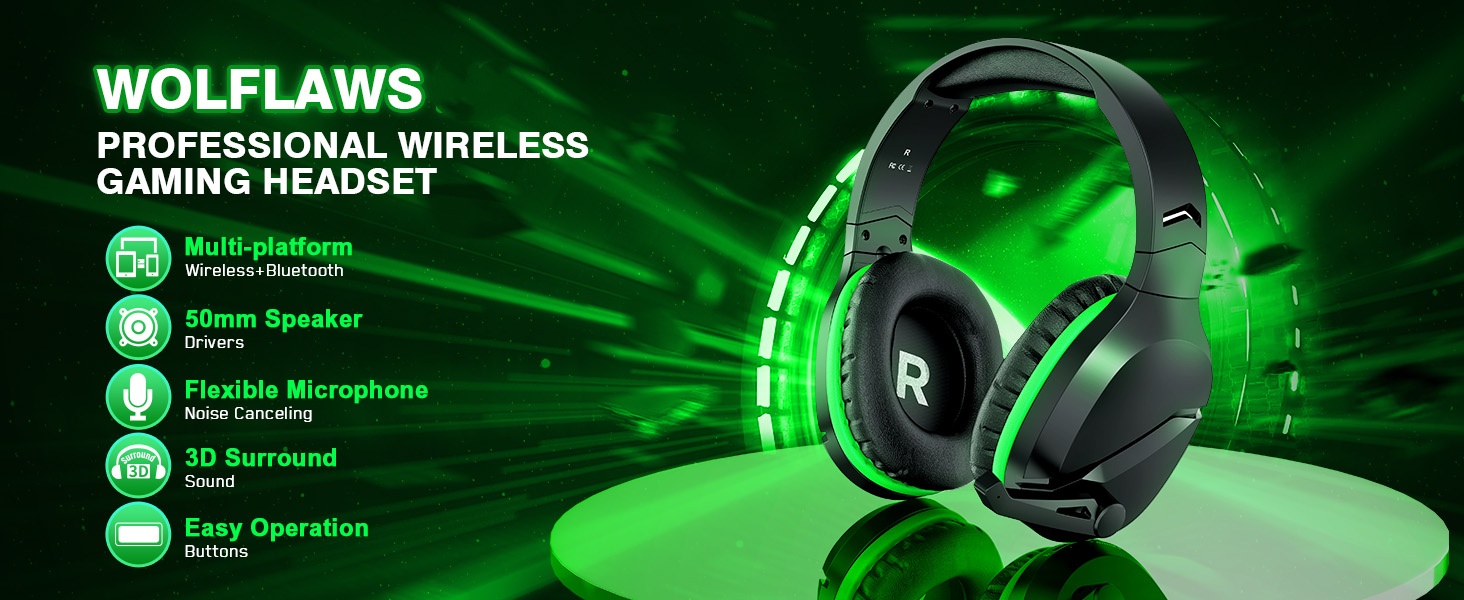
50mm drivers & 3D surround sound for powerful bass per earcup.
Why can't I connect the headset with controller?/Headset doesn’t work?
Confirm if you are in Bluetooth Mode or 2.4GHz Mode. The 2.4GHz dongle cannot be connected in Bluetooth mode. You need to switch to 2.4GHz mode.
No sound from the Headset?Headset Volume too low?
Make sure the (Headset Volume) on the Xbox console is set to maximum. When using the headset for the first time, the default volume on the console is 80%. And please insert the dongle tightly and fully.
No sound from the microphone? Microphone sound too low?Mic doesn’t work?
Confirm the settings on the Xbox console, whether the microphone sound is turned up to the maximum at the (Headset chat mixer)? Adjust the game sound and chat sound to the center to make them be balanced. Assure the microphone is properly plugged in
While connecting, headset sound got noise or echoes?
Make sure the transmitter is fully inserted into the controller. If the transmitter is not fully inserted, there will be significant electrical noise in the headset.