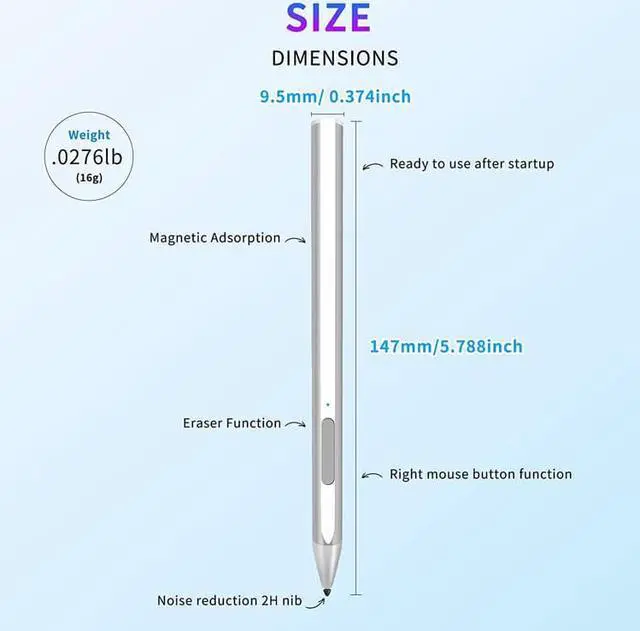
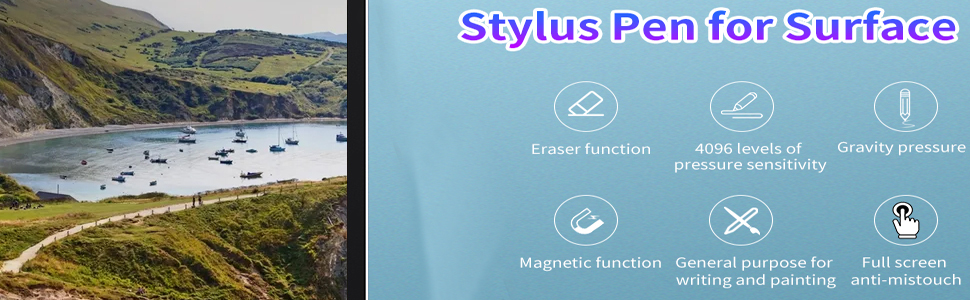
Eraser fucntion 4096 leves of pressure sensitive Gravity Pressure
New upgrade:more wear-resistant,magnetic adsportion
Nib Upgrade
Using silicone material, custom pen head, tens of thousands of friction tests, long-lasting use, more wear-resistant, without damaging the screen.
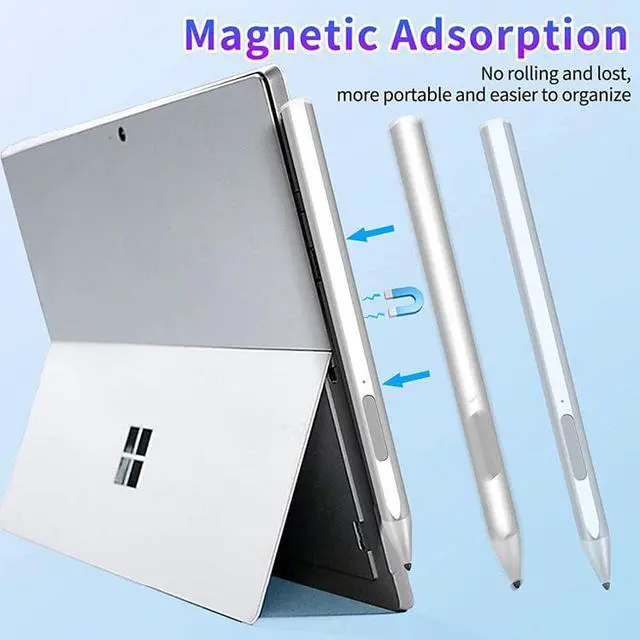
Magnetic Adsorption
Magnetic adsorption design, with the same technology as the official website, can be placed gently on the side and adsorbed immediately on your Surface tabler. The stylus is easy to place and reduces the loss and scrolling.
Easy to Use
The Microsoft Pen doesn't require any special software or Bluetooth connection in order to be used; just turn it on and start writing. In addition, the pen will automatically shut down after 10 minutes of inactivity to save power.
4096 Leve Pressure Sensing,Tile Sketch Function,Anti-mistouch
4096 Level Stress Sense
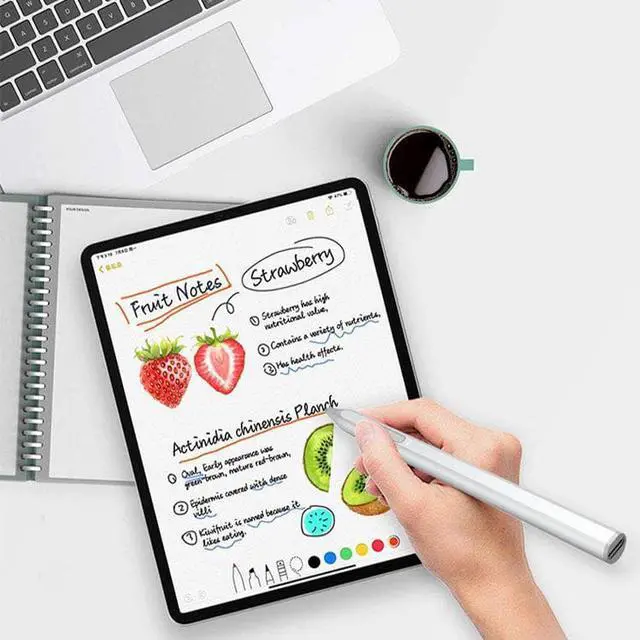
The surface pen is equipped with a complex and precise 4096-level pressure sensor, which can accurately judge the force you apply to the pen tip.
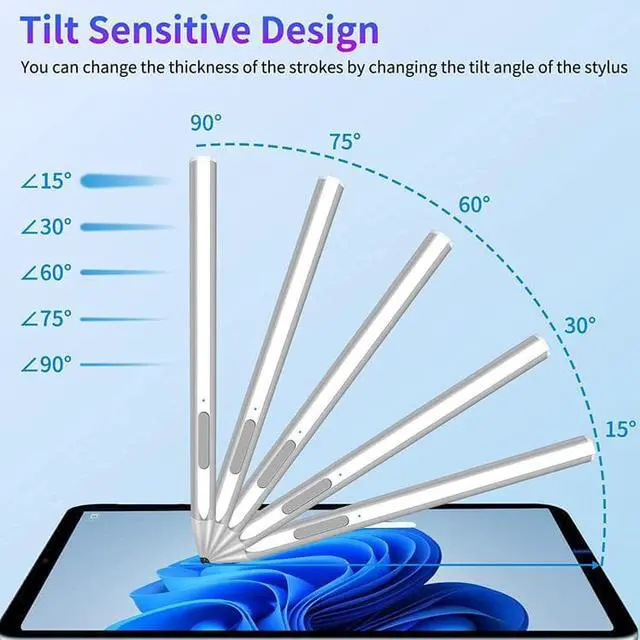
Supporting Tilt
4096With dual sensing elements: when the pen is tilted, the dual signals work at the same time, and the intensity changes according to the distance and the angle between the two signals. It is as easy to use as a pencil, making painting handy. Level Stress Sense
When using Surface stylus pens, you can put your hands comfortably on the screen without worrying about annoying marks.
When using Surface stylus pens, you can put your hands comfortably on the screen without worrying about annoying marks.
Use the Replacement Nib Tool
Clip The Nib And Pull It Out Easily
Clamps The New Nib And Plugs It Back In Easily
What's in the box:
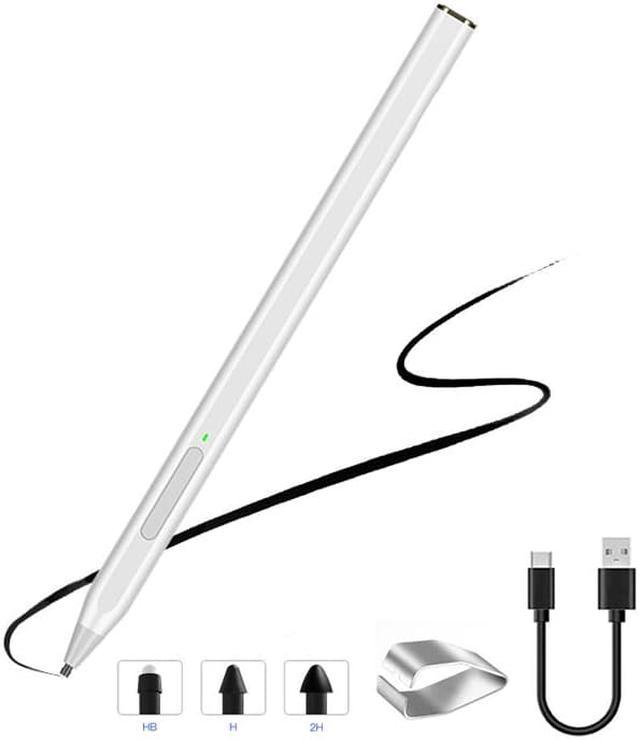
stylus pen * 1 piece
Nib * 3 pieces
Refull Charger * 1 piece
USB Charging Cable * 1 piece
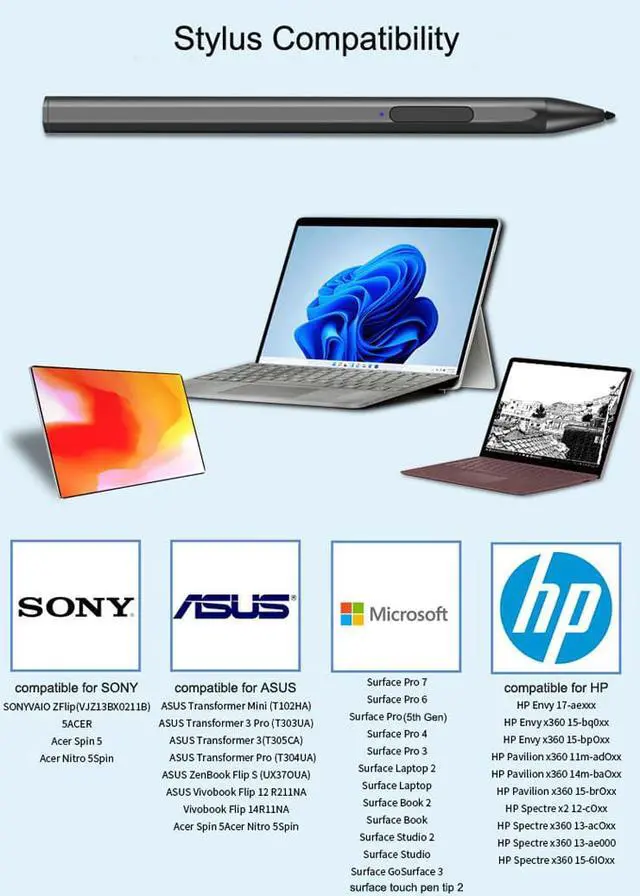
This stylus pen is compatible with Microsoft Surface Pro X, Surface Pro 8/7/6/5/4/3, Surface Book 3/2/1, Surface Go 3/2/1, Surface Studio 2/1, Surface Laptop 4/3/2/1, and Surface 3 tablets.
Microsoft's Official Authorized Surface Pens are better than non-authorized pens in terms of performance. The MPP 2.0 Technology in this pen allows you to precisely sketch and shade, with 4096 pressure sensitivities that respond to the lightest touch, providing a sensitive writing and painting experience.
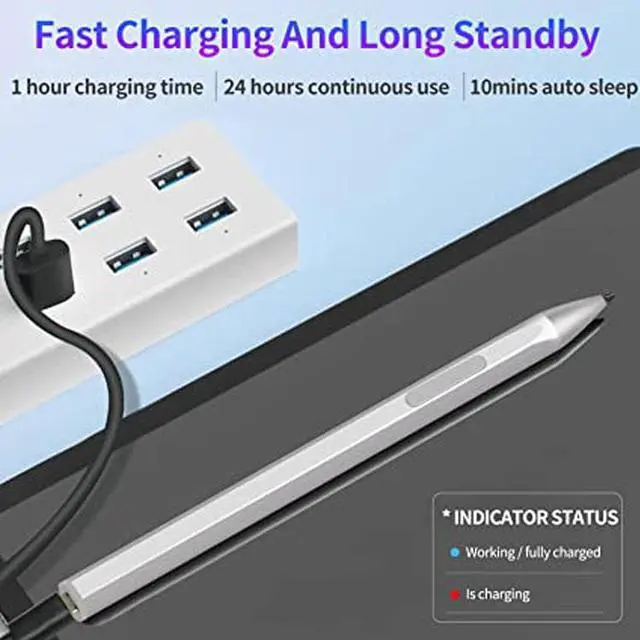
No need to install Apps and connect to Bluetooth. It can be used for about 8 hours after being charged for 20 minutes., fully charged for charging 1hour, switch to power-saving mode after 10-minutes idle.
You can place gently carry the pen on the LEFT side of Surface Pro/Go/Book, it absorbs immediately.
This stylus pen has a palm rejection function that allows you to rest your palm comfortably on the screen while you write or draw.