



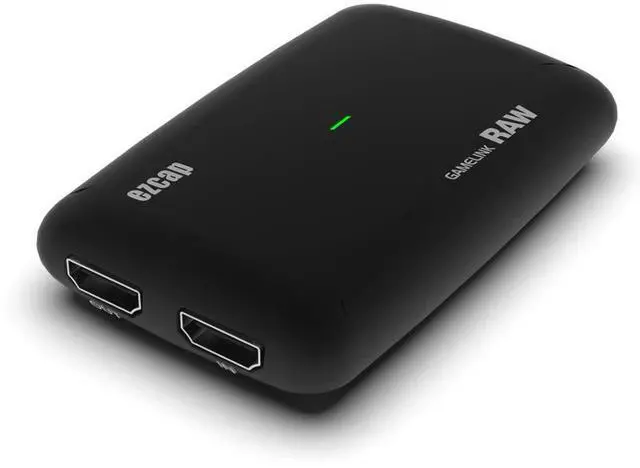
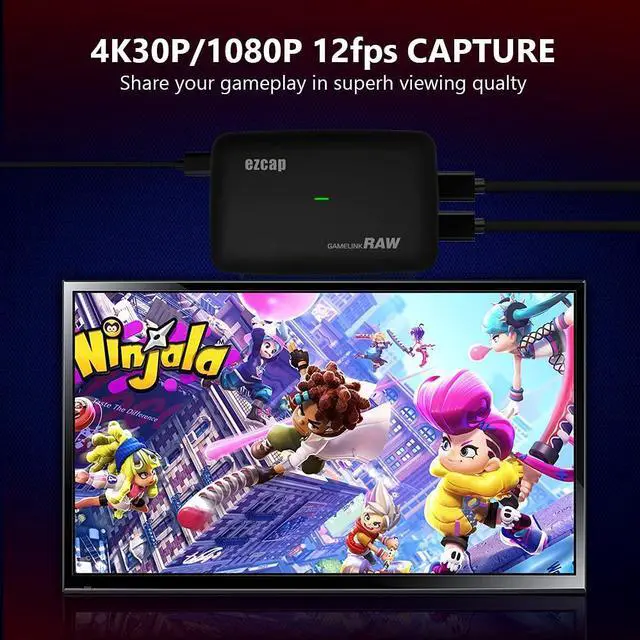
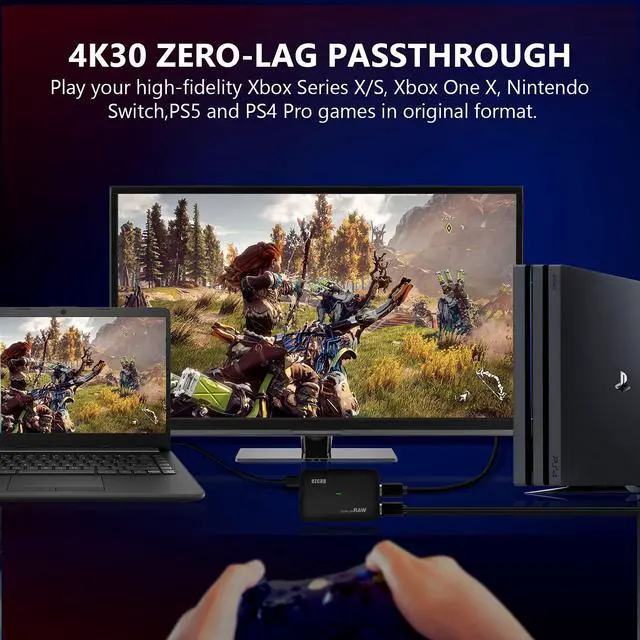
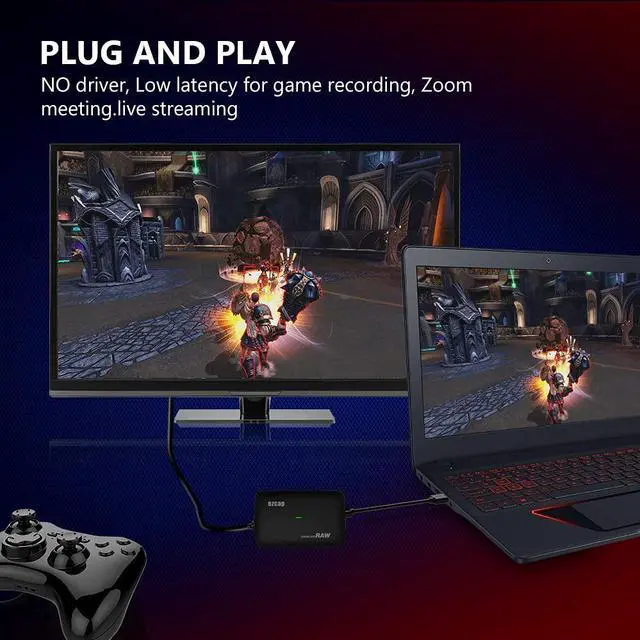


STREAM AND RECORD YOUR CONSOLE GAMEPLAY IN STUNNING 4K30P OR 1080P 120FPS QUALITY.
Game Capture HD60 S supports 4K@30fps input and captures in 4K30P or 1080P 120fps resolution. Superb quality keeps your streaming and recording more professional. This game capture card works flawlessly with most HDMI devices, such as PS5, PS4, PS3, Xbox Series X, Xbox One, Xbox 360, Wii U, Nintendo Switch, Nintendo 3DS, HDMI Camera, PC,IPhone,Camcorder,Action Cam,DVD,TV Box, etc. And DSLR to Webcam Solution, Camera Live Broadcast Capture.
Q: Why there is color difference?
A: The color range of most video input platforms is full RGB"0~255". Normal TV is standard RGB"16~255". Because the color range is different, you may feel the color is not accurate.


Do I Need a Y&H 4K Capture Card?
Many users are still confused about whether they need a capture card or not. If you are also one of them then few popular benefits of capture cards are listed below that can help you to make right decision
- It assists in high quality data streaming.
- If you wish to make yourself stand on the top among other streamers then Capture cards provide your opportunity to use custom overlays for streaming. It simply adds a brand value to your content.
- Streaming that is supported by capture cards use to be lag free and is produced at very high quality so that viewers can always stay satisfied.
- It helps users in easy management and creation of video clip library even on external storage.
HD 60S Capture Card
Follow these steps for easy set up:
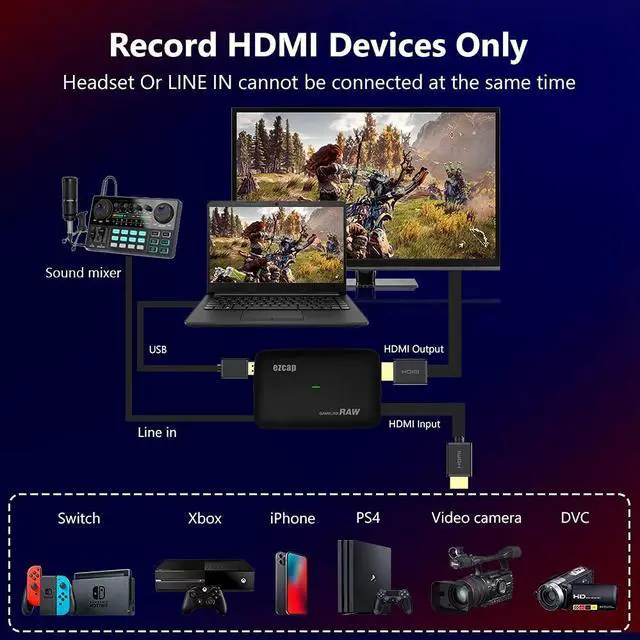
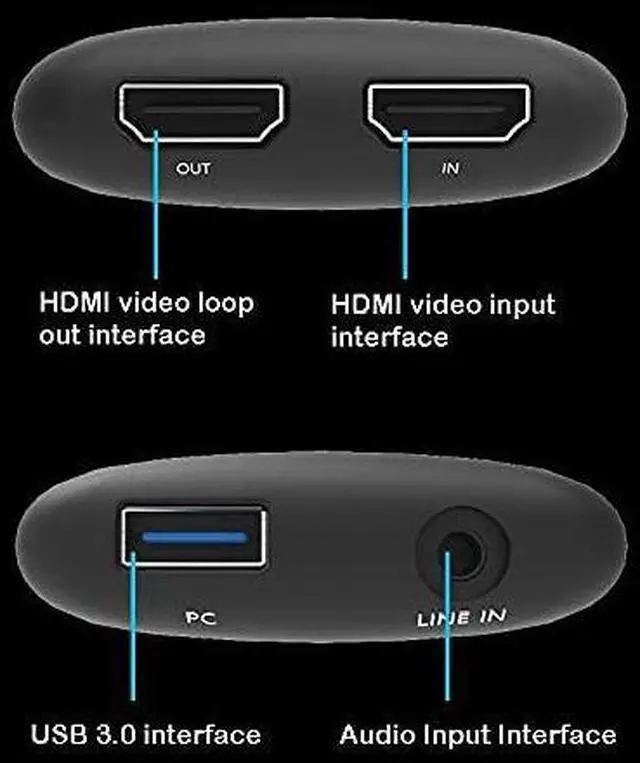
Step 1. First of all with the help of HDMI cable make connection between HDMI In terminal of Game Capture card and your console.
Step 2. HDMI Out port of Game Capture card must be connected to TV set with the help of existing HDMI cable.
Step 3.With the help of USB cable available inside the box, you have to connect your PC or Mac device with Game Capture card.
Step 4.Share your game video to Software&Platform: OBS Studio, Twitch, YouTube, XSplit, Facebook Live, and more..
- PC: If you are working on dual system, a capture device will help you connect this second PC to primary PC. This will allow you to maintain optimal performance on your gaming PC.
- PlayStation: will definitely add more flexibility in doing some fancy stuff. As compared to simple software, the card will assist users in easy streaming, recording and editing of game play footage.
- Xbox: Capture cards are useful for Xbox users as it can help them to handle larger size of game play footage as compared to simple software. The stream becomes much easier with capture card support.
- Mac: There are few specially designed capture cards that support game streaming on Mac platform. It allows streaming over acceptable resolution level.
- 3DS and Wii: You need to buy a 3DS or Wii specific Capture card to assist easy transfer of content between these devices.

High Frame Rate Recording
1080P 120fps Capture card. Support crystal clear 1080P resolution at 120 fps and Vibrant smooth picture.

Widely Application
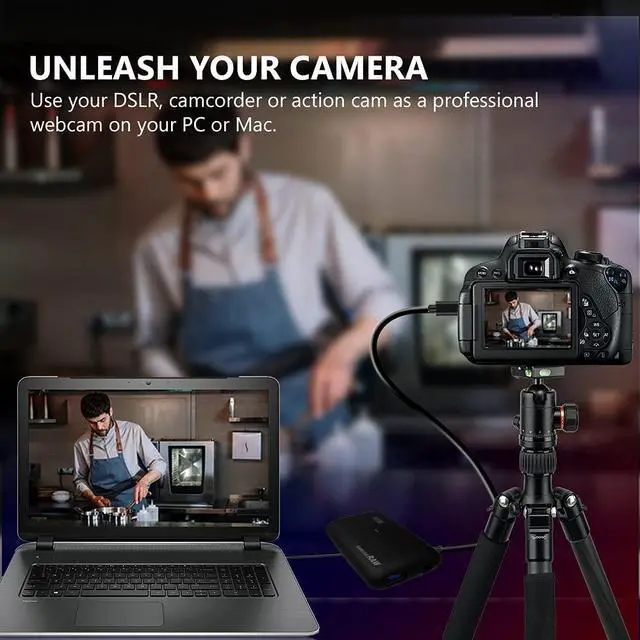
HDMI video capture card Connect your DSLR, camcorder, or action cam to your PC or Mac. This HDMI video capture device is ideal for game live streaming, video recording, live broadcast, video conference, Online classes Live stream and more.

Stream and share with your favorite app
Optimized for professional quality video streaming on social gaming and entertainment sites like Twitch, YouTube and Facebook Live.
HD60 Capture Card Item Specification

No audio?
Please set it according to the steps in the manual, and verify whether your setting steps are the same as the steps in the manual? (This operation is very important. Many customers don't like to follow the instructions)
1: Audio output mode: select "Only capture audio"
2: Check "Use a custom audio device"
3: Audio Device: Select "HDMI (ezcap Game Link RAW)"
4: After completing the above steps, if there are still problems, please contact YONGHUI merchants for technical support or firmware upgrade.
5:Audio Async Reference Manual

We have faith in humanity's capacity to attain a sustainable future with renewable energy sources leading our energy supply.

- Y&H has 9 years of experience in inverter production and sales.
- We have a professional technical team and production workshop, offering versatile inverters (Hybrid, Grid-Tie/off-Grid, reliable renewable energy products), as well as solar panels, lithium iron phosphate/lead-acid batteries,storage cards, and tape machines.
- Your satisfaction is our top priority,feel free to reach out to us with any questions.
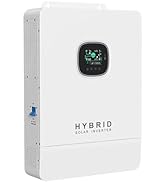
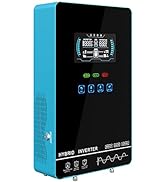
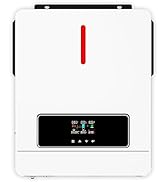
High Power Hybrid Inverter
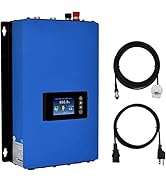
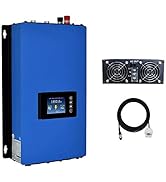
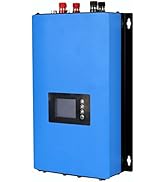
Grid Tie Inverter
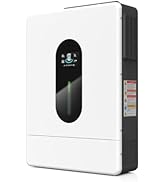
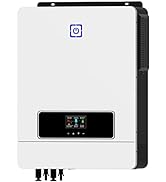
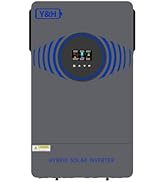
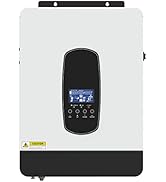
Hybrid Solar Inverter
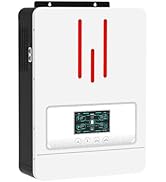
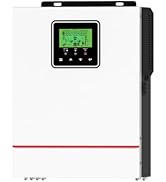
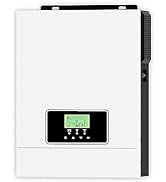
Solar Hybrid Inverter
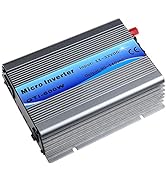
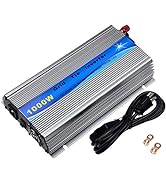
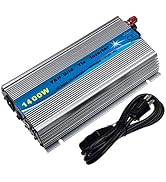
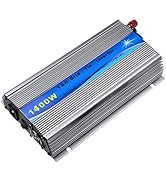
GTI Grid Tie Inverter
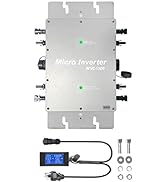
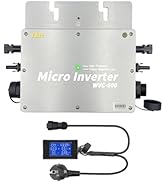
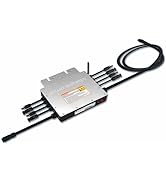
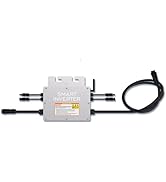
Grid Tie Micro Inverter
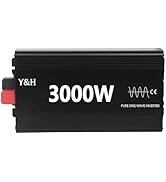
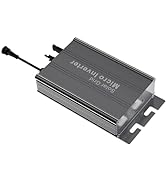
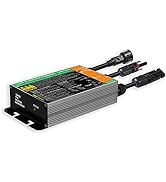
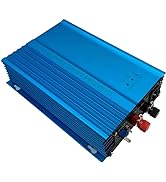
Grid Tie Micro Inverter
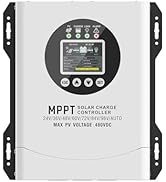
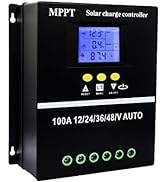
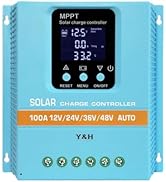
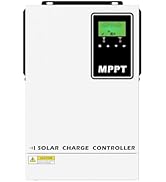
MPPT Solar Charger Controller
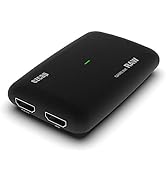
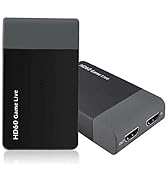
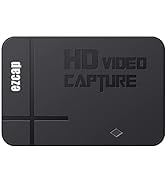
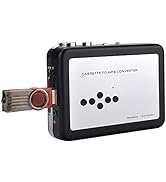
Capture Card
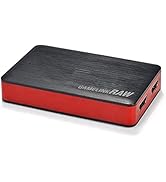
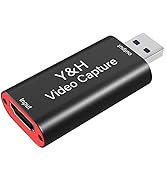
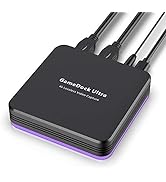
Game Capture Card
About US:
Y&H is an experienced research and development team, specializing in the manufacturing of solar inverters. With over 9 years of professional experience, we have become a thriving enterprise.
Our Vision:
Y&H is dedicated to promoting sustainable lifestyles and achieving energy self-sufficiency.
Our Goal:
We are committed to providing users with all the essential components needed to build cost-effective solar power systems. Our goal is to help customers create reliable and efficient solar energy solutions.
STREAM AND RECORD YOUR CONSOLE GAMEPLAY IN STUNNING 4K30P OR 1080P 120FPS QUALITY.
Game Capture HD60 S supports 4K@30fps input and captures in 4K30P or 1080P 120fps resolution. Superb quality keeps your streaming and recording more professional. This game capture card works flawlessly with most HDMI devices, such as PS5, PS4, PS3, Xbox Series X, Xbox One, Xbox 360, Wii U, Nintendo Switch, Nintendo 3DS, HDMI Camera, PC,IPhone,Camcorder,Action Cam,DVD,TV Box, etc. And DSLR to Webcam Solution, Camera Live Broadcast Capture.
Q: Why there is color difference?
A: The color range of most video input platforms is full RGB"0~255". Normal TV is standard RGB"16~255". Because the color range is different, you may feel the color is not accurate.
HD 60S Capture Card
Do I Need a Y&H 4K Capture Card?
Many users are still confused about whether they need a capture card or not. If you are also one of them then few popular benefits of capture cards are listed below that can help you to make right decision
- It assists in high quality data streaming.
- If you wish to make yourself stand on the top among other streamers then Capture cards provide your opportunity to use custom overlays for streaming. It simply adds a brand value to your content.
- Streaming that is supported by capture cards use to be lag free and is produced at very high quality so that viewers can always stay satisfied.
- It helps users in easy management and creation of video clip library even on external storage.
Follow these steps for easy set up:
Step 1. First of all with the help of HDMI cable make connection between HDMI In terminal of Game Capture card and your console.
Step 2. HDMI Out port of Game Capture card must be connected to TV set with the help of existing HDMI cable.
Step 3.With the help of USB cable available inside the box, you have to connect your PC or Mac device with Game Capture card.
Step 4.Share your game video to Software&Platform: OBS Studio, Twitch, YouTube, XSplit, Facebook Live, and more..
- PC: If you are working on dual system, a capture device will help you connect this second PC to primary PC. This will allow you to maintain optimal performance on your gaming PC.
- PlayStation: will definitely add more flexibility in doing some fancy stuff. As compared to simple software, the card will assist users in easy streaming, recording and editing of game play footage.
- Xbox: Capture cards are useful for Xbox users as it can help them to handle larger size of game play footage as compared to simple software. The stream becomes much easier with capture card support.
- Mac: There are few specially designed capture cards that support game streaming on Mac platform. It allows streaming over acceptable resolution level.
- 3DS and Wii: You need to buy a 3DS or Wii specific Capture card to assist easy transfer of content between these devices.
High Frame Rate Recording
1080P 120fps Capture card. Support crystal clear 1080P resolution at 120 fps and Vibrant smooth picture.
Widely Application
HDMI video capture card Connect your DSLR, camcorder, or action cam to your PC or Mac. This HDMI video capture device is ideal for game live streaming, video recording, live broadcast, video conference, Online classes Live stream and more.
Stream and share with your favorite app
Optimized for professional quality video streaming on social gaming and entertainment sites like Twitch, YouTube and Facebook Live.
HD60 Capture Card Item Specification
| Interface: | USB 3.1 |
| Video and Audio Input: | HDMI, Line In (3.5mm TRS) |
| Max. Pass-Through: | 2160p30, 1440p60, 1080p120 |
| Max. Recording: | 1080p120, 2160p30, 1440p60 |
| Supported Resolution: | 2160p, 1440p, 1080p, 720p |
| Output Video Format: | YUY2, NV12, RGB |
| Record Resolution and Max FPS: | 3840x2160 - NV12/30; 2560x1440 - NV12/60, YUY/50; 1920x1080 - NV12/120, YUY/60, XRGB/30; 1280x720 - NV12/60, YUY/60, XRGB/60. |
| LED status indicator: | Red-power, Green-run |
| Laptop System Requirement: | Windows 10 x 64 Laptop: For 4Kp30 or 1080p120 recording: Intel Core i7-7700HQ or above, NVIDIA GeForce GTX1050 Ti or above, 8 GB RAM. For 1080p60 recording: Intel Core i7-4810MQ, NVIDIA GeForce GTX 870M or above, 8 GB RAM. |
| Desktop System Requirement: | Desktop: For 4Kp30 or 1080p120 recording:Intel Core i5-6XXX / AMD, Ryzen 3 XXX or above, NVIDIA GTX 1060 / AMD RX 5700 or above, 8 GB RAM. For 1080p60 recording:Intel Core i7-3770 recommended, NVIDIA GeForce GTX 650 / AMD Radeon R7 250X or above, 4 GB RAM. |
| Livestream Software | OBS,AMCap,Xsplit,VCL,Twitch,Potplayer,Wirecast,vMix,Windows Media Encoder,Adobe Flash Media Live -Encoder,Real Producer Plus,QuickTime Broadcaster,QuickTime Player,skype,ZOOM,Youtube Live,Facebook Live,Twitter,vidblasterX,Resolume,Tiktok,Instagram,Google Hangouts |
| HD 1080P Video Record Note: | heck your computer system parameter supports the capture card's minimum requirement. It is very important for it. |
No audio?
Please set it according to the steps in the manual, and verify whether your setting steps are the same as the steps in the manual? (This operation is very important. Many customers don't like to follow the instructions)
1: Audio output mode: select "Only capture audio"
2: Check "Use a custom audio device"
3: Audio Device: Select "HDMI (ezcap Game Link RAW)"
4: After completing the above steps, if there are still problems, please contact YONGHUI merchants for technical support or firmware upgrade.
5:Audio Async Reference Manual
We have faith in humanity's capacity to attain a sustainable future with renewable energy sources leading our energy supply.
- Y&H has 9 years of experience in inverter production and sales.
- We have a professional technical team and production workshop, offering versatile inverters (Hybrid, Grid-Tie/off-Grid, reliable renewable energy products), as well as solar panels, lithium iron phosphate/lead-acid batteries,storage cards, and tape machines.
- Your satisfaction is our top priority,feel free to reach out to us with any questions.
High Power Hybrid Inverter
Grid Tie Inverter
Hybrid Solar Inverter
Solar Hybrid Inverter
GTI Grid Tie Inverter
Grid Tie Micro Inverter
Grid Tie Micro Inverter
MPPT Solar Charger Controller
Capture Card
Game Capture Card
About US:
Y&H is an experienced research and development team, specializing in the manufacturing of solar inverters. With over 9 years of professional experience, we have become a thriving enterprise.
Our Vision:
Y&H is dedicated to promoting sustainable lifestyles and achieving energy self-sufficiency.
Our Goal:
We are committed to providing users with all the essential components needed to build cost-effective solar power systems. Our goal is to help customers create reliable and efficient solar energy solutions.