




 here!
here!
I’m your shopping assistant for PC builds, upgrades, and everything tech.
Got questions? Ask away!
Start a conversation
here!
I’m your shopping assistant for PC builds, upgrades, and everything tech.
Got questions? Ask away!
Start a conversation



Any questions? Ask CelesteSM will help you find out quickly.
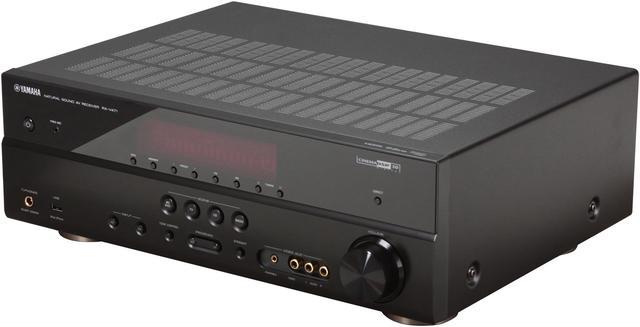
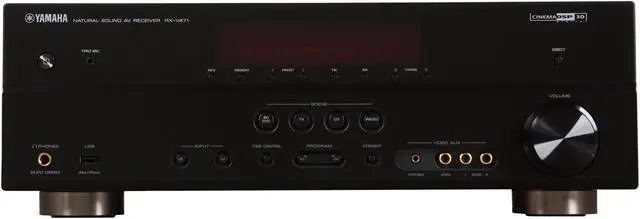
 USB Digital Connection for iPod and iPhoneA USB port on the front panel provides convenient connection for your iPod/iPhone, which also charges when connected. Because the digital signal from the iPod/iPhone is transmitted directly to the AV Receiver, noise interference is minimized and sound quality is much better.
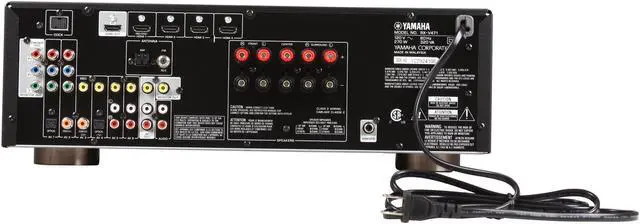
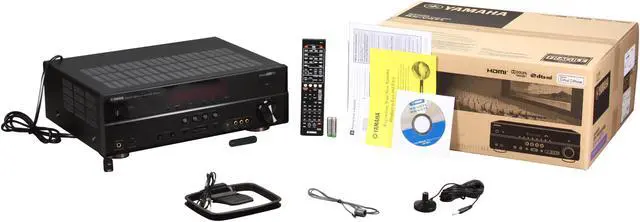
 1080p HDMI with 3D and Audio Return ChannelIn compliance with the full HD 1080p HDMI specifications, the YAMAHA RX- V471 A/V Receiver supports 3D pass-through and Audio Return Channel (ARC) for simplified cable connection.
 HD Audio with CINEMA DSP 3DCINEMA DSP 3D provides a wide, high and dense sound field. HD Audio format decoding lets you enjoy HD Audio sources, and Virtual Presence Speaker delivers 3-dimensional sound without actual use of presence speakers. Plus, the actually measured sound field data contains the information of the height of the sound images. CINEMA DSP 3D mode achieves the reproduction of the accurate height of the sound images so that it creates the accurate and intensive stereoscopic sound fields in a listening room.
 On-Screen GUI (Graphical User Interface)This clean and simple interface makes setup and other operations extremely easy. The on-screen display can show album art, provides a choice of various languages and is visible over 3D images.
 Compressed Music EnhancerWhen music is encoded into a digitally compressed format like MP3, the frequency response suffers. This function restores what was lost, so your music always sounds the way it should.
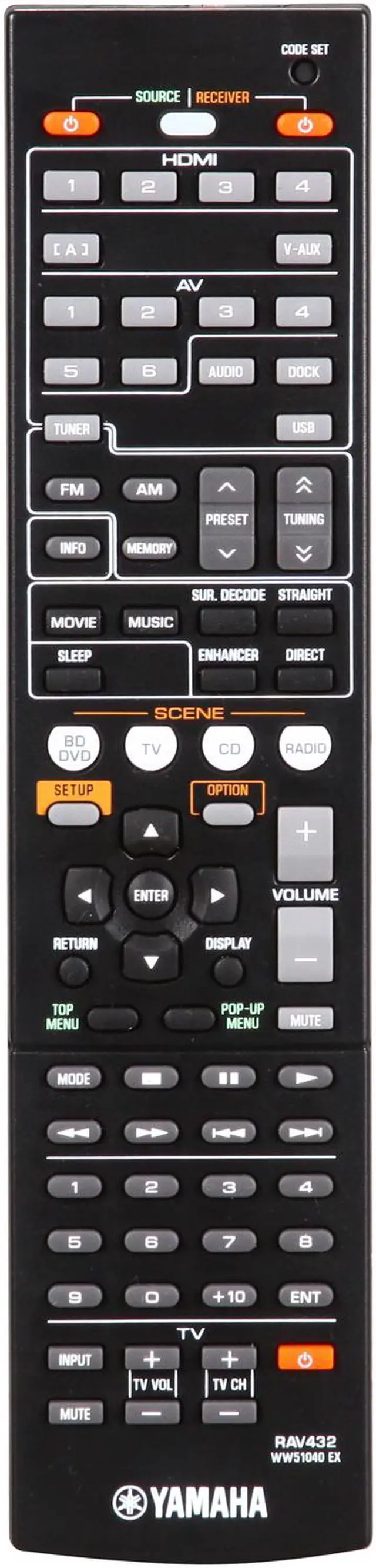
 SCENE for One-Touch StartThe Four SCENE buttons make operating the receiver easier than ever. Pressing a SCENE button automatically launches a number of operations that initiate play of the source controlled by that button. They are initially set to default settings for DVD Viewing, Disc Listening, TV Viewing and Radio Listening, other SCENE settings are also available, such as iPod Listening, XM Listening, TV Sports Viewing and Action Game Playing. Browsing and selecting the settings is quickly accomplished by changing Input via the front panel and watching the on-screen display. The settings can be selected for one-time use, or they can replace the original default settings. The SCENE names can be changed also.


