




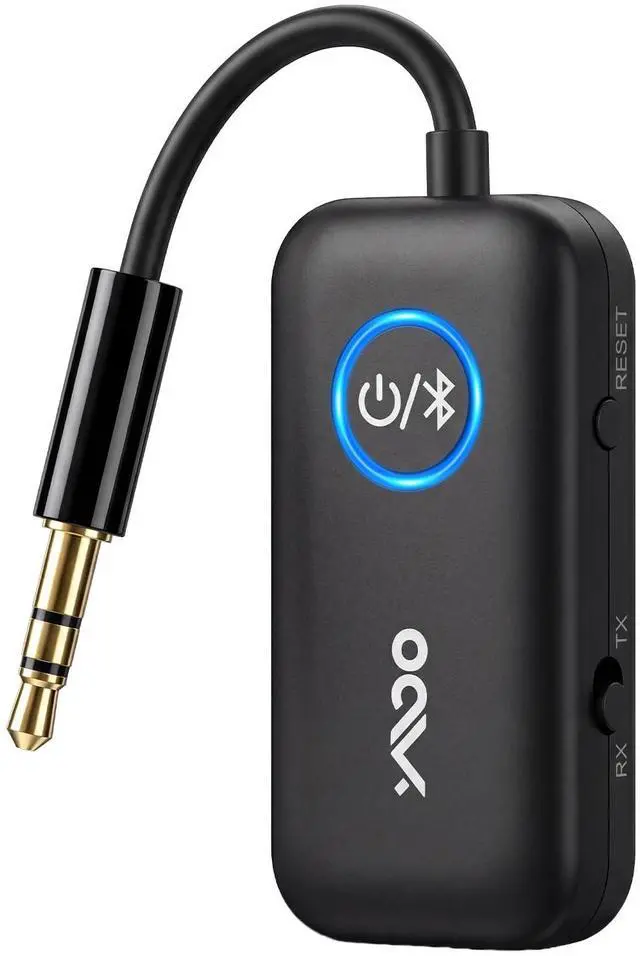
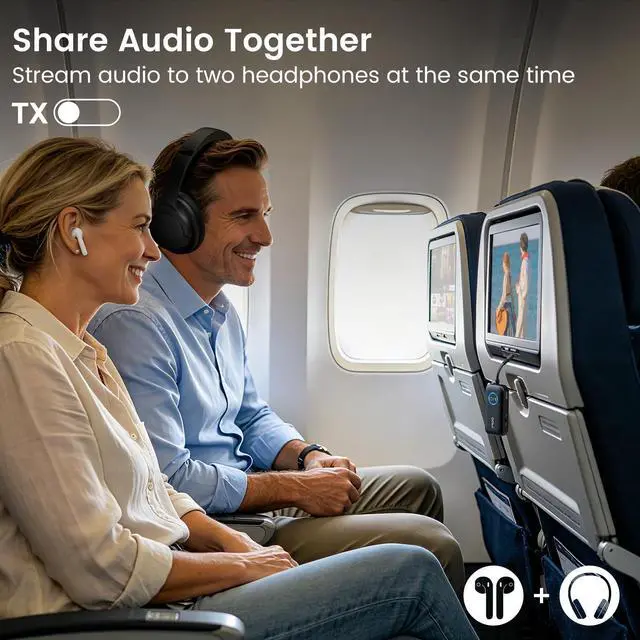


YMOO Airplane Bluetooth Adapter to 2 Headphones
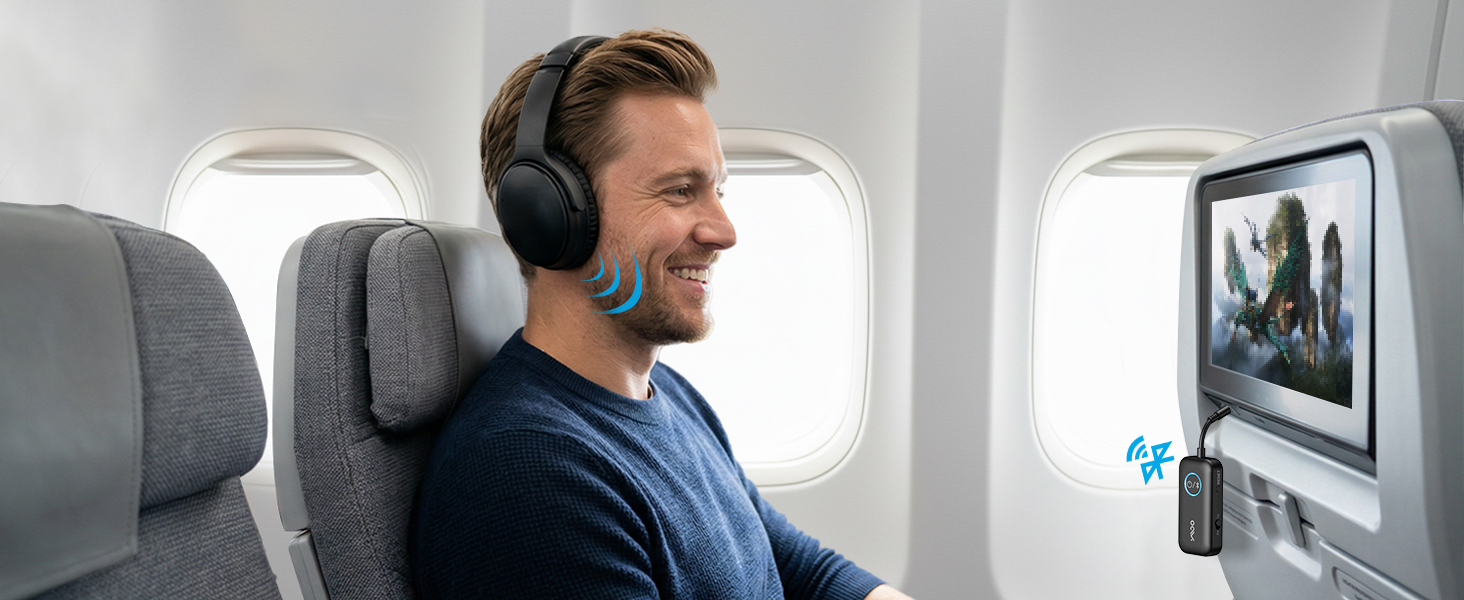
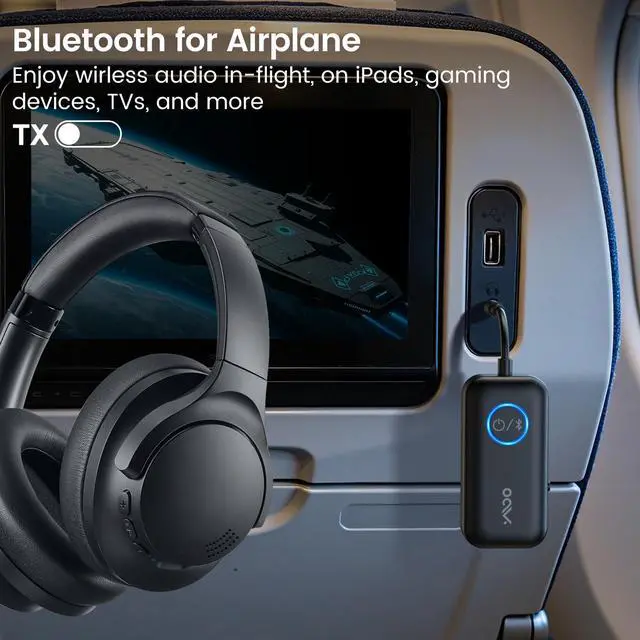
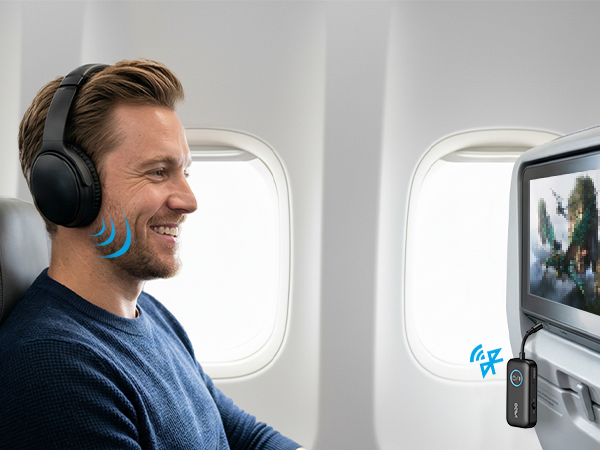
Wireless Freedom. Effortless Travel.
Enjoy seamless, high-quality audio on every flight, turning travel into a relaxing experience.
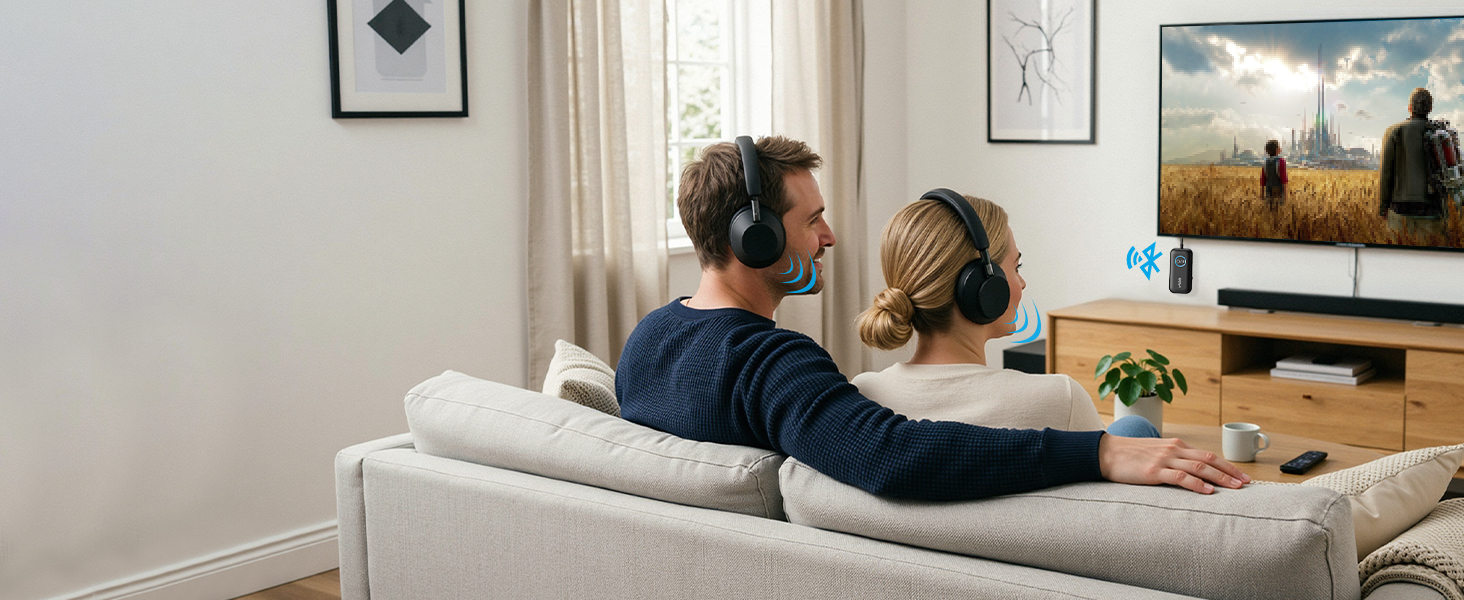
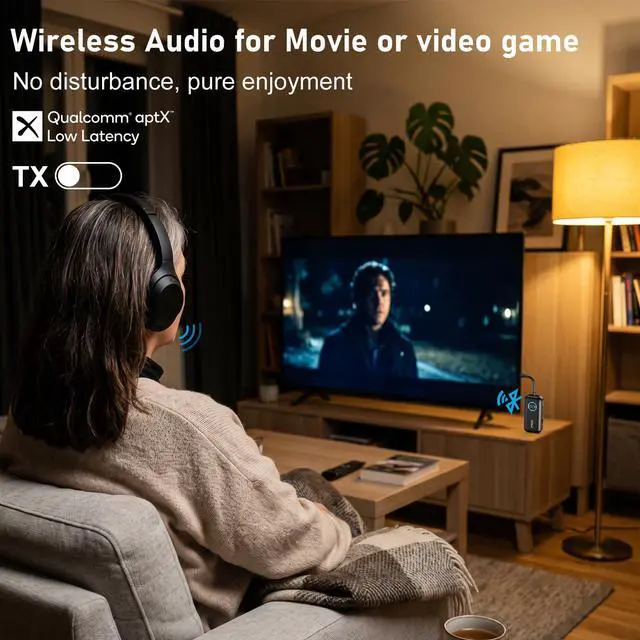
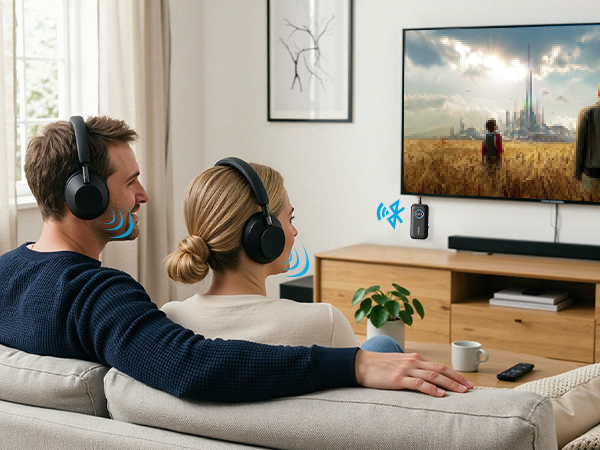
Enjoy TV without Audio Lag
Less than 40ms latency. Premium audio for games and movies.
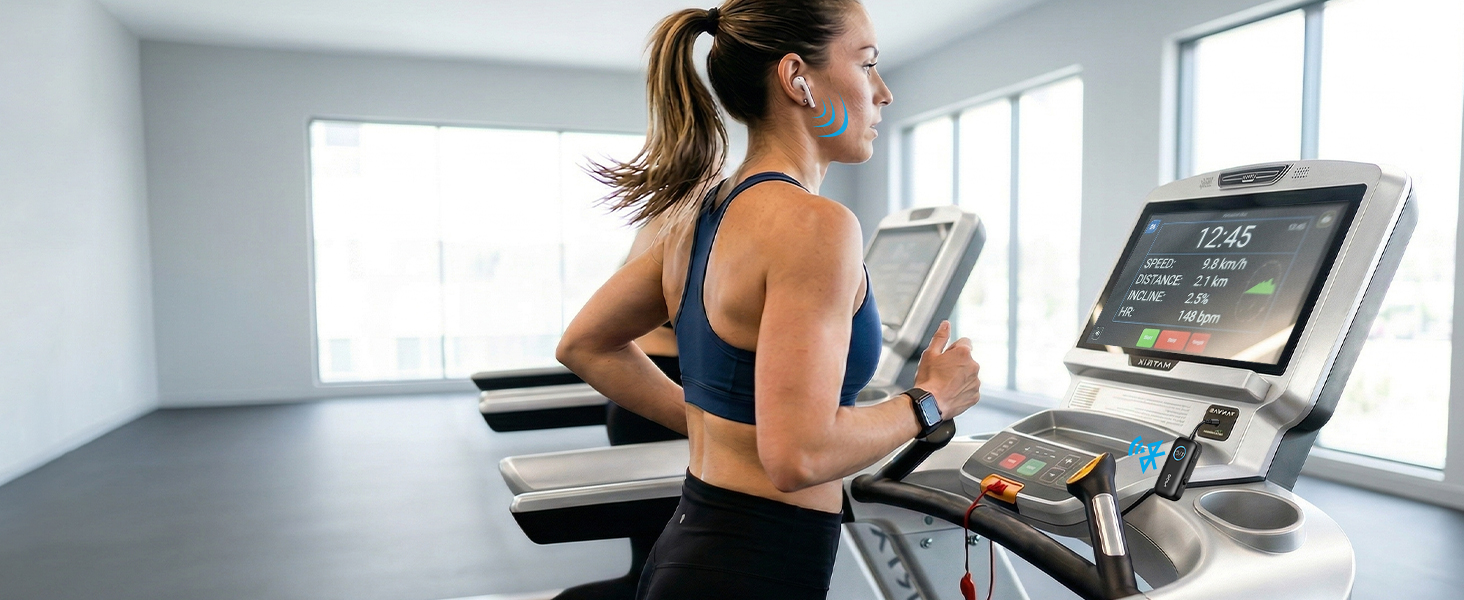
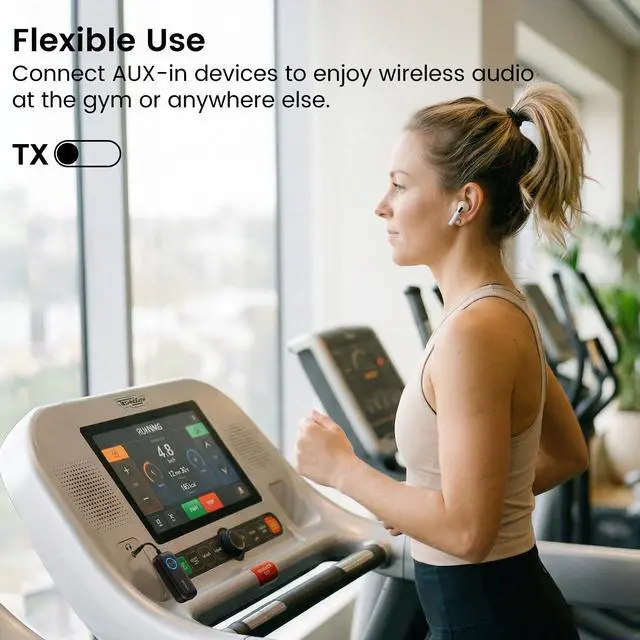
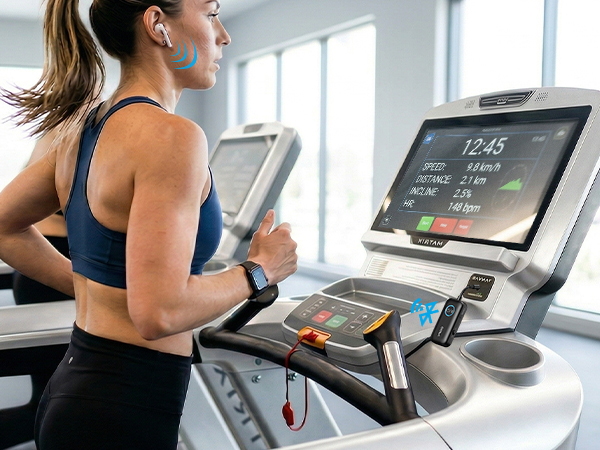
Run Freely, Listen Wirelessly
Say goodbye to wired earbuds and hello to total wireless freedom for your fitness routine.

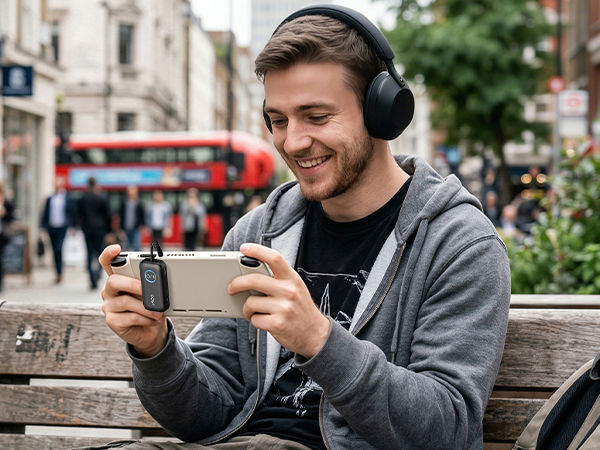
Gaming without Cords. Freedom to Roam.
Immerse yourself in lag-free, wireless gaming with our audio adapter.
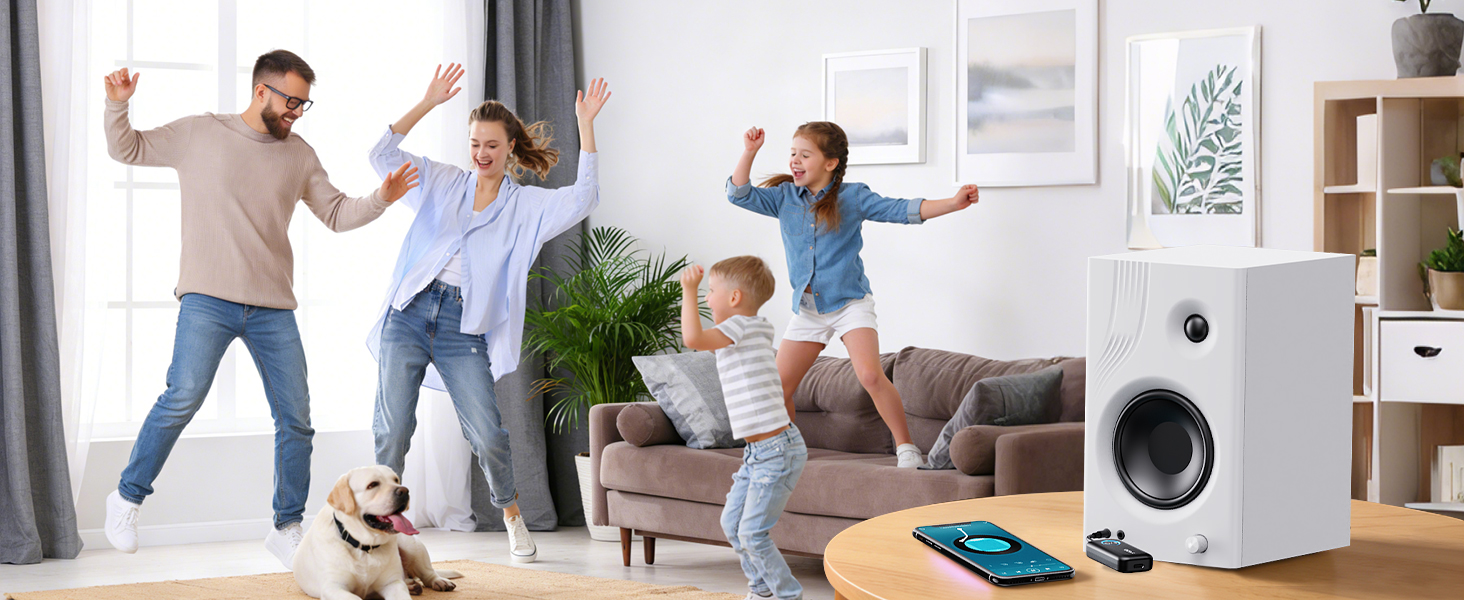
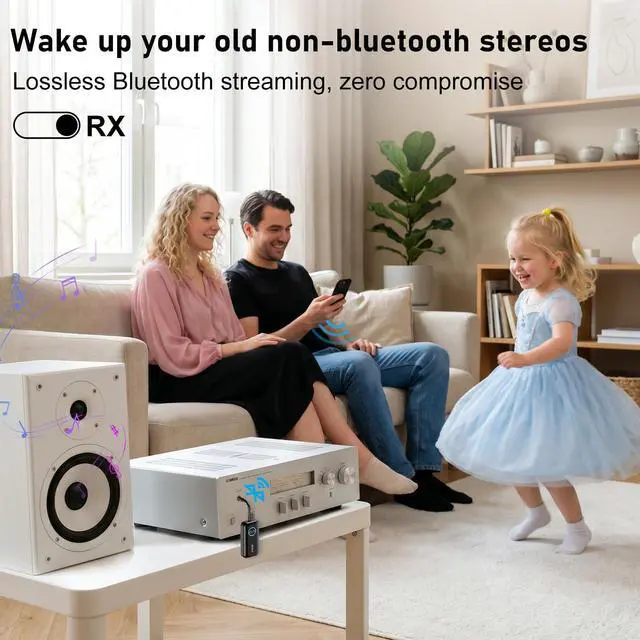
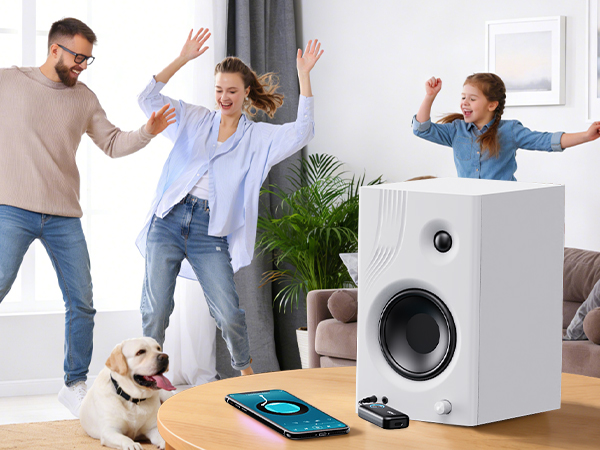
Stream Wirelessly, Party Anywhere
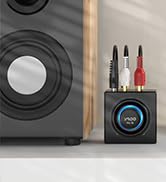
Stream music to your home speakers. Ditch the tangled cords for immersive, high-quality sound.
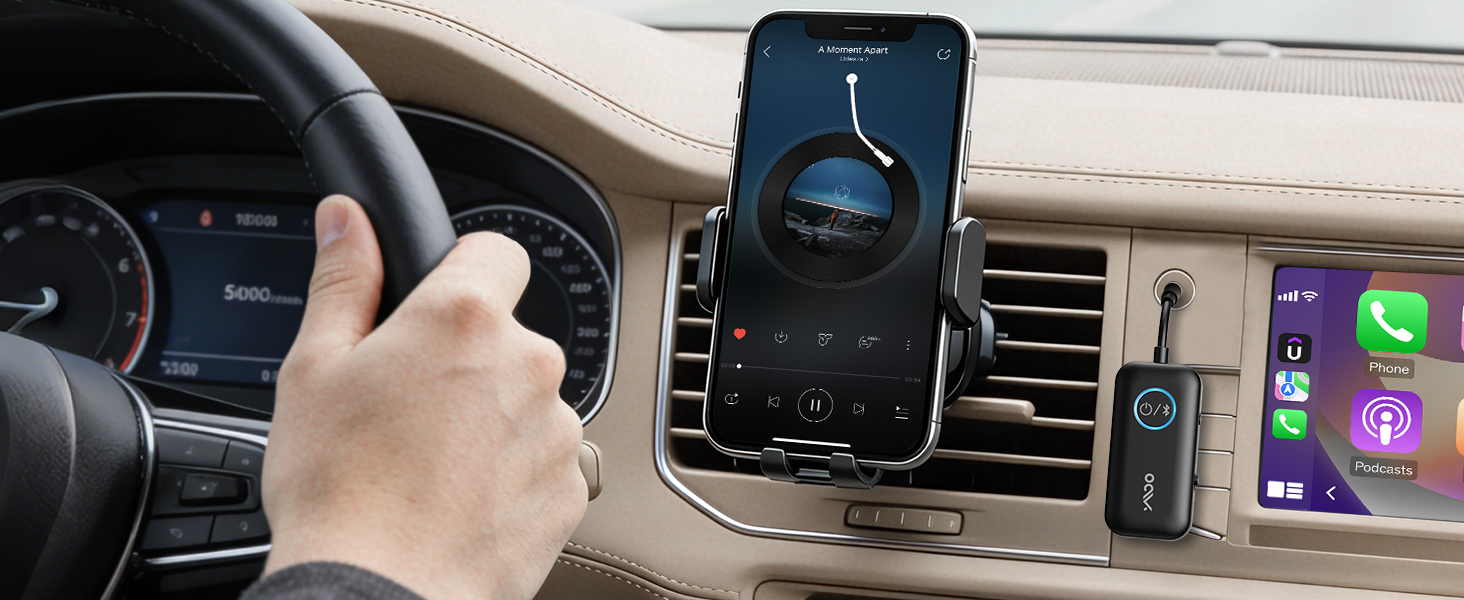
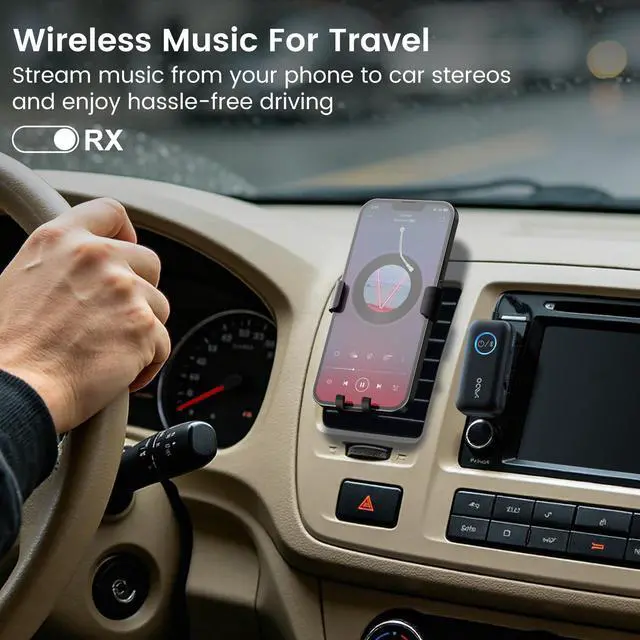
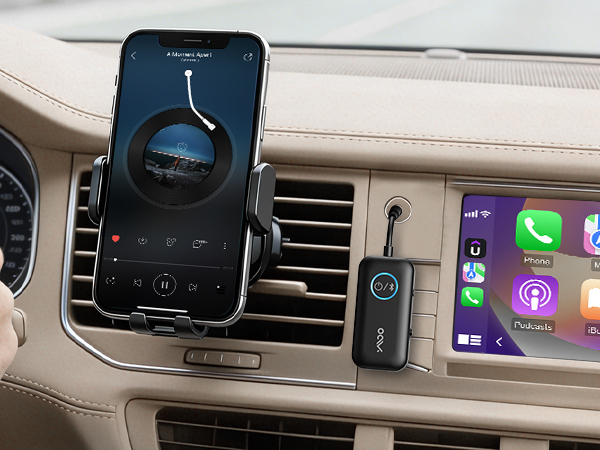
Wireless Driving, Effortless Commute
Enjoy wireless audio without the hassle of wires, for a safer, more comfortable drive.
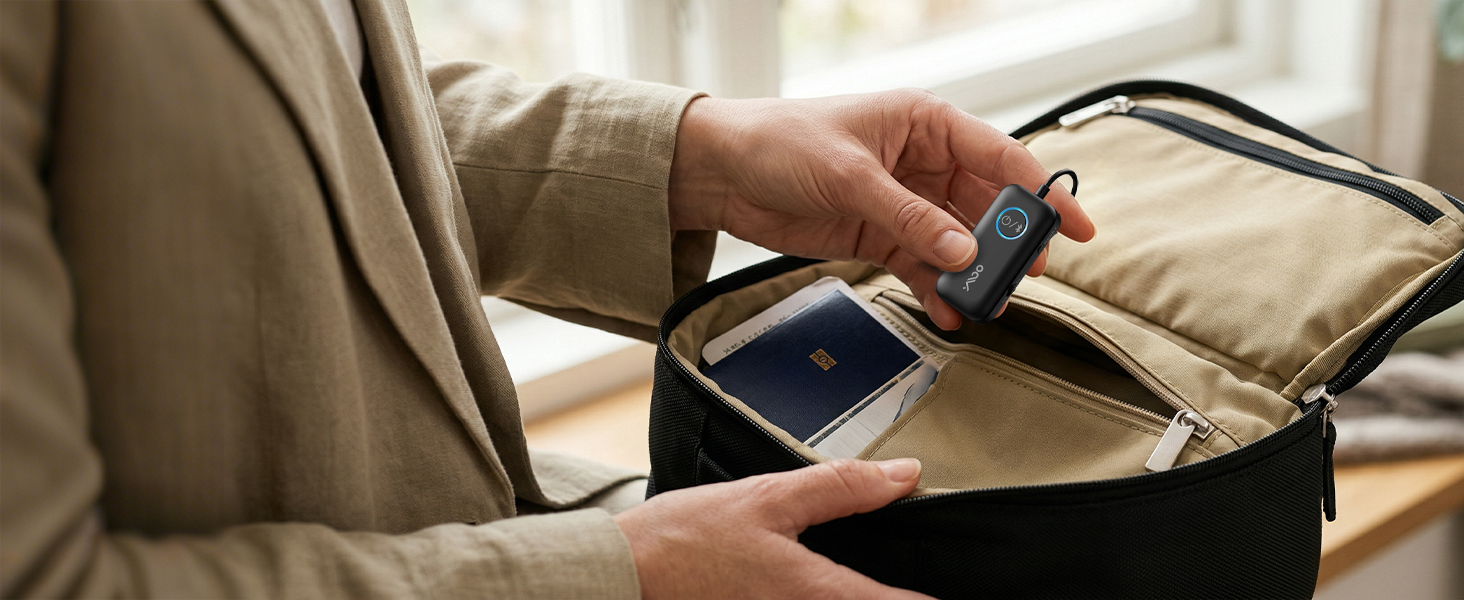
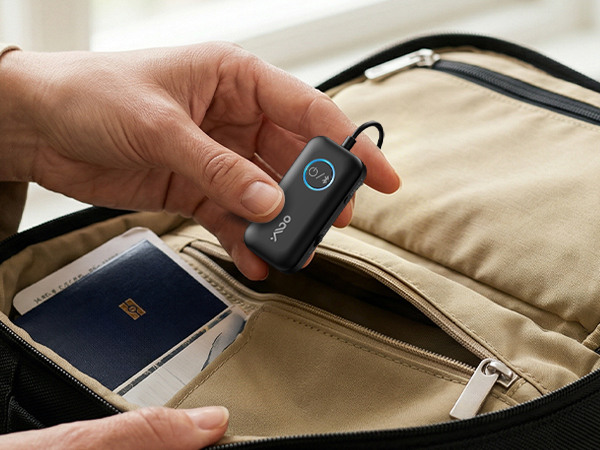
Pocket-Sized, Ready for Every Adventure
Take it anywhere—flights, road trips, gym sessions, and more—without adding extra bulk to your bag.
Easy Setup
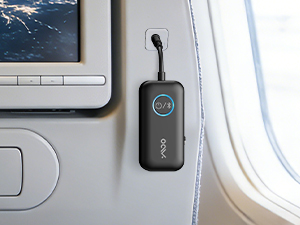
Plug
Plug the B06T2 into the airplane or TV's headphone jack (AUX).
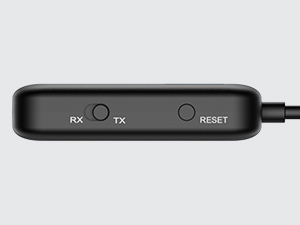
Power the B06T2
Slide to TX mode, press and hold the power button for 2s to enter paring mode(LED flashing red and blue)
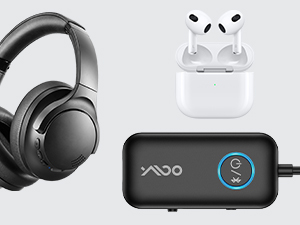
Pair
Put your Bluetooth headphones into pairing mode as well (not just powered on).
Wait for the pairing to succeed (LED stops flashing)
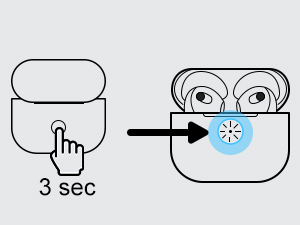
Warm Tips
Make sure the headphones are in pairing mode - this solves 95% of setup problems.
Turn off Bluetooth on your phone or tablet to prevent reconnection.
why I cannot pair with my bluetooth headphone in TX mode?
for tv: if TV‘s bluetooth on,it's hard to be paired because of signal interference.You can turn off TV ,or stay away from TV,and then have a try
in plane: please pair with bluetooth headphones before plane to avoid signal intereference in plane
Why I can not get the low latency
If you wanna use aptx low latency function
your headphone required also support aptX-Low Latency.
Dual Bluetooth headphones connection do NOT get aptx Low Latency
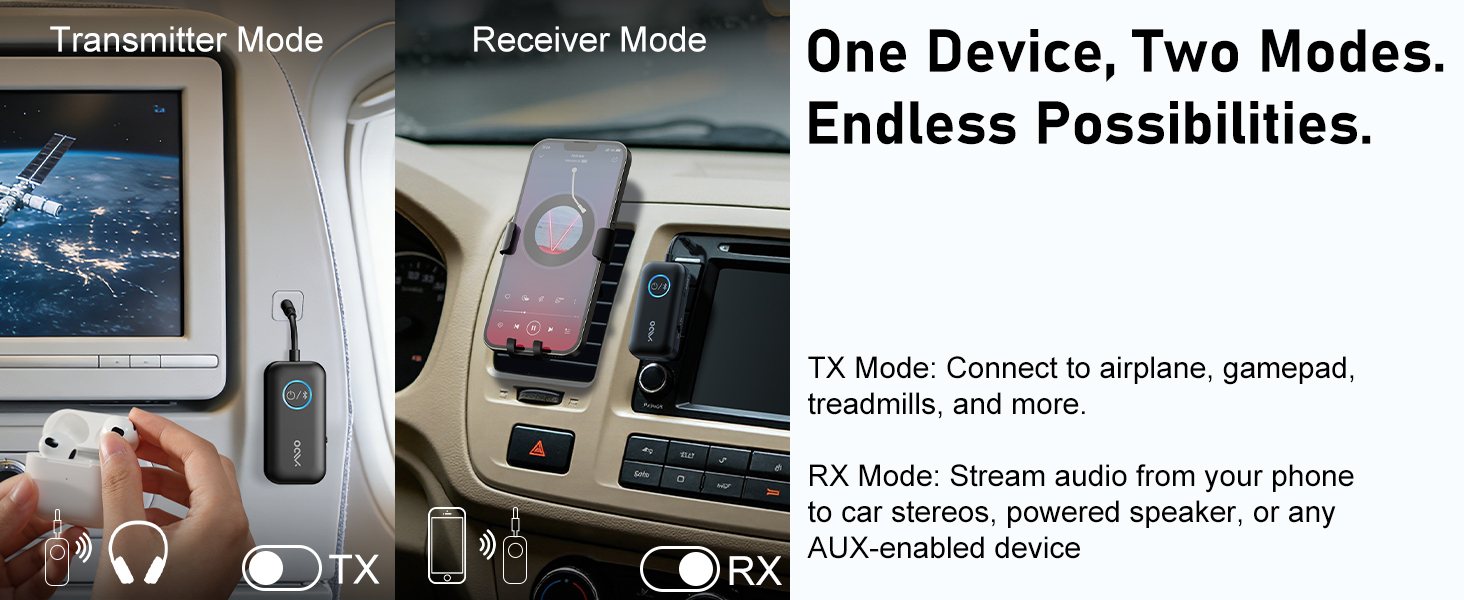
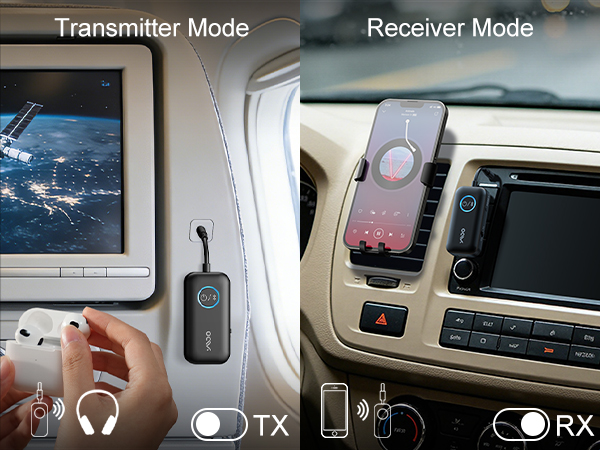
What's the different from TX mode and RX mode?
TX mode always using to bluetooth headphones to watching tv.
RX mode always using for old or non-bluetooth speakers,making them bluetooth enable,playing your phone playlist in speaker/car
What does the LED means?
Blue means SBC/AAC.
White means aptX Low latency.
Purple means paired with two bluetooth headphones .
Green means aptx adaptive


YMOO was born out of a group of people's love of music, this group's pursuit of sound quality led to the creation of the audio company. YMOO's products include transmitters, receivers, Bluetooth audio adapters, wireless headphones and speakers.
YMOO products undergo thousands of quality tests to ensure both amazing sound quality and a comfortable experience when enjoying music or video to fulfill our philosophy of “Bring Music to Life”.
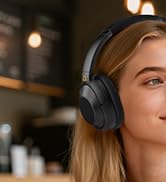



Y7Pro Bluetooth Headphones
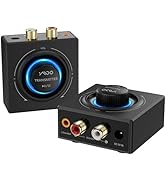
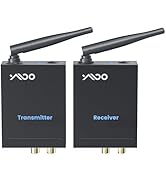
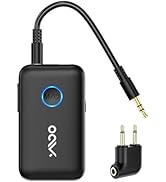
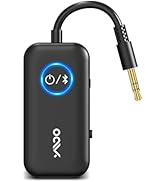
YMOO Bluetooth Transceiver

B06T3 Bluetooth Receiver
YMOO Airplane Bluetooth Adapter to 2 Headphones
Wireless Freedom. Effortless Travel.
Enjoy seamless, high-quality audio on every flight, turning travel into a relaxing experience.
Enjoy TV without Audio Lag
Less than 40ms latency. Premium audio for games and movies.
Run Freely, Listen Wirelessly
Say goodbye to wired earbuds and hello to total wireless freedom for your fitness routine.
Gaming without Cords. Freedom to Roam.
Immerse yourself in lag-free, wireless gaming with our audio adapter.
Stream Wirelessly, Party Anywhere
Stream music to your home speakers. Ditch the tangled cords for immersive, high-quality sound.
Wireless Driving, Effortless Commute
Enjoy wireless audio without the hassle of wires, for a safer, more comfortable drive.
Pocket-Sized, Ready for Every Adventure
Take it anywhere—flights, road trips, gym sessions, and more—without adding extra bulk to your bag.
Easy Setup
Plug
Plug the B06T2 into the airplane or TV's headphone jack (AUX).
Power the B06T2
Slide to TX mode, press and hold the power button for 2s to enter paring mode(LED flashing red and blue)
Pair
Put your Bluetooth headphones into pairing mode as well (not just powered on).
Wait for the pairing to succeed (LED stops flashing)
Warm Tips
Make sure the headphones are in pairing mode - this solves 95% of setup problems.
Turn off Bluetooth on your phone or tablet to prevent reconnection.
why I cannot pair with my bluetooth headphone in TX mode?
for tv: if TV‘s bluetooth on,it's hard to be paired because of signal interference.You can turn off TV ,or stay away from TV,and then have a try
in plane: please pair with bluetooth headphones before plane to avoid signal intereference in plane
Why I can not get the low latency
If you wanna use aptx low latency function
your headphone required also support aptX-Low Latency.
Dual Bluetooth headphones connection do NOT get aptx Low Latency
What's the different from TX mode and RX mode?
TX mode always using to bluetooth headphones to watching tv.
RX mode always using for old or non-bluetooth speakers,making them bluetooth enable,playing your phone playlist in speaker/car
What does the LED means?
Blue means SBC/AAC.
White means aptX Low latency.
Purple means paired with two bluetooth headphones .
Green means aptx adaptive
YMOO was born out of a group of people's love of music, this group's pursuit of sound quality led to the creation of the audio company. YMOO's products include transmitters, receivers, Bluetooth audio adapters, wireless headphones and speakers.
YMOO products undergo thousands of quality tests to ensure both amazing sound quality and a comfortable experience when enjoying music or video to fulfill our philosophy of “Bring Music to Life”.
Y7Pro Bluetooth Headphones
YMOO Bluetooth Transceiver
B06T3 Bluetooth Receiver