







YMOO was born out of a group of people's love of music, this group's pursuit of sound quality led to the creation of the audio company. YMOO's products include transmitters, receivers, Bluetooth audio adapters, wireless headphones and speakers.
YMOO products undergo thousands of quality tests to ensure both amazing sound quality and a comfortable experience when enjoying music or video to fulfill our philosophy of “Bring Music to Life”.
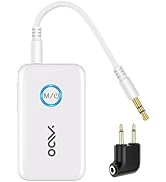
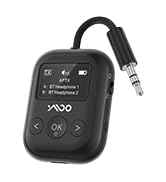
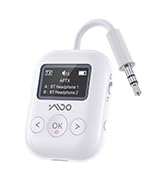
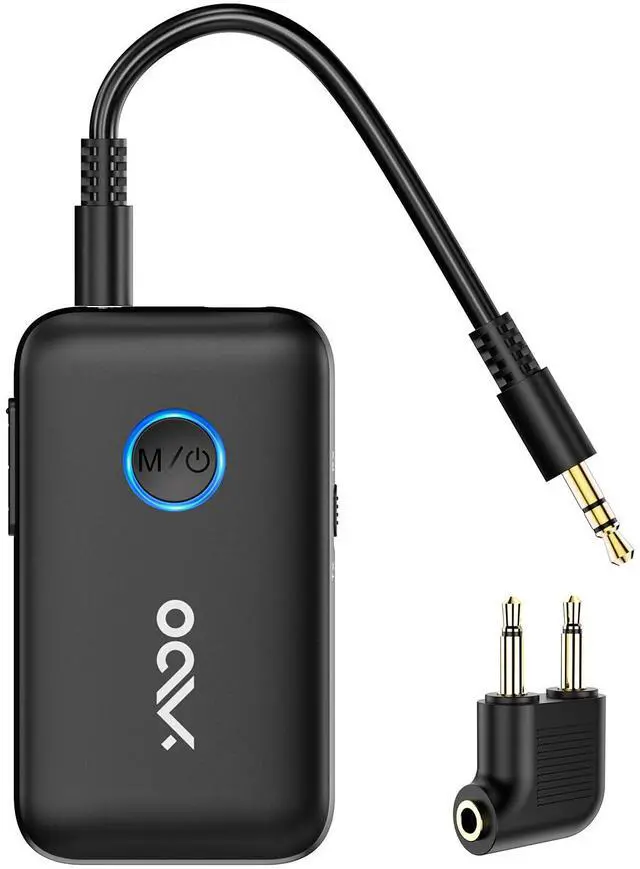
YMOO Bluetooth Transceiver
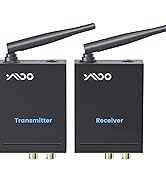
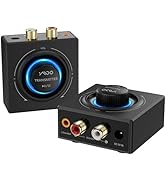
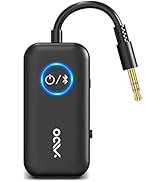
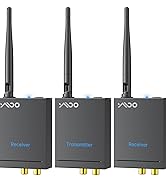
YMOO Bluetooth Transceiver



Y7Pro Bluetooth Headphones
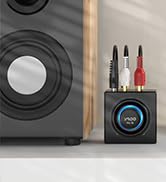
B06T3 Bluetooth Receiver


Built-in Latest Bluetooth 5.3
longer rang, stronger anti-interference, lower power consumption.
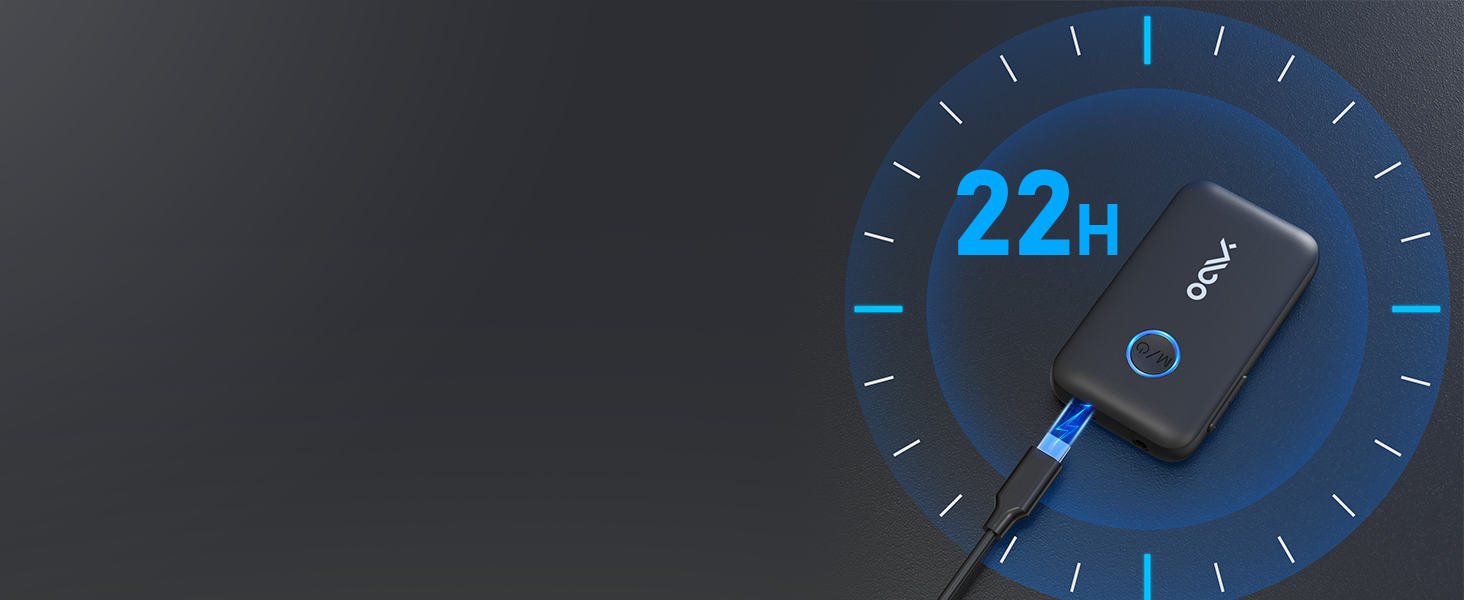
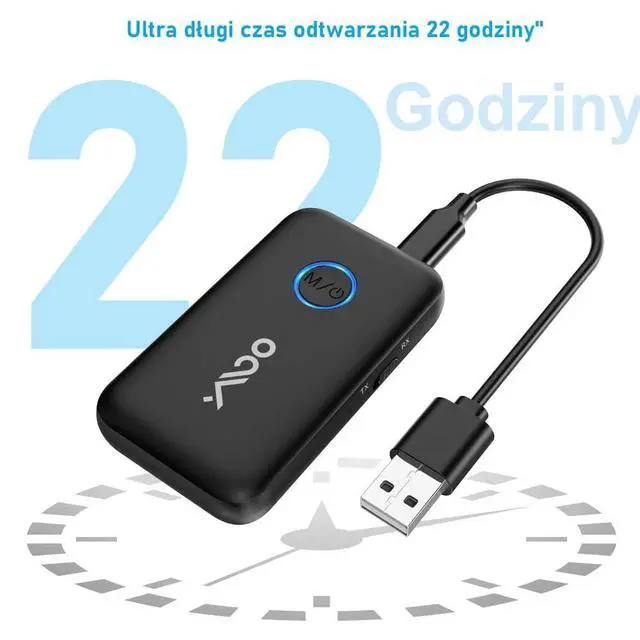
22 Hours Play Time
Upgraded 400mAh battery provide up to 22 hours play time.
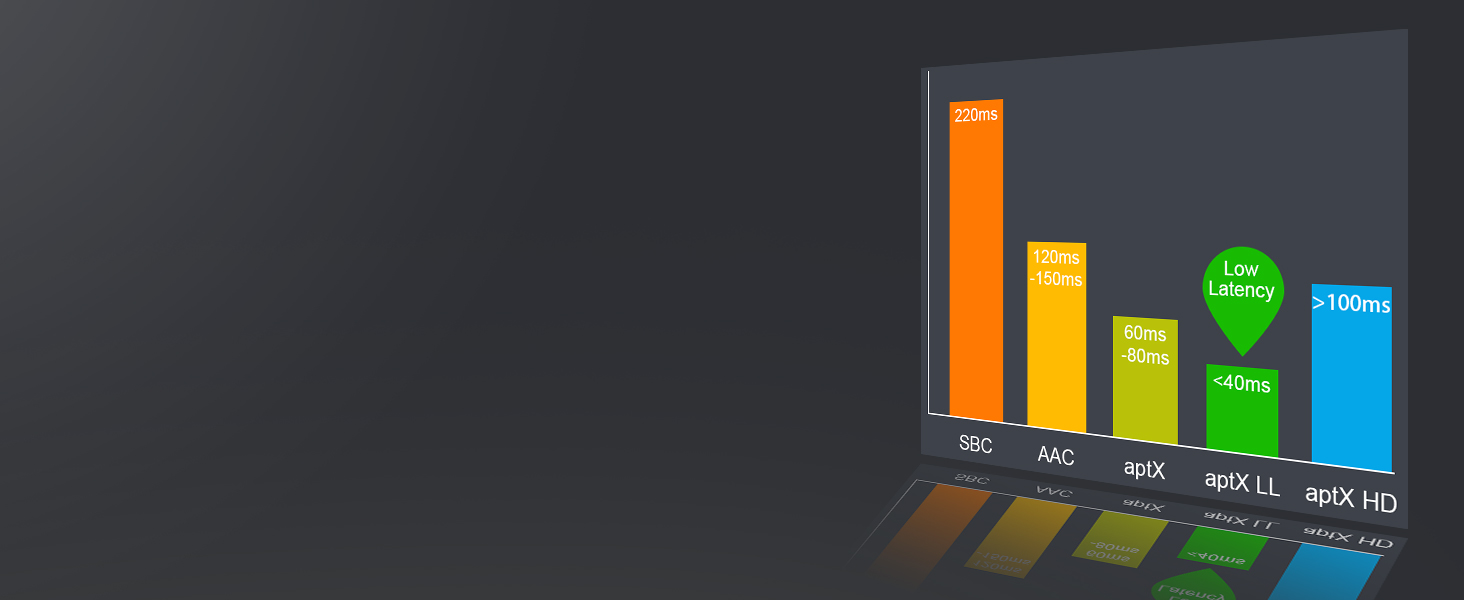
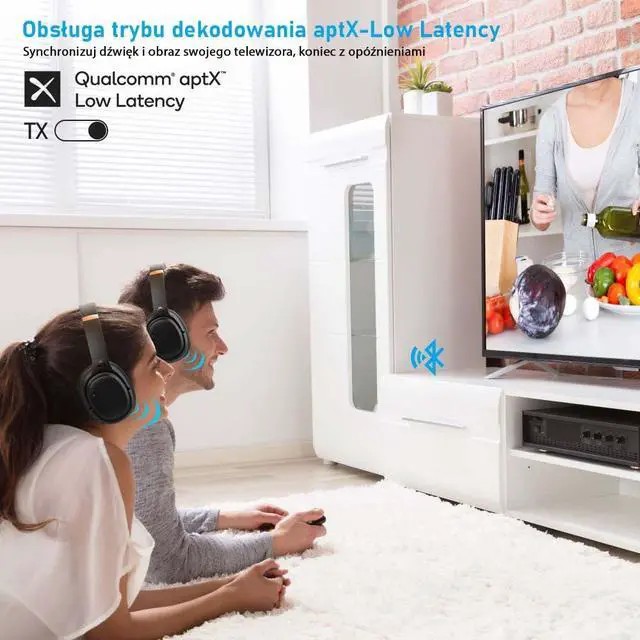
Aptx-Low Latency can lower than 40ms, truly realizes picture-audio synic
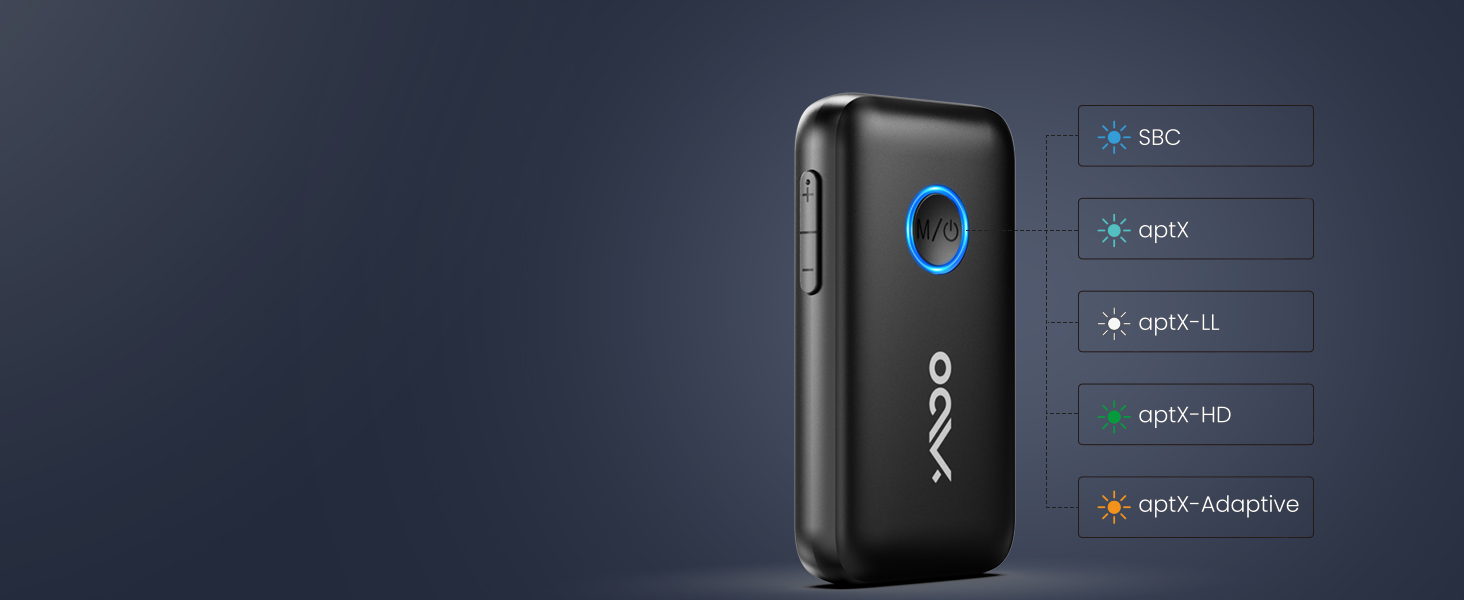
Support Multi-decoding Modes
Support SBC/MP3/AAC/aptX/aptX-LL/aptX-HD/aptX-Adaptive modes in TX Mode, double tap to change.
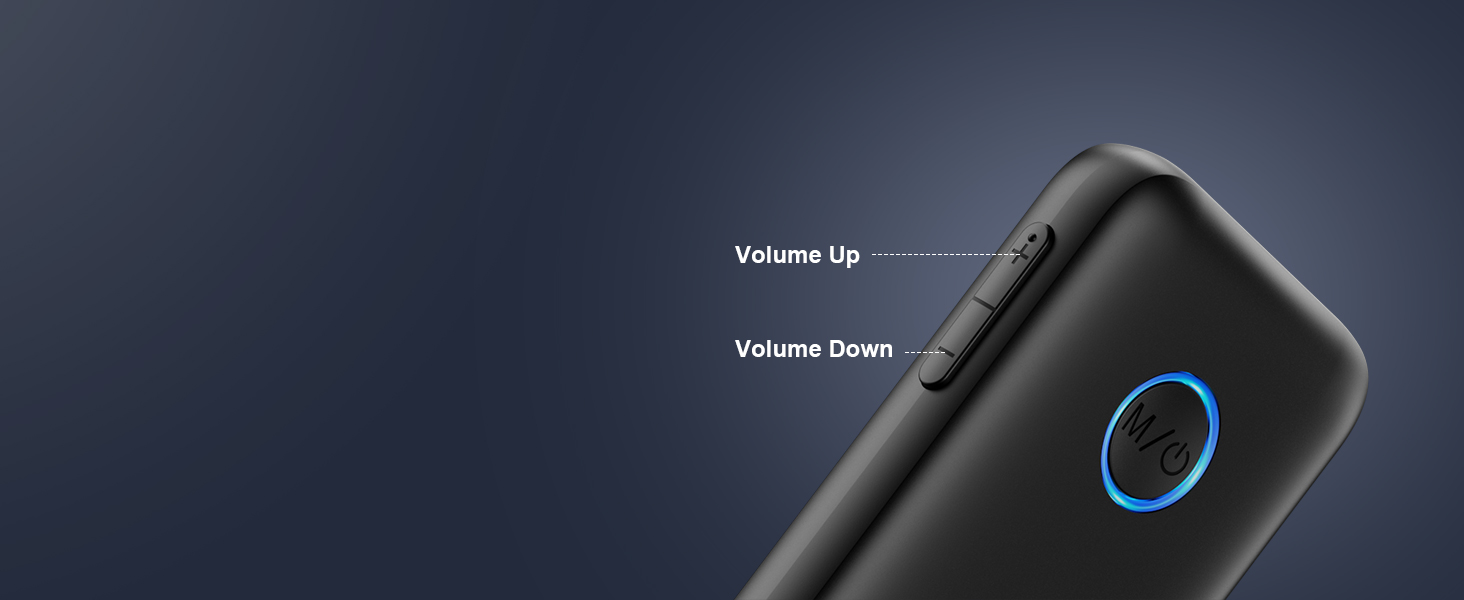
Volume Adjustment
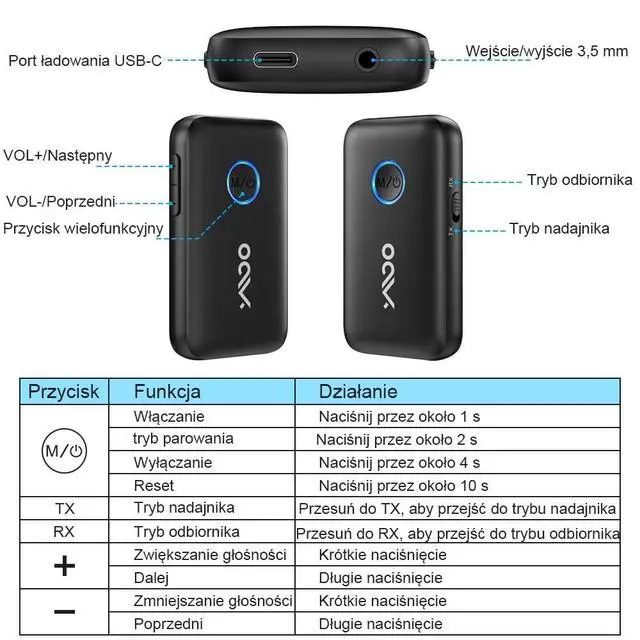
Short-press the volume buttons to adjust the device volume as needed.
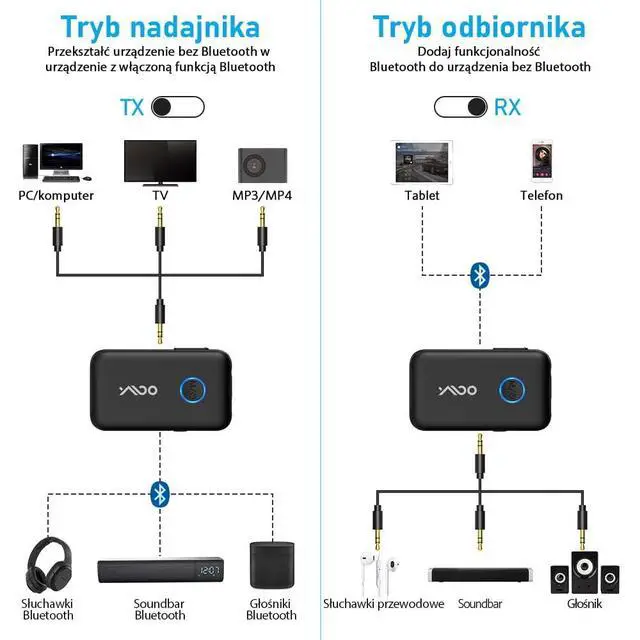
2-in-1 Bluetooth Transmitter Receiver

How to use as a Bluetooth Transmitter(TX Mode)?
- Step 1 -Push B06T1 Side button to TX
- Step 2 - Long press MFB button until LED flash blue and red
- Step 3 - Make your Bluetooth headphones enter pairing mode.The LED will stop flashing when it is paired
- Step 4- Connect B06T1 to the "AUDIO OUT"/"LINE OUT" jack of your TV/PC/Airplane via 3.5mm audio cable

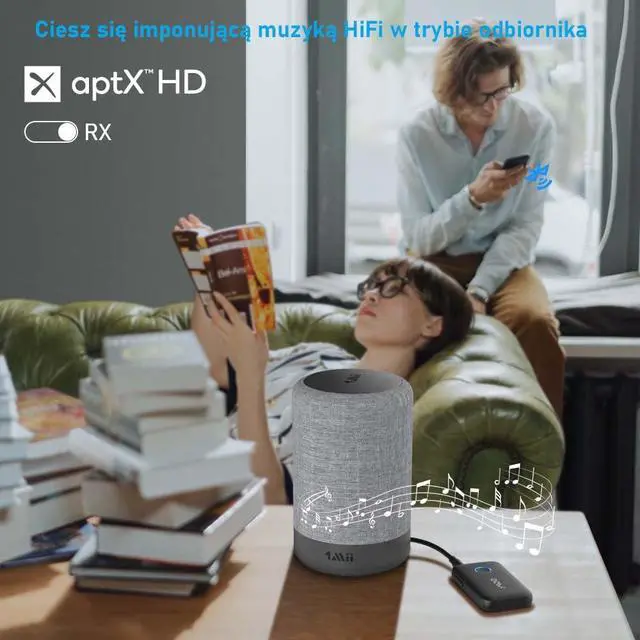
How to use as a Bluetooth Receiver(RX Mode)?
- Step 1 - Push B06T1 Side button to RX
- Step 2 - Long press until LED flash blue and red
- Step 3 - Turn on the Bluetooth of your phone, and tap "B06T1" to enter pairing mode.The LED will stop flashing when it is paired
- Step 4 -Connect B06T1 to your speakers/soundbar/wired headphones via 3.5mm audio cable


Why I cannot pair with my bluetooth headphone in TX mode?
For tv: if TV‘s bluetooth on,it's hard to be paired because of signal interference.You can turn off TV ,or stay away from TV,and then have a try
In plane: please pair with bluetooth headphones before plane to avoid signal intereference in plane
Why I can not get the low latency
If you want to use aptx low latency function, your headphone also required support aptX-Low Latency.
Dual Bluetooth headphones connection do NOT get aptx Low Latency
What does the LED means?
Blue means SBC/AAC.
White means Aptx Low latency.
Purple means paired with two bluetooth headphones .
Green means aptx adaptive
Does our product support piano or guitar devices?
No support, if you use it, there will be delay problems, which will seriously affect your experience.
Is it compatible with AirPods?
Yes, it is compatible with AirPods, but it is INCOMPATIBLE with AirPods Pro 2nd Gen.

Built-in Latest Bluetooth 5.3
longer rang, stronger anti-interference, lower power consumption.
22 Hours Play Time
Upgraded 400mAh battery provide up to 22 hours play time.
Aptx-Low Latency can lower than 40ms, truly realizes picture-audio synic
Support Multi-decoding Modes
Support SBC/MP3/AAC/aptX/aptX-LL/aptX-HD/aptX-Adaptive modes in TX Mode, double tap to change.
Volume Adjustment
Short-press the volume buttons to adjust the device volume as needed.


2-in-1 Bluetooth Transmitter Receiver
How to use as a Bluetooth Transmitter(TX Mode)?
- Step 1 -Push B06T1 Side button to TX
- Step 2 - Long press MFB button until LED flash blue and red
- Step 3 - Make your Bluetooth headphones enter pairing mode.The LED will stop flashing when it is paired
- Step 4- Connect B06T1 to the "AUDIO OUT"/"LINE OUT" jack of your TV/PC/Airplane via 3.5mm audio cable
How to use as a Bluetooth Receiver(RX Mode)?
- Step 1 - Push B06T1 Side button to RX
- Step 2 - Long press until LED flash blue and red
- Step 3 - Turn on the Bluetooth of your phone, and tap "B06T1" to enter pairing mode.The LED will stop flashing when it is paired
- Step 4 -Connect B06T1 to your speakers/soundbar/wired headphones via 3.5mm audio cable


B06T1 QA Help Page

B06T1 how to work in TX mode(including pairing with two Bluetooth headphones)
- Push B06T1 Side button to TX,long press MFB button until LED flash blue and red,make your Bluetooth headphones enter pairing mode.The LED will stop flashing when it is paired successfully
- After the first Bluetooth headphones is paired,press the MFB button of B06T1 until LED flash red and blue.Make your second Bluetooth headphones enter pairing mode, The LED stays on purple when it is paired successfully
- Connect B06T1 to the "AUDIO OUT"/"LINE OUT" jack of your TV/PC/Airplane via 3.5mm audio cable
B06T1 RX mode working-Enjoy smartphone/tablet music to speaker
- Push B06T1 Side button to RX
- Long press until LED flash blue and red
- Turn on the Bluetooth of your phone, and tap "B06T1" to enter pairing mode.The LED will stop flashing when it is paired
- Connect B06T1 to your speakers/soundbar/wired headphones via 3.5mm audio cable
How to work with airpods
- It is compatible with AirPods
- But it is INCOMPATIBLE with AirPods Pro 2nd Gen.
Pairing difficult with your headphones?Can not get low latency?
- Please first of all pairing B06T1 with your bluetooth headphone.Then plug it to your tv or boarding to plane
- Please do NOT pair it with airpods pro/airpods gen/airpods max/sony max
- Aptx Low latency only work with bluetooth headphones that support aptx low latency.If your headphones do not support aptx low latency,it can not work.
- if your headphone support aptx low latency,please dual click the MFB button of B06T1 to change color to white.
Please make sure you are clearly learn these before place order
- Most headphones only support SBC / AAC code ,so there will no low latency
- Airpods series only support AAC code,so there will no low latency
- Aptx low latency needs headphones that support Aptx
Why I cannot pair with my bluetooth headphone in TX mode?
For tv: if TV‘s bluetooth on,it's hard to be paired because of signal interference.You can turn off TV ,or stay away from TV,and then have a try
In plane: please pair with bluetooth headphones before plane to avoid signal intereference in plane
Why I can not get the low latency
If you want to use aptx low latency function, your headphone also required support aptX-Low Latency.
Dual Bluetooth headphones connection do NOT get aptx Low Latency
What does the LED means?
Blue means SBC/AAC.
White means Aptx Low latency.
Purple means paired with two bluetooth headphones .
Green means aptx adaptive
Does our product support piano or guitar devices?
No support, if you use it, there will be delay problems, which will seriously affect your experience.
Is it compatible with AirPods?
Yes, it is compatible with AirPods, but it is INCOMPATIBLE with AirPods Pro 2nd Gen.
YMOO was born out of a group of people's love of music, this group's pursuit of sound quality led to the creation of the audio company. YMOO's products include transmitters, receivers, Bluetooth audio adapters, wireless headphones and speakers.
YMOO products undergo thousands of quality tests to ensure both amazing sound quality and a comfortable experience when enjoying music or video to fulfill our philosophy of “Bring Music to Life”.
YMOO Bluetooth Transceiver
YMOO Bluetooth Transceiver
Y7Pro Bluetooth Headphones
B06T3 Bluetooth Receiver