




Advanced Hybrid ANC
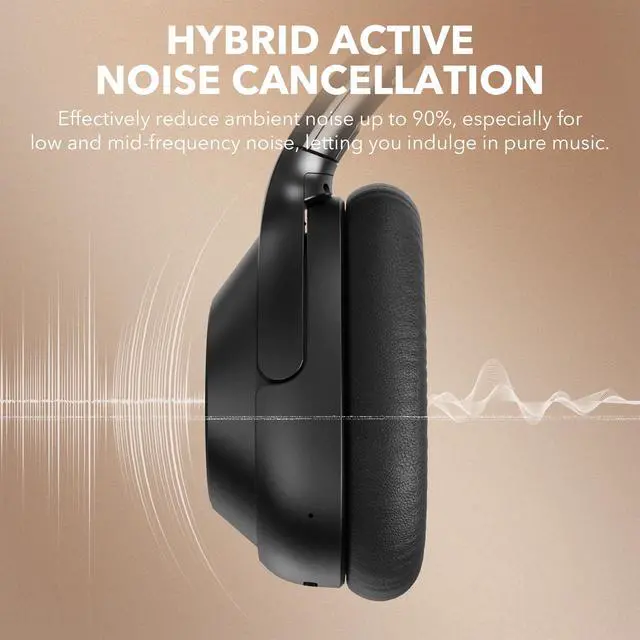
Cancels up to 40dB of ambient noise and immerses you in a fascinating soundscape.

Hear What Matters
Stay connected to your environment and chat freely while your music plays on.
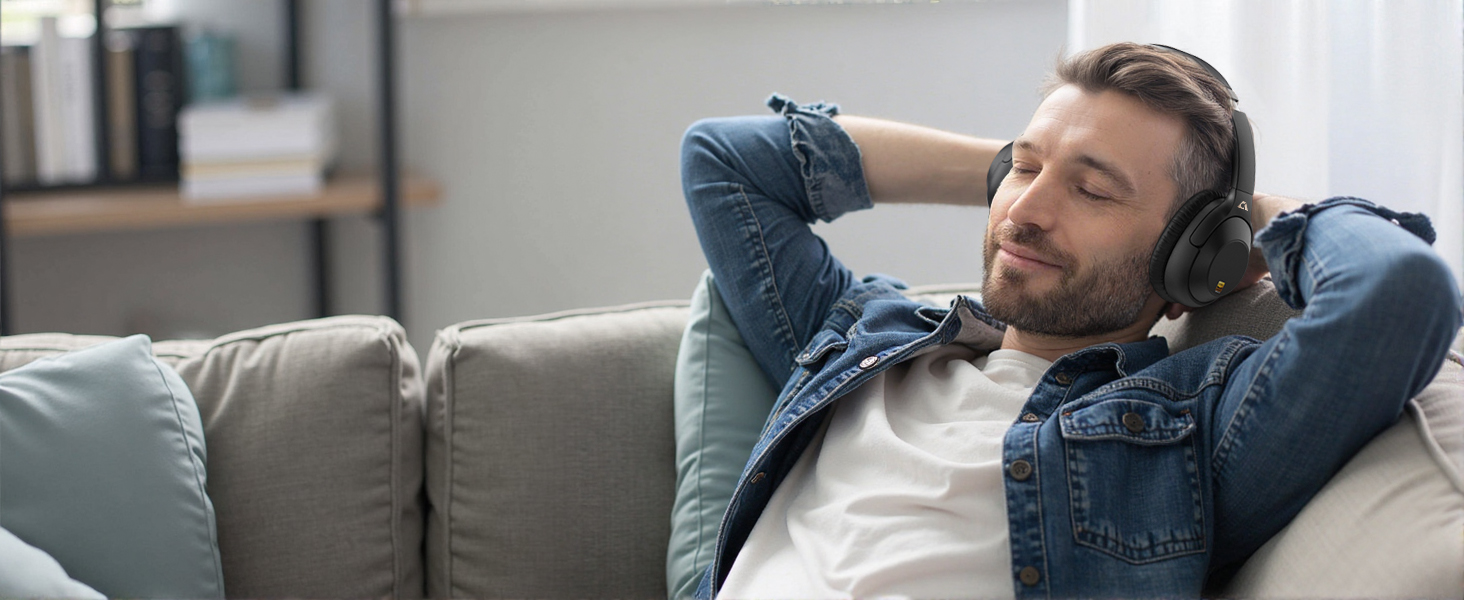
All-Day Wearability
A personalized fit and comfortable wear make long listening sessions delightful.
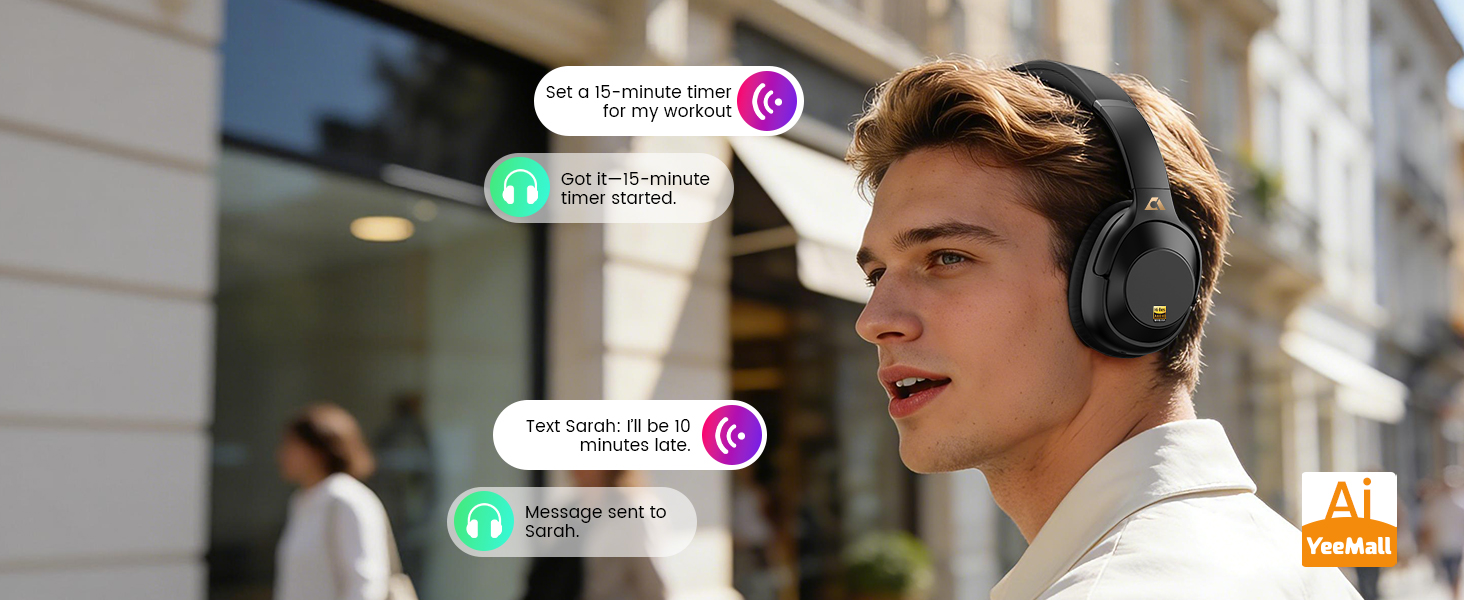
Tap Twice, Take Command
Manage tasks, get answers, and control your day—seamlessly, without ever touching your phone.
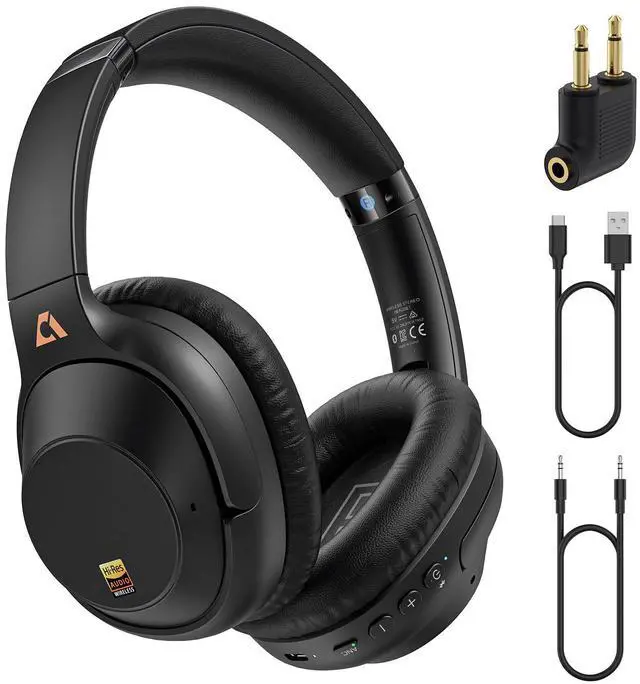
YMOO Hybrid Active Noise Cancelling Headphones
Merchant Video
Hi-Res Audio
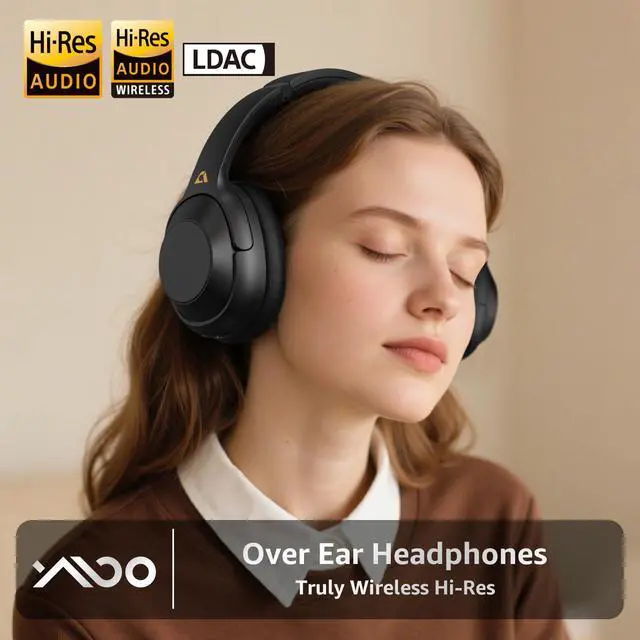
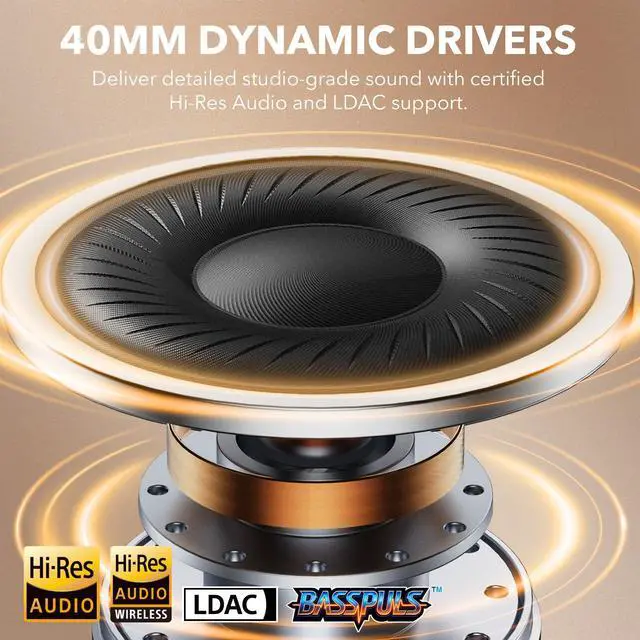
Features Hi-Res Audio with LDAC support, and ANC technology for an enhanced listening experience.
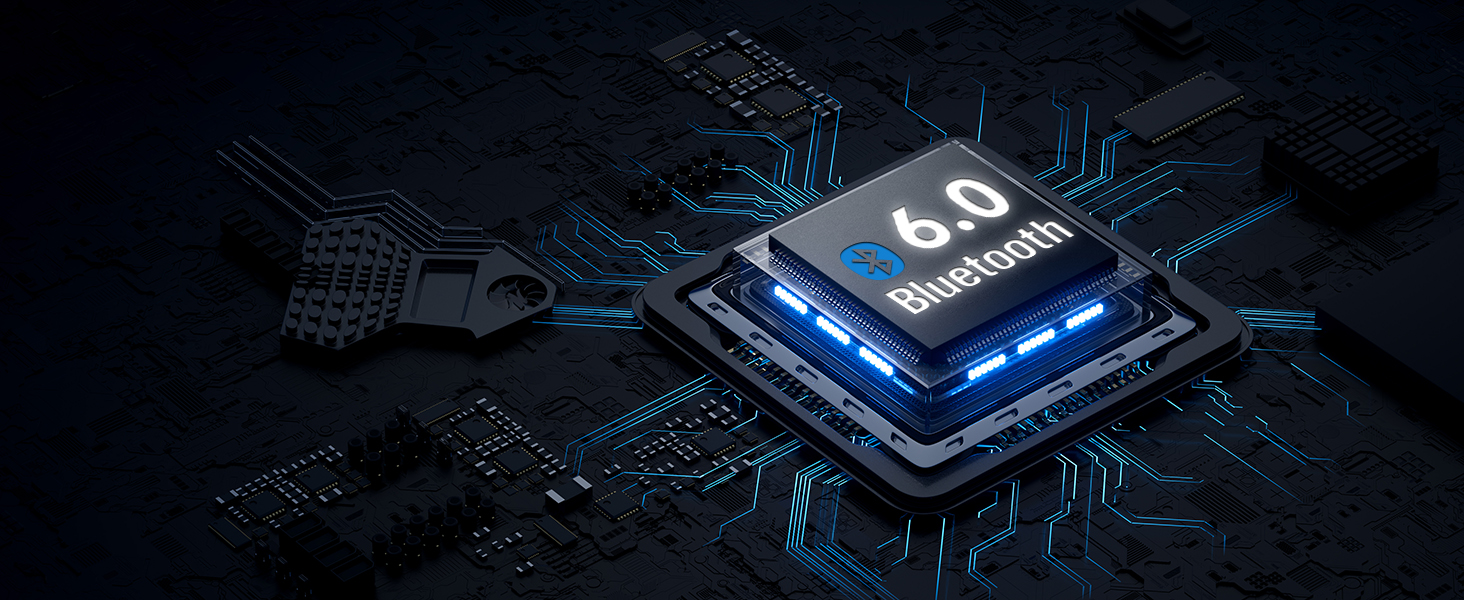
Bluetooth 6.0
Seamless wireless audio with enhanced speed and stability.
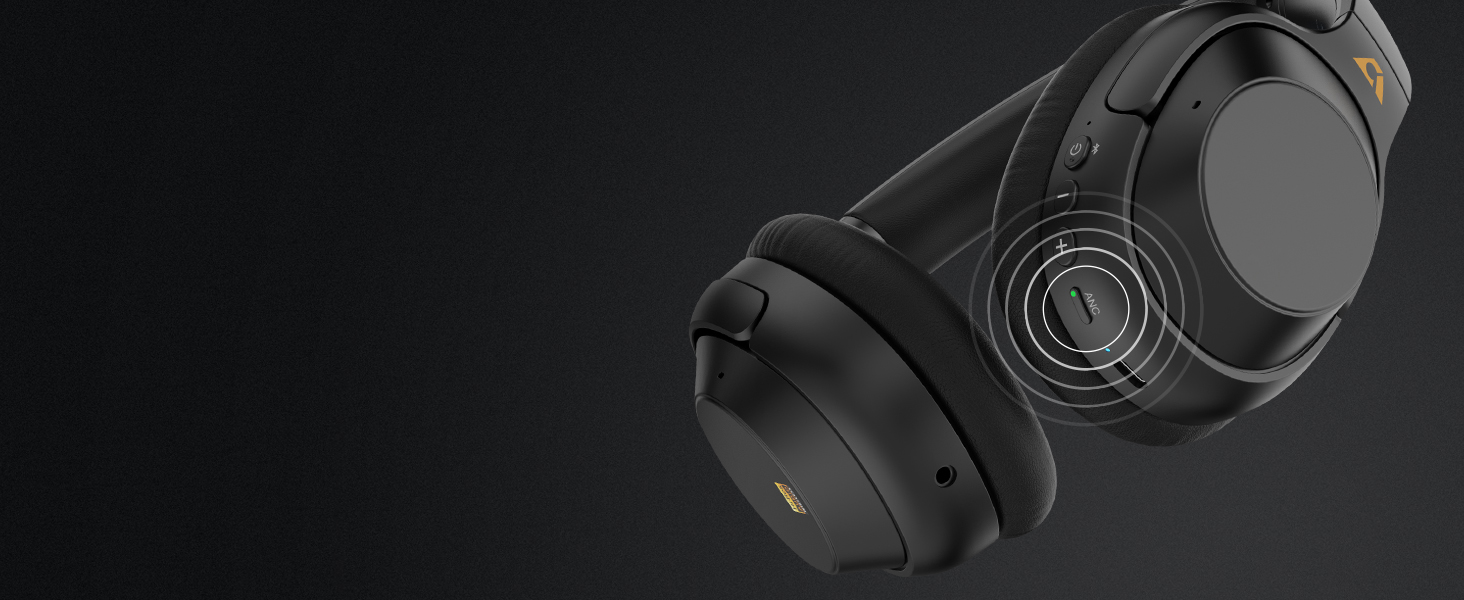
ANC Mode
Press the button to activate ANC and enjoy a truly distraction-free experience.
Note: it may not completely eliminate all sounds, especially high-frequency sounds like human voices.
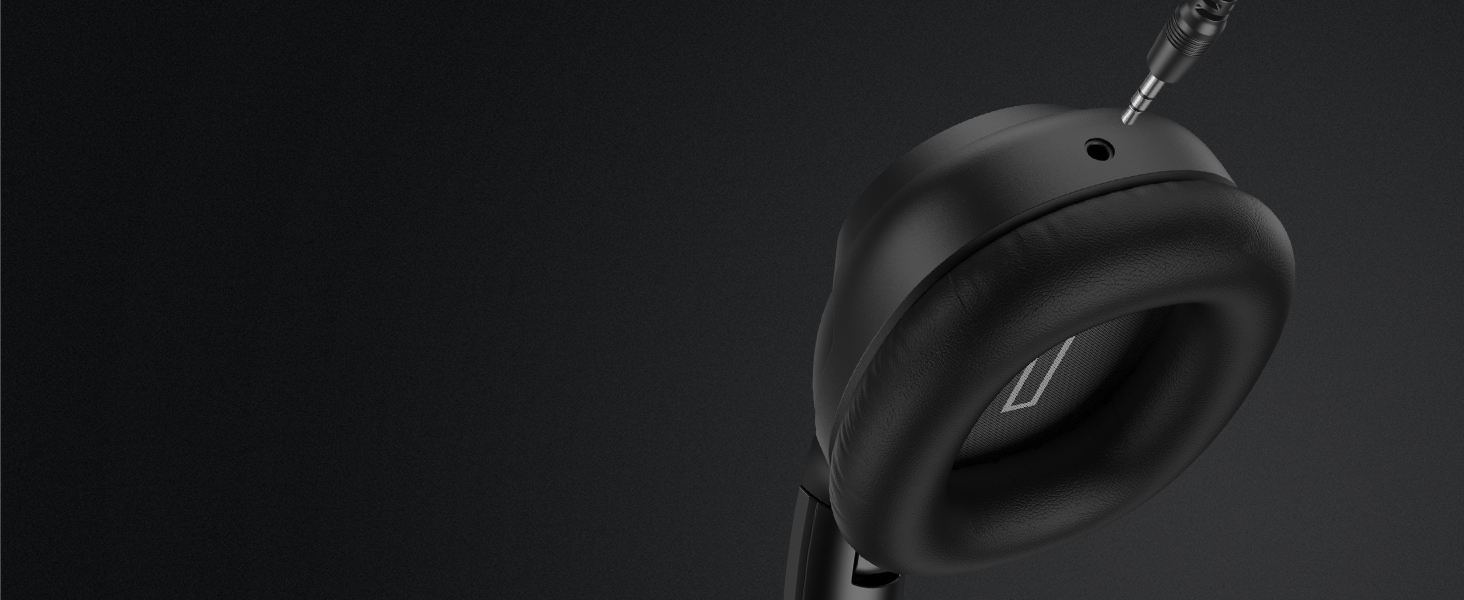
Wireless & Wired Flexibility
Sealmess switching between the two modes for your most convenience.
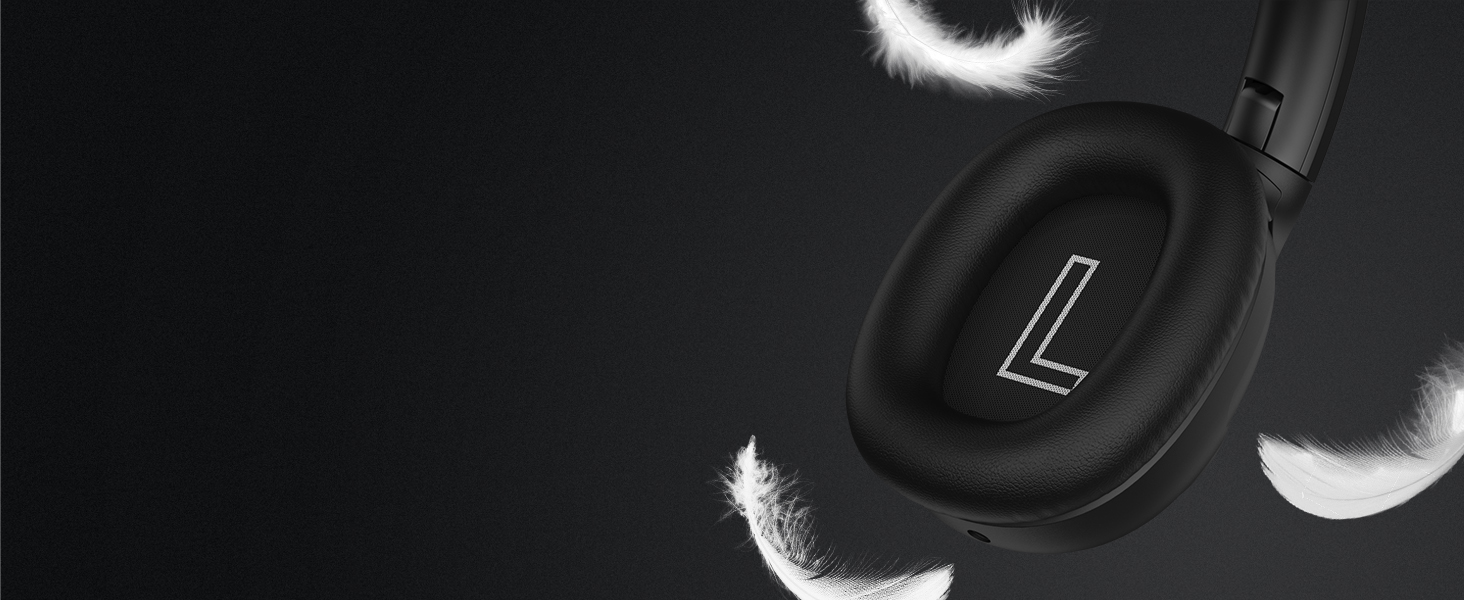
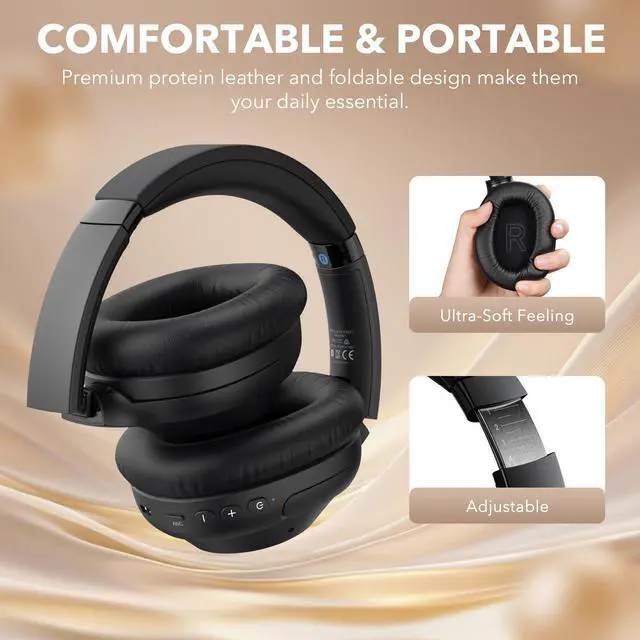
Ultra-Soft Ear Cushions
Gently wrapped around your ears, providing pressure-free softness and a breathable feel.
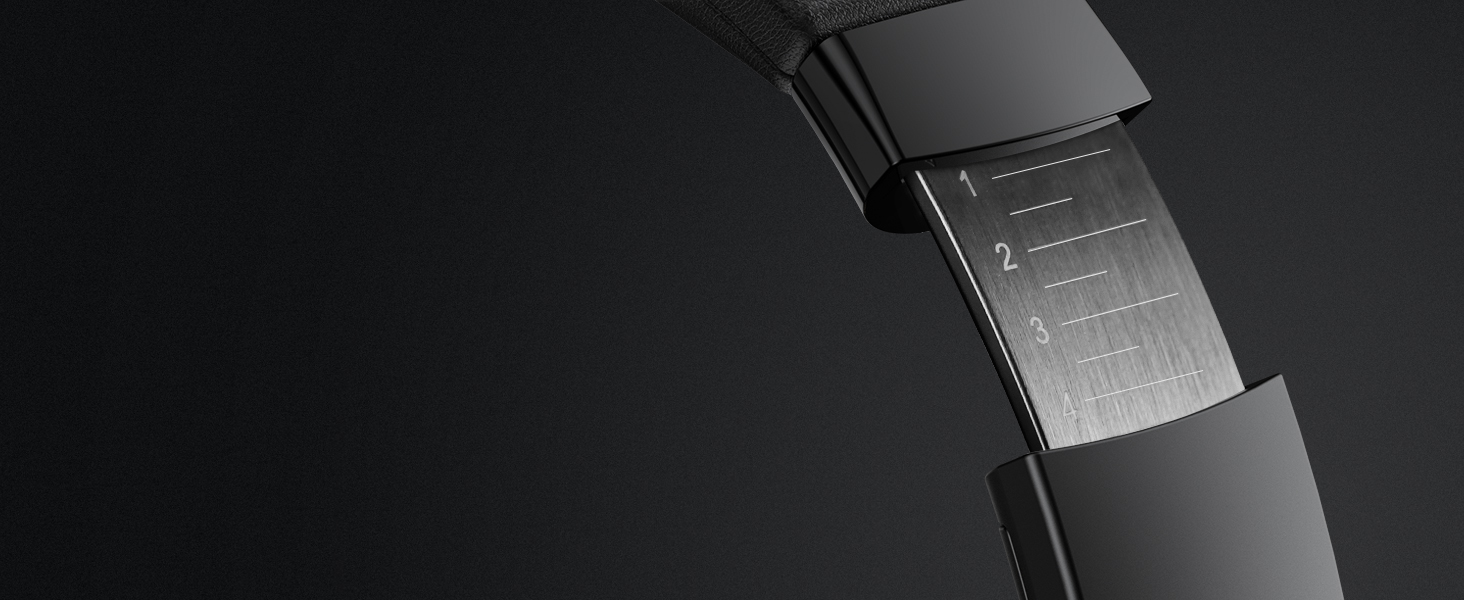
Adjustable Headband
Ergonomic headband with easy adjustability delivers superior comfort and stability.


NOTES
Active Noise Cancellation (ANC)
Noise cancellation technology is designed to reduce ambient noise, but it may not completely eliminate all sounds, especially high-frequency sounds like human voices.
However, if you find that the noise cancellation feature is not working as expected, please try:
1. Press the ANC button until you hear the "Noise Cancelling" prompt to ensure the ANC mode is activated.
2. Ensure L/R markings match your ears.
3. Adjust the headband so ear cups fully cover and seal your ears.
4.Try the headphones in a different environment.
How to use the Active Noise Cancellation (ANC) feature?
1) Press and hold the power button for 3 seconds to turn on the headphones. ANC mode is enabled by default.
2) Click the ANC button to switch between ANC off, Transparency mode, and ANC on.
Why won't the headphones you receive charge?
1) If the charger is over 5V, our earphones will automatically enter protection mode and will not charge.
2) Do not use the 3.5mm audio cable to charge. Use the included USB charging cable to charge.
How to reset the Y7Pro?
Please press and hold both volume "+" and ”-“ at the same time for about 7 seconds until the LED flashes purple three times, then the LED flashes red and blue alternately to enter the pairing mode.
Notes on LDAC:
The LDAC feature is compatible with most Android phones (please check if your device supports LDAC), but is not compatible with iPhones.
LDAC mode usage steps
When using the LDAC feature, after connecting to the Y7Pro headphones, go to Bluetooth settings, select "Y7Pro" then navigate to LDAC Playback/Audio Quality and select "Compatible Audio and Connection Quality" for optimal listening experience.


YMOO was born out of a group of people's love of music, this group's pursuit of sound quality led to the creation of the audio company. YMOO's products include transmitters, receivers, Bluetooth audio adapters, wireless headphones and speakers.
YMOO products undergo thousands of quality tests to ensure both amazing sound quality and a comfortable experience when enjoying music or video to fulfill our philosophy of “Bring Music to Life”.
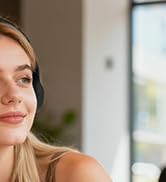


Y7Pro Bluetooth Headphones
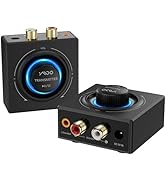
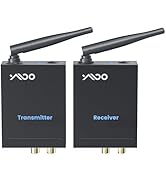
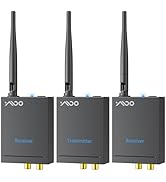
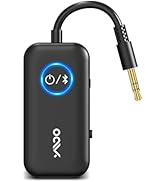
YMOO Bluetooth Transceiver
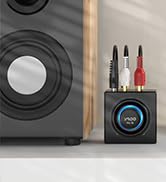
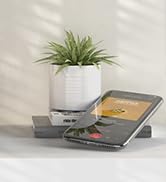
B06T3 Bluetooth Receiver
Advanced Hybrid ANC
Cancels up to 40dB of ambient noise and immerses you in a fascinating soundscape.
Hear What Matters
Stay connected to your environment and chat freely while your music plays on.
All-Day Wearability
A personalized fit and comfortable wear make long listening sessions delightful.
Tap Twice, Take Command
Manage tasks, get answers, and control your day—seamlessly, without ever touching your phone.


YMOO Hybrid Active Noise Cancelling Headphones
Merchant VideoHi-Res Audio
Bluetooth 6.0
ANC Mode
Wireless & Wired Flexibility
Ultra-Soft Ear Cushions
Adjustable Headband


Features Hi-Res Audio with LDAC support, and ANC technology for an enhanced listening experience.
Seamless wireless audio with enhanced speed and stability.
Press the button to activate ANC and enjoy a truly distraction-free experience.
Note: it may not completely eliminate all sounds, especially high-frequency sounds like human voices.
Sealmess switching between the two modes for your most convenience.
Gently wrapped around your ears, providing pressure-free softness and a breathable feel.
Ergonomic headband with easy adjustability delivers superior comfort and stability.


Relaxing Moment
Indulge in high-quality music and enjoy your leisure time.
Daily Commutes
Escape the car engine noise and crowds.
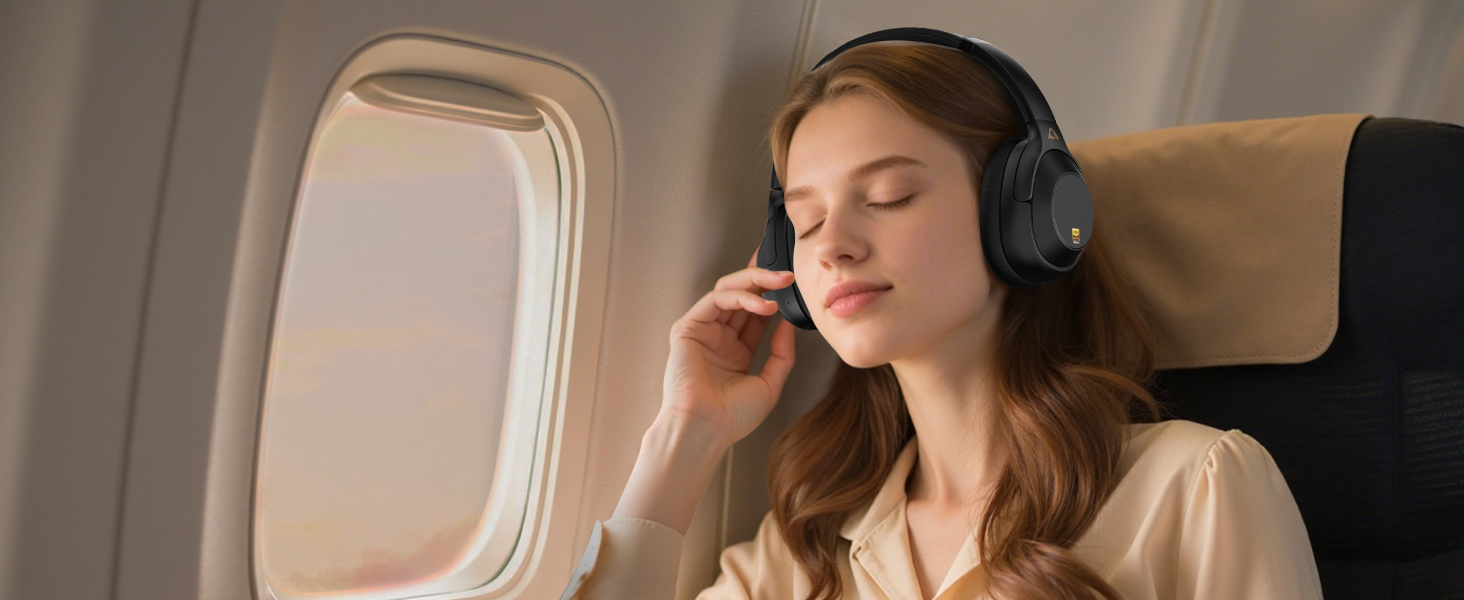
Travel Essentials
Uninterrupted music and calls on every trip.


NOTES
Active Noise Cancellation (ANC)
Noise cancellation technology is designed to reduce ambient noise, but it may not completely eliminate all sounds, especially high-frequency sounds like human voices.
However, if you find that the noise cancellation feature is not working as expected, please try:
1. Press the ANC button until you hear the "Noise Cancelling" prompt to ensure the ANC mode is activated.
2. Ensure L/R markings match your ears.
3. Adjust the headband so ear cups fully cover and seal your ears.
4.Try the headphones in a different environment.
How to use the Active Noise Cancellation (ANC) feature?
1) Press and hold the power button for 3 seconds to turn on the headphones. ANC mode is enabled by default.
2) Click the ANC button to switch between ANC off, Transparency mode, and ANC on.
Why won't the headphones you receive charge?
1) If the charger is over 5V, our earphones will automatically enter protection mode and will not charge.
2) Do not use the 3.5mm audio cable to charge. Use the included USB charging cable to charge.
How to reset the Y7Pro?
Please press and hold both volume "+" and ”-“ at the same time for about 7 seconds until the LED flashes purple three times, then the LED flashes red and blue alternately to enter the pairing mode.
Notes on LDAC:
The LDAC feature is compatible with most Android phones (please check if your device supports LDAC), but is not compatible with iPhones.
LDAC mode usage steps
When using the LDAC feature, after connecting to the Y7Pro headphones, go to Bluetooth settings, select "Y7Pro" then navigate to LDAC Playback/Audio Quality and select "Compatible Audio and Connection Quality" for optimal listening experience.
YMOO was born out of a group of people's love of music, this group's pursuit of sound quality led to the creation of the audio company. YMOO's products include transmitters, receivers, Bluetooth audio adapters, wireless headphones and speakers.
YMOO products undergo thousands of quality tests to ensure both amazing sound quality and a comfortable experience when enjoying music or video to fulfill our philosophy of “Bring Music to Life”.
Y7Pro Bluetooth Headphones
YMOO Bluetooth Transceiver
B06T3 Bluetooth Receiver