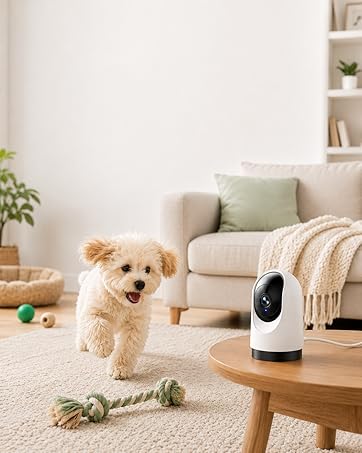






Keep an eye on what you love
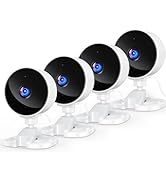
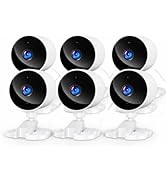
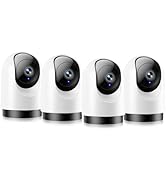
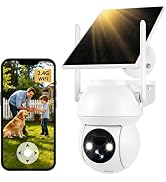
 Yoton 2K Indoor Camera | 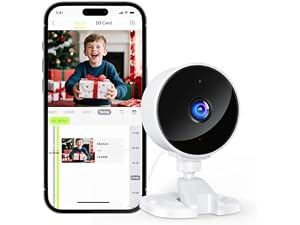 Yoton 1080P Indoor Camera |  Yoton Outdoor Camera Wireless |
|---|---|---|
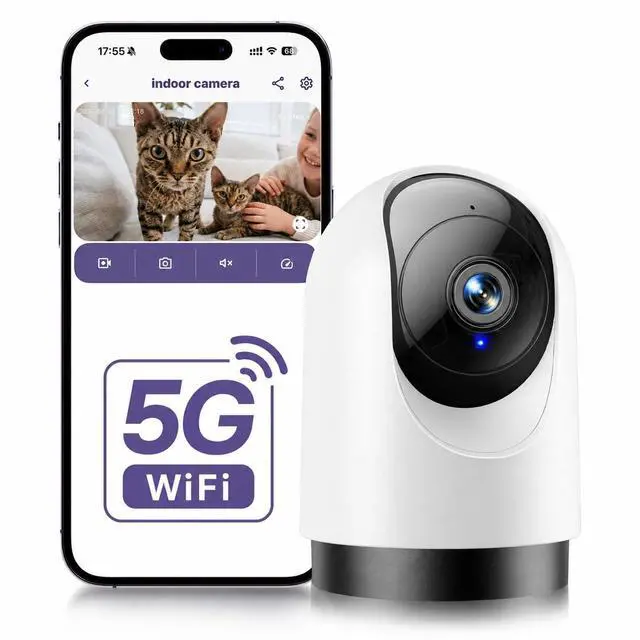
Wi-Fi 2.4G/5G Support | Wi-Fi 2.4G Support | Wi-Fi 2.4G Support |
Night Vision Black-and-white Image | Night Vision Black-and-white Image | Night Vision Color Image |
Screen Resolution 2K Full HD | Screen Resolution 1080P | Screen Resolution 1080P |
Camera Rotation 355°Rotation | Camera Rotation Fixed Angle | Camera Rotation 355°Rotation |
Waterproof Rating / | Waterproof Rating / | Waterproof Rating IP66 |
Unable to connect the camera to Wi-Fi during setup?
1. Turn on the phone's Wi-Fi &BT, then connect to a 5G Wi-Fi
2. Download the Osaio app to connect to the WS03 camera
3. Place the camera near your router
4. Check if the indicator light flashes red twice per second. If not, reset the camera
How can I view the camera remotely when I'm not at home?
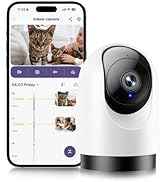
The WS03 camera supports remote monitoring via a smartphone
If the video feed fails to load, please turn off your phone’s data saver or low-data mode
Go to your phone’s settings, turn off data saver, and allow the Osaio App to use cellular data
Are both storage methods freely selectable?
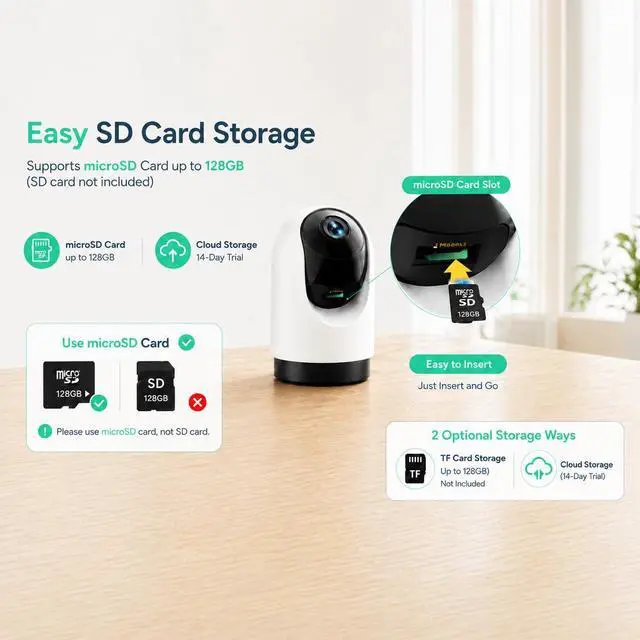
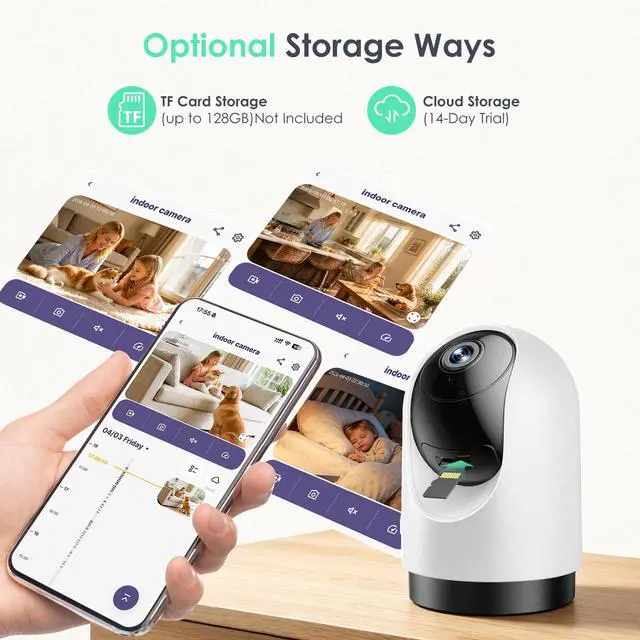
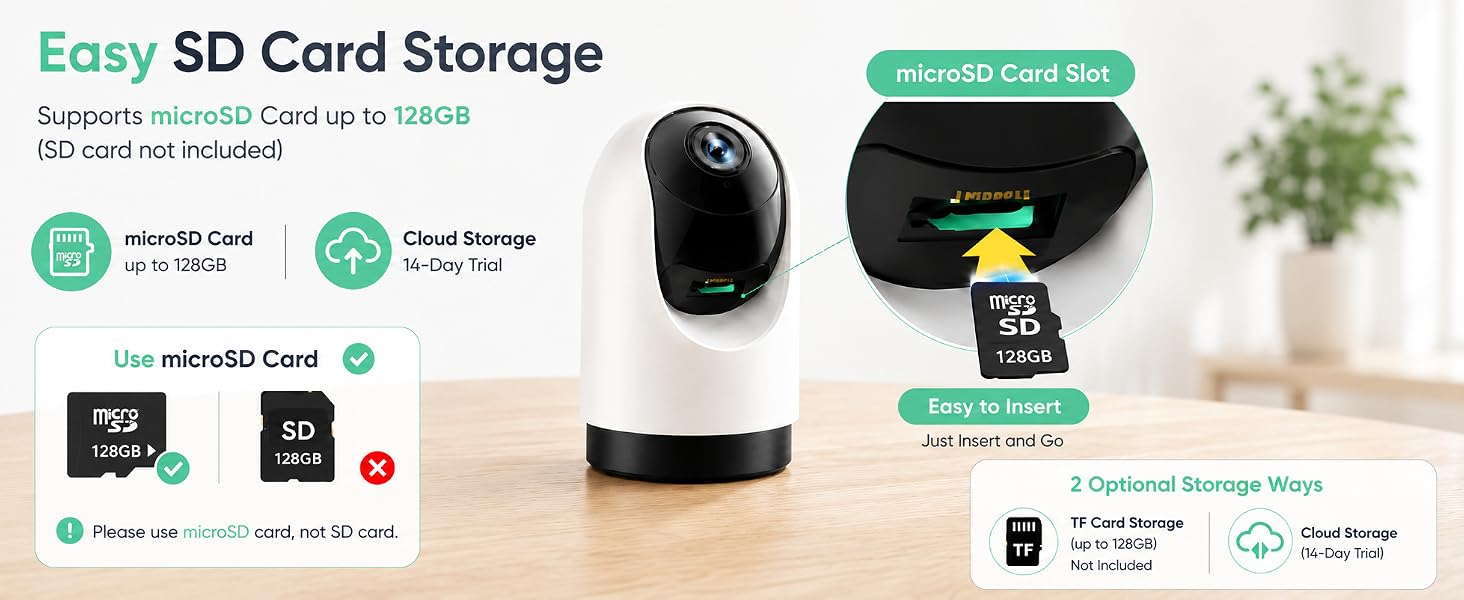
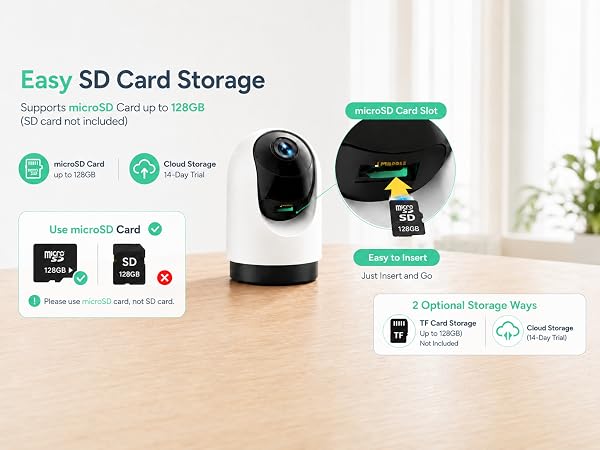
Local Storage: Supports 128GB Card Storage (Not Included)
Cloud Storage: You can enjoy a 14-day free trial of cloud storage. After 14 days, you can choose to continue your subscription or cancel it.
How to cancel cloud subscription?
1. Select the camera on the Osaio app's Camera page
2. Tap the settings button in the top-right corner
3. Locate Storage and disable the cloud storage service
What are the improvements in the WS03 compared to the WS01?
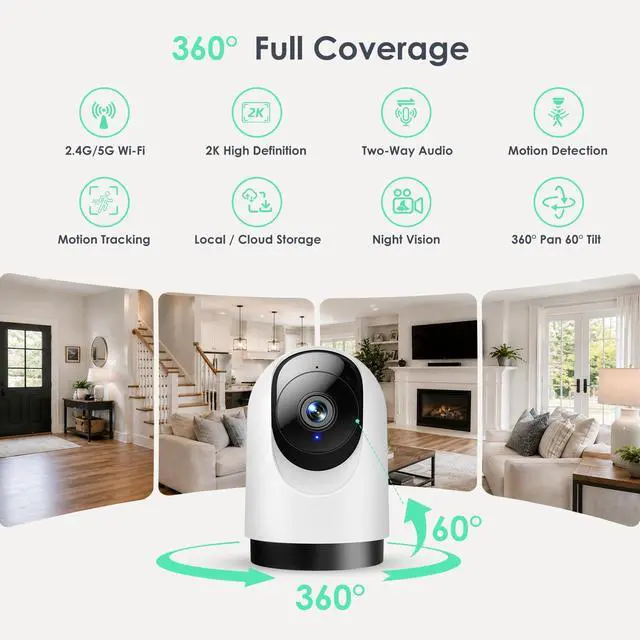
1. Upgraded Clarity: 2K resolution for sharper, more detailed video
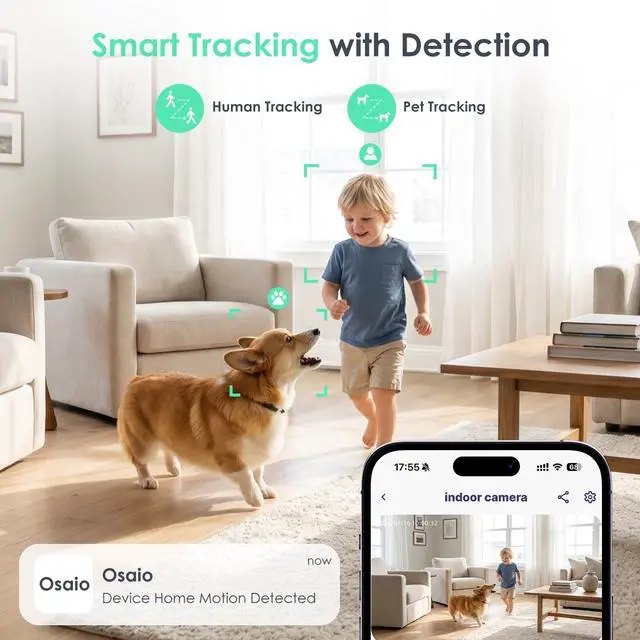
2. Motion Tracking: Easily enable this feature in settings to automatically follow movement
3. Enjoy 360° horizontal rotation to monitor every corner of your home



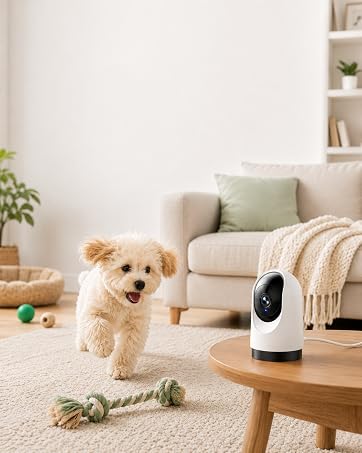
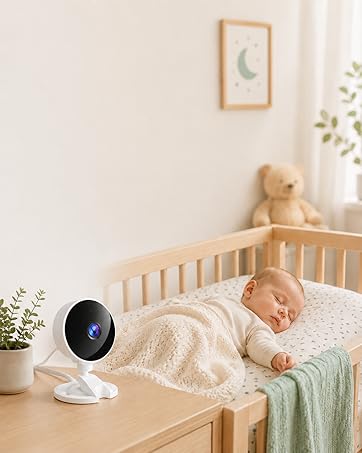
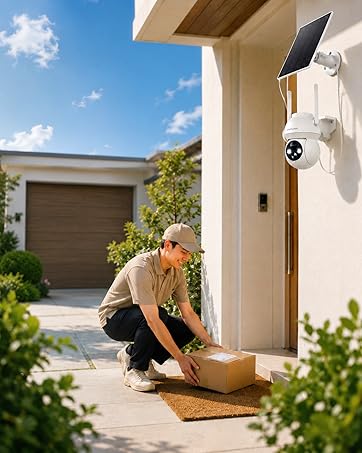




Keep an eye on what you love
Unable to connect the camera to Wi-Fi during setup?
1. Turn on the phone's Wi-Fi &BT, then connect to a 5G Wi-Fi
2. Download the Osaio app to connect to the WS03 camera
3. Place the camera near your router
4. Check if the indicator light flashes red twice per second. If not, reset the camera
How can I view the camera remotely when I'm not at home?
The WS03 camera supports remote monitoring via a smartphone
If the video feed fails to load, please turn off your phone’s data saver or low-data mode
Go to your phone’s settings, turn off data saver, and allow the Osaio App to use cellular data
Are both storage methods freely selectable?
Local Storage: Supports 128GB Card Storage (Not Included)
Cloud Storage: You can enjoy a 14-day free trial of cloud storage. After 14 days, you can choose to continue your subscription or cancel it.
How to cancel cloud subscription?
1. Select the camera on the Osaio app's Camera page
2. Tap the settings button in the top-right corner
3. Locate Storage and disable the cloud storage service
What are the improvements in the WS03 compared to the WS01?
1. Upgraded Clarity: 2K resolution for sharper, more detailed video
2. Motion Tracking: Easily enable this feature in settings to automatically follow movement
3. Enjoy 360° horizontal rotation to monitor every corner of your home
Keep an eye on what you love
At Yoton, we believe home security shouldn’t be complicated or expensive.
That’s why we create simple, reliable cameras designed for everyday families—no subscriptions, no hassle, just peace of mind.
Yoton Security Camera
Yoton Security Camera