here!
here!
I’m your shopping assistant for PC builds, upgrades, and everything tech.
Got questions? Ask away!
Start a conversation
here!
I’m your shopping assistant for PC builds, upgrades, and everything tech.
Got questions? Ask away!
Start a conversation



Any questions? Ask CelesteSM will help you find out quickly.
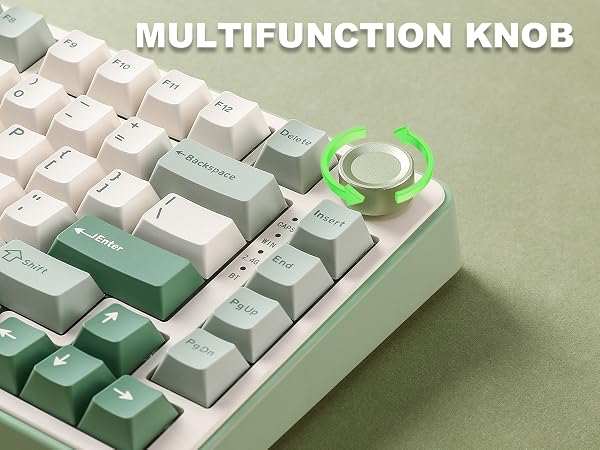
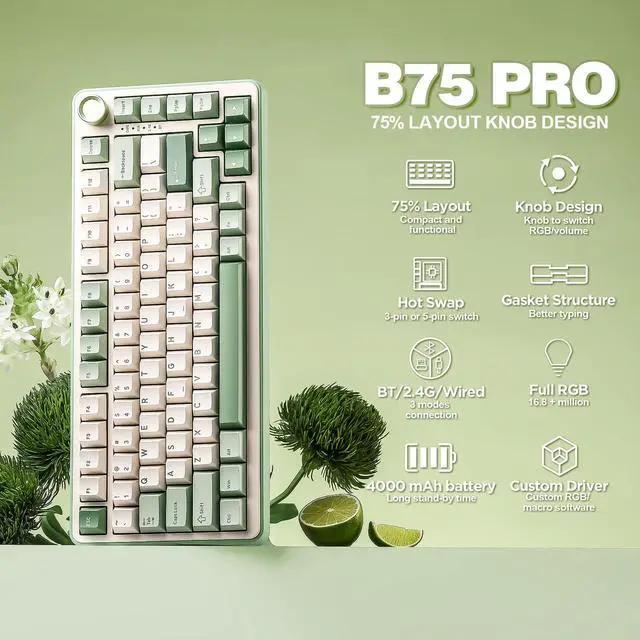
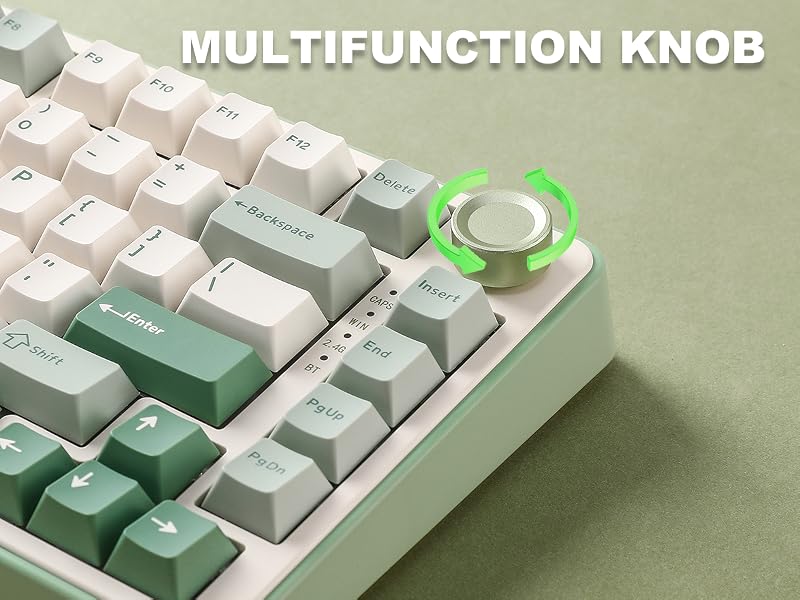
Switching Mode: Long press to switch RGB/Multimedia knob control mode.
Multimedia Mode: Press to mute, and press again to unmute. Turn clockwise(rotate to the right), to turn up the volume; Turn counter-clockwise(rotate to the left), to turn down the volume.
RGB Mode: Press to change the keyboard backlight mode. Turn left and right to adjust the backlight brightness.
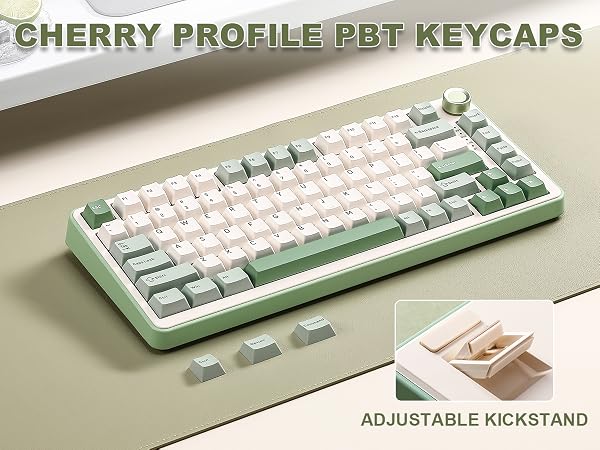
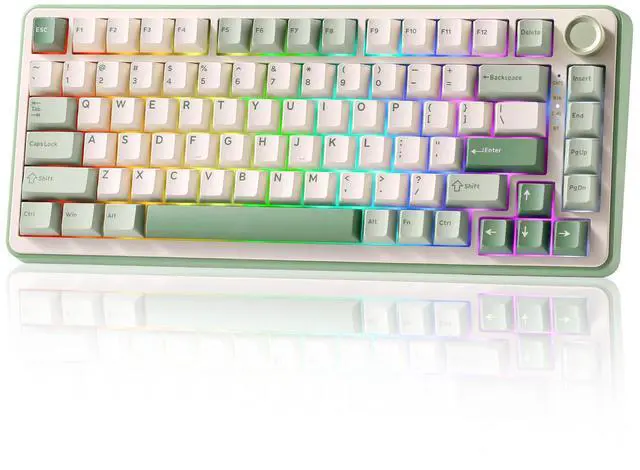
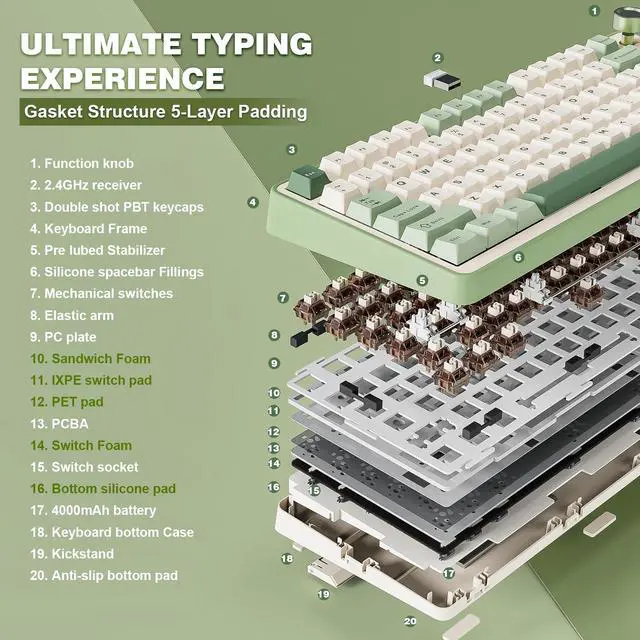
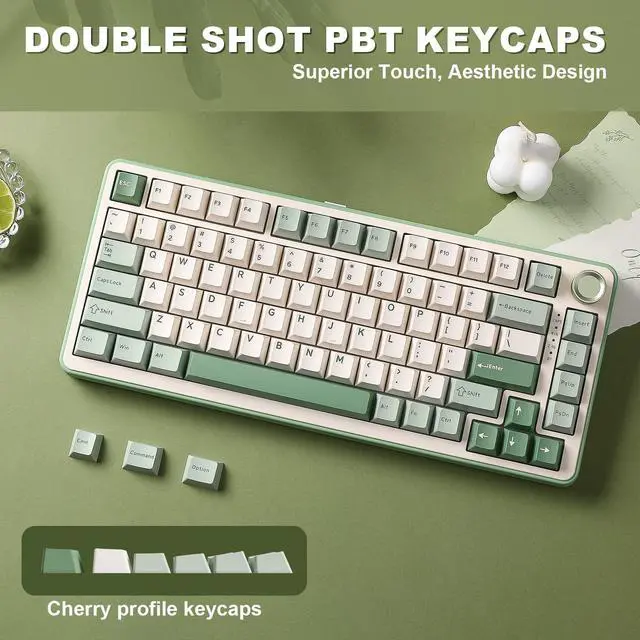
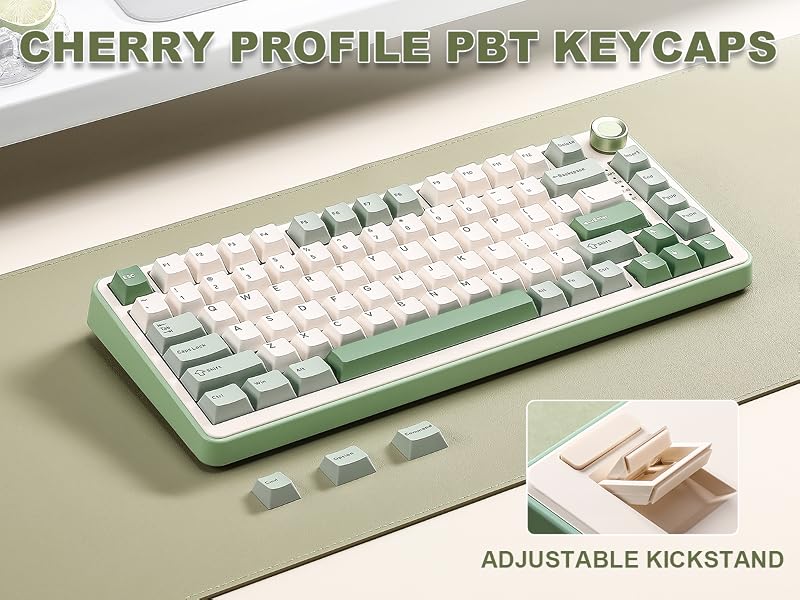
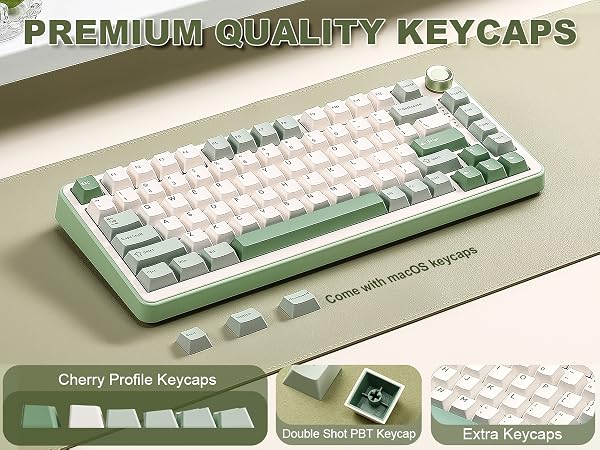
Premium PBT keycaps and pre-lubed switches deliver smooth key travel. Calibrated force prevents accidental keystrokes during fast typing or resting fingers, yet stays light enough for quick gaming inputs. Cherry Profile keycaps follow your finger's natural curve, and the two-stage adjustable feet reduce wrist strain for lasting comfort.
 YUNZII B75 PRO |  YUNZII B75 PRO MAX | 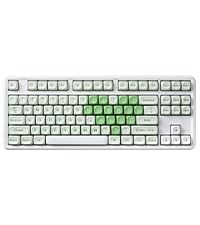 YUNZII B87 |  YUNZII B98 PRO | 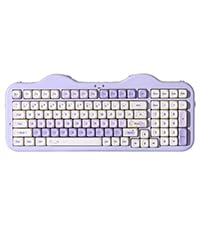 YUNZII C98 | 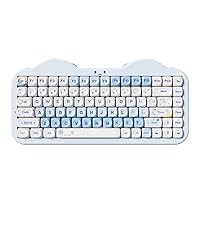 YUNZII C75 | 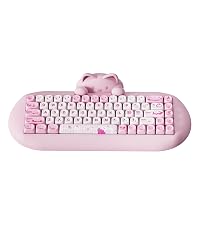 YUNZII C68 | |
|---|---|---|---|---|---|---|---|
Customer Reviews | — | — | — | — | — | — | — |
Price | — | — | — | — | — | — | — |
TFT Screen | ? | ? | ? | ? | ? | ? | ? |
Hot-Swappable | ? | ? | ? | ? | ? | ? | ? |
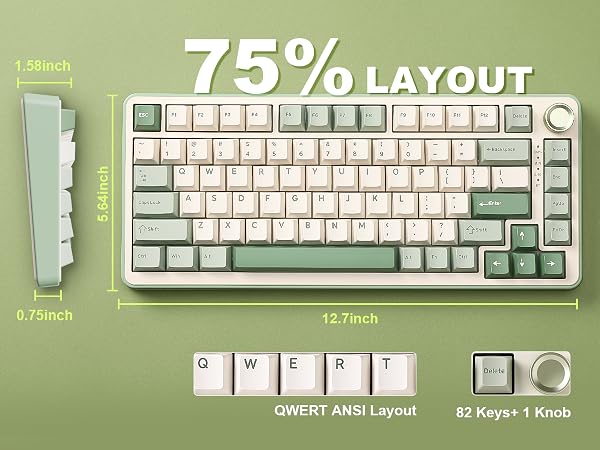
Layout | 75% Layout | 75% Layout | TKL Layout | 96% Layout | 96% Layout | 75% Layout | 65% Layout |
Knob/Keys | 82 Keys +1 Knob | 81 Keys +1 Knob | 87 Keys | 100 Keys + 1 Knob | 99 Keys | 84 Keys | 68 Keys |
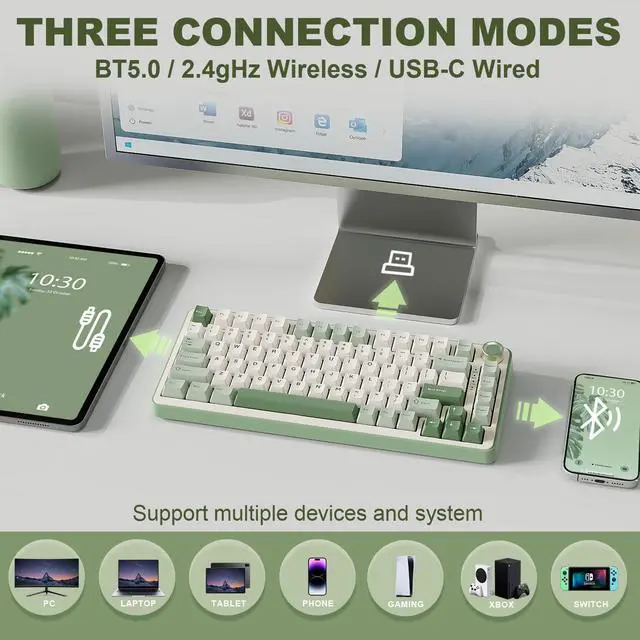
Connectivity | BT5.0/2.4Ghz/USB-C Wired | BT5.0/2.4Ghz/USB-C Wired | BT5.0/2.4Ghz/USB-C Wired | BT5.0/2.4Ghz/USB-C Wired | BT5.0/2.4Ghz/USB-C Wired | BT5.0/2.4Ghz/USB-C Wired | BT5.0/2.4Ghz/USB-C Wired |
System | Win/Mac/Android/iOS | Win/Mac/Android/iOS | Win/Mac/Android/iOS | Win/Mac/Android/iOS | Win/Mac/Android/iOS | Win/Mac/Android/iOS | Win/Mac/Android/iOS |
PBT Keycap | PBT Cherry Profile | PBT Cherry Profile | PBT MOA Profile | PBT Cherry Profile | PBT MOA Profile | PBT MOA Profile | PBT MOA Profile |
Material | Plastic | Plastic | Plastic | Plastic | Plastic+silicone | Plastic+silicone | Plastic+silicone |
Battery | 4000mAh | 8000mAh | 4000mAh | 8000mAh | 10000mAh | 5500mAh | 4000mAh |
Backlight | RGB | RGB | RGB | RGB | RGB | RGB | RGB |
Switch Type | Linear Switch | Linear Switch | Linear Switch | Linear Switch | Linear Switch | Linear Switch | Linear Switch |
Programmable | B75 PRO Web Driver | QMK/VIA | QMK/VIA | QMK/VIA | C98 Web Driver | C75 Web Driver | C68 Soft Driver (Win) |
Why the keyboard Red light flashing below the spacebar?
When the battery is lower than 15%, the Spacebar will flash red slowly;
When charging, the Spacebar will stay on green, After charging is complete, the Spacebar restore to the normal RGB mode.
How to solve the problem: lt doesn't work and doesn't charge ?
Please Download the firmware (bit.ly/3M5meSk) and try updating it.
Stop the software from running in the background and then update the firmware. (Please try it in wired mode)
Why WIN button doesn't work ?
Please try pressing FN+WIN to unlock it.
This should resolve the issue you are experiencing with the WIN key not working.
Does it support anti-ghosting or N-key rollover for gaming?
Yes. The YUNZII B75 PRO supports N-key rollover (NKRO) and anti-ghosting, so multiple keypresses register accurately during gaming. Paired with low-latency 2.4GHz or wired USB-C, it's well-suited for gaming.
Does YUNZII B75 PRO keyboard support customization?
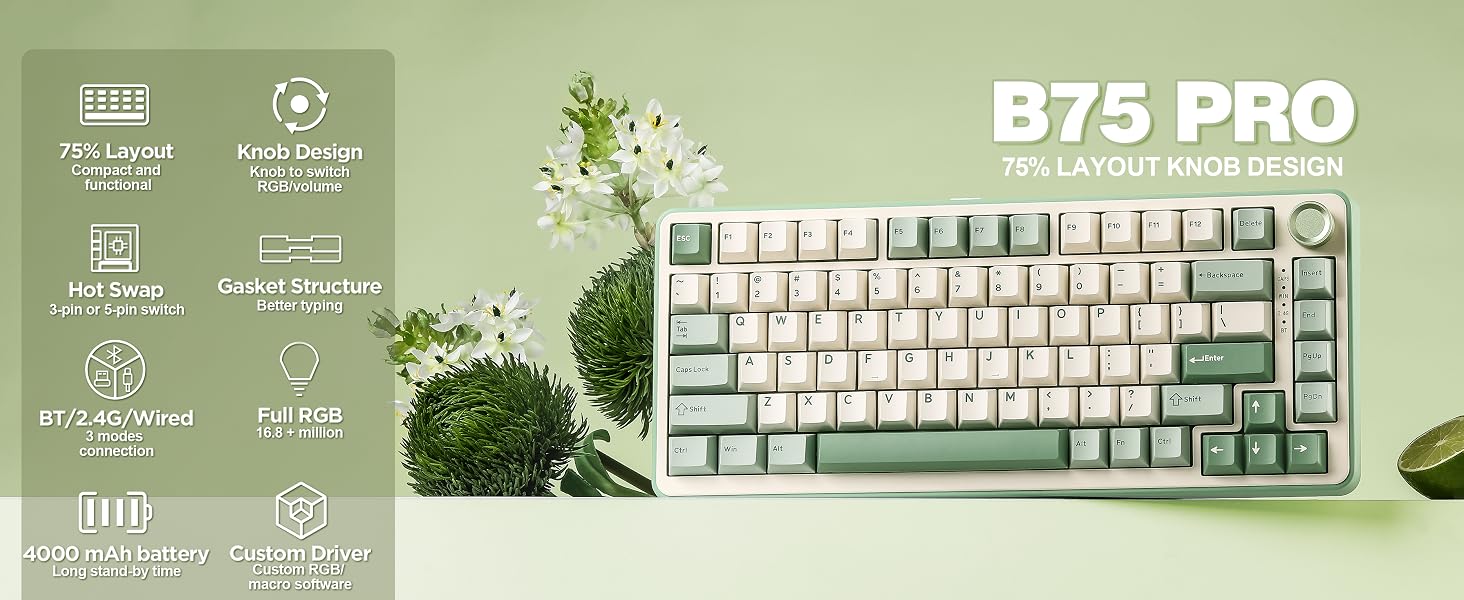
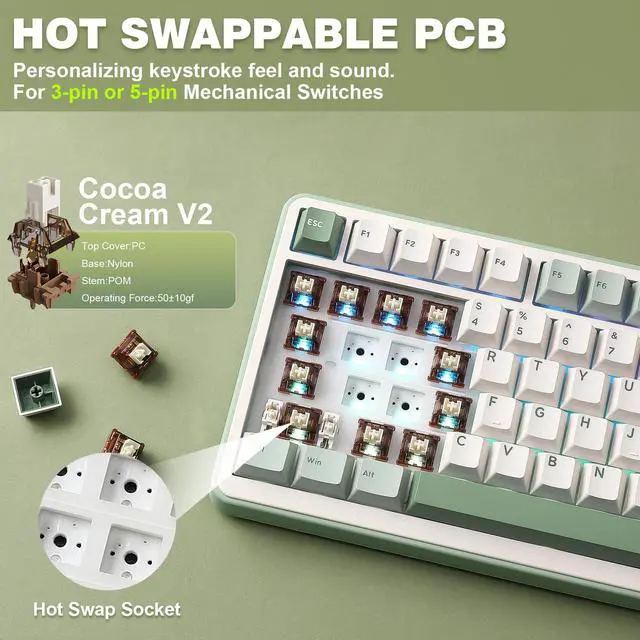
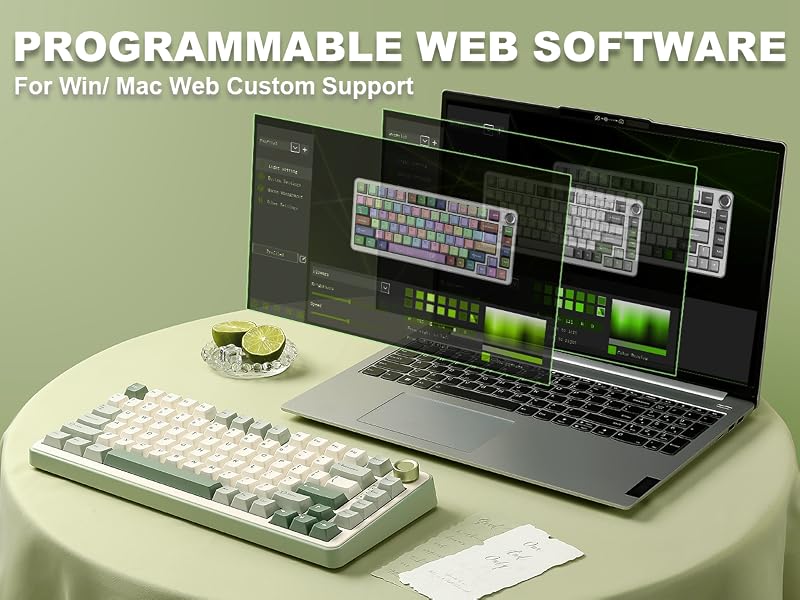
Yes. It's hot-swappable (3-pin/5-pin) so you can change switches, and you can also swap keycaps. Software lets you remap keys, set macros, and customize RGB. Great for buyers who love personalizing their keyboard.
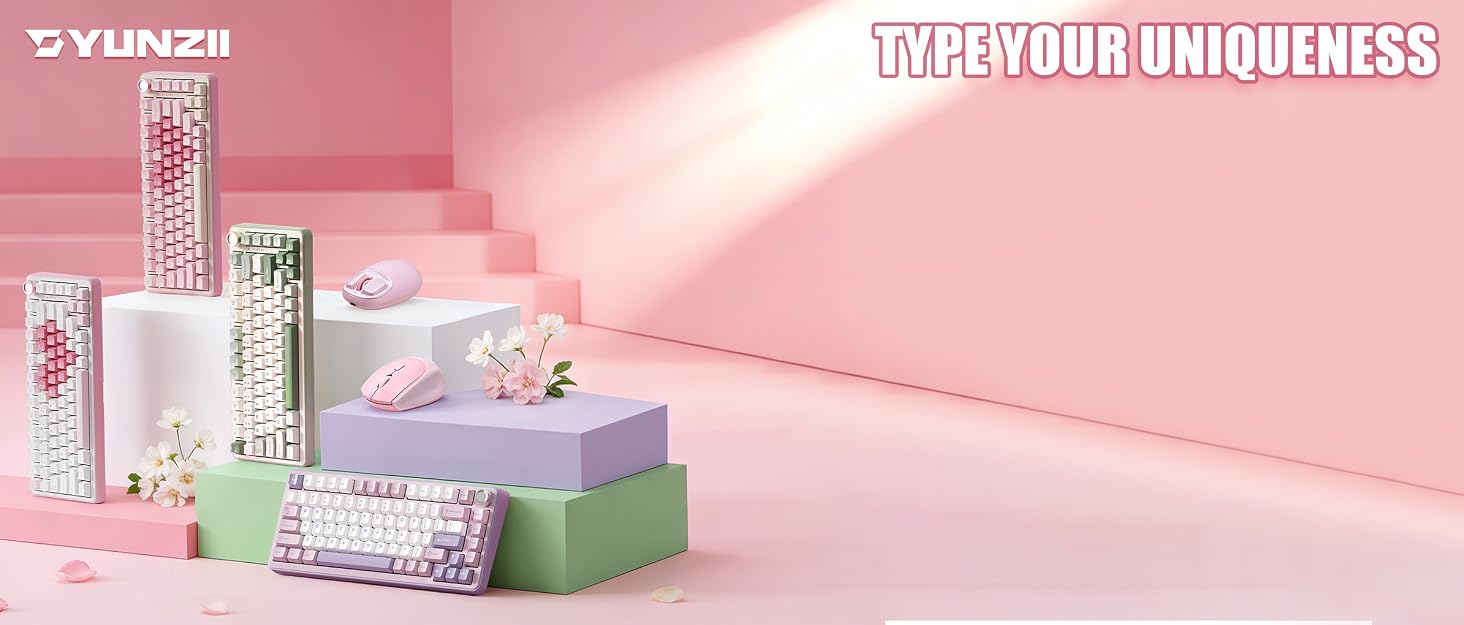

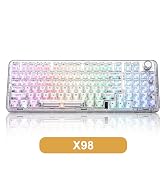
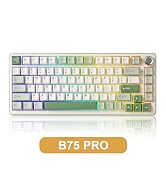
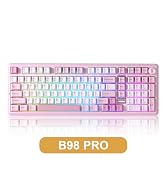
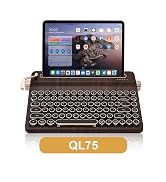
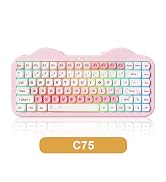
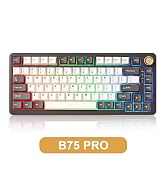
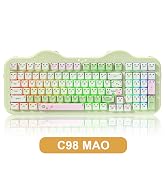
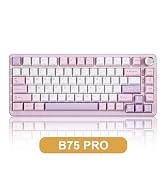
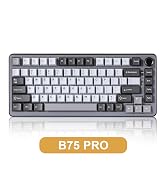
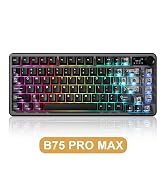
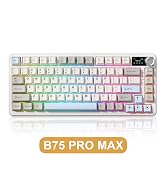
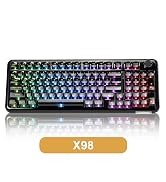
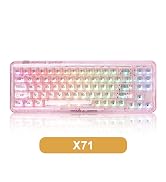
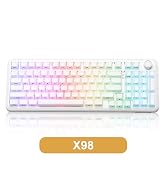
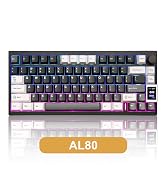
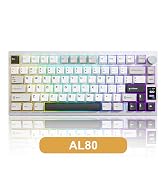
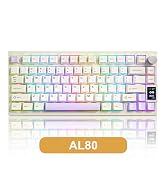
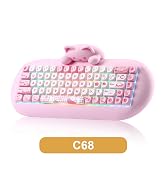
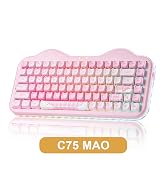
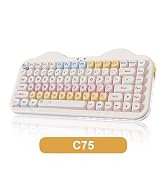
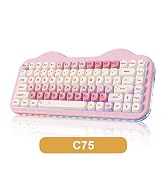
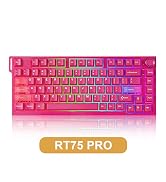
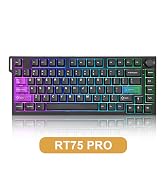
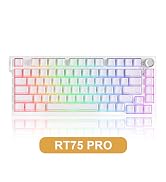
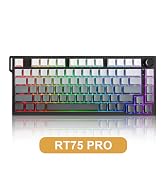
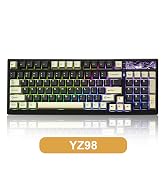
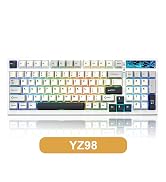
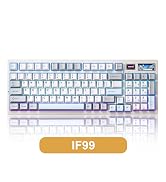
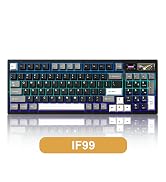



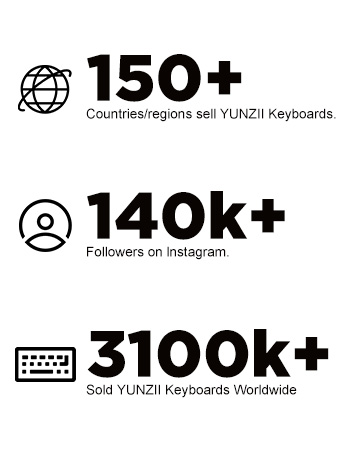
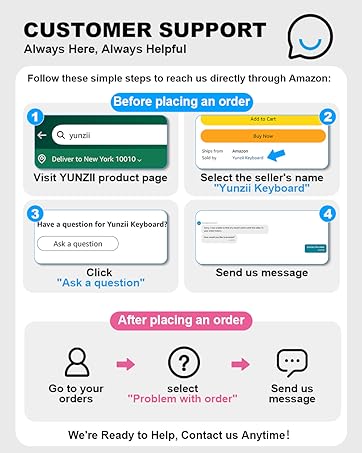
YUNZII’s mission is to make high quality, aesthetic keyboard accessible to everyone - keyboards that inspire creativity and enhance productivity in everyday life.
YUNZII Keyboard stands out by combining aesthetic design with everyday practically, giving you a special keyboard that looks great and works even better!
With YUNZII, you’ll get a keyboard that makes typing and gaming effortless and enjoyable, bringing the best right to your fingertips!




FEATURE: Linear, smooth, quite pre-lubed for gaming and typing. OPERATING FORCE: 40±10 gf
END FORCE: 50±5 gf
PRE TRAVEL: 2.0±0.5 mm
TOTAL TRAVEL: 3.6±0.5 mm
FEATURE: Linear, smooth, solid, snappy feel for gaming and typing. OPERATING FORCE: 50 ±10 gf
END FORCE: 55 gf
PRE TRAVEL: 2.0±0.5 mm
TOTAL TRAVEL: 3.3 mm
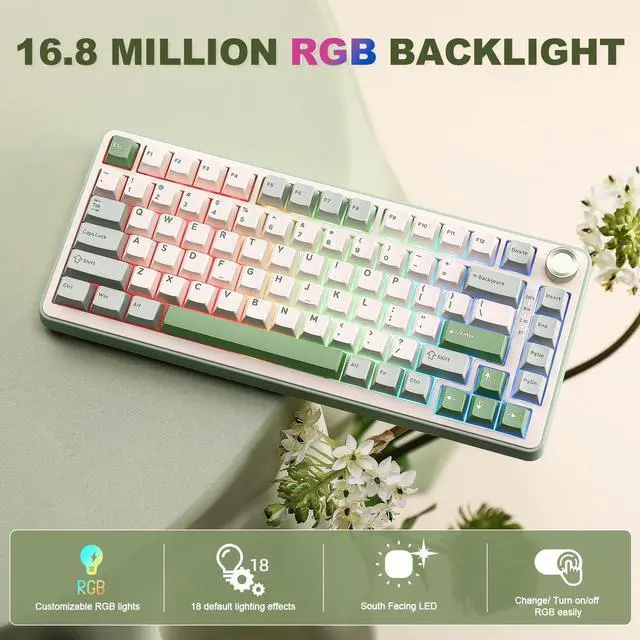
YUNZII B75 PRO Wireless Mechanical Keyboard has fully customizable RGB lighting. It features south-facing LEDs with 18+ built-in backlight modes that you can customize through:
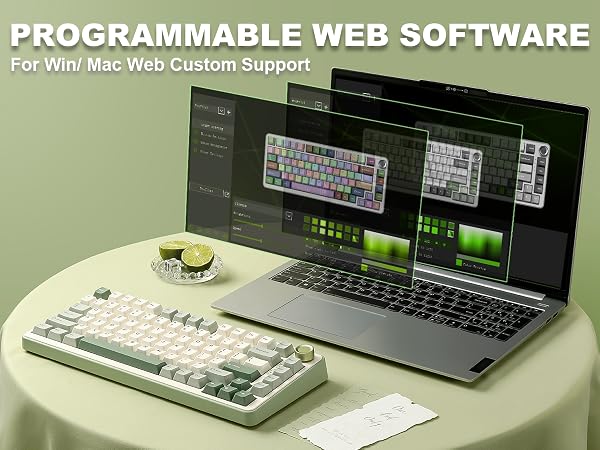
• Web-based software – No installation required; customize RGB effects directly in your browser
• Keyboard shortcuts – FN + Backspace: Backlight ON/OFF;FN + Insert: Change Backlight Effect;FN + End: Change Backlight Color;FN + ?\?: Brightness ?\?;FN + ?\?: Blinking Speed ?\?
Switching Mode: Long press to switch RGB/Multimedia knob control mode.
Multimedia Mode: Press to mute, and press again to unmute. Turn clockwise(rotate to the right), to turn up the volume; Turn counter-clockwise(rotate to the left), to turn down the volume.
RGB Mode: Press to change the keyboard backlight mode. Turn left and right to adjust the backlight brightness.
Premium PBT keycaps and pre-lubed switches deliver smooth key travel. Calibrated force prevents accidental keystrokes during fast typing or resting fingers, yet stays light enough for quick gaming inputs. Cherry Profile keycaps follow your finger's natural curve, and the two-stage adjustable feet reduce wrist strain for lasting comfort.
YUNZII B75 PRO | YUNZII B75 PRO MAX | YUNZII B87 | YUNZII B98 PRO | YUNZII C98 | YUNZII C75 | YUNZII C68 |
|---|---|---|---|---|---|---|
| Customer Reviews | ||||||
| — | — | — | — | — | — | — |
| Price | ||||||
| — | — | — | — | — | — | — |
| TFT Screen | ||||||
| ? | ? | ? | ? | ? | ? | ? |
| Hot-Swappable | ||||||
| ? | ? | ? | ? | ? | ? | ? |
| Layout | ||||||
| 75% Layout | 75% Layout | TKL Layout | 96% Layout | 96% Layout | 75% Layout | 65% Layout |
| Knob/Keys | ||||||
| 82 Keys +1 Knob | 81 Keys +1 Knob | 87 Keys | 100 Keys + 1 Knob | 99 Keys | 84 Keys | 68 Keys |
| Connectivity | ||||||
| BT5.0/2.4Ghz/USB-C Wired | BT5.0/2.4Ghz/USB-C Wired | BT5.0/2.4Ghz/USB-C Wired | BT5.0/2.4Ghz/USB-C Wired | BT5.0/2.4Ghz/USB-C Wired | BT5.0/2.4Ghz/USB-C Wired | BT5.0/2.4Ghz/USB-C Wired |
| System | ||||||
| Win/Mac/Android/iOS | Win/Mac/Android/iOS | Win/Mac/Android/iOS | Win/Mac/Android/iOS | Win/Mac/Android/iOS | Win/Mac/Android/iOS | Win/Mac/Android/iOS |
| PBT Keycap | ||||||
| PBT Cherry Profile | PBT Cherry Profile | PBT MOA Profile | PBT Cherry Profile | PBT MOA Profile | PBT MOA Profile | PBT MOA Profile |
| Material | ||||||
| Plastic | Plastic | Plastic | Plastic | Plastic+silicone | Plastic+silicone | Plastic+silicone |
| Battery | ||||||
| 4000mAh | 8000mAh | 4000mAh | 8000mAh | 10000mAh | 5500mAh | 4000mAh |
| Backlight | ||||||
| RGB | RGB | RGB | RGB | RGB | RGB | RGB |
| Switch Type | ||||||
| Linear Switch | Linear Switch | Linear Switch | Linear Switch | Linear Switch | Linear Switch | Linear Switch |
| Programmable | ||||||
| B75 PRO Web Driver | QMK/VIA | QMK/VIA | QMK/VIA | C98 Web Driver | C75 Web Driver | C68 Soft Driver (Win) |
Why the keyboard Red light flashing below the spacebar?
When the battery is lower than 15%, the Spacebar will flash red slowly;
When charging, the Spacebar will stay on green, After charging is complete, the Spacebar restore to the normal RGB mode.
How to solve the problem: lt doesn't work and doesn't charge ?
Please Download the firmware (bit.ly/3M5meSk) and try updating it.
Stop the software from running in the background and then update the firmware. (Please try it in wired mode)
Why WIN button doesn't work ?
Please try pressing FN+WIN to unlock it.
This should resolve the issue you are experiencing with the WIN key not working.
Does it support anti-ghosting or N-key rollover for gaming?
Yes. The YUNZII B75 PRO supports N-key rollover (NKRO) and anti-ghosting, so multiple keypresses register accurately during gaming. Paired with low-latency 2.4GHz or wired USB-C, it's well-suited for gaming.
Does YUNZII B75 PRO keyboard support customization?
Yes. It's hot-swappable (3-pin/5-pin) so you can change switches, and you can also swap keycaps. Software lets you remap keys, set macros, and customize RGB. Great for buyers who love personalizing their keyboard.
YUNZII’s mission is to make high quality, aesthetic keyboard accessible to everyone - keyboards that inspire creativity and enhance productivity in everyday life.
YUNZII Keyboard stands out by combining aesthetic design with everyday practically, giving you a special keyboard that looks great and works even better!
With YUNZII, you’ll get a keyboard that makes typing and gaming effortless and enjoyable, bringing the best right to your fingertips!