• $75.99
  • Price alert
    Shop it at NeweggBusiness.

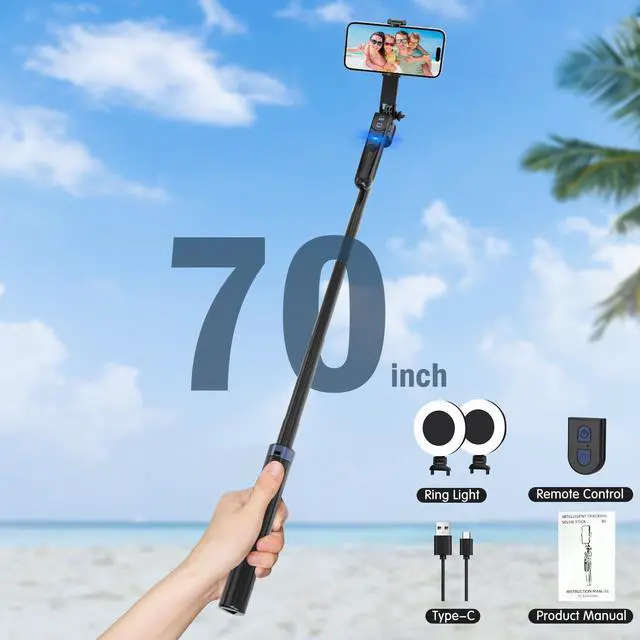
    Auto Face Tracking Tripod for iPhone with Light,70inch Phone Tripod Holder with Gesture Control,Travel Selfie Stick for Content Creator Vlog Live Stream Video Recording

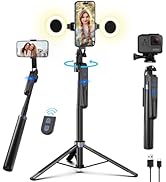
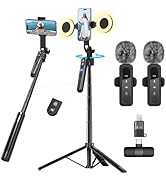
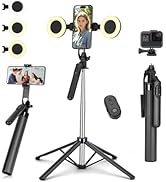
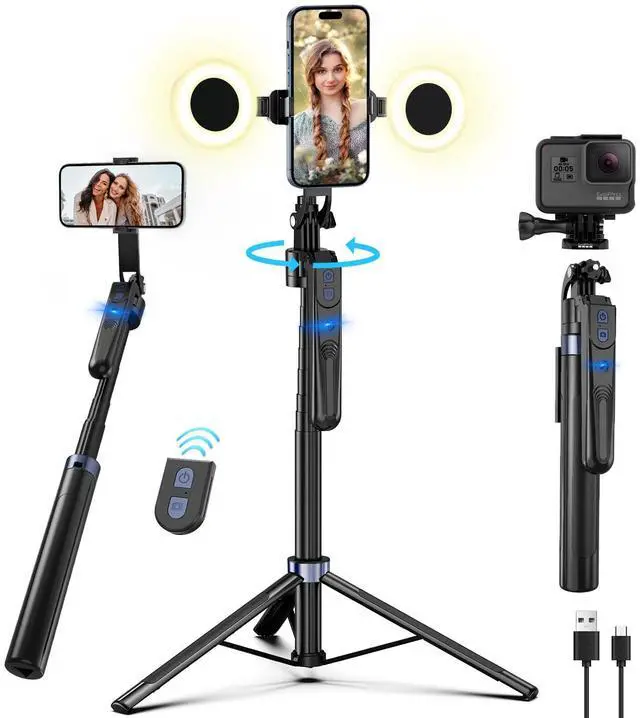
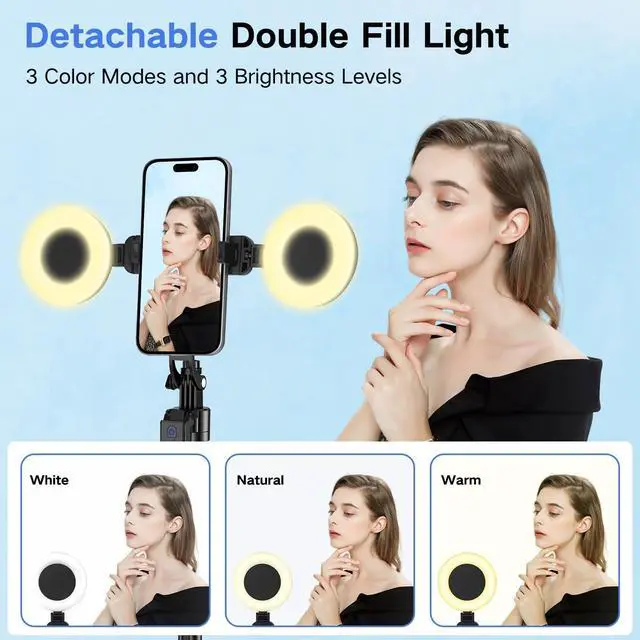
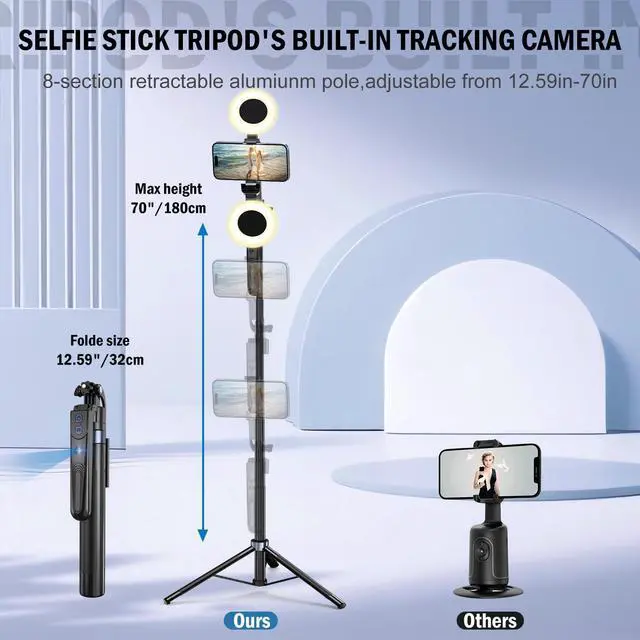
    • Cell Phone Tripod with 2 Light--The phone tripod is suitable for all smart phones with two detachable mini ring lights.Both lights have practical properties of rechargeable and high battery life, which can be used for daily videos and live broadcasts. The small ring lights have 3 colour modes (warm, cool and natural)
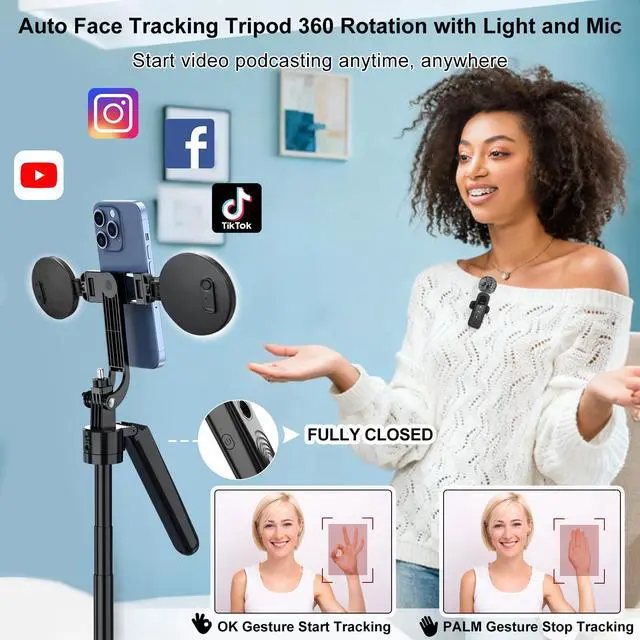
    • 360° Face Tracking Phone Holder--360°Face-Tracking Tripod Adopts Smart Ai System Technology To Accurately Identify The Face or Body And 360° Rotate Steadily With Your Movement. You Can Control Pause/Start Based On Your Gestures Moving Steadily And Horizontally With Your Movements. AI Smart Camera follower meet your shooting needs. Wherever you go, you are always the focus.
    • No App & Intelligent Gesture Control --Our stand selfie stick blends simplicity and innovation,no app download is required.Face tracking 360 tripod for cell phone rotating adopts an excellent gesture recognition algorithm, doing the "[OK]" gesture means turn on the tracking, while doing the "[PALM]" gesture means pause the tracking.Now you can take videos and photos yourself
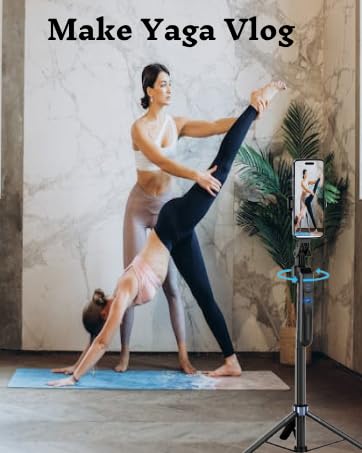
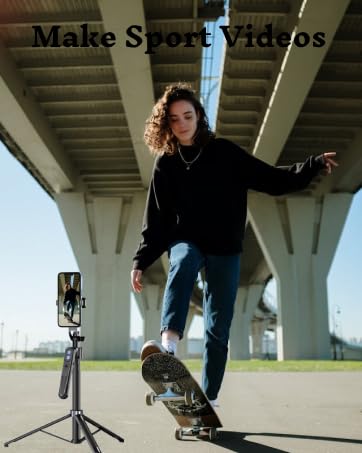
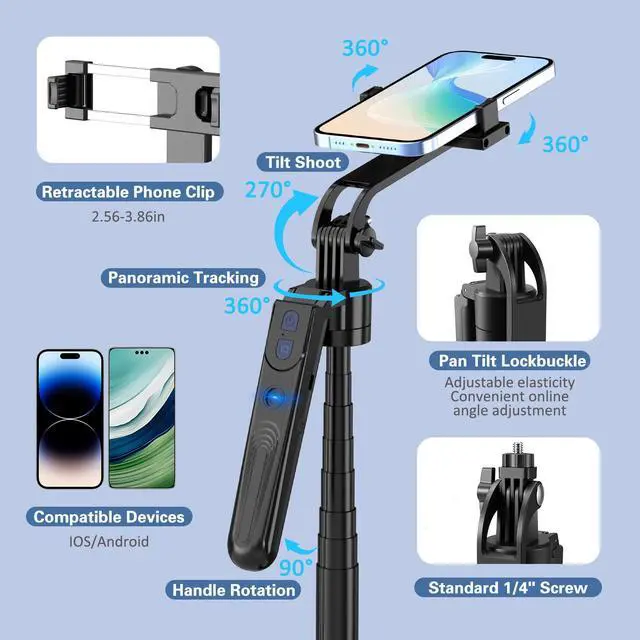
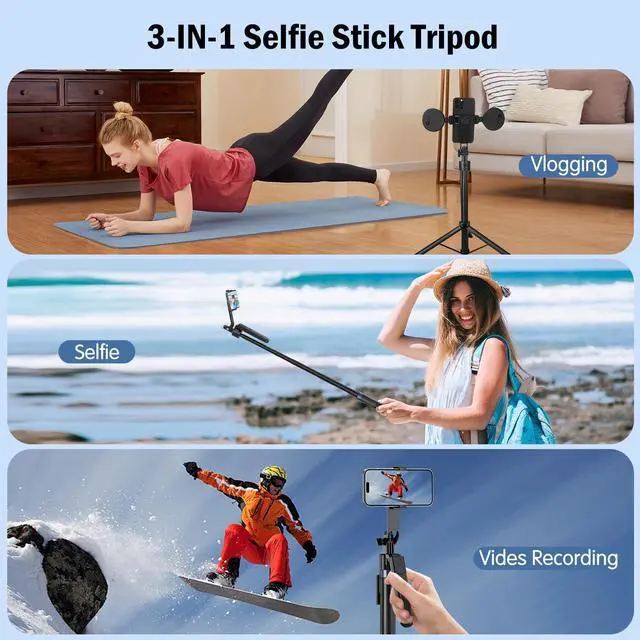
    • Professional Video/Photo Assistant--Achieve 360° panoramic shooting, 270° up and down shooting, our phone tripod & camera tripod can adjust various angles for Horizontal & Vertical Shooting, allowing you to capture the perfect shot.Whether You Want to Use Tiktok, Facebook, Zoom, YouTube, Facetime or Other Live Broadcasts, or Take Photos And Videos, or Video Chat, or Meetings, or Online Classes.
    +
    +
    Overview
    Specs
    Reviews
    avatar

    Any questions? Our AI beta will help you find out quickly.

    Tripod
    Tripod

    1. How to use the selfie stick tracking function?

    Step 1: First of all, make sure that the 360° rotation axis of the selfie stick is unlocked.The 360° rotation axis of the selfie stick is located on the back of the selfie stick. If you do not want the selfie stick to rotate, you can lock it.

    Step 2: Turn on the power switch on the side of the handle of the selfie stick.

    Step 3: Use the [OK] gesture to show the camera on the handle of the selfie stick that the camera is starting to recognize the rotation of your face. The [Palm] gesture means that the rotation is stopped.

    You can find more information on operating the selfie stick in the Q-R code video tutorial in our instructions!

    selfie stick
    Tripod
    Tripod
    Tripod
    Tripod

    1. How to use the selfie stick tracking function?

    Step 1: First of all, make sure that the 360° rotation axis of the selfie stick is unlocked.The 360° rotation axis of the selfie stick is located on the back of the selfie stick. If you do not want the selfie stick to rotate, you can lock it.

    Step 2: Turn on the power switch on the side of the handle of the selfie stick.

    Step 3: Use the [OK] gesture to show the camera on the handle of the selfie stick that the camera is starting to recognize the rotation of your face. The [Palm] gesture means that the rotation is stopped.

    You can find more information on operating the selfie stick in the Q-R code video tutorial in our instructions!

    Tripod
    Tripod
    Tripod
    Auto Face Tracking Tripod for iPhone with Light, 70inch Phone Tripod Holder with Gesture Control, Travel Selfie Stick for Content Creator Vlog Live Stream Video Recording

    Warranty & Returns

    Warranty, Returns, And Additional Information

    Warranty

    • Please contact the Seller directly for warranty information. Warranty information may also be found on the Manufacturer's website.
    • CONTACT

    Return Policies

    Manufacturer Contact Info

    LOADING...