• $72.13
  • Free 30-day Returns
  • Sold by Temonick shop

    Shipped by Temonick shop

    Price alert
    Shop it at NeweggBusiness.

    Meet Your Seller

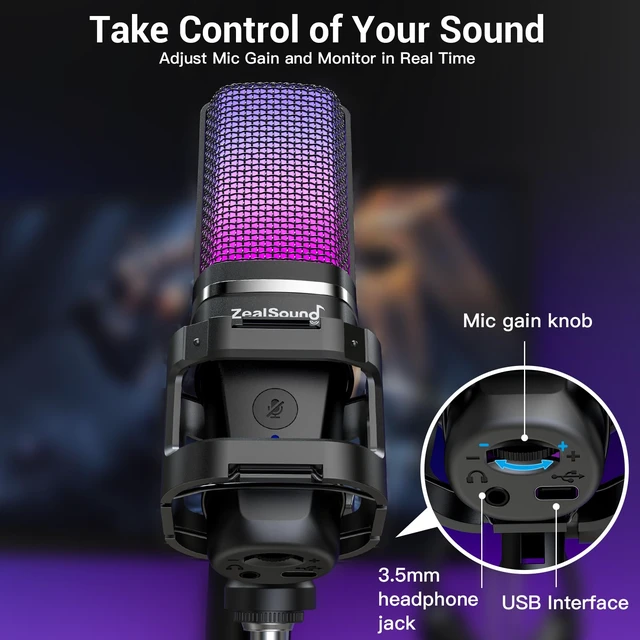
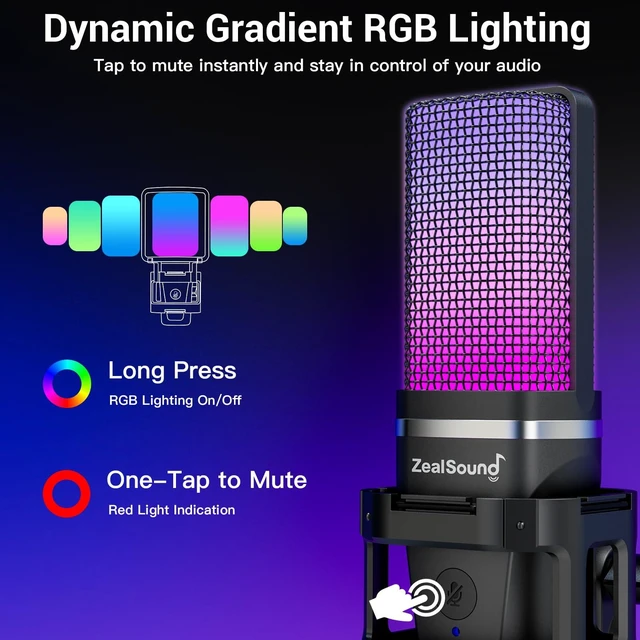
    ZealSound Podcast Microphone with Noise Reduction for PC, iPhone & Android | USB Mic with Boom Arm & Tripod Stand, Gain & Mute Controls, Zero-Latency Monitoring & RGB Lighting for Podcasting & YouTube

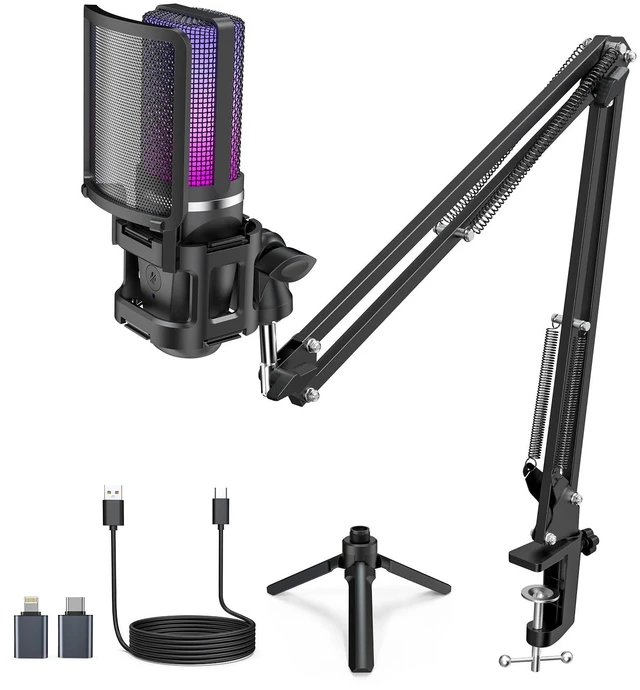
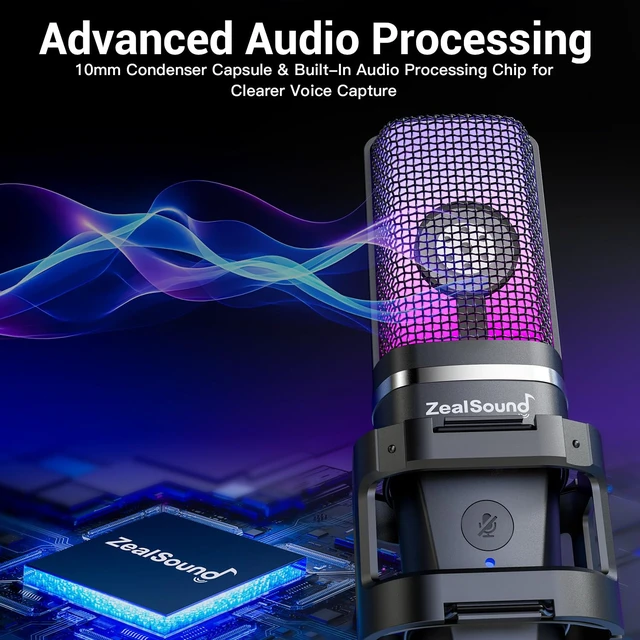
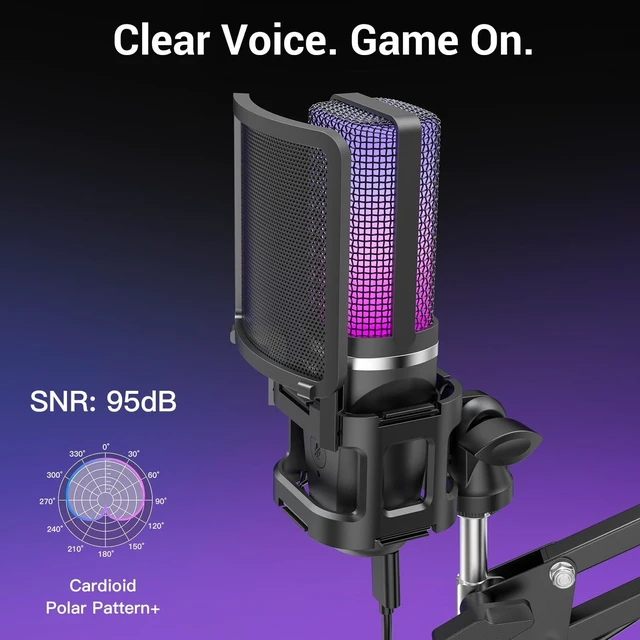
    • Detailed 96 kHz Sound for Podcasting: Capture natural, detailed speech with this podcast microphone for PC, featuring 96 kHz sampling and a cardioid pickup pattern that focuses on your voice from the front. Built-in noise reduction helps reduce everyday background noise, while the detachable pop filter softens plosives and the shock mount helps absorb surface vibrations, keeping your speech more focused during interviews, voiceovers, Discord calls, and YouTube videos
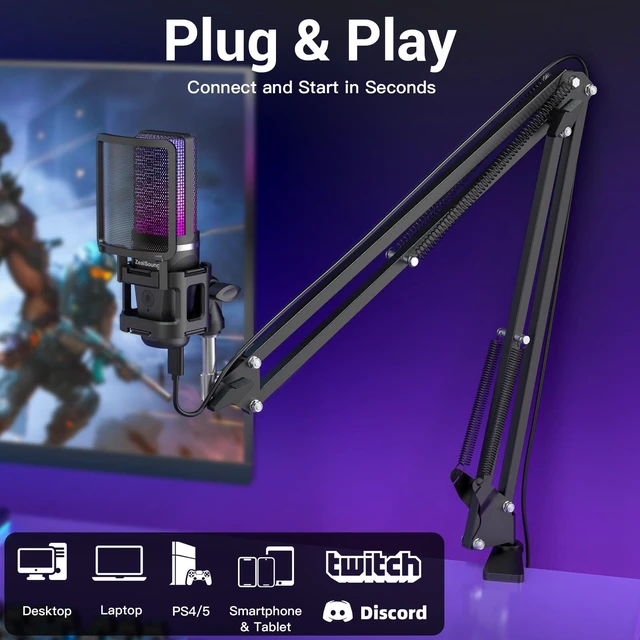
    • Plug-and-Play with Computers & Mobile Devices: Use this USB podcast microphone with Windows PCs, laptops, Mac, Chromebook, PS4/PS5, supported iPhone/iPad, and USB-C phones or tablets. With Lightning-compatible and USB-C adapters included, it also works as a podcast microphone for iPhone without the added cost of separate adapters. No drivers or apps are required for most compatible devices, making it easy to move between desktop recording, mobile content creation, Zoom meetings, gaming, and online classes
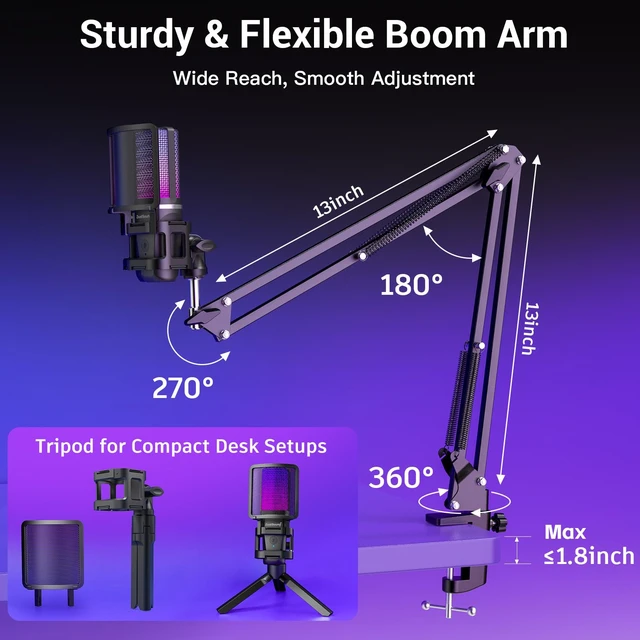
    • Boom Arm & Tripod for Flexible Placement: Bring this podcast microphone with boom arm closer to your mouth while keeping desk space open, or switch to the included foldable tripod for tabletop recording and easy storage. The scissor arm extends up to 30.8 inches, rotates 360°, and adjusts to multiple angles for comfortable positioning with your screen in view. The desk clamp fits surfaces up to 1.8 inches thick, helping keep the microphone comfortably positioned for recording
    +
    +
    Overview
    Specs
    Reviews
    avatar

    Any questions? Our AI mode will help you find out quickly.

    ZealSound podcast microphone for PC, iPhone and Android

    Warranty & Returns

    Warranty, Returns, And Additional Information

    Warranty

    • Please contact the Seller directly for warranty information. Warranty information may also be found on the Manufacturer's website.
    • CONTACT

    Return Policies

    Manufacturer Contact Info

    LOADING...