






Professional Audio Solutions
Take your voice to the next level with ZealSound's premium microphones and audio mixers!

ZealSound: Power in Every Mic
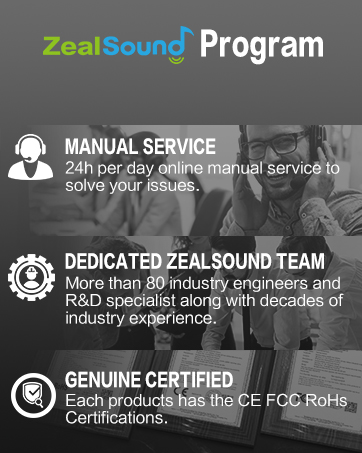
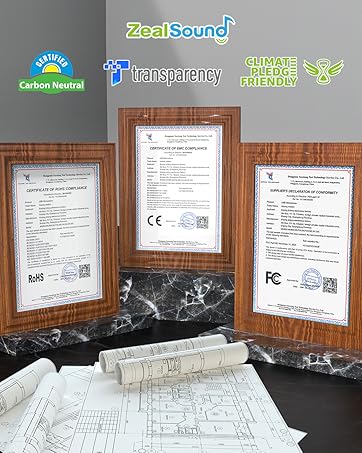
ZealSound, founded in 2009, has specialized in high-quality microphones and audio mixers for over 16 years. Trusted in 150+ countries, our products empower creators, gamers, and everyday users. Simple, reliable, and accessible, every mic reflects our mission to make great sound available to all. Thank you for choosing ZealSound—we’re committed to earning your trust with every mic we make.

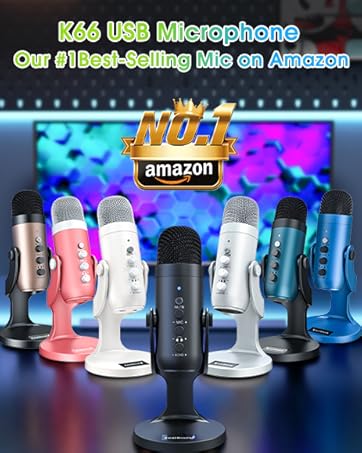

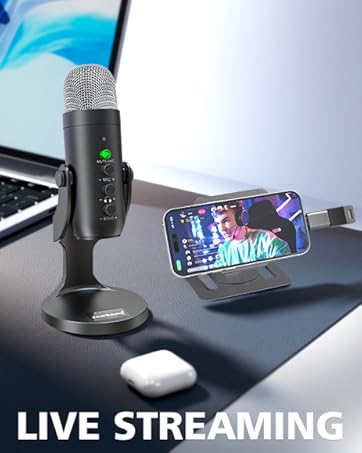
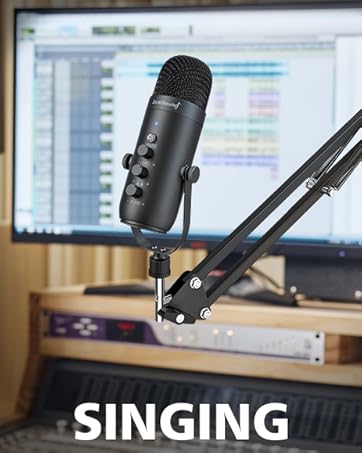
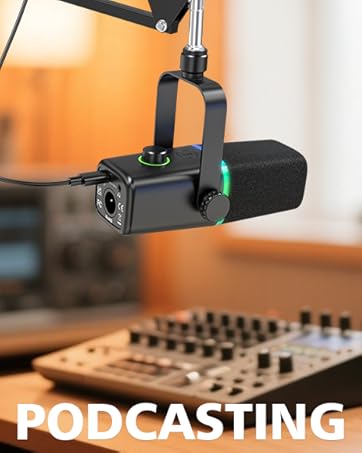
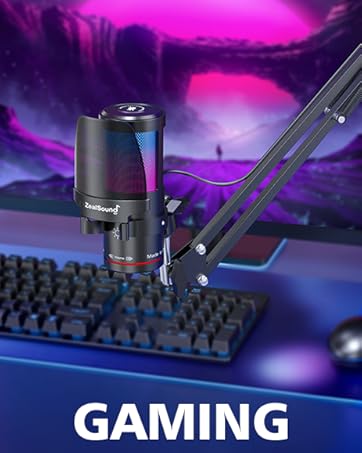
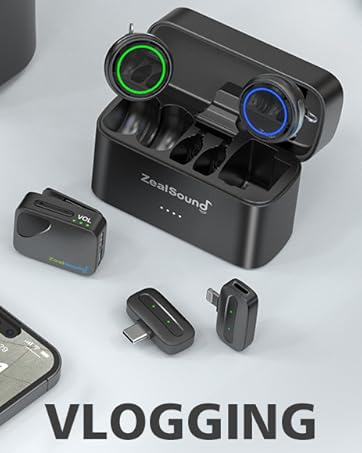
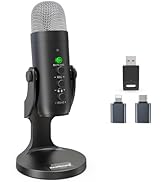
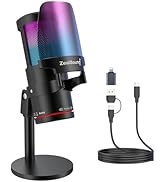
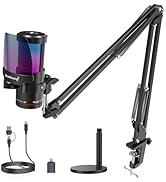
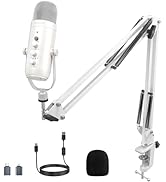
ZealSound Microphones
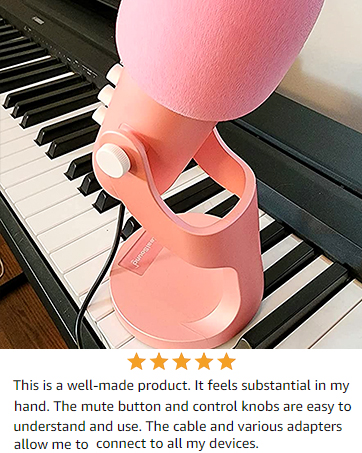
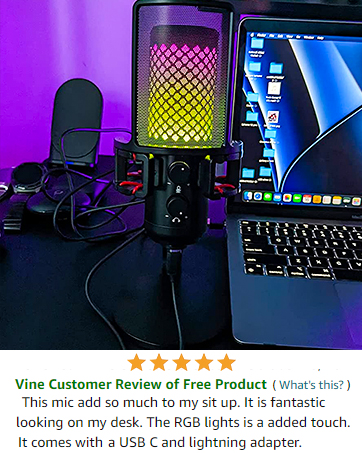
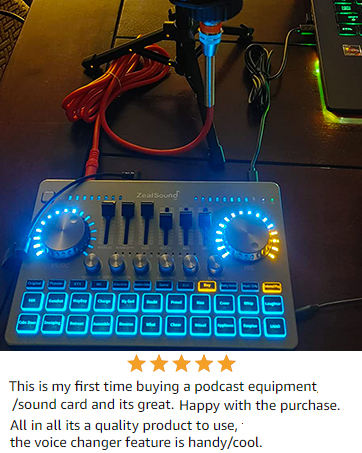
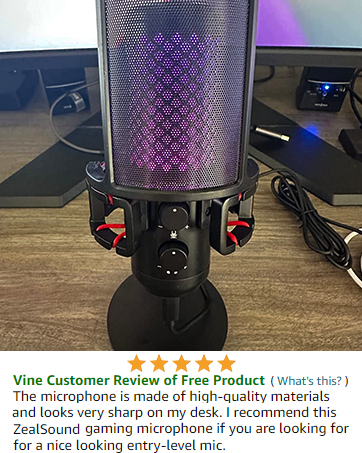
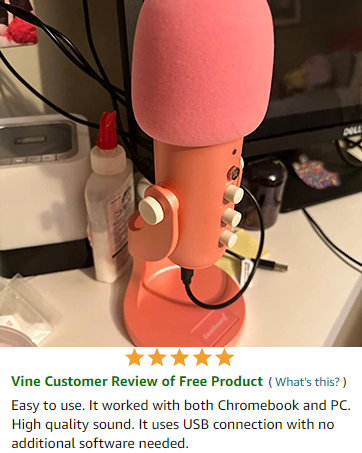
Tailored for Your Podcasting and Audio Game
aplus content video
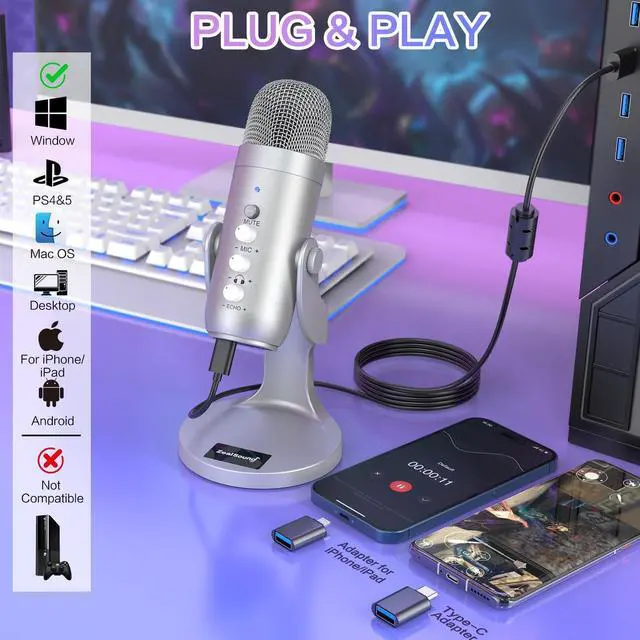
Strong Compatibility with PC, Computer, Laptop, iPhone, Smartphone, iPad, PS 4&5. (TYPE-C ADAPTER & USB ADAPTER FOR IPHONE INCLUDE)
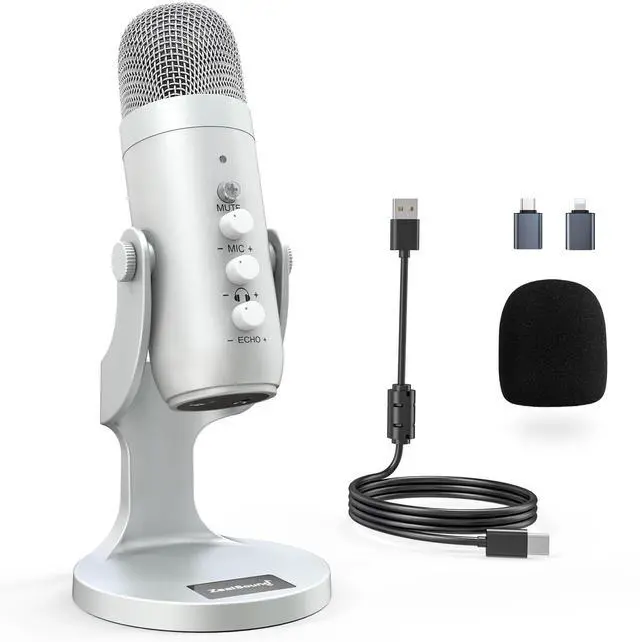
Professional Condenser Microphone

Stylish LED Indicator
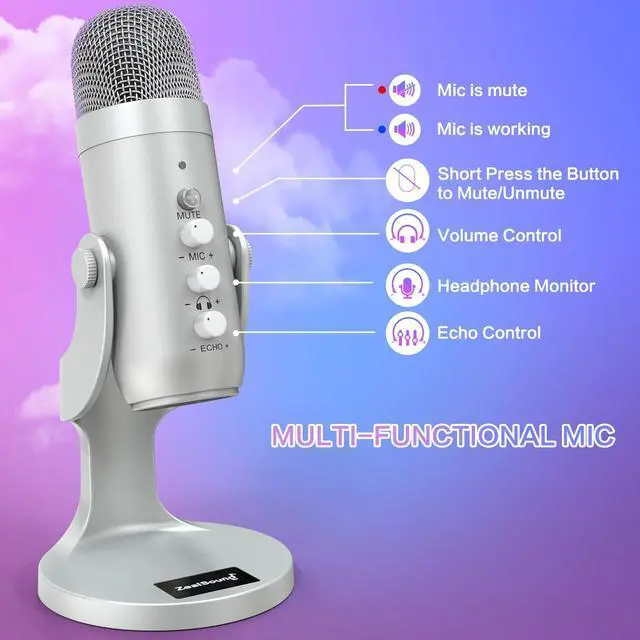
Total Control at Your Fingertips: Mic with Mute, Volume, Adjustable Echo, and Mic Volume for Optimal Monitoring.

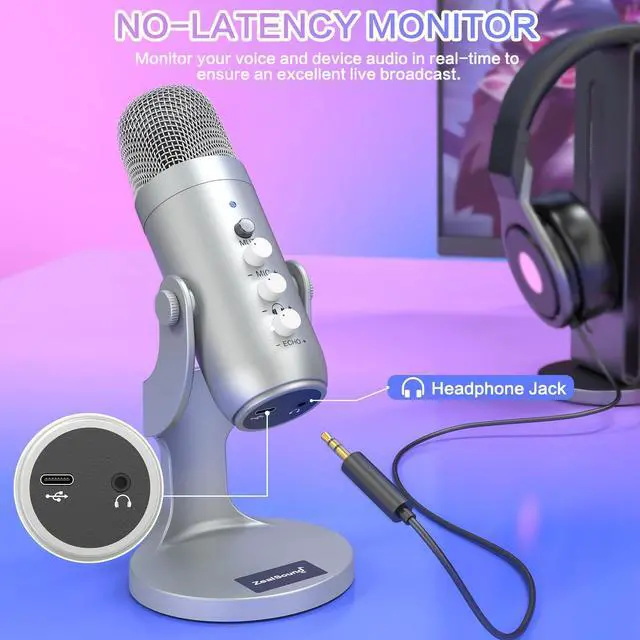
No-Latency Monitor
Immersive Voice Recording: No-Latency Monitoring and On-board Volume Control for Personalized Atmosphere.

Noise Cancel Mode
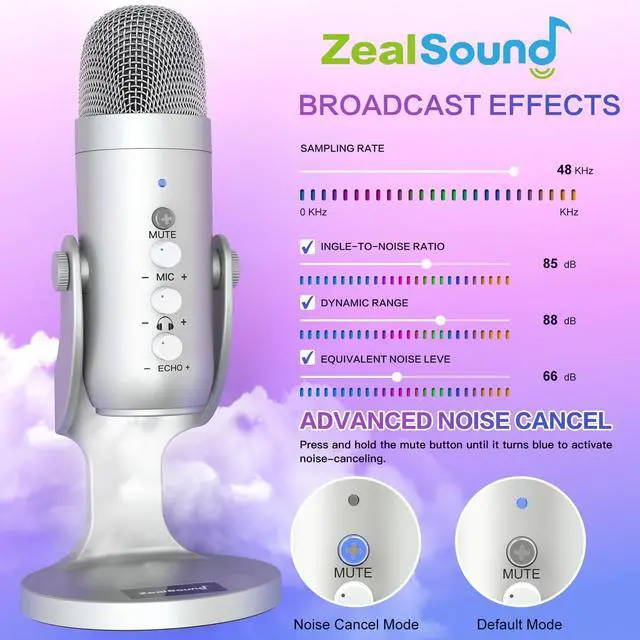
The noise-canceling function is initially off. Press and hold the mute button until it turns blue to activate noise cancel.

No fixed angle restrictions
Flexible and Sturdy Mic: 360-Degree Rotation and Weighted Base for Ideal Audio Output.
Seamless Compatibility: Connect All Your Devices with Ease

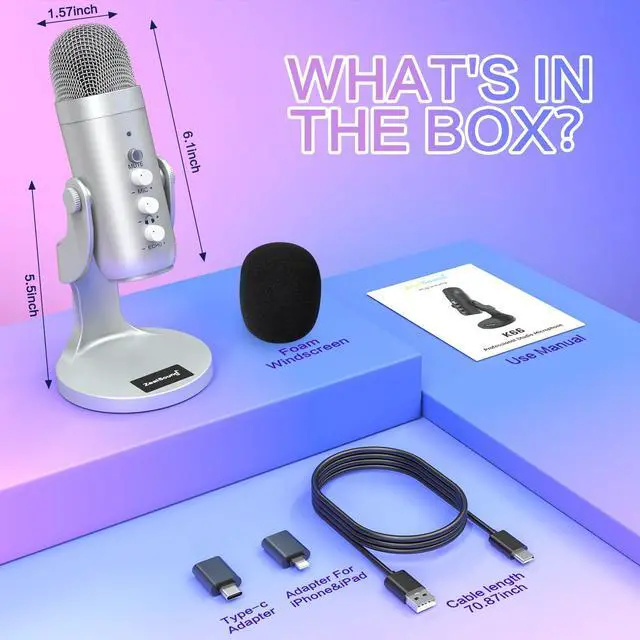
This microphone comes with a USB adapter for use with iPhone and iPad Pro (iPhone 5 onwards and fourth-generation iPad onwards), as well as a Type-C adapter for use with all Type-C devices. And It is compatible with PS4, PS4 Pro, PS5, desktop computers, and laptops.

A microphone for all of your needs

The noise-canceling function is initially disabled. To activate advanced noise cancellation, press and hold the mute button until it turns blue. Content creators, musicians, journalists, gamers, and anyone else in need of a noiseless recording environment can activate this feature.
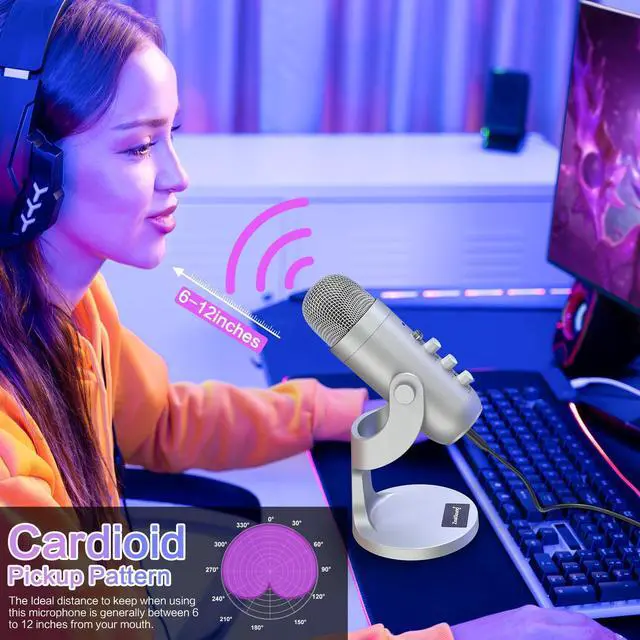
What is the pickup pattern of this microphone?
Top-addressed cardioid pickup, you will need to position it with the top of the microphone facing towards the sound source when using it. Make sure to speak directly into the top of the microphone, as this will provide the best sound quality.
Why does it not work with my Android phone but function well with my iPhone 15?
Please ensure that your Android device supports OTG and verify that it's enabled in the settings before use. (Search for "OTG" in the settings and enable it.)
Is the mic compatible with the Mac book?
The mic is compatible with Macbook and doesn't require any additional drivers. Make sure to check your Mac settings and ensure that the mic is recognized as an input source.
As an ASMR artist, I am experiencing excessive noise with this microphone, how can you help me resolve it?
The noise-canceling function is OFF by default. To activate noise cancel, press and hold the mute button until it turns blue.
What is the recommended distance to keep when using this desktop cardioid microphone?
The recommended distance to keep when using this microphone is generally between 6 to 12 inches from your mouth. But it's best to experiment with different distances to find the optimal one for your needs.
ZealSound Microphone: Enhancing Your Audio Experience
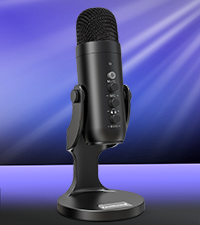 K66-Black | 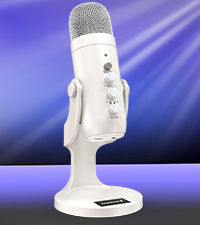 K66-White | 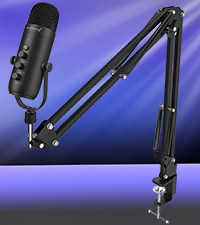 K66-Boom Arm | 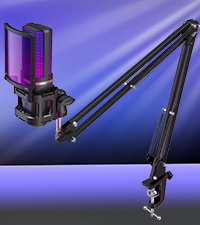 BKD-11 Pro | 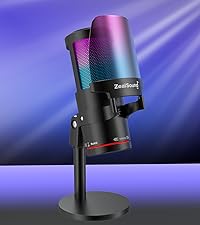 KM8-2 | 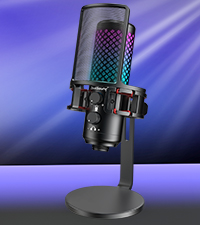 BKD-12 | 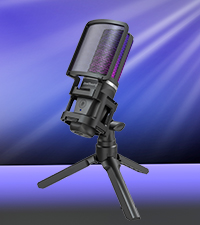 BKD-11 | |
|---|---|---|---|---|---|---|---|
Customer Reviews | — | — | — | — | — | — | — |
Price | — | — | — | — | — | — | — |
Mute | ? | ? | ? | ? | ? | ? | ? |
Echo | ? | ? | ? | ? | ? | ? | ? |
Real-Time Monitor | ? | ? | ? | ? | ? | ? | ? |
Battery-Powered | ? | ? | ? | ? | ? | ? | ? |
Bluetooth Technology | ? | ? | ? | ? | ? | ? | ? |
RGB Display | ? | ? | ? | ? | ? | ? | ? |
Tailored for Your Podcasting and Audio Game
aplus content video
Strong Compatibility with PC, Computer, Laptop, iPhone, Smartphone, iPad, PS 4&5. (TYPE-C ADAPTER & USB ADAPTER FOR IPHONE INCLUDE)
Professional Condenser Microphone
Stylish LED Indicator
Total Control at Your Fingertips: Mic with Mute, Volume, Adjustable Echo, and Mic Volume for Optimal Monitoring.
No-Latency Monitor
Immersive Voice Recording: No-Latency Monitoring and On-board Volume Control for Personalized Atmosphere.
Noise Cancel Mode
The noise-canceling function is initially off. Press and hold the mute button until it turns blue to activate noise cancel.
No fixed angle restrictions
Flexible and Sturdy Mic: 360-Degree Rotation and Weighted Base for Ideal Audio Output.
Seamless Compatibility: Connect All Your Devices with Ease

This microphone comes with a USB adapter for use with iPhone and iPad Pro (iPhone 5 onwards and fourth-generation iPad onwards), as well as a Type-C adapter for use with all Type-C devices. And It is compatible with PS4, PS4 Pro, PS5, desktop computers, and laptops.
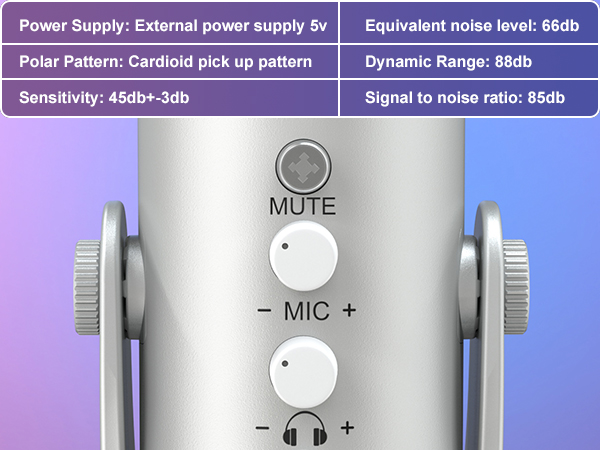
MUTE BUTTON
Press this button to mute your recording or streaming and the LED indicator turns red.
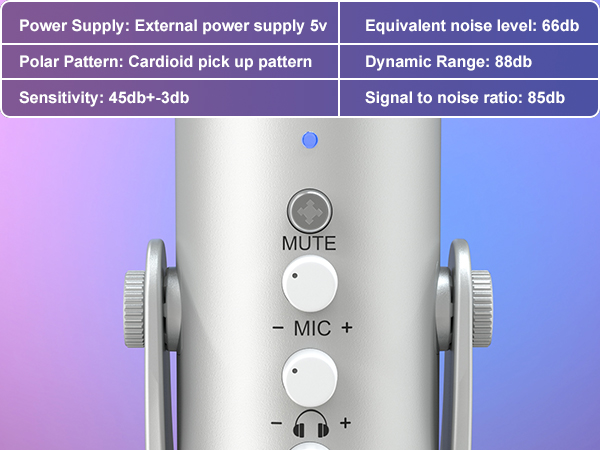
MONITOR AND VOLUME KNOB
Freely adjust the microphone volume and sensitivity during the recording process to get a great sound.
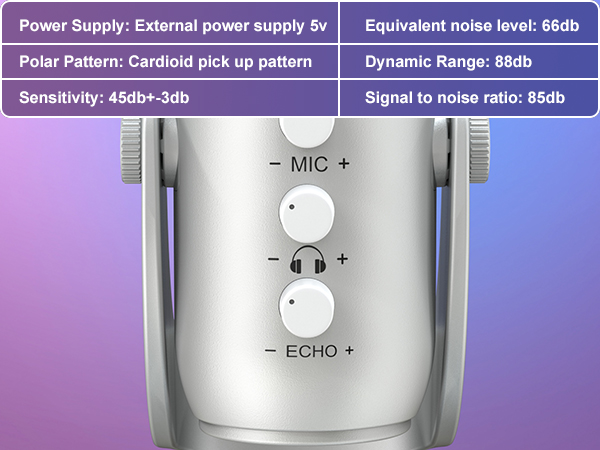
ECHO KNOB
The Echo function has a level control and can be turned off with the echo knob.
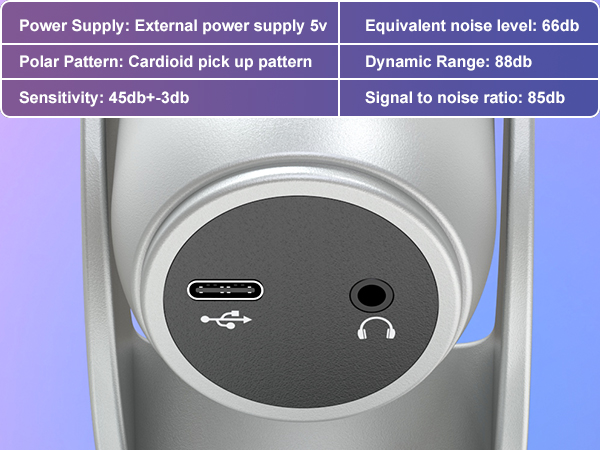
3.5MM HEADPHONE JACK
Plug the earphone for direct and latency-free monitoring, which is useful for video creators to check if you're cutting off or if there's too much noise.
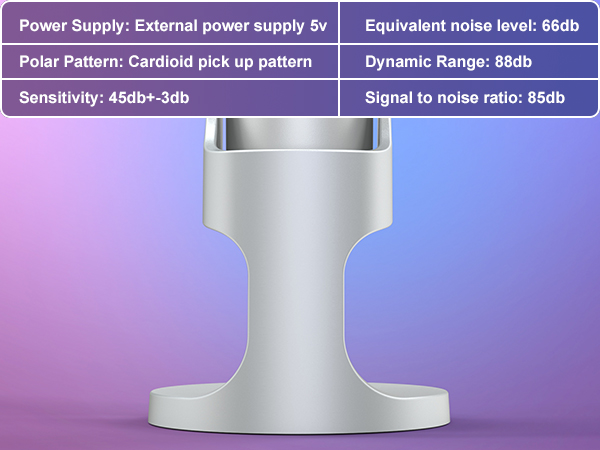
Adjustable Base
Adjustable& Durable Base

A microphone for all of your needs

The noise-canceling function is initially disabled. To activate advanced noise cancellation, press and hold the mute button until it turns blue. Content creators, musicians, journalists, gamers, and anyone else in need of a noiseless recording environment can activate this feature.
What is the pickup pattern of this microphone?
Top-addressed cardioid pickup, you will need to position it with the top of the microphone facing towards the sound source when using it. Make sure to speak directly into the top of the microphone, as this will provide the best sound quality.
Why does it not work with my Android phone but function well with my iPhone 15?
Please ensure that your Android device supports OTG and verify that it's enabled in the settings before use. (Search for "OTG" in the settings and enable it.)
Is the mic compatible with the Mac book?
The mic is compatible with Macbook and doesn't require any additional drivers. Make sure to check your Mac settings and ensure that the mic is recognized as an input source.
As an ASMR artist, I am experiencing excessive noise with this microphone, how can you help me resolve it?
The noise-canceling function is OFF by default. To activate noise cancel, press and hold the mute button until it turns blue.
What is the recommended distance to keep when using this desktop cardioid microphone?
The recommended distance to keep when using this microphone is generally between 6 to 12 inches from your mouth. But it's best to experiment with different distances to find the optimal one for your needs.
ZealSound Microphone: Enhancing Your Audio Experience
K66-Black | K66-White | K66-Boom Arm | BKD-11 Pro | KM8-2 | BKD-12 | BKD-11 |
|---|---|---|---|---|---|---|
| Customer Reviews | ||||||
| — | — | — | — | — | — | — |
| Price | ||||||
| — | — | — | — | — | — | — |
| Mute | ||||||
| ? | ? | ? | ? | ? | ? | ? |
| Echo | ||||||
| ? | ? | ? | ? | ? | ? | ? |
| Real-Time Monitor | ||||||
| ? | ? | ? | ? | ? | ? | ? |
| Battery-Powered | ||||||
| ? | ? | ? | ? | ? | ? | ? |
| Bluetooth Technology | ||||||
| ? | ? | ? | ? | ? | ? | ? |
| RGB Display | ||||||
| ? | ? | ? | ? | ? | ? | ? |
Professional Audio Solutions
Take your voice to the next level with ZealSound's premium microphones and audio mixers!
ZealSound: Power in Every Mic
ZealSound, founded in 2009, has specialized in high-quality microphones and audio mixers for over 16 years. Trusted in 150+ countries, our products empower creators, gamers, and everyday users. Simple, reliable, and accessible, every mic reflects our mission to make great sound available to all. Thank you for choosing ZealSound—we’re committed to earning your trust with every mic we make.
ZealSound Microphones