


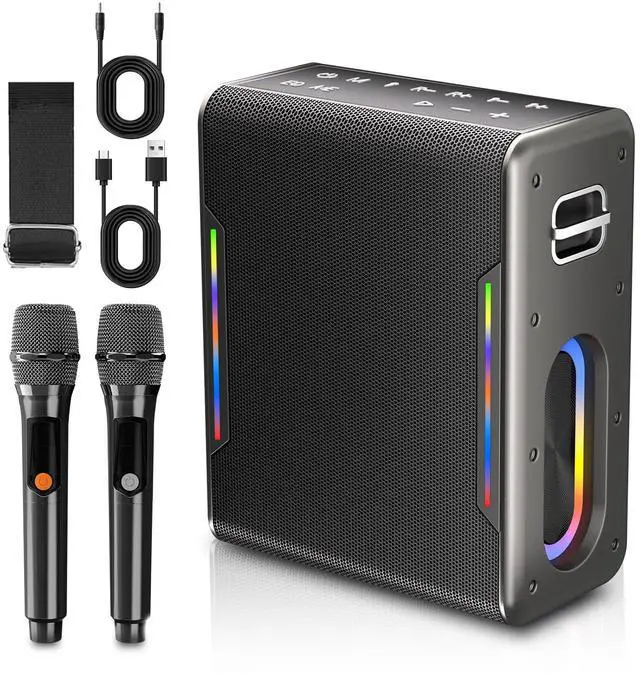
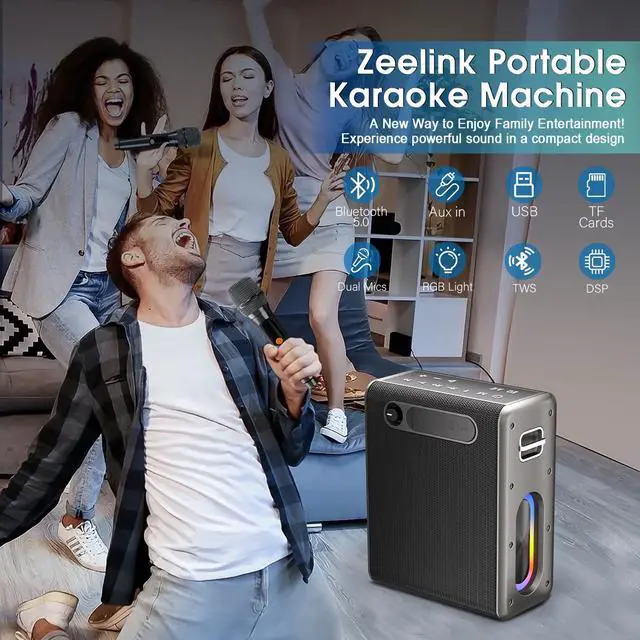
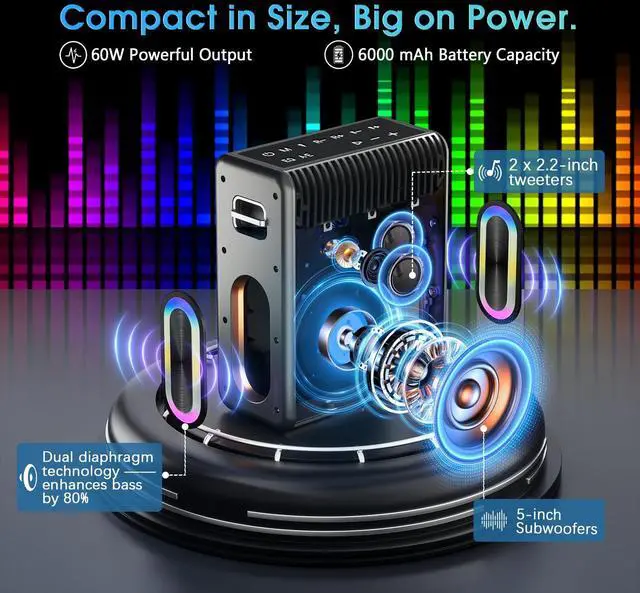


Zeelink Karaoke Machine
Your Stage, Your Sound, Your Song

Uniting through music, we offer top-tier machines for enhanced singing experiences. Inclusivity is key, with diverse songs and user-friendly interfaces. Our innovation drives us to set new standards in karaoke entertainment.
Zeelink Karaoke aims to lead globally, building music-loving communities. With integrity and innovation, we redefine karaoke, enriching lives through shared musical experiences.
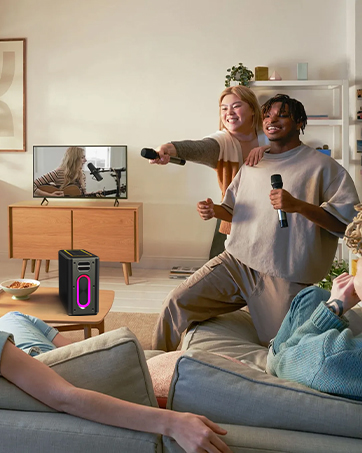
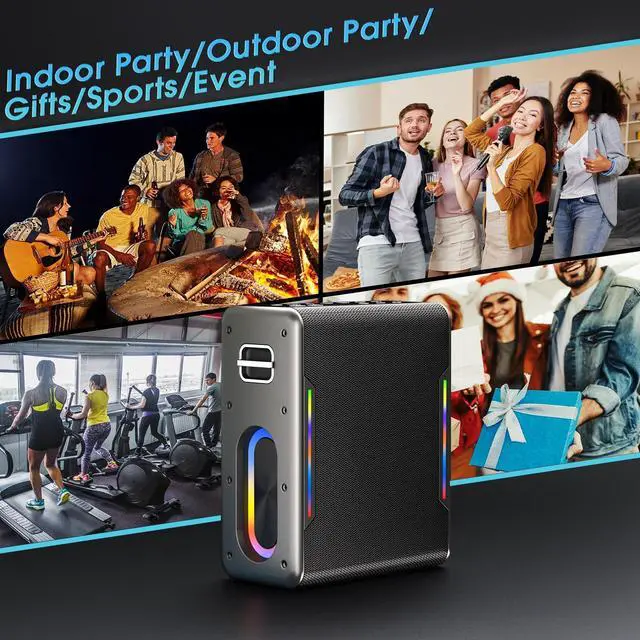
Indoor Party
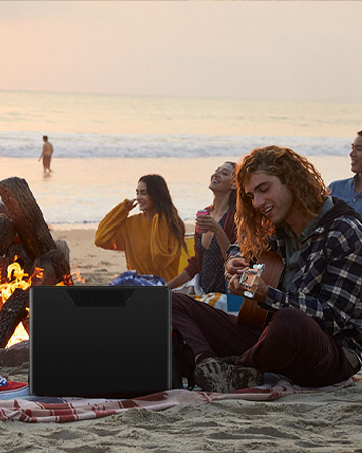
Outdoor Party

Gift for Family & Friends


1.Can this be connected to smart tv?
Yes, our Karaoke Machine can connect to a smart TV as long as the TV supports Bluetooth connectivity. Once connected, audio from the TV should play through the Karaoke Machine.
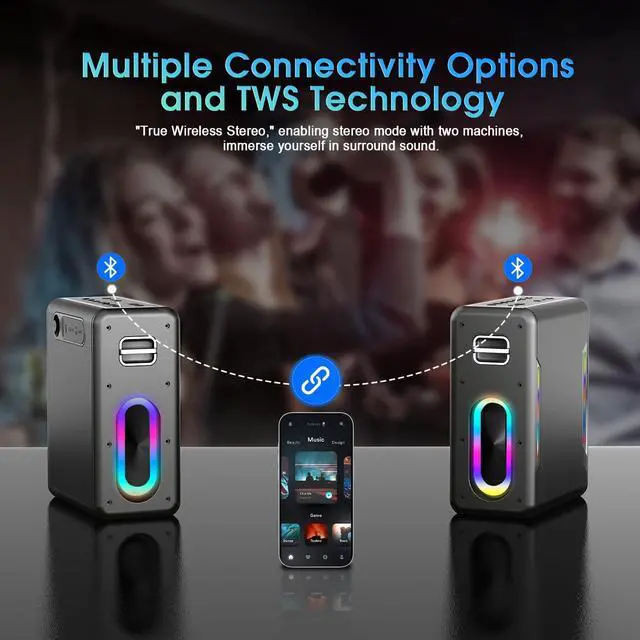
2.How do I use the TWS to connect 2 speakers together?
Double press the Mode button of either speaker to enter stereo pairing mode. If paired successfully, the stereo pairing indicator of both speakers will stay yellow. The Bluetooth indicator of host speaker will flash while the vice one will off.
3.Can I use it while charging?
Yes, you can use it while charging and it won't degrade karaoke performance (other brands of karaoke machines degrade performance dramatically when used while charging).
4.What should I do if I can't find my user manual?
You can download the digital version of the manual anytime from our listing.


1.Can this be connected to smart tv?
Yes, our Karaoke Machine can connect to a smart TV as long as the TV supports Bluetooth connectivity. Once connected, audio from the TV should play through the Karaoke Machine.
2.How do I use the TWS to connect 2 speakers together?
Double press the Mode button of either speaker to enter stereo pairing mode. If paired successfully, the stereo pairing indicator of both speakers will stay yellow. The Bluetooth indicator of host speaker will flash while the vice one will off.
3.Can I use it while charging?
Yes, you can use it while charging and it won't degrade karaoke performance (other brands of karaoke machines degrade performance dramatically when used while charging).
4.What should I do if I can't find my user manual?
You can download the digital version of the manual anytime from our listing.
Zeelink Karaoke Machine
Your Stage, Your Sound, Your Song
Uniting through music, we offer top-tier machines for enhanced singing experiences. Inclusivity is key, with diverse songs and user-friendly interfaces. Our innovation drives us to set new standards in karaoke entertainment.
Zeelink Karaoke aims to lead globally, building music-loving communities. With integrity and innovation, we redefine karaoke, enriching lives through shared musical experiences.
Indoor Party
Outdoor Party
Gift for Family & Friends