here!
here!
I’m your shopping assistant for PC builds, upgrades, and everything tech.
Got questions? Ask away!
Start a conversation
here!
I’m your shopping assistant for PC builds, upgrades, and everything tech.
Got questions? Ask away!
Start a conversation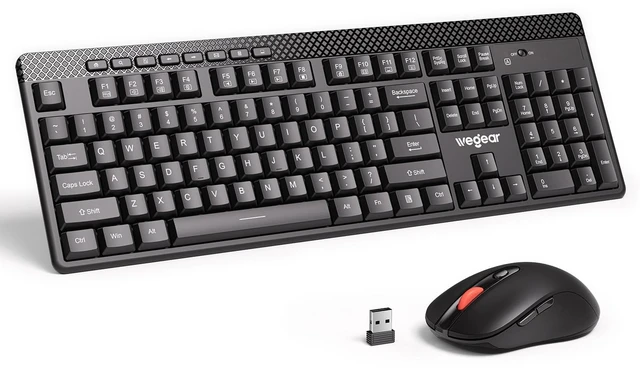





Any questions? Ask CelesteSM will help you find out quickly.


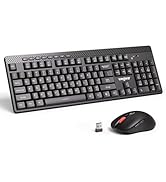
At wegear, we specialize in high-performance mice and keyboards for both work and play, offering diverse styles and colors to suit every need. Combining cutting-edge technology with sleek design, our products empower you to excel in any task.
Committed to quality and service, wegear strives to make your tech life seamless, stylish, and efficient.
Welcome to wegear, where innovation meets you.




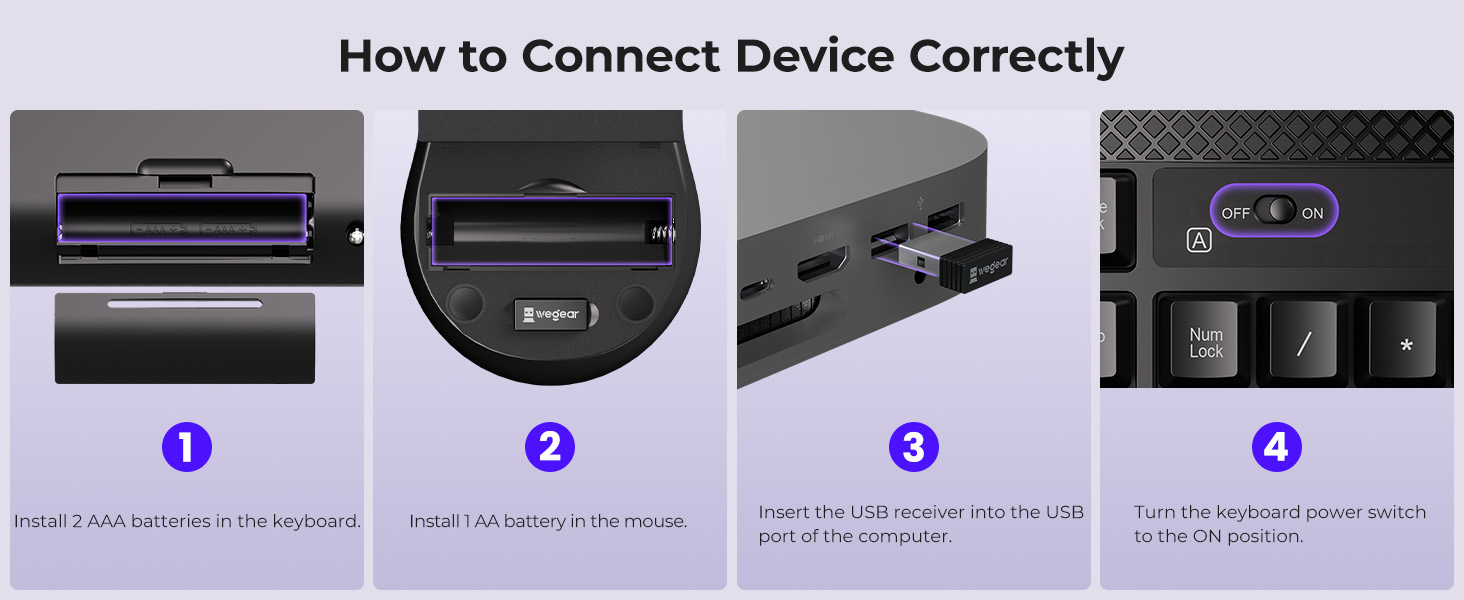
What should I do if my keyboard and mouse are not working properly?
1, Make sure the batteries are installed ;
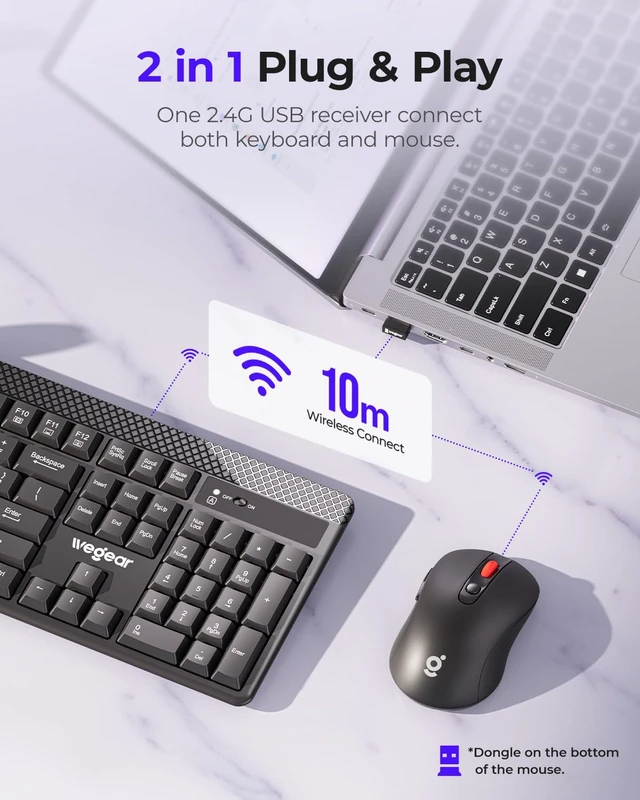
2, Insert the USB receiver into the computer;
3, The keyboard power switch is turned to ON.
If it still doesn't work after following the above methods, please contact the wegear support team immediately.
Does the keyboard and mouse have a power switch?
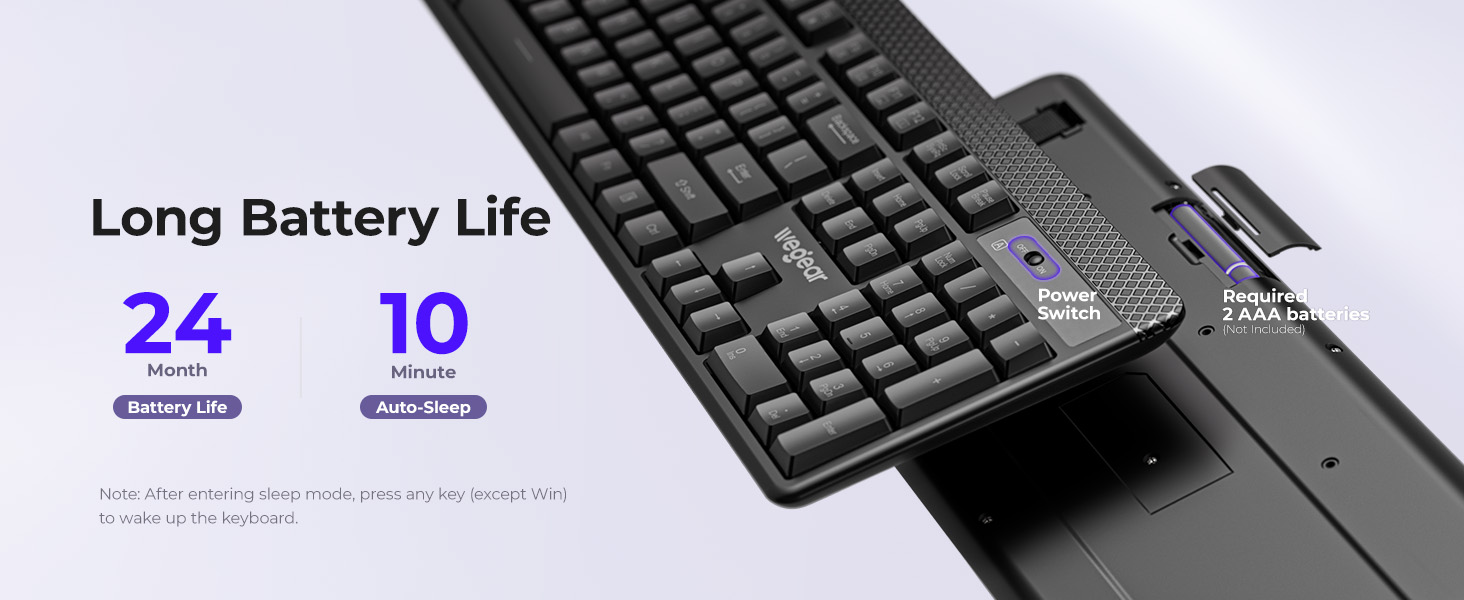
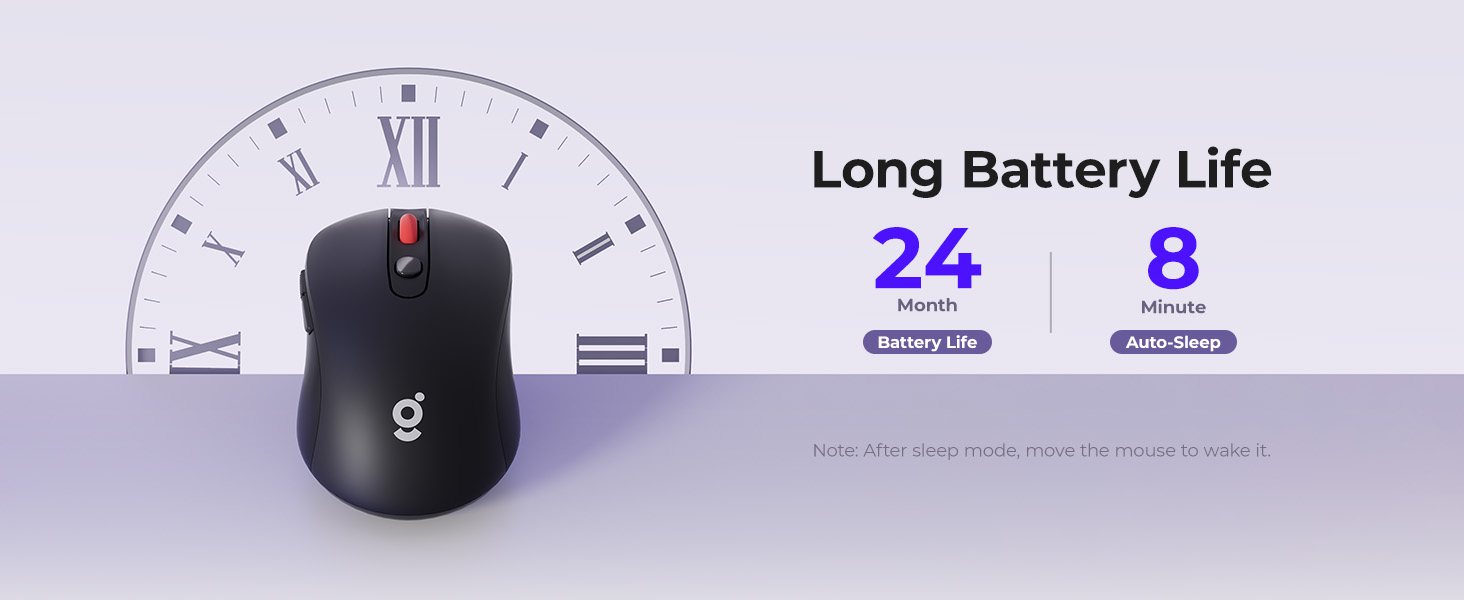
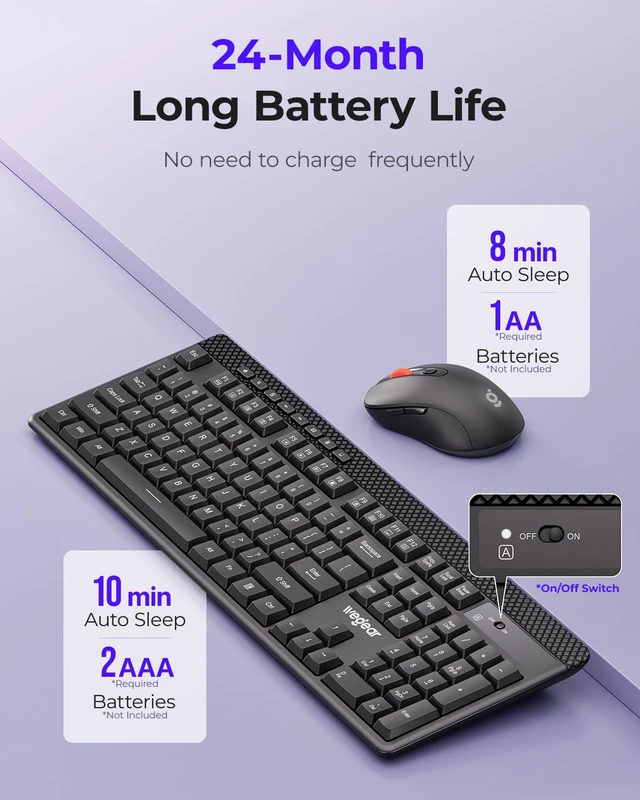
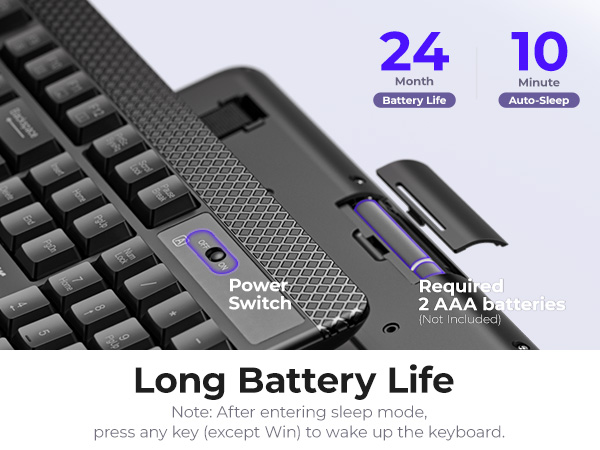
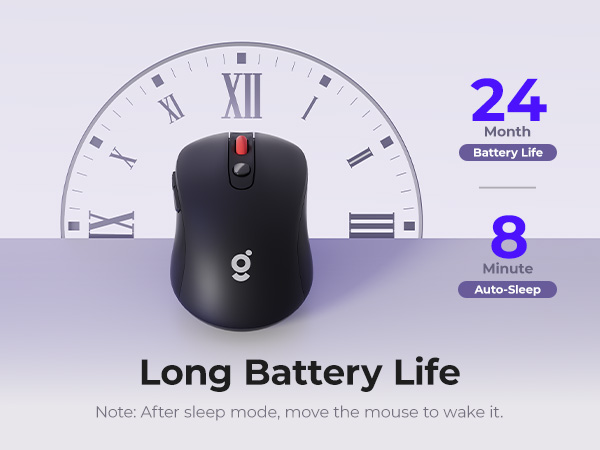
The keyboard has a power switch in the upper right corner next to the capitalization indicator. The mouse does not have a power switch, but will automatically enter sleep mode after 8 minutes of inactivity to conserve power.
How long does it take to enter sleep mode? Can I change the mode?
The keyboard will go into sleep mode if it is idle for 10 minutes and the mouse will go into sleep mode if it is idle for 8 minutes. This mode cannot be changed. It is designed to save power and extend battery life. Just press any button to wake up.
Are the keyboard and mouse silent?
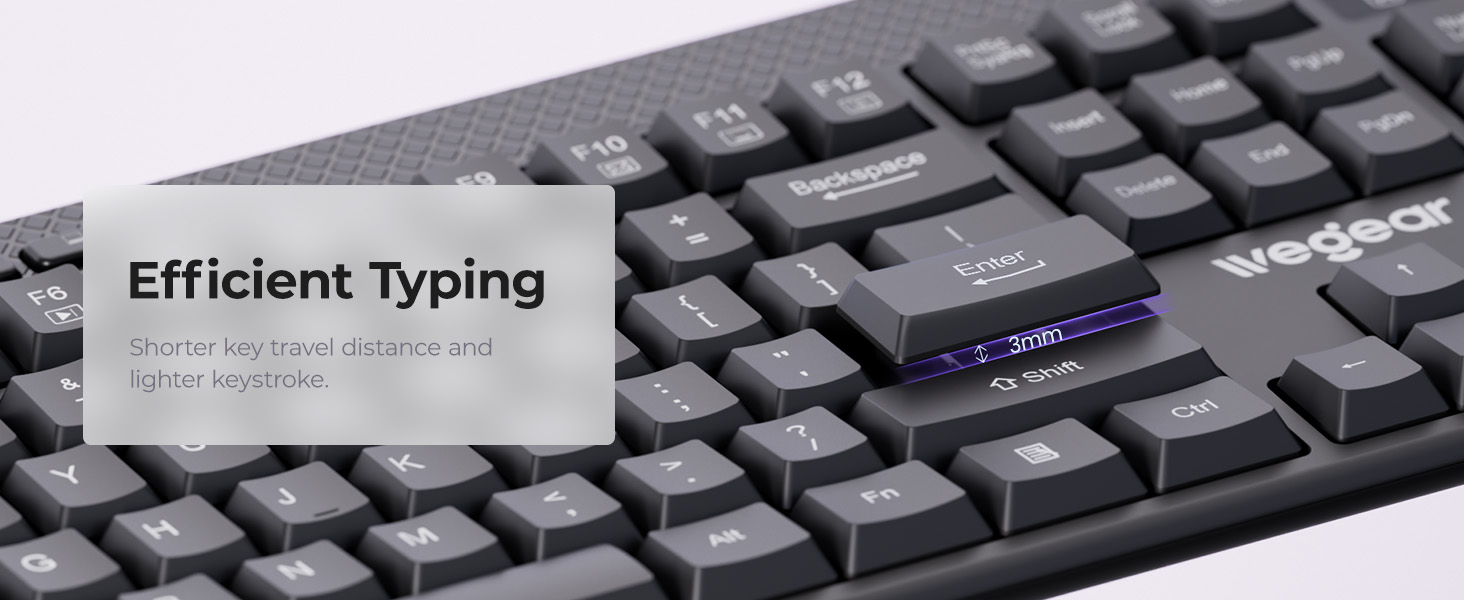
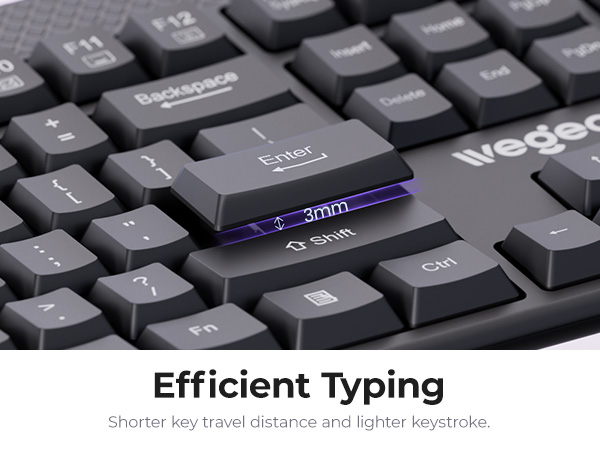
The keyboard uses membrane switches – quieter than mechanical ones, but not completely silent. The mouse has standard mechanical switches, so it produces audible click sounds. Neither is designed to be fully silent.
Why do my keyboard and mouse have input lag or disconnection?
This is likely due to interference from a USB 3.0 hub. USB 3.0 signals can disrupt 2.4GHz wireless receivers. Please plug the receiver directly into your computer.





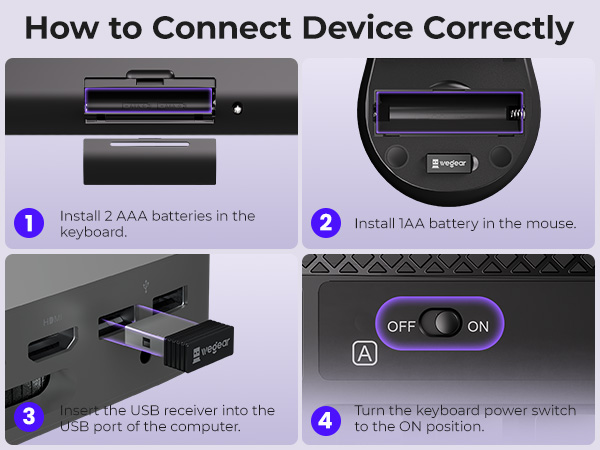
What should I do if my keyboard and mouse are not working properly?
1, Make sure the batteries are installed ;
2, Insert the USB receiver into the computer;
3, The keyboard power switch is turned to ON.
If it still doesn't work after following the above methods, please contact the wegear support team immediately.
Does the keyboard and mouse have a power switch?
The keyboard has a power switch in the upper right corner next to the capitalization indicator. The mouse does not have a power switch, but will automatically enter sleep mode after 8 minutes of inactivity to conserve power.
How long does it take to enter sleep mode? Can I change the mode?
The keyboard will go into sleep mode if it is idle for 10 minutes and the mouse will go into sleep mode if it is idle for 8 minutes. This mode cannot be changed. It is designed to save power and extend battery life. Just press any button to wake up.
Are the keyboard and mouse silent?
The keyboard uses membrane switches – quieter than mechanical ones, but not completely silent. The mouse has standard mechanical switches, so it produces audible click sounds. Neither is designed to be fully silent.
Why do my keyboard and mouse have input lag or disconnection?
This is likely due to interference from a USB 3.0 hub. USB 3.0 signals can disrupt 2.4GHz wireless receivers. Please plug the receiver directly into your computer.
At wegear, we specialize in high-performance mice and keyboards for both work and play, offering diverse styles and colors to suit every need. Combining cutting-edge technology with sleek design, our products empower you to excel in any task.
Committed to quality and service, wegear strives to make your tech life seamless, stylish, and efficient.
Welcome to wegear, where innovation meets you.