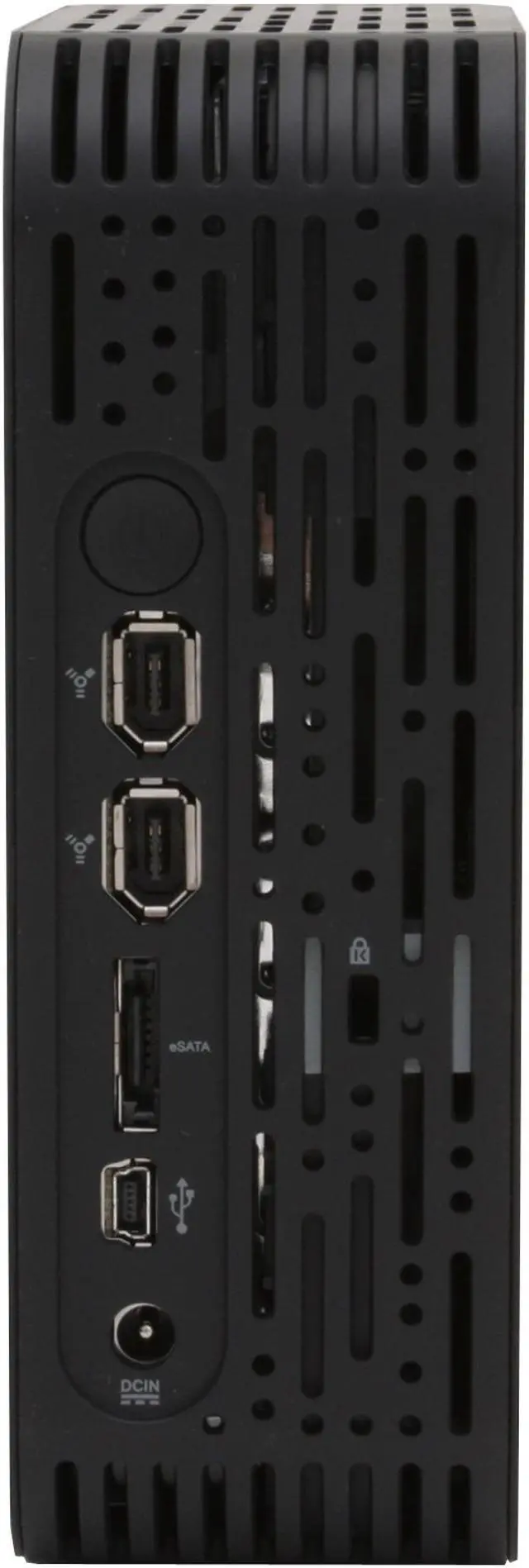
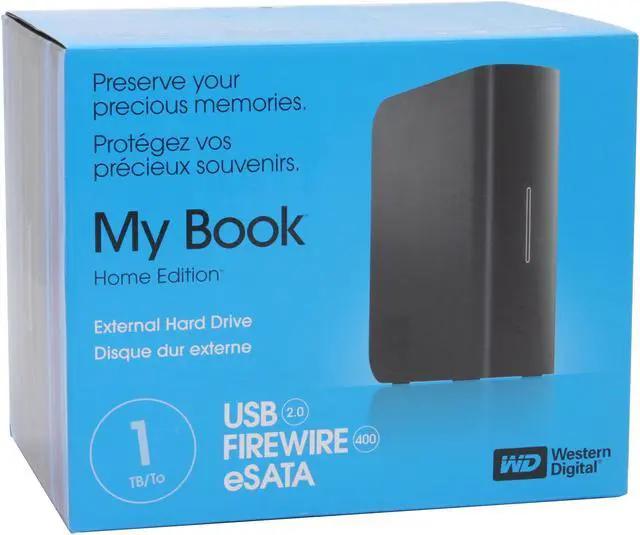
Western Digital's My Book Home is the latest evolution in their long history of back up devices. This 1TB drive has a triple interface for maximum connectivity. The USB 2.0 and FireWire 400 interfaces allow you to connect to virtually any modern Mac or PC. If you need maximum data transfer rates then you can attach the drive to your system through the eSATA interface.
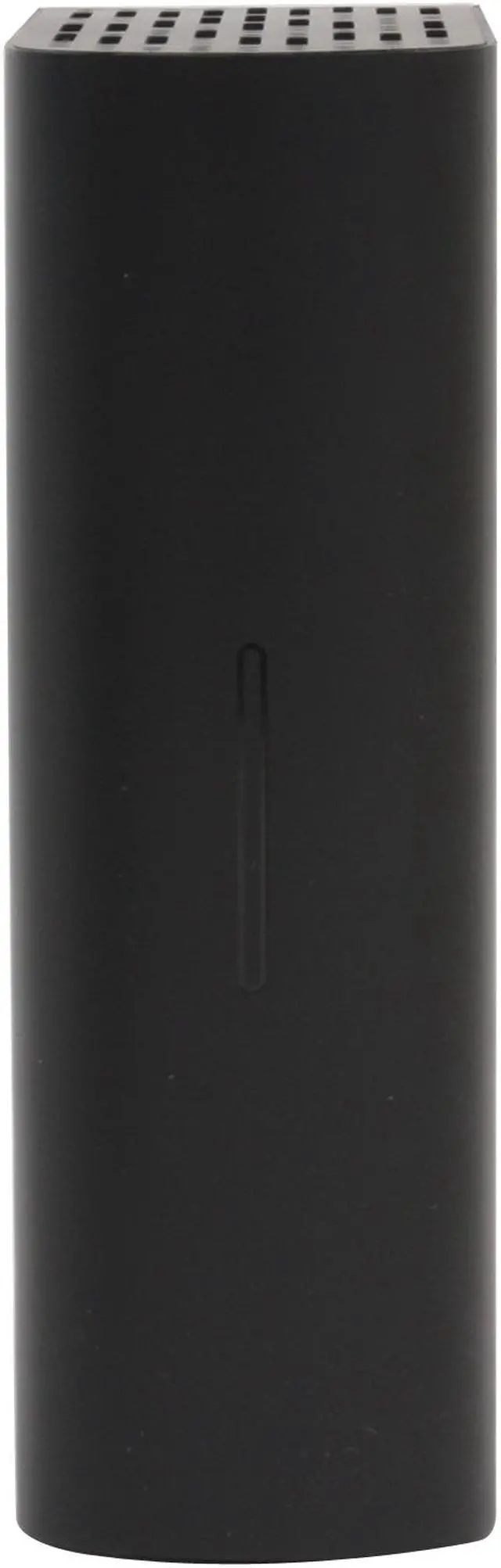
A capacity gauge on the front panel lets you know how much room you have left on the drive when it is connected to either a USB or FireWire port. The rest of the housing is designed to vent heat away from the drive to keep it cool and save your data. The auto standby mode will save your power bill by kicking in after 10 minutes of inactivity but will be ready to spring back into action immediately.
Western Digital's My Book Home is the latest evolution in their long history of back up devices. This 1TB drive has a triple interface for maximum connectivity. The USB 2.0 and FireWire 400 interfaces allow you to connect to virtually any modern Mac or PC. If you need maximum data transfer rates then you can attach the drive to your system through the eSATA interface.
A capacity gauge on the front panel lets you know how much room you have left on the drive when it is connected to either a USB or FireWire port. The rest of the housing is designed to vent heat away from the drive to keep it cool and save your data. The auto standby mode will save your power bill by kicking in after 10 minutes of inactivity but will be ready to spring back into action immediately.
 High Performance Hard DriveThe Western Digital My Book Home (Model WDH1CS10000N) features a high performance 7200 RPM hard drive with a large capacity of 1TB so you can store your movies, music, applications and documents for easy sharing with your friends and even back up your system.
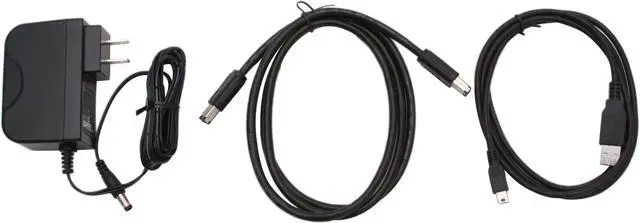
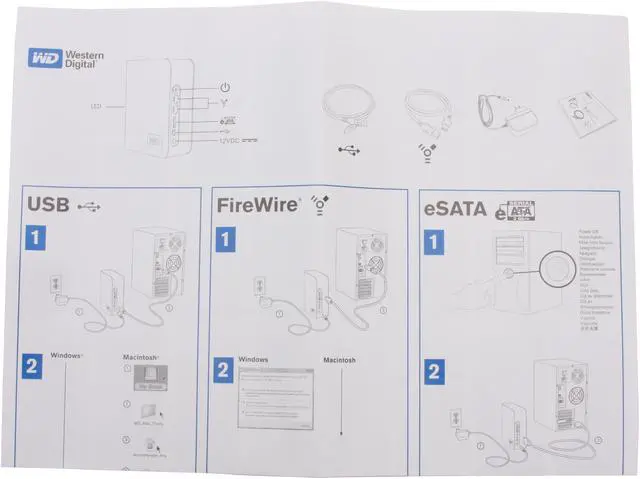
 Triple InterfacesThe Western Digital My Book Home (Model WDH1CS10000N) combines three industry-leading external hard drive interfaces (IEEE 1394a, eSATA and USB 2.0) for maximum performance and universal connectivity.
 WD Safe ShutdownThe power button is equipped with WD's exclusive Safe Shutdown to ensure that all the data is safely transferred prior to shutdown.
 Power/Activity and Capacity Gauge LEDThe unique Power/Activity and Capacity Gauge LED on the front panel indicates power/activity status and space used on the drive so you can easily know how much space is available on your storage system.



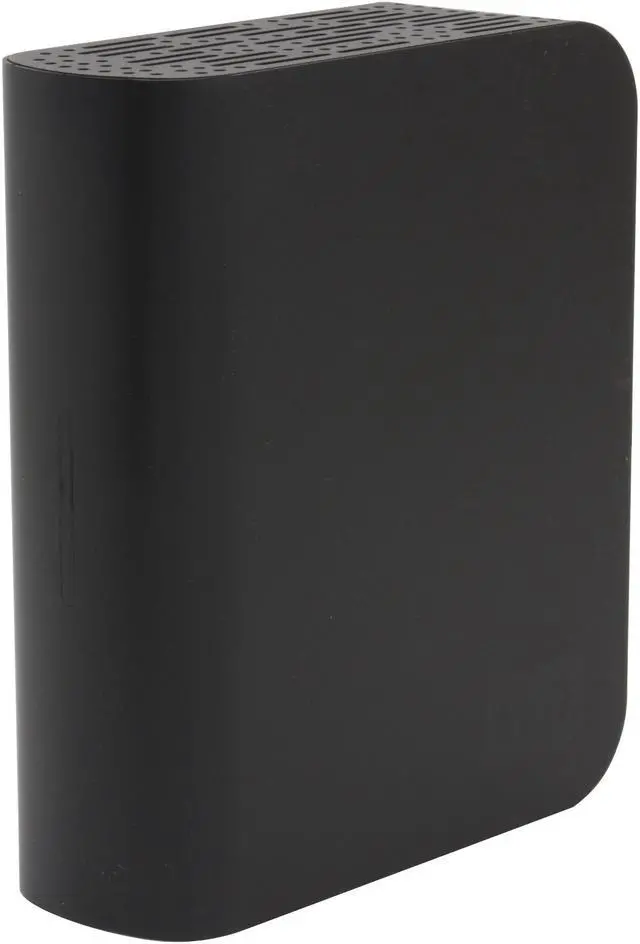
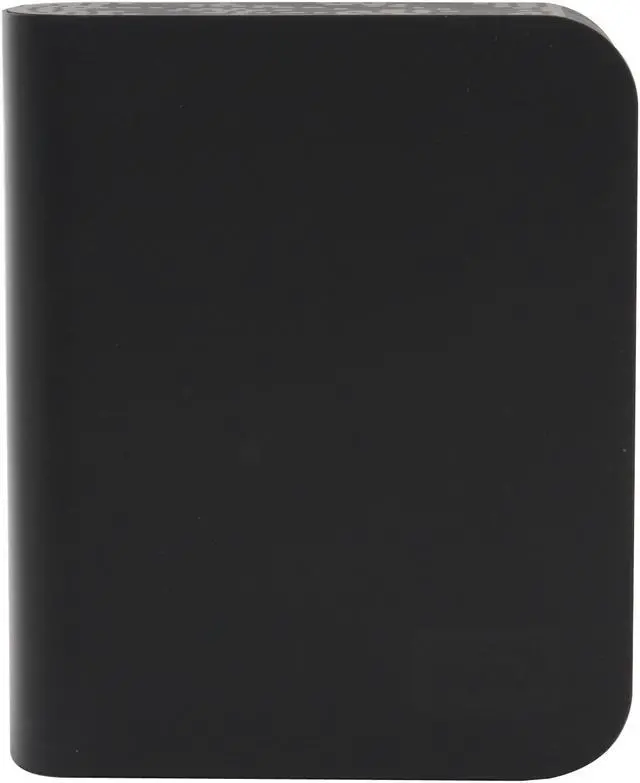



 High Performance Hard DriveThe Western Digital My Book Home (Model WDH1CS10000N) features a high performance 7200 RPM hard drive with a large capacity of 1TB so you can store your movies, music, applications and documents for easy sharing with your friends and even back up your system.
 Triple InterfacesThe Western Digital My Book Home (Model WDH1CS10000N) combines three industry-leading external hard drive interfaces (IEEE 1394a, eSATA and USB 2.0) for maximum performance and universal connectivity.
 WD Safe ShutdownThe power button is equipped with WD's exclusive Safe Shutdown to ensure that all the data is safely transferred prior to shutdown.
 Power/Activity and Capacity Gauge LEDThe unique Power/Activity and Capacity Gauge LED on the front panel indicates power/activity status and space used on the drive so you can easily know how much space is available on your storage system.