Skip to: |

Newegg.com - A great place to buy computers, computer parts, electronics, software, accessories, and DVDs online. With great prices, fast shipping, and top-rated customer service - once you know, you Newegg.

If you are reading this message, Please click this link to reload this page.(Do not use your browser's "Refresh" button). Please email us if you're running the latest version of your browser and you still see this message.

Newegg.com - Computer Parts, Laptops, Electronics, HDTVs, Digital Cameras and More!

  • | Wish List
  • Help
Home
Home > 
Computer Hardware > 
Networking > 
Wired Networking > 
Switches > 
Cisco Systems, Inc. > 
Item#: N82E16833120655

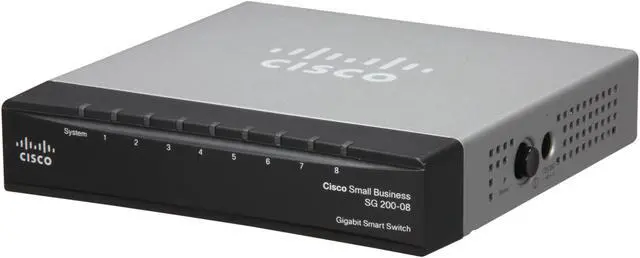
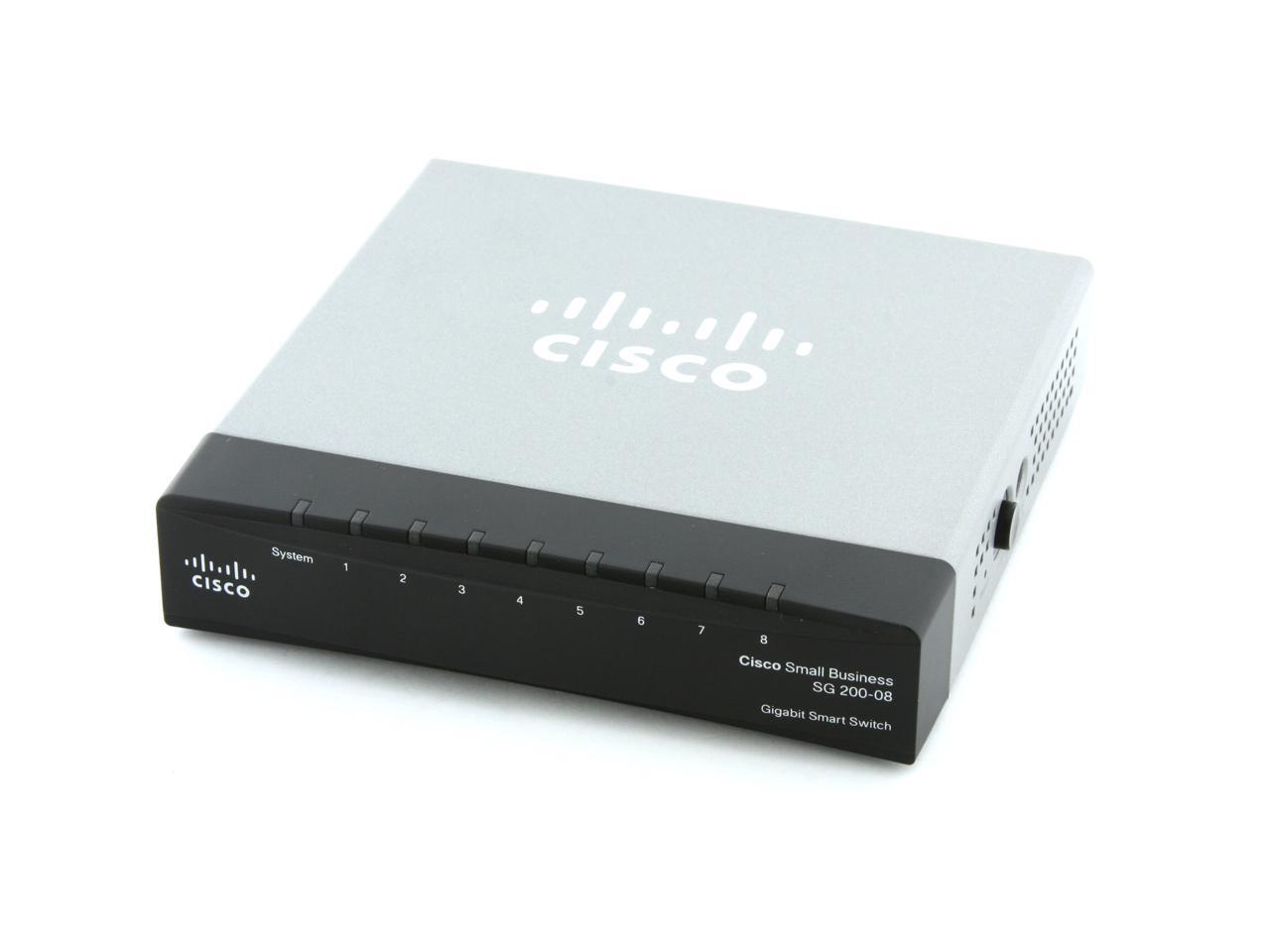
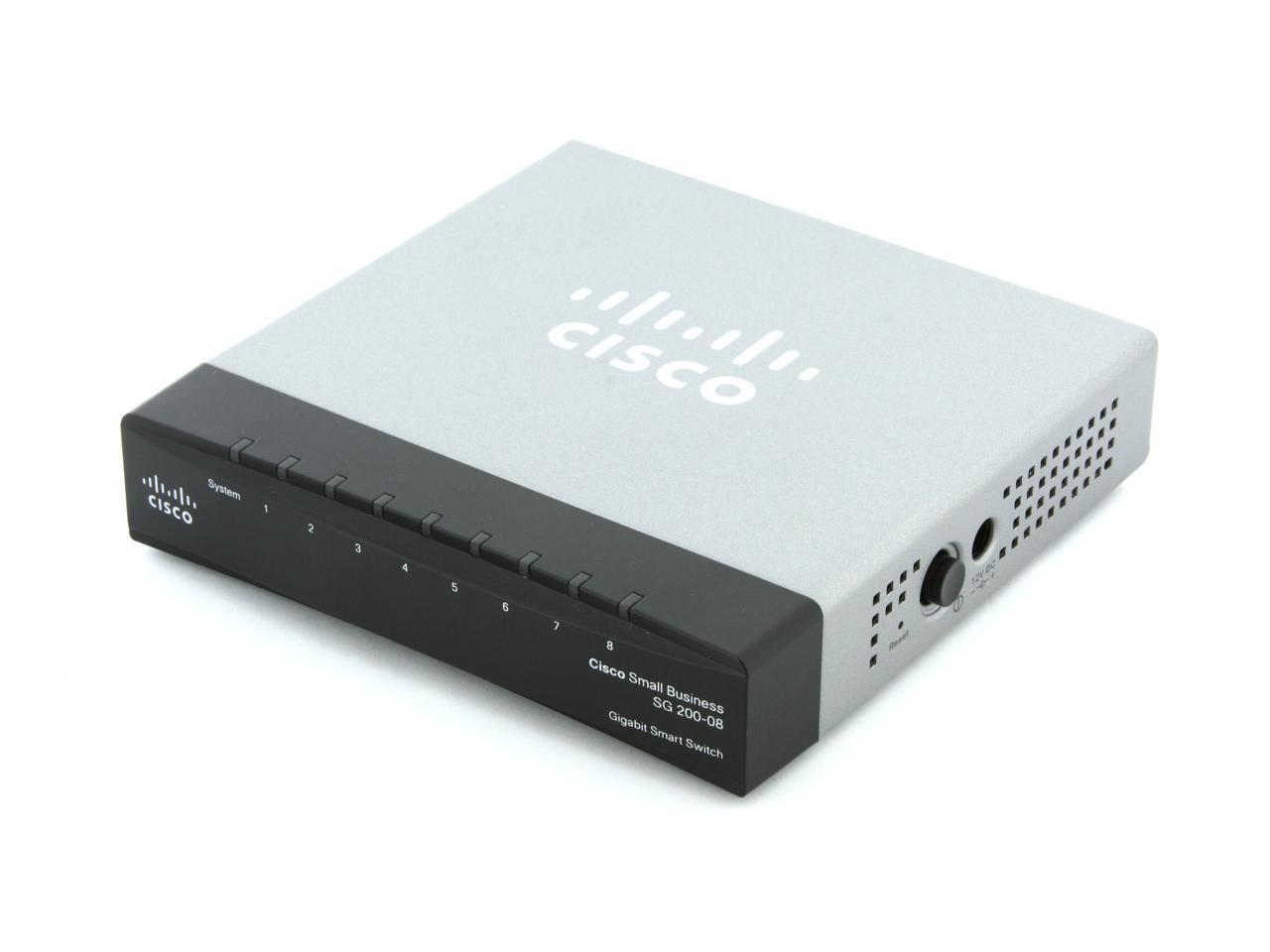
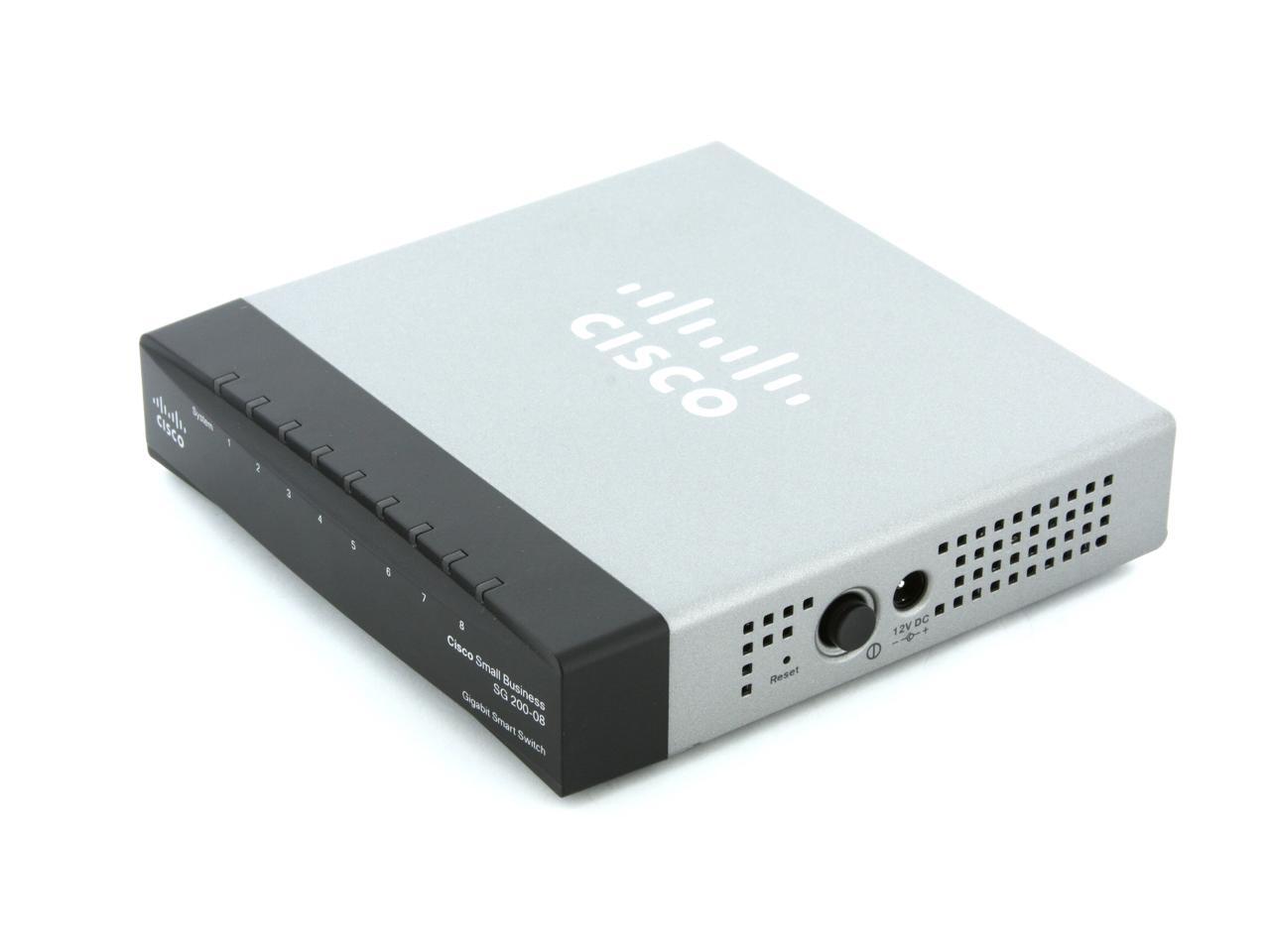
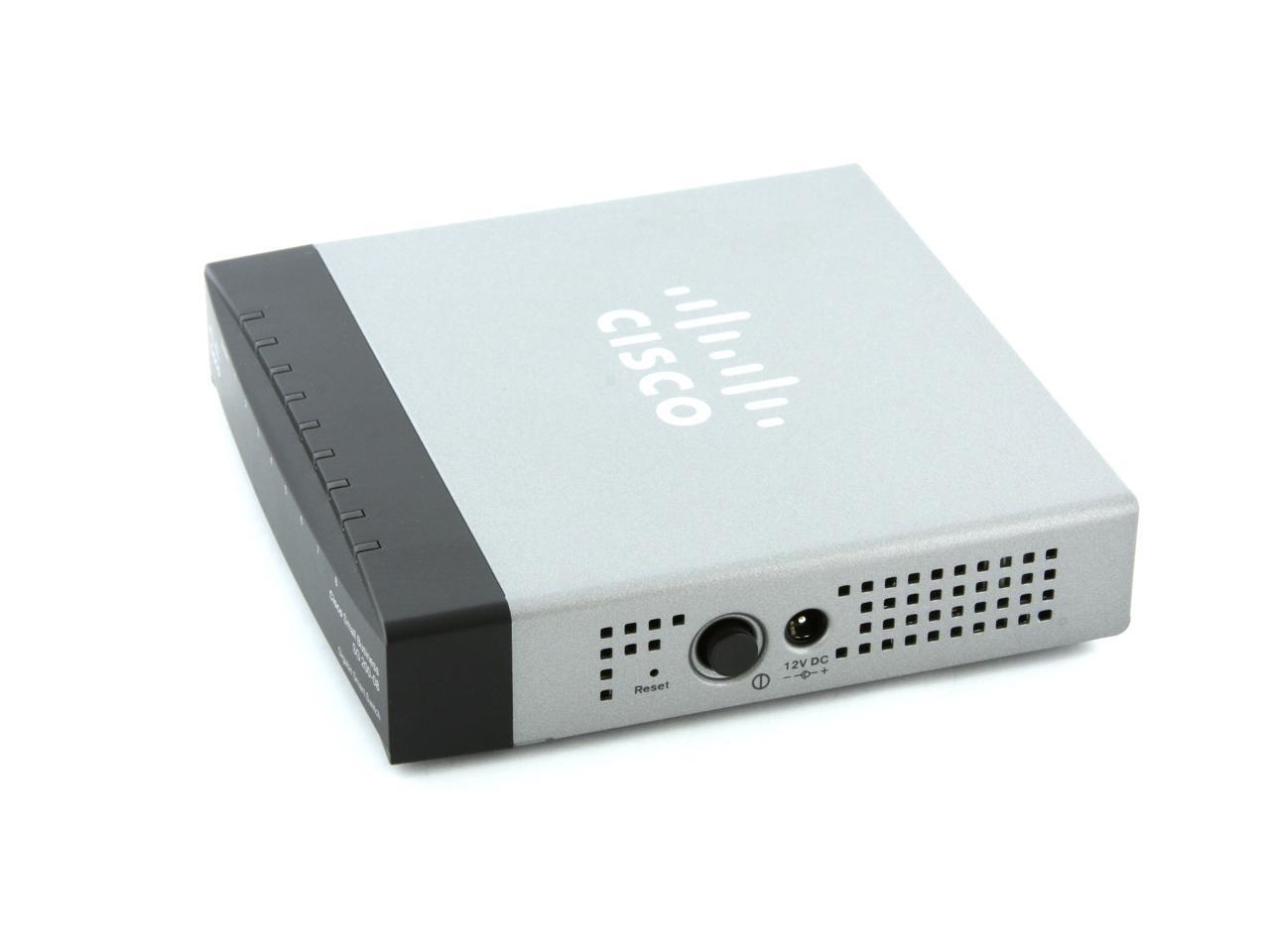
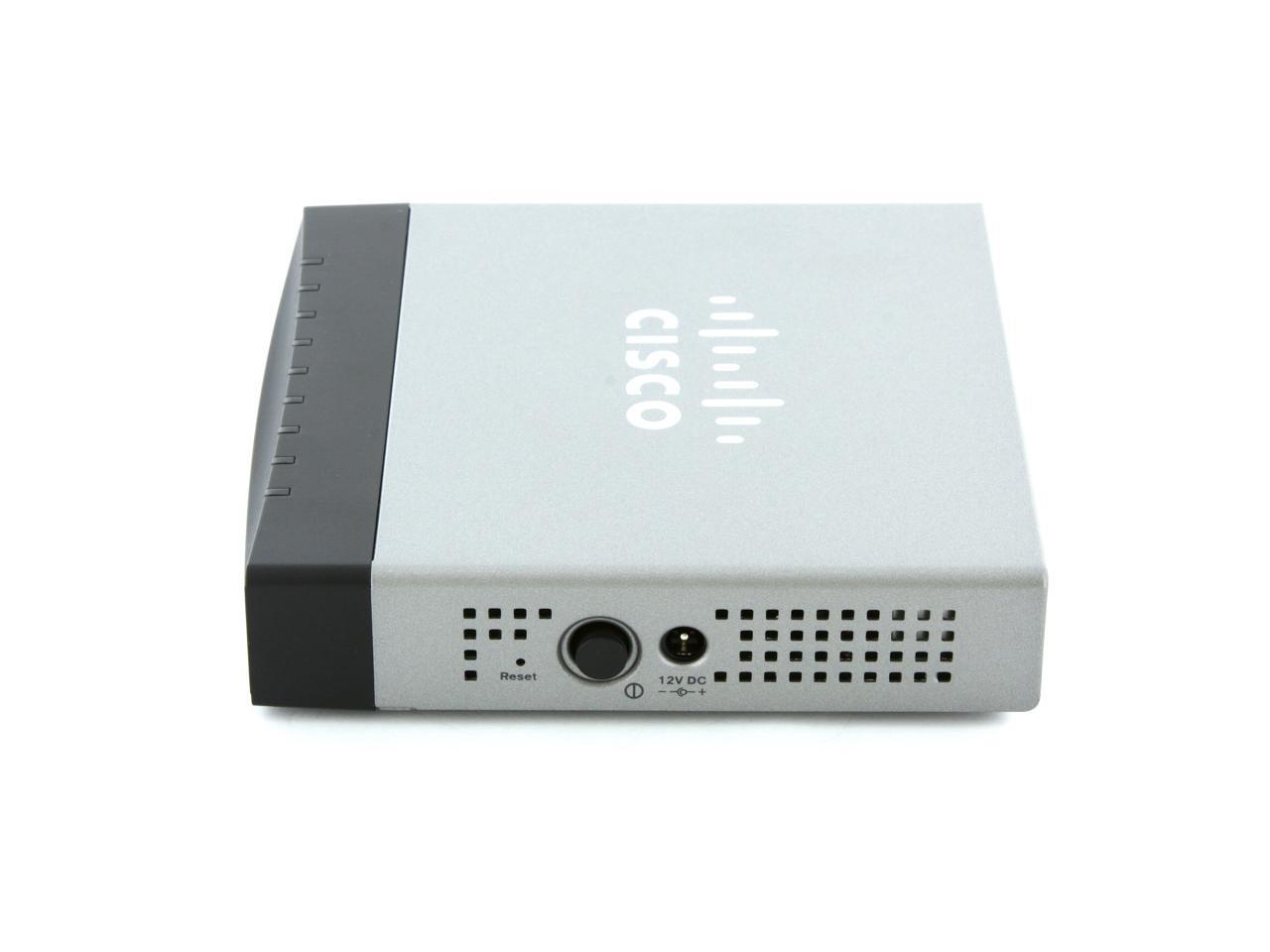
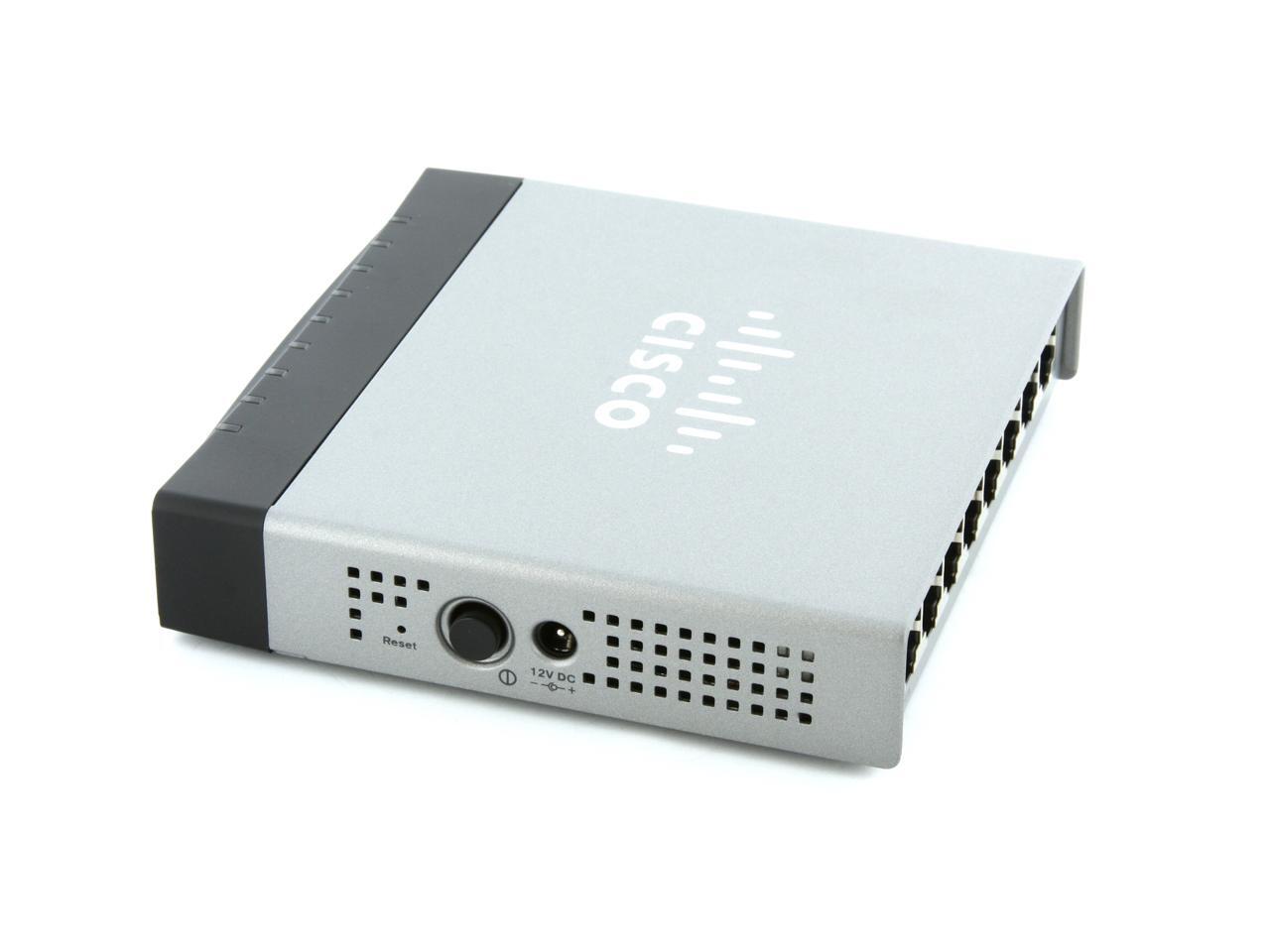
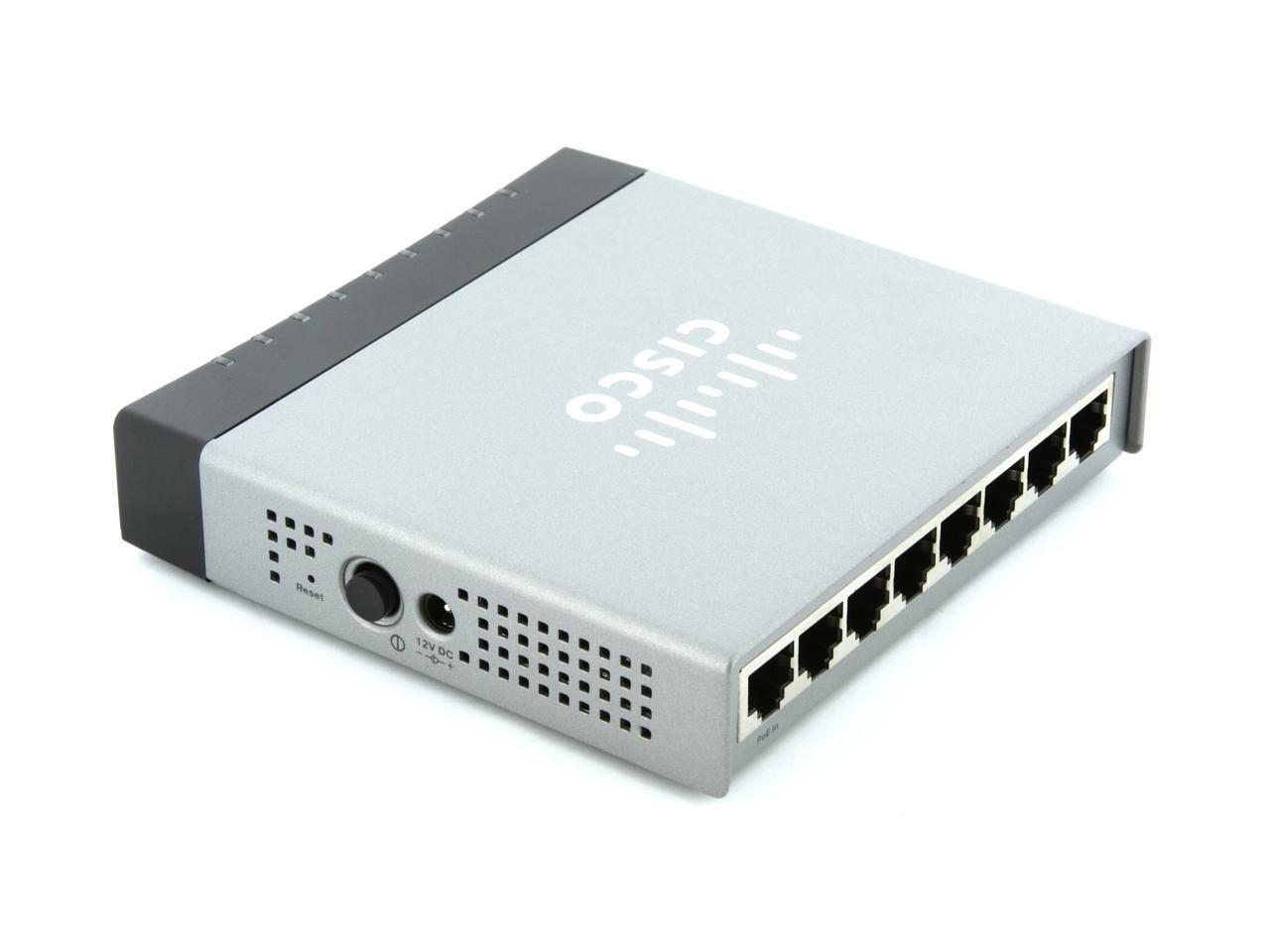
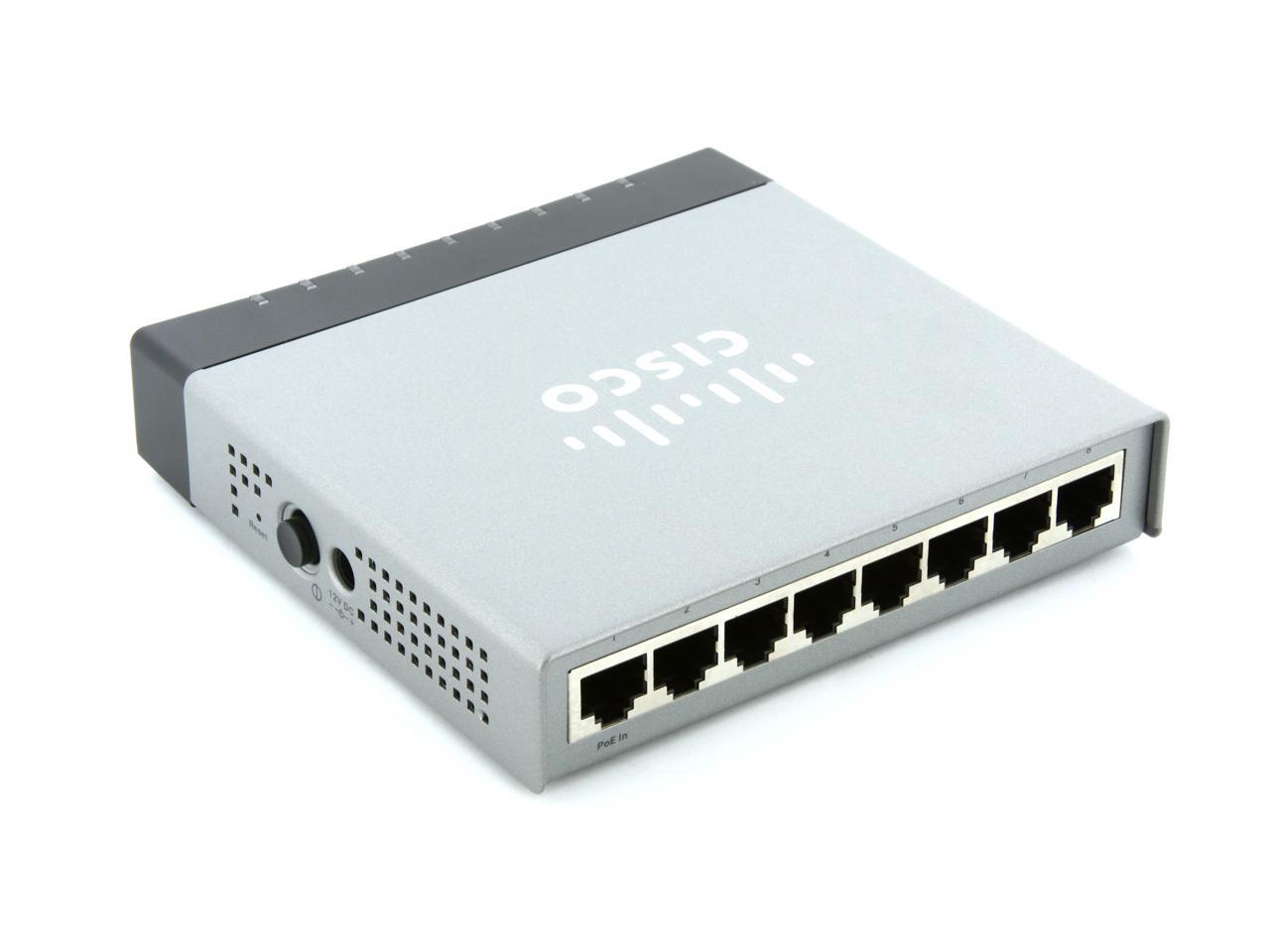
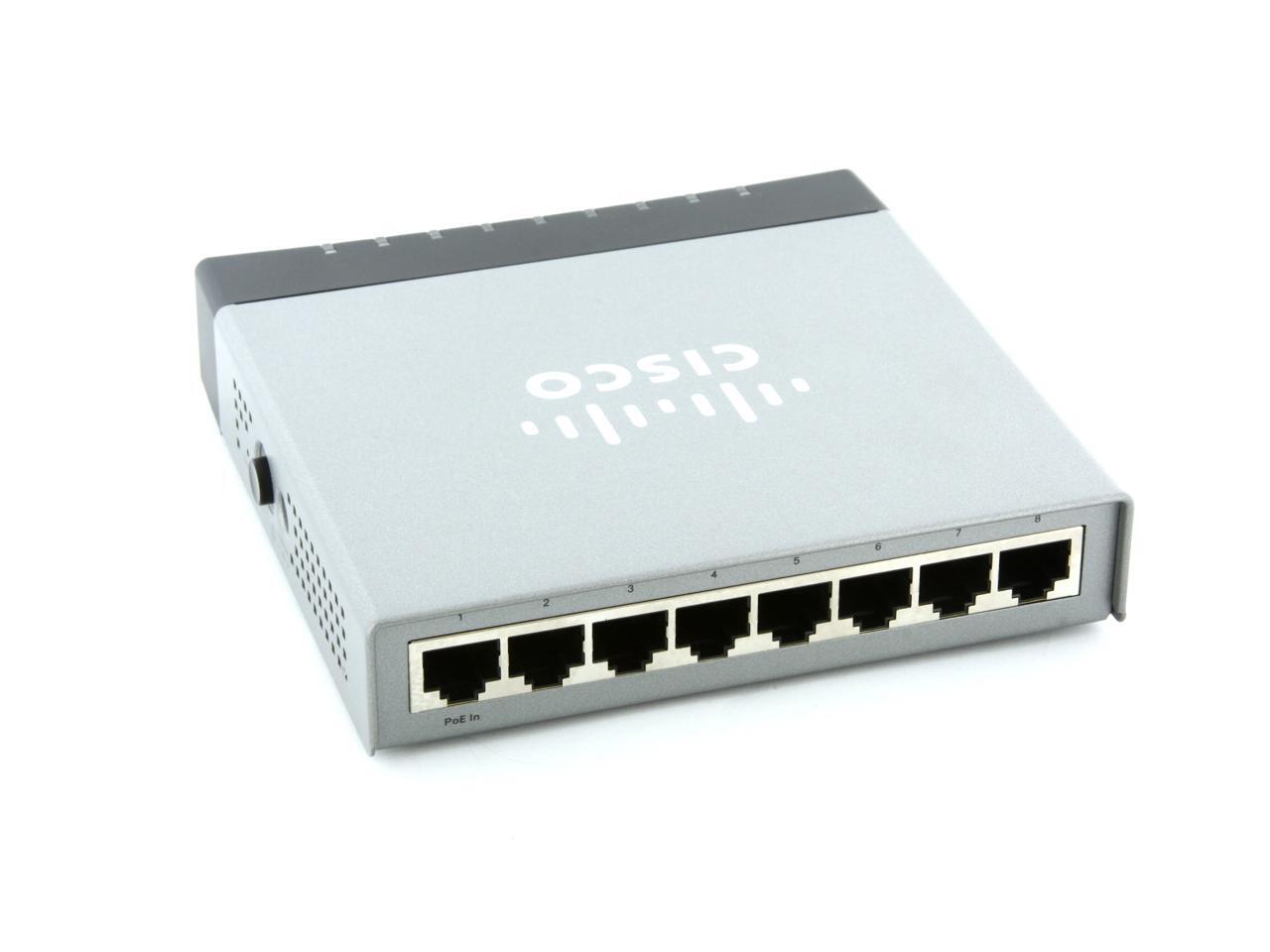
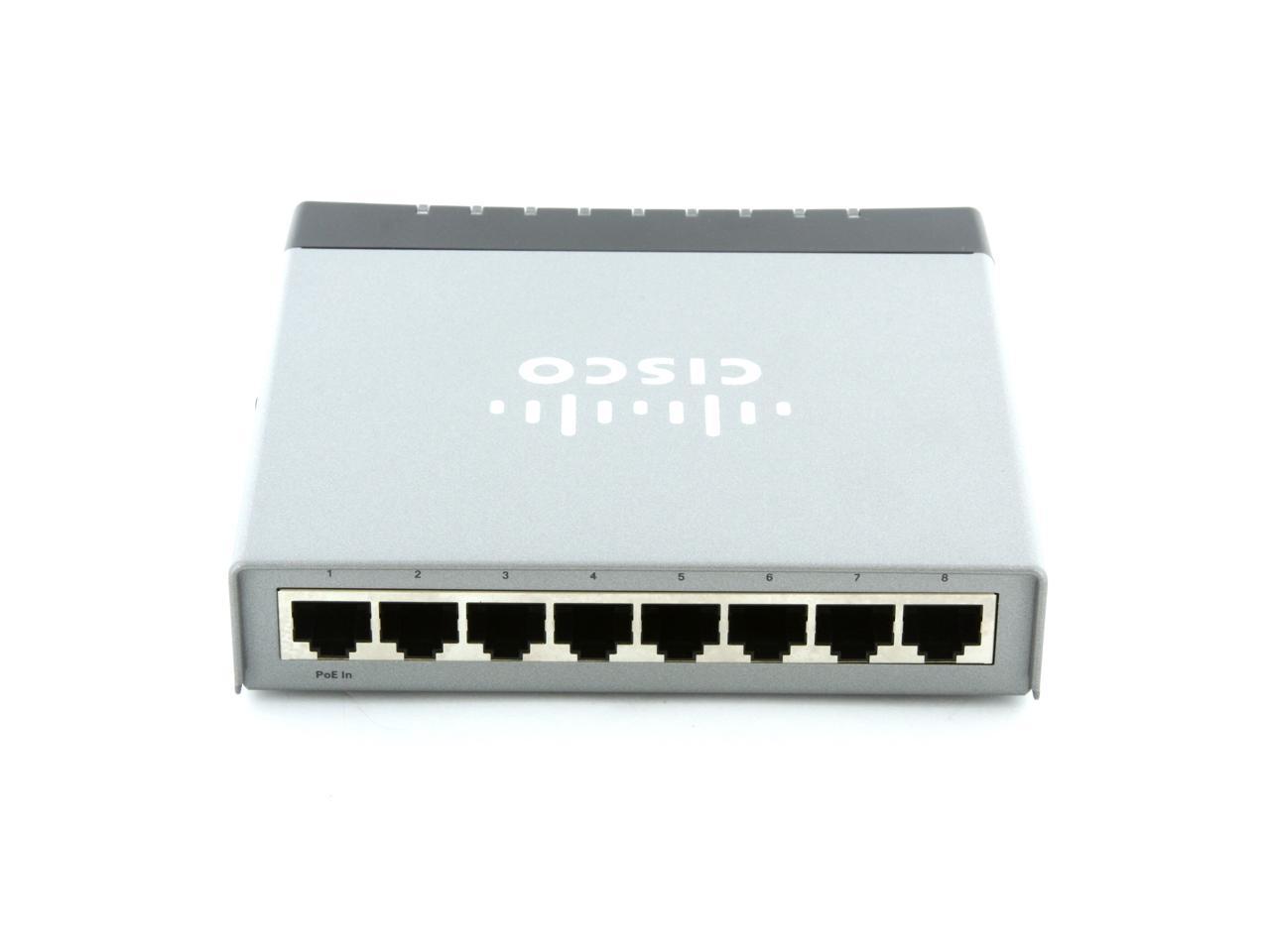
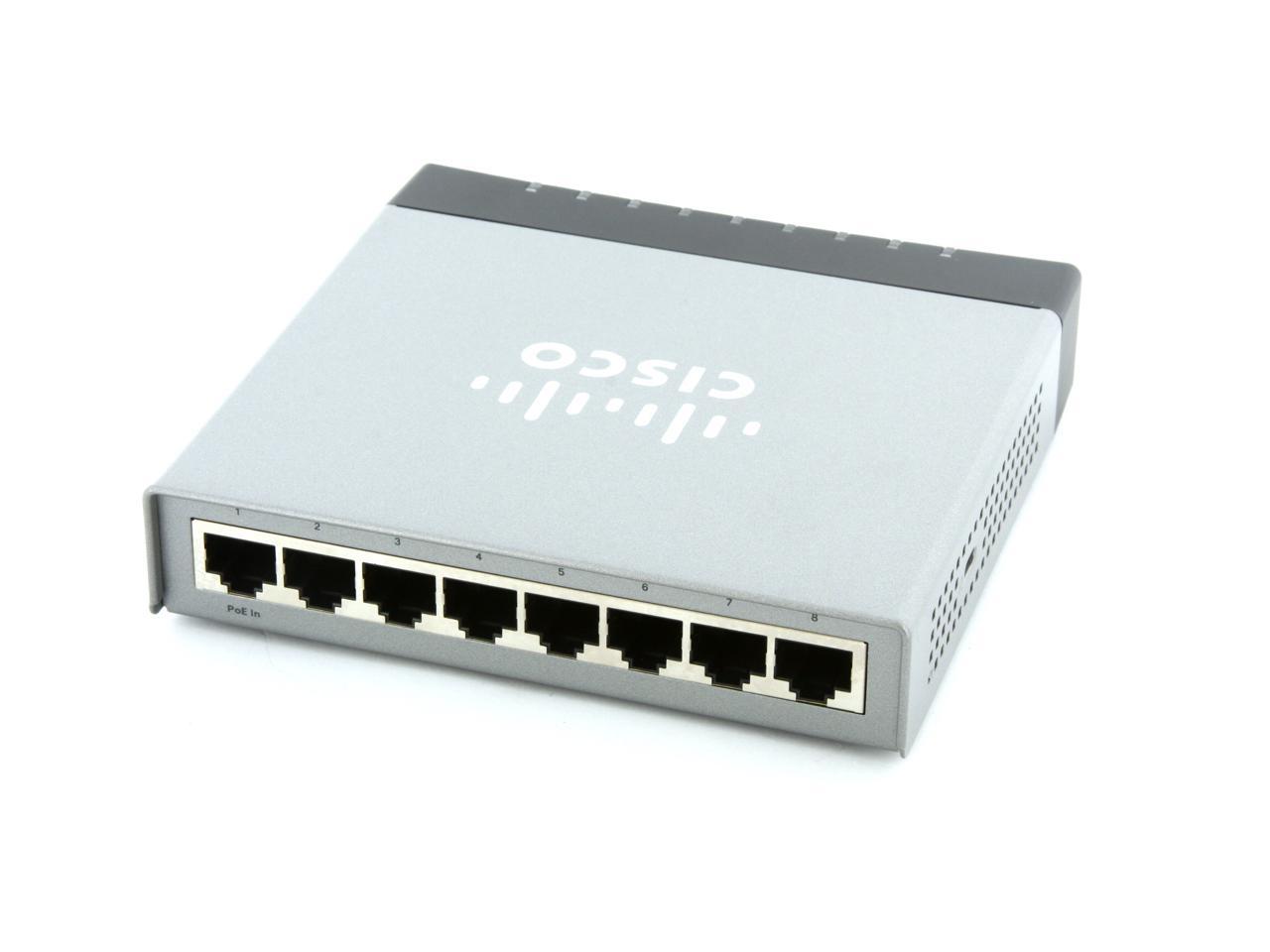
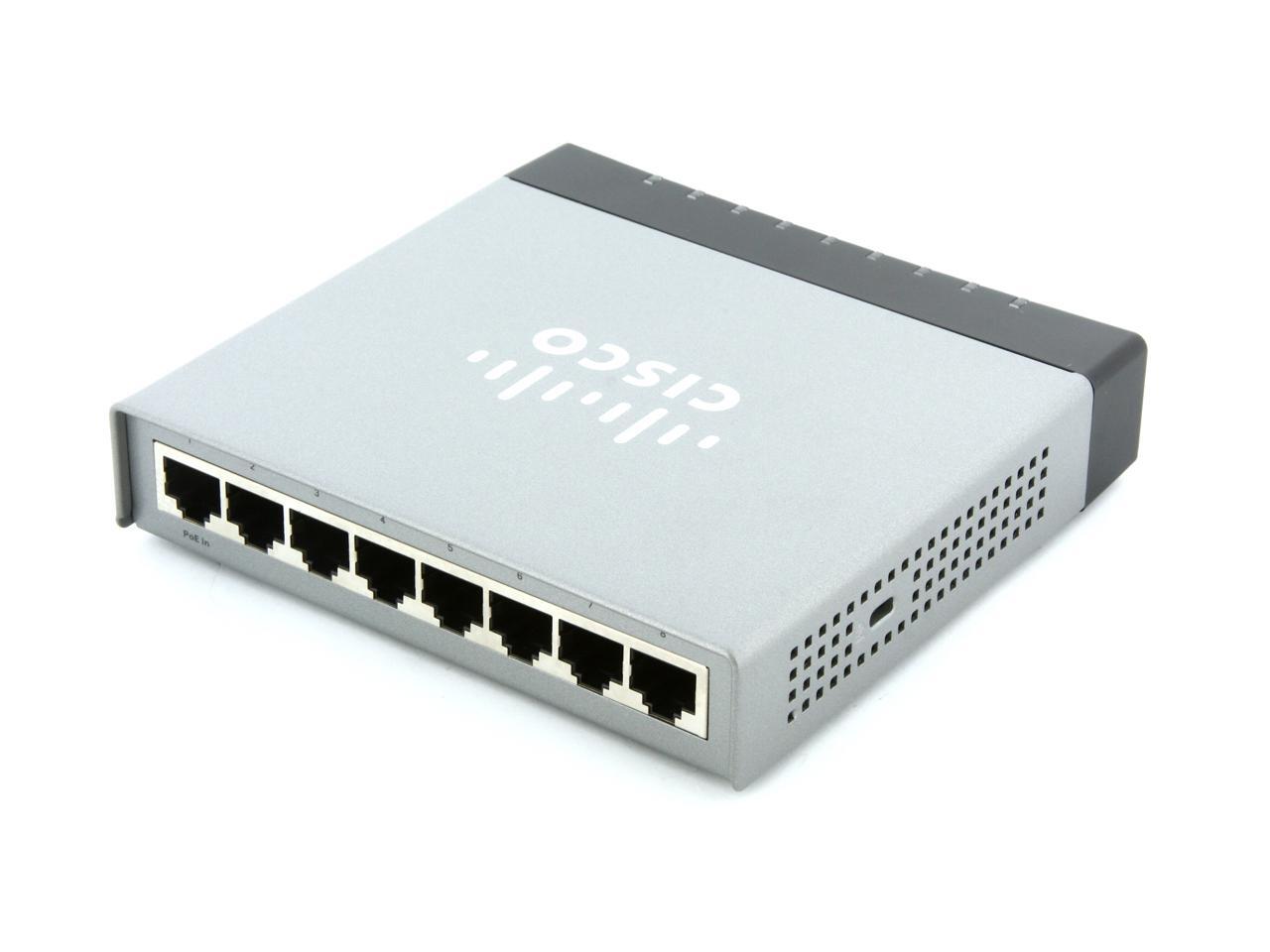
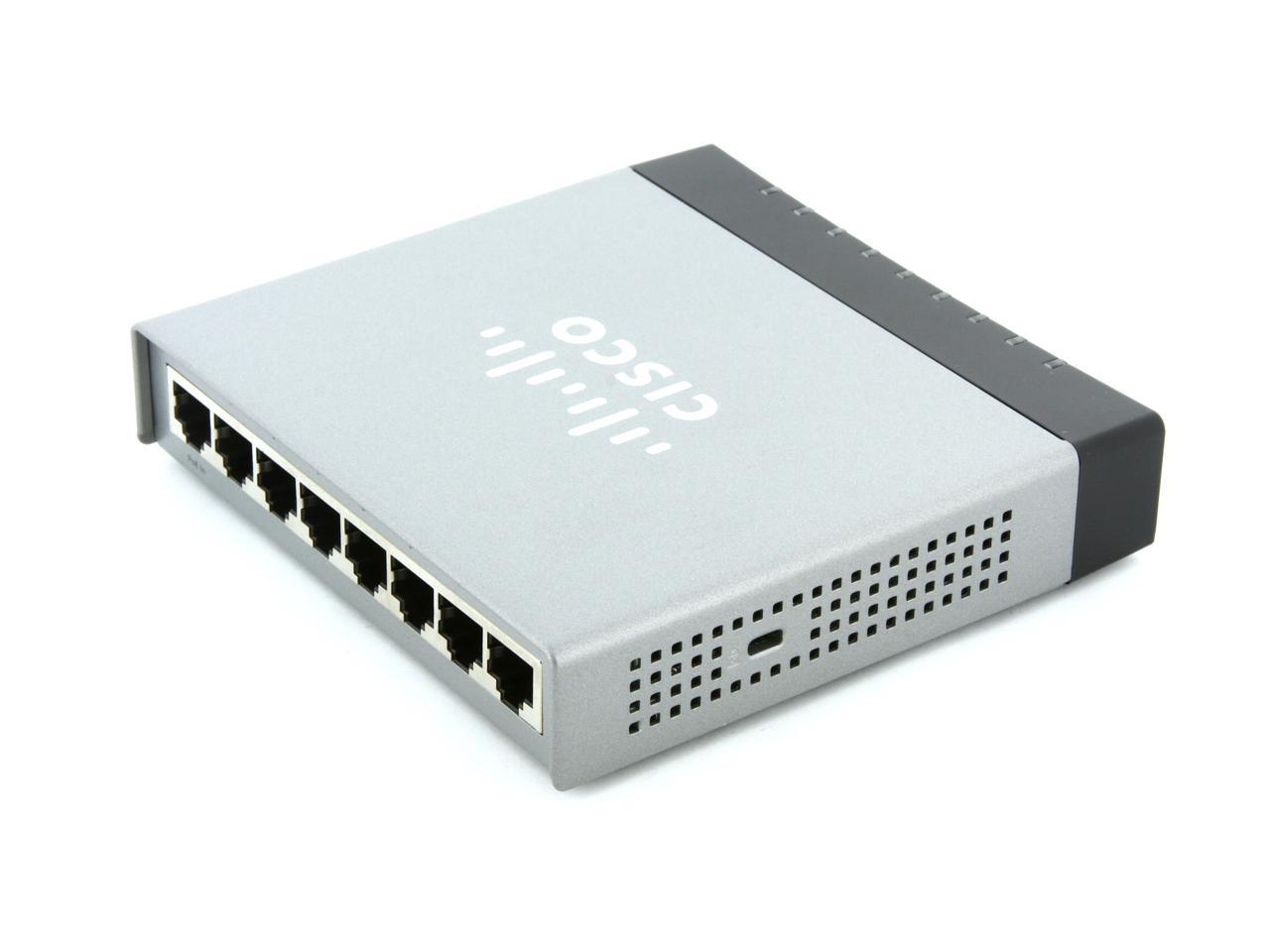
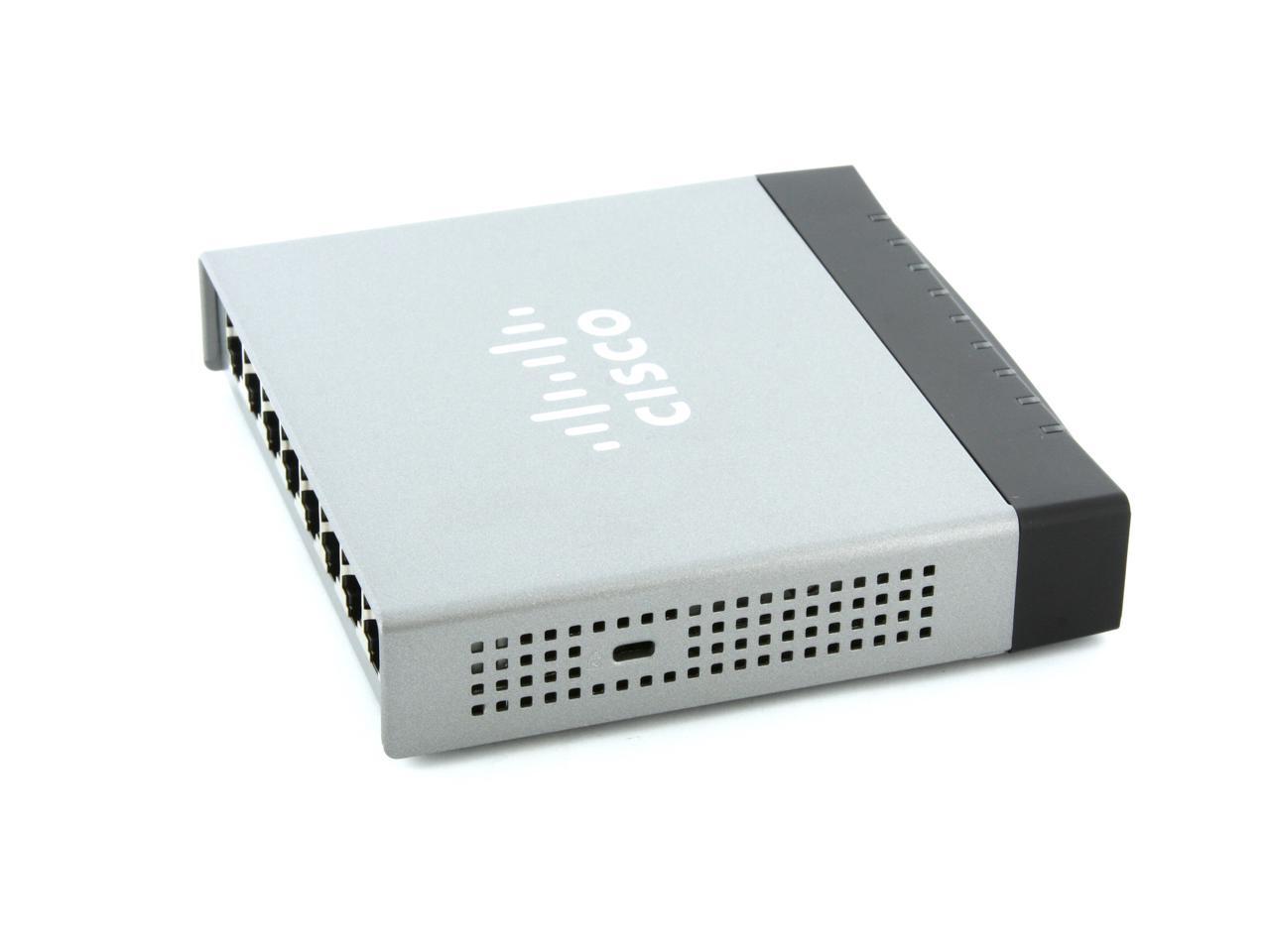
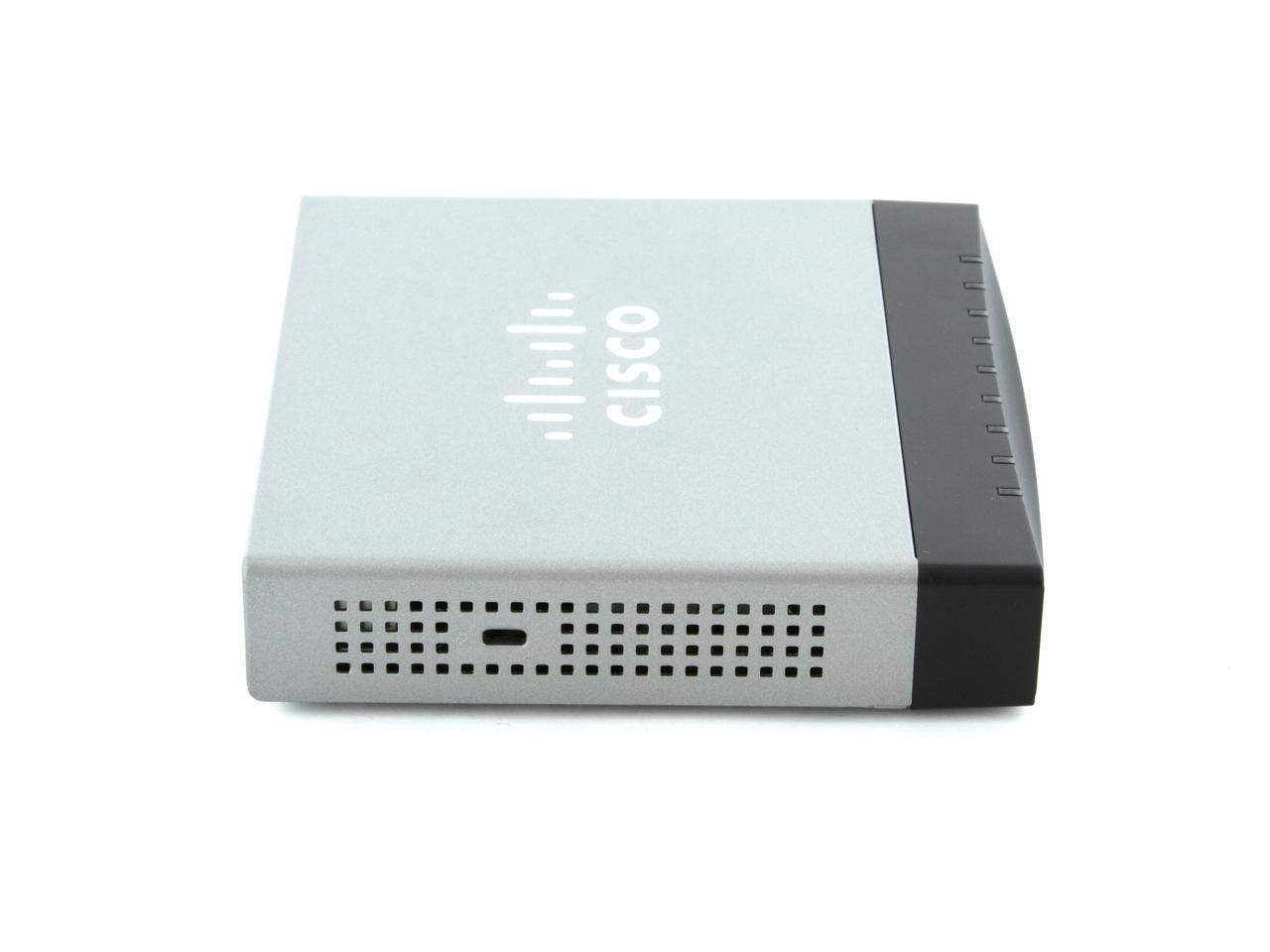
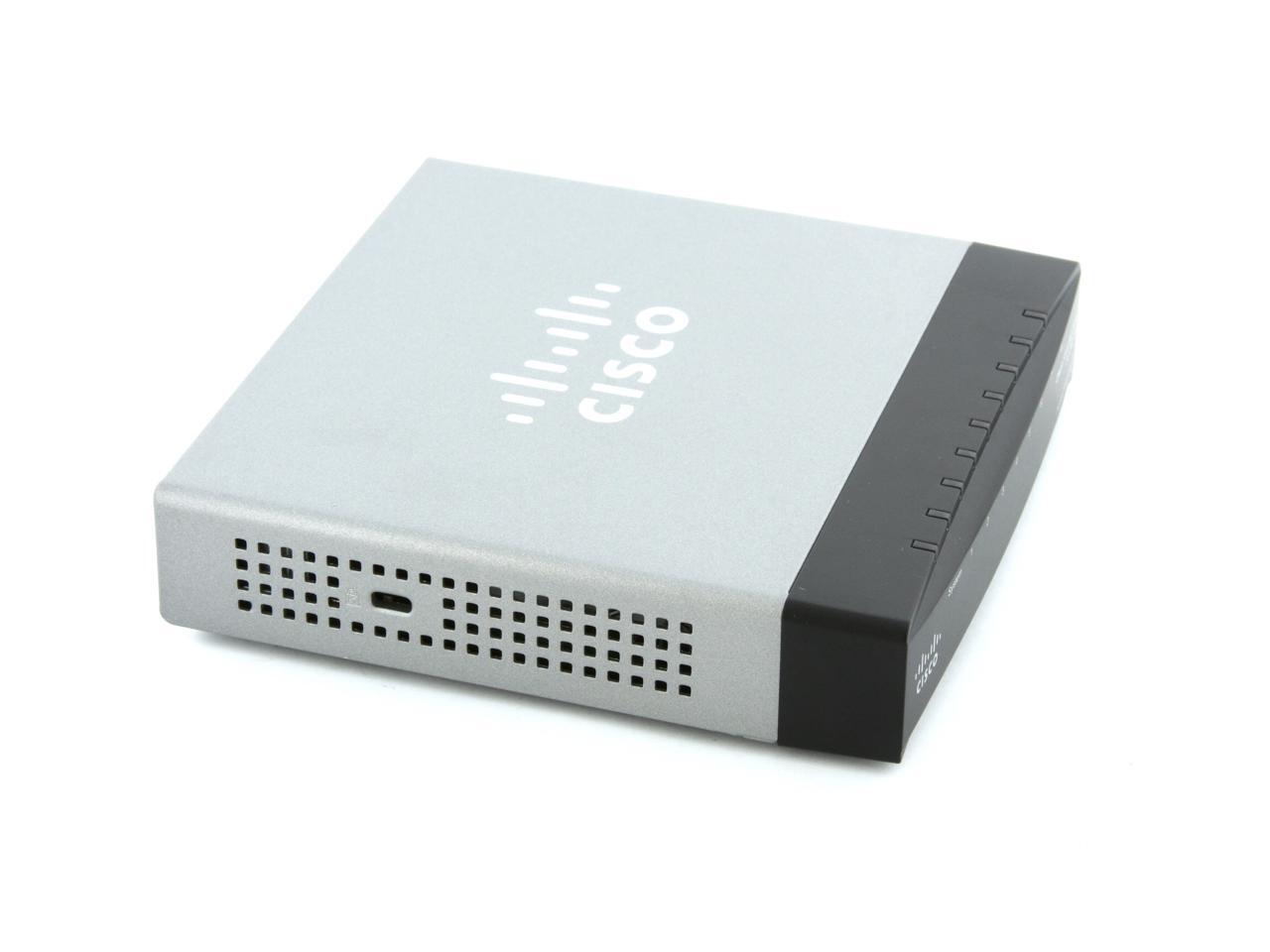
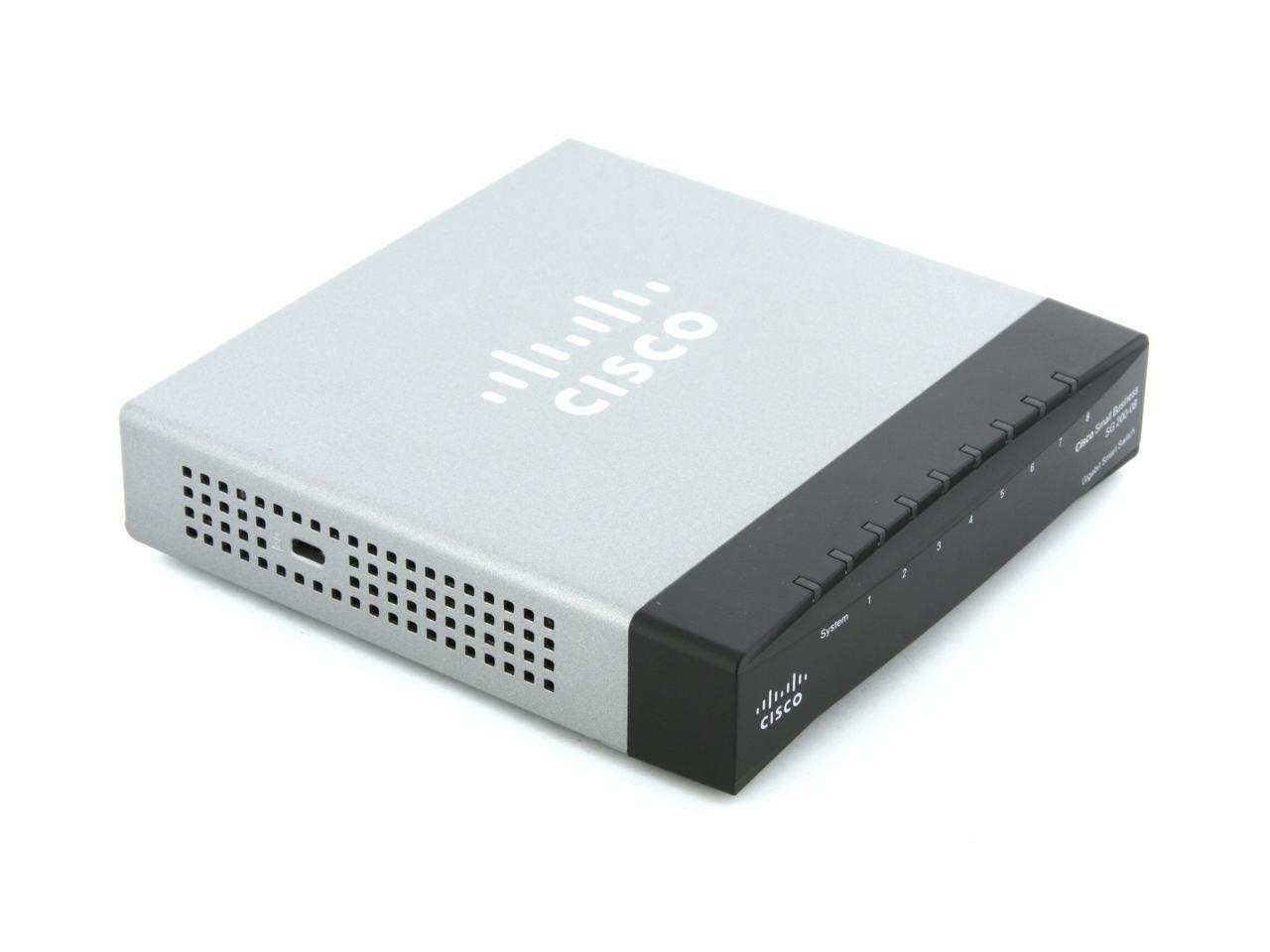
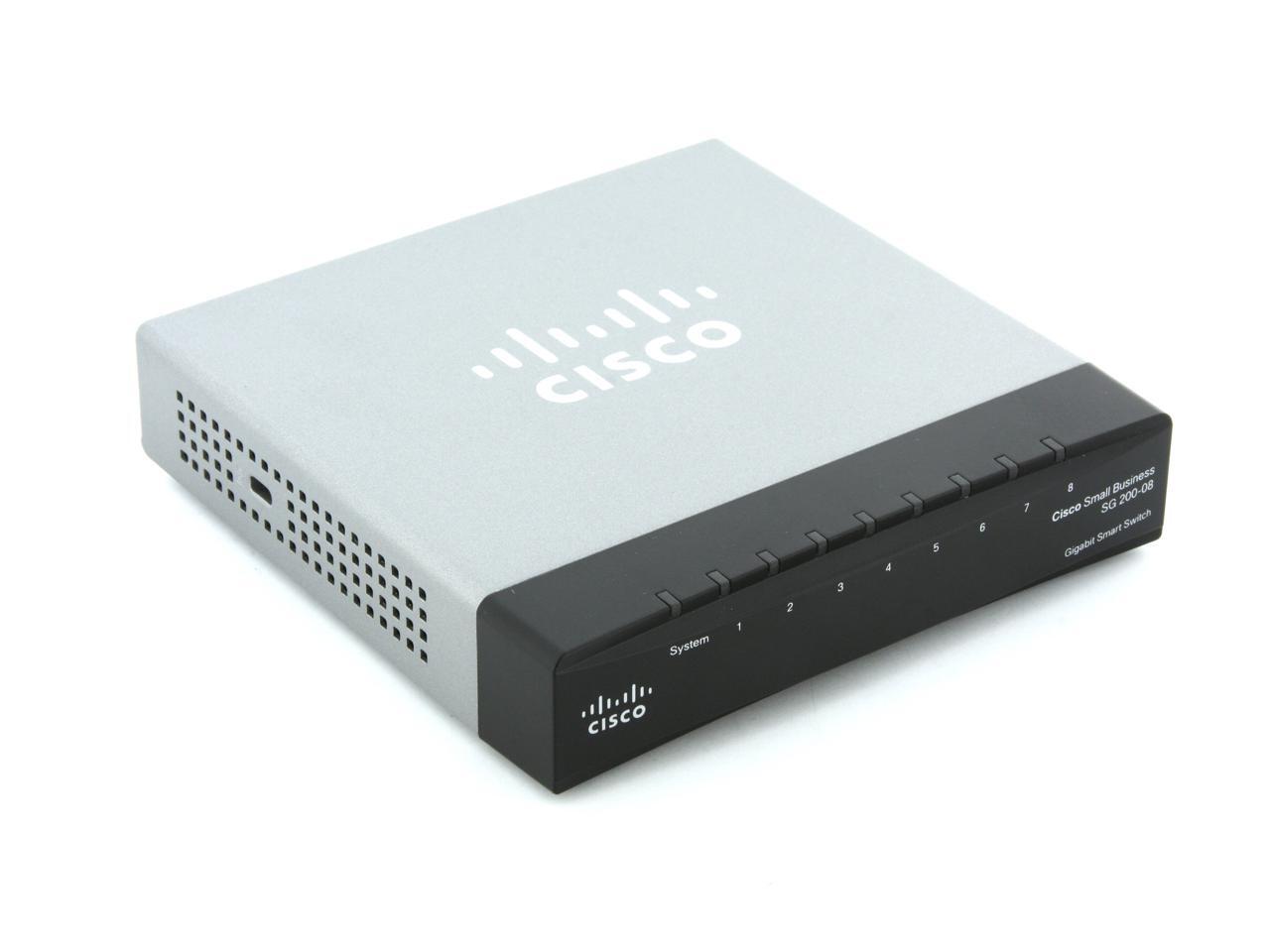
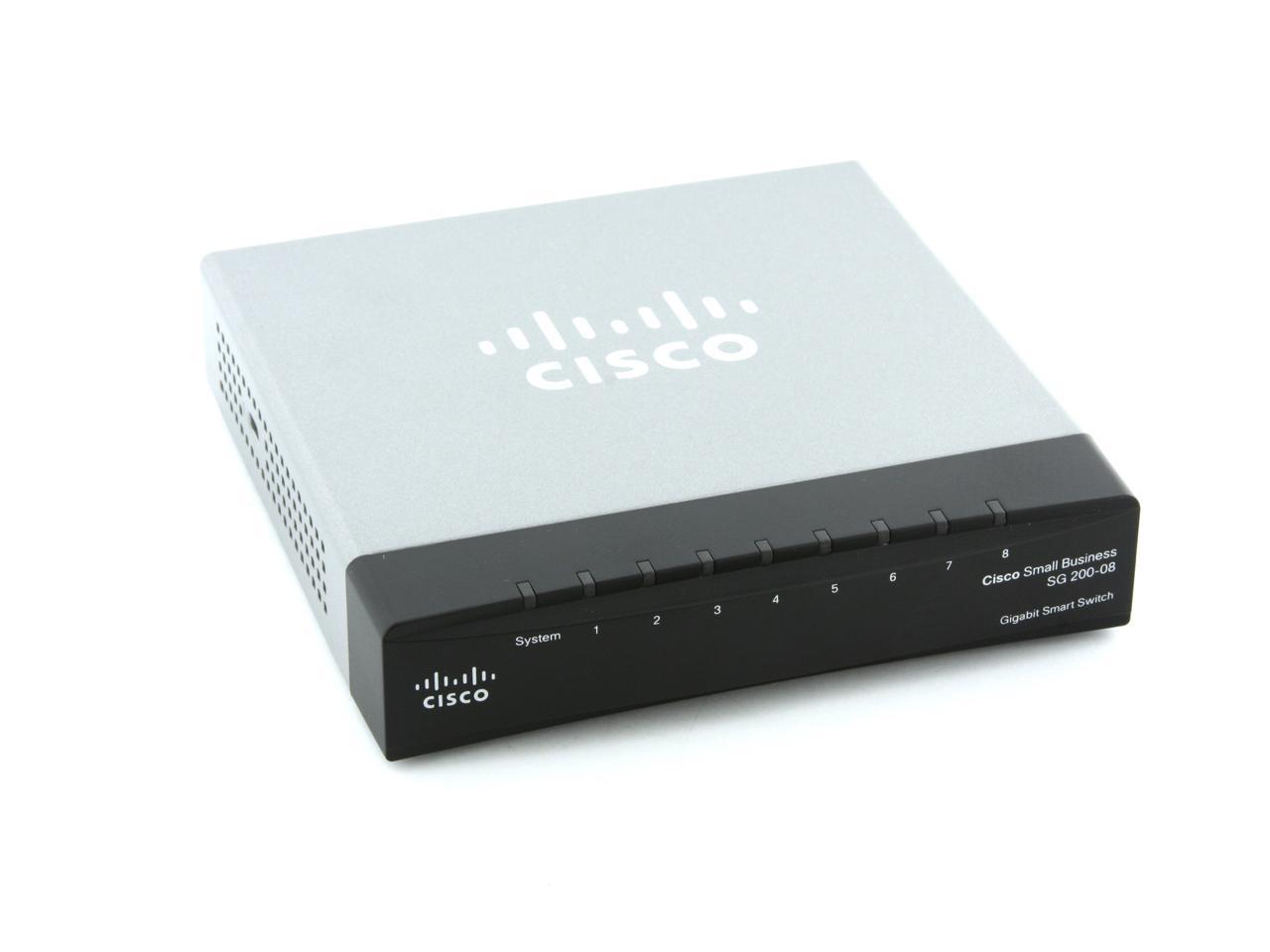
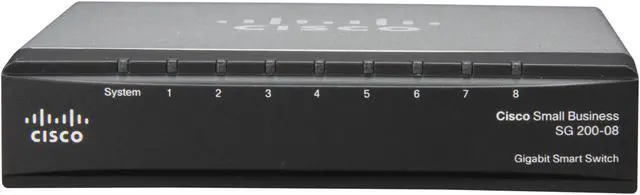
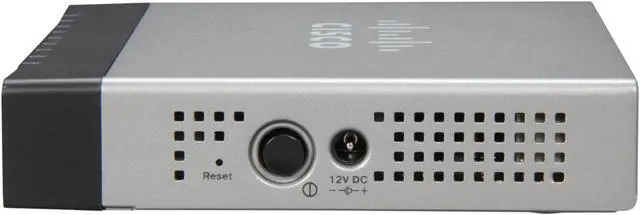
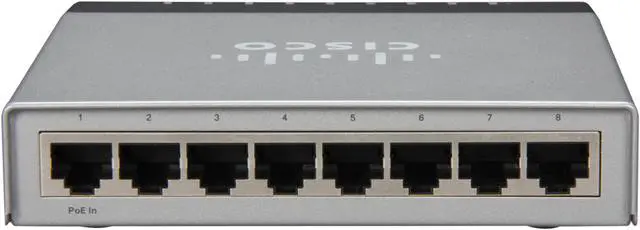
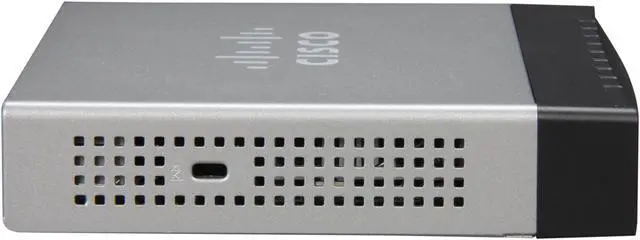
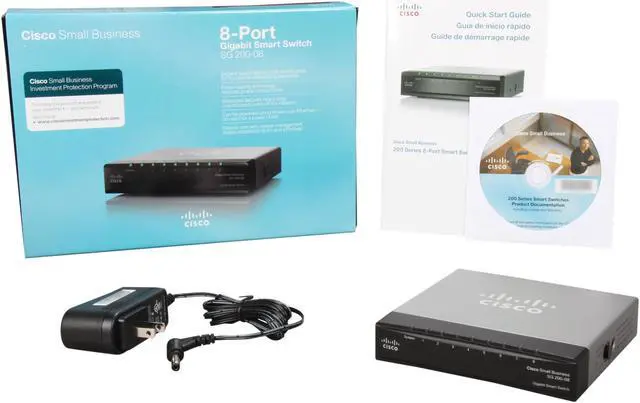
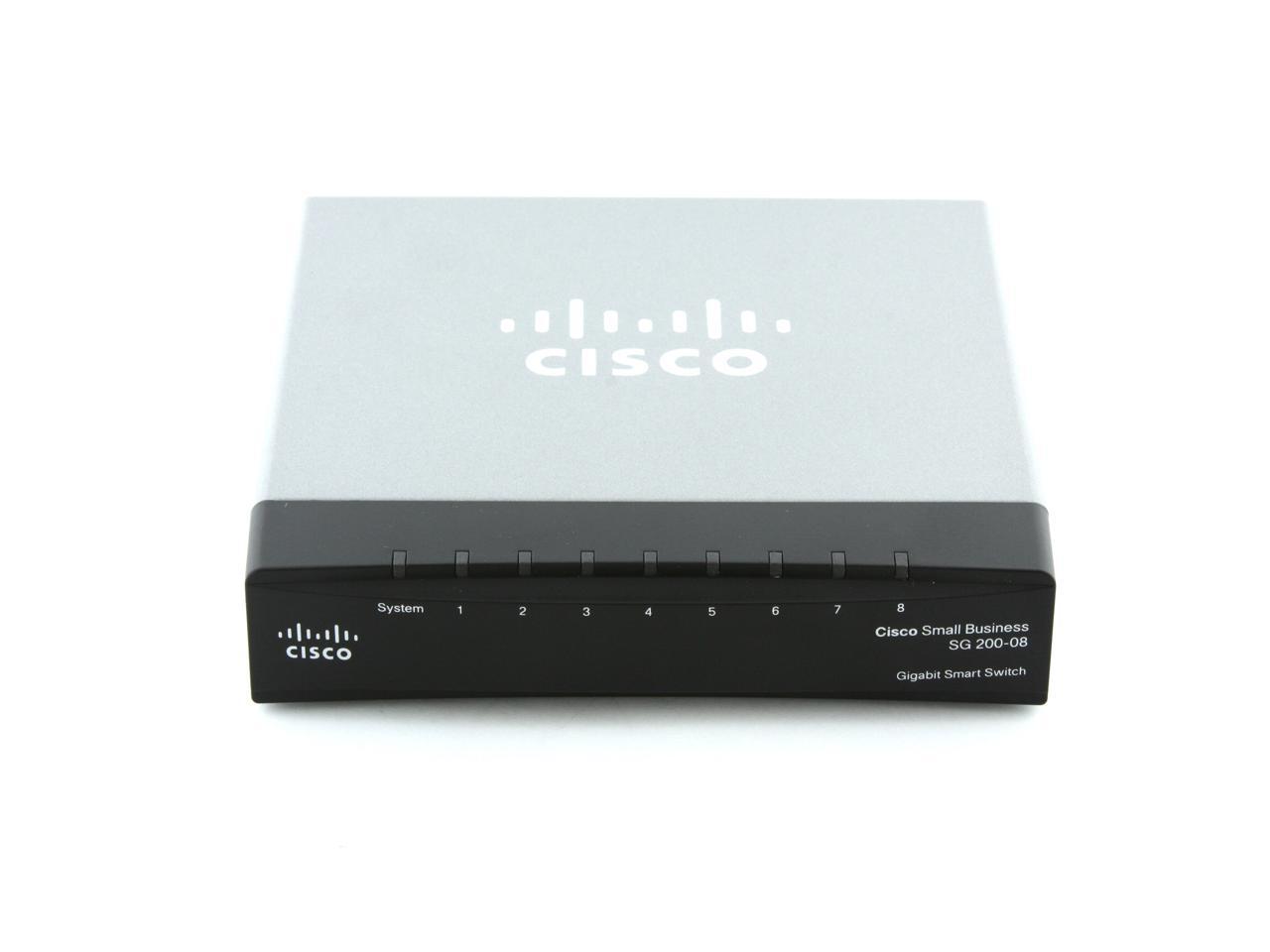
Cisco Small Business 200 Series SLM2008T-NA Smart 10/100/1000Mbps SG200-08 Gigabit Ethernet Switch

  • 8 x RJ45
  • Smart
  • Pin It
  • Email this page
ICON Loading...


Learn more about the Cisco Systems, Inc. SLM2008T-NA

Model

Brand
Cisco Small Business
Series
200 Series
Model
SLM2008T-NA

Spec

Network Management Type
Smart
Jumbo Frames
Yes
Ports
8 x RJ45
Speed
10/100/1000Mbps
Security
802.1X: RADIUS authentication and accounting, MD5 hash
Supports time-based 802.1X
Dynamic VLAN assignment
Locks MAC addresses to ports, and limits the number of learned MAC addresses
Broadcast, multicast, and unknown unicast
QoS
Yes
LACP
Yes
Port Mirroring
Yes
VLAN Support
Yes
Power
100V-240V, 0.5A, 50-60 HZ
Dimensions
4.45" x 1.06" x 5.12"
Weight
1.65 lbs.

Features

Features
Built-in switch configuration utility for easy browser-based device configuration (HTTP). Supports configuration, system dashboard, system maintenance, and monitoring
Embedded RMON software agent supports one RMON group (statistics) for enhanced traffic management, monitoring, and analysis

Quick Info

Warranty

  • Limited Warranty period (parts): Lifetime
  • Limited Warranty period (labor): Lifetime


Customer Reviews of the Cisco Systems, Inc. SLM2008T-NA

Do you own this product? Write a Review

Filter Results

Go
  • NOYB
  • 5/11/2013 3:08:42 PM
  • Tech Level: Somewhat High
  • Ownership: more than 1 year

4 out of 5 eggsMirroring Disappointment

Pros: 1) Works out of the box (without needing any custom configuration)
2) Quiet (no fans)
3) Over 1 year of service

Cons: 1) Substandard Port Mirroring. Transmitted packets of vlan untagged members are copied to mirror destination as vlan tagged. This can result in misleading network capture traces. Making issue diagnoses more difficult, complex and prone to misdiagnosis.

Other Thoughts: Very disappointed with the port "mirroring" behavior of vlan untagged members. It’s more like a one way window than a mirror (see cons).

1 out of 1 people found this review helpful. Did you? Yes No

  • Tired and itchy
  • 4/1/2013 1:44:57 AM
  • Tech Level: Somewhat High
  • Ownership: 1 week to 1 month
  • Verified Owner

5 out of 5 eggsa solid switch for a small network

Pros: I'm glad that a switch like this from Cisco is available,you don't have a lot of options in this port range that have managed/smart capabilities. Great performance out of the box,its sold as a small business device but is great for advanced home networking. Don't sell your devices short with the cheapest switch you can get. Your investment will pay off for a long while,especially with Cisco support.

Cons: I had to RMA my first one because it was unresponsive after a flash. I followed the directions to a T but with with flashing firmware on anything, its always a possibility. Cisco support was great and kept my ticket open in case I needed to RMA through them.

Other Thoughts: This is one of those investments that will yield a true upgrade in performance from your networked devices be it at home or a small office. I guess I'm turning into a bit of a Cisco fanboy but that's cool with me.

1 out of 1 people found this review helpful. Did you? Yes No

  • Phil
  • 3/20/2013 9:28:58 AM
  • Tech Level: Somewhat High
  • Ownership: 1 month to 1 year
  • Verified Owner

3 out of 5 eggsdecent switch not without faults

Pros: I like the management interface, pretty easy to get going, small footprint. Great transfer speeds.

Cons: when powered down, and back on, the settings are lost, I have to re-do my setup.
After long periods of inactivity (days) the switch seems to need a power off/on cycle.

Other Thoughts: This switch is used to connect multiple rooms in our house (most connections are to smart TVs, Blu-ray players, ps3 etc) and after returning from 2 vacations, Netflix streaming and dlna streaming would freeze after a few minutes of play until the switch was rebooted, then everything was fine.

0 out of 2 people found this review helpful. Did you? Yes No

  • Matt
  • 2/28/2013 11:46:46 AM
  • Tech Level: High
  • Ownership: 1 month to 1 year
  • Verified Owner

5 out of 5 eggsWorth every penny

Pros: Very easy to use and manage. I love the speeds I am getting from it and GUI in the web browser. It is very nice to still have access to the CLI.

Cons: There is no console port.

0 out of 1 people found this review helpful. Did you? Yes No

  • R3vi3w3d
  • 2/19/2013 7:47:21 AM
  • Tech Level: High
  • Ownership: 1 day to 1 week

5 out of 5 eggsNice smart switch

Pros: Gigabit, LAG, jumbo frames - GUI

Cons: no CLI

Other Thoughts: I use this for switch for a SAN and 2 ESXi servers works well using LAG.

0 out of 1 people found this review helpful. Did you? Yes No

  • N/A
  • 2/12/2013 4:54:18 AM
  • Tech Level: Somewhat High
  • Ownership: 1 week to 1 month
  • Verified Owner

1 out of 5 eggsAuto-negotiation problems

Pros: RSTP

Cons: Won't pass packets to an upstream Dell managed switch. Also, it takes a full minute to come up. After a power failure I would expect connected computers to be requesting DHCP service before the switch had woken up. However, as I never got the switch to work, I wasn't able to test this.

Other Thoughts: Cisco tech support called back and said that I was probably seeing auto-negotiation failure, and that if I set the speed and duplex in the GUI of both switches, it would work. Very unusual but I expect they are right.

1 out of 1 people found this review helpful. Did you? Yes No

  • N/A
  • 2/5/2013 5:06:48 PM
  • Tech Level: Somewhat High
  • Ownership: 1 day to 1 week
  • Verified Owner

1 out of 5 eggsWon't pass any packets

Pros: Supports RSTP

Cons: Doesn't work and even if it did the easily tripped On/off switch is an invitation to unexpected shutdowns.

Other Thoughts: We have had two of these. Neither worked out of the box, or anytime thereafter. We can reliably reach the onboard webserver (MSIE only, no Chrome) but not any hosts connected to the rest of the LAN through the switch. This is true in factory default state. It may be that Auto-MDIX isn't working - it isn't mentioned in the manual. If I use a cross-over cable to connect to the upstream switch I see about 50% packet loss, with a straight cable it is %100 loss. (Without the switch I do get 0% loss). Tech support was unable to resolve the problem, but felt the switch should work even if unconfigured.

0 out of 1 people found this review helpful. Did you? Yes No

  • Joe
  • 8/6/2012 6:30:47 PM
  • Tech Level: High
  • Ownership: 1 month to 1 year
  • Verified Owner

5 out of 5 eggsFlexible, good features, reliable, cheap for Cisco

Pros: - 8-port gig switch with trunking and other decent layer 2 options made by Cisco for a very reasonable price.

- Seems fairly reliable, as expected from Cisco.

- Can optionally power itself from another switch using power over ethernet, eliminating a power cable in a media center setup, for instance. (Does not provide POE from that port, even when plugged in, though. There's another model that does that.)

- Uses a fairly small amount of power.

- Supports LACP port-channels

- Flexible uses, good features, and small: useful for many things.

Cons: - No CLI, SSH, Telnet, or otherwise (I'm told the SB300 series has one, no idea how close it is to IOS, though)

- Oddities in the interface: To set up a trunk with multiple vlans, you have to 1. create the vlans, 2. add them to the trunk (normal so far) then 3. go to a separate page to allow the vlans on the trunk (?) That also has to be done for untagged (access) This results in behavior similar to what is available on a Cisco IOS switch, but sometimes what you have to do is very counterintuitive and obscure, and the documentation doesn't really help much at all.

- CDP not really working. From the documentation and the configuration options it looks like this can support voice and data vlans for Cisco phones, and thus is must use CDP in that case, but if you connect it to an IOS based switch, you won't see it as a neighbor, nor see that switch as a neighbor from it. It appears to have some other sort of possibly non-proprietary discovery protocol as an option.

Other Thoughts: I bought two of these and a third one that was the same except it provided POE on four ports (from another seller that had it slightly cheaper at the time) This was part of a project to run ethernet cable to various parts of my house. I installed the POE switch in my office near my router and modem and installed these switches in my media center and my wife's office. Thus far, they've worked brilliantly running off of POE from the main switch.

My day job is as a network engineer, I have about 6 years experience in that, a CCNP and CCNP-Voice, among other certifications, and am working on my CCIE

NOTE: These switches are not suitable for a CCIE or other certification lab. They do not use IOS, NexusOS, or anything else that will help you in any way on those exams, because the "small business" line interface is entirely different.

7 out of 7 people found this review helpful. Did you? Yes No

  • N/A
  • 6/5/2012 10:11:17 PM
  • Tech Level: High
  • Ownership: 1 day to 1 week
  • Verified Owner

2 out of 5 eggs1 of 2 bricked during firmware

Pros: 1 of the two that I ordered is working well.

Cons: The other bricked during a firmware update and failed to enter recovery mode.

Other Thoughts: Cisco equipment with no console port?? Would have saved me from having to return the switch.

1 out of 3 people found this review helpful. Did you? Yes No

  • BorderlineADD
  • 5/16/2012 7:24:09 AM
  • Tech Level: High
  • Ownership: more than 1 year

5 out of 5 eggsJumbo Frames DO Work

Pros: Fast, cheap, jumbo frames, vlans, port mirroring, solid feel

Cons: Runs a little hot

Other Thoughts: I have been using two of these for over a year now. One is carrying 9000-byte NFS between 6 machines without a hiccup. Note that to get jumbo frames to work, you have to enable a checkbox, save the configuration, and reboot the box.

3 out of 4 people found this review helpful. Did you? Yes No

ICON Loading...
Are you an E-Blast Insider? Subscribe Newegg e-Blast

Buzz

Flexible, good features, reliable, cheap for Cisco

5 out of 5 eggs
- 8-port gig switch with trunking and other decent layer 2 options made by Cisco for a very reasonable price.

- Seems ...
— Joe 8/6/2012

Nice Switch

4 out of 5 eggs
Nice switch for the money, alot of features you probaby won't use.

Best item is the spanning-tree function is ...
— LeeBrownUSA 5/10/2011


PayPal
Shop without retyping payment details. Secure shopping made faster.
Check out with PayPal.

Financing


Home
Home > 
Computer Hardware > 
Networking > 
Wired Networking > 
Switches > 
Cisco Systems, Inc. > 
Item#: N82E16833120655
LOADING... LOADING...
Shop by Region: United States | Canada | China
Follow us:   RSS Feeds Youtube
VeriSign Reliability Seal1This site protected by Trustwave's Trusted Commerce program Inc500
Policy & Agreement | Privacy Policy  © 2000-2013 Newegg Inc.  All rights reserved.
If the Adobe Reader does not appear when you click on a link for a PDF file, you can download Adobe Reader from the Adobe web site. nassau