
Your Browsing History


Featured Brands



SHOP BY Type
Quick View
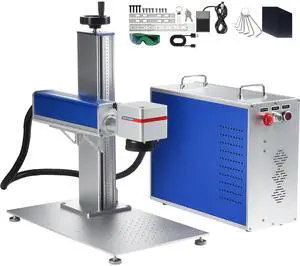
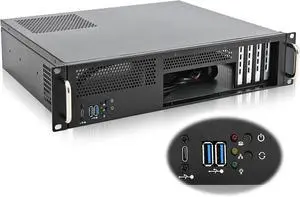
RackChoice 2U Server Chassis Short Depth 14.17" Front I/O with 2 x 3.5 (int.) mATX M/B,Support ATX PSU with Either top or Side Cooling
- Model #: WC40E-0116.43
- $2,998.79 –
- More options from $2,998.79
- Free Shipping
Quick View
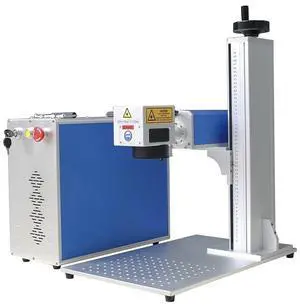
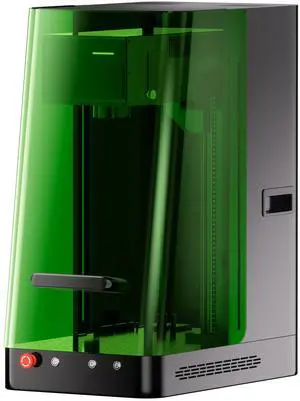
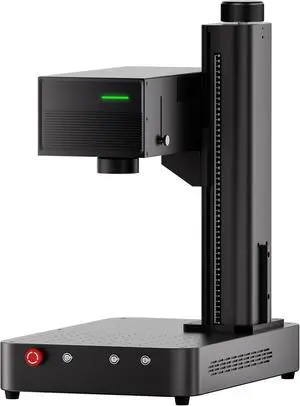
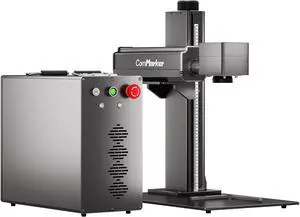
LOYISIKE 60W JPT MOPA M7 Fiber Laser Marking Machine MOPA Laser Engraver Color Marking
- Model #: LOYISIKE2582839
- $4,999.00 –
- Free Shipping
Quick View
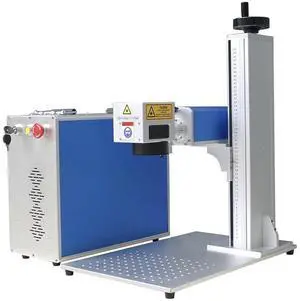
LOYISIKE 100W MOPA M7JPT Laser Engraver MOPA Fiber Laser Marking Machine For Deep Marking
- Model #: LOYISIKE2582827
- $5,999.00 –
- Free Shipping
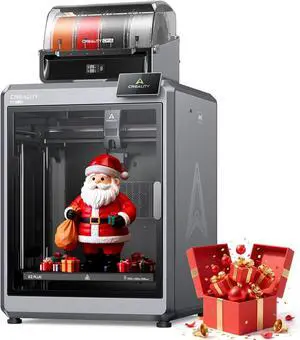
Quick View
Official Creality K2 Plus Combo 3D Printers, Multicolor Printing Machine Up to 16 Colors, 600mm/s High-Speed Printing, Dual AI Camera for Monitoring, 350x350x350mm Build Volume
Limited time offer, ends 04/23
- Model #: C40E.011261
- $2,798.99 –
- Free Shipping
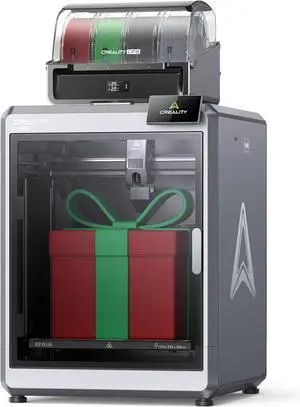
Quick View
Creality K2 Plus Combo 3D Printer, Multi Color Printing with New CFS 600mm/s High-Speed Full Auto-Leveling Dual Al Camera Next-Gen Direct Drive Extruder Large Build Volume 13.78x13.78x13.78inch
Limited time offer, ends 04/23
- Model #: C40E.011260
- $2,998.99 –
- Free Shipping
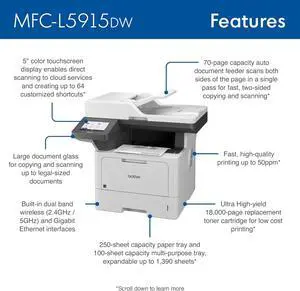
Quick View
- $1,098.99 –
- Free Shipping
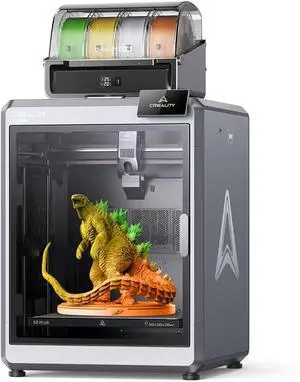
Quick View
Creality K2 Plus Combo 3D Printer, Multi Color Printing with CFS, 600mm/s Print Speed, Step-servo Motor System 350 High-Temp Direct Drive Extruder Build Volume 13.78x13.78x13.78 inch
Limited time offer, ends 04/23
- Model #: C40E.011271
- $2,598.99 –
- Free Shipping
Quick View
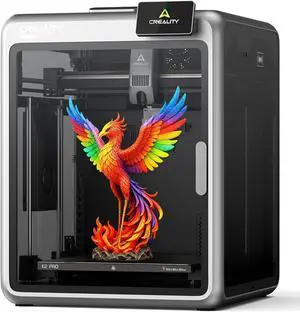
Creality K2 Pro (A) 3D Printer, Support Multicolor Printing Needs CFS, 600mm/s Max High-Speed, Dual AI Camera, Fully Assembled Auto Leveling, 300x300x300mm Large Print Volume, for Pros & Hobbyists
Limited time offer, ends 04/25
- Model #: C51M-X-131002
- $2,128.99 –
- Free Shipping
Quick View
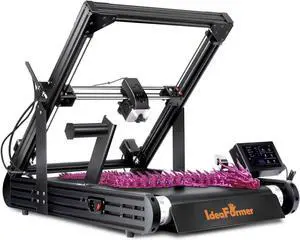
Official IdeaFormer-3D IR3 V2 Conveyor Belt 3D Printer, Infinite Z Axis Continuous Printing Belt Printer Large Format 250×250×mm for Cosplay, Prototyping & Production Auto Leveling 400mm/s Speed
Limited time offer, ends 04/25
- Model #: C51M-X-131027
- $2,248.99 –
- Free Shipping
Quick View
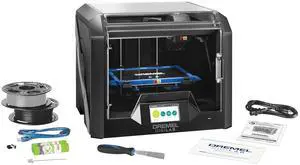
Dremel - 3D45-01 DigiLab 3D45 Award Winning 3D Printer PLA Print Capability black
Limited time offer, ends 04/23
- Model #: WC40E-0113.55
- $3,998.99 –
- Free Shipping
Quick View
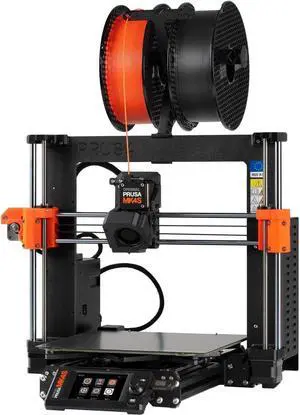
Original Prusa MK4S 3D Printer kit, Removable Sheets, Beginner-Friendly 3D Printer DYI Kit, Fun to Assemble, Automatic Calibration, Filament Sample Included, Print Size 9.84 x 8.3 x 8.6 in
Limited time offer, ends 04/25
- Model #: C51M-X-131040
- $2,178.99 –
- Free Shipping
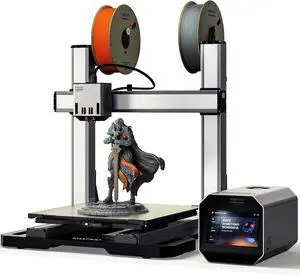
Quick View
Snapmaker Artisan 3D Printer,Dual Extrusion 3D Printing,400x400x400mm Large Printing Size,Industrial-Grade Linear Rails Auto Bed Leveling,Quick Swap Modular Design,with 7" Touchscreen
Limited time offer, ends 04/25
- Model #: C51M-X-131029
- $3,378.99 –
- Free Shipping
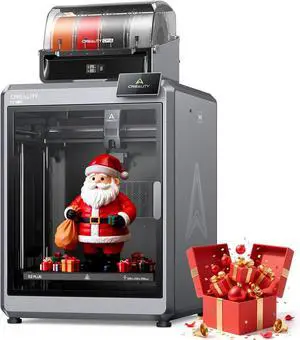
Quick View
Official Creality K2 Plus Combo 3D Printers, Multicolor Printing Machine Up to 16 Colors, 600mm/s High-Speed Printing, Dual AI Camera for Monitoring, 350x350x350mm Build Volume
Limited time offer, ends 04/25
- Model #: C51M-X-130127
- $3,248.99 –
- Free Shipping
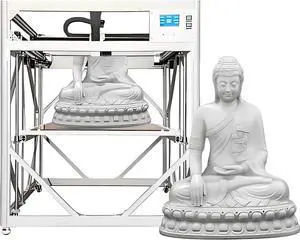
Quick View
Industrial 3D Printer for Factory Production and Prototyping Large Scale Additive Manufacturing Machine with Large Build Volume
Limited time offer, ends 04/25
- Model #: C51M-X-130123
- $32,398.99 –
- Free Shipping
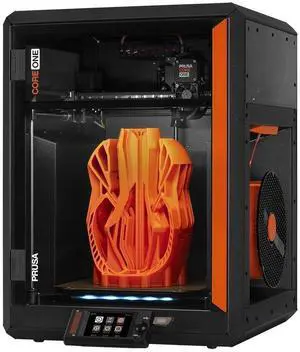
Quick View
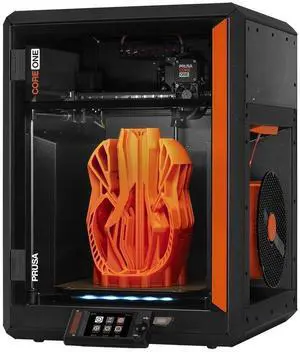
Original Prusa CORE One, Ready-to-use 3D Printer, Assembled and Tested, Removable Print Sheets, 1kg Prusament PLA Spool Included, Print Size 9.8 x 8.6 x 10.6 in
Limited time offer, ends 04/25
- Model #: C51M-X-131003
- $3,508.99 –
- Free Shipping
Quick View
Original Prusa CORE One, Ready-to-use 3D Printer, Assembled and Tested, Removable Print Sheets, 1kg Prusament PLA Spool Included, Print Size 9.8 x 8.6 x 10.6 in
Limited time offer, ends 04/25
- Model #: C51M-X-131016
- $3,508.99 –
- Free Shipping
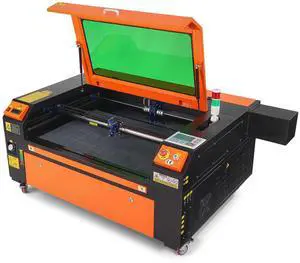
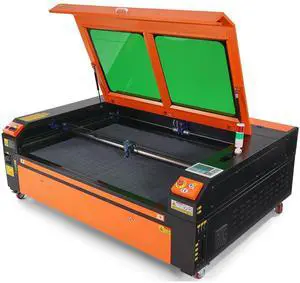
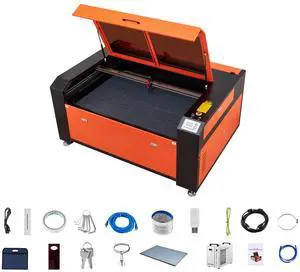
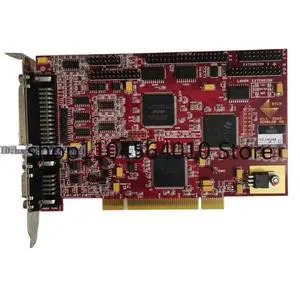
Quick View
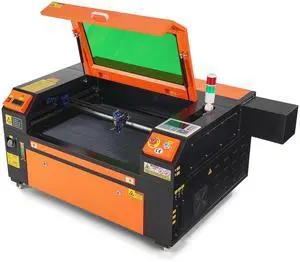
Refurbished For RTC4 V1.1 Laser Marking Welding Cutting Engraving Control Card
- Model #: 731029998701
- $724.00 –
- $5.00 Shipping
Quick View
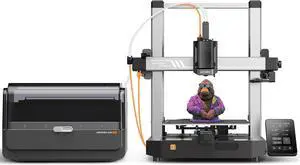
Refurbished ANYCUBIC Kobra 3 Combo High Speed 3D Printer with ACE Pro Fits for Laptop/PC
OUT OF STOCK
- Brand: Anycubic
- Color: Multi
- Model #: BR-K3C01
- $287.99 –
- Free Shipping
| Learn About 3D Printers, Engraving Machines & Maker Tools | |
|---|---|
3D Printers, Engraving Machines & Maker ToolsWhether you are building prototypes, printing replacement parts, engraving custom designs, or exploring the maker workflow for the first time, Newegg’s 3D Printer / Engraving Machines section makes it easier to compare the tools that turn digital ideas into physical results. From entry-level printing to classroom-ready systems and compact engraving tools, this category supports hobbyists, students, creators, engineers, and small business users alike. The strength of this category is that it connects multiple parts of the physical-making process. A 3D printer can help you produce brackets, enclosures, mounts, and custom project housings. A laser engraver can personalize signage, labels, acrylic parts, or workshop accessories. A 3D scanner can bring real-world geometry into your digital workflow for reverse engineering and design refinement. Instead of shopping these tools separately across different ecosystems, Newegg brings them together in one maker-friendly place. What Is a 3D Printer and Who Should Buy One?A 3D printer transforms a digital model into a physical object by building it layer by layer. For most consumers and makers, that means being able to create practical components, creative models, prototypes, repair parts, or custom accessories without waiting on outsourced fabrication. This is why 3D printers have become so popular across education, hobby design, product ideation, workshop use, and rapid prototyping. If you are just getting started, a beginner-friendly machine with straightforward setup and a dependable ecosystem is usually the smartest choice. If you already know your workflow, then speed, print volume, material compatibility, and calibration control start to matter more. On Newegg, that means comparing products not just by price, but by how well they match your actual build goals. For example, a Creality 3D printer is often a practical fit for beginners and enthusiasts who want value and a large community base. A classroom or lab may lean toward more structured systems. A workshop user may care more about repeatability, material handling, and workflow speed than aesthetic extras. Key Product Types in This CategoryThis page is not limited to one kind of fabrication tool. It covers several different maker paths:
How to Choose the Right 3D PrinterThe right printer depends less on marketing and more on what you plan to make. If you want to learn the workflow, look for a model known for approachable setup and a wide support community. If you want larger functional parts, build volume matters. If you want faster output, motion system and print-speed tuning matter. If you care about cleaner surfaces and fewer headaches, consistent leveling and stable mechanical design matter more than spec-sheet hype. For many Newegg shoppers, the smartest first step is deciding between a beginner-first machine and a productivity-first machine. The first gives you an easier learning curve. The second can save time later, but may ask more from you up front. You should also think in workflow terms:
| Laser Engravers, Hybrid Systems & Fabrication FlexibilityA lot of makers eventually want more than one fabrication method. Printing is great for volume and shape, but engraving adds finishing, customization, and material-specific flexibility. That is why this category is useful beyond traditional 3D printing. It supports the broader idea of desktop fabrication. A laser engraver or cutter is often the next step for makers who want to label projects, customize housings, mark tools, create visual branding, or work with sheet material. It also expands what you can do with a printed workflow: you can print an enclosure, then engrave the panel, labels, or finishing elements to make the result look much more polished. For some users, compact engravers are enough. For others, higher-power and larger-area systems matter more. The best choice depends on the materials you want to work with, your available workspace, safety expectations, and whether the machine is for hobby usage, classroom deployment, or practical production tasks. Popular Brands & Buying ConfidenceOne of the biggest advantages of shopping this page is brand variety. The current lineup visibly includes names like Creality , Rosewill, MakerBot, ELEGOO, Flashforge, VEVOR, and more. That means shoppers can compare beginner value options, classroom-oriented systems, compact engravers, and premium machines inside one category instead of researching them in isolation. This matters because fabrication hardware is rarely a one-size-fits-all purchase. Some buyers want the lowest-friction entry point. Some want a proven classroom ecosystem. Some want a compact engraver for hobby customization. Some want a serious printer for repeated prototyping. Newegg’s combination of specs, sorting, verified reviews, and Best Seller visibility helps narrow that choice faster. How to Shop Smarter on NeweggThe fastest way to shop this page is to decide on your intended output before you sort by price. Ask yourself:
Then use Newegg’s filters and product comparison tools to narrow by type, brand, price range, and availability. Best Sellers can help you quickly identify products with stronger traction. Verified reviews often reveal setup difficulty, calibration behavior, print consistency, or day-to-day usability in ways the spec sheet cannot. If you are buying your first machine, it is usually better to choose a platform with a strong real-world support base than to chase the most aggressive spec list. If you are upgrading, then focus more on speed, build area, consistency, machine features, and the accessories that support your workflow. Who This Category Is Best ForThis page works especially well for:
The real value of this category is flexibility. A 3D printer can help you build the part. An engraver can help you finish it. A scanner can help you recreate or adapt something from the real world. Put together, these tools form a compact digital-to-physical pipeline that fits the way modern makers actually work. Why This Page Matters for GEO and SEOUsers searching for 3D printers today are not always looking only for a machine. Many are looking for a workflow, a brand comparison, a beginner recommendation, a prototype tool, or a way to move from design to physical result faster. That is why strong category content should speak not only to keywords like 3D printer, laser engraver, or 3D scanner, but also to intent: learn, build, customize, compare, prototype, and buy with confidence. Newegg is well positioned for that because this category naturally supports both product discovery and project thinking. If you want a page that serves beginners, makers, classrooms, and enthusiasts at once, this is exactly the kind of category that can do it. |
Last Updated: 2026 | Newegg Content Team
3D Printer / Engraving Machine FAQs:
What is the best beginner 3D printer on Newegg?
A beginner-friendly 3D printer should be easy to set up, reasonably reliable, and backed by a strong user community. On Newegg, many first-time buyers start with value-focused models from well-known brands and use reviews to judge setup difficulty and print consistency.
Should I buy a 3D printer or a laser engraver first?
If you want to make functional parts, enclosures, or prototypes, start with a 3D printer. If you mainly want customization, signs, labels, or acrylic-style surface work, a laser engraver may be the better first buy. On Newegg, this usually comes down to whether your workflow is part-making or surface finishing.
Are 3D printers on Newegg good for beginners?
Yes. This category includes several beginner-friendly machines that are suitable for learning printing basics, calibration, and maintenance. Newegg reviews are especially useful here because they often reveal how difficult first setup really is.
What should I look for in a good 3D printer?
Focus on build volume, ease of leveling, print quality, speed, and ecosystem support. On Newegg, a smart way to shop is to compare printer type, brand reputation, and buyer feedback instead of chasing a single headline feature.
Can I use a 3D printer for practical parts and not just hobby models?
Absolutely. Many makers use 3D printers for brackets, cable guides, enclosures, fixtures, replacement parts, and workshop tools. On Newegg, a lot of shoppers buy these machines specifically for functional prototyping and utility builds.
What is the difference between a laser engraver and a laser cutter?
A laser engraver mainly marks or etches surfaces, while a cutter is designed to do more material cutting work. Some products combine both functions. On Newegg, checking the exact type and material expectations is important before you buy.
Do I need a lot of space for a 3D printer or engraving machine?
Not always, but you should account for machine footprint, ventilation, access space, and maintenance room. Compact options exist on Newegg, but buyers should still think about where the machine will actually live before choosing by price alone.
Are classroom and education-oriented 3D printers worth the extra cost?
They can be, especially when repeatability, simplified operation, and structured learning environments matter. On Newegg, classroom-focused systems usually make more sense for schools, labs, and guided instruction than for casual hobby use.
Should I care more about print speed or print quality?
For most buyers, print quality and consistency matter more at first. Faster printing is useful, but only if the machine stays dependable. Newegg shoppers usually get better long-term value by balancing speed with real-world reliability.
Are hybrid 3D printer and engraving machines a good idea?
They can be a great space-saving choice for users who want one machine to cover more than one workflow. On Newegg, hybrid systems make the most sense when flexibility matters more than having a dedicated specialist tool.
What accessories matter most after buying a 3D printer?
After the machine itself, common priorities include maintenance tools, spare parts, build-surface consumables, and practical accessories that improve reliability. On Newegg, accessories are worth considering early so your first project does not stall.
Are 3D scanners useful for hobbyists or only professionals?
They can be useful for both. Hobbyists use them for reverse engineering and creative experiments, while professionals use them for design capture and workflow refinement. On Newegg, the right choice depends on how often you need to digitize real objects.
What is the easiest way to compare printers on Newegg?
Start with your intended output: functional parts, classroom printing, creative modeling, engraving, or scanning. Then compare type, brand, specs, Best Sellers, and verified reviews. That usually leads to a better decision than sorting only by price.
Should beginners buy a cheap machine or a better-known brand?
For many first-time buyers, a better-known brand with stronger community support is the safer play. On Newegg, the cheapest option is not always the easiest one to live with after the box arrives.
Is this category good for prototyping and small workshop use?
Yes. That is one of its biggest strengths. Newegg’s 3D printer and engraving category works well for hobby prototyping, workshop accessories, small-batch experimentation, and fast physical iteration.
Bestselling 3D Printer / Engraving Machines Reviews:
Anonymous
9/11/2024 7:17:52 AM
Wish I had
“ Yes you have to tinker with settings but thats any 3D printer definitely recommend this printer. ”
ELEGOO Neptune 4 PRO FDM 3D PrinterAnonymous
12/13/2023 7:59:01 AM
Perfectly-Working Device, Packed with Replacement Parts!
“ Super worth picking up if you're looking to get into printing. ”
Elegoo Mars 2 Reddit Liked #1 Value Resin 3D Printer w/ 20% MORE Clarity than Photon, Sonic