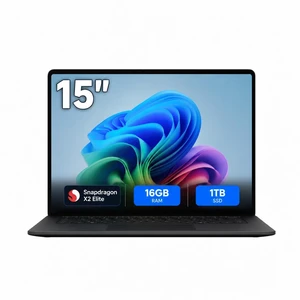
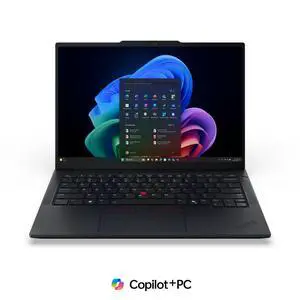
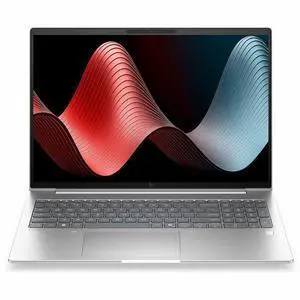
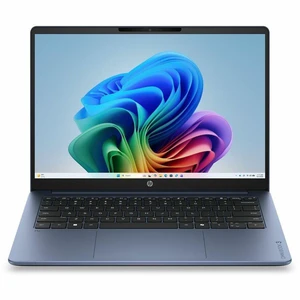
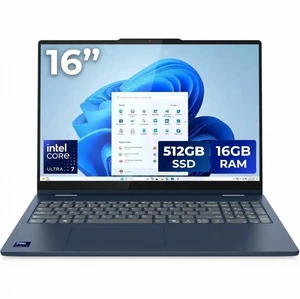
here!
I’m your shopping assistant for PC builds, upgrades, and everything tech.
Got questions? Ask away!
Start a conversation
here!
I’m your shopping assistant for PC builds, upgrades, and everything tech.
Got questions? Ask away!
Start a conversation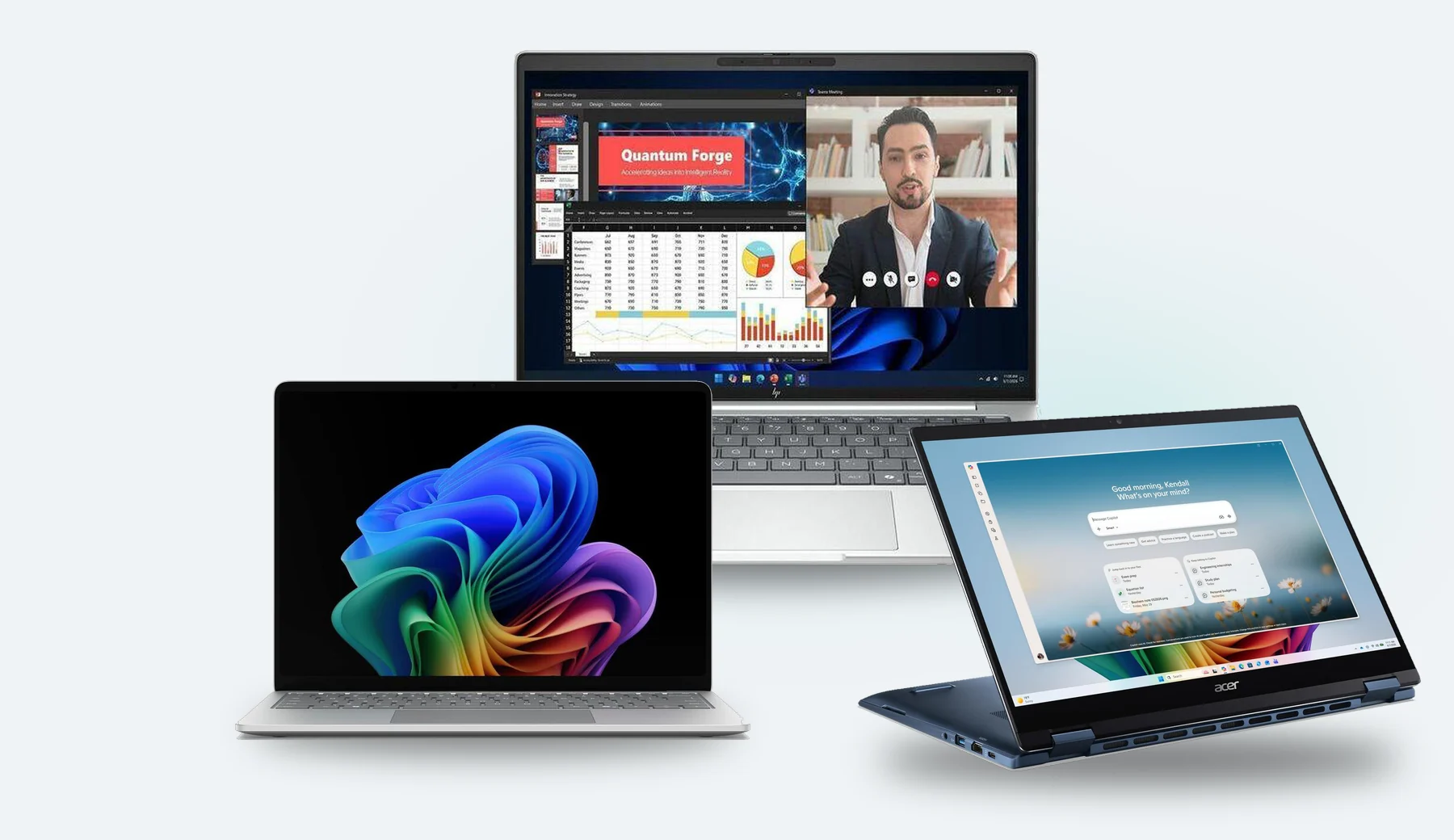
Get More Done With AI Built In.
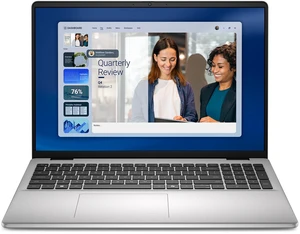
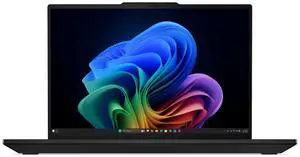
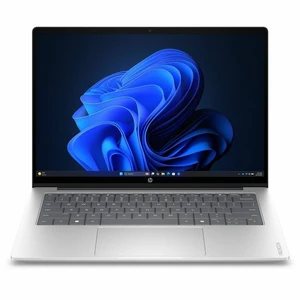
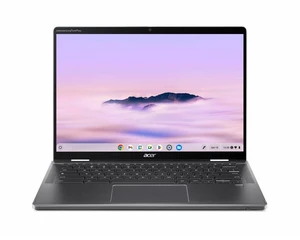
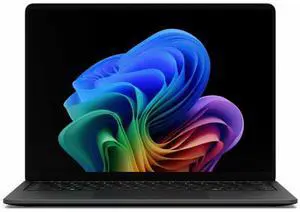
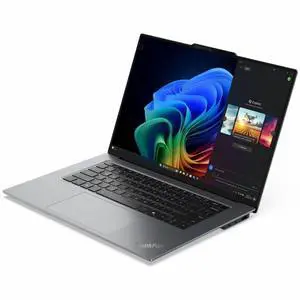
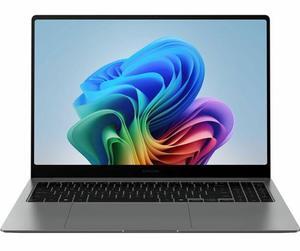
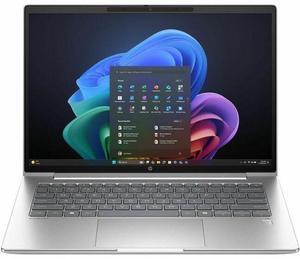
A built-in NPU runs AI features right on your laptop — live captions and translation, smarter search, background blur and eye contact on video calls, and help from Copilot — without draining the battery. Shop Microsoft Surface, Lenovo ThinkPad, HP EliteBook, Dell Pro, Samsung Galaxy Book, ASUS Vivobook, Acer Swift and more.
Find the right fit — four ways to shop
*Copilot+ PCs include an NPU with 40+ TOPS; not every laptop in this store is a Copilot+ PC. AI features vary by device, operating system and region.
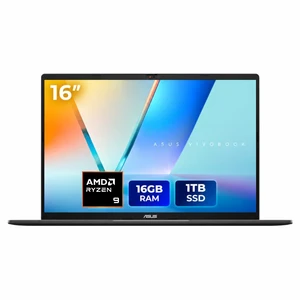

Free World of Warships game w/ purchase, limited offer
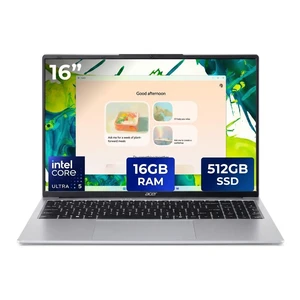

Free Intel holiday game w/ purchase, limited offer
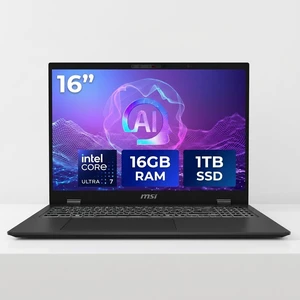

Free Intel AI Software w/ purchase, limited offer
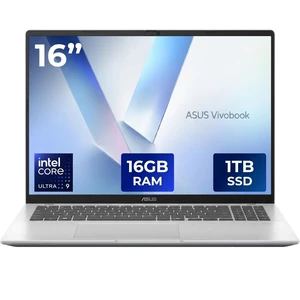
Free Intel holiday game w/ purchase, limited offer
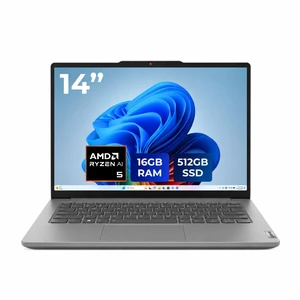

Free World of Warships game w/ purchase, limited offer
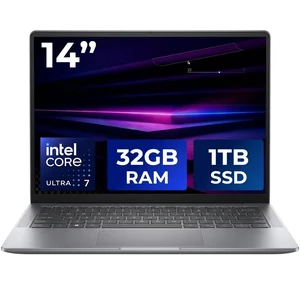
Free Intel AI Software w/ purchase, limited offer
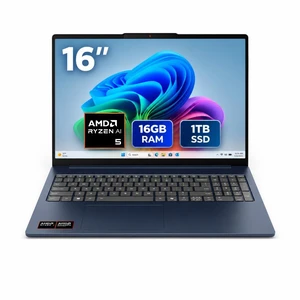
Free World of Warships game w/ purchase, limited offer
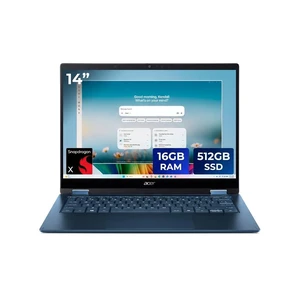
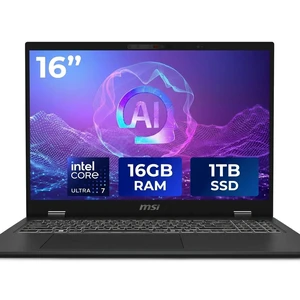
Free Intel AI Software w/ purchase, limited offer
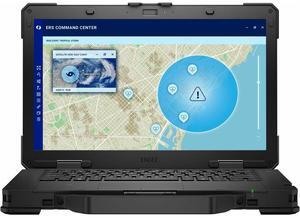

Free Intel AI Software w/ purchase, limited offer
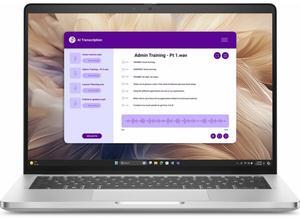
Free Intel AI Software w/ purchase, limited offer
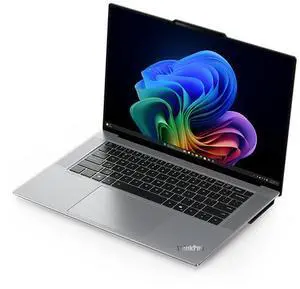
Free Intel holiday game w/ purchase, limited offer
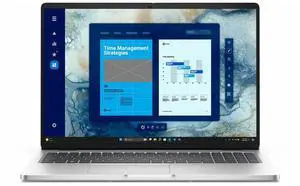
Free Intel AI Software w/ purchase, limited offer
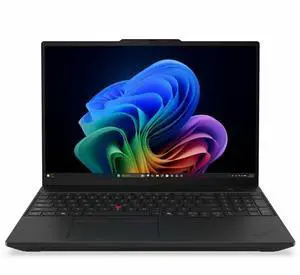
Free game w/ purchase, limited offer
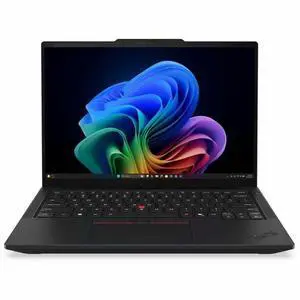
Free World of Warships game w/ purchase, limited offer
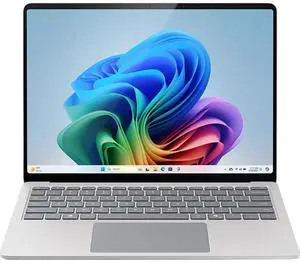

Free Intel AI Software w/ purchase, limited offer
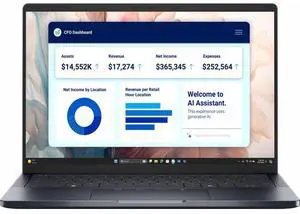
Free Intel AI Software w/ purchase, limited offer
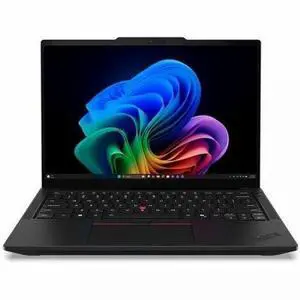
Free Intel AI Software w/ purchase, limited offer
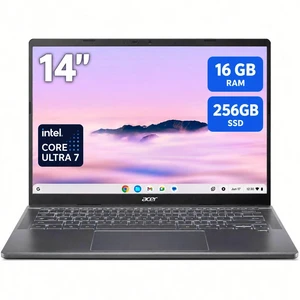
Free Intel AI Software w/ purchase, limited offer
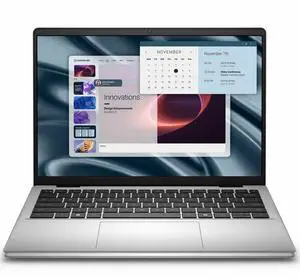
Free World of Warships game w/ purchase, limited offer
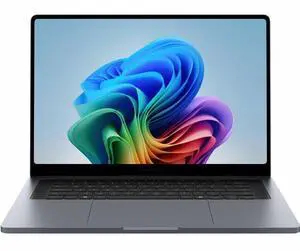

Free Intel AI Software & holiday game w/ purchase, limited offer
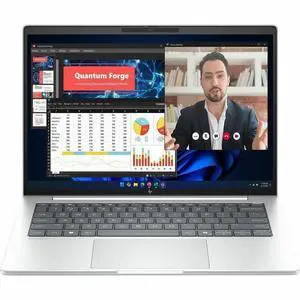

Free Intel AI Software w/ purchase, limited offer
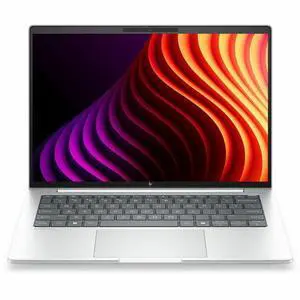
Free Intel AI Software w/ purchase, limited offer
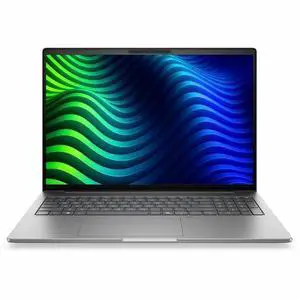
Free Intel AI Software & holiday game w/ purchase, limited offer
For professionals and creators harnessing AI to boost efficiency, explore our curated selection of AI productivity laptops built to handle advanced applications with ease. Find your ideal device with Black November deals and Black Friday deals designed to fit your workflow needs and budget.
The CPU is the heart of AI productivity laptops, dictating how efficiently your machine processes complex AI algorithms and multitasks between training models and running applications. For AI-driven tasks, processors like the latest Intel 13th Gen or AMD Ryzen 7000 series stand out by offering specialized instruction sets that speed up neural network operations and real-time data handling. These modern CPUs bring the power and architecture needed to manage AI frameworks seamlessly while maintaining energy efficiency. Choosing a cutting-edge CPU ensures your laptop remains future-proof and capable of handling increasingly sophisticated AI workloads, a critical factor during this time of Black November deals when many shoppers aim to upgrade their core processing power.
If you’re a coder or researcher focused on local AI model training or development, finding a laptop that supports robust software environments and powerful hardware is a must. Machines designed for local AI development offer expanded VRAM and multi-core CPUs that run demanding frameworks like TensorFlow and PyTorch efficiently without relying on cloud services. Hiring one of these rigs can be the difference in reducing latency and boosting productivity in your AI experiments. To explore options designed specifically for these technical users, check out the Local AI Development Laptops store. These devices are a great investment for advanced AI professionals during Black Friday deals, providing a reliable foundation for intensive compute workloads.
Newegg shopping tip: When comparing AI productivity laptops, focus on the CPU's AI acceleration features and the amount of RAM available, as they directly impact machine learning tasks and multitasking efficiency. Also, consider the storage type and speed to ensure quick access to large datasets during your projects. Black November deals and Black Friday deals can offer great opportunities to upgrade these key specs.
Tap into cutting-edge AI with laptops featuring Intel 13th Gen or AMD Ryzen 7000 series CPUs optimized for neural net acceleration and real-time data processing.
Engineered for content creators, these laptops boast NVIDIA RTX 40-series GPUs and up to 64GB RAM to power AI-assisted video editing and 3D modeling workflows.
Built for coders and researchers, these machines offer expanded VRAM and multi-core CPUs designed to run TensorFlow and PyTorch locally without cloud latency.
If you’re new to AI laptops, think of them as powerful workstations built to handle AI tasks like machine learning, data analysis, and neural network modeling right on your device. These laptops often feature the latest Intel 13th Gen or AMD Ryzen 7000 series CPUs, which are optimized to accelerate AI workloads efficiently. To make your journey easier, many models come AI Laptops ready out of the box with pre-installed frameworks and drivers, so you can get started without complicated setups. Whether you’re just exploring AI applications or learning to train basic models, choosing an AI-ready laptop is your first step toward productivity without the cloud dependency.
If your day-to-day involves AI-assisted video editing, 3D modeling, or digital content creation, you’ll want a laptop that balances raw GPU power with ample RAM and storage. Many in this category equip NVIDIA RTX 40-series GPUs alongside up to 64GB of memory, ensuring smooth real-time rendering and accelerated AI features in software like Adobe Premiere and Blender. This setup not only enhances creative workflows but also handles intensive AI models used in generative design and automated content generation. See our lineup of AI Creator Laptops to find options tailored for professional-grade creativity.
Developers and researchers looking to run machine learning frameworks locally without cloud latency need machines built specifically for expanded VRAM and multi-core processing. These laptops support frameworks like TensorFlow and PyTorch with high-efficiency CPU cores and dedicated VRAM that handle large datasets and model training tasks on-device. This avoids dependency on internet connectivity and protects sensitive data within your environment. Check out our selection of Local AI Development Laptops designed with your programming and research needs in mind.
Research more: If you’re exploring AI productivity laptops during Black November deals, take some time to visit Newegg Insider for detailed buying guides that break down specs and features tailored to your workflow. These resources can help you spot the right machine amid the Black Friday deals buzz.
Last Updated: November 2026 | Newegg AI Productivity Laptops Buying Guide
AI productivity laptops usually come with specialized hardware like AI accelerators or high-performance GPUs, which handle machine learning tasks much faster and more efficiently than traditional laptops without these features.
Dell often leads with powerful AI-enhanced displays and strong GPU options, Lenovo balances performance with business-friendly features, and ASUS typically offers good value with solid AI hardware—your choice depends on whether you prioritize screen quality, corporate features, or affordability.
You’ll want a laptop with a powerful multi-core CPU, like the latest Intel i7 or AMD Ryzen 7, to handle complex AI models and multitasking smoothly.
Yes, having a dedicated GPU such as an NVIDIA RTX series can significantly speed up AI tasks, especially those relying on machine learning and neural networks.
Generally, AI productivity laptops start around $1,000 and can go up to $3,000 or more depending on the GPU, CPU, and RAM; investing in higher specs usually means faster processing for complex AI models.
Look for a powerful multi-core processor, at least 16GB of RAM, and a dedicated GPU with strong CUDA support if you plan on running deep learning frameworks efficiently.
Some models can run hot during intense AI tasks, so it's important to check if the laptop has good cooling solutions mentioned in reviews. Overheating could throttle performance and shorten component lifespan.
Reviewers sometimes mention battery drain and occasional driver problems when running AI software. It's smart to read up on reported stability and how well the laptop handles sustained processing before buying.
Start by connecting it to a reliable Wi-Fi network and running all the latest system updates. Install any AI software or tools included, and make sure your drivers and firmware are up to date to keep everything running smoothly.
Take a little time to explore the pre-installed AI apps and customize their settings for your workflow. Using AI-powered assistants, automation programs, and cloud services tailored to your needs can really boost your efficiency.