

Your Browsing History




Featured Brands






SHOP BY Speed
Quick View
- $53.99 –
- Free Shipping
Quick View
- Model #: 9435761104208
- $1,101.99 –
- $5.99 Shipping
Quick View
- $39.99 –
- Free Shipping
Quick View
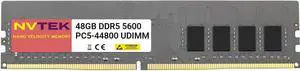
NVTEK 48GB (1X48GB) DDR5 5600MHZ PC5-44800 2Rx8 1.1V CL46 288-PIN Non-ECC Unbuffered UDIMM Desktop PC Computer Memory
- Model #: 668706902969
- $1,083.99 –
- $5.99 Shipping
Quick View
- Model #: 9391048907538
- $1,112.99 –
- $5.00 Shipping
Quick View
- Model #: 6017162695559
- $1,252.99 –
- $5.00 Shipping
Quick View
- Model #: 9391048936279
- $1,248.99 –
- $5.00 Shipping
Quick View
- Model #: 9046581039696
- $1,278.99 –
- $5.00 Shipping
Quick View
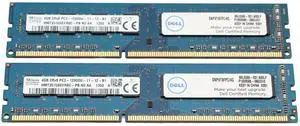
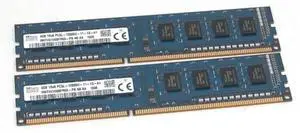
2 x 4GB (8GB Total) Hynix HMT351U6EFR8C-PB 4GB PC3-12800U Desktop Memory
- Model #: 239245464166
- $77.99 –

Quick View

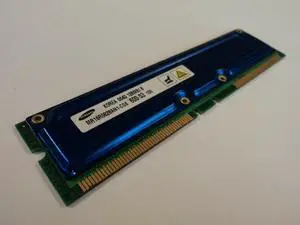
- Model #: MR18R0828AN1-CG6
- $29.40 –
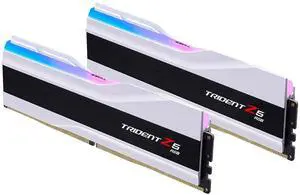
Quick View
- Model #: 264505672371
- $1,511.99 –
- $5.00 Shipping
Quick View
- $98.01 –
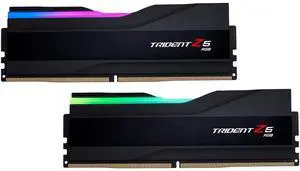
Quick View
- Model #: 9391048907361
- $1,344.99 –
- $5.00 Shipping
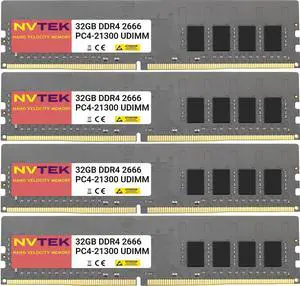
Quick View
NVTEK 128GB (4X32GB) DDR4 2666MHZ PC4-21300 UDIMM 2Rx8 1.2V CL19 288-PIN Non-ECC Unbuffered Desktop PC Computer Memory KIT
- Model #: 9435761167418
- $1,093.99 –
- $5.99 Shipping

Quick View
- Model #: 9391048943062
- $2,101.99 –
- $5.00 Shipping
Quick View
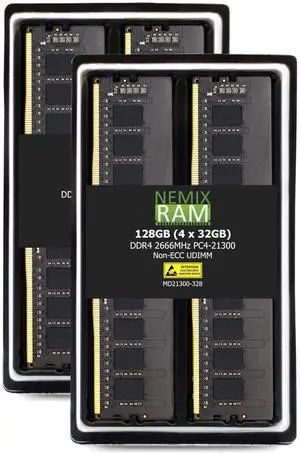
NEMIX RAM 128GB (4X32GB) DDR4 2666MHZ PC4-21300 2Rx8 1.2V CL19 288-PIN Non-ECC Unbuffered UDIMM Desktop PC Memory KIT
- Model #: 9391048939980
- $1,111.99 –
- $5.00 Shipping
Quick View
- $21.56 –
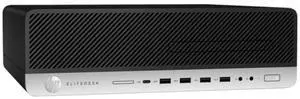
Quick View

- Form Factor: Slim/Small Form Factor
- Brand: HP
- Series: EliteDesk
- Color: Black
- Model #: 7LL84UT#ABA-R6
- $606.65 –
- Free Shipping
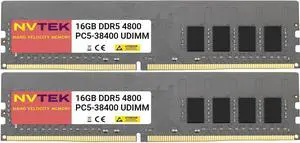
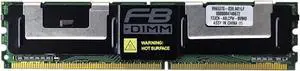
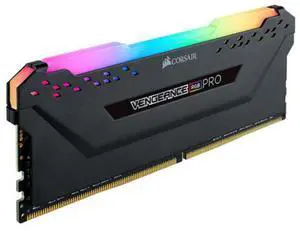
Quick View
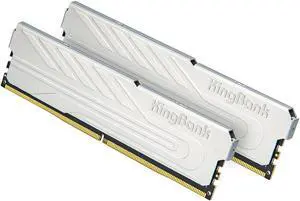
- CAS Latency: CL16
- Voltage: 1.35V
- Timing: 16-20-20-38
- Brand: CORSAIR
- Model #: CMW32GX4M2D3000C16
- $499.99 –
- Free Shipping
Quick View

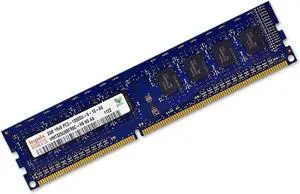
- Model #: 9435761094585
- $364.98 –
- More options from $364.98
- Free Shipping
Quick View

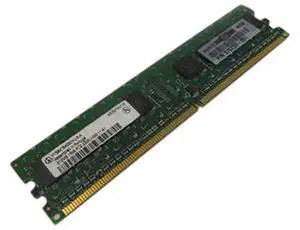
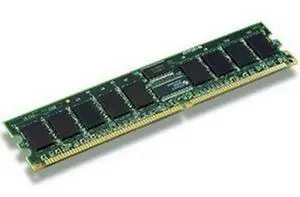
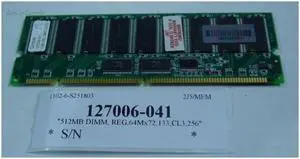
- CAS Latency: CL5
- ECC: Non-parity
- Buffered/Registered: Unbuffered
- Model #: 73P4983
- $19.80 –
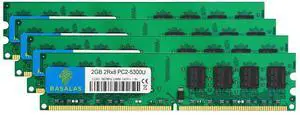
Quick View
Rasalas PC2-5300 8GB Kit (4x2GB) DDR2 667MHz DIMM DDR2-667 Udimm DDR2 2GB PC-5300U 1.8V CL5 240-Pin Desktop Computer RAM Memory Modules
- Model #: 880176739887
- $50.99 –
- $5.99 Shipping
Quick View
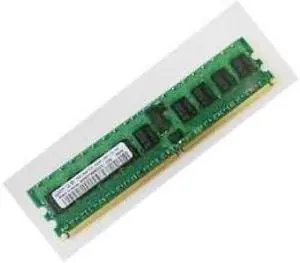
- Color: N/A
- LED Color: None
- Model #: M378T2953CZ3-CE6
- $24.50 –
Quick View
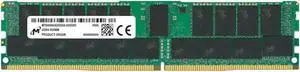
Micron Crucial 64GB DDR4 SDRAM Memory Module
- Model #: 9555372224727
- $1,083.99 –
- $5.00 Shipping
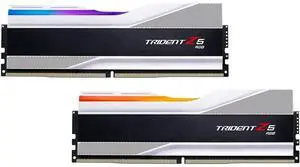

Why Desktop Memory (RAM)?
RAM is the short-term memory of your computer. RAM capacity directly impacts how many applications and browser tabs you can operate simultaneously and the smoothness of graphics, which is crucial for tasks like video editing or 3D rendering. For such intensive activities, ample high-quality desktop memory is essential. Keep in mind that not all desktop RAM is suitable for every system. Your motherboard determines the number of memory slots, their maximum capacity, and the specific type of desktop computer RAM you can install.
Maximize Desktop Computer RAM Performance by Matching Speeds
Desktop RAM clock speed determines how quickly the memory can process data, which is vital for tasks that require rapid data access. The quicker the clock speed of your new RAM, measured in Megahertz (MHz), the faster the memory processes data. If your system only supports 2,666MHz speeds, you should not buy 3,000MHz RAM. If your system supports multiple modules, it will only run at the speed of the slowest RAM. Try to match module speeds when possible.
The best type of RAM for your desktop depends on your system’s motherboard and specific needs. DDR4 RAM is currently the most common for new systems, offering faster speeds and lower power consumption than DDR3. For users prioritizing performance, look for higher speed ratings (measured in MHz) and lower latency. Always ensure your motherboard supports the RAM type (e.g., DDR4, DDR3) and speed. Some systems will only work with DDR4, while others can only run DDR3. Check with the instructions that came with your motherboard to see if it is a home-built PC, or check with your computer if it was pre-built.
Enhance Integrated Graphics with High-Quality Desktop Memory
Heavy-duty Graphics Processing Units (GPUs) and dedicated graphics cards include RAM, but some systems and laptops have integrated graphics. This means the main processor is responsible for graphics processing and utilizes system RAM. It places a more significant load on desktop or laptop memory, and this type of setup will benefit most from improved RAM. It could prevent you from having to invest in a more expensive computer while enabling you to eliminate choppy frame rates and improve video quality.
Boost Multitasking on Desktop PCs with New Desktop RAM
Multitaskers can enjoy noticeable improvements with new computer memory. Every piece of software, every browser window, and every tab requires the use of RAM. By increasing the amount of desktop PC RAM, the system avoids using the hard drive, improving software and web browsing performance.
Expand Your Capabilities by Increasing Desktop PC RAM
At its simplest, RAM allows your computer to do more and enables your machine to do more quickly. The most important factor is identifying how much you need. Use Newegg’s Memory Finder Tool to help you configure the amount of memory you need. Additionally, when buying memory cards, check the requirements for software that you regularly use. In your calculations, include operating system specifications and allow some web browsing memory. Consider that new and updated applications have different requirements. If you install new software regularly, allow extra RAM.
Determining how much RAM your desktop needs depends on your usage. For basic tasks like web browsing and document editing, 8GB of RAM should be sufficient. However, if you frequently engage in more intensive activities like video editing, gaming, or running multiple applications simultaneously, 16GB or more is recommended. Always consider future needs, as software updates and new applications may increase RAM requirements.
Find the Perfect Desktop Memory Upgrade at Newegg
Ready to boost your computer's performance? Shop our extensive selection of desktop RAM at Newegg and discover the ideal upgrade for your PC. Explore our full range of memory products, including laptop RAM, to find precisely what you need. Use our handy Memory Finder tool to simplify your purchase and ensure you get the right amount of memory for your needs. Start enhancing your system today with Newegg!
Bestselling Desktop Memory Reviews:
Anonymous
5/6/2025 10:28:06 AM
Working for me
“ CORSAIR Vengeance 32GB (2 x 16GB) 288-Pin PC RAM DDR5 6000 (PC5 48000) Desktop Memory Model CMK32GX5M2B6000Z30 Found on the mobo supported list, EXPO is working. ”
CORSAIR Vengeance 32GB (2 x 16GB) 288-Pin PC RAM DDR5 6000 (PC5 48000) Desktop Memory Model CMK32GX5M2B6000Z30