• In Stock
  • Sold by Newegg
  • Make an Offer
  • New
Brands
Show More
Price
Show More
Interface
Active Area
Show More
Pressure Levels
Max. Data Rate
Sold by
All Top Brands
Availability
Condition
Useful Links
Customer Ratings
Sort By:
View:
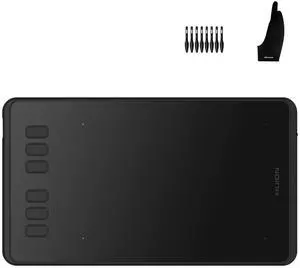
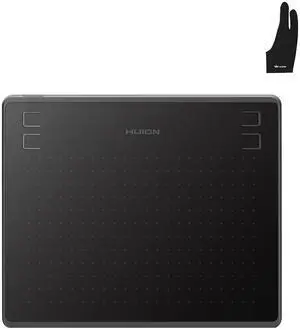
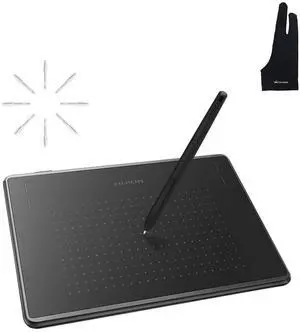
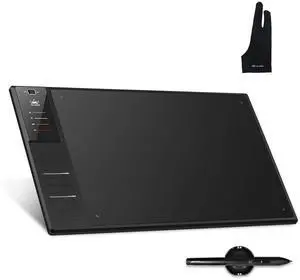
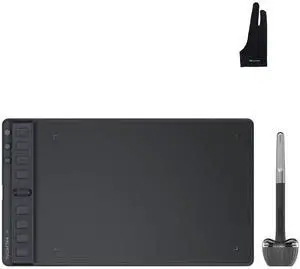
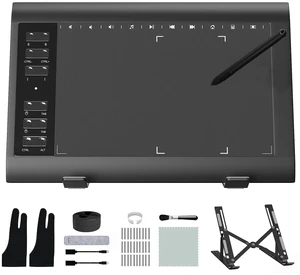
420 OSU Tablet Drawing Tablet and Palm Rejection Artist Glove
Quick View
420 OSU Tablet Drawing Tablet and Palm Rejection Artist Glove

Limited time offer, ends 07/12

  • Model #: 26-6CXY1692
  •  
  • $82.88 
  • Free Shipping
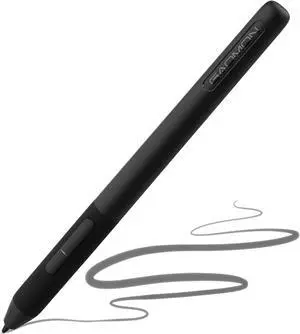
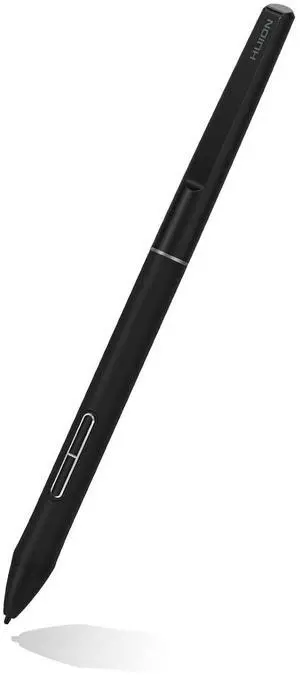
PW100 Battery-Free Stylus for Inspiroy H640P H950P H1060P H610Pro V2 HS610 HS64 H420X H580X H610X Graphics Tablet
Quick View
  •  
  • $62.67 
  • Free Shipping
Battery-Free Stylus Digital Pen PW517 for Kamvas 13, Kamvas Pro 24 (4K) & More
Quick View
  •  
  • $119.64 
  • Free Shipping
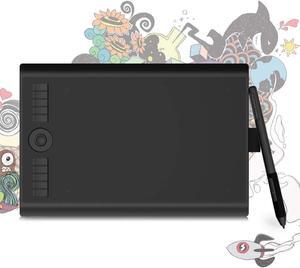
Inspiroy H640P Drawing Tablet Bundle with Artist Drawing Glove Large Size
Quick View
Inspiroy H640P Drawing Tablet Bundle with Artist Drawing Glove Large Size

Limited time offer, ends 07/12

  • Model #: 26-6CXY16105
  •  
  • $99.69 
  • Free Shipping
Inspiroy H640P Drawing Tablet Bundle with Artist Drawing Glove for Digital Art, Paint, Design
Quick View
  •  
  • $96.84 
  • Free Shipping
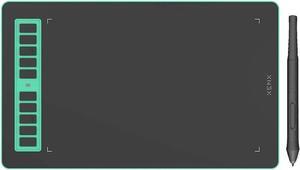
Inspiroy 2 Small Drawing Tablet Black Digital Art Tablet Bundle with Skeleton Artist Glove
Quick View
  •  
  • $147.92 
  • Free Shipping
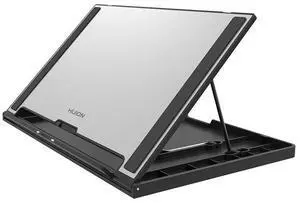
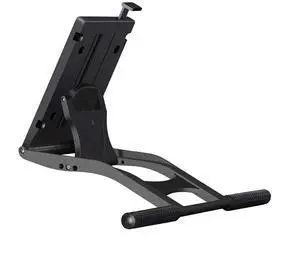
ST300 Adjustable Drawing Tablet Stand Portable Desk Stand, Suitable for Kamvas 12/13/16, Kamvas Pro 12/13/16
Quick View
  •  
  • $113.97 
  • Free Shipping
HS64 Digital Drawing Tablet with Battery-Free Stylus and Artist Glove for Linux, Windows, Mac and Android
Quick View
  •  
  • $99.69 
  • Free Shipping
Inspiroy H1060P Graphics Drawing Tablet with Digital Pen PW100 and 1 PCS Black Glove, OTG Adapters Included
Quick View
  •  
  • $139.34 
  • Free Shipping
Inspiroy H1060P Graphics Drawing Tablet with Digital Pen PW100 and Skeleton Glove, OTG Adapters Included
Quick View
  •  
  • $149.40 
  • Free Shipping
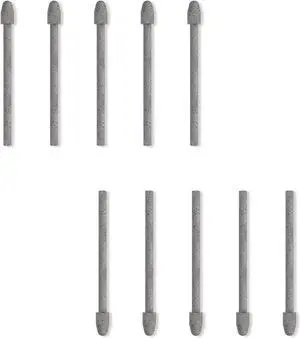
PW517 Pen Tech 3.0 Battery-Free Stylus Bundle with 10 Felt Nibs PN05F for Kamvas Pro 16 (2.5K) & Kamvas 13
Quick View
  •  
  • $141.87 
  • Free Shipping
PW507 Battery-Free Stylus for Kamvas PRO 12, Kamvas PRO 13,Kamvas Pro 16, Kamvas 16 and Kamvas 20 Graphics Drawing Monitor
Quick View
  •  
  • $119.64 
  • Free Shipping
Wacom Intuos 3 PTZ-630 6"x8" USB Graphics Drawing Tablet for PC & Mac.
Quick View
  •  
  • $148.98 
  • Free Shipping
Inspiroy 2 Small Drawing Tablet (Pink) and Skeleton Artist Glove
Quick View
Inspiroy 2 Small Drawing Tablet (Pink) and Skeleton Artist Glove

Limited time offer, ends 07/12

  • Model #: 26-6CXY16109
  •  
  • $146.23 
  • Free Shipping
Inspiroy H430P Drawing Tablet and Palm Rejection Artist Glove
Quick View
Inspiroy H430P Drawing Tablet and Palm Rejection Artist Glove

Limited time offer, ends 07/12

  • Model #: 26-6CXY1698
  •  
  • $93.42 
  • Free Shipping
3-in-1 Cable for KAMVAS Pro 12/13/16 Graphics Drawing Monitor
Quick View
3-in-1 Cable for KAMVAS Pro 12/13/16 Graphics Drawing Monitor

Limited time offer, ends 07/12

  • Model #: 26-6CXY1640
  •  
  • $139.65 
  • Free Shipping
Inspiroy HS610 Drawing Tablet and Palm Rejection Artist Glove
Quick View
Inspiroy HS610 Drawing Tablet and Palm Rejection Artist Glove

Limited time offer, ends 07/12

  • Model #: 26-6CXY16103
  •  
  • $156.69 
  • Free Shipping
L4S LED Light Box A4 Ultra-Thin USB Powered Adjustable Light Pad for Tracing and Artist Glove
Quick View
  •  
  • $125.34 
  • Free Shipping
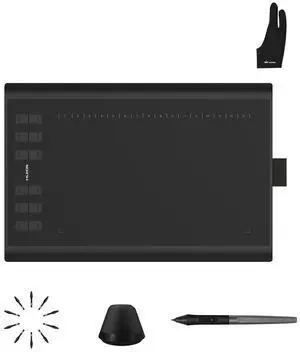
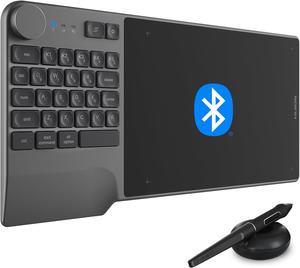
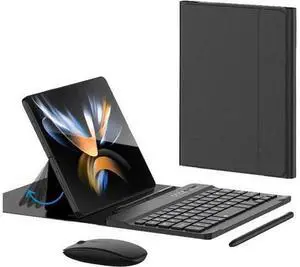
WH1409 Wireless Graphic Drawing Tablet 8192 Pen Pressure Pen Tablet with 12 Press Keys
Quick View
  •  
  • $199.47 
  • Free Shipping
CB05A 3-in-1 Cable, Compatible with Kamvas 12/13/16 (2021), Not Compatible with Kamvas Pro 12/13/16, 13(Gen 3)/16(Gen 3)
Quick View
  •  
  • $113.97 
  • Free Shipping
L4S LED Light Box A4 Ultra-Thin USB Powered Adjustable Light Pad for Tracing
Quick View
  •  
  • $108.27 
  • Free Shipping

Your art deserves the power and accessibility of a graphics tablet that helps you create, modify and store your designs with ease. Look for the resolution quality, expressed in lines per inch (LPI) if you need to show fine details in your work. If you need quick sketches on the fly, the responsiveness of the tablet is essential. Or, consider customizable buttons if you need to jump between applications or have needs specific to your preference or work challenges.

Packing Power and High-quality Display in One Device

If you're in the market for wireless drawing tablets, the first decision you need to make is whether your work requires display or non-display capabilities. While display tablets are easier for beginners looking to get into the field of illustration and visual design work, non-display tablets are often more affordable. If you have space for your tablet on your desk or workstation, then non-display tablets project directly to your computer monitor and are an excellent investment for your money. 

Take Your Digital Art to a New Level of Precision

Whether you are considering non-display wireless drawing tablets or display tablets, the resolution is an essential factor you need to consider. Measured in lines per inch (LPI), the higher the resolution, the more detail your tablets will provide. Graphic tablets offer between 300 to 3,000 pressure-sensitivity levels that vary with the strength of your stylus stroke. The majority of these devices arrive with a stylus, so it is important to consider the type of pen when purchasing the tablet. There are three types of styluses: battery-powered, rechargeable, or electromagnetic resonance (EMR). Your kind of work will also decide the range of pressure sensitivity that you need for your projects. Higher pressure sensitivity levels offer better responsiveness levels for serious design work, whereas lower pressure sensitivity levels can be useful in sketching and basic illustration.

Take Your Work Everywhere with Cross-device Compatibility

When shopping for tablets, it is crucial to consider its connectivity to your computer and its compatibility with the type of peripherals you intend to buy with it, such as smart keyboards or a wireless mouse. The majority of newer ones support USB 3 connection, whereas other computers have USB 2. Likewise, medium and low-range tablets may not be compatible with a new wireless mouse, and wireless drawing tablets may not be compatible with a wide range of portable smart keyboards.

Do Graphic Tablets Support Customizable Buttons?

Most graphic tablets offer a selection of programmable buttons on the tablet and stylus. The number of programmable buttons varies with graphic tablets and affects the overall price range, but can be an excellent time-saver if you use graphic tablets for multitasking between a variety of projects. Add short cuts to toggle between graphics applications, zoom in and out of your project or a variety of tasks that can increase your project satisfaction.

Bestselling Graphics Tablets Reviews:

Anonymous
11/11/2023 9:22:33 PM
Good Hardware - Unethical Software

“ Consider disabling the unethical background Wacom-related process/services whenever you're not using the tablet. ”

Wacom Intuos Graphics Drawing Tablet for Mac, PC, Chromebook & Android (Small) with Software Included - Black (CTL4100)
Anonymous
2/24/2022 5:04:44 PM
works

“ The tablet does what it says on the tin, you can draw with it. ”

Wacom Intuos Graphics Drawing Tablet for Mac, PC, Chromebook & Android (Small) with Software Included - Black (CTL4100)