here!
here!
I’m your shopping assistant for PC builds, upgrades, and everything tech.
Got questions? Ask away!
Start a conversation
here!
I’m your shopping assistant for PC builds, upgrades, and everything tech.
Got questions? Ask away!
Start a conversation
Limited time offer, ends 10/31
Limited time offer, ends 10/31
Limited time offer, ends 10/31
Limited time offer, ends 10/31
Limited time offer, ends 10/31
Limited time offer, ends 10/31
Limited time offer, ends 10/31
Limited time offer, ends 10/31
Limited time offer, ends 10/31
Limited time offer, ends 10/31
Limited time offer, ends 10/31
Limited time offer, ends 10/31
Limited time offer, ends 10/31
Limited time offer, ends 10/31
Limited time offer, ends 10/31
Limited time offer, ends 10/31
Limited time offer, ends 10/31
Limited time offer, ends 10/31
Limited time offer, ends 10/31
Limited time offer, ends 10/31
Limited time offer, ends 10/31
Limited time offer, ends 10/31
Limited time offer, ends 10/31
Limited time offer, ends 10/31
Limited time offer, ends 10/31
Limited time offer, ends 10/31
Limited time offer, ends 10/31
Limited time offer, ends 10/31
Limited time offer, ends 10/31
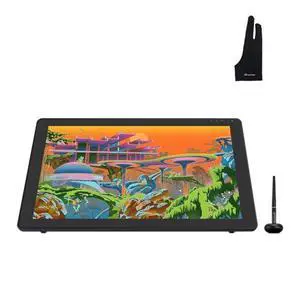
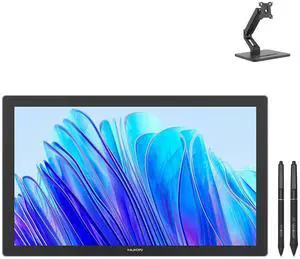
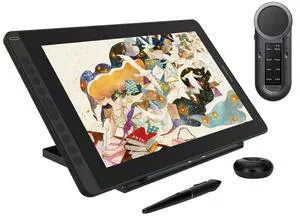
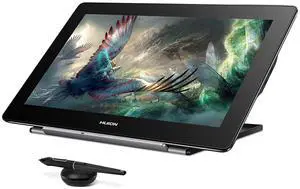
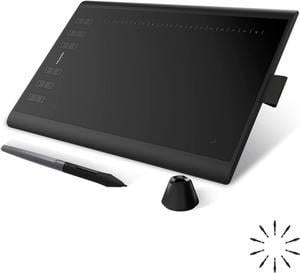
Your art deserves the power and accessibility of a graphics tablet that helps you create, modify and store your designs with ease. Look for the resolution quality, expressed in lines per inch (LPI) if you need to show fine details in your work. If you need quick sketches on the fly, the responsiveness of the tablet is essential. Or, consider customizable buttons if you need to jump between applications or have needs specific to your preference or work challenges.
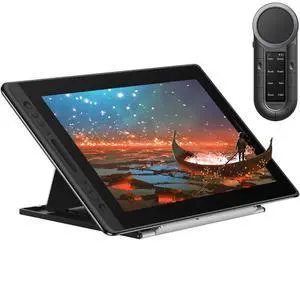
If you're in the market for wireless drawing tablets, the first decision you need to make is whether your work requires display or non-display capabilities. While display tablets are easier for beginners looking to get into the field of illustration and visual design work, non-display tablets are often more affordable. If you have space for your tablet on your desk or workstation, then non-display tablets project directly to your computer monitor and are an excellent investment for your money.
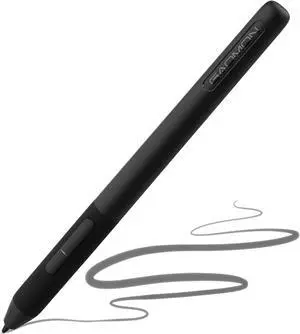
Whether you are considering non-display wireless drawing tablets or display tablets, the resolution is an essential factor you need to consider. Measured in lines per inch (LPI), the higher the resolution, the more detail your tablets will provide. Graphic tablets offer between 300 to 3,000 pressure-sensitivity levels that vary with the strength of your stylus stroke. The majority of these devices arrive with a stylus, so it is important to consider the type of pen when purchasing the tablet. There are three types of styluses: battery-powered, rechargeable, or electromagnetic resonance (EMR). Your kind of work will also decide the range of pressure sensitivity that you need for your projects. Higher pressure sensitivity levels offer better responsiveness levels for serious design work, whereas lower pressure sensitivity levels can be useful in sketching and basic illustration.
When shopping for tablets, it is crucial to consider its connectivity to your computer and its compatibility with the type of peripherals you intend to buy with it, such as smart keyboards or a wireless mouse. The majority of newer ones support USB 3 connection, whereas other computers have USB 2. Likewise, medium and low-range tablets may not be compatible with a new wireless mouse, and wireless drawing tablets may not be compatible with a wide range of portable smart keyboards.
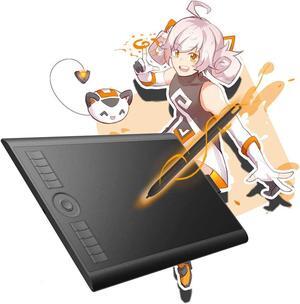
Most graphic tablets offer a selection of programmable buttons on the tablet and stylus. The number of programmable buttons varies with graphic tablets and affects the overall price range, but can be an excellent time-saver if you use graphic tablets for multitasking between a variety of projects. Add short cuts to toggle between graphics applications, zoom in and out of your project or a variety of tasks that can increase your project satisfaction.
“ Without it my drawing app doesn't allow anything but the basic movement and stylus clicks. ”
VEIKK S640 V2 Graphics Drawing Tablet 6x4 inch OSU Pen Tablet with Battery-Free Stylus for Android, Windows and Mac OS (8192 Level Pressure)