• In Stock
  • Sold by Newegg
  • Make an Offer
  • New
  • Combo Deals Only
Brands
Show More
Price
Show More
Form Factor
Show More
Capacity
Interface
Show More
Max Sequential Read
Show More
Max Sequential Write
Show More
Memory Components
Show More
Protocol
Show More
Cache
Show More
Sold by
Controller
Used For
HeatSink
All Top Brands
Availability
Condition
Current Promotion
Discount
Useful Links
Customer Ratings
  • WD_BLACK SN8100
  • Team Group T-Force
  • Extend Into a New World
  • Fortify your file protection
  • Featured Brands

    See Deals from SAMSUNGSee Deals from SanDisk
Sort By:
View:
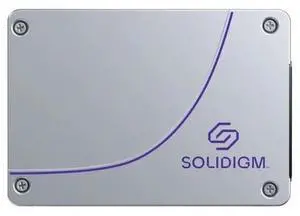
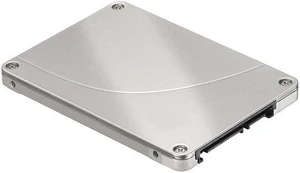
Solidigm SSDSC2KB038TZ01 D3-S4520 3.84TB SATA 6Gbps 2.5-Inch Solid State Drive
Quick View
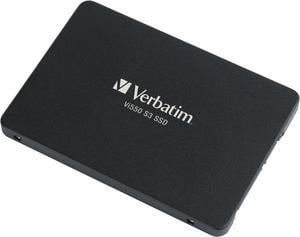
Verbatim Vi550 2TB 2.5" SATA III Internal Solid State Drive 49354
Quick View
  •  
  • $336.90 –
  • Free Shipping
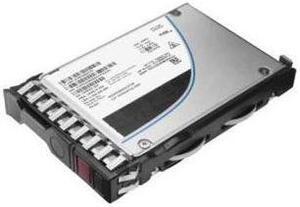
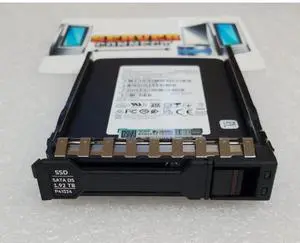
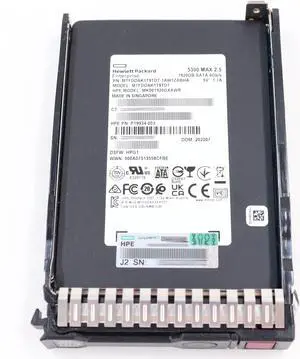
842505-B21 HPE 1.92TB 6G SFF SATA SSD HARD DRIVE (842505-B21)
Quick View
  •  
  • $1,718.89 –
  • Free Shipping
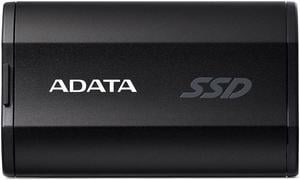
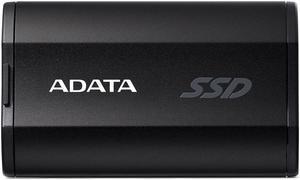
ADATA SD810 500 GB Black
Quick View
ADATA
ADATA SD810 500 GB Black
  • Model #: SD810-500G-CBK
  •  
  • $152.90 –
  • Free Shipping
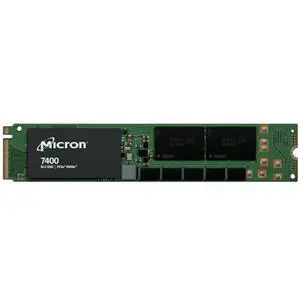
Micron 3.84TB SSD M.2-22110 7400 PRO PCIe4 NVMe MTFDKBG3T8TDZ-1AZ1ZABY
Quick View
  •  
  • $1,575.90 –
  • Free Shipping
Verbatim Verbatim 512GB Vi3000 Internal SSD
Quick View
  •  
  • $151.90 –
  • Free Shipping
Verbatim Verbatim 1TB Vi3000 Internal SSD
Quick View
  •  
  • $244.00 –
  • Free Shipping
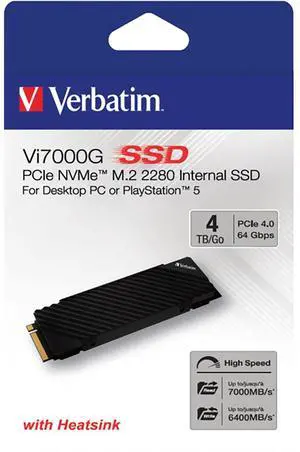
Verbatim 4TB Vi7000 Internal SSD
Quick View
  •  
  • $487.90 –
  • Free Shipping
ADATA SD620 1 TB Black
Quick View
ADATA
ADATA SD620 1 TB Black
  • Model #: SD620-1TCBK
  •  
  • $235.90 –
  • Free Shipping
HP 1.92TB 6G SATA Mixed Use-3 SFF 2.5-in SC 3yr Wty Solid State (817116-001)
Quick View
  •  
  • $2,195.89 –
  • Free Shipping
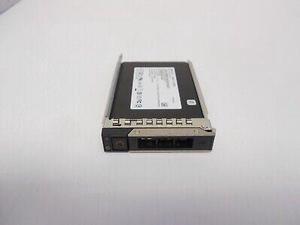
HP 816876-004 - HP 960GB 2.5" SATA  6Gb/s Solid State Drive
Quick View
  •  
  • $1,150.89 –
  • Free Shipping
HP 2TB PCIe-4x4 Solid State Drive (B8BD7AA)
Quick View
  •  
  • $2,548.99 –
  • Free Shipping
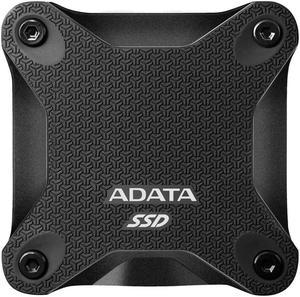
ADATA SD810 4 TB Black
Quick View
ADATA
ADATA SD810 4 TB Black
  • Model #: SD810-4000G-CBK
  •  
  • $955.90 –
  • Free Shipping
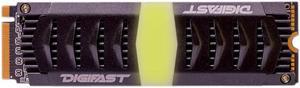
Digifast Chevron Black+ 1TB M.2 NVMe RGB SSD - Gen3x4 PCIe, M.2 2280, Toshiba BiCS3 NAND
Quick View
  •  
  • $169.99 –
  • $7.99 Shipping
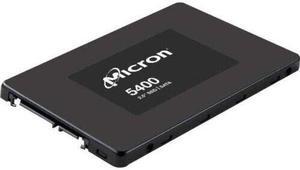
Micron MTFDDAK7T6TGA-1BC15ABYYR 5400 PRO 7.68TB, SATA, 2.5", 3D TLC, 7mm
Quick View
  •  
  • $8,044.25 –
  • Free Shipping
Factory Sealed Renew HP 60 GB 2.5" Internal Solid State Drive - SATA 572075-B21
Quick View
  •  
  • $294.00 –
  • Free Shipping
Axiom EP400 480 GB Solid State Drive - SATA (SATA/600) - 2.5" Drive - Internal
Quick View
  •  
  • $1,525.40 –
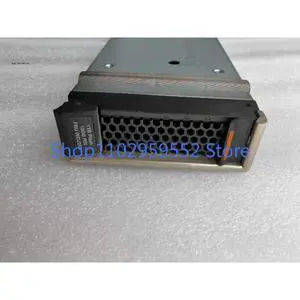
1pcs For 00DJ269 00DJ270 1TB Flash 10GB 900 840 Flash Module SSD
Quick View
  •  
  • $701.00 –
  • Free Shipping
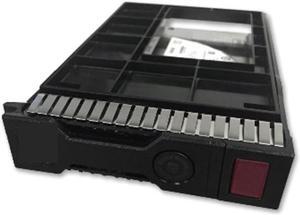
HPE 480GB 3.5" SATA Internal Server Solid State Drive P19978B21
Quick View
  • $383.55
  •  
  • $169.99 –
  • Save: 55%
  • Free Shipping
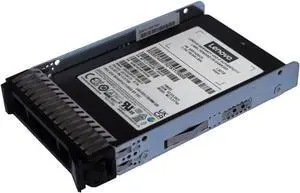
Lenovo ThinkSystem 960GB 2.5" Internal Solid State Drive 4XB7A90874
Quick View
  •  
  • $2,506.86 –
  • Free Shipping
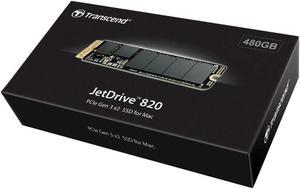
*480GB JETDR 820 PCIE SSDMAC M13-M15
Quick View
  •  
  • $339.89 –
  • Free Shipping
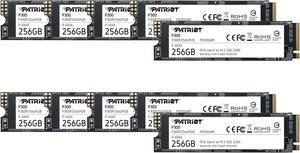
Patriot P300 256GB Internal SSD - NVMe PCIe Gen 3x4 - M.2 2280 - Solid State Drive - 10 Pack
Quick View
  •  
  • $1,160.99 –
  • $5.00 Shipping
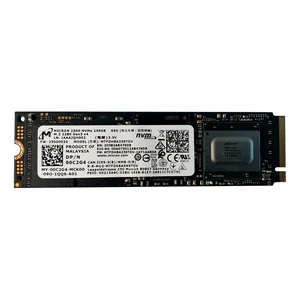
Micron MTFDHBA256TDV M.2 256GB PCIe Solid State Drive (SSD), Black
Quick View
  •  
  • $59.99 –
  • Free Shipping
Lenovo 4XB0G88741 Lenovo 80 GB Internal Solid State Drive - SATA - M.2
Quick View
  •  
  • $141.90 –
  • Free Shipping
Lenovo PM883 480GB 3.5" SATA Internal Solid State Drive 4XB7A17177
Quick View
  •  
  • $247.50 –
  • Free Shipping
*SSD 240GB MLC 1.8" SATA MLC
Quick View
Lenovo
*SSD 240GB MLC 1.8" SATA MLC
  • Model #: 4XH7A09880
  •  
  • $174.90 –
  • Free Shipping
Lenovo 240 GB 2.5" Internal Solid State Drive
Quick View
  •  
  • $141.90 –
  • Free Shipping
Lenovo 1.60 TB 2.5" Internal Solid State Drive
Quick View
  •  
  • $632.50 –
  • Free Shipping
LENOVO 240GB SATA 2.5" MLC G3HS SSD HARD DRIVE
Quick View
  •  
  • $196.90 –
  • Free Shipping
*2.5" S3520 240GB SATA SSD
Quick View
  •  
  • $141.90 –
  • Free Shipping
*SSD 240GB 2.5" SATA ENTRY G3HS
Quick View
  •  
  • $130.90 –
  • Free Shipping
2.5" S4520 480GB RI SATA HS
Quick View
  •  
  • $328.90 –
  • Free Shipping
*THINKSYSTEM 3.5" S4520 240GB READ INTENSIVE SATA 6GB HS SSD
Quick View
  •  
  • $209.00 –
  • Free Shipping
*Lenovo Storage 400GB 10DWD SAS SSD (2.5" in 3.5" Hybrid Tray)
Quick View
  •  
  • $218.90 –
  • Free Shipping
*THINKSYSTEM 2.5 S4520 240GB READ INTENSIVE SATA 6GB HS SSD
Quick View
  •  
  • $218.90 –
  • Free Shipping
THINKSYSTEM 3.5" S4520 240GB READ INTENSIVE SATA 6GB HS SSD
Quick View
  •  
  • $209.00 –
  • Free Shipping
*LENOVO SAMSUNG 480GB 2.5" SATA 6G SERVER SSD MTFDDAK800MBB
Quick View
  •  
  • $163.90 –
  • Free Shipping

Internal Solid State Drives for PCs and Laptops

Explore a wide range of internal SSDs designed to enhance your computer's speed and storage reliability. Whether upgrading a desktop or laptop, find SATA and NVMe drives suitable for both home users and business applications.

How to Choose Internal SSDs

Key Features and Technology to Consider for Internal SSDs

When shopping for an internal SSD, understanding the core features can help you make the best choice for your PC or laptop upgrade:

  • Form Factor: Common types include 2.5-inch SATA drives, M.2 SATA, and M.2 NVMe SSDs. Your system compatibility will determine what fits physically and electrically.
  • Interface & Protocol: SATA III drives offer broad compatibility and affordable speed boosts, while NVMe drives use PCIe lanes to deliver significantly faster data transfer rates.
  • Capacity: Consider your storage needs carefully, from smaller boot drives (under 1TB) to massive archive or content library solutions in multi-terabyte sizes.
  • NAND Type: TLC, QLC, and 3D NAND variants impact endurance, speed, and cost — higher endurance is ideal for heavy use, while QLC offers more storage at a lower price point.
  • Performance Specs: Look at sequential read/write speeds and Input/Output Operations Per Second (IOPS) for a true understanding of responsiveness under real-world workloads.
  • Endurance and Warranty: Measured in TBW (terabytes written), endurance ratings and warranty coverage signal drive longevity, especially important for professional or heavy users.

Why Interface and Protocol Matter Most for Internal SSDs

For internal SSDs, the choice between SATA and NVMe interfaces is often the most critical factor influencing performance. SATA III drives, while widely supported and reliable, cap out at roughly 600 MB/s, which is sufficient for everyday home or office use, but can bottleneck power users.

NVMe SSDs leverage PCIe lanes to break this barrier, driving read/write speeds multiple times faster, often exceeding 3,000 MB/s on PCIe Gen3 and even faster with Gen4 models. This speed advantage means quicker boot times, faster file transfers, and enhanced responsiveness when handling large software or data sets. Choosing the right interface depends on your motherboard’s slots and the kind of workload you expect.

For an extensive range of options that showcase this technology, check out the robust lineup of SSD models available now.

Advanced and Professional Use: Maximizing Capacity with 8TB & Up Drives

For professionals requiring serious storage muscle—like video editors, 3D designers, or server admins—capacity and endurance are paramount. Internal SSDs in the 8TB & Up range strike the perfect balance, utilizing cutting-edge 3D NAND flash technologies that support high write volumes without sacrificing speed.

These massive drives excel in environments where storage performance directly impacts workflow efficiency—render farms, large-scale data caching, and high-res content libraries need both reliable write cycles and rapid access times. They often also possess enhanced error correction and thermal management to ensure data integrity under long, intense workloads.

Performance and Setup Tips

  • Ensure your motherboard supports the SSD’s form factor and interface before purchasing—check for available M.2 slots or SATA ports.
  • Enable AHCI mode in BIOS for SATA SSDs or configure NVMe support for PCIe SSDs to unlock optimal speed.
  • Update your system’s firmware and drivers regularly to improve compatibility and performance stability.
  • For NVMe drives, consider using PCIe Gen4 slots if your system supports them to take full advantage of faster transfer rates.
  • Use disk cloning tools to migrate your OS and data seamlessly when replacing an existing drive.
  • Keep some free space on the SSD (around 10-20%) to maintain write performance and prevent early drive wear.
  • Enable TRIM support on your OS to help your SSD efficiently manage data blocks and extend lifespan.
  • Monitor SSD health periodically with manufacturer software utilities to preemptively catch potential issues.

Newegg shopping tip: When choosing an internal SSD, pay close attention to the interface type—SATA and NVMe drives offer different speeds and compatibility. Also, compare storage capacities and read/write speeds to match your performance needs without overspending.

Explore Internal SSDs & Related Categories

SSD

The backbone of fast storage, SSDs leverage NAND flash and NVMe protocols to deliver quick boot times and responsive app loads in modern PCs.

8TB & Up

Ideal for data-heavy workflows, 8TB+ SSDs use advanced 3D TLC/QLC NAND, balancing huge capacity with high endurance for pro and server-grade setups.

4TB to 7.9TB

With 4TB to 7.9TB capacity, these drives hit a sweet spot for content creators needing vast space without sacrificing PCIe Gen4 speeds.

New to Internal SSDs? Here’s What You Need to Know

If you’re upgrading your computer or building a new system, choosing an internal solid state drive (SSD) is one of the smartest ways to speed up your PC or laptop. Unlike traditional hard drives, SSDs use flash memory to store data, which means faster boot times, quicker app launches, and overall smoother performance. Whether you’re looking for a system drive or simply need extra storage, Newegg offers a wide range of SSD options built for all skill levels and budgets. Keep in mind compatibility with your PC’s interface—most commonly SATA or NVMe—and aim for a capacity that suits your storage needs.

For Gamers: Fast Load Times and Ample Space for Your Library

Gamers demand lightning-fast load speeds and plenty of room for large game installations. A 2TB or 1TB to 3.9TB SSD offers a great balance of PCIe Gen4 performance and storage capacity, ideal for today's AAA titles and esports titles alike. These drives minimize lag when loading maps or switching between apps, making them a preferred upgrade for gaming rigs. Newegg’s selection of 2TB and 4TB to 7.9TB SSDs meet the demands of heavy gaming libraries while keeping load and save times minimal.

For Content Creators: Dependable Speed and Generous Storage

Content creators juggling video editing, 3D rendering, or large photo libraries need internal SSDs that not only deliver maintain consistent high-speed data access but also provide substantial capacity. Capacities from 1TB to 3.9TB provide a great starting point for daily workloads, while creators with massive projects can look to 4TB to 7.9TB or even 8TB & Up models for workflow efficiency. Look for drives with TLC NAND for balanced endurance and performance across demanding projects.

Before You Buy

  • Verify compatibility with your device’s connector type: SATA or NVMe (M.2 or PCIe).
  • Determine the storage capacity you’ll need, balancing current files and future growth.
  • Check for the drive’s form factor to ensure it fits your PC or laptop slot.
  • Consider read/write speeds—faster NVMe Gen4 drives offer better performance but at a higher price.
  • Look for reputable brands with warranty and good customer support.
  • Review endurance specs if you expect heavy write workloads, especially for content creation or server use.
  • Confirm your system BIOS and OS support the SSD interface and features like TRIM.

Research more: When choosing an internal SSD, consider factors like storage capacity, read/write speeds, and the interface type (SATA or NVMe) that your system supports. For deeper insights and tailored advice, check out the Newegg Insider buying guides to help you find the best fit for your needs.

Last Updated: October 2026 | Newegg Internal SSDs Buying Guide


Internal SSDs FAQs:

How do NVMe internal SSDs compare to SATA SSDs in terms of speed and price?

NVMe SSDs are much faster since they use the PCIe interface, delivering quicker read and write speeds, but they usually cost more than SATA SSDs, which are slower but more budget-friendly.

Are there noticeable performance differences between brands like Samsung and Western Digital for internal SSDs?

Both brands offer reliable drives, but Samsung often leads in speed and endurance, while Western Digital provides competitive options at a slightly lower price, so it depends on what you prioritize most.

How do I know if an internal SSD will fit in my computer?

Check your computer’s motherboard or laptop specs to see if it supports the SSD form factor you want, like 2.5-inch SATA or M.2. Also, confirm the interface type matches—SATA or NVMe—so it physically and electronically fits.

What’s the difference between SATA and NVMe internal SSDs?

SATA SSDs use an older interface with slower speeds, usually up to 600 MB/s, while NVMe SSDs connect via PCIe and offer much faster read/write speeds, often several GB/s. NVMe drives are better for gaming and heavy file transfers but can be more expensive.

How do I choose the right capacity for an internal SSD?

Think about what you use your computer for—if you mainly need it for the operating system and a few apps, 250GB to 500GB is usually enough. For gaming or video editing, aim for 1TB or more to have plenty of space for large files.

Are more expensive SSDs always better, or can I save money with budget models?

You don’t have to spend a fortune; budget SSDs often offer solid speed and reliability for everyday use. However, if you want top-tier performance or endurance for heavy workloads, investing in a higher-end model is worth it.

How can I tell if an internal SSD is reliable based on reviews?

Look for feedback on failure rates and consistent performance over time. If lots of buyers mention drive failures or slowdowns soon after purchase, it’s a warning sign to choose a different model.
What common problems should I watch out for when checking internal SSD reviews?

Pay attention to reports of overheating, firmware glitches, or compatibility issues with certain motherboards. These can cause crashes or reduced lifespan, so seeing frequent mentions means you might want to reconsider.

How do I install an internal SSD in my desktop PC?

First, power down your computer and unplug it. Open the case, mount the SSD in an available drive bay or M.2 slot, connect the SATA or NVMe cable if needed, then close the case and power on to format and start using the drive.
What’s the best way to set up a new SSD for optimal performance?

Make sure your motherboard supports the SSD type, use the latest SATA or NVMe drivers, enable AHCI mode in BIOS, and avoid filling the drive to capacity to maintain speed and longevity.
Bestselling Internal SSDs Reviews:

Anonymous
10/11/2026 10:10:34 AM
Great product!

“ This drive is so very much faster than the old drives I often smile at its speed of execution. ”

WD_BLACK 1TB SN850X NVMe Internal Gaming Solid State Drive with Heatsink - Works with Playstation 5, Gen4 PCIe, M.2 2280, Up to 7,300 MB/s - WDS100T2XHE
Anonymous
9/21/2026 4:17:31 PM
Excellent Performance and Capacity

“ Installation was simple, and both drives have performed flawlessly. ”

SAMSUNG SSD 990 PRO 4TB, PCIe Gen4 M.2 2280, Seq. Read Speeds Up-to 7,450MB/s for High End Computing, Gaming, and Heavy Duty Workstations (MZ-V9P4T0B/AM) Non-Heatsink