here!
here!
I’m your shopping assistant for PC builds, upgrades, and everything tech.
Got questions? Ask away!
Start a conversation
here!
I’m your shopping assistant for PC builds, upgrades, and everything tech.
Got questions? Ask away!
Start a conversation
Limited time offer, ends 11/01
Limited time offer, ends 11/01
Limited time offer, ends 11/01
Limited time offer, ends 11/01
Limited time offer, ends 10/31
Limited time offer, ends 11/01
Limited time offer, ends 11/01
Limited time offer, ends 11/01
Limited time offer, ends 11/01
Limited time offer, ends 11/01
Limited time offer, ends 10/31
Limited time offer, ends 11/01
Limited time offer, ends 11/01
Limited time offer, ends 11/01
Limited time offer, ends 11/01
Limited time offer, ends 11/01
Limited time offer, ends 11/01
Limited time offer, ends 11/01
Limited time offer, ends 11/01
Limited time offer, ends 11/01
Limited time offer, ends 11/01
Limited time offer, ends 11/01
Limited time offer, ends 11/01
Limited time offer, ends 11/01
Limited time offer, ends 11/01
Limited time offer, ends 11/01
Limited time offer, ends 11/01
Limited time offer, ends 11/01
Limited time offer, ends 11/01
Limited time offer, ends 11/01
Limited time offer, ends 11/01
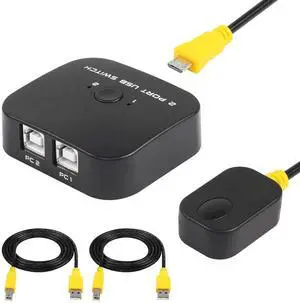
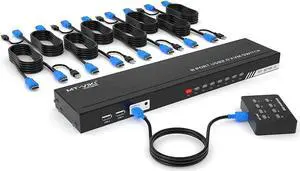
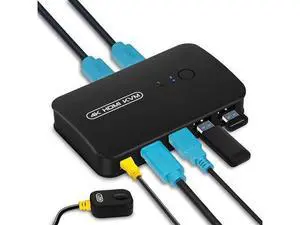
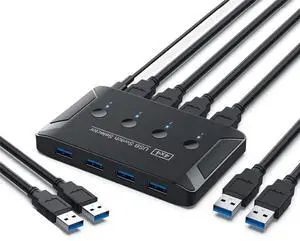
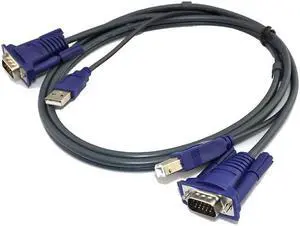
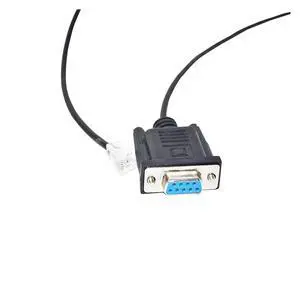
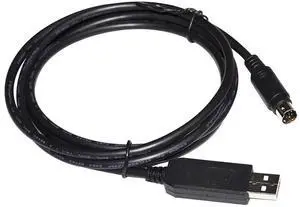
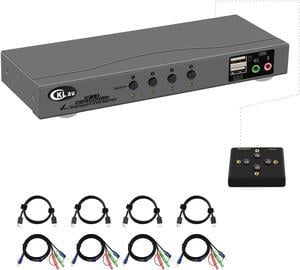
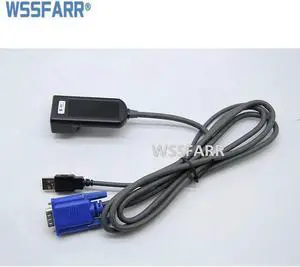
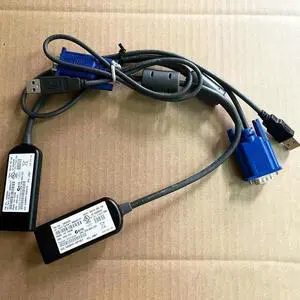
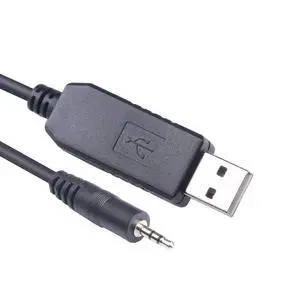
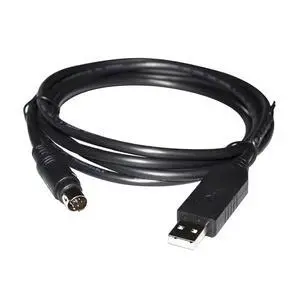
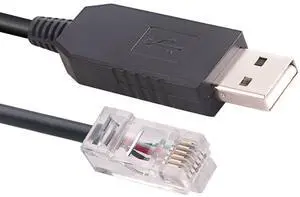
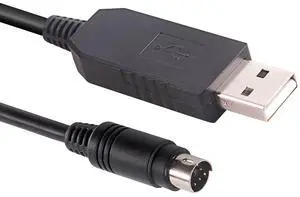
USB KVM cables connect keyboards, monitors and mice to a KVM switch, enabling one or more input devices to control multiple computers. Switches use VGA and DVI sockets, but most modern iterations use USB sockets. You can buy cables individually to match your devices or you can buy a KVM cable kit that includes several variants.
Server rooms commonly deploy this type of setup. They are beneficial in a data center with multiple servers in one rack. You can control all the servers in a single rack using one computer. This saves space, ensures that the data center is clutter-free and uses space optimally. Home users may find a KVM switch and cables useful if they purchase a new computer but still want to use the old one without having to invest in another keyboard and mouse. Offices use cables in situations where a user might operate multiple computers from one desk. It keeps the desk tidy and prevents confusion when reaching for the keyboard.
Ensuring the right length of wire lets you reduce cable clutter which increases airflow, improves cooling and reduces fire hazards. The correct cables also make it easier when you are attempting to diagnose problems with the server setup. For distances up to 25 feet, standard USB KVM cables are sufficient. For distances greater than 25 feet, use Cat5 cabling. Cat5 cables are effective for distances of up to 1,000 feet so they should be suitable in all but the most demanding circumstances.
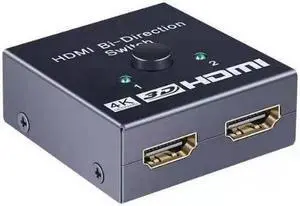
There are several types of KVM switch cables available. Mice use PS/2 cables while Cat5 cables connect to networks and ethernet. USB KVM cables are commonplace because most modern peripherals have a USB connection. If given the choice, users prefer USB cables because they offer plug-and-play operation for connected devices and are universal across a host of peripherals and PCs. Modern monitors connect using HDMI cables. Always check the hardware and PCs to ensure they are compatible with the sockets on the switch. If necessary, buy data converters to prevent having to buy new hardware. You can use extension cables to increase the reach of a USB KVM cable, but it is better if you can use a single wire to reach the distance. It prevents connections from becoming loose and it is easier to manage.
You will need one bundle of cables for every computer that you want to connect to the switch. Switches usually offer 4 or 32 ports. A KVM combo cable includes all the connections required for a keyboard, mouse and monitor. You don't need to buy every cable individually, potentially saving money and negating the need to find individual wires.