
Your Browsing History







Featured Brands






Shop Laptops
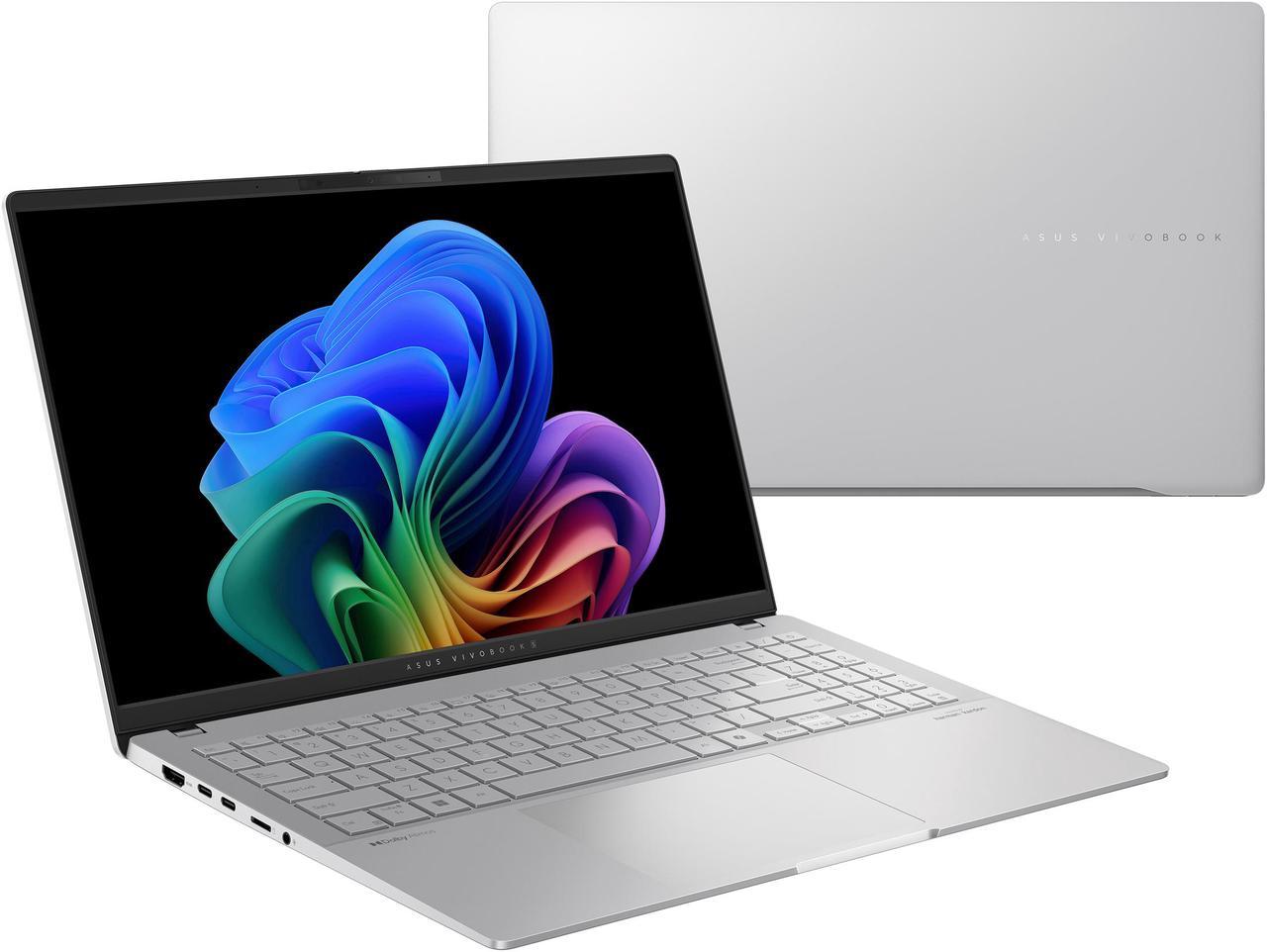
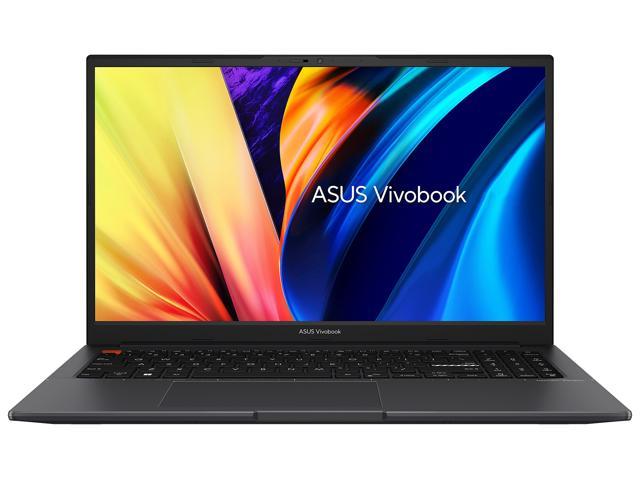
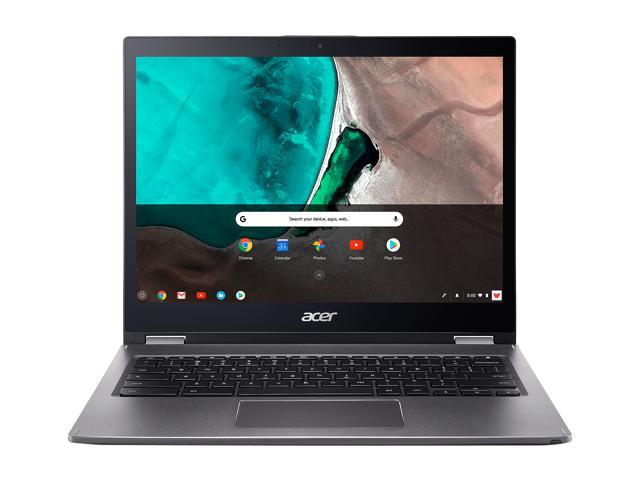
Asus VivoBook 16" Copilot+ PC
Copilot+ PCs. A New AI Era Begins - New AI superpowers. Discover the power of Recall (preview), improved Windows search, and Click to Do (preview) on Copilot+ PCs. Effortlessly locate past content, perform natural searches, and interact with text and images – all while ensuring your data remains private and you stay productive1
Modern 15 H C2RM - Live in Everyday Passion
Slim, powerful, and stylish - the Modern 15 H C2RM is loaded with all you need to pursue your passions in work. Let its amazing performance help you conquer any task and add more flair to your daily productivity!
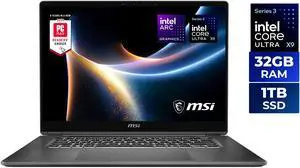
- Processor Name: Intel Core Ultra X9 388H
- Memory: 32GB
- SSD: 1TB NVMe
- GPU/VPU: Intel Arc Graphics
- Model #: Prestige 16 Flip AI+ C3MTG-056US
- Item #: N82E16834156902
- Return Policy: 15-Day Return Policy
- $2,299.00 –
- Free Shipping
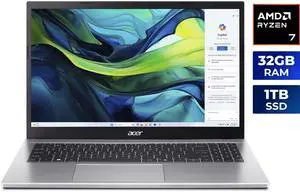
Acer Aspire Go 15, 15.6" Full HD IPS Display, AMD Ryzen 7 7730U Octa-Core Processor, AMD Radeon Graphics, 32GB DDR4 Memory, 1TB PCIe Gen4 SSD, 802.11ax Wi-Fi 6E, Windows 11 Home AG15-42P-R3GM
- Processor Name: AMD Ryzen 7 7730U
- Memory: 32GB DDR4
- SSD: 1TB NVMe
- GPU/VPU: AMD Radeon Graphics
- Model #: NX.JQJAA.001
- Item #: N82E16834360414
- Return Policy: 15-Day Return Policy
- $899.99
- $699.99 –
- Save: 22%
- More options from $699.99 - $1,029.00
- Free Shipping
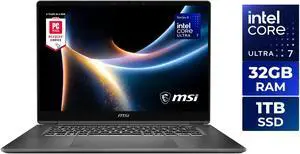
- Processor Name: Intel Core Ultra 7 355
- Memory: 32GB DDR5
- SSD: 1TB NVMe
- GPU/VPU: Intel Arc Graphics
- Model #: Prestige 16 Flip AI+ C3MTG-058US
- Item #: N82E16834156903
- Return Policy: 15-Day Return Policy
- $2,149.99 –
- Free Shipping
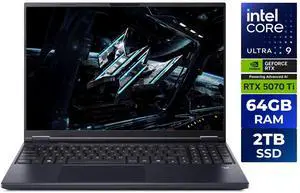
Acer Predator Helios Neo 16 AI - 16.0" GeForce RTX 5070 Ti Laptop GPU - Intel Core Ultra 9 275HX - 64GB Memory - 2 TB PCIe SSD - Windows 11 Home Gaming Laptop - 240 Hz IPS (PHN16-73-95NT )
Free digital game w/ purchase, limited offer
- GPU/VPU: GeForce RTX 5070 Ti Laptop GPU
- Processor Name: 2.10 GHz
- Memory: 64GB
- SSD: 2TB PCIe
- Model #: NH.U0QAA.001
- Item #: N82E16834360389
- Return Policy: 15-Day Return Policy
- $2,649.99
- $1,999.99 –
- Save: 24%
- More options from $1,999.99 - $2,699.99
- Free Shipping
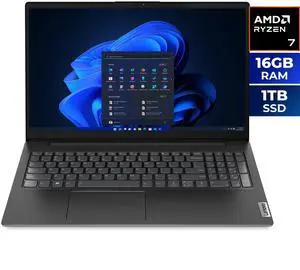
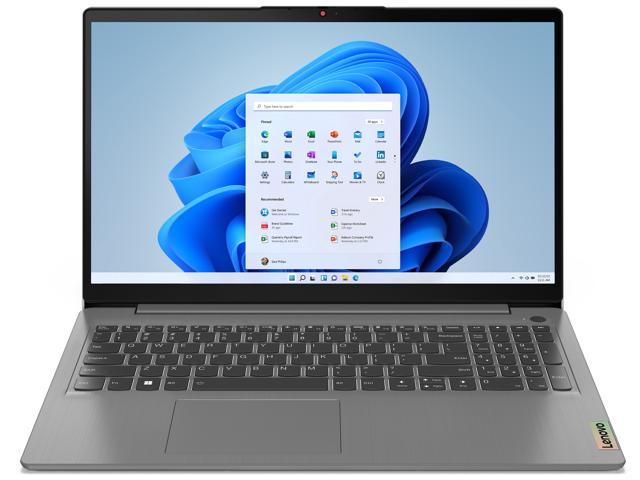
Lenovo V15 Gen 4 15.6" Laptop AMD Ryzen 7 7730U 16GB RAM 1TB SSD Windows 11 Home (83CR003UUS)
- Processor Name: AMD Ryzen 7 7730U
- Memory: 16GB DDR4
- SSD: 1TB NVMe
- GPU/VPU: AMD Radeon Graphics
- Model #: 83CR003UUS
- Item #: N82E16834840737
- Return Policy: 15-Day Return Policy
- $799.99
- $599.99 –
- Save: 25%
- More options from $533.10 - $699.99
- Free Shipping
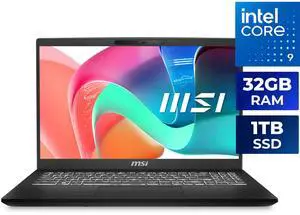
MSI Modern 15 H 15.6" TouchScreen Laptop Intel Core 9 270H - 32GB RAM - 1TB NVMe SSD - Windows 11 Home (C2RMTG-401US)
- Processor Name: Intel Core 9 270H
- Memory: 32GB DDR4
- SSD: 1TB NVMe
- GPU/VPU: Intel Graphics
- Model #: Modern 15 H C2RMTG-401US
- Item #: N82E16834156803
- Return Policy: 15-Day Return Policy
- $999.99
- $849.00 –
- Save: 15%
- More options from $849.00 - $1,059.00
- Free Shipping
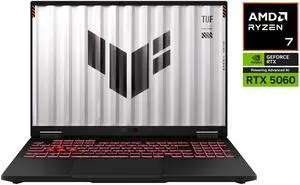
ASUS TUF Gaming A16 - 16" FHD+ 165 Hz - AMD Ryzen 7 260 - GeForce RTX 5060 Laptop GPU - 16GB DDR5 RAM - 512GB SSD - Windows 11 Home (FA608UM-NS73)
- GPU/VPU: GeForce RTX 5060 Laptop GPU
- Processor Name: AMD Ryzen 7 260
- Memory: 16GB
- SSD: 512GB NVMe
- Model #: FA608UM-NS73
- Item #: N82E16834236637
- Return Policy: 15-Day Return Policy
- $1,549.99
- $1,449.99 –
- Save: 6%
- More options from $899.31 - $1,449.99
- Free Shipping

Free keyboard & mouse with purchase, limited offer
- GPU/VPU: GeForce RTX 5050 Laptop GPU
- Processor Name: Up to 4.90 GHz
- Memory: 16GB
- SSD: 512GB PCIe
- Model #: NH.U1PAA.003
- Item #: N82E16834360405
- Return Policy: 15-Day Return Policy
- $1,049.99
- $969.99 –
- Save: 7%
- More options from $969.99 - $1,219.00
- Free Shipping
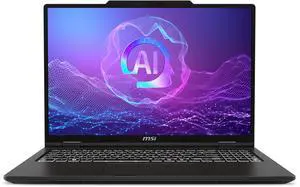
MSI Venture 16 AI TouchScreen Laptop - Intel Core Ultra 7 255H - 32GB DDR5 RAM - 512GB SSD (A2HMTG-046US)
- Processor Name: Intel Core Ultra 7 255H
- Memory: 32GB DDR5
- SSD: 512GB NVMe
- GPU/VPU: Intel Arc Graphics
- Model #: Venture 16 AI A2HMTG-046US
- Item #: N82E16834156826
- Return Policy: 15-Day Return Policy
- $949.00
- $809.00 –
- Save: 14%
- More options from $769.79 - $1,026.21
- Free Shipping
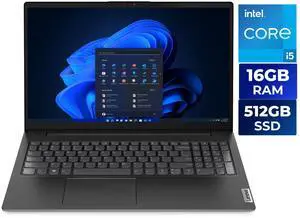
Lenovo V15 G4 15.6" FHD Laptop, Intel Core i5-13420H, 16GB RAM, 512GB SSD, Windows 11 Home, Black - 83A100PSUS
- Processor Name: Intel Core i5-13420H
- Memory: 16GB
- SSD: 512GB NVMe
- GPU/VPU: Intel UHD Graphics
- Model #: 83A100PSUS
- Item #: 9SIBPMFKKW1808
- Return Policy: View Return Policy
- $589.00 –
- More options from $299.31 - $861.17
- Free Shipping
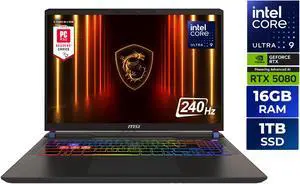
MSI Vector - LCD 16" QHD+ GeForce RTX 5080 Laptop GPU - Intel Core Ultra 9 275HX - 16GB Memory - 1 TB SSD - Windows 11 Home Gaming Laptop - 240 Hz (Vector 16 HX AI A2XWIG-050US )
Free digital game w/ purchase, limited offer
- GPU/VPU: GeForce RTX 5080 Laptop GPU
- Processor Name: Intel Core Ultra 9 275HX
- Memory: 16GB
- SSD: 1TB
- Model #: Vector 16 HX AI A2XWIG-050US
- Item #: N82E16834156737
- Return Policy: 15-Day Return Policy
- $2,099.00 –
- More options from $1,998.88 - $2,999.99
- Free Shipping
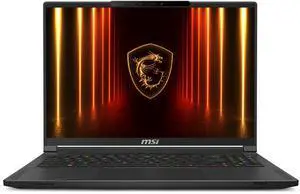
MSI Stealth 16 AI - 16" - GeForce RTX 5060 Laptop GPU - Intel Core Ultra7-255H - 32GB DDR5 - 1TB NVMe SSD - 240 Hz OLED Display - Win 11 Home (Stealth 16 AI A2HWFG-041US )
- GPU/VPU: GeForce RTX 5060 Laptop GPU
- Processor Name: Intel Core Ultra 7 255H
- Memory: 16GB * 2
- SSD: 1TB NVMe
- Model #: Stealth 16 AI A2HWFG-041US
- Item #: N82E16834156800
- Return Policy: 15-Day Return Policy
- $1,849.00
- $1,629.00 –
- Save: 11%
- More options from $1,629.00 - $1,952.99
- Free Shipping
Related searches
| Learn About Buying a laptop | |
|---|---|
Finding the Best Laptop for YouSelecting a laptop begins with clarifying how you’ll use it.
Many modern laptops now include AI-driven features such as Microsoft Copilot+ , which offers integrated assistance for tasks like note-taking, code generation, and real-time document summarization. If AI productivity matters to you, look for Copilot+–enabled models to streamline your workflow and boost efficiency. If you’re budget-conscious but still demand reliable performance, consider refurbished laptops .
Next, choose an operating system that matches your workflow:
Screen size and build quality also matter:
|
Getting the Most Out of Your LaptopAfter unboxing, update your operating system and drivers right away. Keep Windows Update or macOS Software Update current for the latest security fixes and performance boosts.
To preserve battery health and improve daily comfort:
Premium Laptop Upgrades Deal — Big savings on premium laptops at Newegg, including Copilot+ PCs, Ryzen AI, and Intel Ultra models. MSI Mobile Powerhouse — Save on MSI laptops built for gaming, creation, and everyday performance at Newegg. To make finding the perfect laptop even easier, try Newegg’s Laptop Finder . Filter by screen size, processor, memory, graphics card, battery life, and more to quickly narrow down your options. Not sure which laptop to buy? Newegg Insider offers expert guidance through smart laptop upgrade tips , an in-depth Intel vs AMD processor comparison , a clear explanation of AI-powered Copilot PCs , and the laptop buying guide . Learn what specs actually matter before you shop and upgrade with confidence. |
Last Updated: April 2026 | Newegg Content team: Laptop Buying Guide .
Laptop Frequently Asked Questions:
What is the difference between a laptop and a notebook?
In most shopping contexts, laptop and notebook are used almost interchangeably. On Newegg, the category covers a wide range of portable computers from everyday notebooks to gaming, business, and creator-focused systems.
What processor should I look for in a laptop?
The right processor depends on your workload, budget, and portability needs. For many shoppers, comparing AMD Ryzen AI, Intel Core Ultra, and Intel Core generations is a practical starting point when narrowing down performance options.
How much RAM do I need in a laptop?
The right amount of RAM depends on whether you mainly browse, work, study, create, or game. More memory can improve multitasking and help laptops handle heavier software more smoothly over time.
What storage type should I choose in a laptop?
Many shoppers prefer SSD-based storage because it improves boot speed, app loading, and overall responsiveness. Storage capacity should match how many files, apps, and games you plan to keep locally.
What does Copilot PC mean on a laptop listing?
Copilot PC generally refers to newer laptops designed around AI-focused features and modern processor platforms. On Newegg, this category helps shoppers quickly identify newer notebook options positioned around AI-ready experiences.
What is the difference between a gaming laptop and a business laptop?
Gaming laptops usually prioritize graphics performance, faster displays, and stronger cooling, while business laptops often focus more on portability, battery life, security, and professional use. The better choice depends on how you plan to use the system every day.
How do 2-in-1 laptops compare to traditional clamshell laptops?
A 2-in-1 laptop adds more flexibility for touch, tablet-style use, and mobile workflows, while a traditional clamshell design is often simpler and more familiar for standard typing and productivity. The best fit depends on whether versatility matters more than a conventional laptop layout.
What is the difference between a Chromebook and a Windows laptop?
Chromebooks are often chosen for lighter web-based tasks and simpler workflows, while Windows laptops usually offer broader software compatibility and more hardware variety. The right option depends on your apps, budget, and everyday workload.
How do touchscreen laptops compare to non-touch laptops?
Touchscreen laptops can be more convenient for tapping, scrolling, note-taking, and hybrid workflows, while non-touch laptops may appeal to users who want a more traditional experience. The better choice depends on how much you actually use touch features in daily tasks.
How do creator laptops compare to standard consumer laptops?
Creator laptops are usually aimed at heavier visual, editing, or production workloads and may emphasize stronger graphics, display quality, and performance headroom. Standard consumer laptops are often tuned more for everyday use and value.
How do I choose the right laptop for work, school, or gaming?
Start with your main use case, then compare processor, memory, storage, screen size, and laptop type. On Newegg, the visible shop categories and Laptop Finder tool make it easier to narrow down systems by intended use.
What screen size laptop should I buy?
The best screen size depends on how much portability you need versus how much workspace you want on the display. Smaller systems can be easier to carry, while larger screens may feel more comfortable for multitasking and longer sessions.
Is it better to buy a gaming laptop or a desktop for gaming?
A gaming laptop offers portability and an all-in-one setup, while a desktop often provides more upgrade flexibility and better value for raw performance. The right choice depends on whether mobility or long-term upgrade potential matters more to you.
Should I buy a refurbished laptop or a new one?
A refurbished laptop can offer strong value if the condition, warranty, and seller details are clear, while a new laptop may provide more peace of mind and longer expected support. The best choice depends on budget and how much condition certainty matters to you.
How important is battery life when choosing a laptop?
Battery life matters much more if you work, study, or travel away from a desk frequently. For more stationary use, display, performance, and connectivity may matter just as much or more than battery duration alone.
What are common issues to watch out for when buying a laptop?
Common concerns include limited upgradeability, weak battery life, insufficient ports, display compromises, and buying more or less performance than you actually need. Reading the full product details helps avoid mismatched expectations.
How important are customer reviews when choosing a laptop?
Customer reviews can reveal useful details about build quality, thermals, display experience, noise, and everyday reliability. Verified buyer feedback is especially useful when comparing similar laptops in the same price range.
Are budget laptops reliable for long-term use?
Budget laptops can be reliable when matched with realistic workloads, but long-term satisfaction often depends on whether the performance, memory, and storage remain sufficient for your needs over time.
What compatibility issues should I check before buying a laptop?
Check operating system, port selection, software needs, charger type, display outputs, and whether the laptop fits your accessories and workflow. Compatibility matters just as much as core specs for many buyers.
Do users commonly report overheating or fan noise issues with laptops?
Some users do report thermal or fan noise concerns depending on the model, workload, and chassis design. Recent buyer feedback is often the fastest way to spot whether a specific laptop has a pattern of these issues.
How do I set up a new laptop after unboxing it?
Complete the operating system setup, connect to Wi-Fi, install updates, and review your storage and security settings before regular use. It is also a good time to confirm the device matches the configuration you expected.
What should I do after buying a new laptop?
Update the system, install the apps you use most, check available storage, and create a backup plan early. Doing this right away can make long-term use much smoother.
How do I transfer files from my old laptop to a new one?
Common options include cloud storage, external drives, transfer software, or direct network methods depending on the systems involved. The best method depends on how much data you need to move and how quickly you want to get started.
How do I update drivers and software on a new laptop?
Start with operating system updates, then check device manufacturer utilities or support tools for drivers, firmware, and platform-specific updates. Keeping everything current helps with stability, battery behavior, and compatibility.
What should I check before upgrading or expanding a laptop later?
Check whether the laptop supports memory upgrades, storage expansion, docking needs, and external monitor connectivity before you buy. Many laptops vary widely in how upgradeable or expandable they are.
Bestselling Laptop / Notebook Reviews:
Casey A.
4/9/2026 8:33:44 AM
Great display
“ Anyone looking to Game, or do any power applications can't go wrong with this laptop ”
ASUS ROG Strix SCAR AI Gaming Laptop 18" 240Hz Mini LED WQXGA Display (Intel Ultra 9- 275HX, NVIDIA GeForce RTX 5080 16GB, 32GB DDR5, 2TB SSD, RGB KB, 2 Thunderbolt 5, WiFi 7, Webcam, Win 11 Pro)Phil A.
4/8/2026 2:03:05 PM
Fantastic Machine
“ I can't believe this all fits in a laptop. ”
MSI Vector - LCD 16" QHD+ GeForce RTX 5080 Laptop GPU - Intel Core Ultra 9 275HX - 16GB Memory - 1 TB SSD - Windows 11 Home - Gaming Laptop - 240 Hz (Vector 16 HX AI A2XWIG-050US )Anonymous
4/5/2026 11:58:59 PM
Amazing build quality and performance! I couldnt be happier with Neweggs excellent customer service too!
“ Excellent laptop with fantastic performance and build quality. ”
MSI Summit A16 AI+ 16" Touchscreen Copilot+ PC Laptop AMD Ryzen AI 9 365 32GB LPDDR5X RAM 1TB SSD Win 11 Pro with MSI Pen (A3HMTG-014US)Kelly P.
4/1/2026 10:00:29 PM
Good entry level gaming laptop
“ So far so good, l ike the laptop, haven't encountered any issues as yet as i haven't had it for long and hopefully it stays issue free, if any problems will update here. ”
HP Victus 15.6" FHD 144Hz Gaming Laptop, Intel Core i5-13420H, NVIDIA GeForce RTX 3050, 8GB DDR4, 512GB SSD, Windows 11 HomeAnonymous
3/10/2026 6:53:11 PM
Great laptop!
“ Got this laptop on sale for . For the price, its basically impossible to get another laptop that has the performance and specs of this laptop. ”
OMEN MAX Gaming Laptop 16" WQXGA Intel Core Ultra 9 32 GB memory;1 TB SSDThe Guzmonster
3/10/2026 1:57:08 AM
Msi has put together a Beast
“ This laptop is the best one of 5 very good computers from Msi I have owned over the years hands down. ”
MSI Vector - 16" GeForce RTX 5080 Laptop GPU - Intel Core Ultra 9 275HX - 32GB Memory - 2 TB SSD - Wi-Fi 7 Windows 11 Pro - Gaming Laptop - 240 Hz (Vector 16 HX AI A2XWIG-058US )Will B.
2/28/2026 10:54:54 PM
Solid Laptop
“ Overall a great laptop for a great price. ”
OMEN MAX Gaming Laptop 16" WQXGA Intel Core Ultra 9 32 GB memory;1 TB SSDJames L.
2/26/2026 5:37:44 PM
Simply amazing.`
“ Next time I buy a laptop I will go with HP. ”
OMEN Gaming Laptop 17.3" QHD AMD Ryzen AI 7 32 GB memory;1 TB SSD Windows 11