




 here!
here!
I’m your shopping assistant for PC builds, upgrades, and everything tech.
Got questions? Ask away!
Start a conversation
here!
I’m your shopping assistant for PC builds, upgrades, and everything tech.
Got questions? Ask away!
Start a conversation

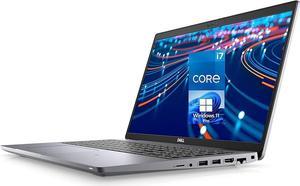
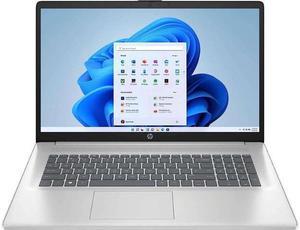
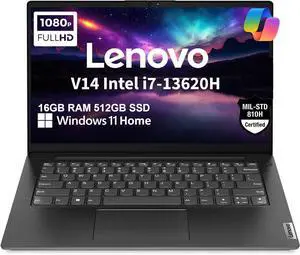

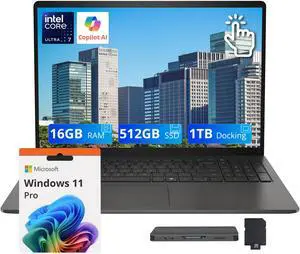
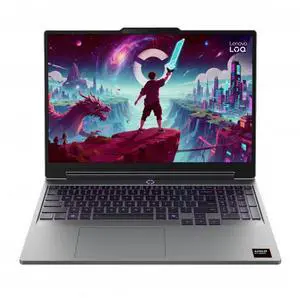
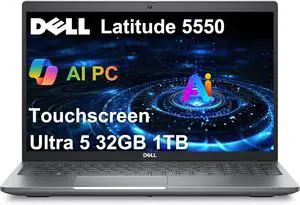
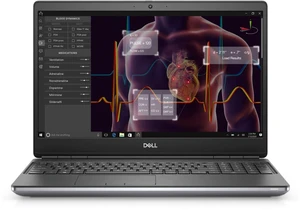
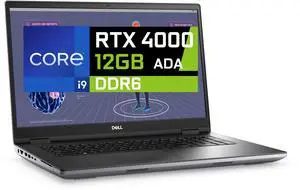
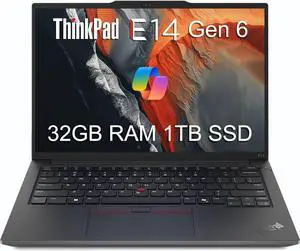
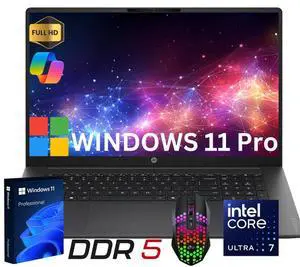

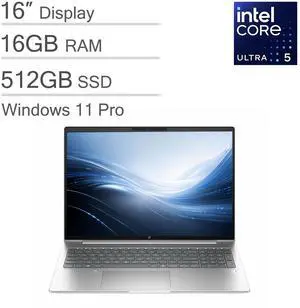
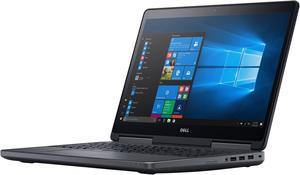
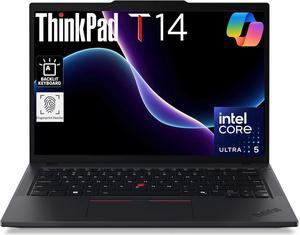
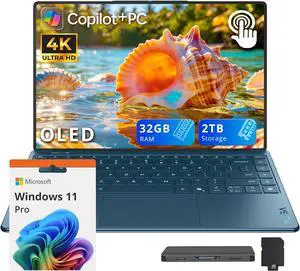
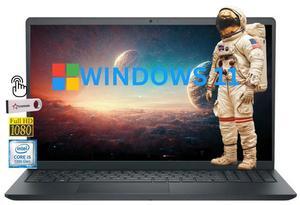

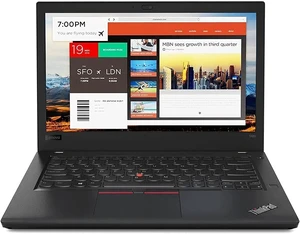
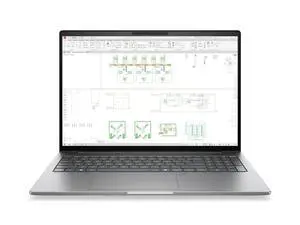
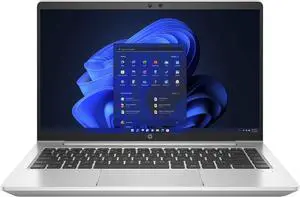
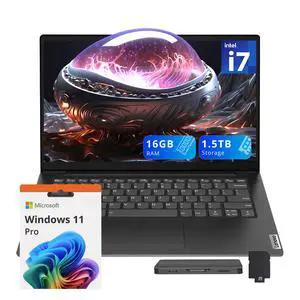
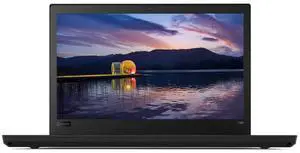
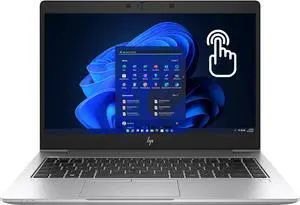
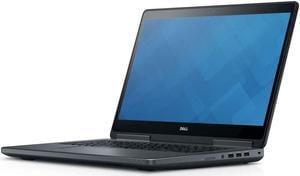
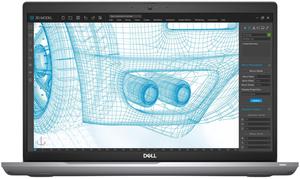
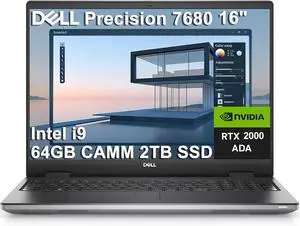
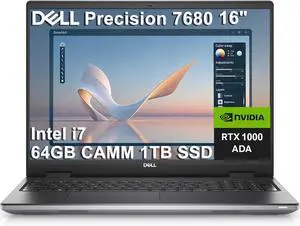
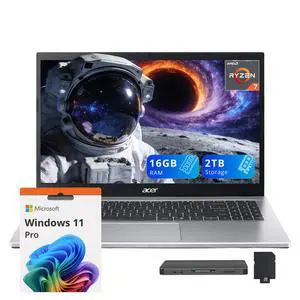

Explore a curated selection of mobile workstation laptops designed for demanding business tasks and creative workflows. This page helps you find powerful, portable workstations equipped with the latest CPUs and GPUs to meet productivity and performance needs.
The processor is the heart of any business laptop, directly impacting speed, multitasking efficiency, and security. Modern business laptops feature advanced Intel vPro or AMD PRO processors, which not only boost performance but also provide critical remote management capabilities and enhanced security protocols. These processors allow IT administrators to maintain devices remotely, even when powered off or the OS is unresponsive. Additionally, recent generations bring energy efficiency improvements that extend battery life without sacrificing responsiveness. Prioritizing a laptop with these technologies ensures your machine can handle complex software suites and sensitive corporate environments effortlessly.
For developers, engineers, and professionals requiring robust computing, the ability to take full advantage of workstation capabilities is essential. Opting for a Business Laptop built for workstation tasks means access to dedicated GPUs, increased RAM capacity, and high-refresh rate displays that handle graphic-intensive applications, virtualization platforms, and big data analytics without lag. Consider models offering 16GB or more RAM combined with discrete Nvidia RTX or AMD Radeon Pro graphics to smoothly execute demanding workloads, all while maintaining enterprise-grade security and remote management options.
Newegg shopping tip: When choosing a mobile workstation laptop, prioritize the right balance between processor power, GPU capabilities, and RAM to handle your specific software needs. Also, consider screen resolution and color accuracy if your work involves detailed visuals or design.
Sleek and powerful, business laptops pack Intel vPro or AMD PRO chips for remote management and robust security features essential for professionals on the go.
Ultra-portable 13.0" models offer sharp Full HD displays and 11th-gen Intel processors, perfect for consistent productivity without weighing you down.
The 13.3" laptops balance compact design with solid specs like Thunderbolt 4 ports and up to 16GB RAM, ideal for multitasking during meetings or travel.
If you’re stepping into the world of business laptops for the first time, it helps to understand what sets these machines apart. Business laptops like the Business Laptop category apart are their focus on security, durability, and manageability. These laptops often come equipped with advanced processors, enterprise-grade encryption, and features designed to keep your data safe whether you’re in the office or traveling. Size and portability vary greatly, so starting with your workspace and mobility needs will guide you toward the right choice.
If your day revolves around meetings, video calls, and multitasking across different locations, compact, portable laptops with solid performance are essential. Models around 14.0" or 13.3" screens strike a perfect balance of size and usability. These laptops boast features like fast-charging, long battery life, and sharp displays, ensuring you can stay productive without lugging around extra weight. Additionally, support for the latest connectivity standards helps you stay linked no matter where your work takes you.
Engineers, designers, and data analysts often require workstation-class performance in a mobile form factor. If you run software that relies on complex computations or 3D rendering, consider mobile workstations with dedicated GPUs and robust CPUs. Sizes such as 16.0" and 17.0" present expansive screens that provide immersive visual real estate alongside powerful components to handle demanding applications efficiently.
Research more: When choosing a business laptop, consider the balance between processing power, graphics capabilities, and battery life based on your typical workload. For a deeper dive into specifications and features, check out the detailed Newegg Insider buying guides tailored to business and workstation laptops.
Last Updated: October 2026 | Newegg Business Laptops Buying Guide
Dell business laptops often focus on sturdy aluminum builds and strong security features, while Lenovo models, especially the ThinkPad series, are praised for their excellent keyboards and robust durability. Both brands offer reliable performance, but Lenovo tends to have a slight edge in long-term durability and typing comfort.
For typical office work like spreadsheets, presentations, and video calls, integrated graphics are usually sufficient and help extend battery life. You’d only really need a dedicated graphics card if you work with design software, video editing, or other graphics-intensive applications.
Business laptops typically offer enhanced security options, durable build quality, longer battery life, and better keyboards for extended typing. They often include professional-grade processors and ports for connecting multiple devices.
Yes, most business laptops come with enough RAM and powerful processors to run demanding software and multitask without lag. They’re designed to keep up with office workflows, including video calls and large spreadsheets.
Focus on lightweight models with long battery life and durable builds. A laptop with fast charging and good connectivity options will also make your trips easier.
Generally, spending between $700 and $1,200 gets you a reliable machine with enough power for everyday tasks and professional software, without going overboard on features you might not need.
Business laptops are generally built to last longer and handle heavier use, with better durability and security features than typical consumer models. Still, the level of reliability can vary a lot depending on the brand and specific model, so reading user reviews helps spot consistent issues.
Keep an eye out for frequent complaints about overheating, battery life dropping quickly, or keyboard wear, since these are common pain points. It's also smart to check if users mention poor customer support or issues with software compatibility that could affect work efficiency.
Start by creating a strong password and enabling full disk encryption if available. Install all system updates immediately and consider setting up multi-factor authentication on your accounts to keep your data safe.
Lower your screen brightness, close any apps you’re not using, and switch to power-saving mode. Also, unplug accessories when not needed to help your battery last longer between charges.
“ Pretty decent laptop for the money for a business user. ”
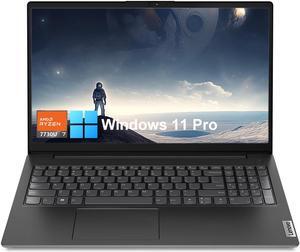
Lenovo V15 Business Laptop, 15.6" FHD, AMD Ryzen 7 7730U, 40GB RAM, 2TB SSD, Wi-Fi 6, HDMI, Type-C, Webcam, Windows 11 Pro, Black“ I do most of the computer and laptop ordering for the company for which I work. ”
HP 17 Home & Business Laptop Intel i5-1135G7(Beats i7-1065G7), 17.3" Full HD (1920x1080), Intel Iris Xe, 32GB RAM, 1TB PCIe SSD, Wifi, USB 3.2, HDMI, Webcam, Bluetooth, Win 11 Pro/Lone Star Mousepad“ Sorry that I have no pictures, but it is a great laptop, and I'm still going through setting it up with not alot of problems. ”
JSHIX Business Laptop. Windows 11pro .14.1 Inches .Celeron dual core processor, DDR4 memory,8GB DDR4 RAM +256GB SSD,M.2 high speed solid state, the extreme cost performance


