

Your Browsing History








Featured Brands









Shop Laptops
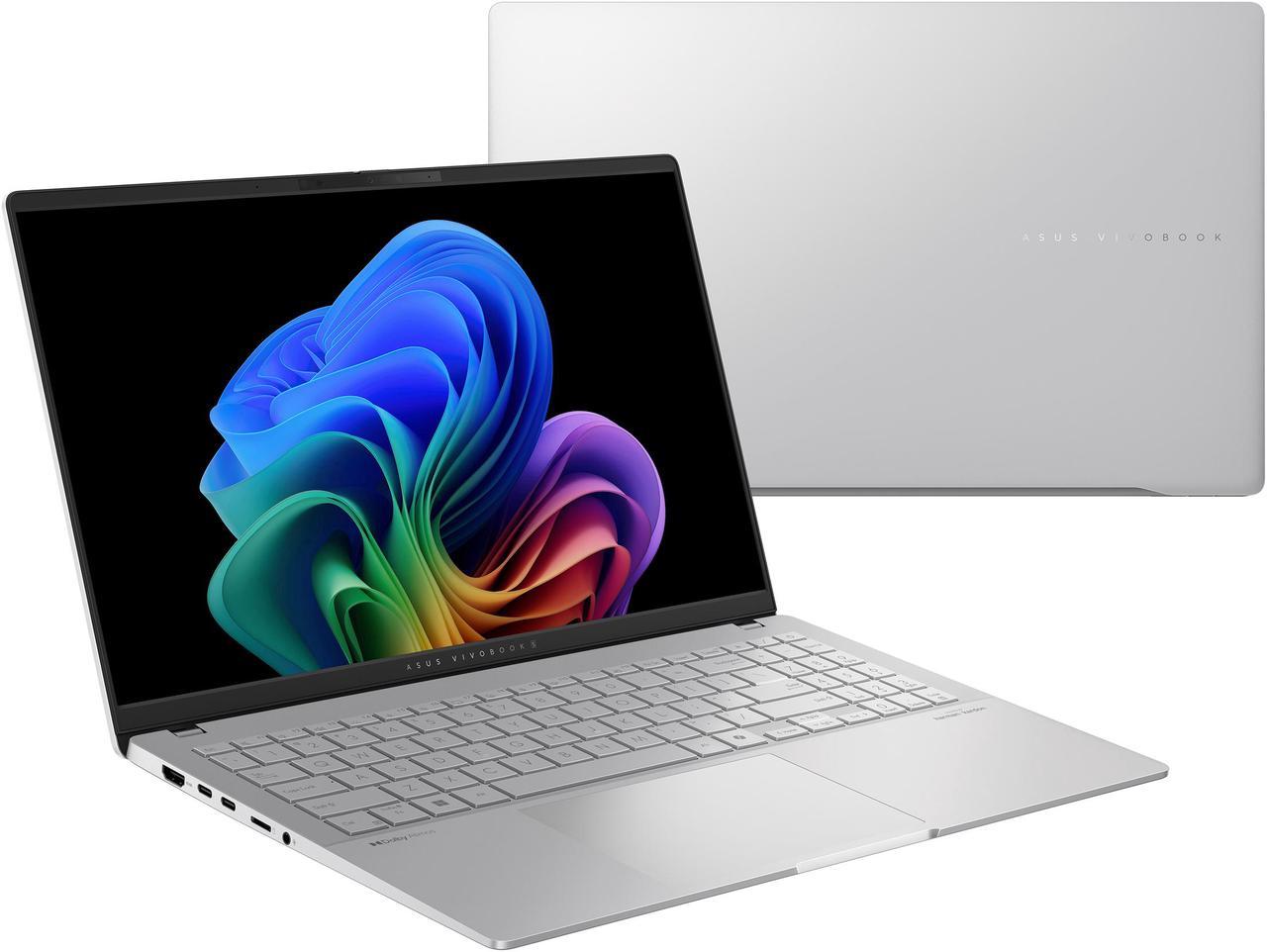
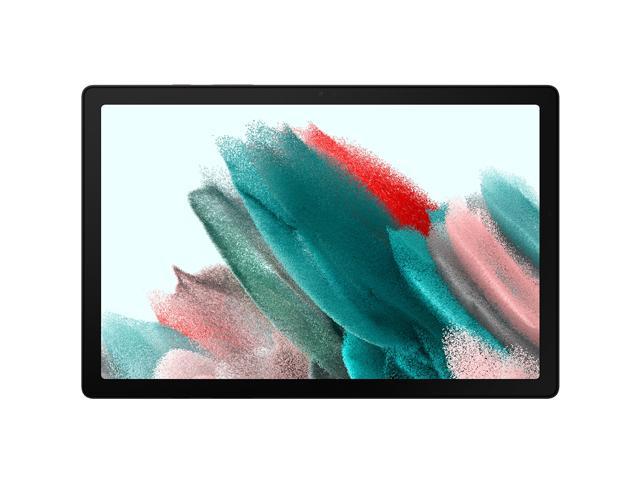
Asus VivoBook 16" Copilot+ PC
Copilot+ PCs. A New AI Era Begins - New AI superpowers. Discover the power of Recall (preview), improved Windows search, and Click to Do (preview) on Copilot+ PCs. Effortlessly locate past content, perform natural searches, and interact with text and images – all while ensuring your data remains private and you stay productive1
Modern 15 H C2RM - Live in Everyday Passion
Slim, powerful, and stylish - the Modern 15 H C2RM is loaded with all you need to pursue your passions in work. Let its amazing performance help you conquer any task and add more flair to your daily productivity!
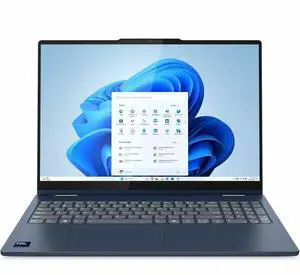
- Processor Name: Intel Core Ultra 7 255U
- Memory: 16GB
- SSD: 512GB NVMe
- GPU/VPU: Intel Graphics
- Model #: 83KS001MUS
- Item #: N82E16834840645
- Return Policy: 15-Day Return Policy
- $1,299.99
- $949.99 –
- Save: 26%
- More options from $949.99 - $1,306.99
- Free Shipping
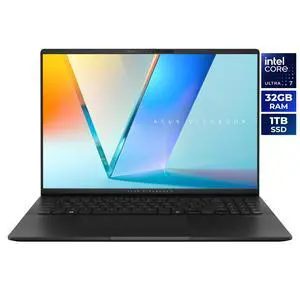
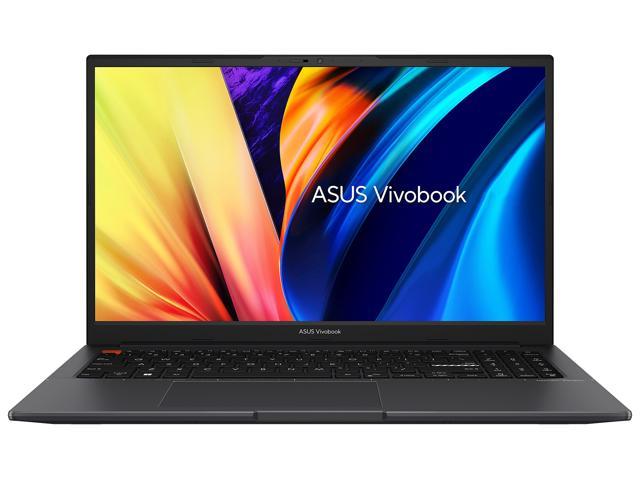
ASUS Vivobook S 16" 3K OLED Intel Core Ultra 7 255H - 32GB RAM - 1TB SSD Windows 11 Home (S5606CA-NS79)
+ $20 off w/ promo code GGUF264, limited offer
- Processor Name: Intel Core Ultra 7 255H
- Memory: 32GB LPDDR5X 7500
- SSD: 1TB PCIe
- Neural Processing Unit (NPU): Up to 13, Intel AI Boost NPU up to 13TOPS
- Model #: S5606CA-NS79
- Item #: N82E16834236727
- Return Policy: 30-Day Return Policy
- $1,599.99
- $1,299.99 –
- Save: 18%
- $19.42 Shipping
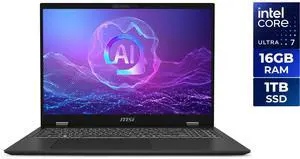
- Processor Name: Intel Core Ultra 7 155H
- Memory: 16GB LPDDR5
- SSD: 1TB NVMe
- GPU/VPU: Intel Arc Graphics
- Model #: Prestige 16 AI Evo B2HMG-097US
- Item #: N82E16834156917
- Return Policy: 15-Day Return Policy
- $1,349.99 –
- Free Shipping
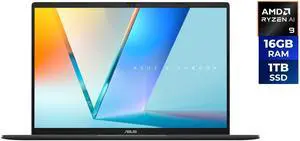
- Processor Name: AMD Ryzen AI 9 465
- Memory: 16GB DDR5
- SSD: 1TB PCIE G4 SSD
- GPU/VPU: AMD Radeon Graphics
- Model #: M3607GA-NS96T
- Item #: N82E16834236756
- Return Policy: 15-Day Return Policy
- $1,499.99
- $1,199.99 –
- Save: 20%
- Free Shipping
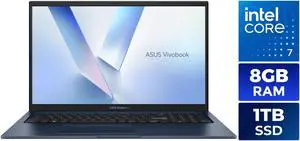
+ $20 off w/ promo code GGUF265, limited offer
- Processor Name: Intel Core 7 150U
- Memory: 8GB DDR5
- SSD: 1TB
- GPU/VPU: Intel Graphics
- Model #: F1704VAP-NB71
- Item #: N82E16834236753
- Return Policy: 15-Day Return Policy
- $999.99
- $849.99 –
- Save: 15%
- $21.80 Shipping
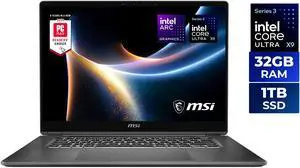
MSI Prestige 16 Flip AI+ 16.0" Touchscreen Laptop Intel Core Ultra X9 388H - 32GB RAM - 1TB SSD - Windows 11 Home (C3MTG-056US)
- Processor Name: Intel Core Ultra X9 388H
- Memory: 32GB
- SSD: 1TB NVMe
- GPU/VPU: Intel Arc Graphics
- Model #: Prestige 16 Flip AI+ C3MTG-056US
- Item #: N82E16834156902
- Return Policy: 15-Day Return Policy
- $2,286.99 –
- Free Shipping
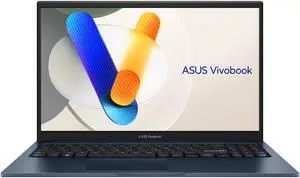
ASUS Vivobook 15.6" TouchScreen Intel Core i5-1334U - 16GB RAM - 512 GB SSD Windows 11 Home (F1504VA-BS51T)
- Processor Name: Intel Core i5-1334U
- Memory: 16GB DDR4
- SSD: 512GB
- GPU/VPU: Intel Iris Xe Graphics
- Model #: F1504VA-BS51T
- Item #: N82E16834236645
- Return Policy: 15-Day Return Policy
- $799.99
- $699.99 –
- Save: 12%
- $19.42 Shipping
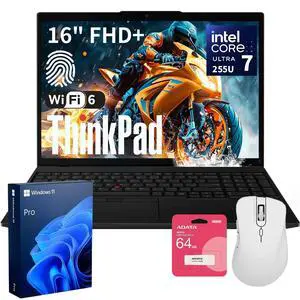
- Processor Name: Intel Core Ultra 7 255U
- Memory: 32GB DDR5
- SSD: 1TB PCIe
- GPU/VPU: Intel Graphics
- Model #: THINKPAD1790-B_CTO_NBU3
- Item #: 9SIB0GJKX91308
- Return Policy: View Return Policy
- $2,369.00
- $1,409.00 –
- Save: 40%
- Free Shipping
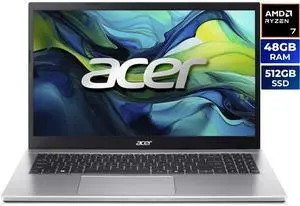
Acer Aspire Go 15 15.6" AMD Ryzen 7 5825U 48GB DDR4 Memory DDR4 3200 512GB PCIe Gen4 SSD Windows 11 Home AG15-42P-R6GZ
- Processor Name: AMD Ryzen 7 5825U
- Memory: 48GB DDR4
- SSD: 512GB PCIe Gen4
- GPU/VPU: AMD Radeon Graphics
- Model #: NX.JQJAA.002 Lexar 32GB
- Item #: N82E16834360431
- Return Policy: 15-Day Return Policy
- $999.99
- $849.99 –
- Save: 15%
- $11.62 Shipping

- Memory: 16GB LPDDR5x
- SSD: 512GB
- GPU/VPU: Qualcomm Adreno
- Brand: Microsoft
- Model #: EP2-59488
- Item #: 1TS-0025-00GC5
- Return Policy: 30-Day Return Policy
- $1,599.99 –
- More options from $1,599.99 - $1,699.99
- Free Shipping
- Processor Name: Intel Core Ultra 7 256V
- Memory: 16GB LPDDR5X
- SSD: 1TB NVMe
- GPU/VPU: Intel Arc 140V
- Model #: Prestige 16 AI+ Evo B2VMG-059US
- Item #: N82E16834156916
- Return Policy: 15-Day Return Policy
- $1,499.99 –
- Free Shipping
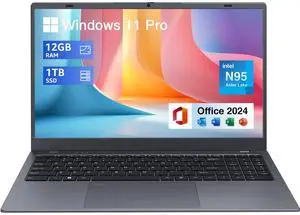
BiTECOOL Laptop Computer 15.6 inch, Intel Quad Core N95, 12GB LPDDR5 RAM 1TB NVMe SSD Laptop with FHD IPS Display, WiFi 5, BT5.0, USB Type C and Fingerprint, 2 Years Warranty, Windows 11 Pro
- Processor Name: Intel Celeron N95
- Memory: 12GB LPDDR5
- SSD: 1TB NVMe SSD
- Neural Processing Unit (NPU): None
- Model #: BTC512-154N-TT
- Item #: 9SIBZ0YKFR3414
- Return Policy: View Return Policy
- $346.80
- $319.00 –
- Save: 8%
- Free Shipping
Related searches
| Learn about Laptop / Notebook | |
|---|---|
Understanding the Laptop & Notebook CategoryLaptops and notebooks are portable personal computers designed to deliver computing power on the go. Whether you’re diving into high-end gaming, tackling creative workloads, or managing day-to-day business tasks, there’s a laptop built for your needs. This category includes traditional clamshell models, detachable tablets, and versatile 2-in-1 devices, all aimed at balancing performance, portability, and battery life. From Creator Laptops / Notebooks to sleek Thin and Light Laptops, there’s truly something for everyone. How to Choose the Right Laptop for YouPicking the perfect laptop starts with understanding your workflow and preferences. If professional graphics or video editing is your jam, RTX Studio Laptops or high-core CPUs found in Creator Laptops / Notebooks are ideal. For professionals prioritizing security and uptime, explore Business Laptops. Students and casual users may want to consider lightweight options like Chromebooks or budget-friendly affordable laptops under $500. Make sure to choose between Windows OS laptops or MAC OS depending on your software environment. |
Explore Related Product Types
Must-Have Companion Products & AccessoriesTo get the most out of your laptop, consider pairing it with essential accessories and add-ons. High-quality wireless or wired mice optimize navigation, while portable SSDs expand your storage capacity, perfect for backing up projects or large game libraries. For enhanced connectivity and workspace ergonomics, docking stations and external monitors help you create a complete workstation setup. Additionally, invest in durable laptop bags or sleeves to protect your device when on the move. Finally, if you’re interested in productivity boosts, don’t forget to explore Microsoft Copilot+—an intelligent assistant designed to streamline your daily tasks and make using your laptop even more efficient. |
Last Updated: September 2026 | Newegg Laptop / Notebook Buying Guide
Laptop / Notebook FAQs:
How do gaming laptops compare to standard notebooks in terms of performance and price?
Gaming laptops usually pack much stronger GPUs and higher-refresh-rate screens, making them pricier and heavier than typical notebooks designed for everyday use.
Are MacBooks better suited for creative work than Windows laptops?
MacBooks are favored for creative tasks due to optimized software and color-accurate displays, but many Windows laptops offer similar specs at lower prices, depending on your software needs.
What’s the difference between laptops with Intel processors versus AMD processors?
Intel CPUs often lead in single-core tasks and power efficiency, but AMD processors tend to offer more cores and better multitasking performance at a more wallet-friendly price.
Should I pick a 2-in-1 convertible laptop or a traditional clamshell notebook?
Convertibles offer touchscreens and flexible use modes, great for note-taking or presentations, whereas clamshells generally deliver better value and usually better cooling for demanding workloads.
How does the amount of RAM affect laptop performance when comparing models?
More RAM lets you run multiple apps smoothly and handle bigger files; 8GB is fine for basic use, but 16GB or more is better if you multitask or run heavy programs regularly.
What’s the difference between a laptop and a notebook?
Notebooks are generally lighter and more portable, designed mostly for basic tasks and mobility, while laptops tend to have more processing power and features for a wider variety of uses.
How important is screen size when choosing a laptop?
Screen size affects both portability and viewing comfort; smaller screens like 13 inches are easy to carry, while 15 to 17 inches offer more workspace but can be bulkier.
Can I upgrade the RAM or storage on most laptops?
Many laptops allow you to upgrade RAM and storage, but ultrabooks and some slim models might have components soldered on, so check the specs before buying.
What kind of processor should I look for in a laptop?
For everyday tasks, an Intel i3 or AMD Ryzen 3 is enough, but if you do gaming or video editing, you’ll want at least an Intel i5/Ryzen 5 or stronger.
How much battery life can I expect from a typical laptop?
Most laptops offer between 6 to 12 hours of battery life under normal use, but gaming or heavy software can drain it faster, so consider your typical workflow when choosing.
What should I prioritize if I want a laptop mainly for schoolwork and casual use?
Focus on a lightweight model with reliable battery life and enough RAM (8GB is usually fine) for browsing, word processing, and streaming without slowdowns.
Is it worth spending extra on a gaming laptop if I also want to do some video editing?
Yes, gaming laptops often have stronger GPUs which help with video editing, but expect a bigger, heavier machine and shorter battery life.
How much storage do I really need on a notebook in 2024?
If you're storing lots of files or games, at least 512GB SSD is recommended; otherwise, 256GB can work if you use cloud storage or external drives.
I’m on a tight budget—what’s the best way to get a decent laptop without breaking the bank?
Look for last year’s models or certified refurbished options that have solid specs for the price, and avoid flashy extras that don’t add real value.
Should I get a touchscreen laptop or stick with a traditional display?
Touchscreens are handy for drawing or tablet-like use, but you don’t necessarily need one if you mainly use a mouse and keyboard for everyday tasks.
How reliable are laptops compared to desktops for everyday use?
Laptops generally match desktops in reliability for everyday tasks, but they can be more prone to overheating and battery wear over time. Keeping vents clean and updating software helps maintain performance.
What common problems should I watch out for in laptop reviews?
Pay attention to mentions of overheating, keyboard or trackpad issues, short battery life, and slow customer support. If multiple users report the same flaw, it’s likely a real concern.
Are laptops from certain brands known to last longer?
Some brands like Lenovo, Dell, and Apple have a reputation for durability, but individual model quality varies. It’s best to look for user feedback on specific models rather than just the brand name.
How can I tell if a laptop’s battery life claims are accurate from reviews?
Real-world battery life often falls short of manufacturer specs, so look for reviews that test laptops under typical workloads instead of just relying on official numbers.
What should I check in reviews to avoid buying a laptop with build quality issues?
Check if reviewers mention flexing in the chassis, fragile hinges, or loose keys. These usually indicate weaker build quality that might cause problems down the road.
How do I prepare my new laptop for first use?
Start by charging it fully, then power it on and follow the on-screen setup instructions to connect to Wi-Fi and create your user account. Installing updates right away is important for security and performance.
What's the best way to transfer files from my old laptop to a new one?
You can use cloud services like OneDrive or Google Drive, an external hard drive, or a cable-based transfer tool to move your files quickly and safely.
How can I improve battery life on a notebook?
Lower your screen brightness, close unnecessary apps, and turn off Bluetooth or Wi-Fi when you’re not using them to stretch your battery between charges.
Is it necessary to create a recovery drive when I get a new laptop?
Yes, it’s a good idea to make a recovery USB in case you run into serious software issues—you can usually find this option in the system settings.
How do I set up a printer with my laptop?
Most printers connect via USB or Wi-Fi. Just plug in or connect to your network, then install the printer drivers as prompted, either from a disc or the manufacturer’s website.
Load more FAQsShow less FAQs
Bestselling Laptop / Notebook Reviews:
Digital D.
9/7/2026 1:55:51 PM
Great 2-in-1 Laptop With Excellent Battery Life
“ Being able to switch between laptop, tablet, and tent modes makes it much more flexible than a standard laptop. ”
Acer Swift Spin 14 AI 2-in-1 Convertible Laptop - Qualcomm Snapdragon X2 Elite X2E-78-100 - 16GB RAM - 512GB SSD - Windows 11 Home SFSP14-Q51T-X867stephen q.
8/27/2026 4:22:17 AM
Thin, light with tablet mode & powerful
“ GPU performance is surprisingly decent for such a thin laptop. ”
Acer Swift Spin 14 AI 2-in-1 Convertible Laptop - Qualcomm Snapdragon X2 Elite X2E-78-100 - 16GB RAM - 512GB SSD - Windows 11 Home SFSP14-Q51T-X867Zachariah C.
8/27/2026 12:18:09 AM
Great laptop
“ If you're looking for a new laptop seriously consider this one. ”
Asus VivoBook 16" Copilot+ PC Laptop AMD Ryzen AI 7 350 16GB DDR5 Memory 512GB PCIE SSD Windows 11 Home (M1607KA-NS76)LAUREN L.
7/22/2026 8:44:09 AM
Great for a student who also wants to do light gaming
“ If you just want a light gaming laptop (can't play on crazy high graphics), this is a good bang for the buck and allows you to have portability in laptop form. ”
KurieTim Gaming Laptop AMD Ryzen 7 5825U(2.0-4.5GHz), 15.6" FHD Display, 32GB DDR4 RAM 1TB NVMe SSD Laptop Computer with Backlit KB, Fingerprint Unlock, Webcam SwitchJsinn860
5/22/2026 4:57:14 AM
Great Laptop
“ Get this laptop if you looking for something clean and fast. ”
KurieTim Gaming Laptop AMD Ryzen 7 5825U(2.0-4.5GHz), 15.6" FHD Display, 32GB DDR4 RAM 1TB NVMe SSD Laptop Computer with Backlit KB, Fingerprint Unlock, Webcam SwitchJEFFREY C.
5/21/2026 10:05:41 PM
Exceptional for the price
“ I had not heard of the Kurietim brand before, but this laptop has performed flawlessly with daily use since I got it over a year ago. ”
KurieTim Gaming Laptop AMD Ryzen 7 5825U(2.0-4.5GHz), 15.6" FHD Display, 32GB DDR4 RAM 1TB NVMe SSD Laptop Computer with Backlit KB, Fingerprint Unlock, Webcam SwitchAnonymous
2/10/2026 7:57:25 AM
v nice laptop
“ Yes--would recommend this laptop-- quality build. ”
ASUS Vivobook S 16" 3K OLED Intel Core Ultra 7 255H - 32GB RAM - 1TB SSD Windows 11 Home (S5606CA-NS79)RB
1/10/2026 5:04:38 PM
Pretty Good Laptop for the price
“ We purchased this laptop on sale, and it seems to be a good fit for us. ”
Acer Aspire Go 15, 15.6" Full HD IPS Display, AMD Ryzen 7 7730U Octa-Core Processor, AMD Radeon Graphics, 32GB DDR4 Memory, 1TB PCIe Gen4 SSD, 802.11ax Wi-Fi 6E, Windows 11 Home AG15-42P-R3GM